I recommend you update immediately, the Chinese mainland version of Apple Watch has finally got this long-awaited "life-saving feature".
Earlier this morning, with Apple officially rolling out the iOS 27.0.2 and watchOS 27.0.1 updates, a health feature that domestic users have been waiting for two years has finally landed on the Chinese mainland version of Apple Watch.
It is Sleep Apnea Notifications.
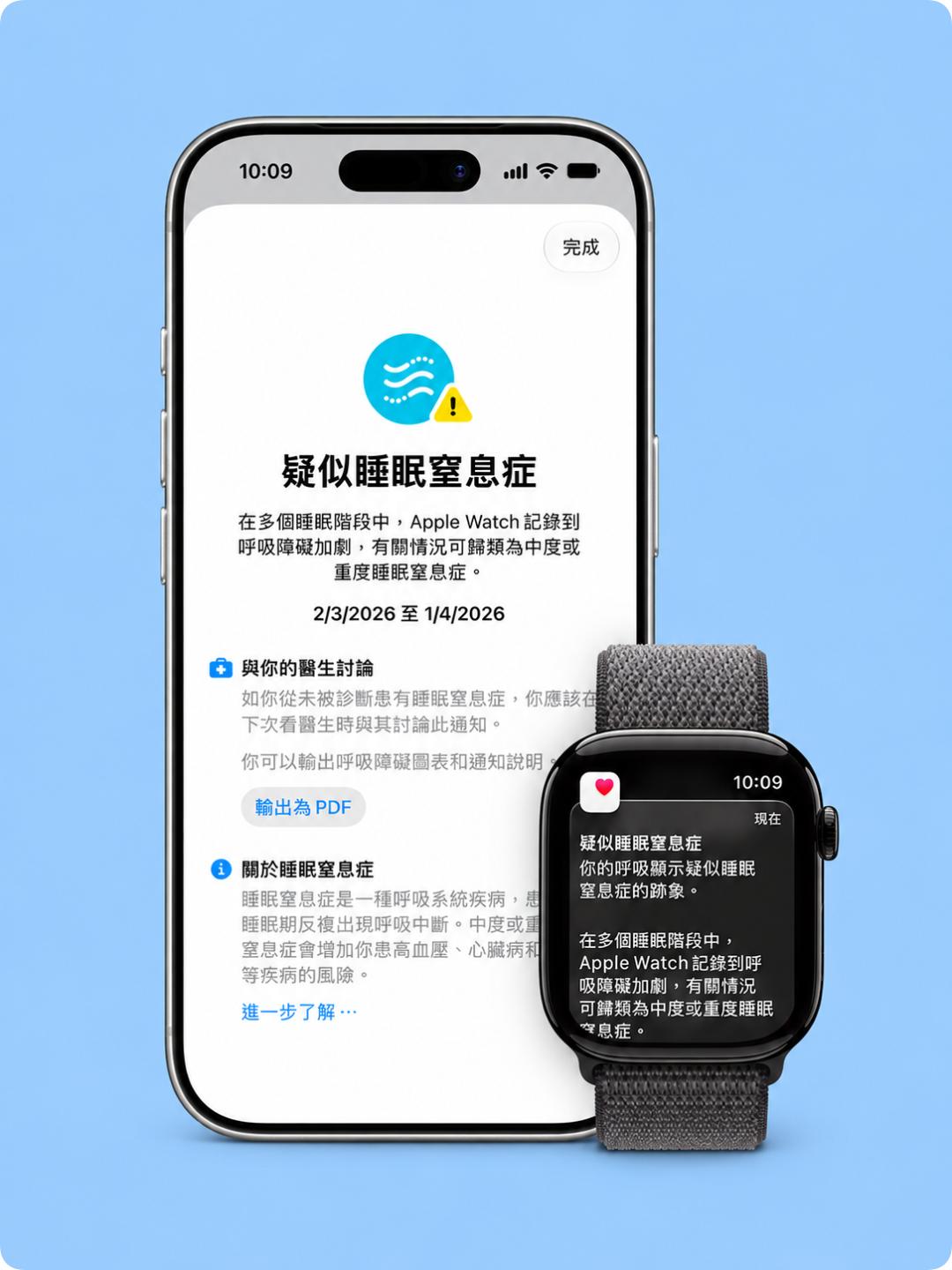
In fact, as early as 2024, Apple had already brought this capability to Apple Watch. Simply by wearing the watch to sleep, Apple Watch can monitor respiratory disturbances during sleep, and actively alert users when persistent signs of moderate to severe sleep apnea are detected.
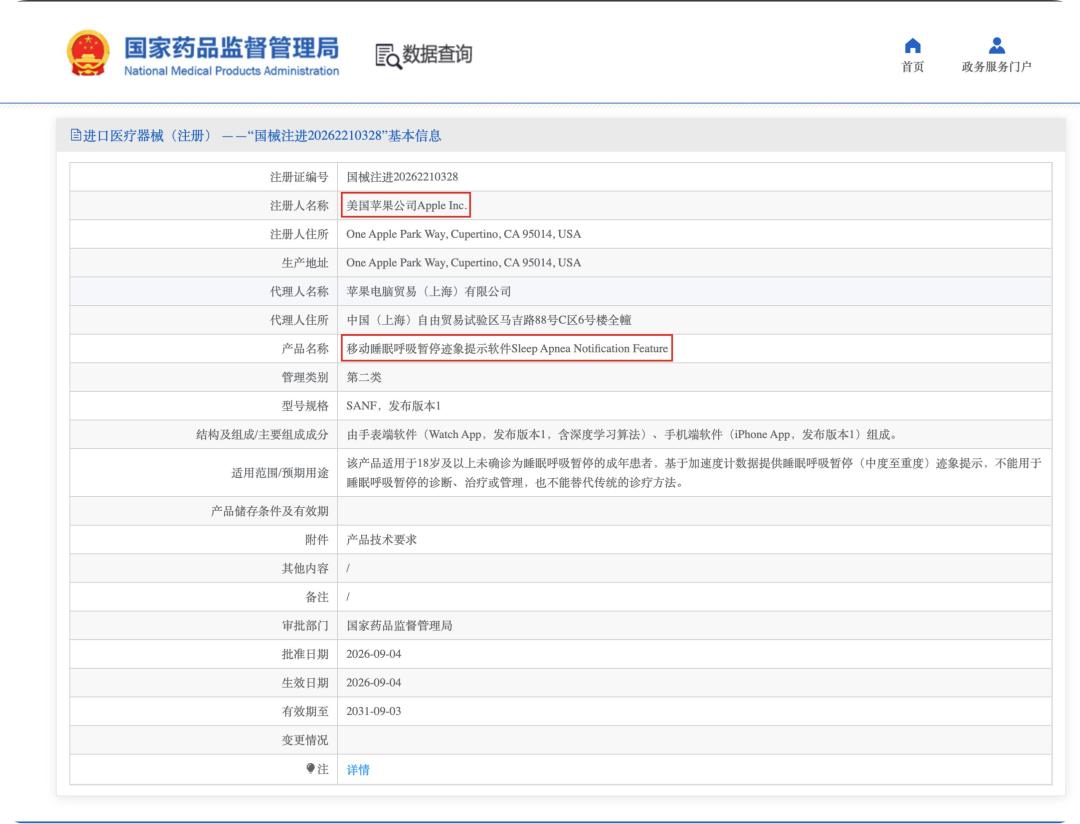
But it was not until September this year that Apple's "Mobile Sleep Apnea Sign Detection Software" finally received approval from the National Medical Products Administration. With today's system update, users of the Chinese mainland version have finally completed this missing piece of the health feature puzzle.
Apple Watch that keeps watch even when you are asleep
The good news is that this feature is not an exclusive benefit of the latest generation of Apple Watch.
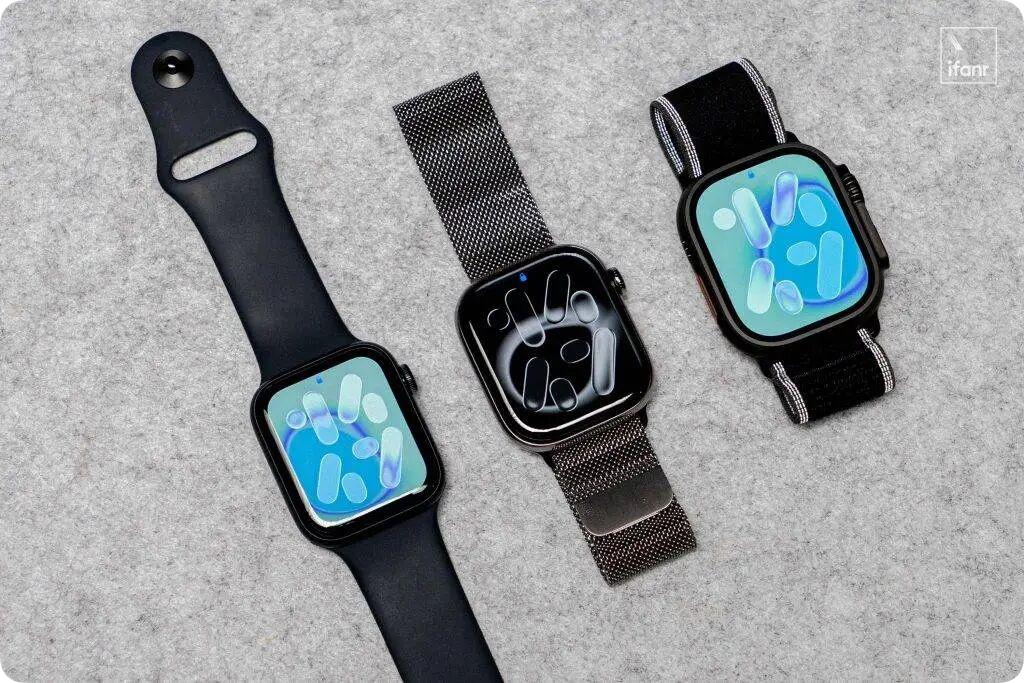
According to the supported scope announced by Apple, Apple Watch Series 9 and later models, Apple Watch Ultra 2 and later models, and Apple Watch SE 3 all support Sleep Apnea Notifications.
To a certain extent, if you buy an Apple Watch specifically for the Sleep Apnea Notifications feature, you don't even need to pay a premium to get the Ultra model to handle this overnight monitoring task — the Apple Watch SE 3, which costs just over a thousand yuan, is fully capable of doing the job.
As mentioned earlier, this Sleep Apnea Notifications feature is not a silent "hot update". To use it, you need to first update your iPhone and Apple Watch to the latest versions of iOS and watchOS respectively, and then complete the corresponding settings.
The setup process is also very simple.
First, make sure that the sleep tracking feature is enabled on your Apple Watch.
Open the Health app on your iPhone, find "Sleep" in the "Browse" or "Search" tab, tap "Get Started" below "Set Up Sleep", follow the instructions to set your sleep goal, bedtime and wake-up time, and turn on the "Track Sleep with Apple Watch" option.
If you have already set up the sleep feature before, you can also open the Watch app on your iPhone, go to "My Watch" — "Sleep", and check whether "Track Sleep with Apple Watch" is already turned on.
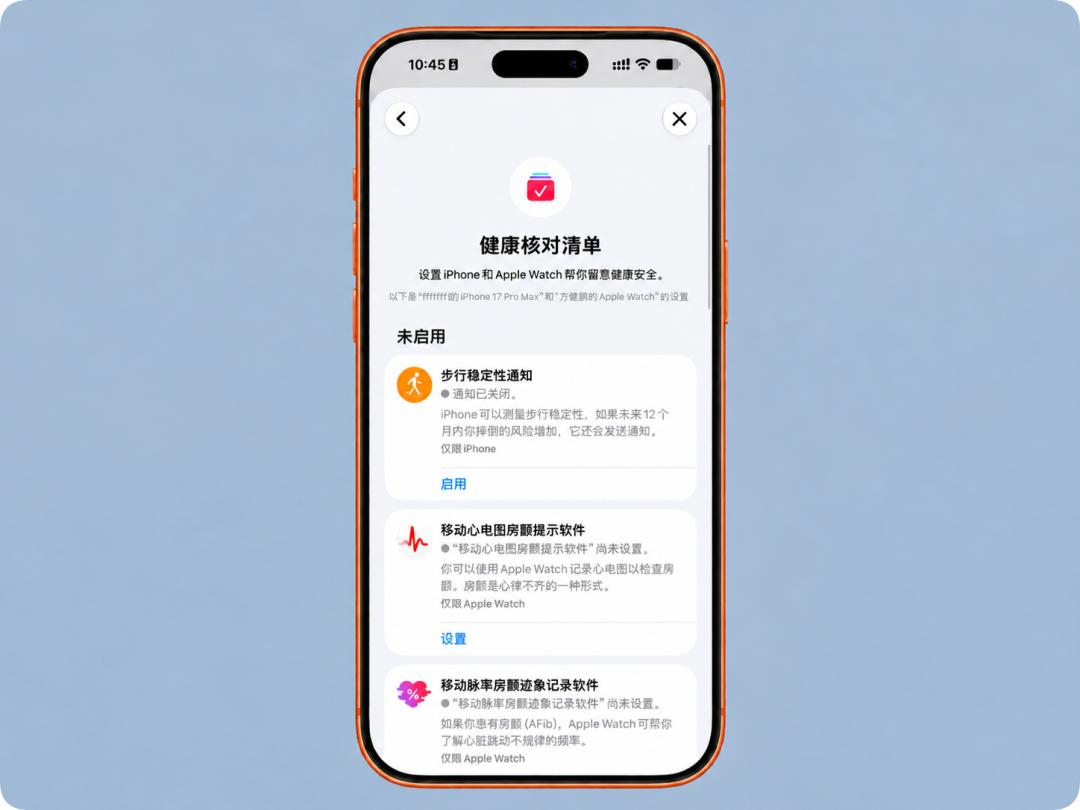
After completing this step, you can officially set up Sleep Apnea Notifications.
Open the Health app again, tap the profile icon in the upper right corner, go to "Health Checklists", find "Sleep Apnea Notifications", and tap "Set Up". Then follow the prompts to confirm information such as your date of birth and whether you have ever been diagnosed with sleep apnea, and finish the setup guide.
Similarly, you can also find the corresponding feature entry from the "Browse" — "Respiratory" page of the Health app.
It should be noted that this feature is only available for users aged 18 and above who have not been previously diagnosed with sleep apnea.
The final step is also very simple: put on your Apple Watch and have a good night's rest.
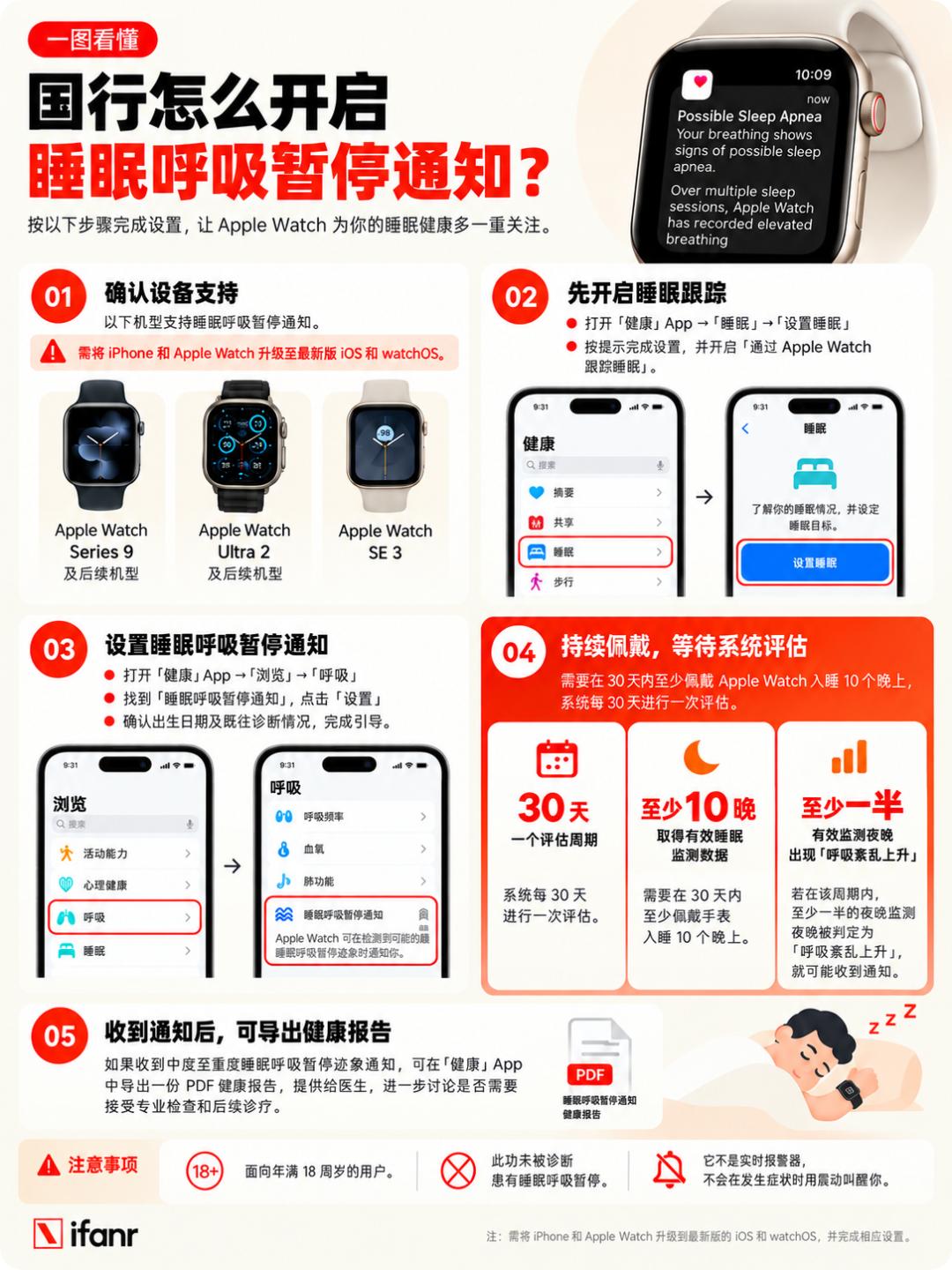
However, we should not treat Sleep Apnea Notifications as a real-time respiratory arrest alarm, and it cannot wake you up with vibration when symptoms occur.
I think it is more like a long-serving health observer, who continuously records and analyzes your sleep data to find signs of abnormal breathing that may have been overlooked.
Therefore, according to Apple's requirements, users need to wear the Apple Watch to sleep for at least 10 nights within 30 days to allow the system to collect sufficient data.
The system conducts an assessment every 30 days. If at least half of the valid monitoring nights in this cycle are determined to have "elevated respiratory disturbance", the user may receive a notification of signs of moderate to severe sleep apnea.
If you receive a notification, you can also export a PDF health report through the Health app, provide the relevant data to your doctor, and further discuss whether you need to undergo professional examinations and follow-up diagnosis and treatment.
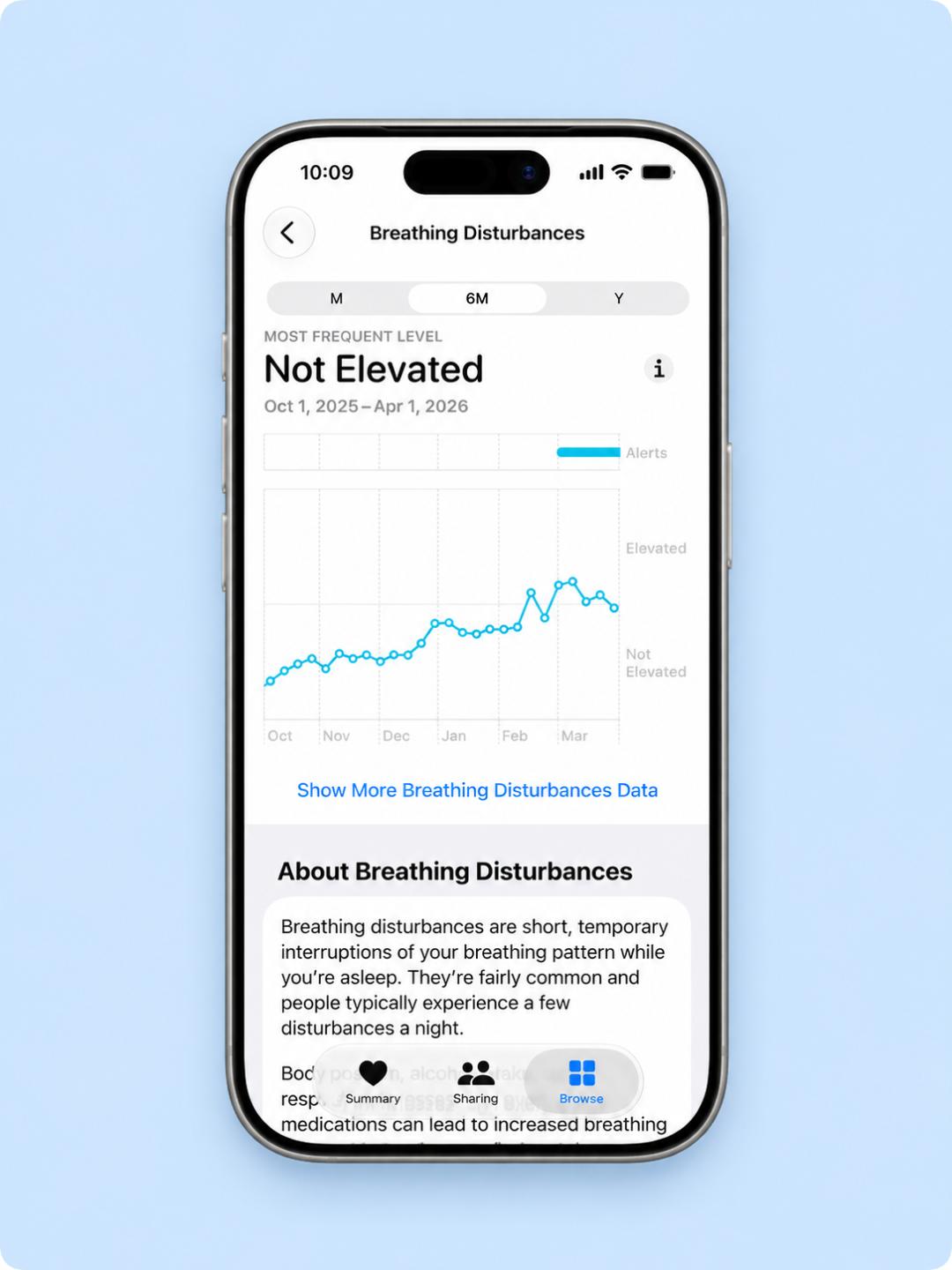
Of course, even if you do not receive a notification, you can open the Health app on your iPhone at any time to view the respiratory disturbance status of each night.
The system divides the monitoring results into two levels: "Elevated" and "Not Elevated". In addition to viewing the data of a single night, you can also switch to the time range of the past month, six months or one year to see if there are any changes in your respiratory disturbance status.
How does a watch know if you stop breathing while sleeping?
How does Apple Watch implement Sleep Apnea Notifications?
The answer lies in the accelerometer that Apple Watch has long been equipped with.
Although we seem to be completely motionless after falling asleep, our body actually keeps making tiny movements along with breathing. When breathing is disturbed, these movements may also change accordingly.
It is difficult for our naked eyes to perceive changes of such a small scale, but the accelerometer of Apple Watch can capture them. After algorithmic analysis, it can identify signs of respiratory disturbances that may occur during sleep.
But having said that, do we really need a watch to remind us whether we are breathing properly?
A set of data may illustrate the problem clearly:
According to statistics, more than 1 billion people around the world suffer from sleep apnea, and nearly 80% of them have not been diagnosed yet.
In other words, many people do not even know that they may be experiencing repeated breathing interruptions every night when they sleep.
This is not difficult to understand.
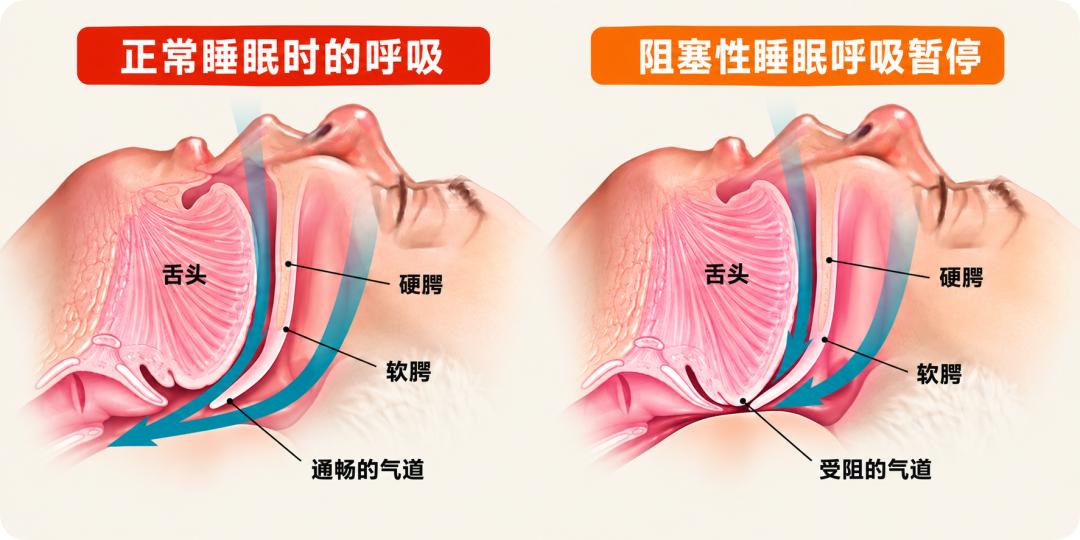
Because the most awkward point about sleep apnea is that it happens exactly when we are least able to observe ourselves — that is, after we fall asleep.
Even if you still feel exhausted after waking up the next day, it is easy to attribute the reason to staying up late the day before, high work pressure, or simply not sleeping well; some people snore loudly when sleeping, their family members have long been accustomed to it, and even think it is a sign of sound sleep.
It is these common perceptions and misunderstandings that make the various signs of sleep apnea less easy to detect.
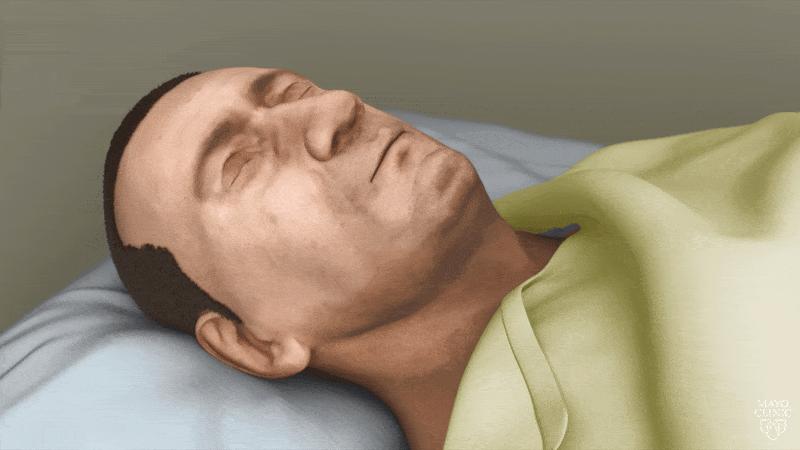
Long-term untreated sleep apnea may also increase health risks such as hypertension, heart disease, and stroke.
Therefore, the addition of Sleep Apnea Notifications extends Apple Watch's health monitoring to a dimension that is easily overlooked by most people.
So for Apple Watch users, this is definitely a beneficial feature, which means there is an extra layer of guarantee for daily health monitoring. Those breathing abnormalities that were originally difficult to detect by themselves now have the opportunity to be discovered and taken seriously by wearing Apple Watch.
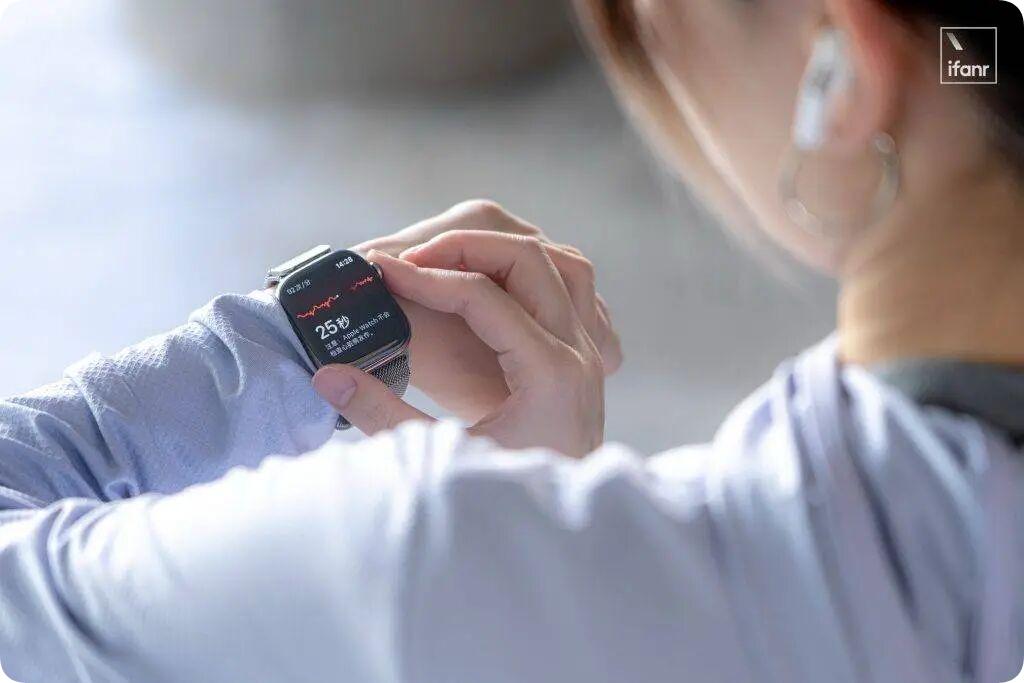
We are certainly glad to see that this long-awaited health feature has finally arrived in the hands of Chinese mainland Apple Watch users.
However, ifanr still hopes that every friend can sleep peacefully and never receive health risk reminders from their wrist.
But if one day, there really are changes in our bodies that we have not noticed, we also hope that this small screen on our wrist can promptly give a signal worthy of our attention.
A watch that puts people first
A couple of days ago, Tim Cook, former CEO of Apple, was interviewed exclusively by ifanr in Beijing, and was asked this question: How will Apple Watch develop in the next ten years?
In his view, the future of Apple Watch is to become everyone's "personal health guardian", helping users live a healthier life every day.
To a certain extent, this is also the goal that Apple has been striving to achieve for more than a decade. After all, we can often hear Cook talk about similar stories on different occasions:
An Apple Watch user detected potential physical abnormalities in time because of the health alert issued by the watch; or after a car accident, the user finally got rescued because of the automatic emergency distress message sent by Apple Watch.
For the vast majority of consumer electronic products, "changing lives" is already a very high compliment. But Apple Watch is one of the few consumer electronic devices that can truly take "saving lives" as one of its product values.
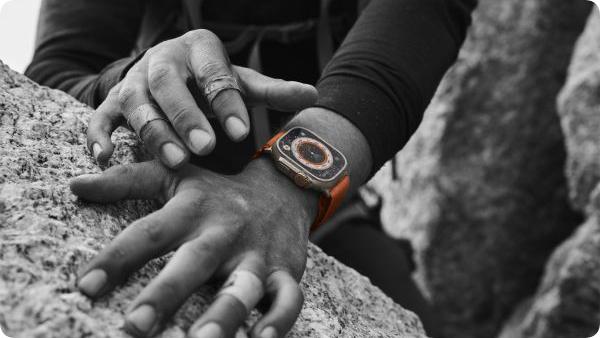
Behind this, there is actually an important clue hidden in the product evolution of Apple Watch over the past decade.
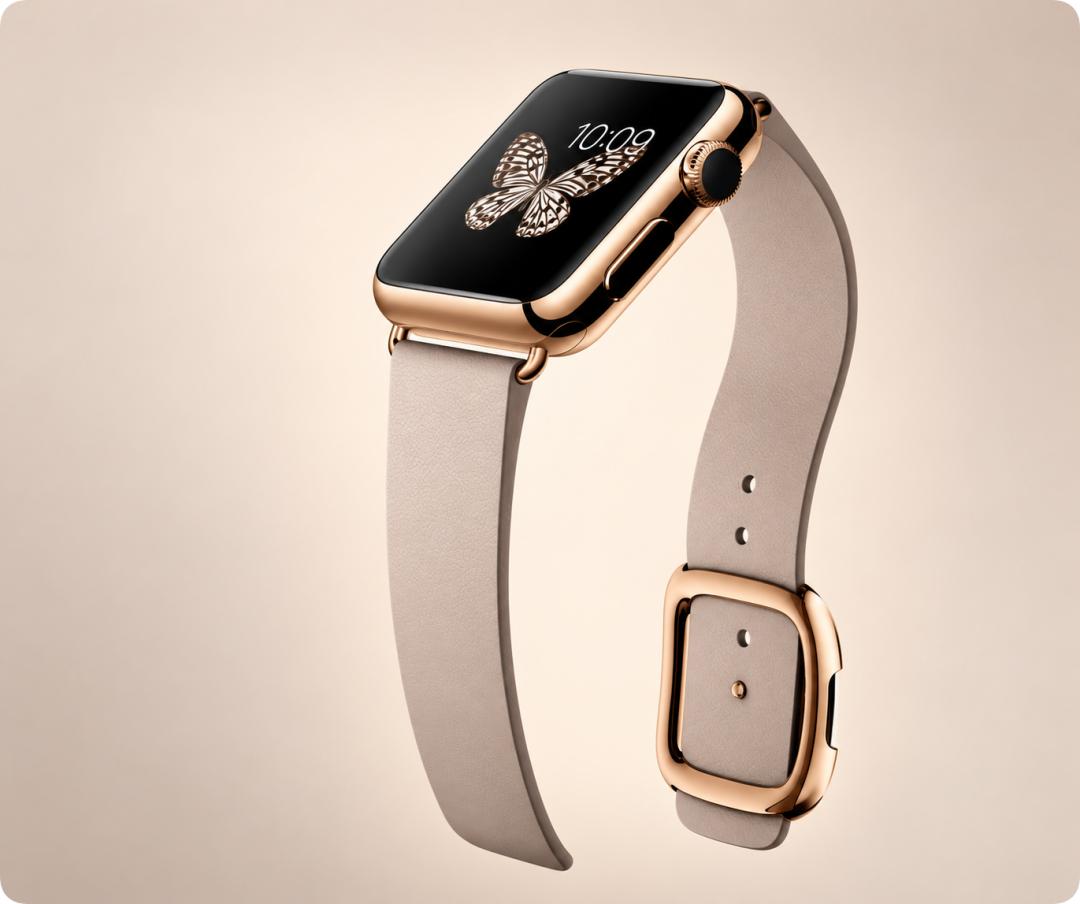
In 2014, when Apple first showed Apple Watch to the world, it was more positioned as a "smart watch that integrates technology and fashion", and even had a certain luxury attribute.
Watch cases of different materials, a rich variety of watch straps, and even the Apple Watch Edition with an 18K gold watch case that was once launched, also prove from the side that in addition to smart functions, Apple is also working hard to emphasize its value as a personal accessory.
It is not only an electronic product, but also an item that can express your aesthetic taste and personal identity.
As the product iterates continuously, Apple has gradually found a clearer and more competitive positioning for Apple Watch: Personal Fitness Assistant.
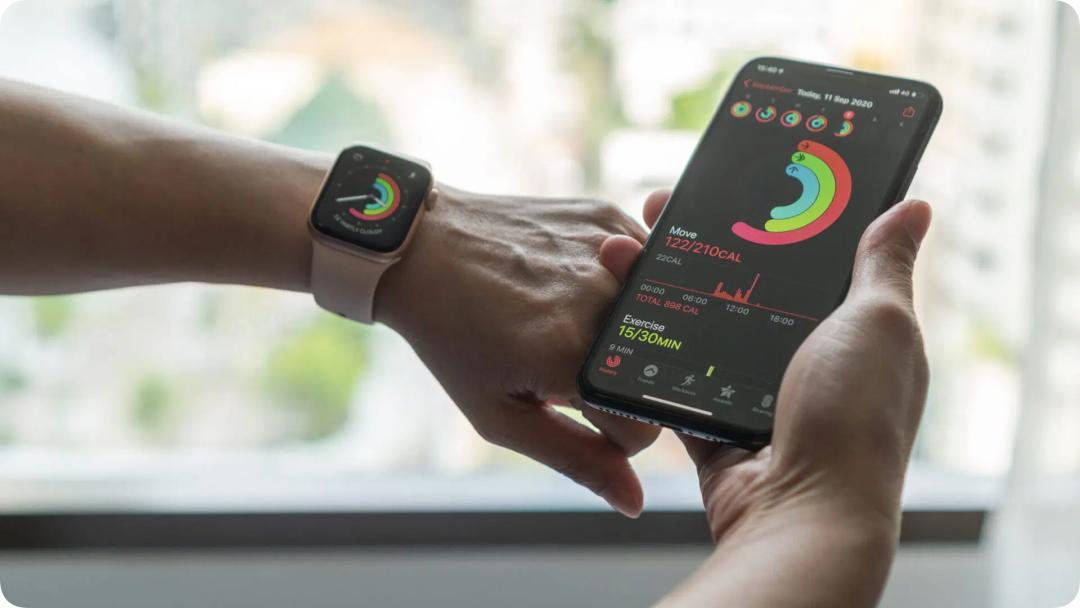
Many familiar Apple Watch features have gradually grown out of this positioning, including Activity Rings, workout tracking, heart rate monitoring, various workout modes, and the continuously enhanced sports data analysis that came later. It has also become a fitness device that can truly participate in users' daily lives.
At this stage, the value of Apple Watch may be more about "encouraging you to become better", walking a little more, and completing one more workout. The birth of Activity Rings is the most typical embodiment of this idea.
Later on, from high and low heart rate alerts, irregular heart rhythm notifications, to ECG function, to wrist temperature sensing, respiratory rate tracking during sleep, sleep apnea sign notifications, and hypertension sign notifications, Apple Watch can observe more and more abundant physical information.
At the same time, safety features such as Fall Detection, Crash Detection and Emergency SOS extend its role from daily health management to life safety in critical moments.
In a sense, Apple Watch has become one of the highly integrated personal sensor platforms worn daily by ordinary people.
