AI has revived CLI, but the graphical user interface will not die out.
Since the boom of AI, there have been many debates over technical paths, such as vertical-specific AI vs. all-in-one general AI, wrapper vs. native model, and CLI (Command Line Interface) vs. GUI (Graphical User Interface).
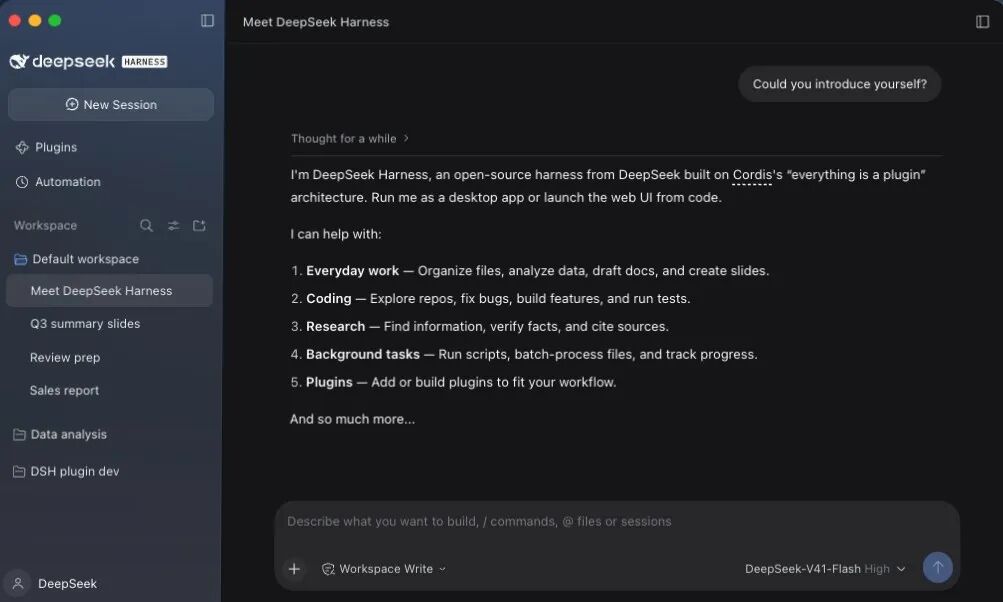
The latest case is that DeepSeek has launched a desktop version for Harness and made it available for public download. The most prominent button on the official website's homepage is "Download Desktop", next to which are displayed the session list, plugins, workspaces and file previews: users can ask the Agent to organize documents, analyze spreadsheets, modify codes, and then open the results for review. The command line has not disappeared, the terminal and scripts are still in the toolbox, they are just integrated into a more comprehensive desktop environment.
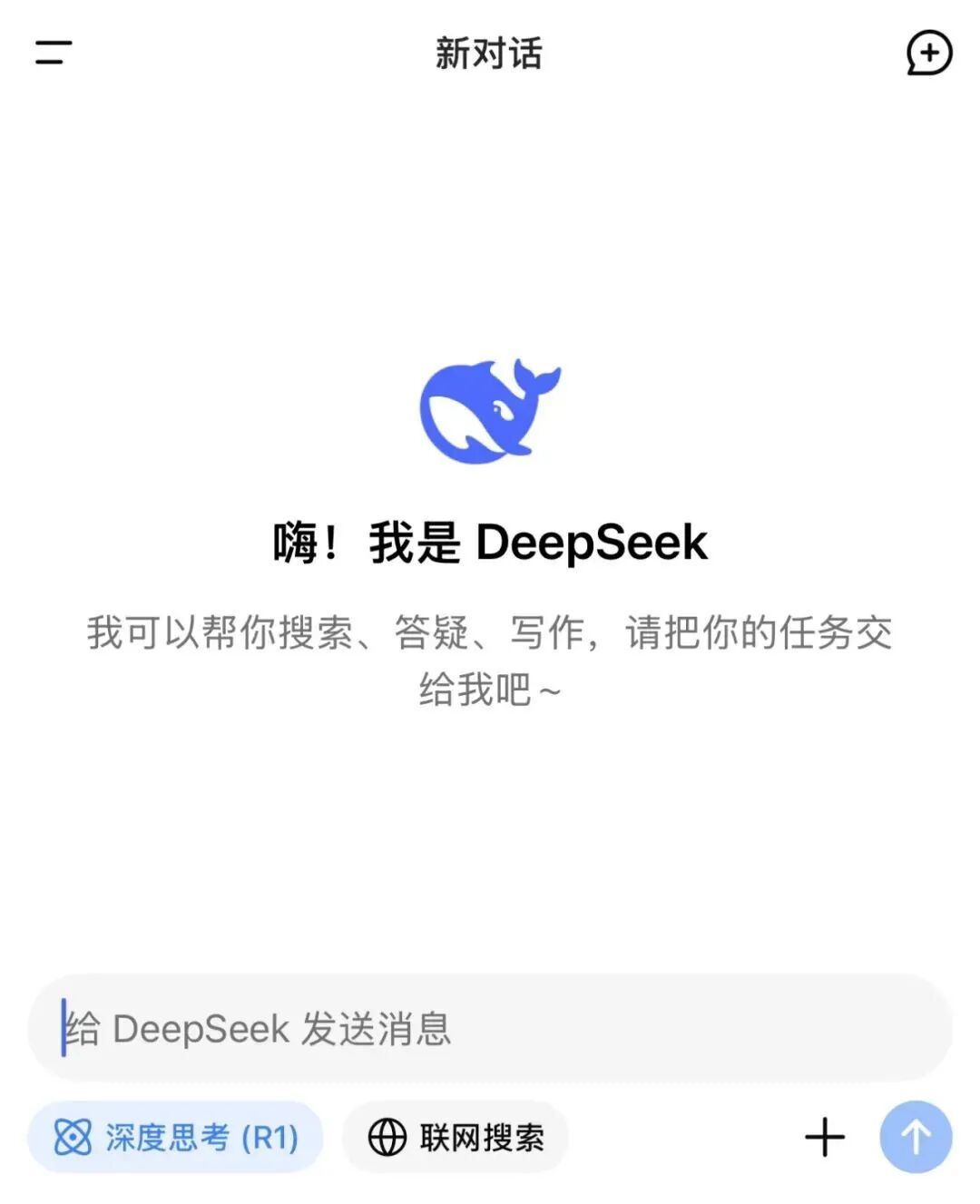
If we go back to this time last year, the situation was completely different. For a long period of time, DeepSeek did not develop consumer-facing products, at least not user-friendly products for C-end users. Whenever a new model was released, users could only test it in a plain and crude chat window.
At that time, the prevailing view was that AI programming was a revival of the "terminal". For many users, the terminal used to be a rarely opened software on their computers, and they only started to open and learn to use it because of vibe coding.
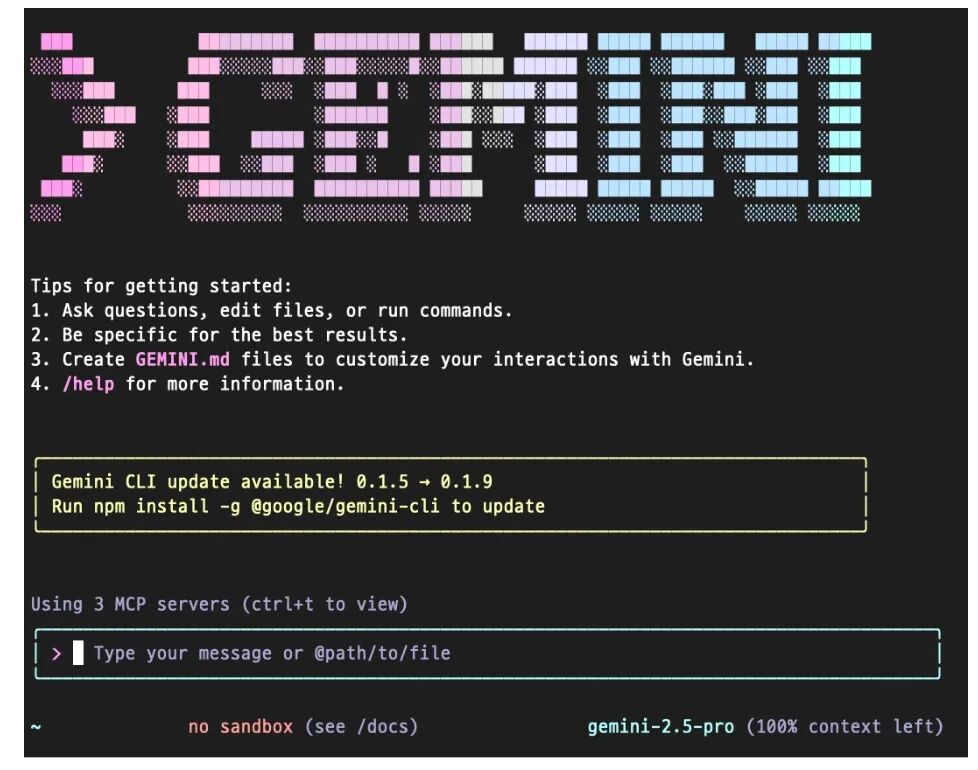
Looking back at 2025, starting from February, Anthropic launched Claude Code, allowing developers to assign tasks directly in the command line, where the model would automatically search for codes, modify files and run tests; in June of the same year, Google released Gemini CLI. Later, Codex CLI (the command-line AI assistant developed by OpenAI), Github CLI and Feishu CLI also came out one after another.
At that time, a quite compelling judgment spread widely: Graphical User Interface (GUI) is designed for human operation, while Command Line Interface (CLI) is made for AI to use. Since more and more work will be handed over to Agent in the future, why bother drawing buttons for them?
What Did the CLI Camp Get Right
What CLI and GUI refer to respectively: the former is plain text instructions, which simply means operating based on codes and scripts. The latter refers to the graphical interface, and elements such as mouse, windows, icons and menus all belong to graphical components.
Throughout the 1970s and early 1980s, Xerox PARC (Palo Alto Research Center) worked arduously to develop many early concepts of windows, menus, icons and mice. In 1984, Apple Computer Inc. launched the low-cost Macintosh, bringing friendly interfaces to thousands of personal computer users.
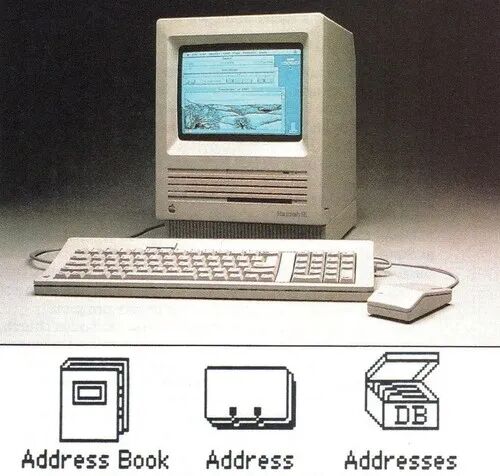
caption: Excerpted from World Science: The History of Graphical Interfaces
But now, AI tools promote CLI for their own practical reasons. CLI returns structured text (such as JSON), which requires very little computing resources for AI to process. In contrast, GUI requires repeated screenshots to identify pixels, which is low in efficiency and prone to errors.
In addition, CLI runs in the terminal, which can natively access all system files, while GUI plugins are often restricted in sandboxes and can only access the currently opened files.
For humans, icons, windows and menus translate complex functions into visual languages that humans can understand, but for Agents that process text and structured data, this layer of translation sometimes creates unnecessary obstacles instead.
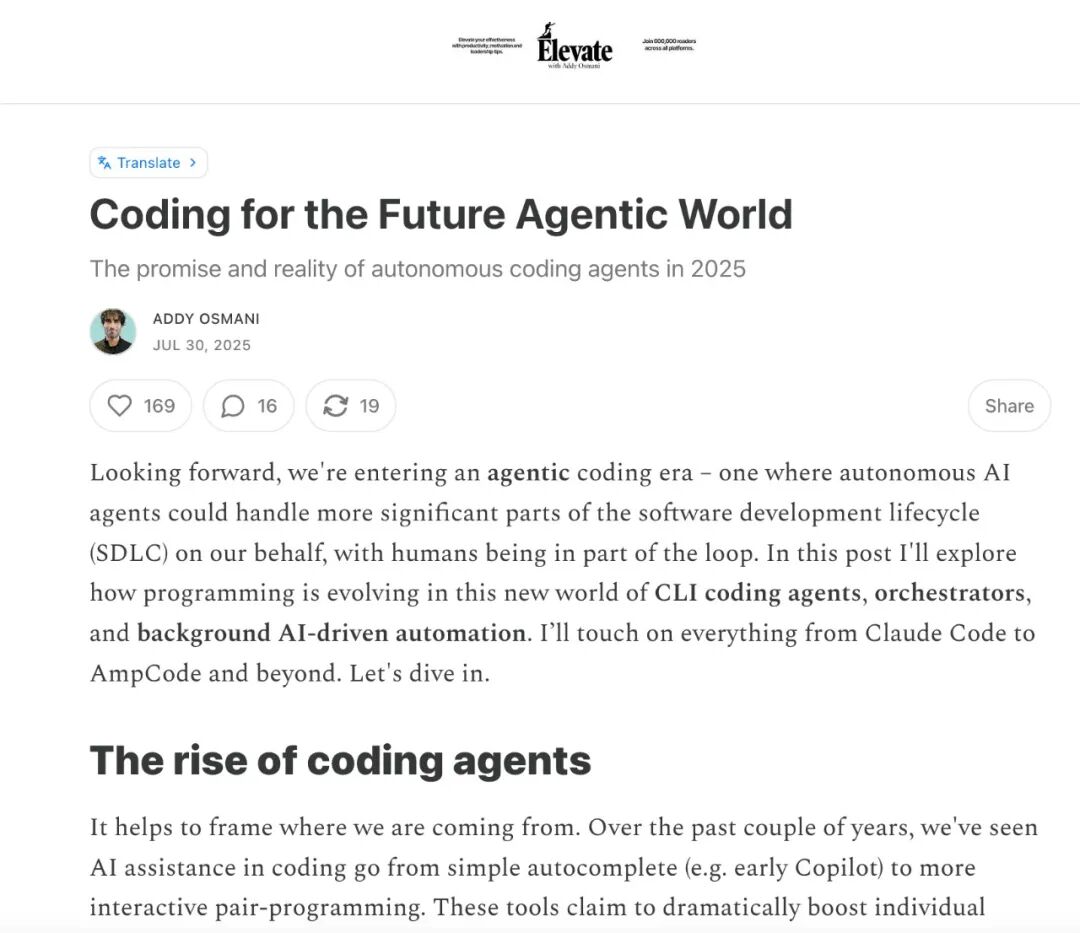
In the summer of 2025, this preference had already appeared in developers' own workflows. Addy Osmani, an engineer at Google Chrome, wrote in a long Substack article that he spent more and more time working in the terminal. When Agents can modify codes across files and run tests, the editor that used to occupy the center of the screen may even become a burden.
Peter Steinberger, known as the "Father of Lobster", also publicly shared his configuration: he switched back from VS Code to the Ghostty terminal, running multiple Agents side by side on the screen, reserving VS Code for code viewing and Cursor for review; to facilitate Agents to perform tasks, he also prioritized services that are equipped with CLI. It was exactly this experimental experience of running multiple Agents in the terminal that eventually led to the birth of the once wildly popular "Lobster".
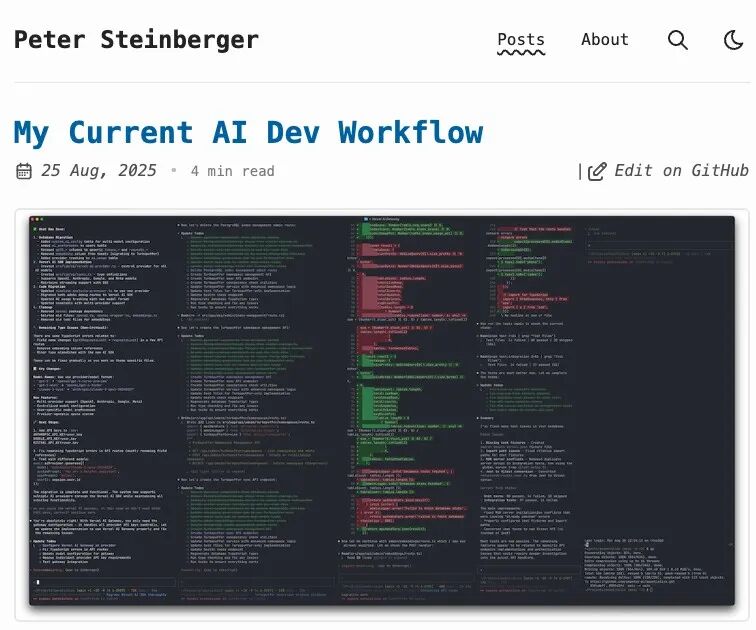
The rise of CLI is not a retro gesture, it does solve the problem of "how Agents work".
One Terminal Window Cannot Hold Ten Tasks
The fact that Agents are suitable for executing commands does not mean that humans are suitable for managing Agents through commands.
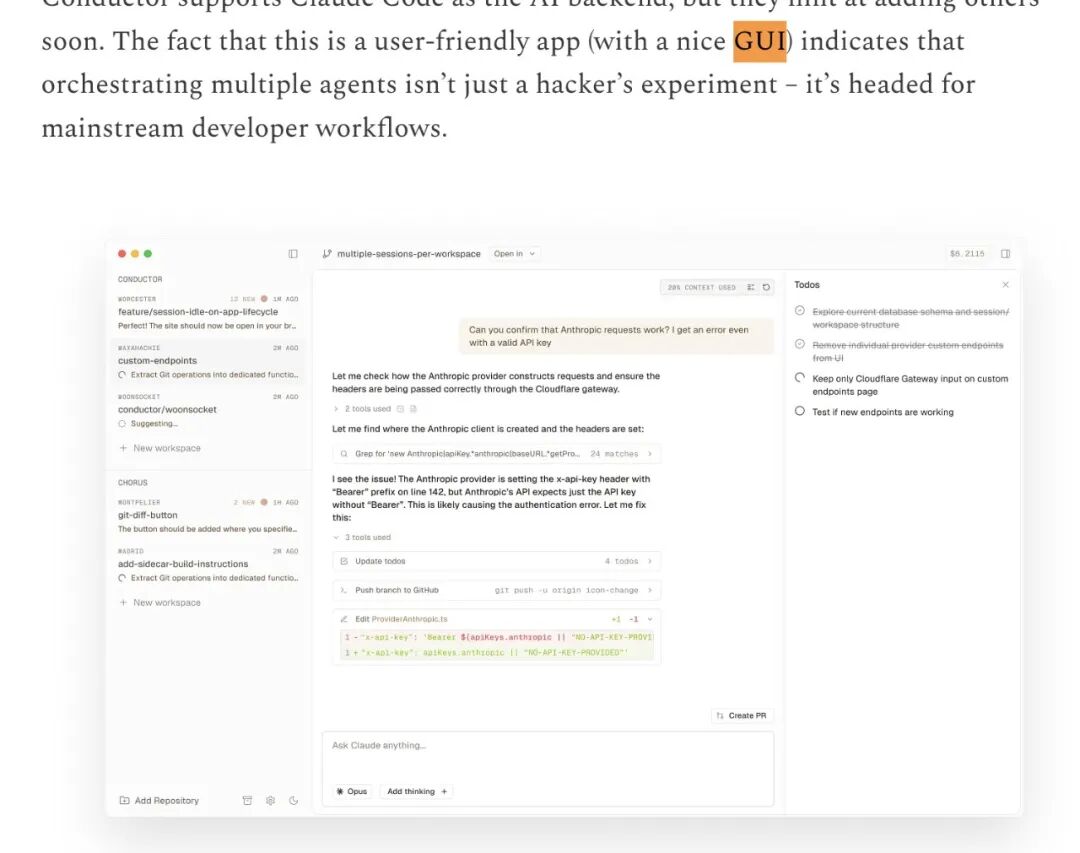
Even Addy Osmani does not fully support the claim that "GUI is dead" — in fact, in the same Substack article, he wrote about his experience of managing multiple Agents with GUI.
In the initial announcement of Gemini CLI, Google also stated at the same time that it shares technology with Gemini Code Assist in the editor; from the very beginning, it was designed to integrate the same capability into multiple interfaces.
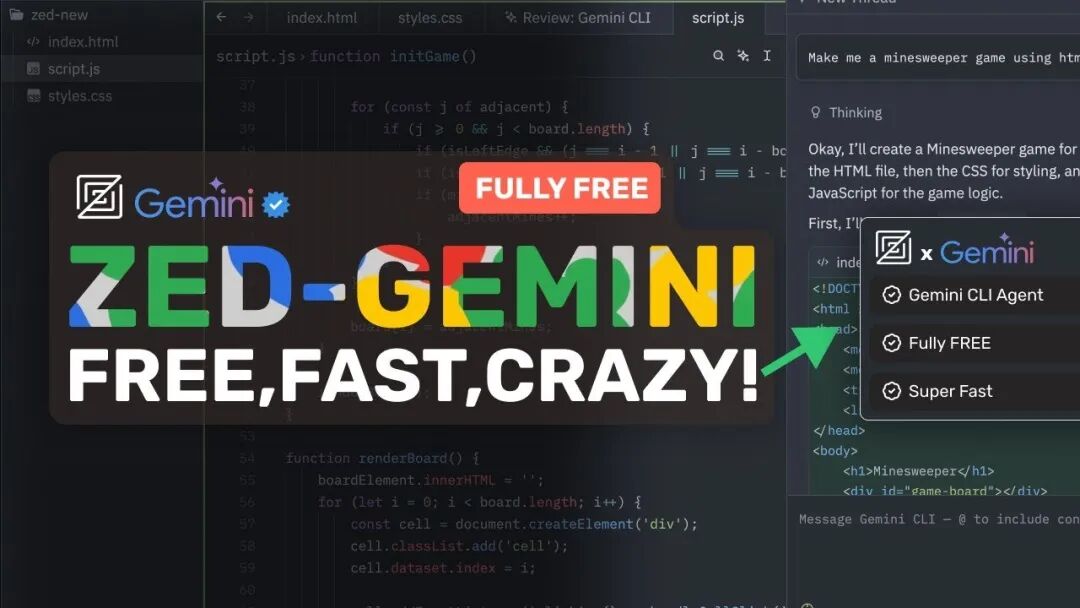
In August 2025, the code editor Zed integrated Gemini CLI into its own interface. The Agent runs in the background, and developers can follow its work in the editor, view modification differences, and decide whether to accept the changes. For this purpose, Zed proposed the Agent Client Protocol, so that the same Agent can retain the execution capability of the command line, while the graphical interface is responsible for presenting the working process to humans.
In February 2026, OpenAI launched the desktop version of Codex, allowing developers to assign cross-project, long-running tasks and run multiple Agents at the same time. OpenAI's consideration at that time was that existing terminals and IDEs were not designed for this kind of supervision method. The new application organizes tasks by projects, provides independent workspaces and change review functions, so the desktop end is a necessary form of product presentation.
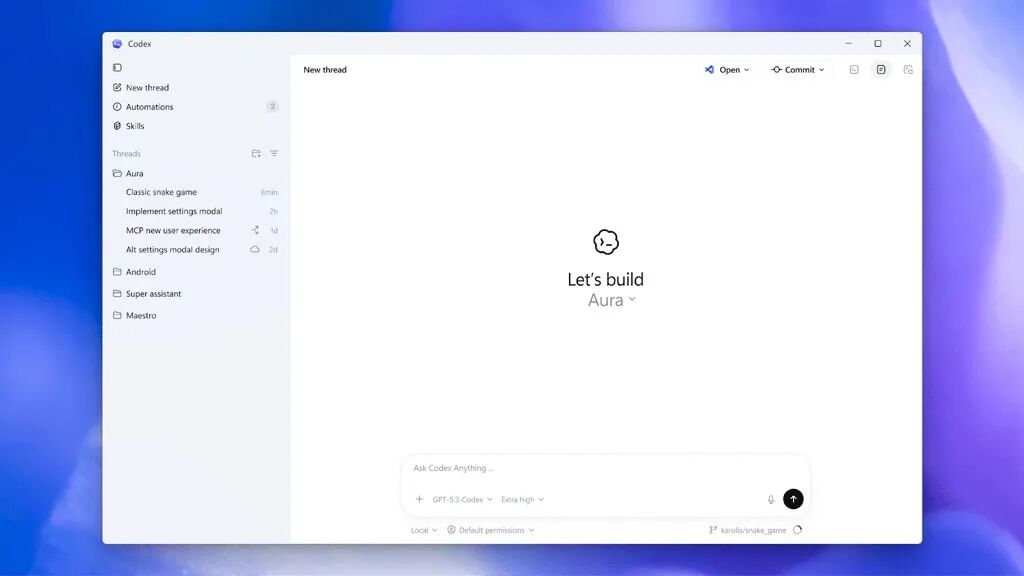
The desktop version of DeepSeek Harness also enters this product stage. It puts sessions, plugins, automation and file results on the desktop, while retaining the terminal, scripts and the way to launch Web UI from code. Users do not need to be familiar with a series of commands first to see the work of Agents; people in need can still call commands as usual.
GUI Has Never Lost
It is very easy to shout the phrase "it's dead". GUI and CLI are not always competing for the same position. Even "Agents use GUI" and "users use GUI" are not the same thing.
In March this year, Peter Steinberger put forward his new view on the debate between CLI and GUI. He believes that AI coding is shifting to GUI, which means developers can complete complex tasks more intuitively.
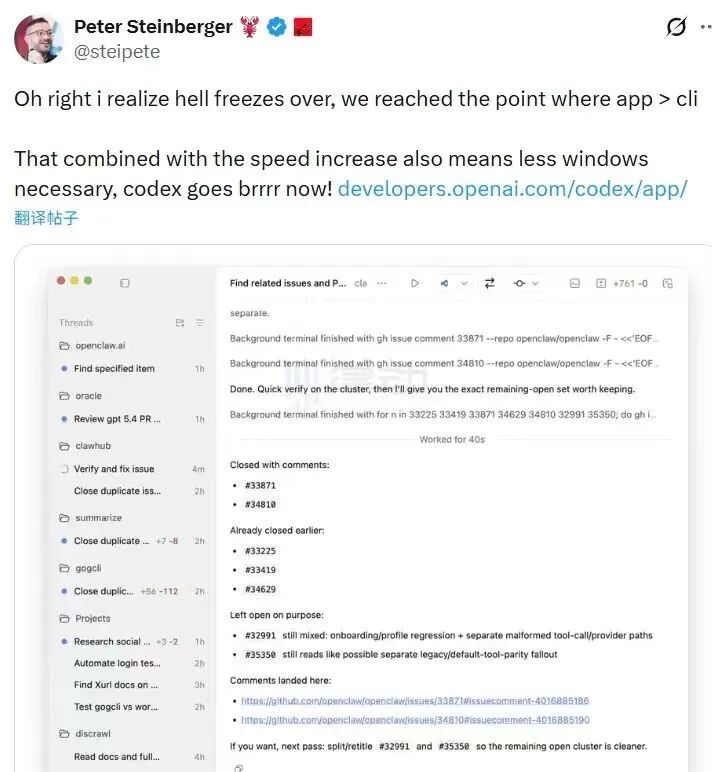
The former refers to machines operating old software through the screen, while the latter refers to humans managing machines through the screen. If you compress all three relationships into a single path debate over interfaces, it is easy to fall into the swing of "one side must prevail over the other".
A study released this year tried to let Agents complete 440 desktop tasks: under the tool conditions set by the researchers, the best-performing GUI Agent achieved a completion rate of 59.1%, while the rate under the original CLI tool condition was 48.2%; when the researchers supplemented the available command skills, the completion rate of the CLI Agent rose to 69.3%. These figures cannot be generalized as "one type of interface wins comprehensively", but clearly show that the capability of Agents also depends on what access the software provides to them.
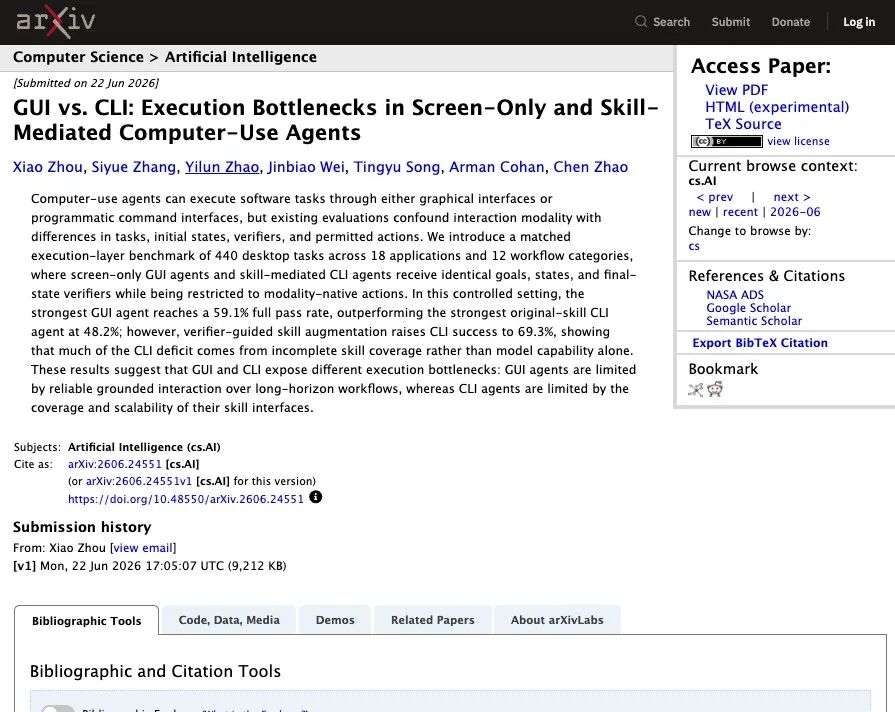
The study also reminds us of a realistic condition: the advantages of CLI require software to provide a sufficiently complete and easy-to-use set of commands. If an application only allows commands to read files, but hides the truly critical functions of editing, previewing and submitting in the window, Agents still cannot bypass GUI. Different software has different degrees of open capabilities, and Agents cannot rely on only one interaction method to adapt to all scenarios.
From the perspective of product evolution, what is more noteworthy is the position where humans stand. In the past, GUI turned software functions into buttons, allowing users to complete every step manually; now Agents can take over many of these steps, and what the interface needs to present are tasks, progress, permissions, file differences and final results. The screen originally designed for "operation" is now adding the responsibility of "supervision".
This is also the most useful and most easily misread part of the sentence "CLI is for AI, GUI is for humans". It accurately points out that machines and humans prefer different interfaces, but it should not be misinterpreted as "the human-facing interface is about to become obsolete". Precisely because Agents can execute more commands in the background, humans need a visible space to understand their parallel work, trace where the error occurs, and decide which results to add to their own projects.
DeepSeek's desktop client cannot prove how much market share GUI has recaptured, and the releases from several companies are not enough to declare the future of all software. But at least they make the one-sided prophecy from more than a year ago no longer valid: AI did not push humans into the terminal, but instead brought all the things that can be done in the terminal to a broader desktop environment.
This article is from WeChat Official Account "APPSO", written by the team that discovers future products, and is republished by 36Kr with authorization.