Will Touchscreen Support Finally Come to MacBook? What Is Apple Up to by "Breaking Its Own Long-Held Convention"?
"You can't optimize for both." (You cannot achieve optimal experience for both at the same time.)
In 2016, Phil Schiller, Apple's then Senior Vice President of Worldwide Marketing, stated in an interview with WIRED that if a touch screen was added to the MacBook, the desktop Mac would face the problem of inconsistent interaction. Redesigning the menu bar for finger operation would also damage the experience of mice and trackpads.
In short, he believed that this idea of supporting two types of interactions was pursuing the "lowest common denominator".
However, under the leadership of new CEO John Ternus, Apple will soon equip the MacBook with a "touch-enabled" screen.
The rumor that MacBook will be equipped with a touch screen has been circulating for a long time, and the new generation of MacBook Pro has been basically confirmed as of today. On the one hand, macOS 27 has added touch-related optimizations and full touch support for Sidecar; on the other hand, sources ranging from Mark Gurman of Bloomberg to analyst Ming-Chi Kuo have released relevant scoops.
The latest Bloomberg report points out that the release date of Apple's first MacBook Pro with OLED touch screen is October 27, 2026. The new devices will cover 14-inch and 16-inch versions, and bring the Dynamic Island and a lighter body.
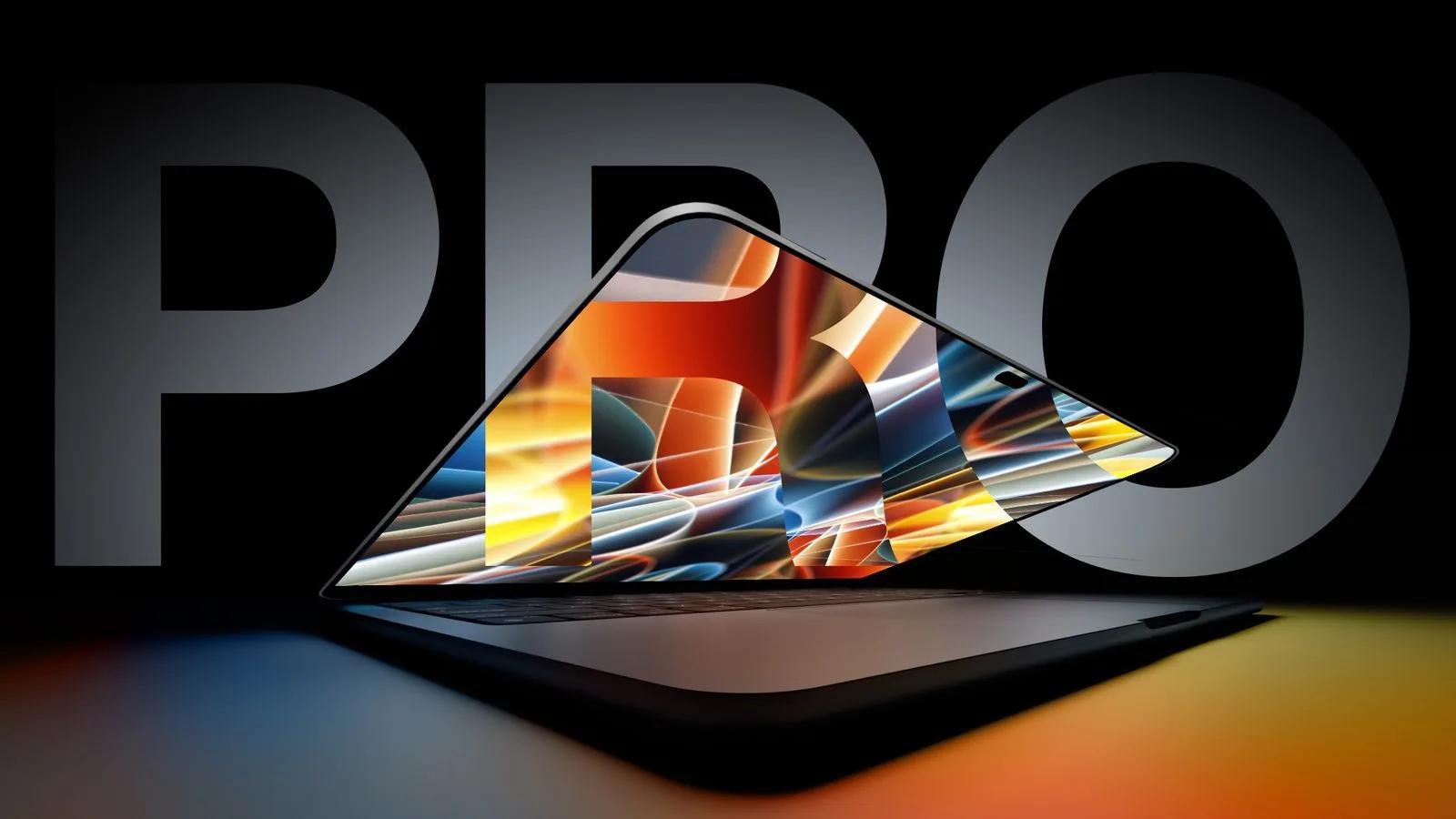
Self-made concept diagram of MacBook with notch screen, Image source: YouTube
For laptop products of other brands, although touch screens are not yet fully popularized, most high-end lightweight laptops and 2-in-1 tablet laptops are already equipped with them. In particular, "new players" such as HarmonyOS PCs and Googlebook provide native support from operating systems to hardware.
However, no matter in the era of Steve Jobs or Tim Cook, Apple has explicitly opposed adding touch screens to MacBook. So, what exactly has changed in the reasons that Apple has adhered to for more than ten years? Or is all this just the "three new official initiatives" after the new CEO takes office?
MacBook Rejects Touch Screens: Not Stubbornness, But Interaction Trade-offs
Touch screen is already a fairly mature hardware technology.
Starting from Surface RT, the Windows camp has been promoting the touch-enabled transformation of laptops over and over again in the past decade. Although in the consumer market, the touch transformation of Windows has never been widely recognized by users, many high-end lightweight laptops and 2-in-1 ultrabooks are still equipped with touch screens.
HarmonyOS PCs and the latest Googlebook (based on Android) naturally regard multi-touch as a native feature and standard. The entire line of HarmonyOS PCs and the first 5 OEM models of Googlebook are all equipped with touch screens, even if the Dell XPS GoogleBook is equipped with an LCD screen.
For them, the standard configuration of touch screens is first determined by the technical route and software ecosystem.
But to be fair, there has always been controversy in the industry and among users about whether laptops need to be touch-enabled.
Apple did have a clear answer to this.
In 2010, at the conference for the launch of the new MacBook Air and Mac OS X Lion, Steve Jobs introduced how Mac "learned from" iPad, and also explained why Apple did not directly put multi-touch on the computer screen. He said that Apple had done a lot of user tests, and the vertical touch surface looked very cool during demonstration, but people would feel tired after using it for a while, and their arms would not be able to bear it if they used it for longer.
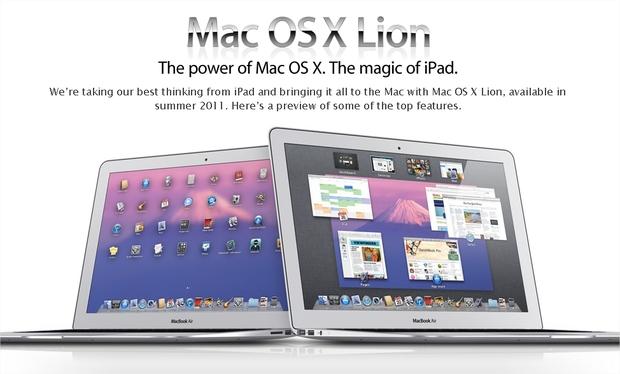
Therefore, Apple chose to focus on the trackpad at hand to give full play to the experience advantages of multi-touch.
This idea even extended to the Touch Bar. Apple chose to add a touch display panel above the keyboard of MacBook Pro to replace the original function keys, instead of considering adding touch functions on the screen.
Even after 8 years, Craig Federighi, Apple's Senior Vice President of Software Engineering, still did not agree to add a touch screen to Mac, on the grounds that the ergonomics of Mac is based on the premise that both hands are placed on the operating table, and lifting arms to touch the screen is easy to cause fatigue. The touch laptops of other manufacturers did not provide a sufficiently convincing experience to make Apple eager to follow suit.
So back to today in 2026, what has changed? The problem pointed out by Steve Jobs back then has not disappeared to this day.
Users and software vendors also have their own opinions. The dense cells in spreadsheets, the crowded tracks and buttons in editing software, and the tiny control points in image software are all suitable for precise pointers. Fingers will block the target, and it is difficult to stably distinguish several small controls that are close to each other. If all of them are enlarged, the content that can be seen at the same time will be squeezed out, which will affect the efficiency and experience of mouse and keyboard interaction.
Recalculating the Interaction Account in the Agent Era: Apple's New Choice
At WWDC 2020, Apple announced an ecological revolution — Mac would be equipped with Apple's own chips, realizing the unified architecture of mobile and desktop devices.
As we all know what happened later, Macs with M-series chips achieved unprecedented success, and also brought many changes at the ecological level:
Mac can now run compatible iPhone and iPad apps, and developers decide whether to provide these apps on the Mac App Store. At the same time, iPad has long introduced trackpad support. Apple's own design guidelines refer to the pointer as an additional interaction method on iPad, allowing it to change form and feedback according to the interface content.
Since a touch-first device can make up for fine operations through keyboard and pointer, following the same logic, a computer that is keyboard and pointer-based can also reserve a position for fingers.
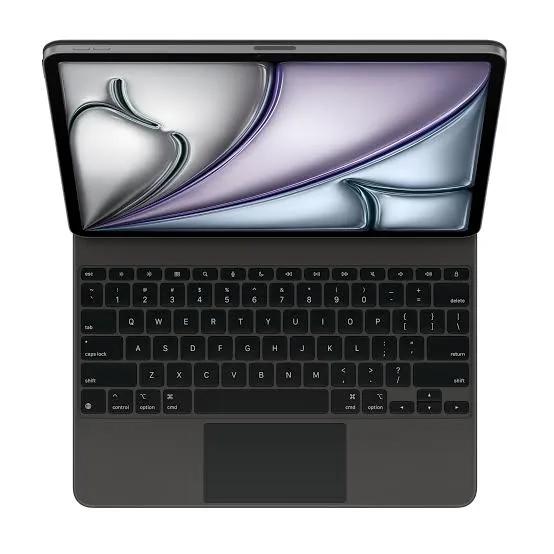
This does not require Mac and iPad to become the same product. Laptops can still retain their own body, windows, software and working methods, and touch is just an added capability. There are many differences between the two types of products, so there is no need to tie everything to the point of "whether the screen can be touched".
This change also gives Apple the opportunity to improve some experiences. Directly swiping when viewing photos, tapping a position conveniently when showing a map to people next to you, or pausing a video when your hand is already close to the screen, can all be useful. These operations are very short, do not require people to hold their arms up all the time, and do not require touch to undertake the whole work.
Of course, all these tasks can be completed through the trackpad, so why add another set? The advantage of touch is that the position where the finger touches is exactly the position to be operated on the screen. It saves the process of finding the cursor first and then moving the cursor over.
More importantly, in today's era when Agent is exploding.
If AI can complete a series of operations for users, users may focus more on specifying objects, expressing requirements and checking results. Suppose there are several photos on the screen, you select three of them, say "make these photos into one page of presentation", and leave the subsequent typesetting to AI. In this scenario, selecting photos is a short action, and there is no need for fingers to continue looking for functions in complex menus.
Touch has the opportunity to benefit from this change. It allows people to directly point to "this" and "here", and then take their hands back. For tasks that used to require repeated operations on small controls, if they can be handed over to Agent, the accuracy weakness of fingers may no longer be so prominent.
Correspondingly, with the increasingly powerful autonomous capabilities of Agent, the natural interaction experience brought by touch + voice has the full potential to completely change the interaction experience of laptops, whether it is lowering the operation threshold or improving use efficiency, which can be said to be a natural trend.
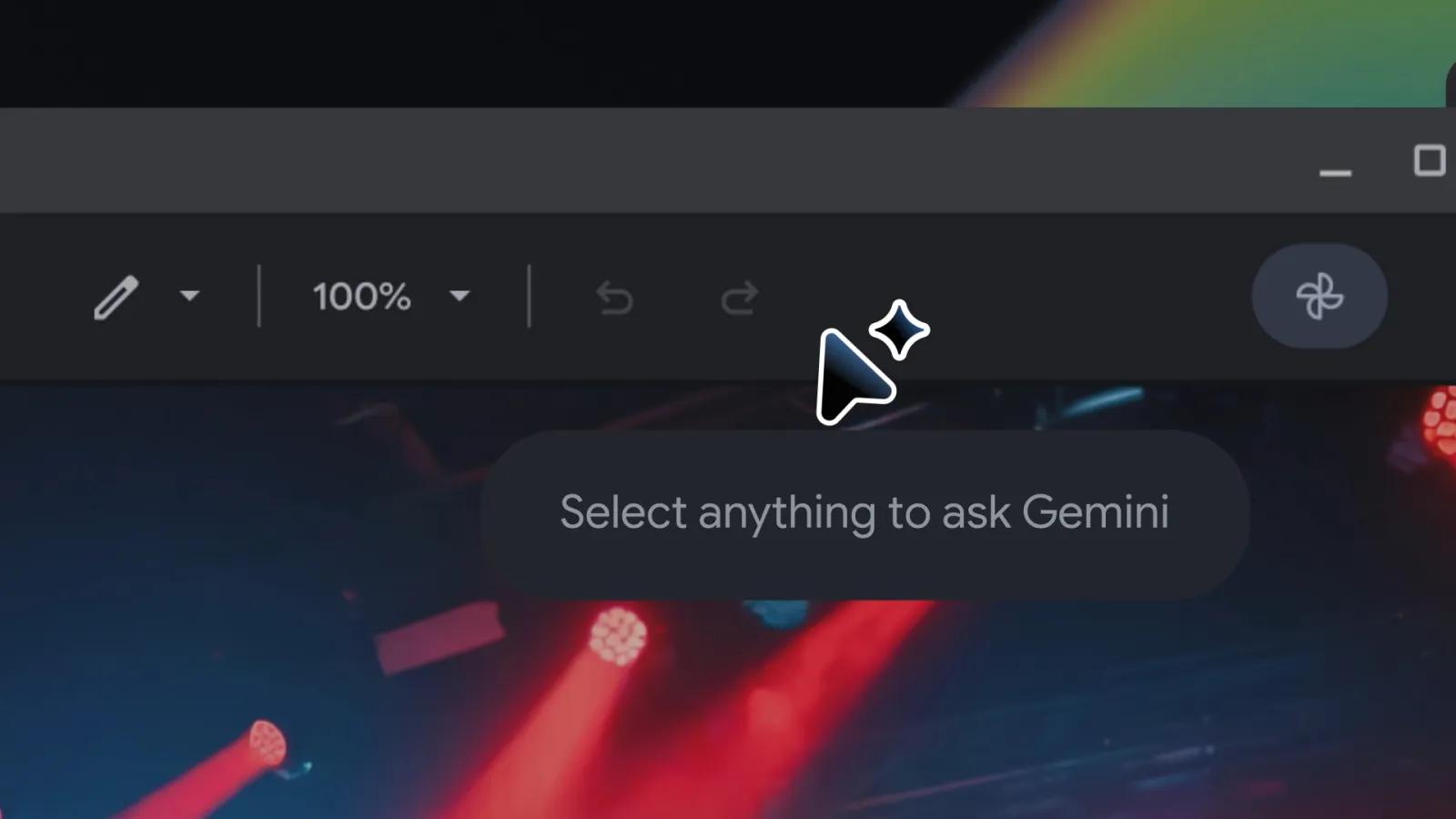
Googlebook's Magic Pointer is a ready example. The usage demonstrated by Google is to shake the cursor to call out Gemini, then point to the screen content to get suggestions, or select two images for combination. The new AI interaction can completely grow out of the product forms we are already familiar with.
Of course, "touch" itself is only the starting point.
Touch screens on laptops already have relatively good engineering solutions. For example, Huawei has introduced more screen technologies from mobile phones, including nano-etching process to achieve anti-glare, AR anti-reflection coating, scratch-resistant and oleophobic layer, to solve some problems in the actual experience of touch screens.
Apple can also rely on its control over hardware and systems to unify input feedback, optimize menus, and gradually push developers to adapt. It still needs to face many problems such as shaking when the screen is tapped, fingerprints, and display experience.
Previously, some Googlebook users pointed out that the behaviors such as right-click of the mouse and text selection in some applications still do not conform to desktop habits. These are feedback from specific users and specific applications, which do not represent all models, but are enough to remind manufacturers: there is still a lot of work to do between making mobile apps run on computers and making them suitable for computer operations. Google's requirements for developers also include freely adjusting windows, as well as testing mouse, trackpad and keyboard interactions.
Apple has a mature desktop ecosystem and years of experience in touch interfaces, and these accumulations give it a good starting point. The difficulty is that users will not only use Apple's built-in software. Even if Finder and Safari can naturally accept fingers, the hover prompts, right-click menus, drag and drop and text selection in third-party software will not automatically become easy to use.
Every application still requires developers to decide how to adapt to touch screen, mouse and keyboard interactions.
According to current scoops, Apple is preparing to adopt a relatively restrained solution. According to the previous description of Gurman, the touch-screen MacBook Pro will continue to retain the familiar computer experience, allowing users to switch between touch and pointer. For example, when you click the menu bar with your finger, the system pops up controls that are more suitable for finger operation, and supports pinch to zoom and fast scrolling. The content described here is still the design direction of the unreleased product, and the actual effect needs to be verified by the real device.
In addition, supporting touch will increase the thickness and weight of the screen, so thinner and lighter OLED is widely used. The new generation of MacBook Pro will also be the first MacBook equipped with OLED, but the whole device will most likely be more expensive. If MacBook Pro users may not care too much about this premium, what about MacBook Air users?
In the final analysis, it depends on whether the touch interaction of MacBook can bring a better experience and make users willing to pay for it.