Kimi goes left, Claude and GPT go right
These past two days, scrolling through a social media platform, I came across two major pieces of news that, when viewed together, are rather interesting.
On September 17, Kimi Code officially launched its desktop client, supporting macOS and Windows.
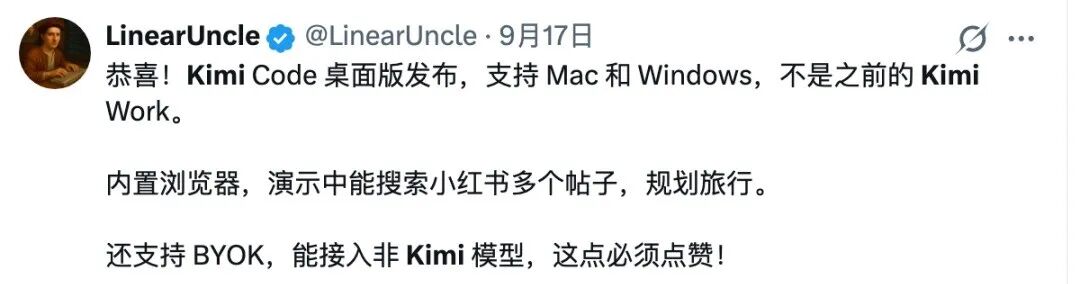
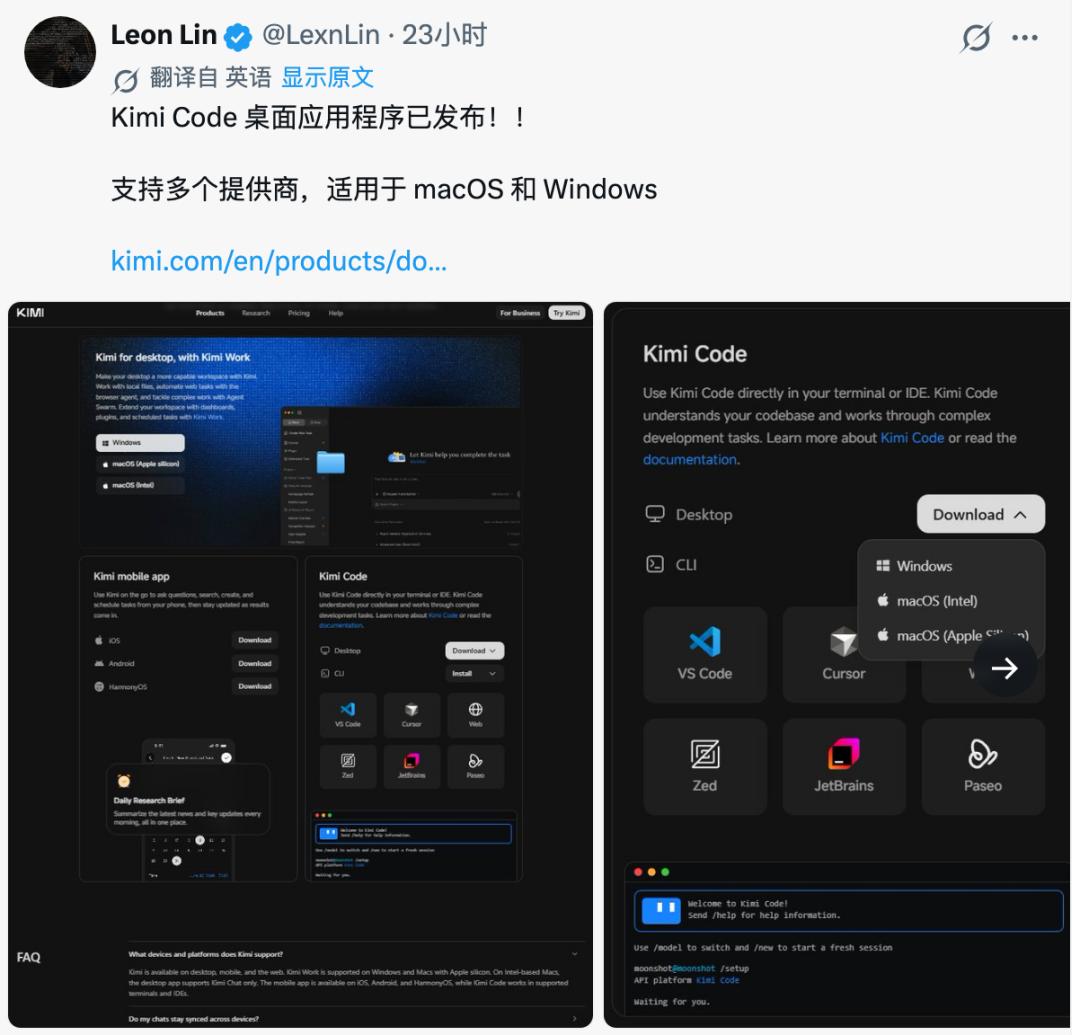
This time, Kimi has migrated the programming Agent that was previously in the terminal to the graphical interface, enabling users to directly open local projects, modify code, execute commands, view file changes, call browsers, and control AI operations through different permission modes.
Here comes the question.
Kimi already has the Kimi Work desktop client, which can read local files, operate browsers, handle office tasks, and even support Agent Swarm and scheduled tasks.
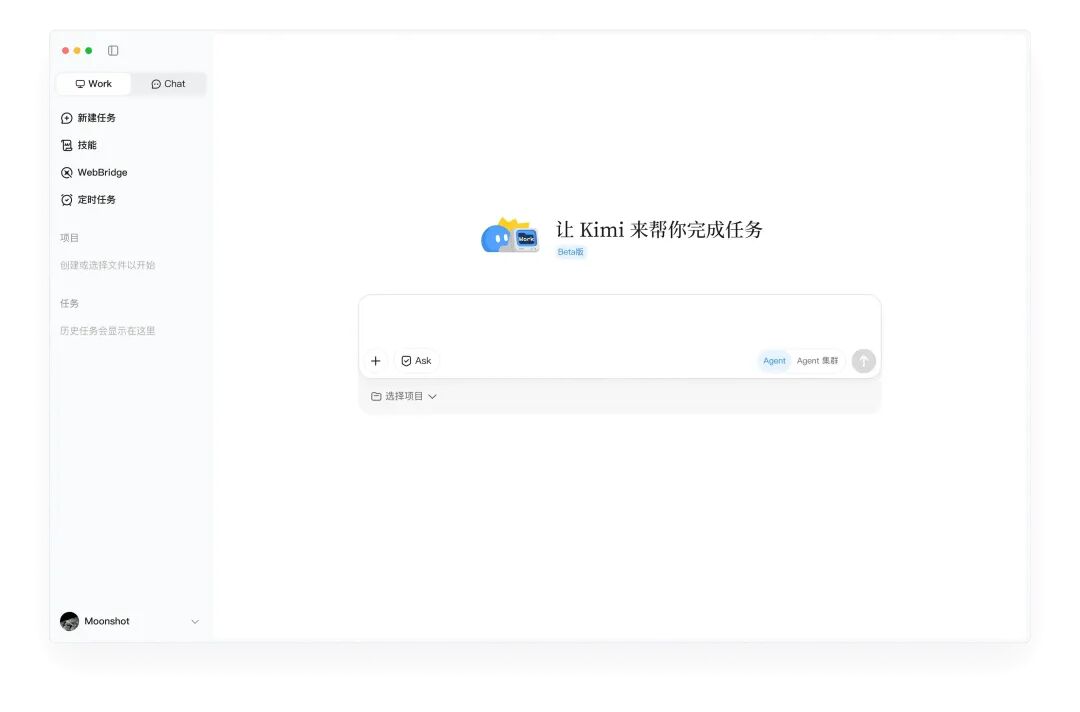
Now, a new Kimi Code has been released.
In the future, if users want to use Kimi for office work and programming at the same time on their computers, they may need to install two separate clients.
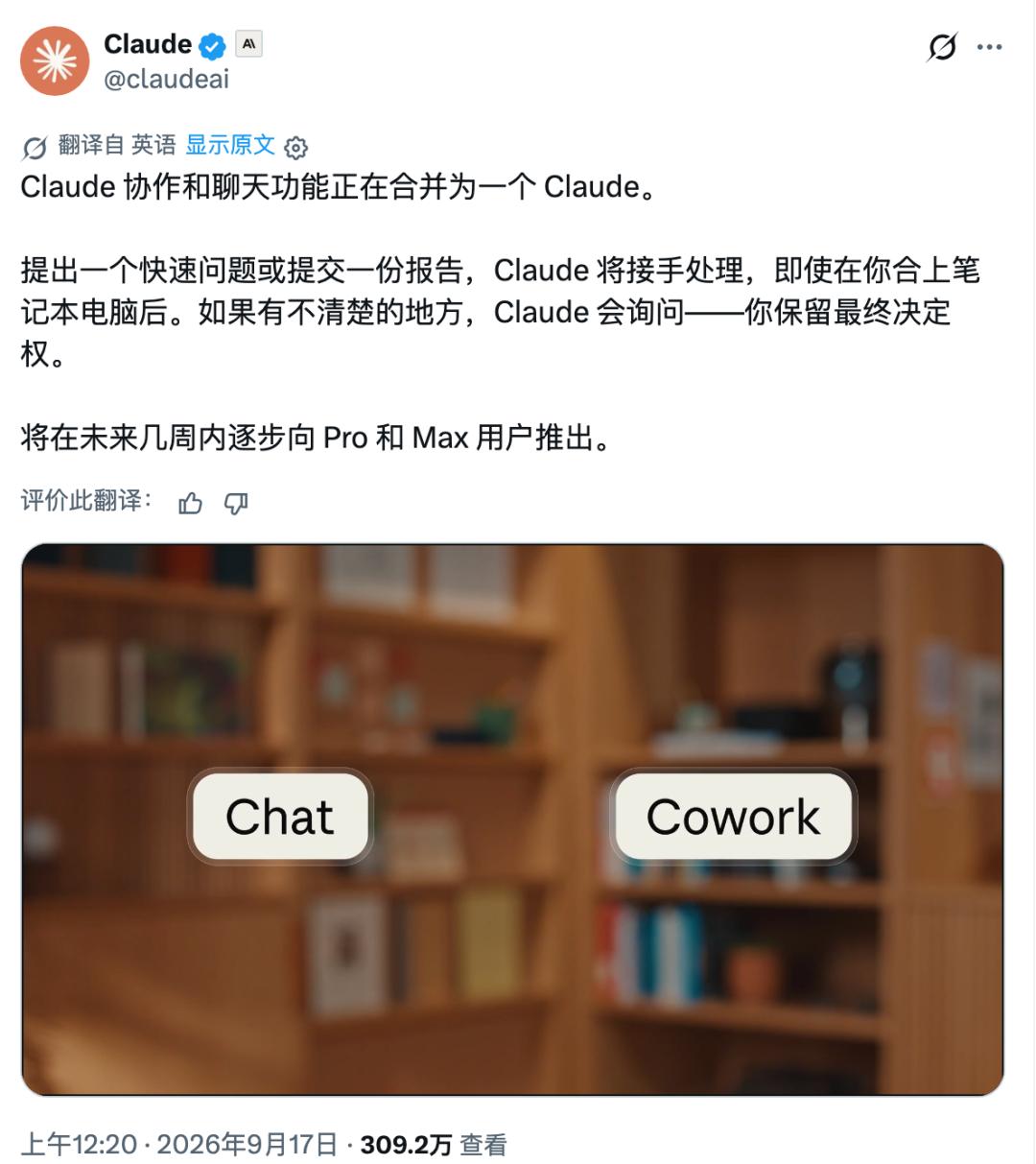
Interestingly, the day before Kimi launched its new client, Claude announced a decision in the opposite direction.
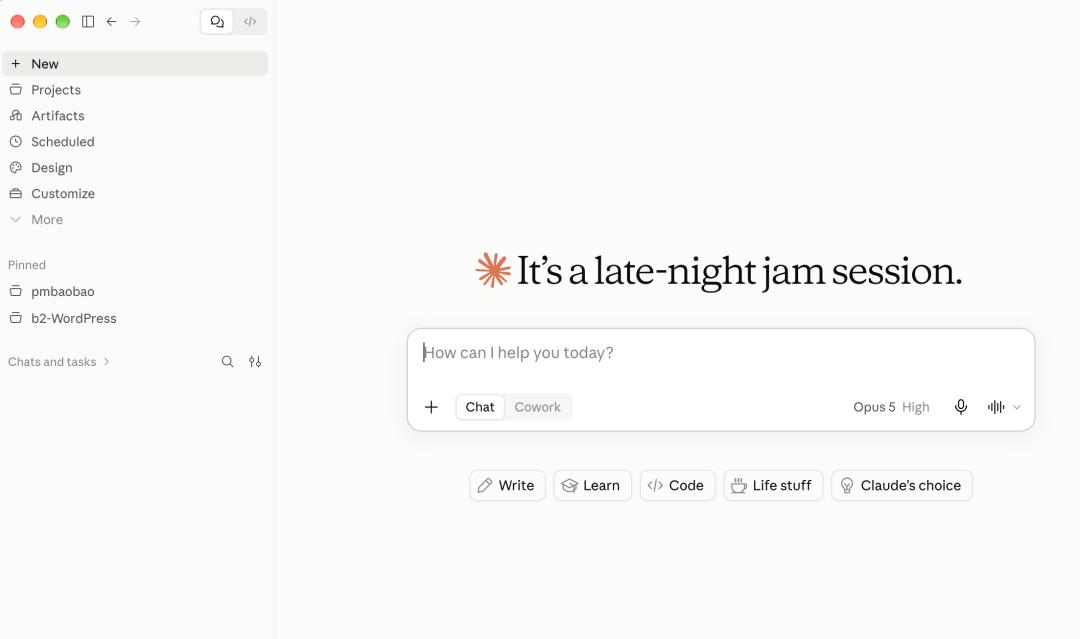
Merge the previously standalone Chat and Cowork into one unified Claude.
Users no longer need to judge in advance whether their task should be assigned to the chat assistant or the office Agent. Whether asking a simple question, processing a report, or making a PPT, they can directly put forward their needs in the same conversation, and Claude will select the appropriate tool.
OpenAI also took similar actions earlier.
In July this year, the Codex App began to be integrated into the new ChatGPT desktop application. Now, one single client includes Chat, Work and Codex. Although the function entrances are still separate, users no longer need to install different apps for different tasks.
This is quite thought-provoking.
Claude and ChatGPT are streamlining their products, while Kimi is still adding new separate products.
Everyone wants to seize users' computer desktops, but why have two completely different routes emerged?
01. Why did Kimi launch a separate Code product?
I think we first need to clarify the differences between Kimi Code and Kimi Work.
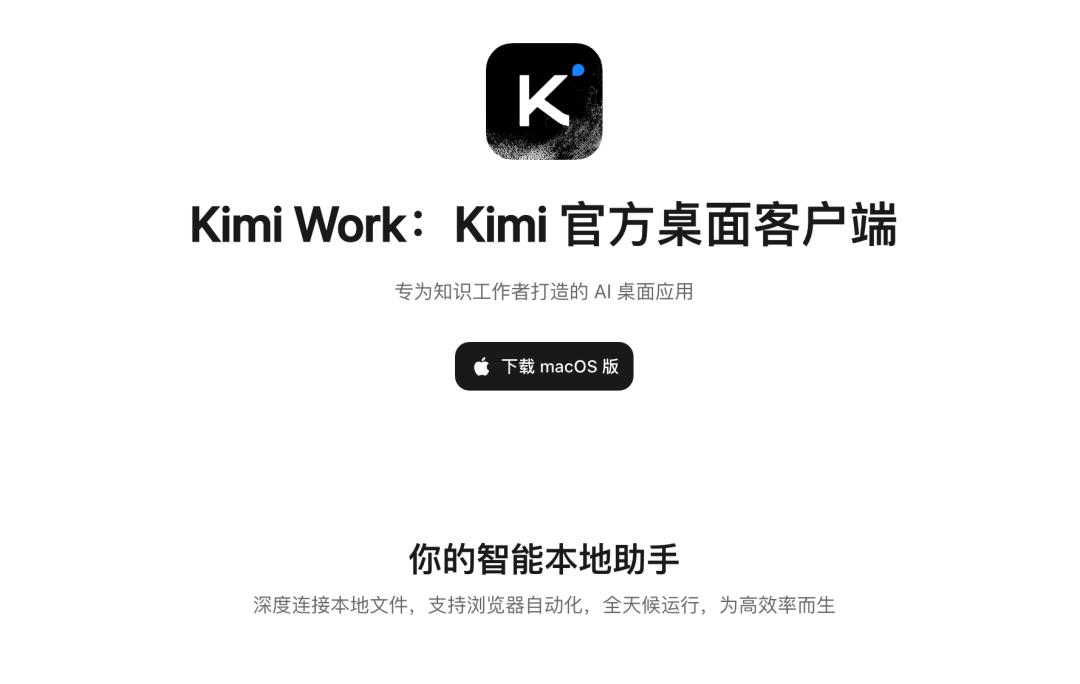
Although both of them can operate local files and allow AI to perform tasks autonomously, there are obvious differences in the working scenarios they target.
Kimi Work is oriented to office and knowledge workers. You can ask it to sort out files, analyze materials, generate reports, and even operate browsers to complete a series of tasks.
Kimi Code is designed around software development. It needs to understand the entire code repository, modify multiple files, run commands, display code differences, and allow developers to review and control every step of the operation.
For example.
When you ask Kimi Work to create an industry report, what you care about most may be the quality of the final document.
But when you ask Kimi Code to modify a project, you may also need to check which files it has modified, whether it has introduced bugs, whether the project can run normally, and whether a certain modification needs to be undone.
Developers obviously need a more professional interactive interface.
Moreover, Kimi Code has a feature that is easily overlooked.
It supports access to third-party models.
According to the official documentation, Kimi Code can configure model services from Anthropic, OpenAI, Google and other vendors, and can also connect to compatible interfaces such as DeepSeek and Qwen. The desktop client also provides configuration options for third-party model providers.
This means that Kimi Code is also trying to become a multi-model workstation for developers.
Even if users do not intend to use Kimi's own model, they may still install this client because they like its programming tools.
For Kimi, launching Code separately at least gives it the opportunity to attract a group of developers who would not have taken the initiative to use Kimi Work in the first place.
Of course, this is a speculation based on product design. Kimi has not publicly stated the commercial motivation for splitting the clients. Out of curiosity, I specifically checked the comments on a social media platform, and found that many people also cannot figure out the logic behind this move.
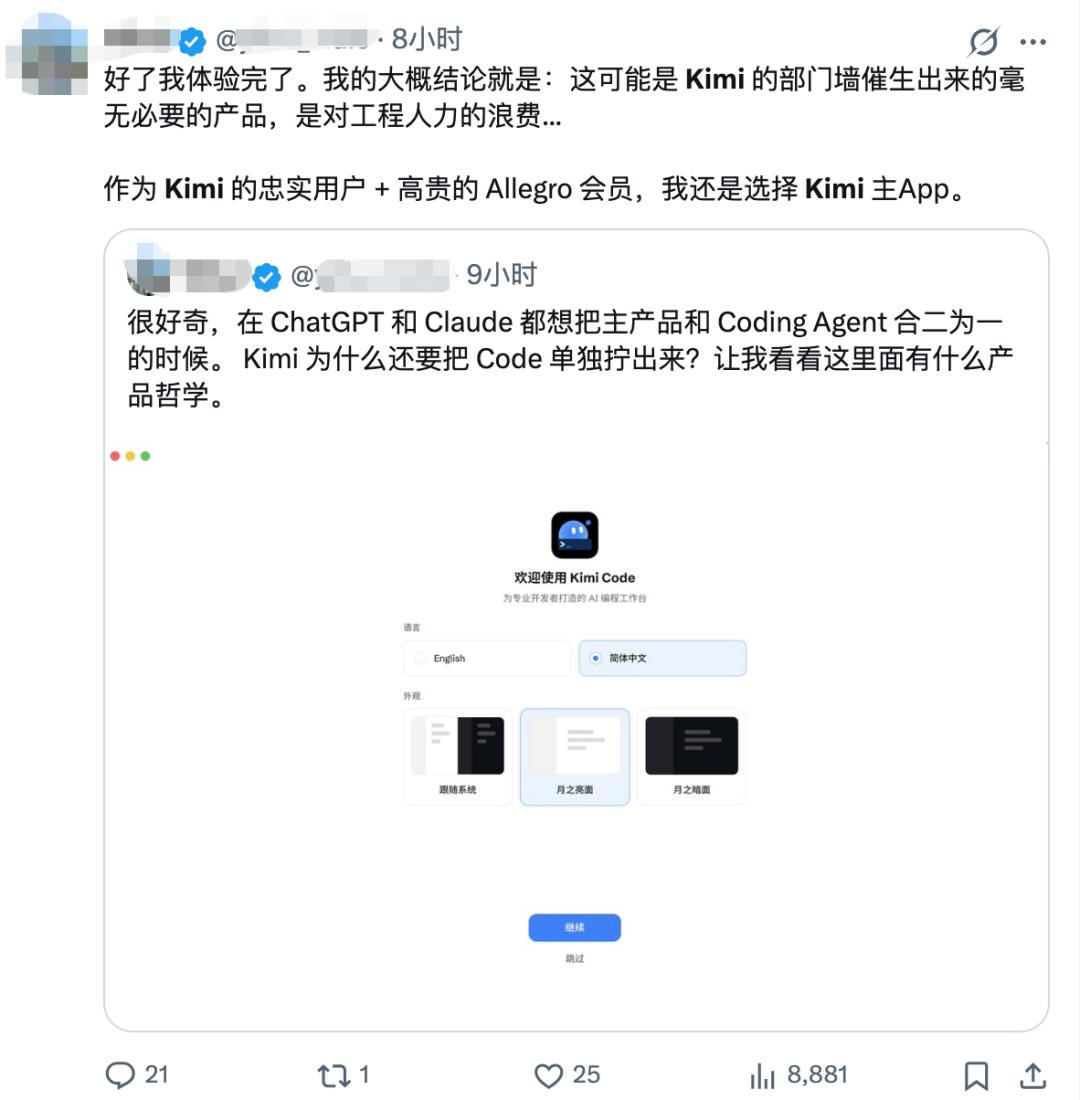
A self-proclaimed user on a social media platform complained
02. Why did Claude start to streamline its products?
Claude's experience is even more interesting.
It previously put capabilities such as chat, Cowork and Design in separate products or different work areas.
But Anthropic explained in its official announcement on September 16 that one of the problems fed back by users is that before starting each task, they have to decide which entrance to go to, and the context in different work areas cannot be naturally continued.
Therefore, Claude began to integrate these capabilities into the same conversation thread.
This reminds me of the experience of using mobile phones in the past.
To take photos, you need to open the camera app; to edit images, you need to open the photo editing software; to make posters, you have to open another app.
Each software has its own professional capabilities, but switching back and forth is really troublesome.
AI Agent is now encountering a similar problem.
Today you ask the AI to help research a competing product, tomorrow you want to organize the research content into a PPT, and the day after tomorrow you want it to make a demo web page based on the PPT.
If every step requires opening a new product, copying the context, and restating the requirements, much of the so-called efficiency improvement brought by AI will be wasted on switching between tools.
Claude now tries to let users only focus on putting forward their needs, and the system will select the corresponding capabilities to fulfill the rest.
However, Claude Code has not been completely integrated into the ordinary chat for now. The official help document clearly states that the Code entrance will still be retained.
This in turn shows that the boundary between professional development tools and ordinary office assistants cannot be easily erased for the time being.
03. Will Kimi merge Code and Work in the future?
My judgment is that there is a possibility of integration, but it is unlikely that the two products will be simply combined into one single chat window.
We can see a clear idea from ChatGPT's practice: unify the client, and retain the professional functions separately.
It incorporates Chat, Work, and Codex into the same desktop application, but users can still enter the dedicated Codex work interface.
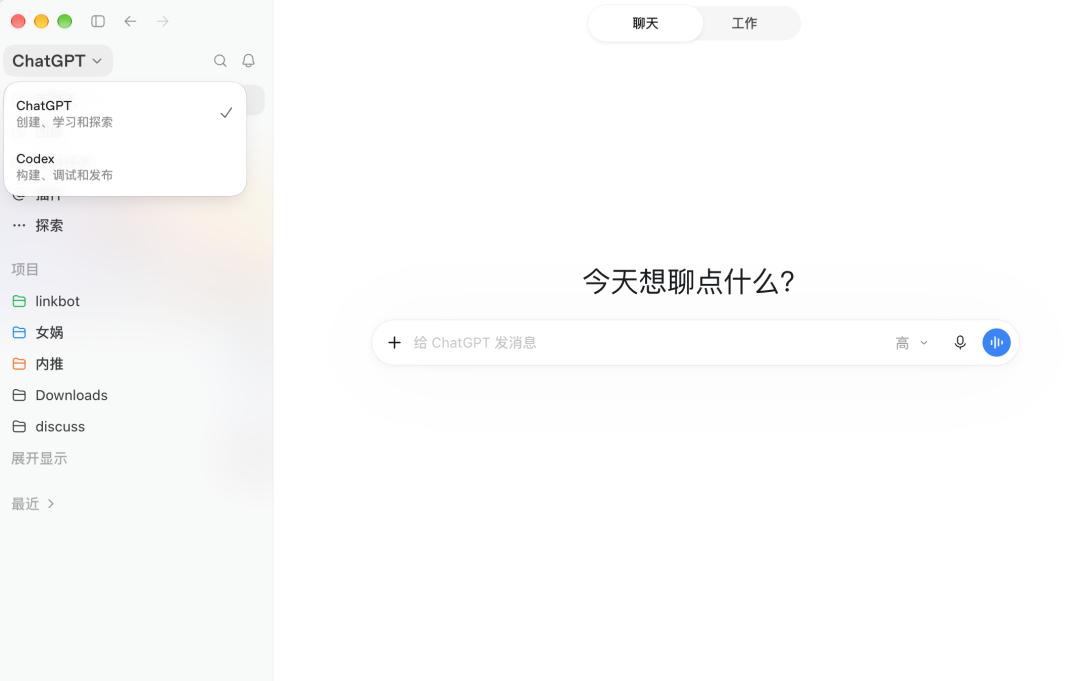
This design takes care of ordinary users, and does not sacrifice the professional operations that developers need.
For Kimi, it can also consider a similar route in the future.
For example, the two products can first share accounts, membership rights, model configurations and project materials, and then gradually connect tasks and conversations.
When a user puts forward a development requirement in Kimi Work, they can directly call the capabilities of Code without creating a project from scratch.
If the client is to be unified in the future, the independent programming workspace can also be retained, instead of stuffing all functions into one dialog box.
This is just one possible evolution direction. At present, Kimi has not announced any plans to merge the two desktop clients.
I even think that Kimi does not need to rush to merge the two products right now.
After launching the independent client, it is more meaningful to first figure out what developers really like and need, and then decide which functions should be added to Work, rather than rushing to integrate them hastily.
After all, software development is a scenario with a special workflow, and office Agent also has its own unique user demands.
Forcibly merging the two sets of interfaces may not really improve the user experience.
Interestingly, the official documentation of Kimi Code has included both programming and knowledge work into the capability scope of its flagship model K3. The model capabilities can be used across scenarios, but the product interfaces are temporarily separated.
This may also be a problem that AI product managers need to face in the future.
When the same model can write code, make PPTs, operate browsers, process files, and even complete more and more complex tasks, do we still need to develop independent apps for each capability?
Kimi is making programming an independent product, while Claude and ChatGPT are trying to reduce the number of product entrances that users face.
At present, both routes have their own rationales.
One day in the future, when users turn on their computers and only need to tell the AI what they want to complete today, without having to consider which software to open, the boundary between Code and Work may no longer be as important as it is now.
At that time, looking back, we will get the answer to whether the independent Code client launched by Kimi today is a long-standing professional tool, or a stopover on the way to a unified AI workstation.
This article is from the WeChat Official Account "Everyone is a Product Manager" (ID: woshipm), written by Guai Ge, and published with authorization from 36Kr.