Apple has "unveiled" the touchscreen MacBook Pro ahead of schedule, and I can finally poke my colleague's computer.
If you only have a budget for buying a computer, and you are presented with an "iPad + Keyboard" and a MacBook at the same price point, which one would you choose?
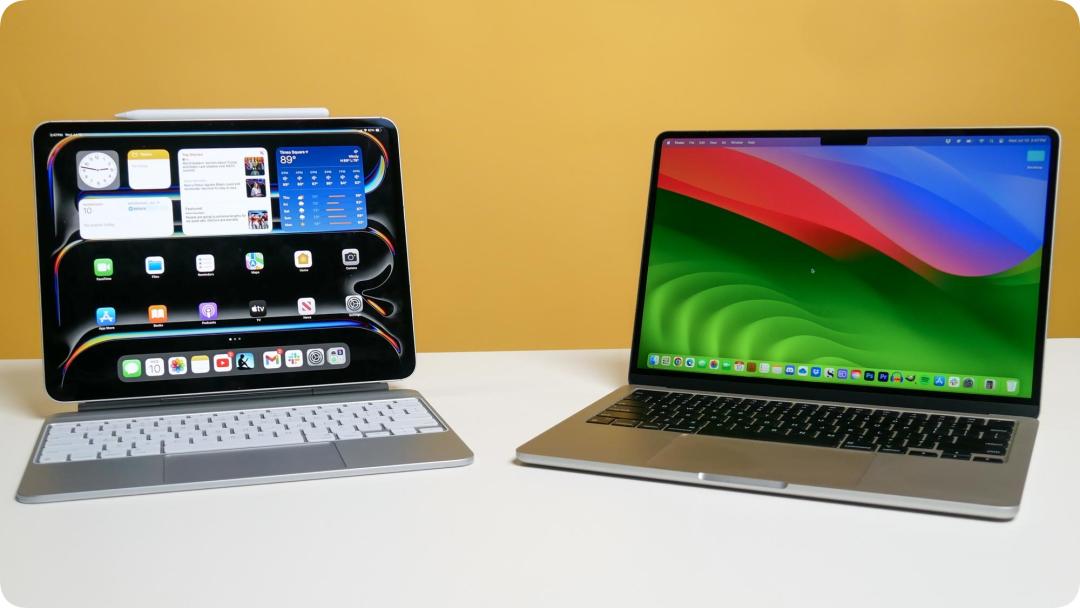
Photo | Tom's Guide
The two are priced almost the same, and the iPad even seems more tempting: it has top-tier screen quality, you can swipe, zoom and scroll with your fingers anytime, and you can lie down and use it once you remove the keyboard.
But as long as you actually sit down to work, no matter it is multi-window layout comparison, precise positioning in complex spreadsheets, or decompressing and transferring several files back and forth, all its awkward restrictions will drive you crazy. Even though the iPad's performance has long been more than sufficient, most people still have to choose a MacBook when it comes to handling hardcore productivity tasks.
But after you pick the MacBook, every time you subconsciously reach out to swipe the webpage on the screen or zoom in on an image, the cold glass panel reminds you: it still only recognizes the keyboard and trackpad.
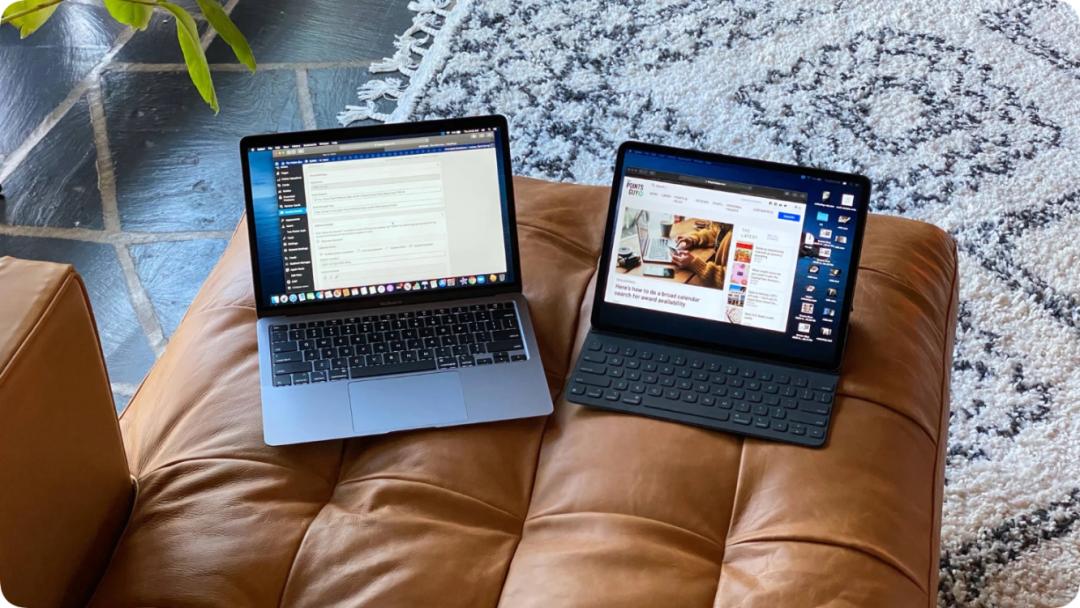
Photo | The Points Guy
In terms of performance, the two have long been on equal footing. But when people want a "Mac with a touch screen" or an "iPad that can run a desktop system", Apple has always pretended to be confused, the underlying message is to make you buy both.
But things may really be about to reverse.
Multiple leaks show that a high-end MacBook with an OLED touch screen is already on the way. And compared to the hardware, macOS seems to be even more anxious - in the underlying code of the latest macOS 27, Apple has quietly laid a full set of interaction preparations for finger operations.
"Refrigerator and Toaster": Two Non-Compromising Interaction Paradigms
As early as 2010, Steve Jobs publicly analyzed the ergonomic flaw of vertical touch: hovering your arm in the air to poke a vertical screen looks really cool in a two-minute keynote demo, but after more than ten minutes of daily use, the arm-raising posture that violates the physiological structure will cause severe muscle fatigue —
Which is the well-known "gorilla arm" effect in ergonomics. Based on this consideration, Apple put all its chips of multi-touch on the huge trackpad under the keyboard.
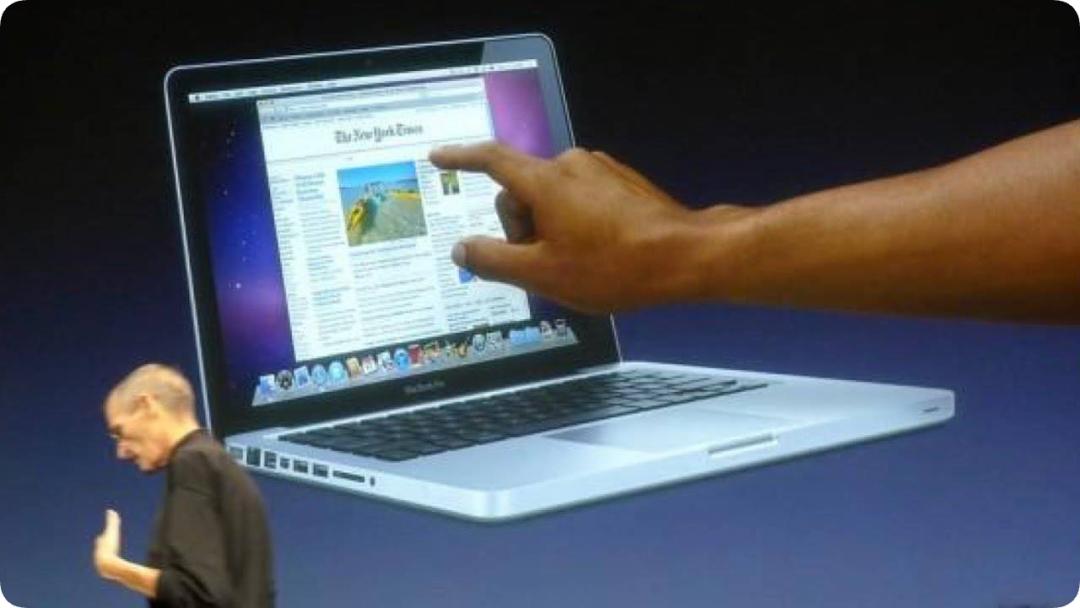
Photo | Apple
Two years later, Microsoft launched the 2-in-1 tablet-laptop boom with the first-generation Surface, but Tim Cook poured a basin of cold water at the 2012 earnings call.
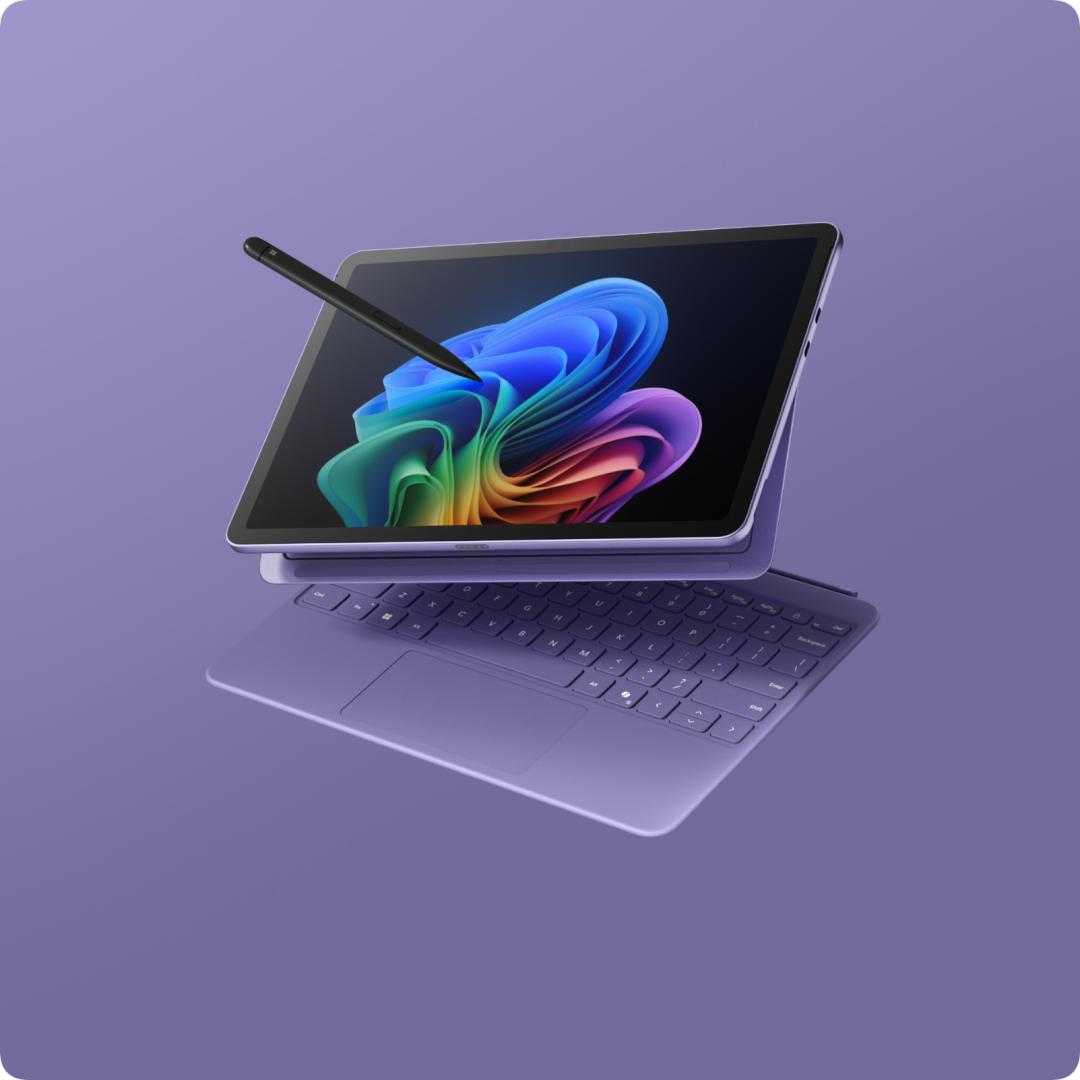
Photo | Surface Pro (Source: Microsoft)
Faced with the question "Will Apple make a laptop that can be used as a tablet when closed", Cook said bluntly:
Anything can be forcibly combined together, but products are inseparable from trade-offs. If you compromise all the way, no one will be satisfied with the final product. You can of course force a toaster and a refrigerator together, but users probably won't be happy to use it.
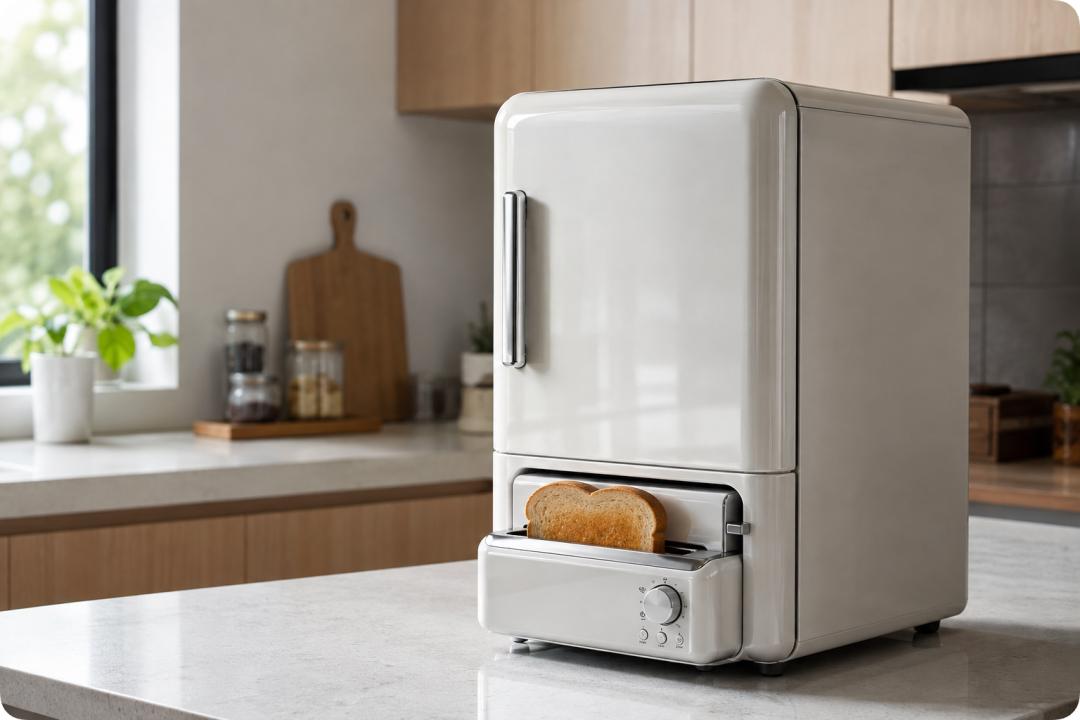
Generated by AI
This set of trade-off principles has been regarded as a golden rule in Apple's product roadmap for more than ten years afterwards. In 2018, Craig Federighi, who was in charge of software engineering, still emphasized that sitting in front of a Mac with your hands naturally resting on the palm rest is the most ergonomic posture, and frequently raising your hand to poke the screen is nothing but asking for trouble.
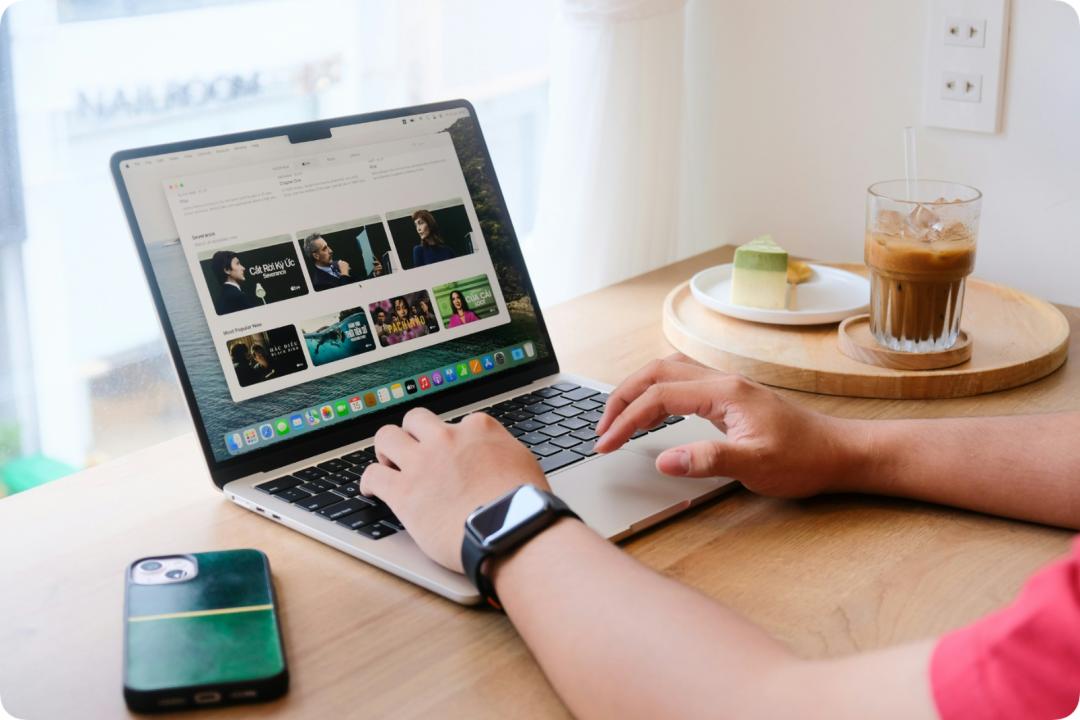
Photo | Taan Huyn on Unsplash
When the iPad Pro was updated with the M1 chip in 2021, John Ternus, then hardware senior executive, and Greg Joswiak, head of marketing, reiterated again: Mac and iPad have their own roles, and neither intends to swallow the other.
Ultimately, there is a natural rejection reaction between touch and desktop systems.
On Windows 11, after you unplug the keyboard, the system will automatically enlarge the taskbar, and multi-finger gestures are also complete; but once you open traditional professional software, the dense menus and tiny icons still make people don't know where to start.
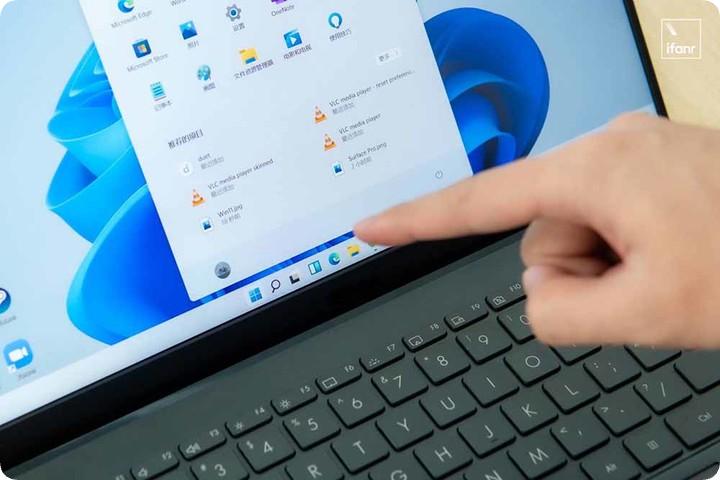
The long-silent Windows tablet may become our best choice
On the other hand, the iPad that tries to move closer to the desktop has also been moving forward with difficulty. In 2017, ifanr conducted a 16-hour office experiment. Even though it could handle writing, replying to emails and attending meetings, restricted by the framework of the mobile system, multi-task switching and deep file transfer were still stumbling.
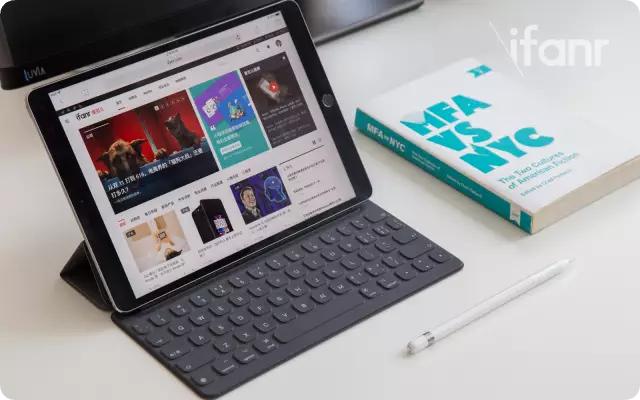
Later, even after it was equipped with M-series chips and added Stage Manager, when encountering high-intensity professional workflows, everyone still had to sit back in front of the Mac in the end. The emergence of Universal Control is even Apple's tacit compromise: instead of forcing the iPad to take the lead alone, it is better to let it stay beside the Mac honestly as a secondary screen.
The iPad failed to subvert the Mac, but the user's instinct to tap and select on the screen has not disappeared.
Faced with this reality, Apple has also begun to shift its attention back to the MacBook. According to Bloomberg, Apple is developing a MacBook with a touch screen, but it will not change the existing core of operation; the keyboard and trackpad as the main interaction methods are still fully retained, and touch is only a supplement to the existing interactions.
Hardware Not Launched Yet, macOS Has Gotten Ahead
While all kinds of hardware leaks are flying all over the sky, Apple has already taken substantial actions in the underlying code of macOS 27.

In a technical memo obtained by developers, a dedicated interface for detecting "whether the current screen supports multi-touch" has been added to the system underlying layer. In practical applications, its emergence is mainly for Sidecar - to facilitate applications to recognize the external iPad screen and adapt to the corresponding touch gestures.
But what is intriguing is its underlying design: Apple directly hangs it under the basic "NSScreen" object of the system. This means that macOS has abstracted "multi-touch" as a general hardware capability of the screen itself.
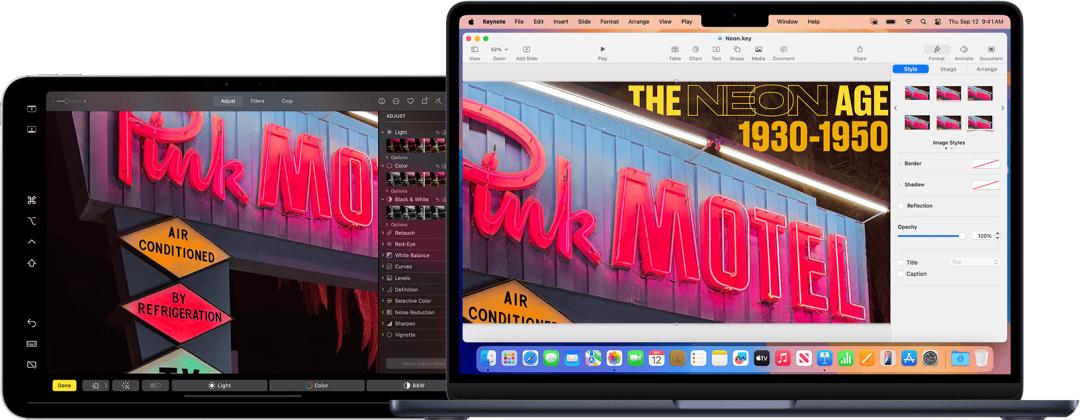
Photo | Apple
Whether it is an iPad connected via Sidecar, a potential native touch-screen Mac in the future, or an external touch screen, the underlying layer recognizes the same set of logic. Along with this, touch scrolling and gesture dragging have also been connected to the event response chain of macOS.
Faced with the huge software ecosystem that has been designed for keyboard and mouse for decades, Apple's processing method is quite similar to Microsoft's back then: new software can actively adapt to native touch gestures, while for old applications that have not been modified, the system quietly "translates" finger taps, swipes and scrolls into mouse clicks and wheel scrolling in the background.
Another key change lies in the subdivision of input logic. In the past, Mac defaulted that fingers would only slide on the trackpad, which the system called "indirect touch"; in the new architecture, the action of fingers directly touching the screen is separately diverted and defined as "direct touch".
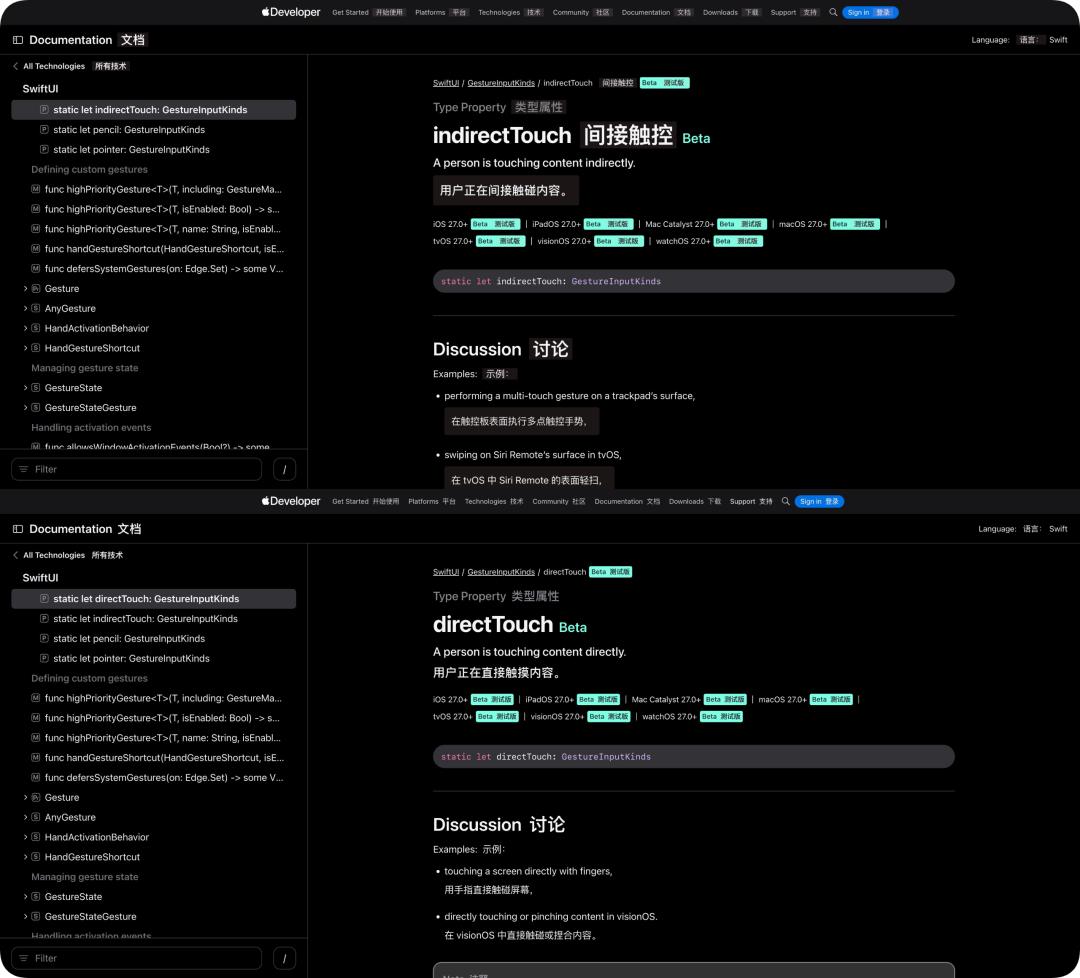
Distinguishing these two behaviors is precisely to solve the long-standing problem that traditional desktop buttons are too small and easy to be accidentally touched. According to Bloomberg's disclosure, future macOS can dynamically perceive the current input method: it maintains the professional and compact default layout when the cursor moves, and once it detects that a finger is close to or directly taps the screen, the trigger areas of menu items and icons will automatically expand to reduce the probability of missing taps.
In the native components of macOS 27, built-in apps such as Safari, Mail, and Calendar have also quietly launched "pull to refresh". This interaction that seems a bit redundant on the trackpad is obviously tailor-made for touch screens.
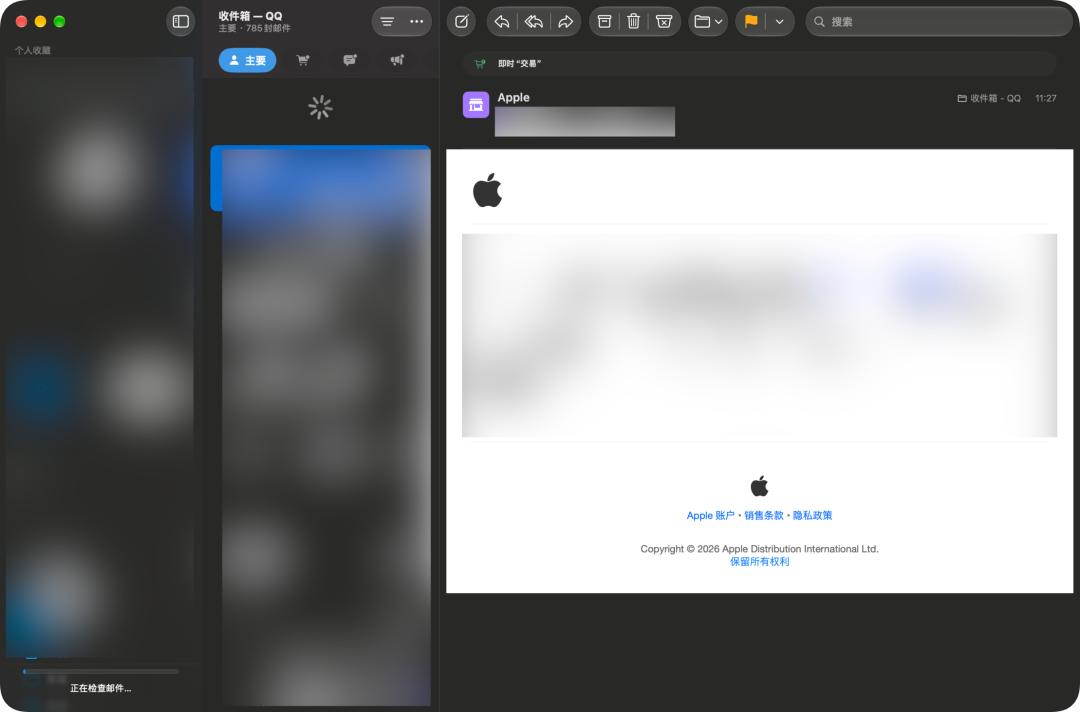
Photo | The "pull to refresh" operation in the "Mail" App of the macOS 27 beta version
Since the software has been prepared to recognize fingers at the underlying layer, the remaining difficult problems are all left to the hardware.
Behind an OLED Screen That You Can "Touch"
Regarding the hardware trends of the first touch-screen MacBook, supply chain leaks in recent years have gradually pieced together a general outline. Combining news from Bloomberg and Ming-Chi Kuo, the new machine will be locked in the high-end 14-inch and 16-inch lines: it will have a brand-new mold, a thinner and lighter body, and the screen notch that has been used for many years on the front is expected to be replaced by a Dynamic Island-style punch hole similar to that on iPhone.
The outside world initially speculated that the new machine would directly launch a high-end chip with a 2nm process, but the latest news shows that the major revised architecture will most likely be postponed to 2027. The first touch-enabled model is more likely to use the mature and stable M5 Pro and M5 Max, and will debut as the grand finale flagship, and there are even rumors that it will adopt the new "MacBook Ultra" naming.
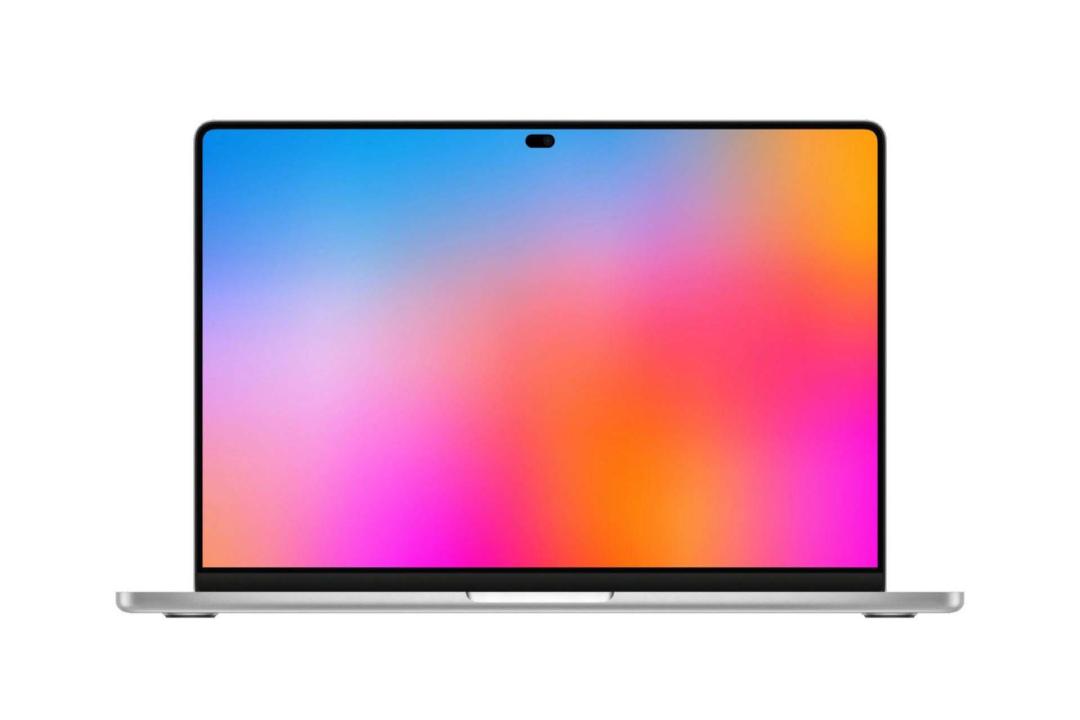
Photo | Conceptual rendering of a touch-screen MacBook (Source: The Top Pod)
Compared with the chip, the screen and hinge are more noteworthy.
In order to make the screen thin and light enough, the new machine is said to fully adopt the On-cell embedded touch technology, which directly integrates the touch sensing layer into the display panel, and by the way reduces the "screen door effect" on the screen of some touch laptops;
The panel itself is supplied by Samsung Display, which uses the verified dual-layer tandem OLED architecture on the iPad Pro, with sufficient guarantees in brightness and screen lifespan.
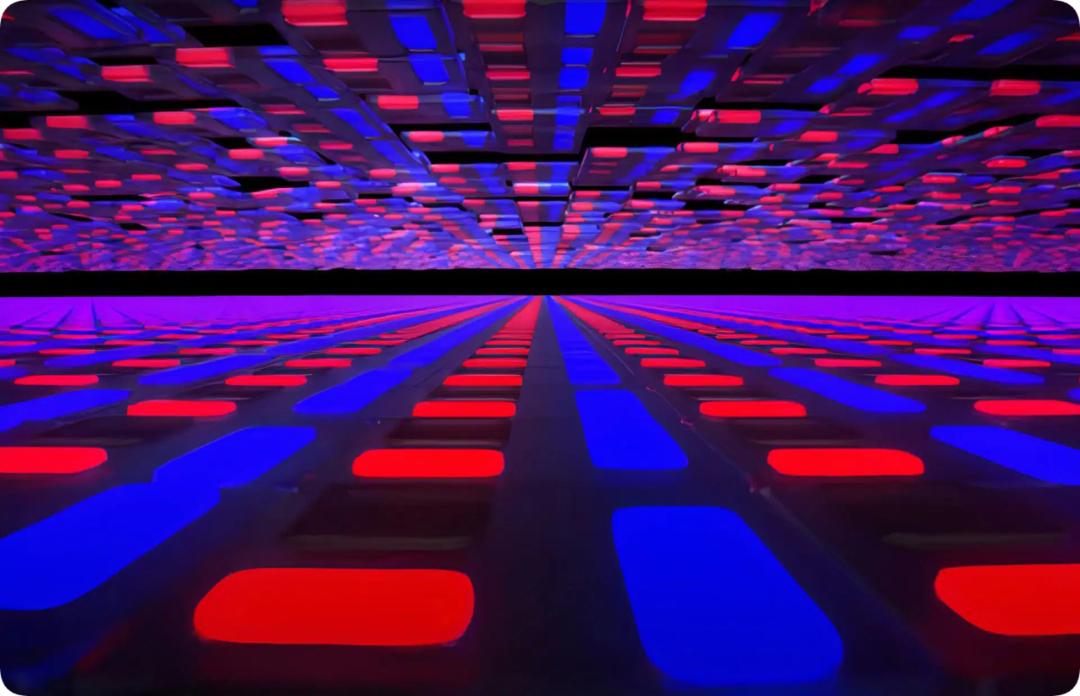
Photo | Schematic diagram of the dual-layer tandem OLED structure of the iPad