Did DeepSeek's major update tonight really turn out to be a total flop?
On one hand, many people are praising the official release of DeepSeek's new model V4 Pro as extremely impressive, calling it a Fable 5-level launch that is so powerful it knocked the competing top-tier model limp onto Sam Altman's lap.
On the other hand, netizens are complaining about price hikes, stating that the model's capabilities seem to fall short of expectations, and even suspecting that the wrong model has been deployed...
This update for the official version of DeepSeek V4 Pro, while not the most explosive one, is absolutely the most divisive one in terms of public evaluation.
Is Liang the tech genius, or Liang the overhyped figure? This release seems to be Schrödinger's Liang...
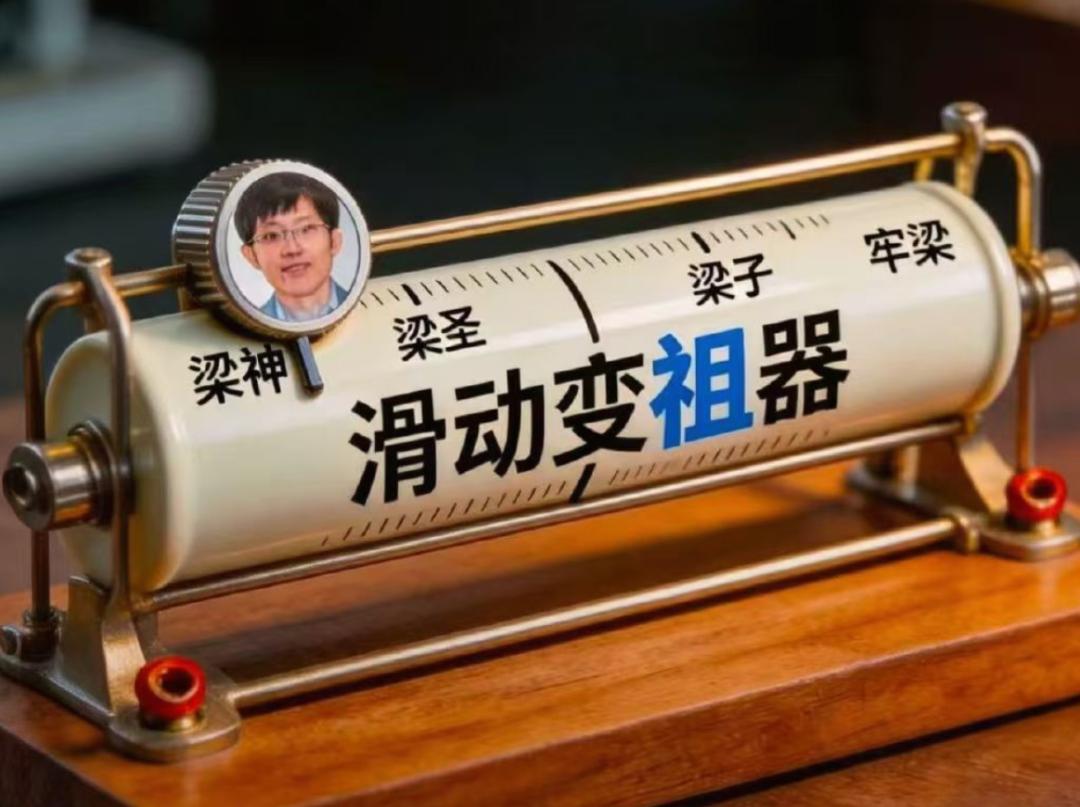
But it can only be said that for a period of time in the past, what everyone could experience was actually an incomplete version of DeepSeek.
Careful netizens must have noticed that starting from the official version of V4 Flash, there is a small line of text under DeepSeek's official model benchmark table that informs everyone: these scores are all run in DeepSeek Harness, abbreviated as DSH.
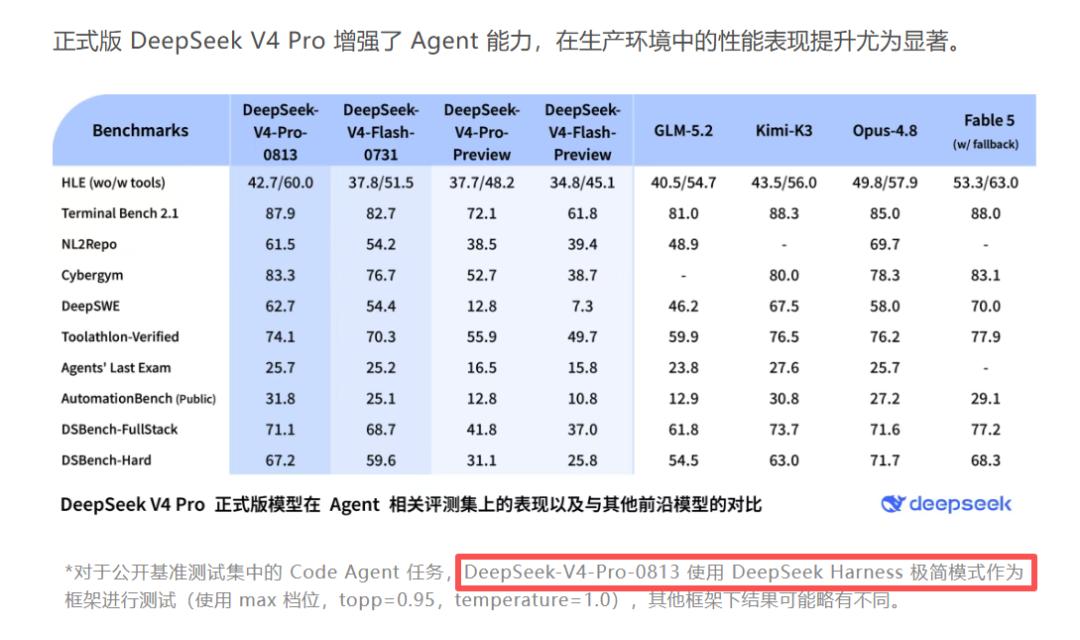
Here, we will also give a quick popular science explanation of what Harness is for some readers.
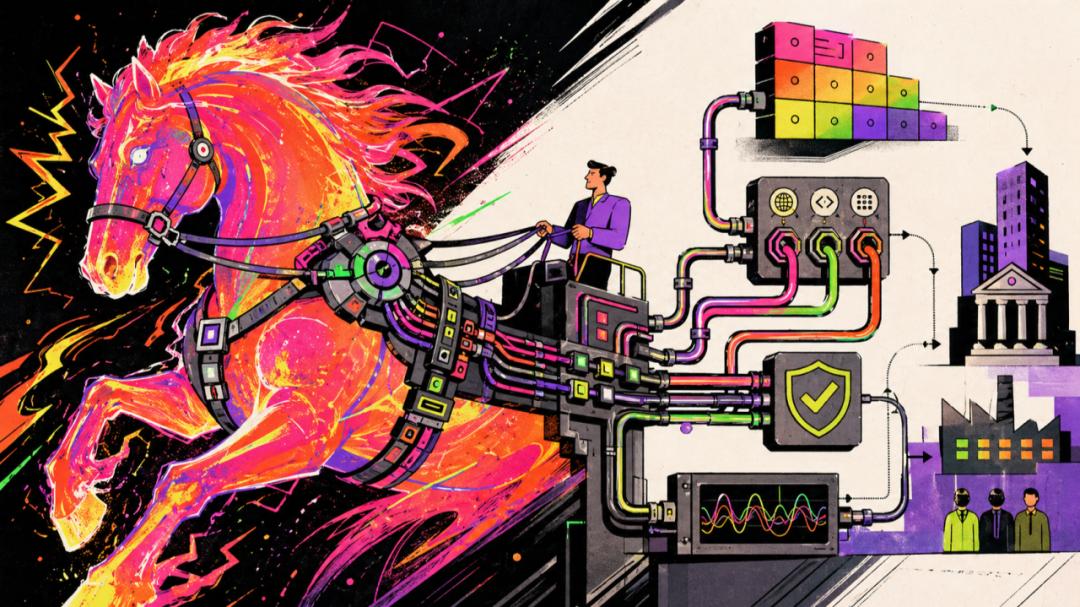
To put it simply, the large model itself is just an extremely intelligent brain in a vat.
If you want this smart brain to work for you, for example, to write a piece of code, look up information, or call various tools to complete a complex task, you have to equip it with a mech suit and a nervous system.
In the AI industry, this exoskeleton mech that connects the model to tools and manages its operating status can be called Harness.
The same brain, that is, the model, will actually show different capabilities under different Harness such as Codex, ClaudeCode, Workbuddy and so on.
Therefore, the entire AI circle is full of interest in this DeepSeek Harness, wondering why it can improve the model's benchmark scores so much?
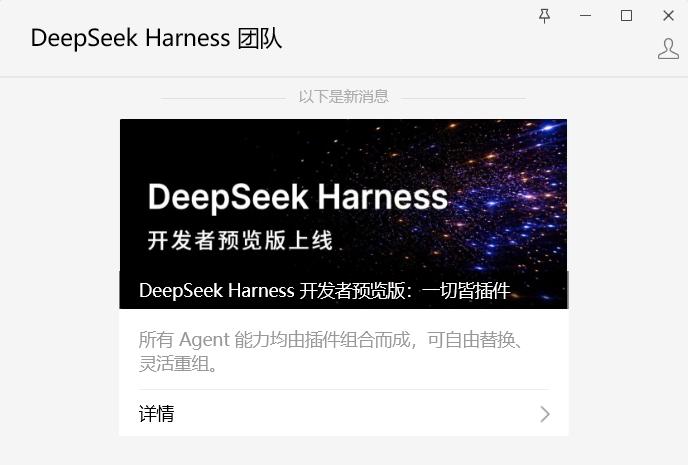
And just now, the full picture of the full-capability DeepSeek has finally been completed, and the long-awaited Harness tool has finally been released.
With it, DeepSeek V4 Pro/Flash can bring out their true full performance.
How powerful is the capability of this tool?
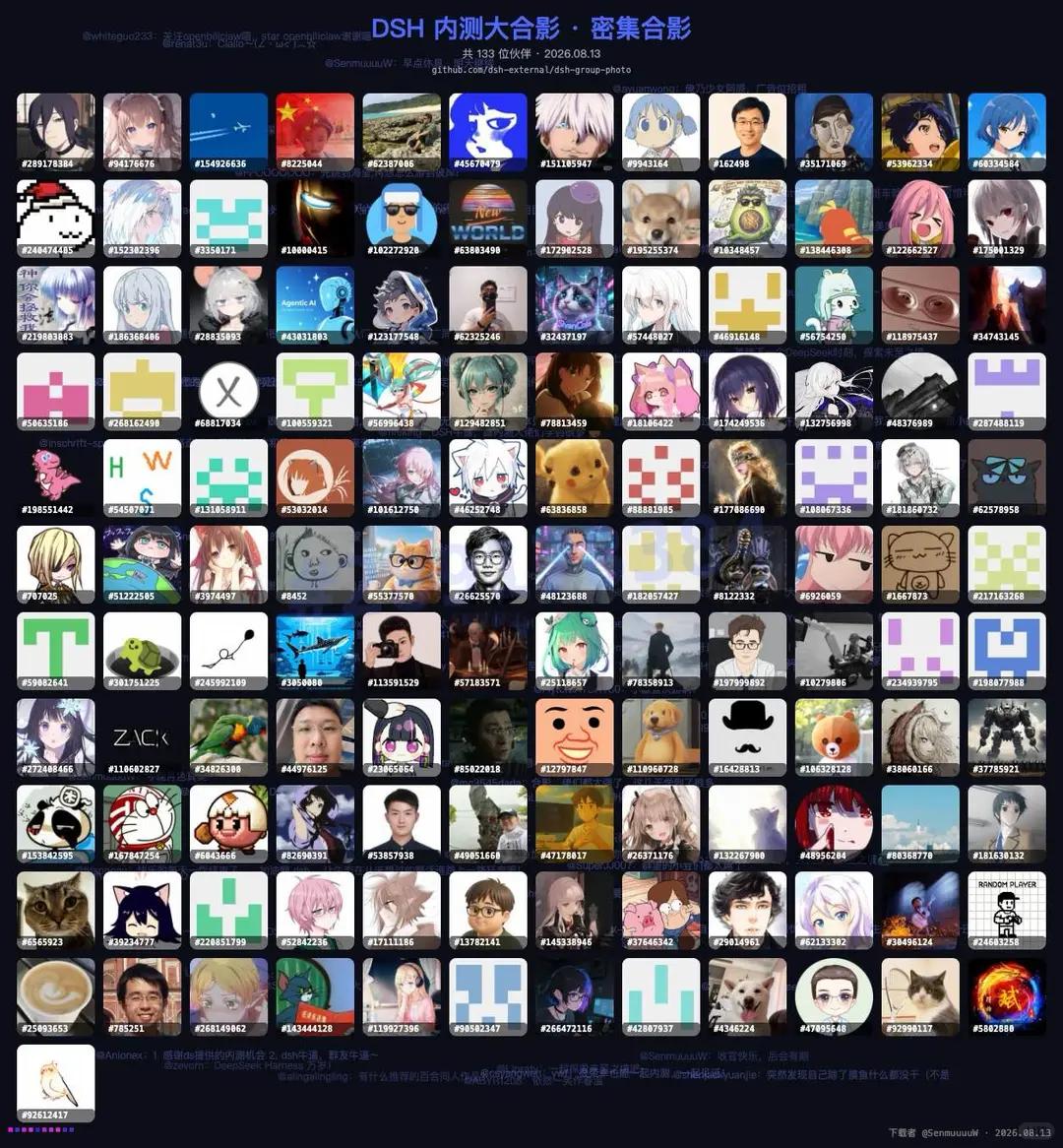
You can tell how terrifyingly powerful it is just by looking at the collection of avatars of programmers who participated in the internal test.
We also got our hands on the preview version as soon as it was released to experience it, and after using it, we can only say:
It may not be the most beginner-friendly AI tool, but it is absolutely one of the AI tools with the highest upper limit of capability.
Because you can personally shape every part of this tool, and modify every part that you are not satisfied with.
Of course, this concept may sound a bit complicated, but it's no big deal, we can start from the most basic UI interface:
At first glance at the entire DSH, you may think it is not much different from the web version of DeepSeek.
There is a sidebar on the left to view chat history, and a large dialog box on the right for chatting and working. You can select the workspace in the upper left of the chat box, and select the model and inference intensity in the lower right of the chat box.

These are all familiar features, but a closer look reveals that DeepSeek provides a feature that is different from all other AI tools:
You can switch between four working states to get work done: Standard Mode, Minimal Mode, PTC Mode, and Creation Mode.
We studied it carefully and found these four modes are quite interesting,
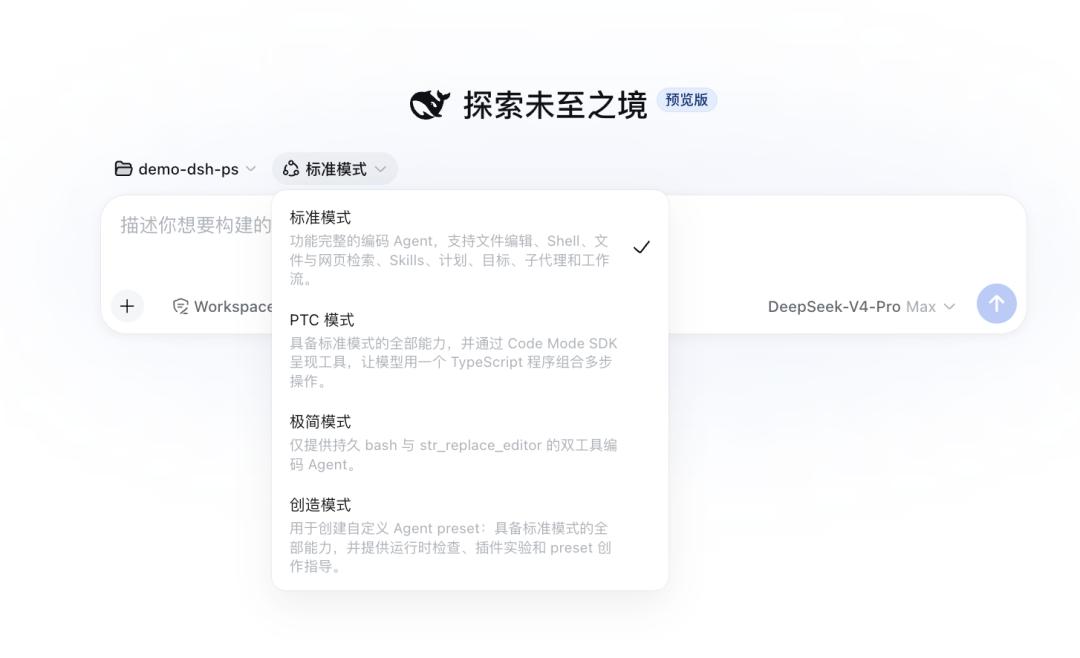
We won't go into detail about the Standard and Minimal modes, as the names make their functions self-explanatory.
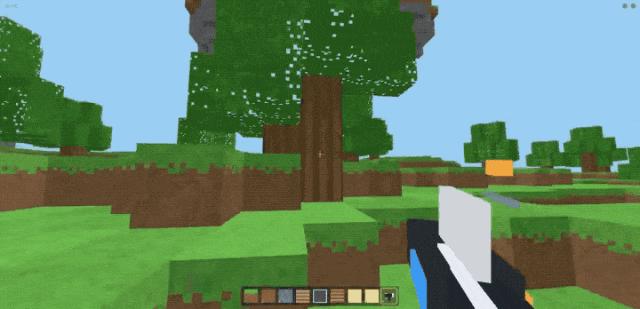
The former is the mode that everyone usually uses when using AI, we did a simple test by asking it to make an MC-style portal game for us to play.
It did not hesitate at all, and quickly generated the game, the whole process only cost 1.56 yuan.
The latter is mainly used for model testing, it removes all the fancy features and lets the model speak purely with its own real capabilities.
But this newly launched PTC mode is something most people have probably never seen before.
We also studied it carefully and found that the only purpose of this mode is:
To figure out how to teach AI to work efficiently.
No matter how simple a question is, if you repeat it 100 or 200 times, the model's context window may get completely filled up.
For example, if we want to order takeout, we need AI to find nearby restaurants for us.
If we read the information of hundreds of restaurants into the AI all at once, the model's context window will easily be completely filled.
But with the help of PTC mode, we can let AI actively write code and set filter conditions to solve the problem. In this way, the content entering the model's context will be more concise, the model's own capabilities will not be greatly reduced, and it will work more efficiently.
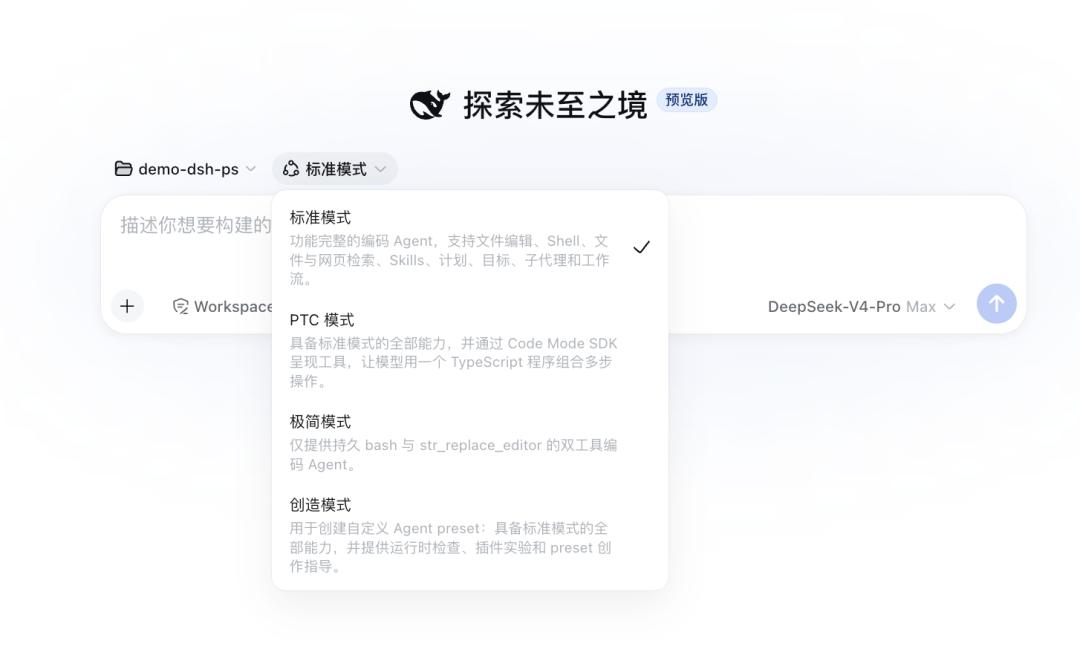
The Creation Mode is even more interesting. Simply put, you can use this mode to write plugins for DeepSeek Harness by yourself, and update your own DSH client on your own.
The reason why DSH has such a high capability upper limit is largely due to this feature.
In the past, tools like Claude Code and Codex usually had a relatively complete official main body at first.
Through this main body, the model's most basic capabilities such as file reading, code modification, task assignment are pre-configured. Although everyone can continue to write plugins and modify code on these software, the overall skeleton of the project is already fixed.
But for DeepSeek Harness, everything can be modified, all functions are plugins, and everything can be adjusted.
For example, as we mentioned earlier, DeepSeek V4 Pro has four working modes.
We asked it on the spot to create a fifth working mode: "Survival Mode" to see the effect.
As long as we simply state our requirements to it, DSH will break down the problem as usual and then implement the solution by itself.

After a few rounds of adjustments, we got a brand new Survival Mode.
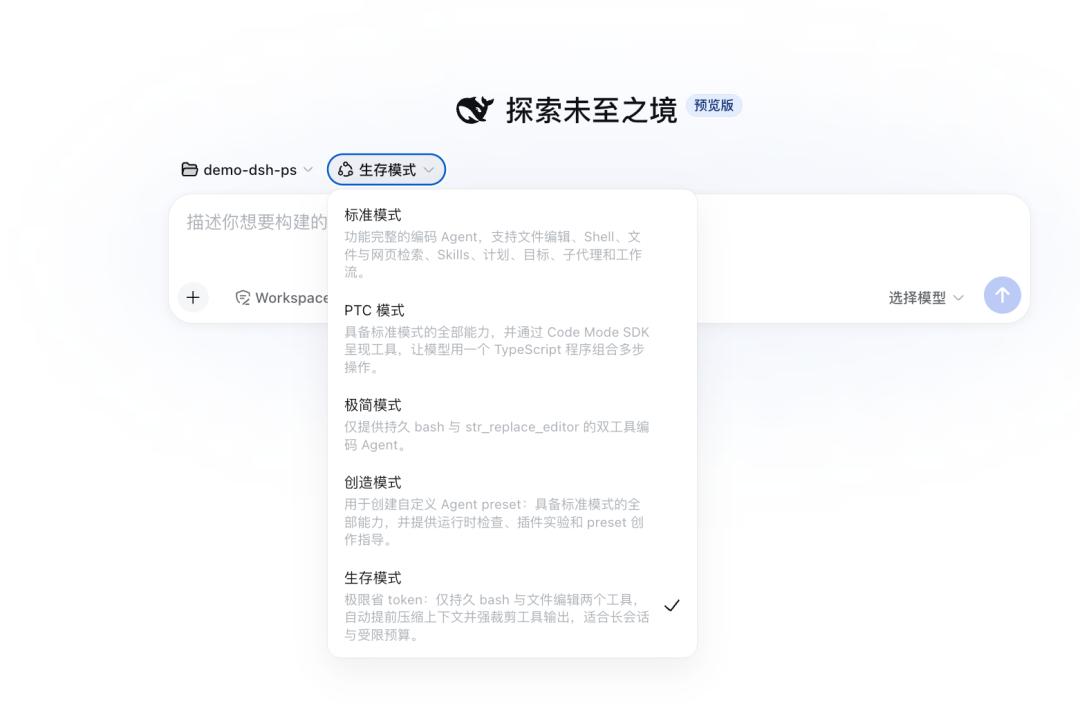
After enabling Survival Mode, DeepSeek Harness will not only save tokens very efficiently while working, but also display the remaining HP (context length) and remaining MP (remaining account balance) of the current project in the lower left corner of the interface in the form of a health bar and mana bar.
When the health bar is insufficient, it will automatically remind the user to recover HP (compress the context), and when the mana is insufficient, it will remind you to replenish mana (recharge your account).
When both health and mana are completely exhausted, it means survival has failed and the run is over.

Of course, we only tested this feature briefly for fun. In fact, those experienced internal test users have already made all kinds of amazing customizations with DeepSeek Harness.
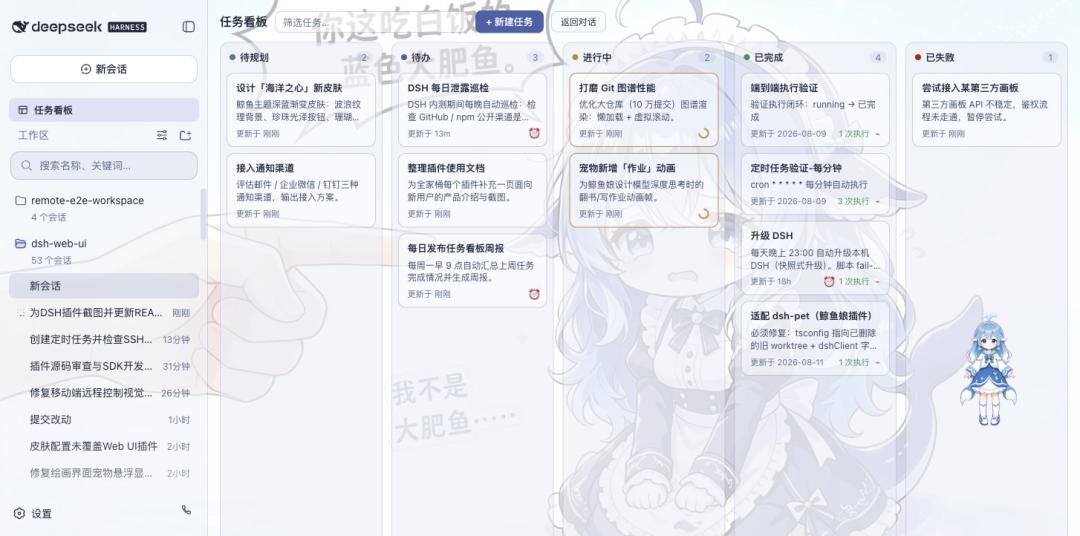
For example, someone directly made a whale girl themed custom skin for it...
https://github.com/zhu1090093659/dsh-web-ui
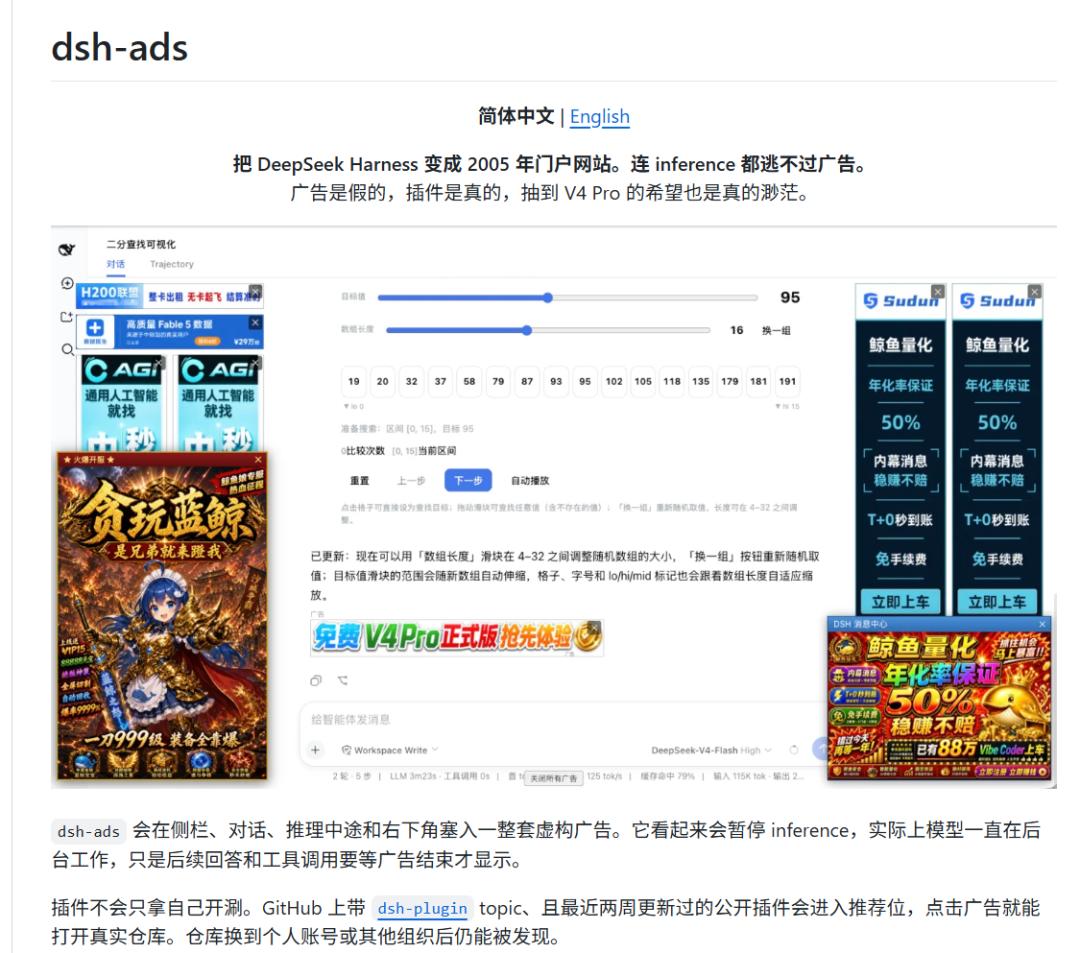
Another user even added a custom advertisement display feature on it for fun.
https://github.com/Nagi-ovo/dsh-ads
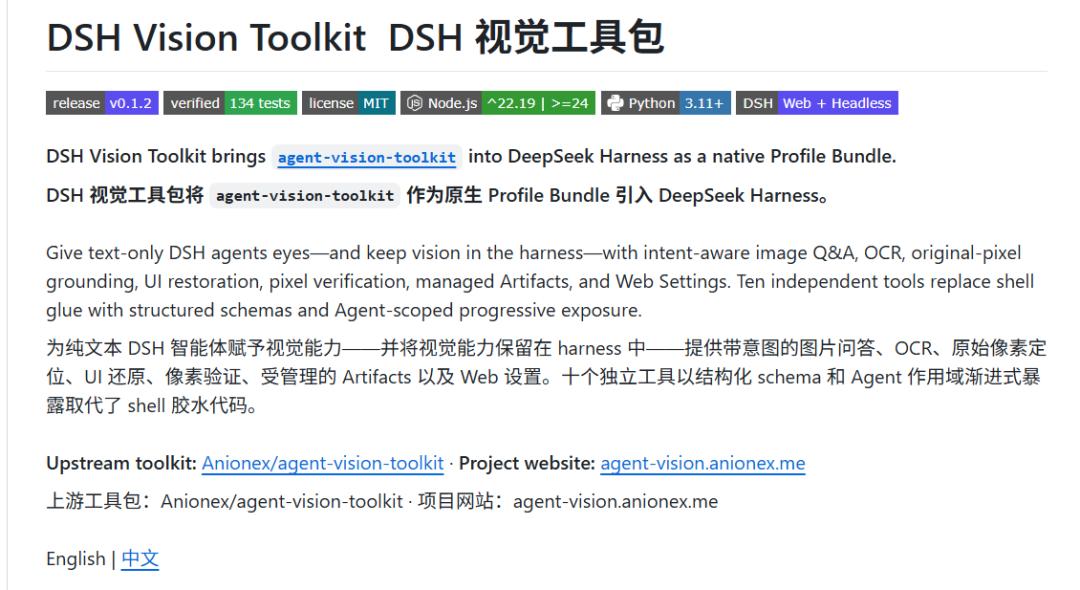
And not everyone is just making fun gimmicks, some users started from the underlying layer and developed a brand new image recognition capability toolkit for DSH.
https://github.com/Anionex/dsh-vision-toolkit
Of course, this capability where everything is a plugin and you can freely install, uninstall and combine all components sounds very cool.
But it is not easy to implement at all.
Even deleting a software on our ordinary computer often leaves residual files, so DeepSeek spent a lot of effort researching to properly handle the loading and uninstallation of so many plugins.
DeepSeek and Peking University even jointly published a paper named "Programming Paradigm with Spatio-Temporal Composability".
After studying it, we found that DeepSeek is not just doing this for coolness, they want to customize a dynamic operating system for AI.
