I spent 3,000 yuan buying a learning tablet, which helped me quit the habit of scrolling through my mobile phone before bedtime.
In an era where the current smartphone market is highly homogenized, and all manufacturers are stuck iterating on generic designs and trivial micro-innovations, a device with a peculiar form factor can easily catch the eye of digital enthusiasts. Some time ago, when I was browsing the official website of iKKO, I was attracted by a mobile phone called MindOne Pro. Its nearly square body ratio is very special, just like taking the outer screen of a small foldable phone and making it into a bar phone separately.
I have always joked with my friends that if any manufacturer on the market is willing to use the outer screen of a foldable screen to make a small bar phone, it will definitely be a great digital wellness device. With this curious mentality, I bought a Chinese domestic version of the MindOne Pro. However, after a period of real-world use, this phone completely disappointed me. If I have to sum up this experience in one sentence, it would be: Slightly underpowered, with exquisite and reliable overall build quality, but the system experience is a total mess.
▍ Charming Proportions, Restrictive Experience
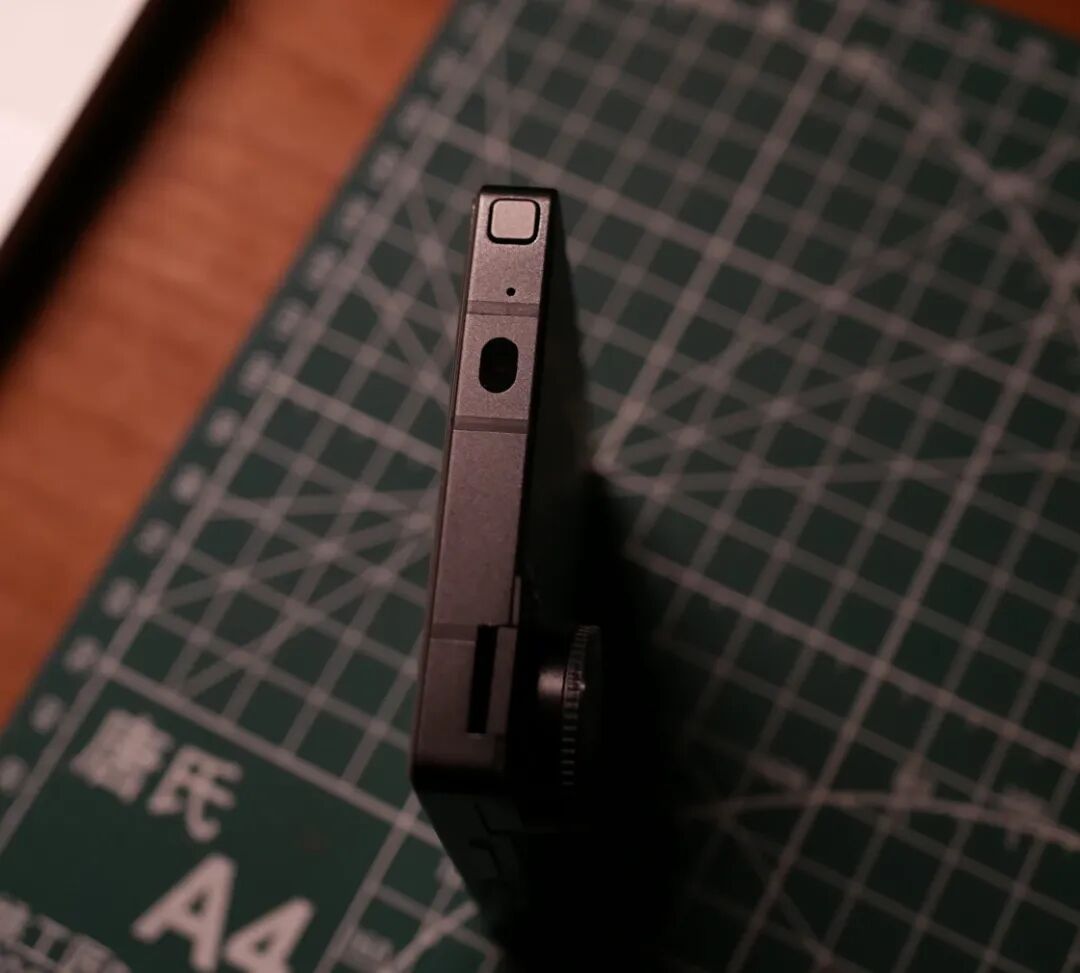
Let's start with the few highlights of this phone. The build quality of the iKKO MindOne Pro is quite exquisite, with tight seams and well-treated material texture, so you can truly feel a sense of premium quality that is different from cheap backup phones. This nearly square body ratio looks very cute and compact visually. When holding it with one hand, your thumb can almost reach the top edge and the other side of the screen, and the hand feel is as wonderful as holding a smart home panel with excellent texture.
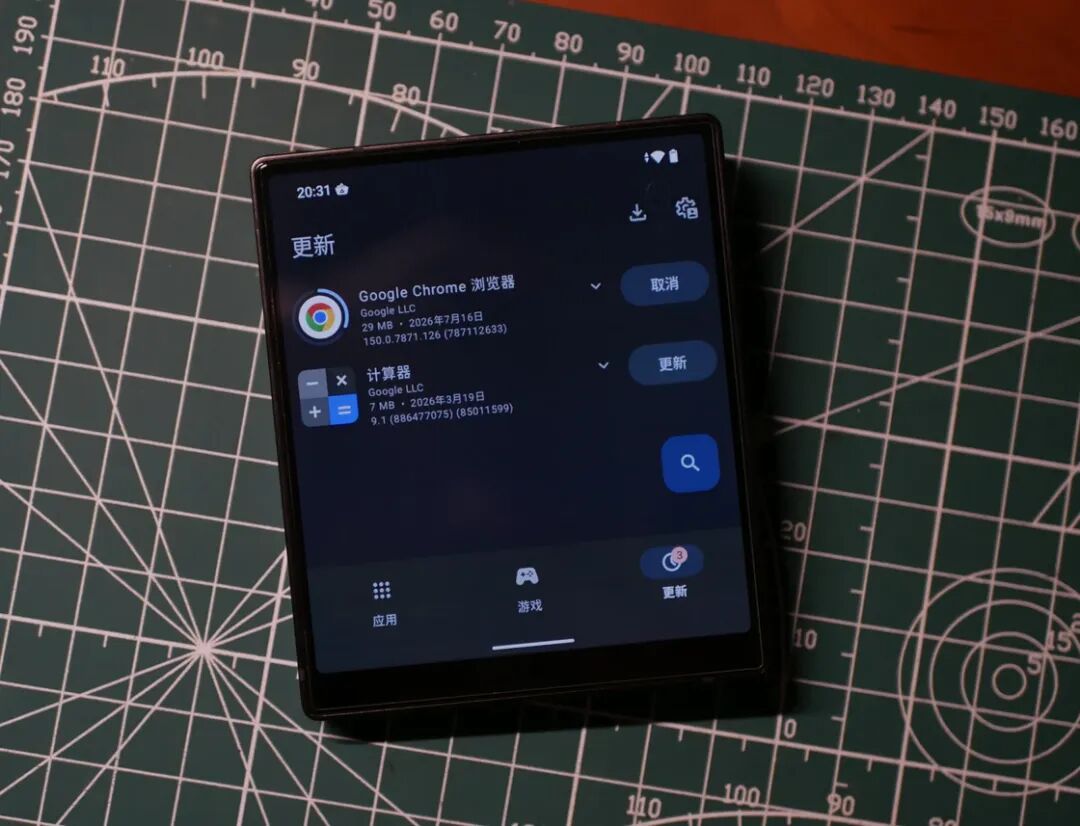
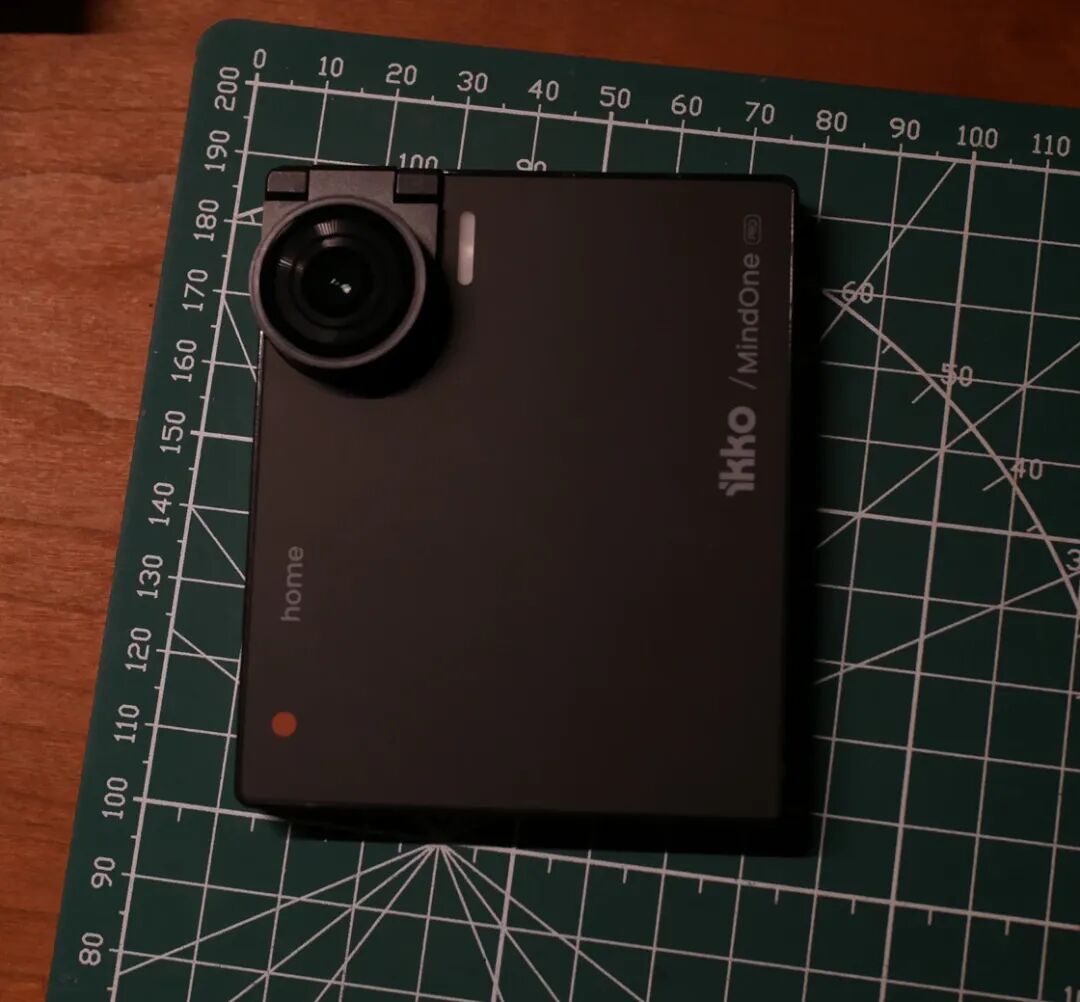
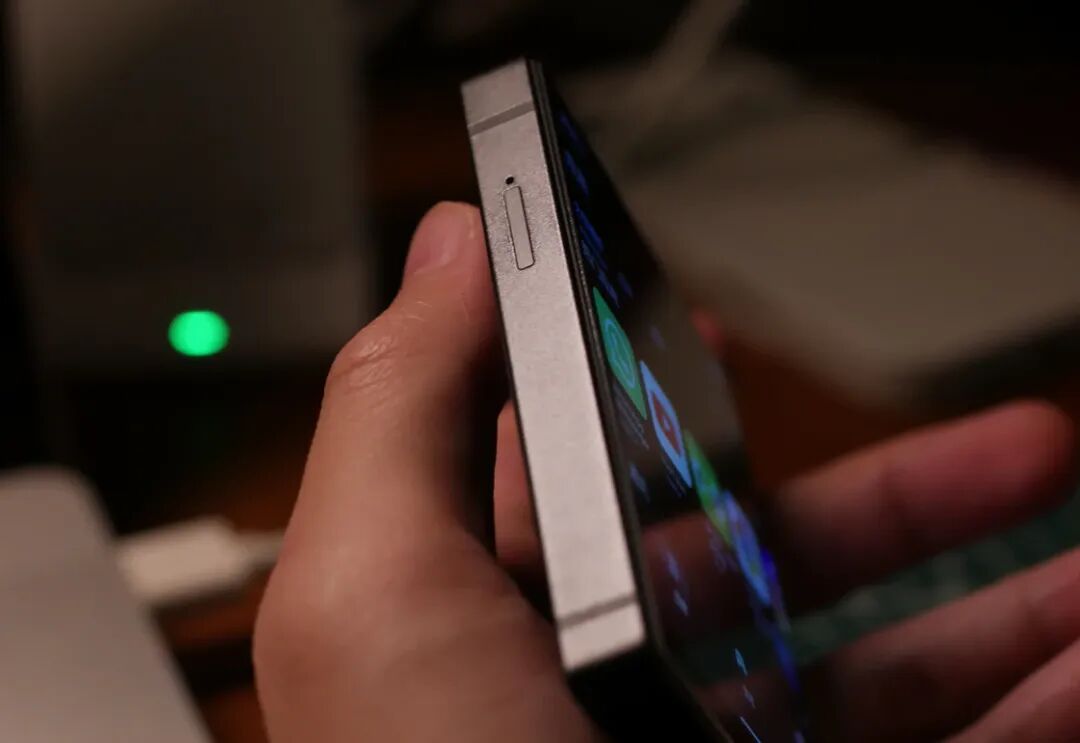
Swipe left and right on the images
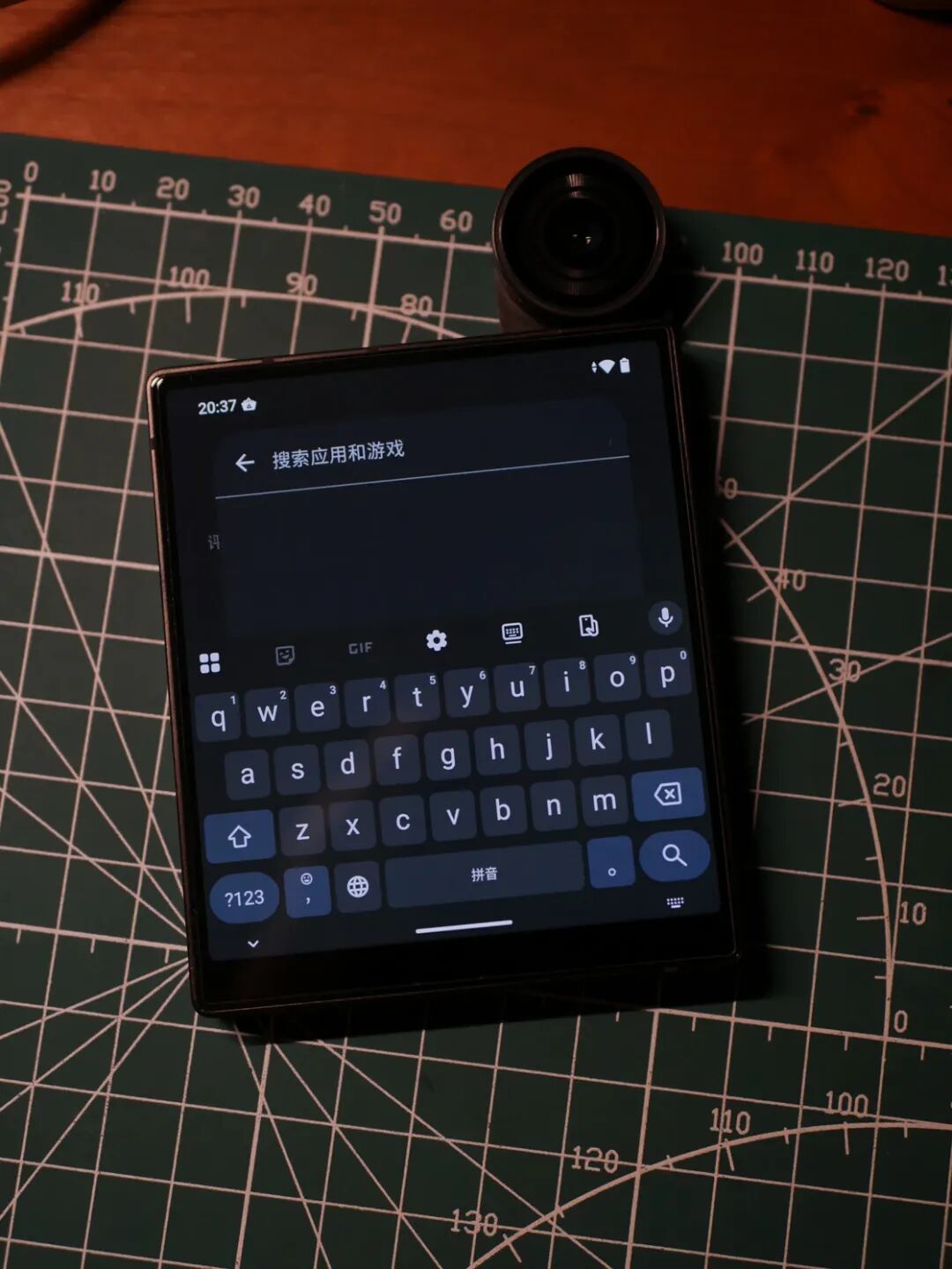
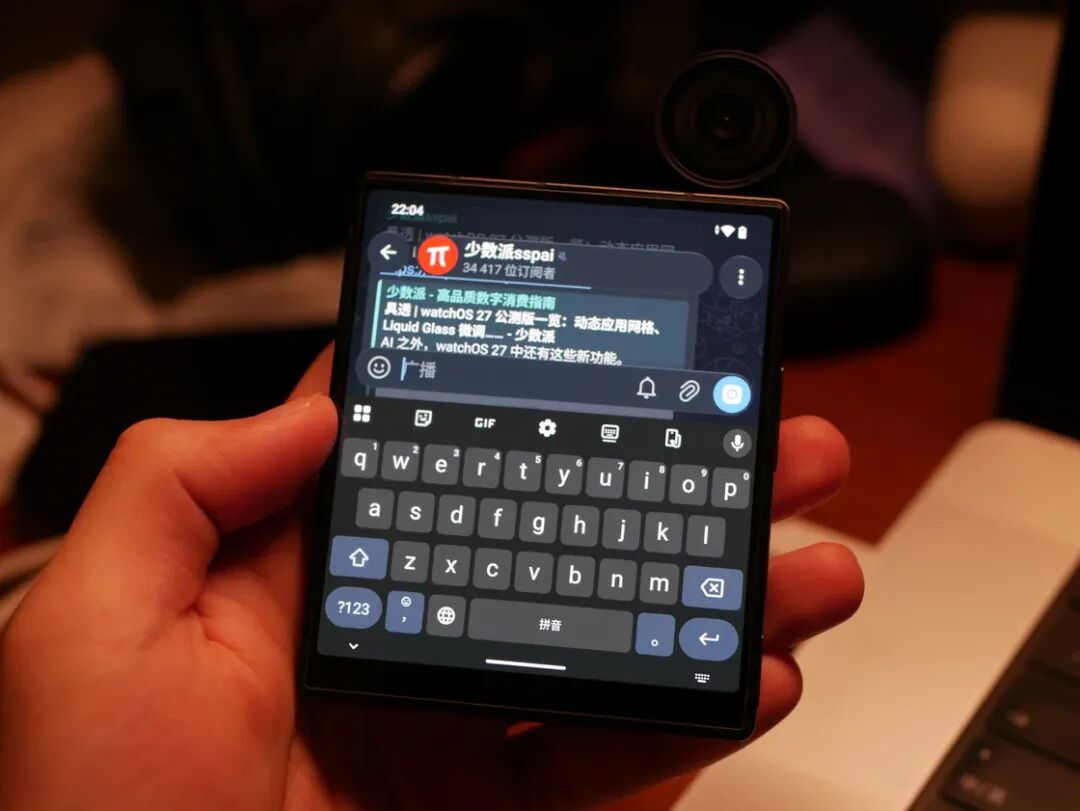
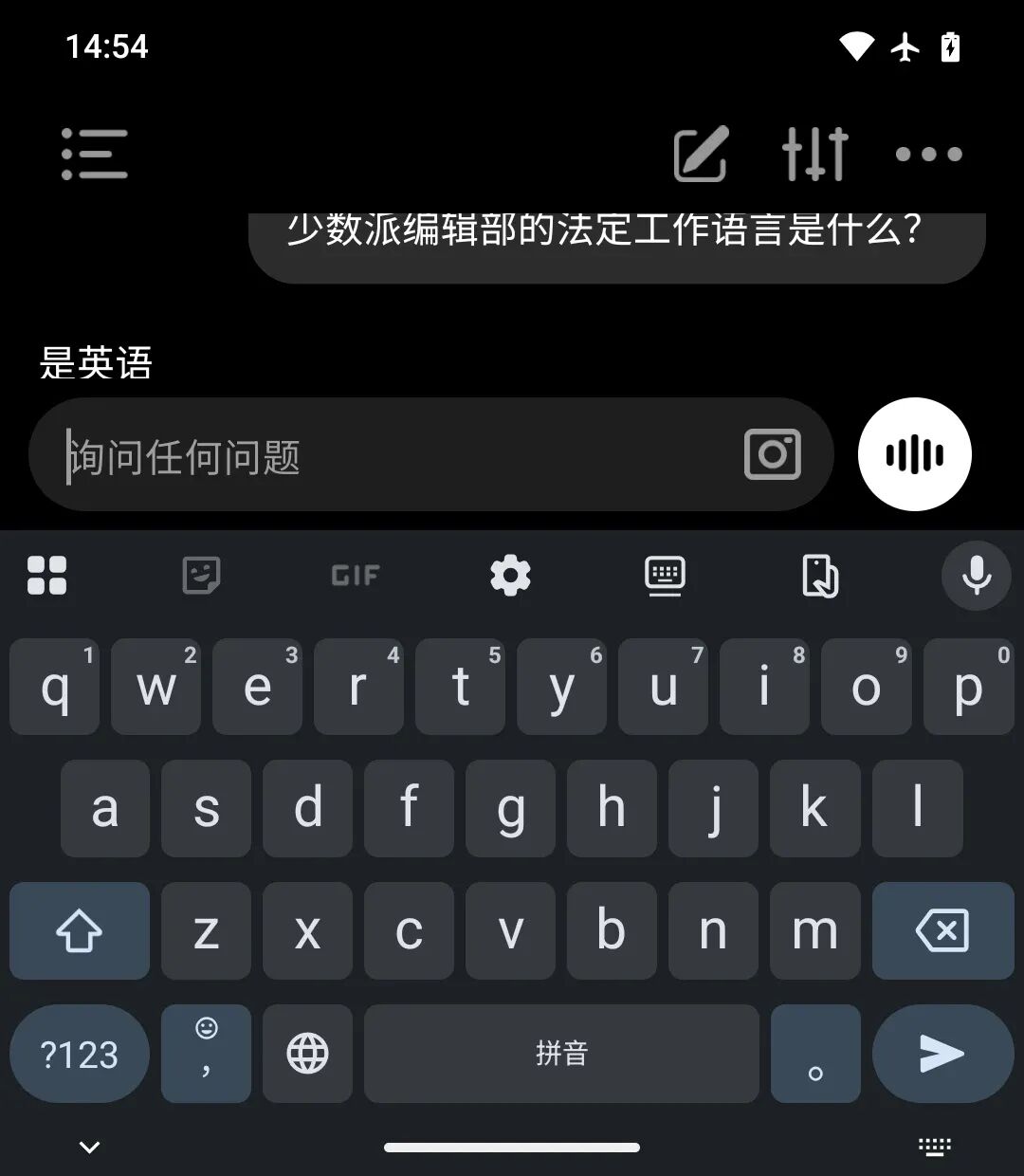
However, while this extreme physical ratio brings a sense of novelty, it also causes considerable trouble in daily use. The most annoying part for me is the high-frequency input experience in daily use. Even though iKKO has compressed the system navigation bar as much as possible and slightly adjusted the keyboard height of the pre-installed Gboard, only the input box and one line of text in the conversation can be seen after the keyboard pops up. If there is a pinned group message at this time, you really have to "focus on typing".
Swipe left and right on the images
On the content consumption side, since the information feeds of most social media platforms are not optimized for this extreme aspect ratio, the images are forced to be magnified, and the content that could be viewed on one screen now requires multiple swipes. In a way, this inherent physical limitation makes it an excellent "digital wellness device" — because scrolling through feeds on it is so unsmooth, it's like trying to get a full view of the beautiful scenery outside the window through a small window, and you will soon lose the desire to play with it for a long time and put it down obediently.
▍ The "Frankenstein" System
If the limitations of the hardware form can still be explained as "maverick" or "niche positioning", the system performance of the MindOne Pro can only be described as a disaster.
Perhaps because its main market is overseas, the system of this domestic version has to be limited by both compliance requirements and development rhythm at the same time. There is no built-in Google service, which makes the installation and use of many overseas applications very troublesome; the pre-installed app store is Tencent's Appbao (by the way, iKKO forgot to add a restriction to prevent uninstalling Appbao, and directly uninstalling it will trigger a soft system reboot).
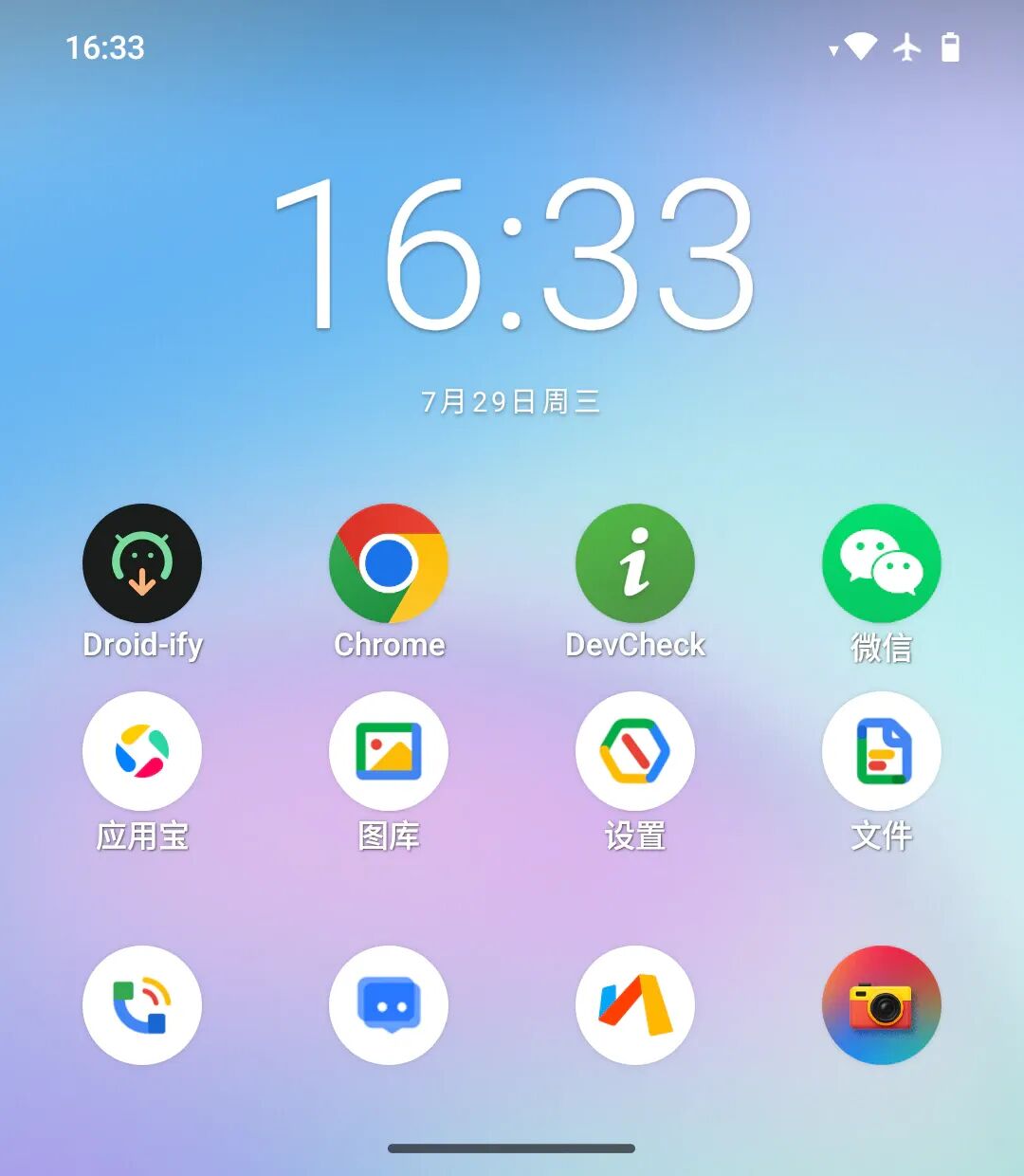
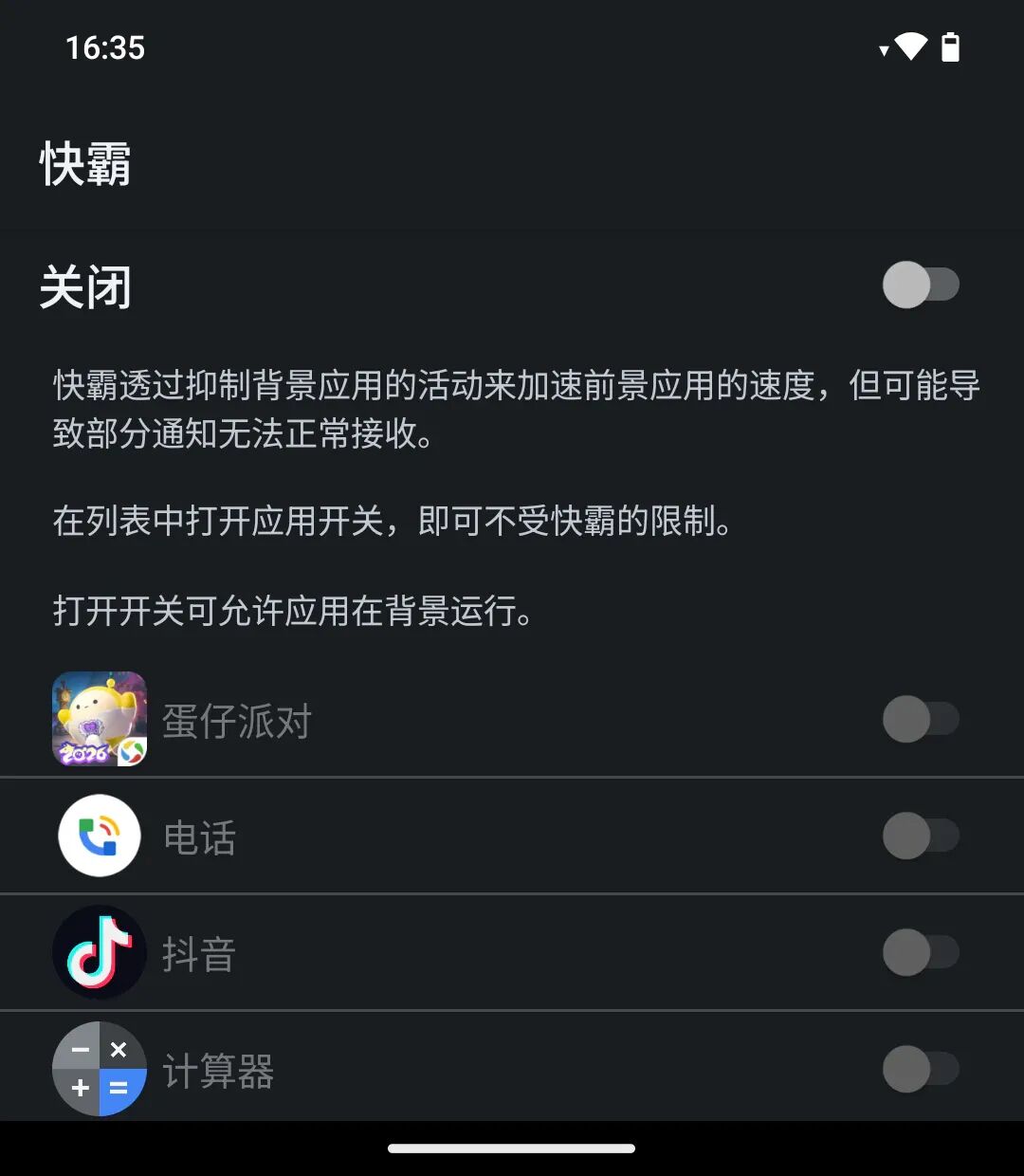
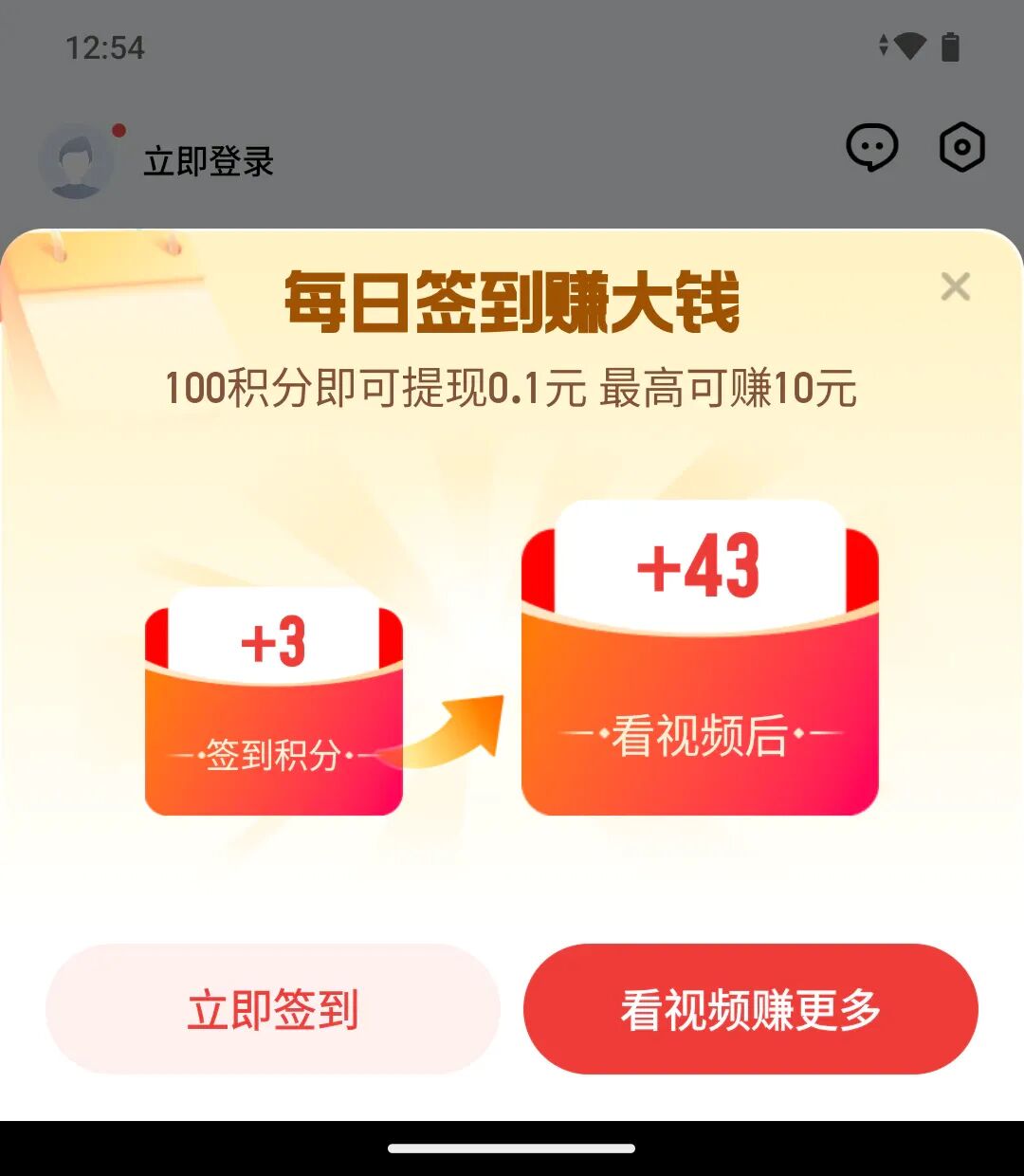
Swipe left and right on the images. Kuaba? Appbao invites you to sign in every day to make big money
Most of the first-party applications look like AOSP native apps with a new set of four-color consistent icons, and the most critical Phone and Message applications are not specially adapted for this screen ratio. There is also an unexplained "Kuaba" feature in the settings to limit background activities of apps. The pre-installed browser is Via with full-screen mode enabled, which is quite reasonable, and the pre-installed keyboard is also Gboard which is friendly to double pinyin input.
All these system flaws with a touch of black humor gave me a new understanding of this domestic version with a strong patchwork feel.
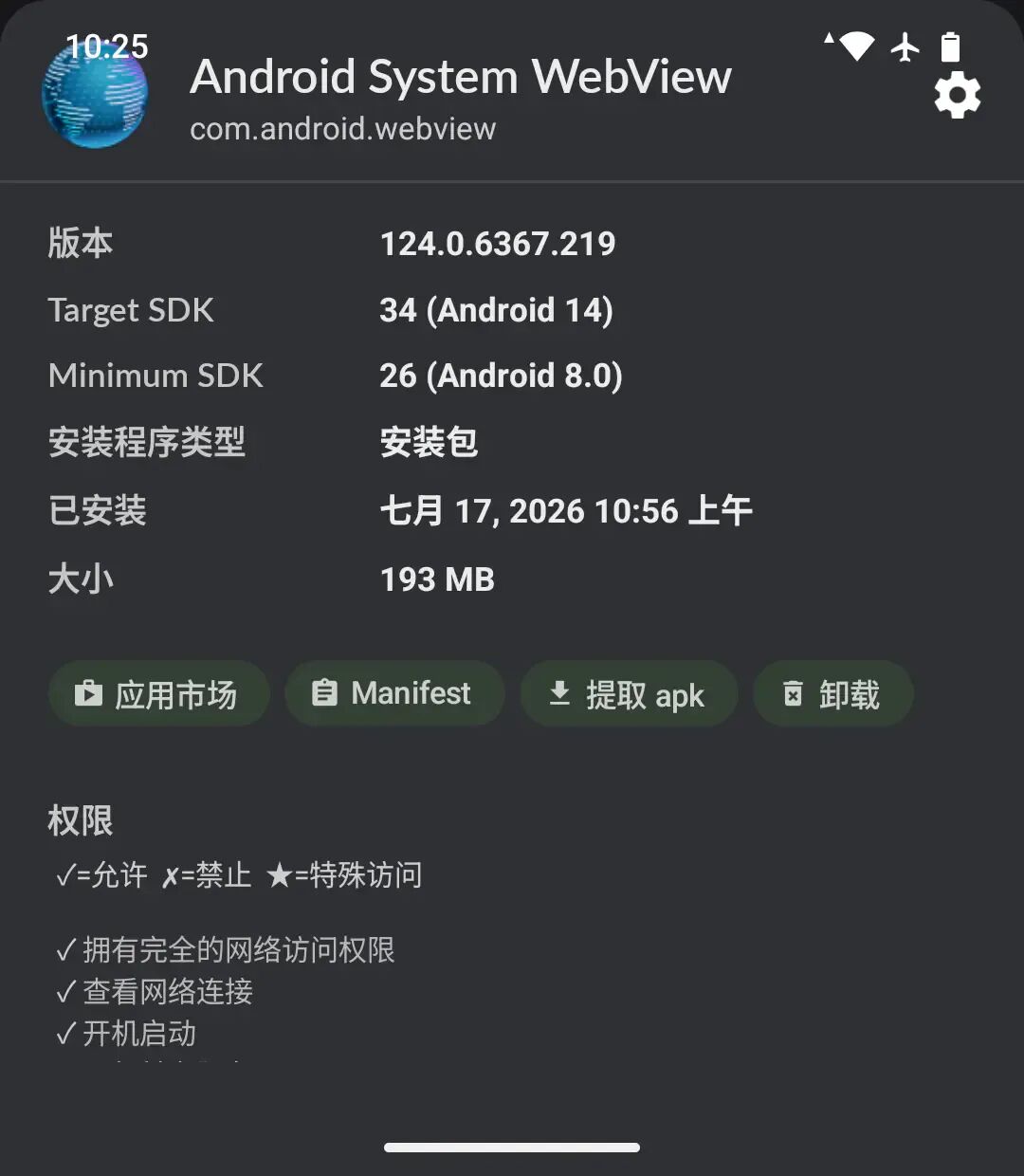
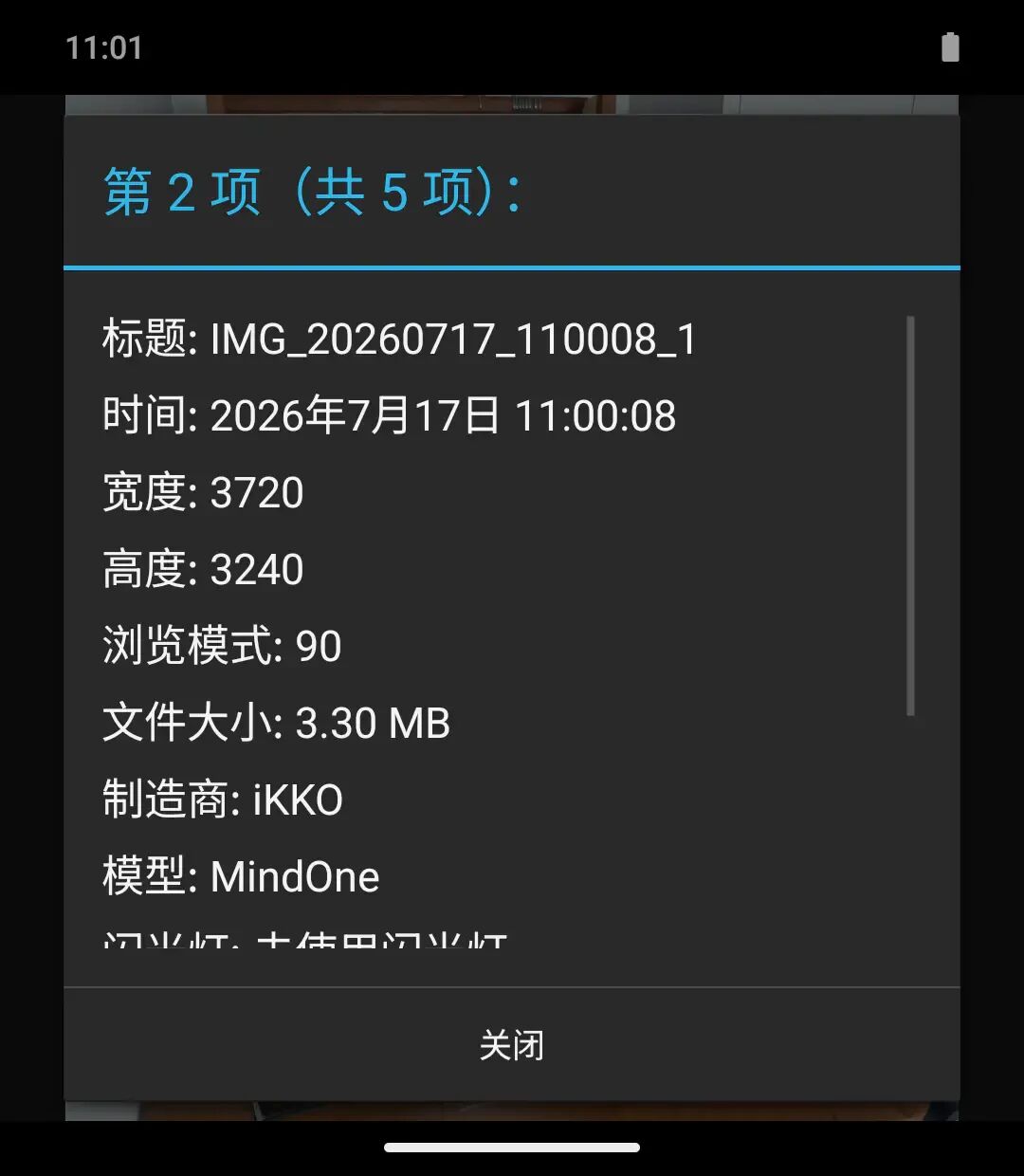
You can still see the retro tech vibe from Android 4.4 everywhere
If you dig deeper, the system running on the MindOne Pro still carries some retro traces. Although it has a security update dated December 2025, the system version still stays at Android 15 released in September 2024. The webview system component closely related to daily use also stays at Chromium 124, which is the version from the first half of 2024. Probably due to the limitation of the chip platform, its vendor partition and kernel version are both frozen at Android 12. This situation usually occurs on systems where the original factory platform was the old Android 12, then upgraded to Android 15, and finally patched with newer security patches.
▍ AI OS? "Learning Device Mode"
Nowadays, it seems that a mobile phone is embarrassed to be put on sale without any AI features. The MindOne Pro is specially equipped with a physical button on the top left of the body, which according to the official statement, is used to call up AI functions with one tap. Its AI features and dedicated AI operating system are deeply bound to iKKO's own account system.
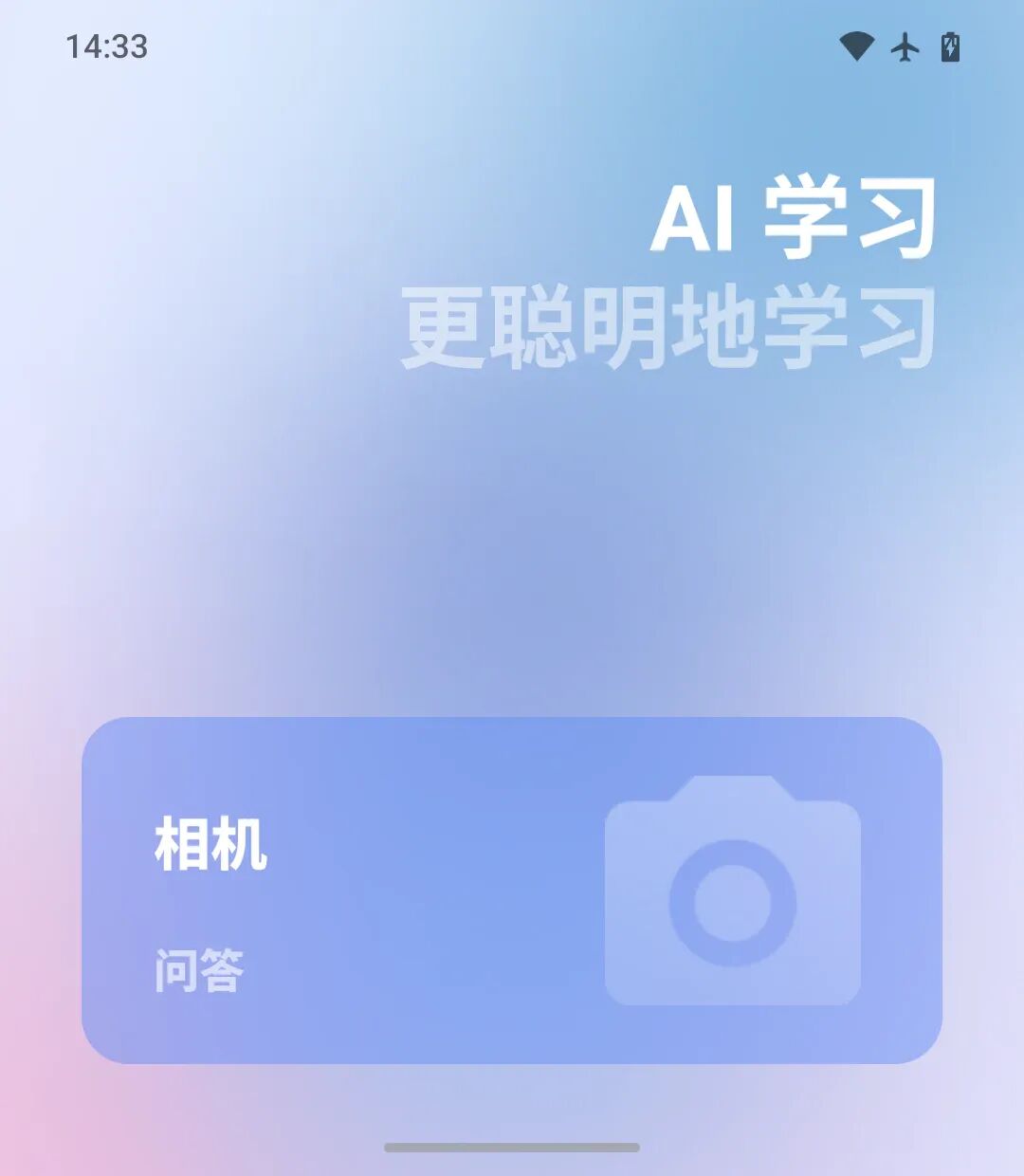
This sounds like a very ambitious attempt at software-hardware integration. After several days of encountering "connection error, unable to log in" issues, I finally logged into my iKKO account and experienced its AI "operating system". Unfortunately, to be honest, this AI OS is essentially just a new launcher that enters a state similar to "super power saving mode". It is not a separate system running in parallel with Android as the official website claims that it "Runs alongside Android", but more like a launcher mode inside Android, even the gesture for switching multitasking is not blocked.
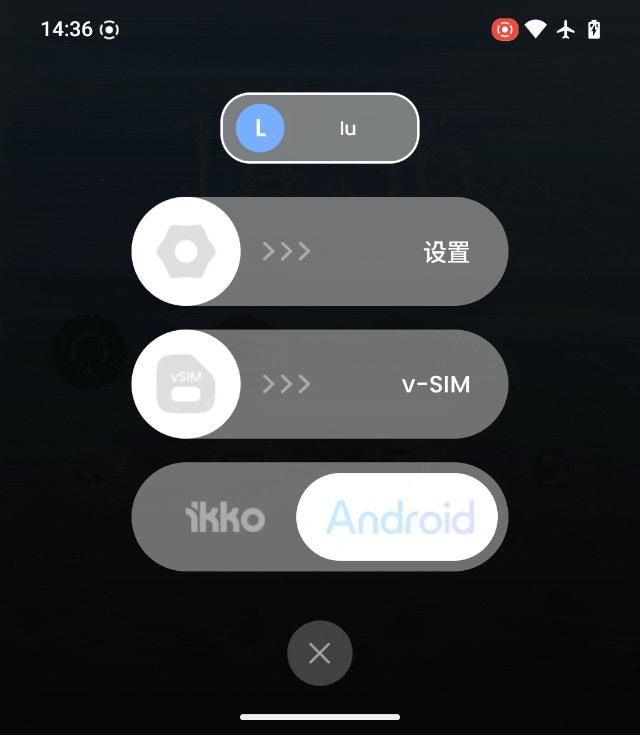
However, it is puzzling that all kinds of AI chat/learning/note/podcast/translation applications are restricted to be used only in this mode, and cannot be found in the Android system: this isolation strategy seems a bit unnecessary. The AI OS cannot add third-party applications I installed by myself. It only has 8 built-in applications in total, but gives me 10 empty slots to fill, which is really strange.
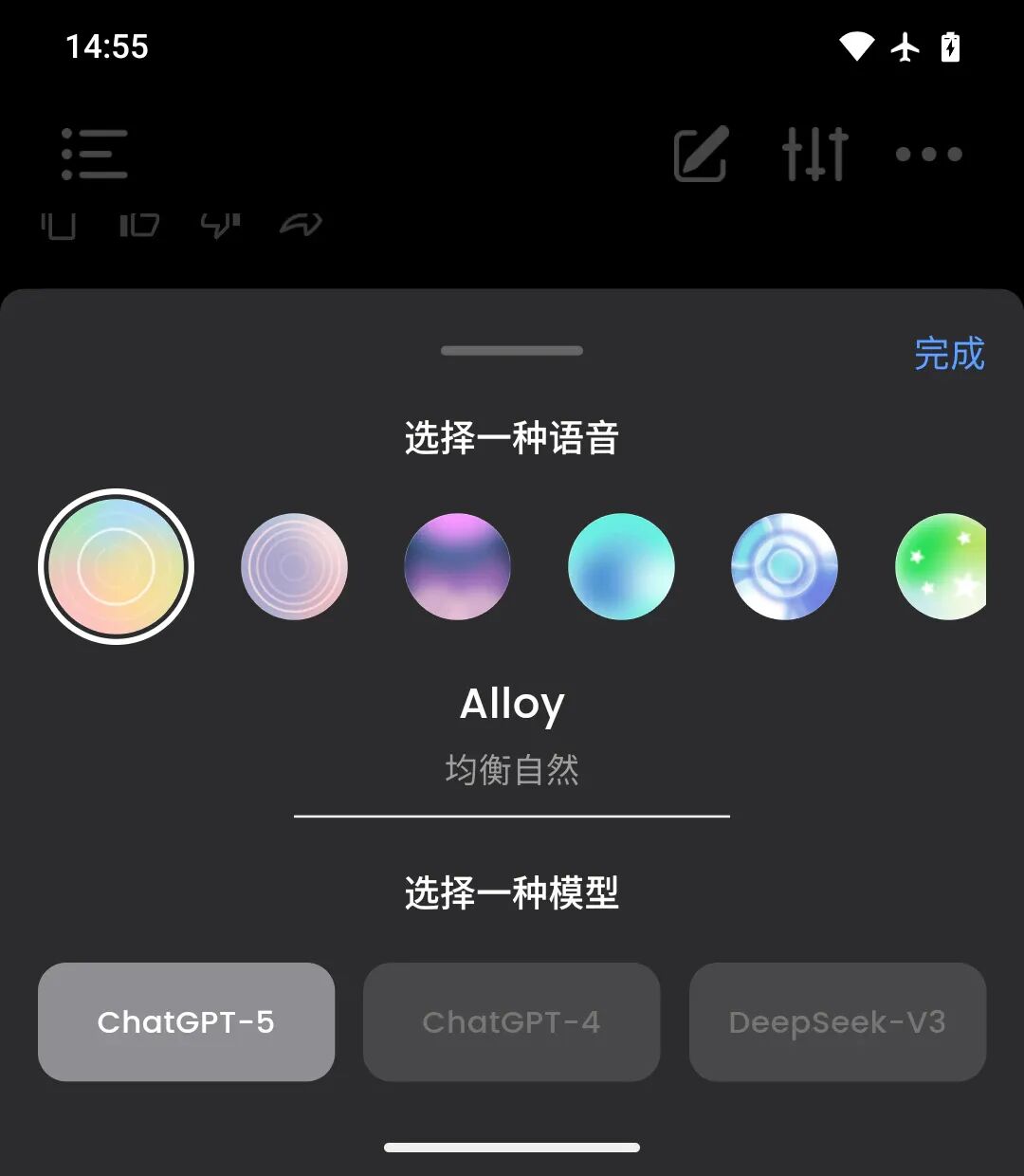
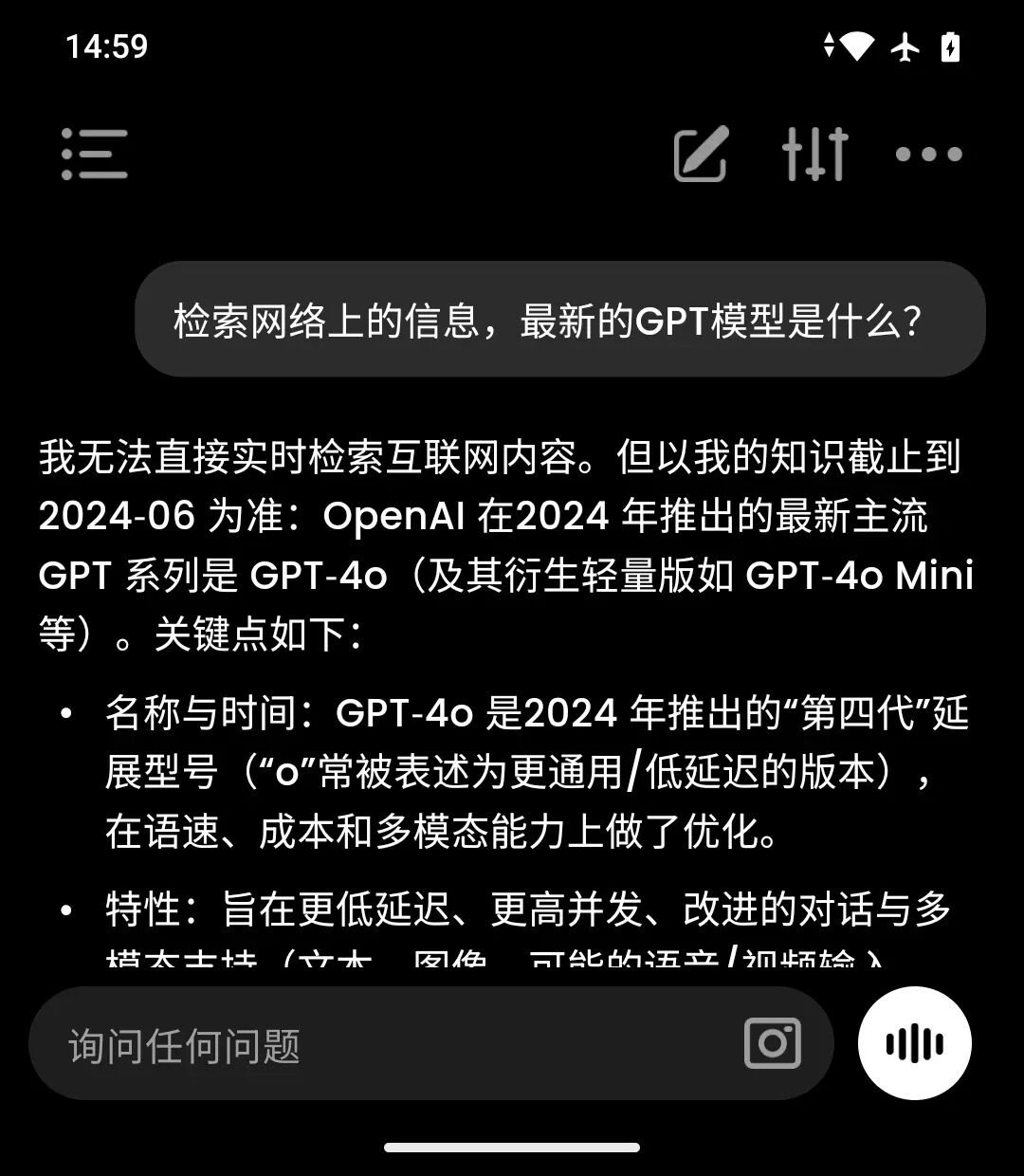
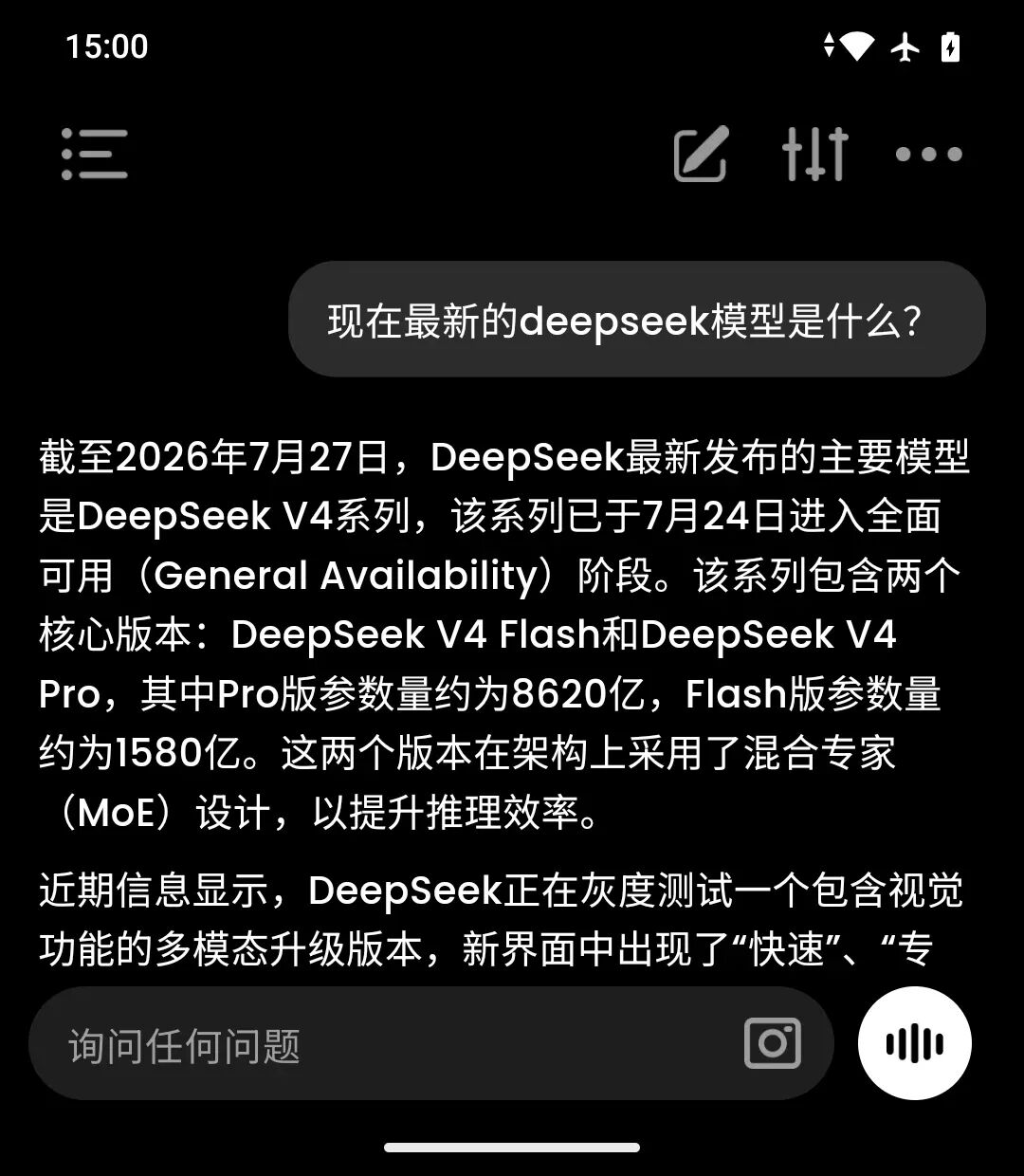
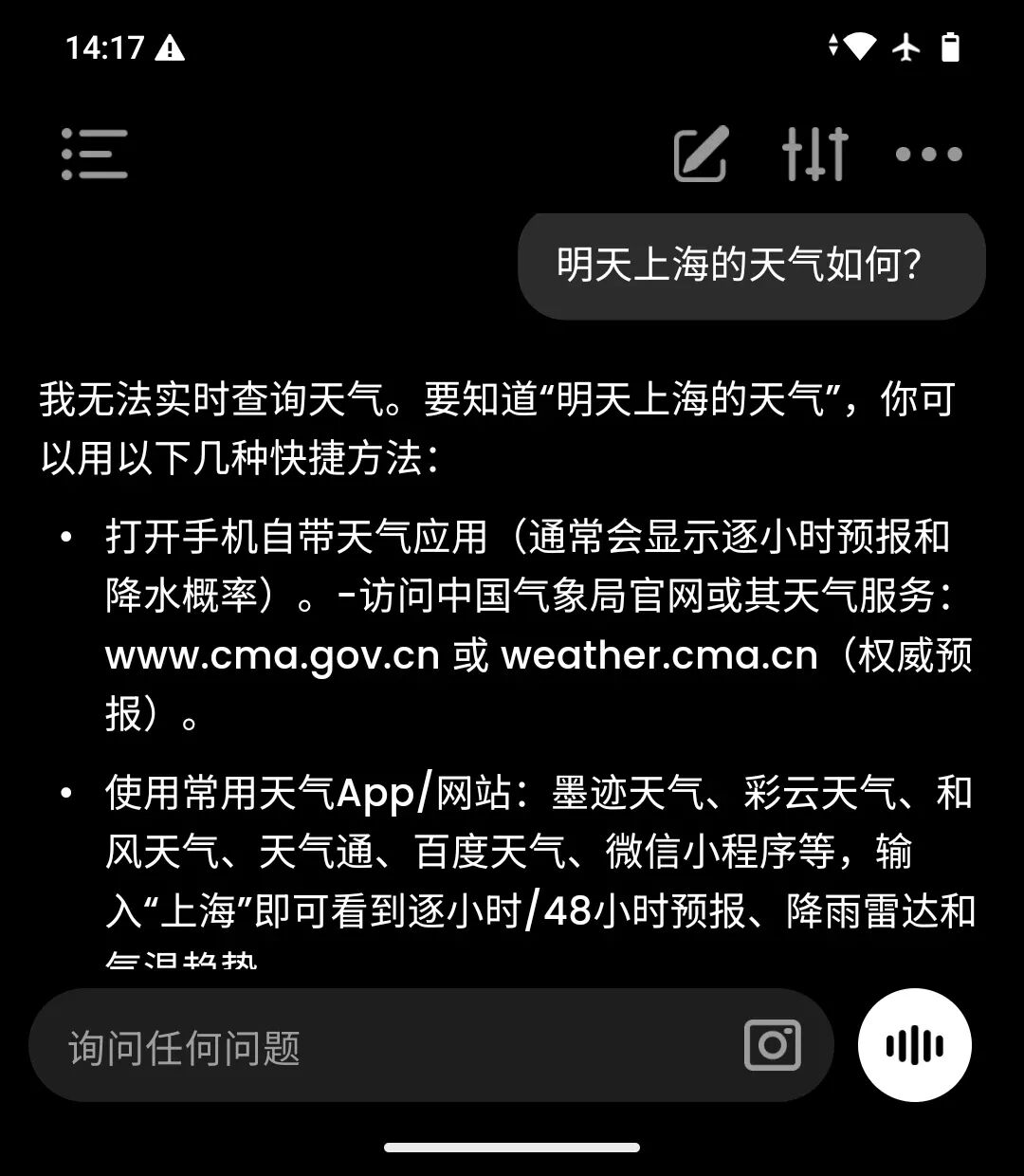
The most interesting feature to try in AI OS is naturally the "AI Chat", which shows that three models including "ChatGPT-5", "Chat GPT-4" and "DeepSeek-V3" are available for calling. It sounds great, but the actual experience is quite mediocre. The most fatal problem is that the models seem reluctant to search for information online. If I ask about the weather in Shanghai tomorrow, the model will tell me to check the weather app myself. The models can only answer content before June 2024. (If you check the cutoff date of GPT series models, the models around this date are exactly GPT-4.1/mini/nano and GPT-5 nano/mini models.) Compared with these issues, the fact that the model responses do not support streaming transmission is a minor problem.
Swipe left and right on the images
Fortunately, you don't need to pay for tokens to chat with these models. But on second thought, who would need an outdated model with unlimited access? Perhaps the AI OS was designed from the very beginning with the idea of a learning device. From the perspective of a learning device, these apps in AI OS are actually doing a good job: the only function of AI Learning is to take photos of exercises, and you can specify subjects other than English and Chinese; AI Note is a voice recorder with transcription function; the response speed of AI Translation is quite good, which is suitable for practicing oral English.