Claude Unveils Major New Upgrade: Screen Recording + Voice Capabilities, One-Click Skill Distillation to Do the Work for You
Now, you can fully distill your expertise into a Skill through screen recording paired with voice narration.
On July 21, Anthropic added a "Record a Skill" option to the + menu in Claude's desktop Cowork feature: record your screen as you walk through a task with voice explanations, and Claude will automatically convert the demonstration into a reusable Skill once you finish.
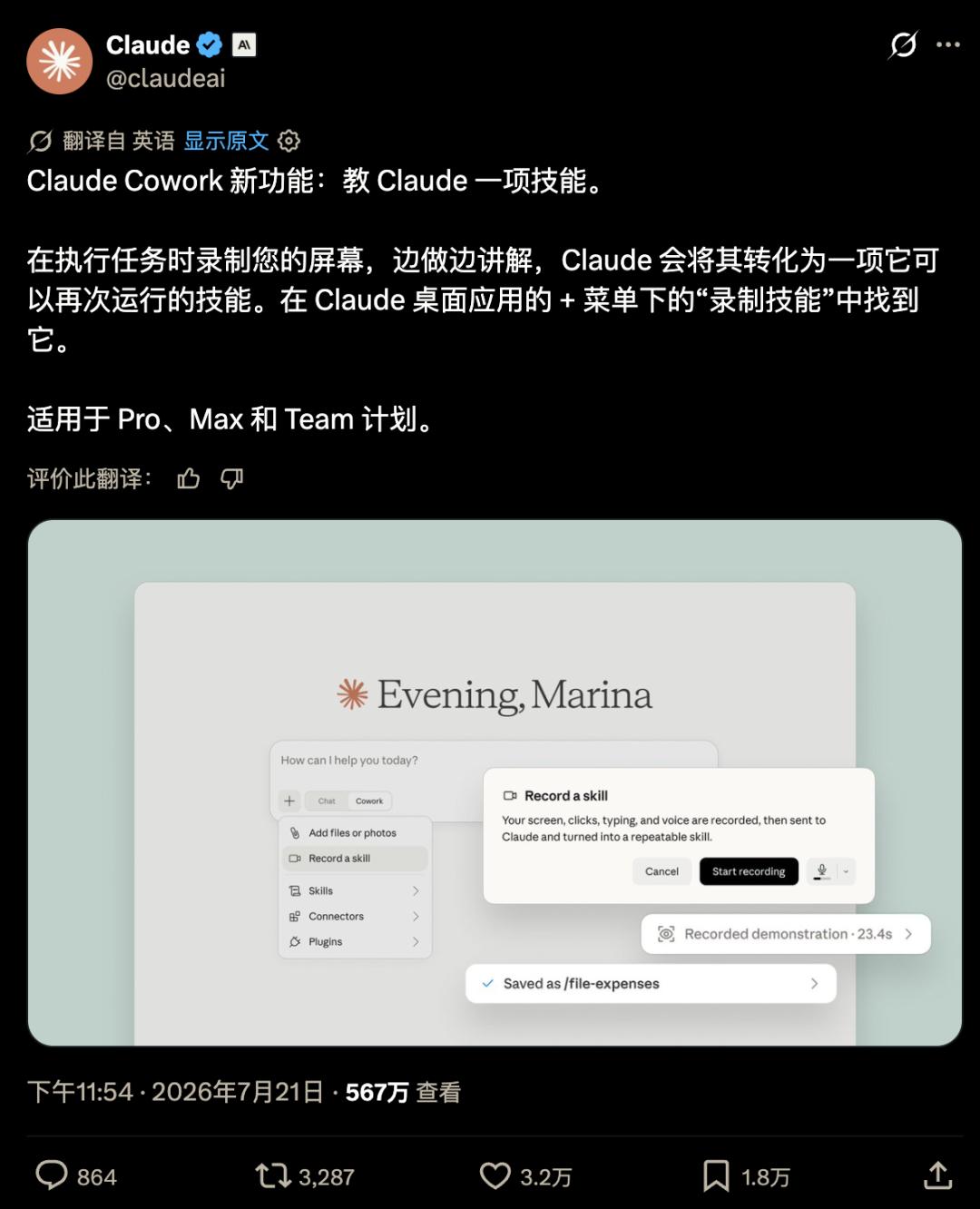
https://x.com/claudeai/status/2079595988998554047
This feature is currently available for Pro, Max, and Team users.
Hands-on First Test: It Actually Works
We conducted a quick hands-on test of the feature immediately upon its release.
Open the Claude desktop app, click the [+] icon in the bottom left of the chat box -> Skills -> Manage skills -> Add -> Record your screen, and you can start using this new feature right away.
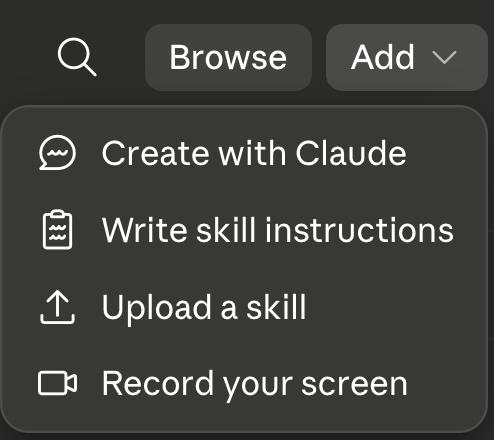
Note that you should avoid capturing sensitive personal information such as plaintext passwords, access keys, API Keys, and credit card details during the screen recording process.
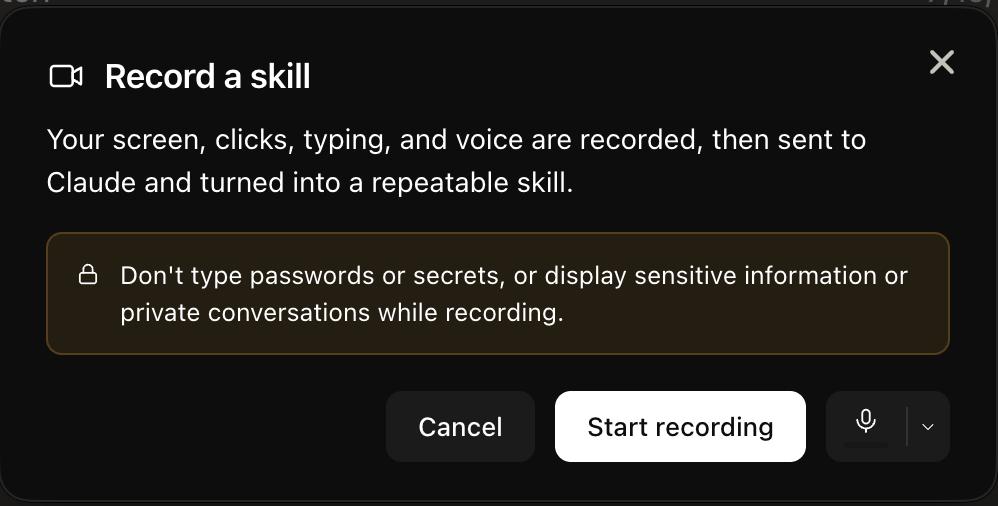
You may need to grant screen recording and audio recording permissions on your first use. After allowing these permissions, click [Start Recording] to begin your session.
Simply walk through your complete workflow on your computer, verbally explaining any necessary implicit operational logic, and avoid unrelated actions (such as watching short videos to kill time while waiting for results). When you finish recording, you will automatically return to the Claude Cowork interface, where the system will analyze the footage and extract the Skill.
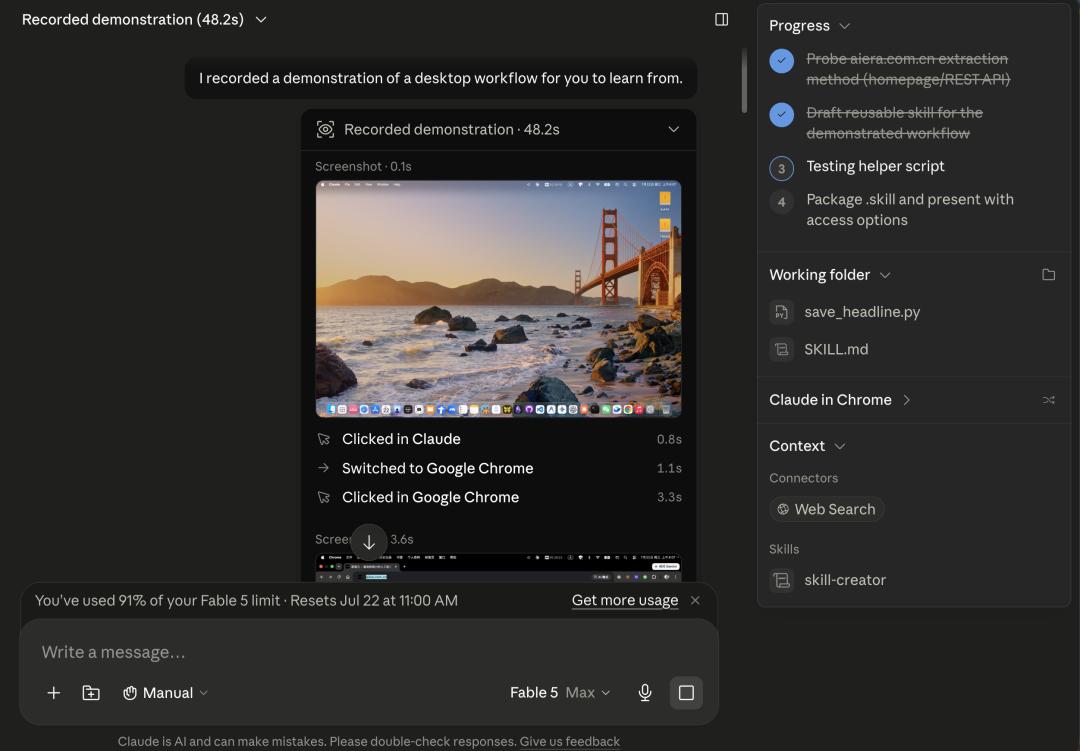
After a short wait, your custom Skill will be ready. Click [Save Skill] to deploy it directly to Claude.
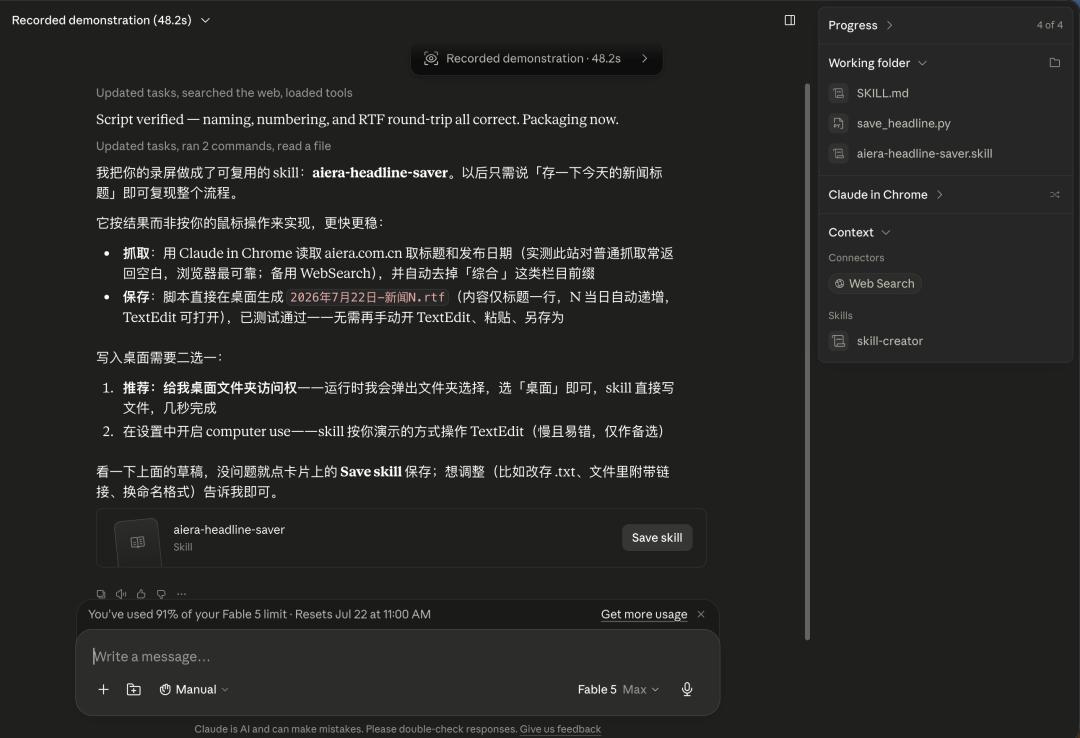
You can then call this Skill to perform tasks by using the slash command (/) in your chat.
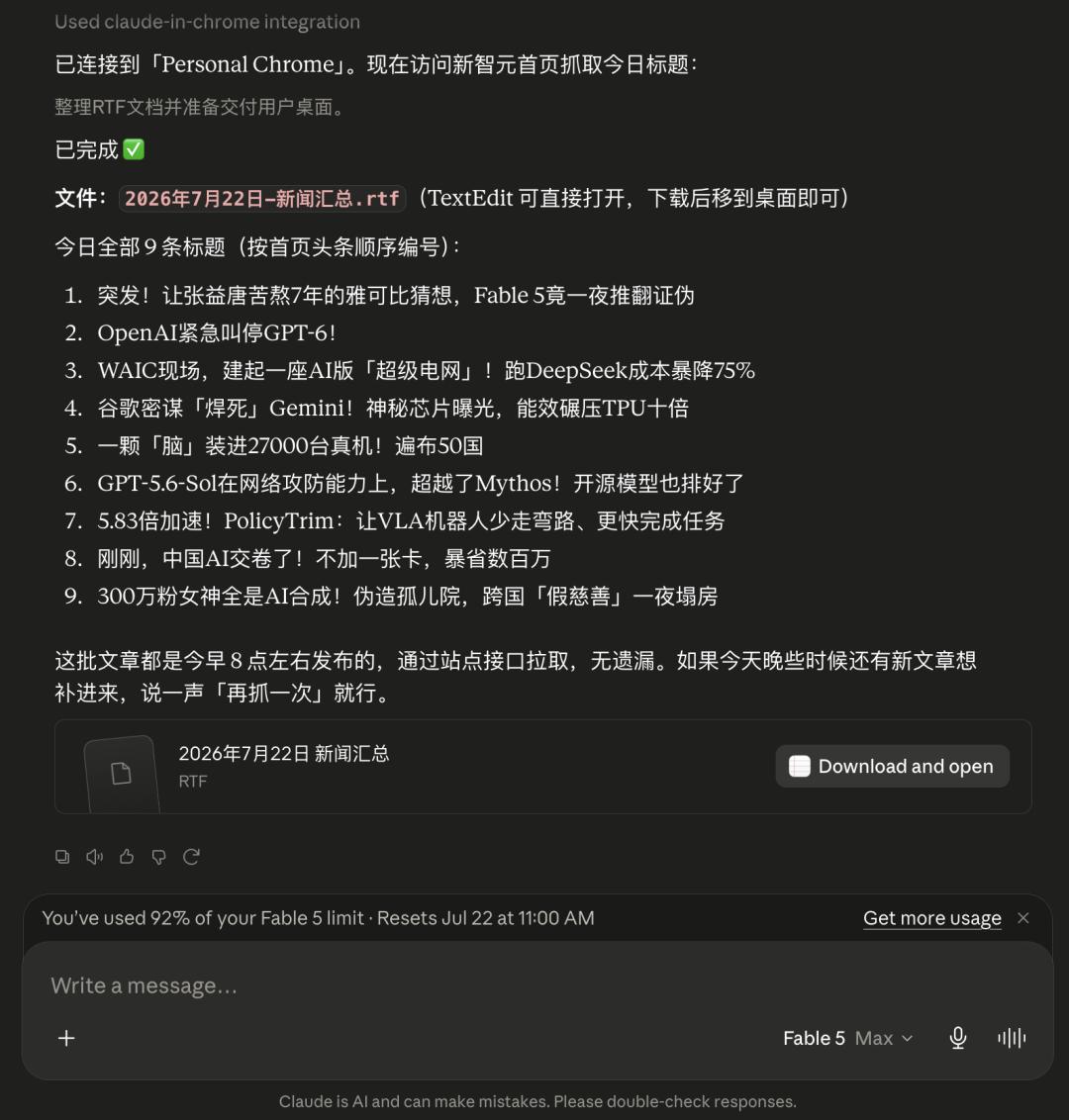
No tedious repeated fine-tuning is required — your newly created custom Skill is ready to use immediately.
Far More Than Just an Efficiency Boost Tool
Most reports categorize "Record a Skill" (generating a Skill via screen recording) as a tool for "more conveniently creating automated workflows", but this understanding only scratches the surface.
Previously, creating a Skill required manually writing a SKILL.md file, using Markdown to clearly outline steps, trigger conditions, and metadata.
Non-technical personnel had to think like process designers to complete this task.
The main barrier lay in translating implicit, experiential knowledge into explicit, actionable instructions.
But now, "Record a Skill" skips this translation step entirely.
It captures both your on-screen actions and your voice narration, and the latter is the key: as you explain your process, you will naturally reveal your decision-making logic — which scenarios to skip, which formats are non-negotiable requirements from clients, and which numerical anomalies require manual review.
These details are extremely difficult to document in a standard operation manual, but they can be fully preserved in a single screen recording.
"Record a Skill" bypasses the "writing" step completely.
Enterprises have poured billions into knowledge management for decades, building knowledge bases, drafting SOPs, and compiling best practice libraries — yet the core pain point has always remained the same: experts are unwilling to write documentation, and even when they do, no one maintains it.
The barrier to creating a screen recording with narration is an order of magnitude lower than writing formal documentation, and the resulting Skill is readable by humans and can be directly executed by AI.
The Other Side of Screen Recording
Tech media outlet MakeUseOf covered a case in March this year:
A freelance writer used Claude Cowork to build a content generation workflow during their offboarding transition period. They uploaded brand documents, style guides, and past articles as a package, and the system would output a monthly content calendar following the Skill workflow.
During the handover, the client said:
Since you're leaving, can you set this up fully so we can run it ourselves?
A five-year collaborative relationship was replaced by a single Skill folder.
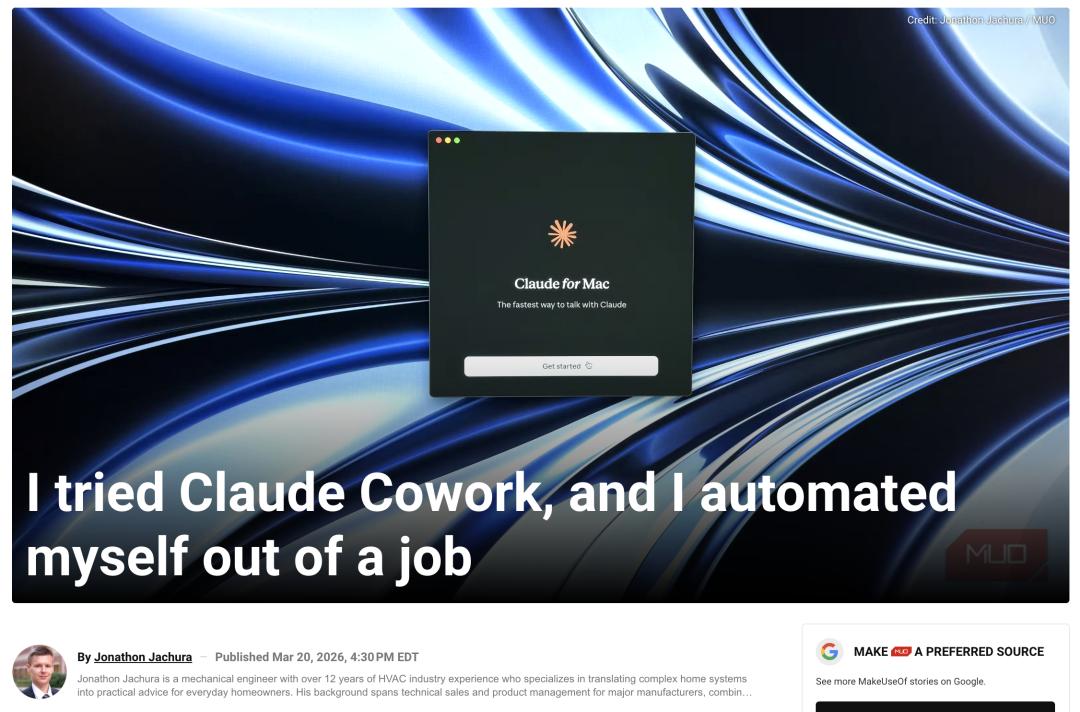
https://www.makeuseof.com/claude-cowork-automated-away-job/
This story took place before the "Record a Skill" feature launched, using the older method of manually writing Skills.
Screen recording-based instruction further reduces the operational cost of this process: no Markdown knowledge is required, no abstracting of complex workflows is needed — you only need to perform the task once and explain it once.
Research data from Harvard Business School in March 2026 serves as a relevant footnote: job postings for roles with the highest AI exposure dropped by 17%, while openings for positions requiring human-AI collaboration increased by 22%.
https://www.hbs.edu/ris/Publication%20Files/25-039_05fbec84-1f23-459b-8410-e3cd7ab6c88a.pdf
But the direction driven by "Record a Skill" is very clear: the competitive edge of work is shifting from "being able to do a task" to "being able to do work that no one else can replicate".
References: https://x.com/claudeai/status/2079595988998554047
This article is from the WeChat public account AI Era, author: ASI Insights; editor: Mark, published with authorization from 36Kr.