Apple officially supports Linux, focusing on a completely seamless experience.
When it comes to coding, macOS and Linux each have their own strengths:
One excels in being user - friendly and having refined tools, making the process of writing code a pleasure; the other shines in its standards and well - developed ecosystem, making running code a breeze.
However, now, programmers no longer have to make a choice. They can smoothly run Linux directly on Apple computers.
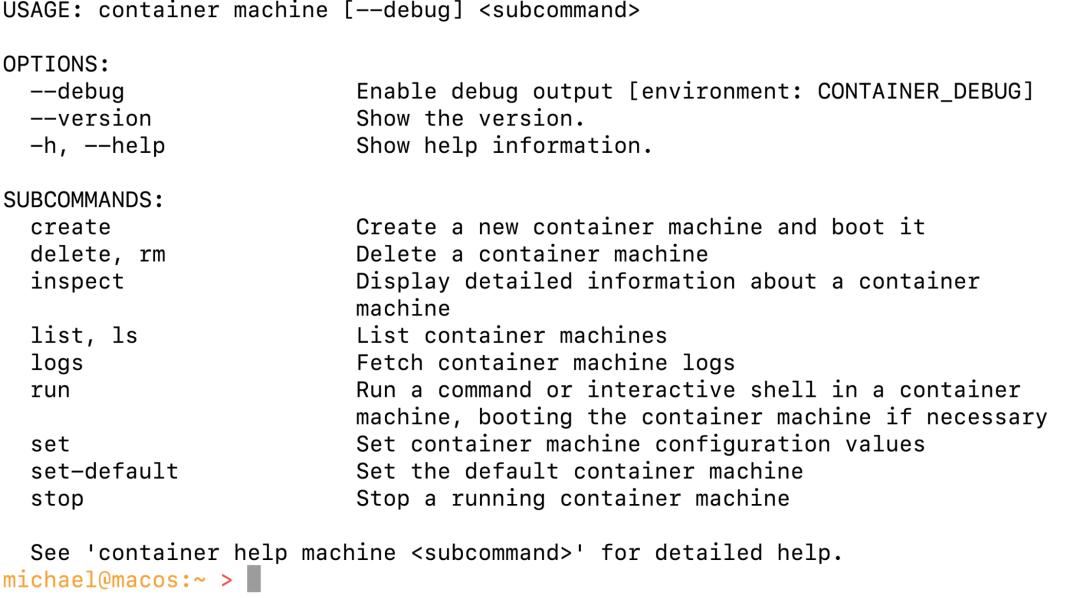
At WWDC, Apple recently open - sourced Container machine: a highly integrated Linux environment that can run seamlessly on Apple computers.
The workflow set by Apple is as follows:
Edit on Mac and build and run in the Linux environment. This allows developers to have a full - fledged experience from writing code to running it.
Well, the goal is quite clear, which is to use native containers to turn Mac into a more attractive primary machine for developers.
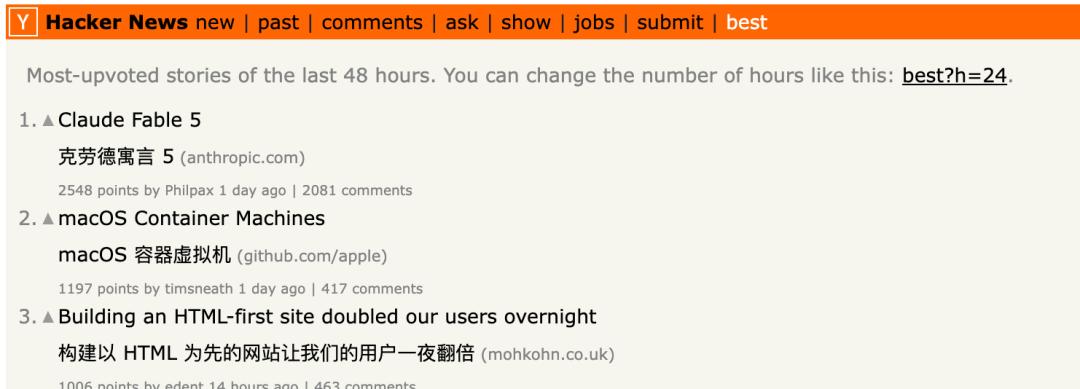
It's no exaggeration to say that Apple has really captured the hearts of developers this time. The popularity of related discussions on Hacker News is only second to Claude Fable 5.
Apple's Native Linux Container
At last year's WWDC, Apple open - sourced Containerization, a Swift framework for running Linux containers on macOS.
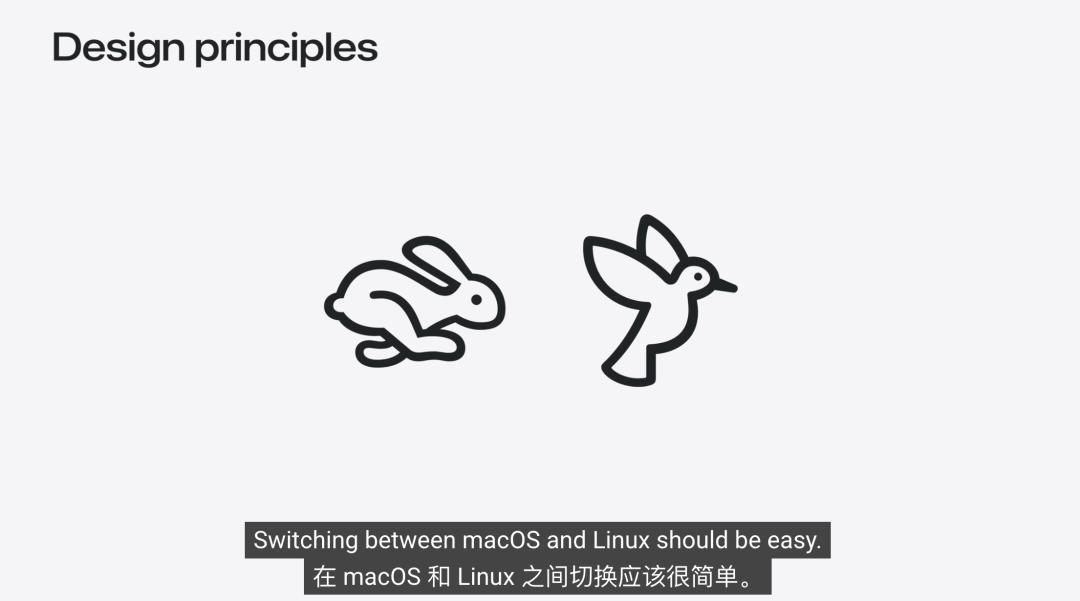
Container machine is built on this framework, featuring speed, lightweight, and easy management, making the switch between macOS and Linux simple and smooth.
Different from ordinary containers, ordinary containers are more inclined to run applications once, and their states may not be retained in the long term. While Container machine is more like a “Linux workspace” that can be accessed repeatedly. You can use the tools and environment today and pick up where you left off tomorrow.
According to the official introduction, Container machine is a Linux environment running in an independent and lightweight virtual machine and uses the same OCI images as containers.
It retains the lightweight nature and image ecosystem of containers while also adding the state persistence of virtual machines.
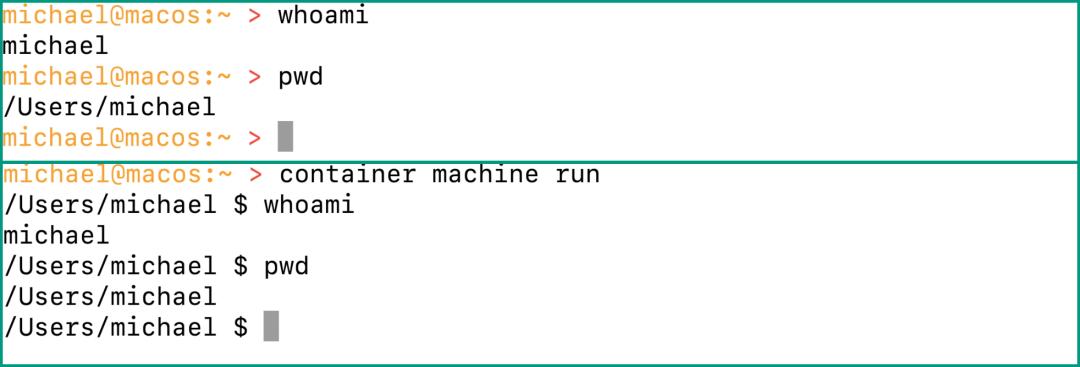
The experience is as follows:
The working directory is shared between macOS and Linux. For example, if the code repository is in $HOME on macOS, it can also be accessed in the container machine.
Native macOS tools, such as performance analyzers, screenshot tools, and browsers, can also directly view what is built on Linux without copying files.
Apple Extends an Olive Branch to Developers
Apple's move this time is a bit like when Microsoft promoted WSL.
The first reaction of many netizens is also, isn't this just WSL for macOS?

There are, of course, still many problems. For example, the initial version still lacks many common containerization capabilities, there are restrictions on releasing memory to macOS... And do developers really need a container machine when they are used to Docker?
But anyway, Container machine can be seen as an olive branch extended by Apple to developers, and it really hits the mark:
Mac is indeed comfortable for writing code, but for running services, making deployments, and aligning with the online environment, Linux is still the standard answer.
Although now there may not be many lines of code written by oneself, the development experience in programming is still very important (doge).
Reference links:
[1]https://github.com/apple/container/blob/main/docs/container-machine.md
[2]https://developer.apple.com/cn/videos/play/wwdc2026/389/
This article is from the WeChat public account “Quantum Bit”, author: Yuyang. It is published by 36Kr with authorization.