The OpenAI version of the "lobster" makes its debut for the first time. It never sleeps or quits, and the more it's "PUAed", the smarter it gets.
GPTs is about to retire!
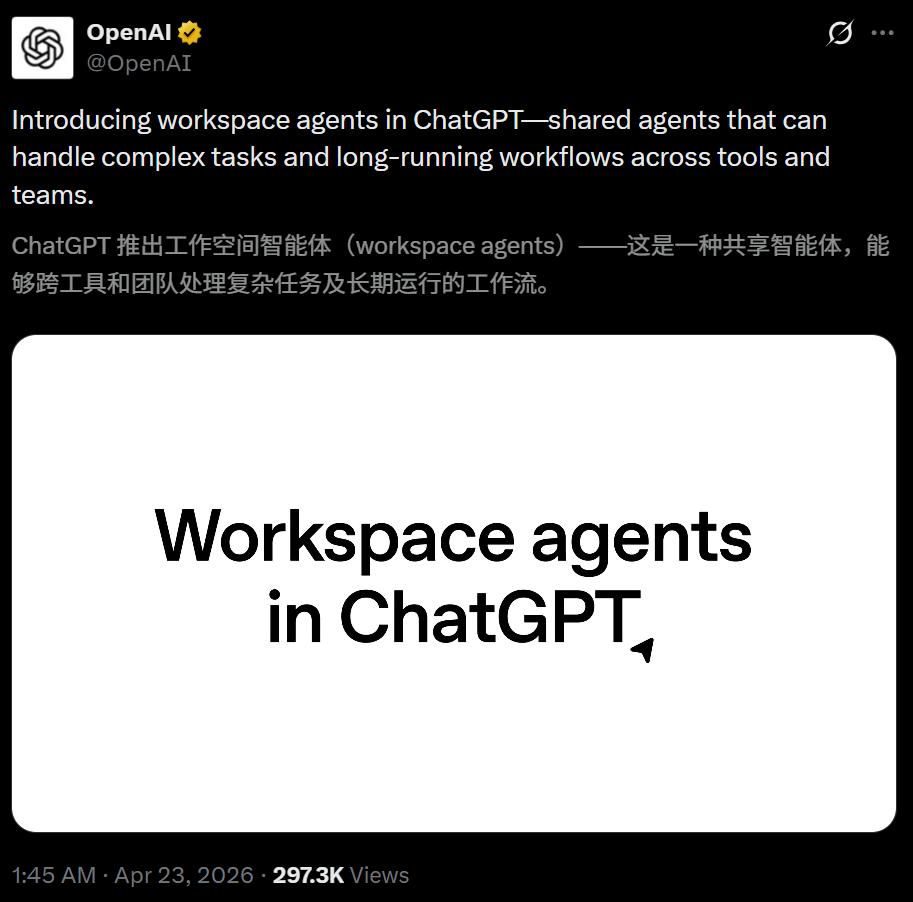
Today, OpenAI officially launched "workspace agents" in ChatGPT.
It is a comprehensive upgrade of GPTs, powered by Codex. It has an independent workspace in the cloud, can store files, run code, call external tools, and has memory.
Here comes the key point. You go off work, but it keeps working.
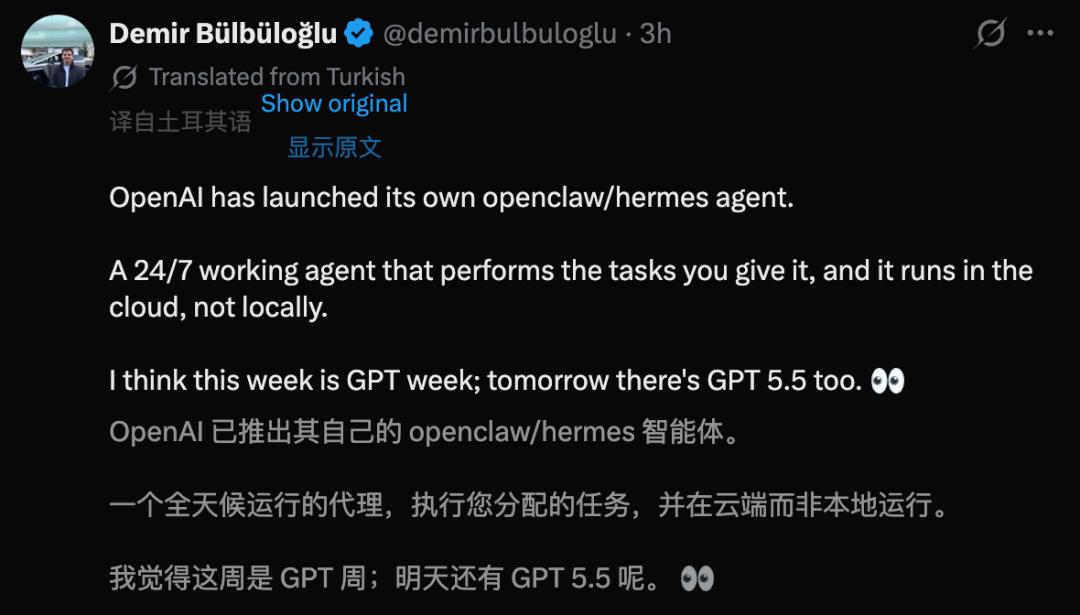
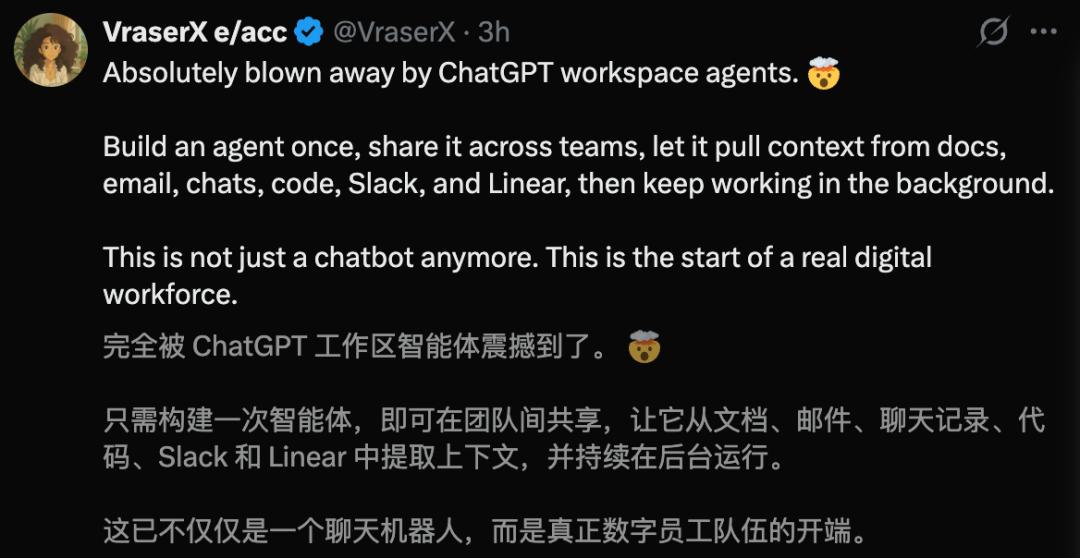
Some people say, isn't this just the OpenAI version of OpenClaw!
The coffin lid of GPTs is nailed down
Since GPTs was launched at the end of 2023, its biggest problem has never been solved. In essence, it is still just an "advanced chat box".
You ask questions and it answers. Once you close the window, everything resets. It has no continuous memory, no independent workspace, and cannot trigger tasks actively.
Workspace agents have completely changed this logic.
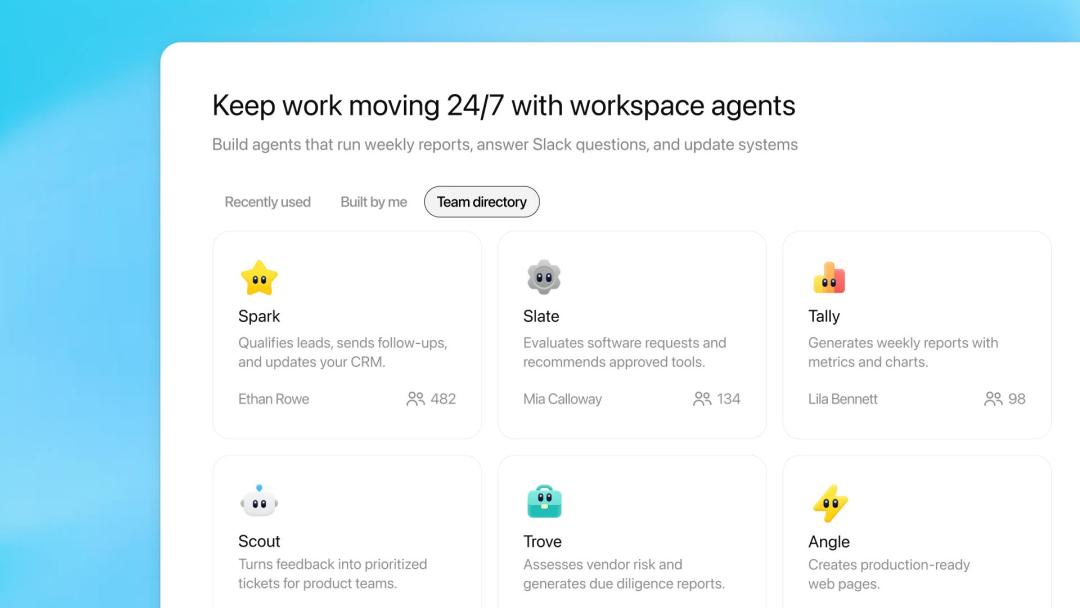
Codex provides each Agent with an independent cloud sandbox environment where files can be stored, code can be run, and connected applications can be called.
It doesn't just wait for you to ask questions. You can set up scheduled tasks for it to run on its own, or deploy it to Slack to handle new requests at any time.
More importantly, these Agents have the "ability to evolve".
Because it has a memory function and can be manually corrected and guided during conversations, the more a team uses it and corrects it, the more accurate it becomes.
Over time, the experience of the person who knows the business best in a team will be transformed into a standardized workflow that everyone can use.
OpenAI calls this "precipitating best practices into shared agents". In simple terms, the brain of the most outstanding person in your team can now be replicated.
As for GPTs, it is naturally entering the countdown to retirement.
OpenAI: We will soon provide a convenient way for everyone to upgrade GPTs to workspace agents.
Five Agents, Five Ways to Be Replaced
In this release, OpenAI demonstrated five real internal scenarios.
From the simplest to the most complex, each one is more powerful than the last.
Spark, Lead Follow - up Agent.
After receiving a new lead, this Agent of the sales team first uses Web search to check the background of the person and the company, then scores the lead according to the team's established scoring criteria to determine whether it is worth following up.
If it is worth it, it directly drafts and sends the first outreach email using Gmail, and then creates a follow - up reminder on Google Calendar.
The entire process, from research to scoring, sending emails, and scheduling, is completed in one go without human intervention.
Scout, Product Feedback Routing Agent.
The Agent of the product team monitors three channels simultaneously: Slack channels, customer service channels, and public forums.
After receiving scattered user feedback, it automatically does three things: cluster similar feedback, prioritize, and create structured issue tickets in Linear.
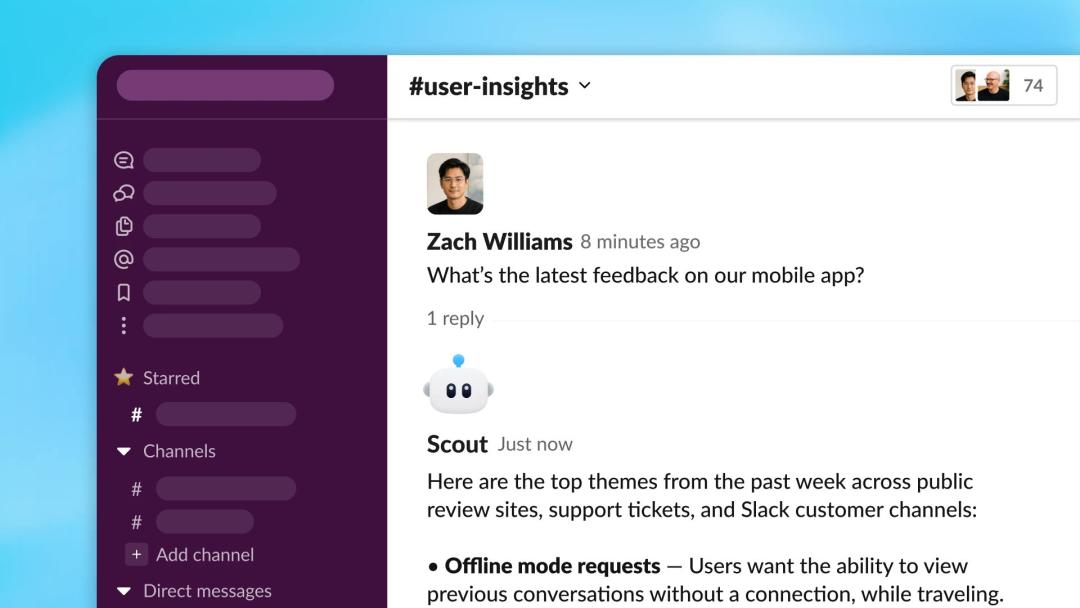
The final output shown in the demo is a Linear ticket, neatly listing the issue description, summary analysis, and evidence chain below, accurate to "reported in the #product - feedback channel on March 11, 2026".
Previously, this task required a PM to spend half a day manually collecting information from more than a dozen channels and organizing spreadsheets. Now, by the time the PM has their first cup of coffee on Monday, the ticket has already been created.
Slate, Software Review Agent.
The Agent of the IT department reviews employees' software usage applications, checks the company - approved tool list and security policies, recommends the next steps, and automatically submits IT tickets if necessary.
The entire approval process has changed from "finding three people to sign and waiting for two days" to "the Agent processes it and pops up a window for you to confirm".
Tally, Weekly Metric Reporting Agent.
This Agent reads the business data in Google Sheet, with fields as detailed as ARR, WAU, MAU, seat numbers, and average session duration. It calculates weekly metrics by product line, makes week - on - week comparisons, generates visual charts, writes executive summaries, and then delivers the complete report to the team.
Note that it has three exclusive skills: data standardization, visualization workflow, and executive summary drafting. It is no longer a general chatbot, but a specially trained data analyst that generates reports for you.
Previously, the regular activity of the operations team every Friday afternoon was to spend three hours working on Excel and PPT. Now, an Agent can complete it silently.
Trove, Third - Party Risk Management Agent.
This Agent conducts a comprehensive due diligence on suppliers.
It first pulls the company's internal risk assessment standard form (TPRM Risk Criteria) from Google Drive, then uses Web search to check the supplier's sanction records, financial status, and reputation risk signals item by item, and finally generates a structured Google Doc assessment report according to the internal standards.
Previously, this kind of work was only done by compliance consulting companies for a six - figure bill. Now, an Agent can complete it silently in the cloud, and you can directly read the report when you go to work the next day.
How Simple Is It to Build an Agent?
All these Agents are automatically built by AI after users describe their requirements in natural language in ChatGPT.
Taking Trove as an example, the user only typed a paragraph, roughly meaning "build a third - party risk management Agent that uses Web search and TPRM risk research skills to conduct supplier due diligence, refer to the risk standard form in Google Drive, and finally output a Google Doc report".
Then the AI took over the entire process. It listed a checklist of the building steps, automatically attached three tools, added the tprm - risk - research skill, wrote a complete role instruction, data source definition, and output format requirements, and finally set up the starter prompts.
No single line of code is needed throughout the process.
After the Agent is built, it can be shared with the entire team. Everyone can directly call it in ChatGPT or add it to a Slack group.
In addition, to help users with a cold start, OpenAI has also prepared preset templates in fields such as finance, sales, and marketing. Each template has built - in necessary skills and recommended tools, and can be run by changing a few parameters.
Permissions and Billing
Of course, the control is still in human hands.
Administrators can precisely control what tools each user group can access and what operations they can perform. For sensitive actions, such as modifying spreadsheets, sending external emails, and creating new schedules, the Agent can be required to pop up a window to apply for permission, and the action will be executed only after manual approval.
The data dashboard shows the usage of the Agents in real - time, including how many times they have run and how many people are using them. The Compliance API allows administrators to have a clear view of the configuration details, version updates, and operation logs of each Agent. If an anomaly is found, it can be paused with one click.
Administrators of the Enterprise and Edu plans can also use RBAC (Role - Based Access Control) to manage who is eligible to build, use, and share Agents. The built - in security guardrails can defend against attacks such as prompt injection.
In terms of billing, it is completely free before May 6. After that, it will be billed on a points - based system.
This time window is well - chosen. It gives enterprise users a one - month free trial period, and then starts charging after the Agents are integrated into the workflow. By then, it will be difficult to stop using them.
Currently, it supports the ChatGPT Business, Enterprise, Edu, and Teachers plans.
OpenAI Shows Its Cards in the Corporate AI Battle
OpenAI has been targeting the enterprise market for some time. ChatGPT Enterprise was launched in August 2023.
Previously, its role in the B - to - B market was more like a combination of an "intelligent chat tool + developer programming assistant".
Workspace agents fill in the last piece of the puzzle, an Agent platform for all business personnel.
But facing it are two giants with deep moats.
Microsoft Copilot Agents.
As of March 2026, the Agent Store already has more than 70 pre - set Agents, supporting the A2A protocol for multi - Agent collaboration. Its core advantage is its deep integration with the Microsoft 365 suite, being ubiquitous from Outlook to Word, Excel, and Teams. Copilot Studio allows business personnel to build Agents using natural language.
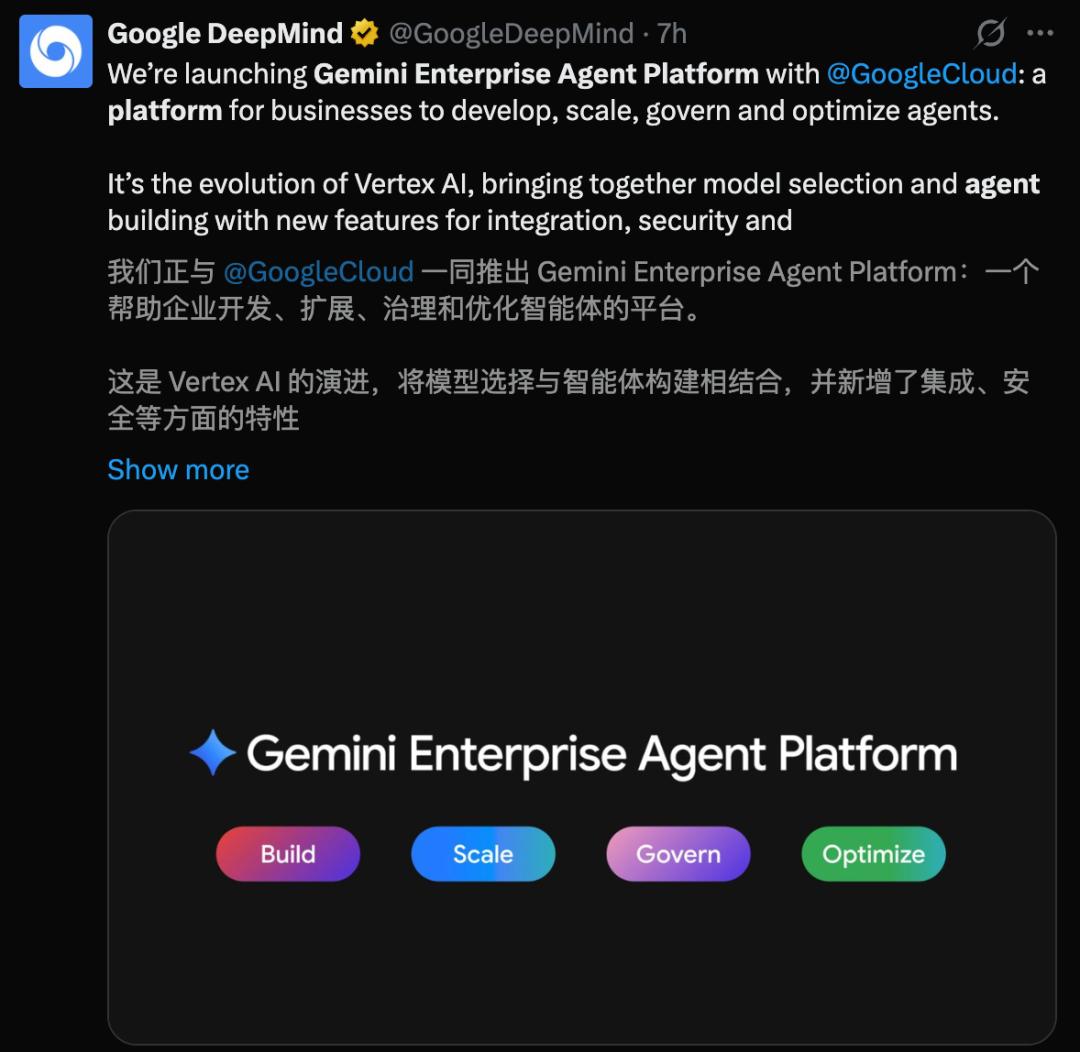
Gemini Enterprise Agent Platform
Also today, Google launched an enterprise - level Agent platform designed for developing, managing, and optimizing thousands of Agents.
It can connect to more than 200 leading global models, and is like a "control tower" for full - stack enterprise management.
But OpenAI is playing a different card - relying on ChatGPT's 900 million weekly active users.
For enterprises, the biggest cost of promoting Agents has never been technical deployment, but employee training. Microsoft has to teach employees to use Copilot Studio, and Google has to teach employees to use Agentspace Builder.
OpenAI's logic is that your employees already know how to use ChatGPT, and workspace agents are right in the sidebar of ChatGPT, with zero learning cost.
However, whether OpenAI's Agents can truly stand firm in these enterprise - level scenarios depends on whether the reliability of cross - tool execution and enterprise - level governance capabilities can withstand the test of the real production environment.
But the direction is clear. In the second half of 2026, the battle in the corporate AI market will become even more intense.
Is Your Workstation Still There?
Let's go back to the original question.
In the demo, the sales team used Spark to replace the work of "piecing together customer information + manually sending emails", the product team used Scout to replace the work of "organizing user feedback + creating work orders", the operations team used Tally to replace the work of "writing weekly reports", and the compliance team used Trove to replace the work of "supplier due diligence".
Moreover, the design philosophy of workspace agents is not "to help you work", but "to do the work for you".
It has its own workstation, the cloud sandbox. It has its own toolbox, spanning dozens of applications. It has its own memory and becomes smarter with use. You just @ it in Slack, and it starts working. Set a scheduled task, and it will automatically submit the report on Friday.
You go off work, but it stays. And it doesn't take leave, slack off, or ask for year - end bonuses.
Do you think your boss will try ChatGPT after seeing this?
Reference materials:
https://openai.com/index/introducing-workspace-agents-in-chatgpt/
https://openai.com/business/workspace-agents/
https://x.com/OpenAI/status/2047008987665809771
This article is from the WeChat official account "New Intelligence Yuan", author: New Intelligence Yuan, published by 36Kr with authorization.