Inverted configuration, price inversion: iPad Air or MacBook Neo, which one should you choose?
Before deciding to write this article, a college classmate posed this question to me, and my first reaction was one of astonishment.
In the past, the iPad was the iPad, and the MacBook was the MacBook; they were like two parallel lines that never crossed. Regardless of the device form, interaction method, or ability boundaries, just looking at the price range made it difficult to put the iPad and the MacBook on the same starting line.
Moreover, Apple has been shouting at the top of its lungs, "Why does your next computer have to be a traditional computer?" for several years. However, marketing is one thing, and the facts are clear: the real "productivity" that can get work done still only exists in the desktop - level macOS.
Therefore, the iPad is more like a competent "supporting role", staying in a lower price range than the Mac to fill the gaps in touch, writing, and creativity.
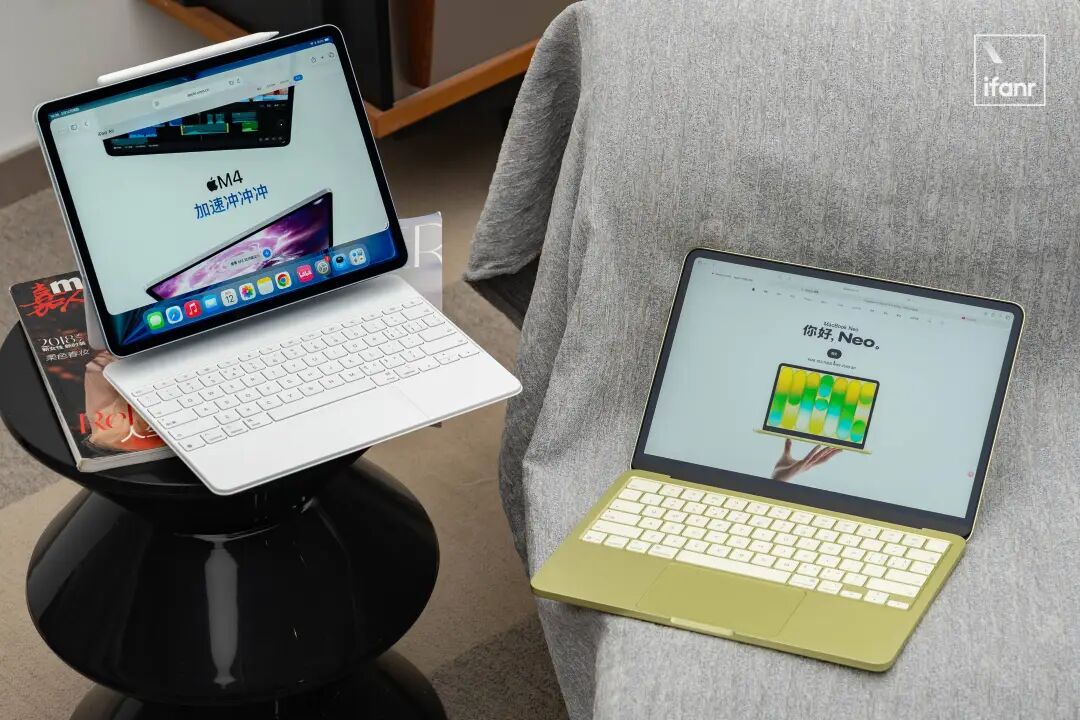
However, this year, discussing these two devices side by side has suddenly become extremely relevant.
Has the iPad finally evolved to have productivity comparable to that of a Mac? Not really... It's just that the pricing of the MacBook Neo has, for the first time, entered the comfortable price range of the iPad Air.
What's even more dramatic is that the hardware configuration has also started to "reverse the normal order":
- The iPad Air, which focuses on portability and mobility, is iteratively equipped with the same M4 desktop - class chip as the Mac;
- However, the MacBook Neo, which actually runs macOS, uses an A18 Pro mobile - class chip first launched in the iPhone 16 Pro.
So, going back to the question at the beginning: Should you choose a Mac or an iPad?
This time, you really have to think it over carefully.
TL;DR (Too Long; Didn't Read)
- Whether it's the M4 for the iPad Air or the A18 Pro for the MacBook Neo, the performance is sufficient;
- If your interaction focus is on "touch", choose the iPad; if it's on "keyboard and mouse", choose the MacBook Neo;
- Buy the iPad Air: Only if your needs are very clear in advance (you must draw, take heavy - duty handwritten notes, or already have a main computer as a complement);
- MacBook Neo: If your budget is limited and your needs are vague (for daily office work, attending classes, making PPTs), don't hesitate and just buy it. Letting go of the obsession of "wanting it all" is the greatest respect for your wallet.
The "Reversed Order" of Hardware and the "Absolutely Sufficient" Performance
Judging from the parameter table, the performance of the iPad Air M4 seems to crush that of the MacBook Neo.
However, in fact, within the price range of less than 5,000 yuan, the performance of both devices shows "overflow" in different dimensions.
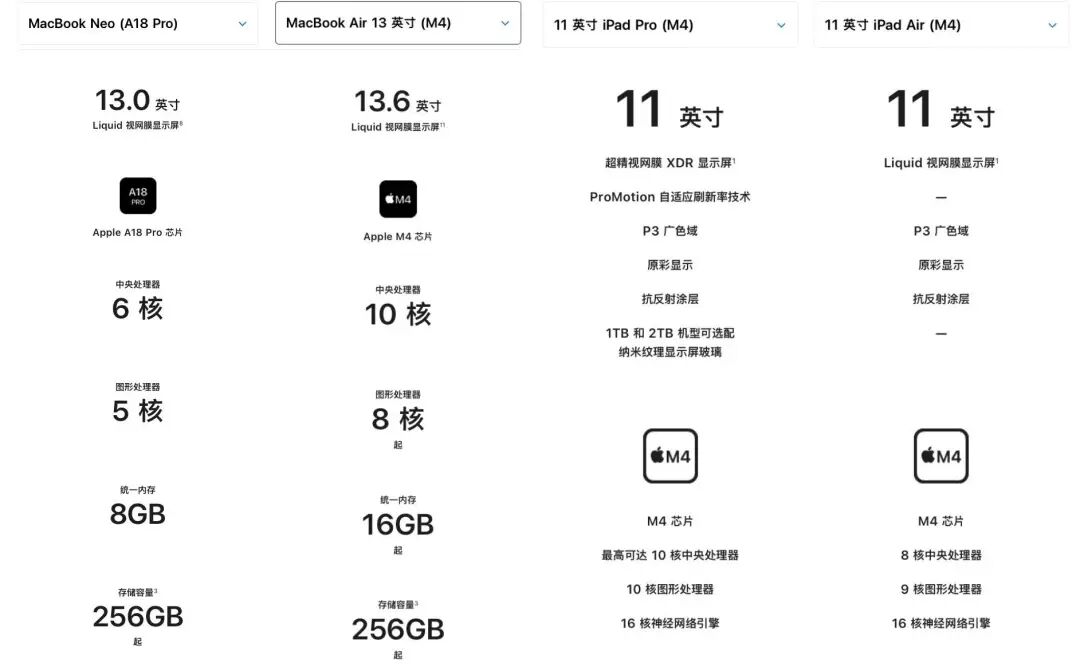
Although the M4 chip in the iPad Air is not the "full - blooded" M4 chip used in the MacBook Air, with a reduced number of CPU and GPU cores, stuffing it into such a thin and light body still makes it a veritable performance beast.
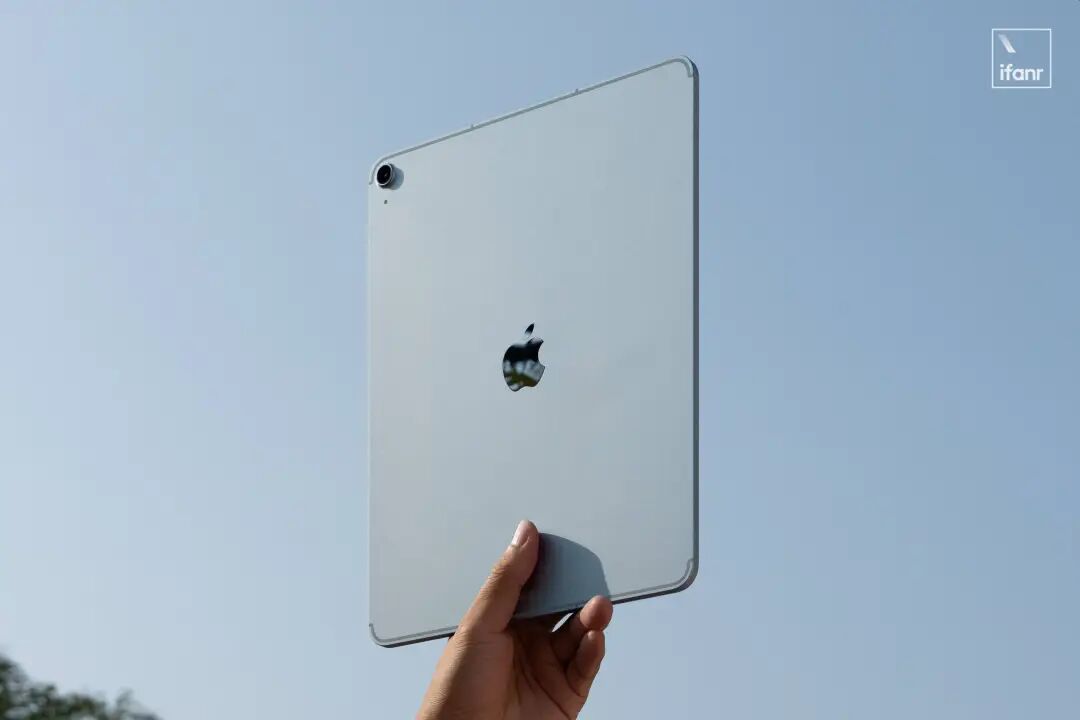
In most tablet application scenarios, the computing power of the M4 seems like "using a sledgehammer to crack a nut".
With up to 12GB of unified memory, this configuration is obviously not designed to meet current needs but to look towards the future.
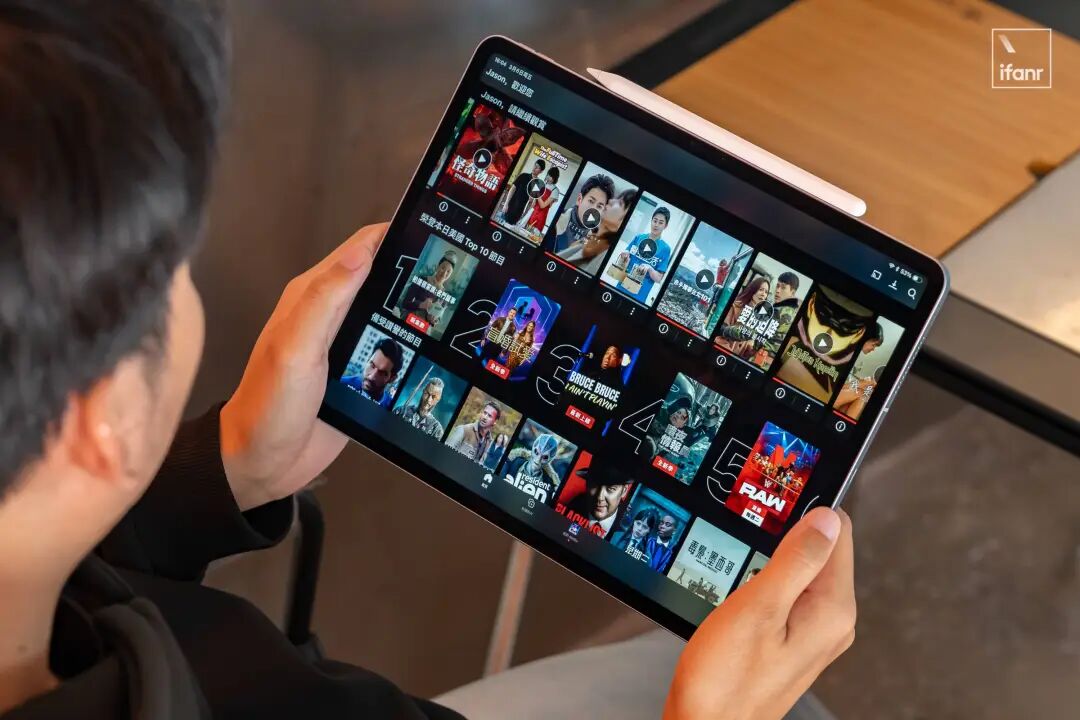
In actual experience, the excellent screen quality and stereo speakers of the iPad Air are more than enough to meet all entertainment needs such as playing games and watching videos.
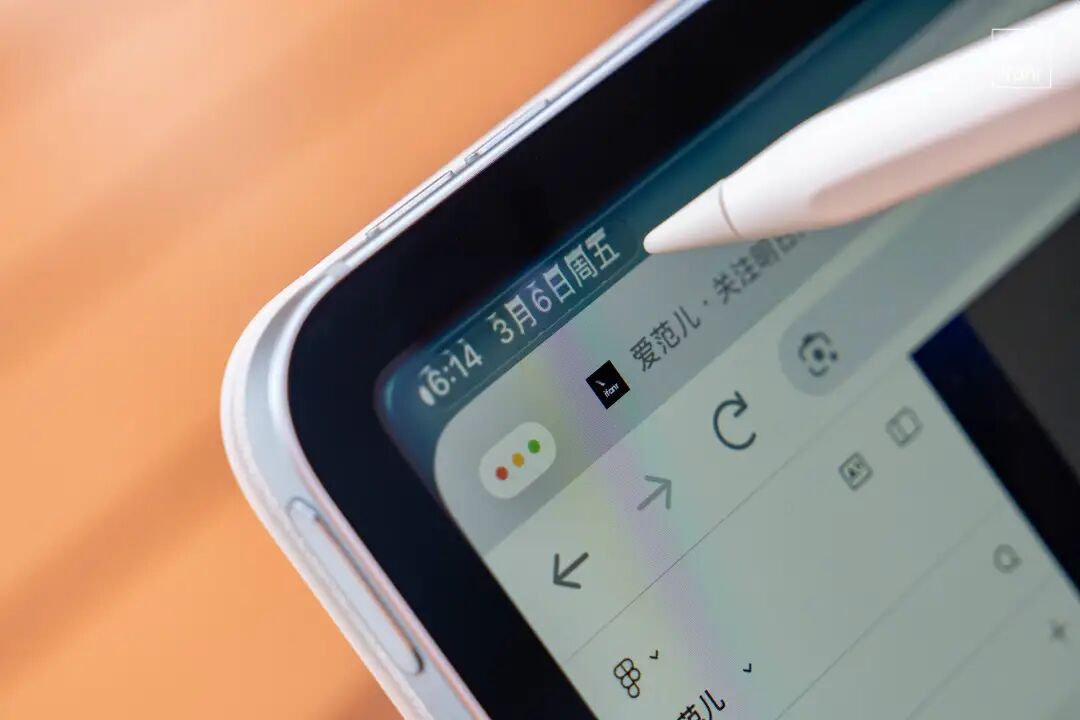
More importantly, the 12GB of unified memory gives it almost desktop - level multitasking capabilities. Thanks to the new windowing mechanism, even when multiple applications are opened simultaneously, the system remains smooth and fluid, getting even closer to the experience of the MacBook Air.

Especially since the iPad Air still has a 60Hz screen, which makes the graphics performance of the M4 chip seem more than sufficient and even a bit overkill.
From this perspective, this currently slightly excessive performance margin is enough to allow it to easily withstand several generations of major system version iterations in the future and remain relevant over time.

Compared with the step - by - step "chip upgrade" of the iPad Air, the MacBook Neo using a smartphone chip is the most unexpected and strategically significant move by Apple recently.
The Neo is not equipped with the commonly used M - series processors in the MacBook family but directly uses the A18 Pro processor first launched in the iPhone 16 Pro. According to ifanr, this is also the natural result of Apple's more than 15 - year efforts in the A - chip and 6 - year layout of ARM Macs.
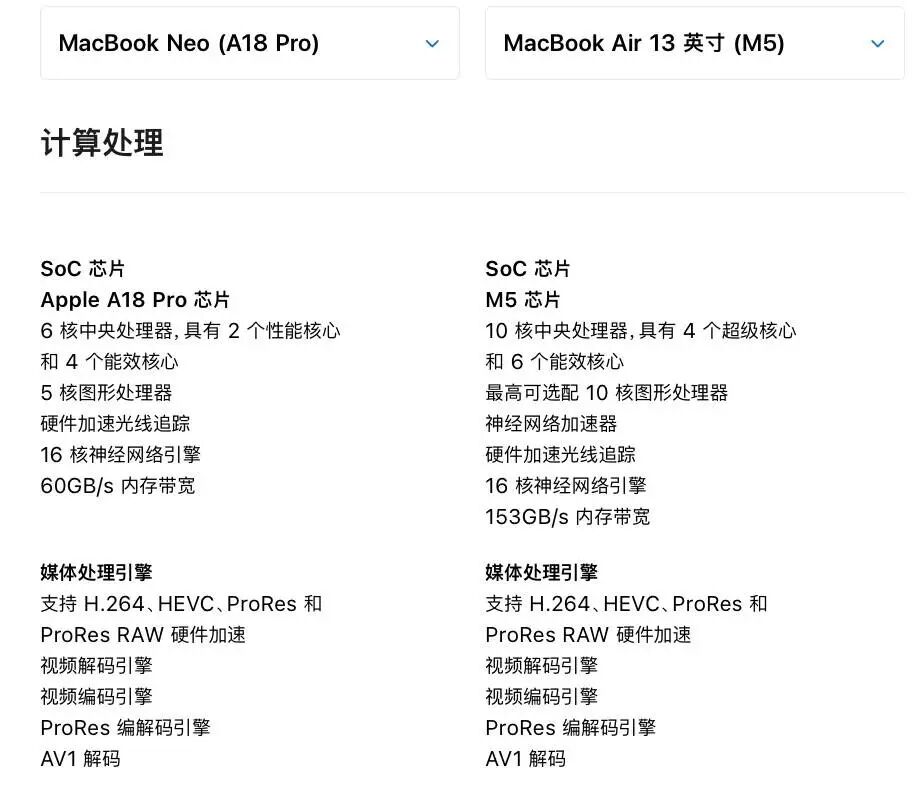
However, the A18 Pro in the Neo is not the "full - blooded" version either. It has a configuration of 6 CPU cores + 5 GPU cores, one GPU core less than the "full - blooded" version.
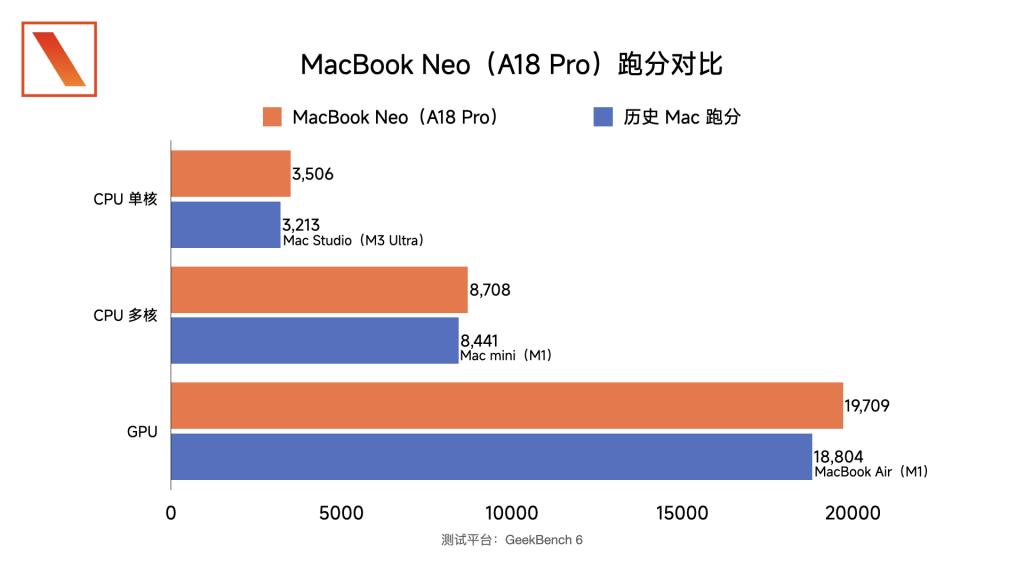
Even so, judging from the GeekBench scores, the comprehensive performance of this A18 Pro is firmly between that of the M1 and M2.
Although the M1 is a 6 - year - old chip, even today, the light - duty office experience of the M1 is still quite good. Many editors in the editorial department still use the M1 MacBook Air as their main working device.
So, an A18 Pro chip that is more powerful than the M1 chip does have the confidence to run macOS smoothly.
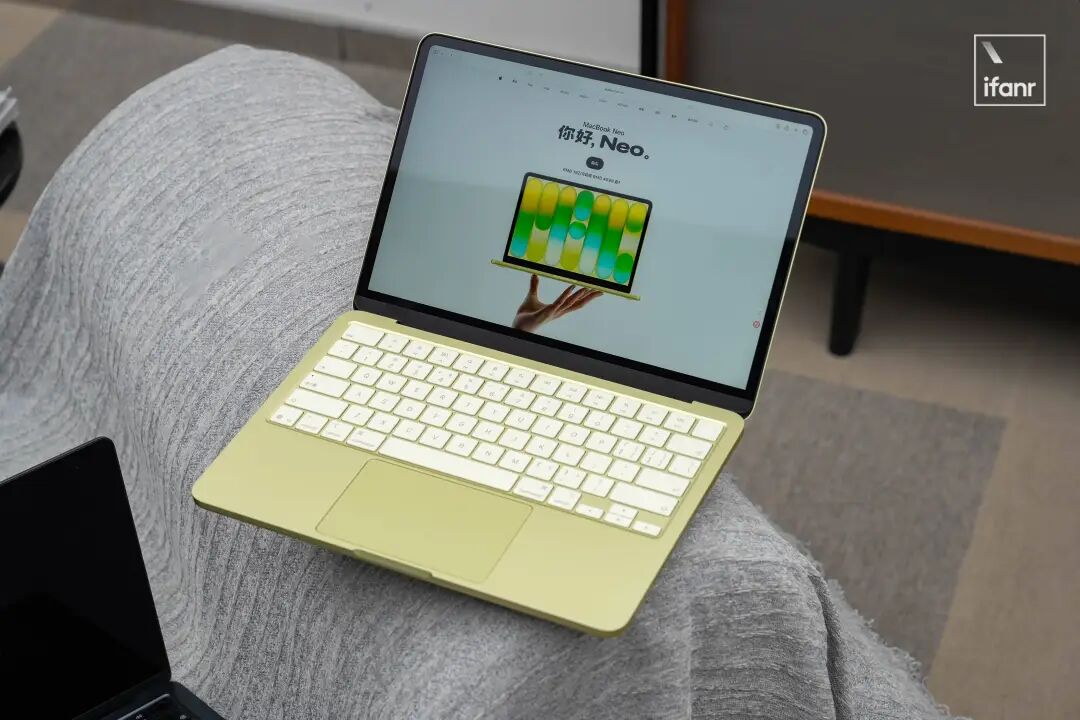
More importantly, the MacBook Neo is equipped with the full - fledged macOS, exactly the same as that on the MacBook Pro, without any compromises at the system level. This just confirms the pure and complete Mac attributes of the MacBook Neo.

In actual experience, it can easily handle all regular text - based office needs; and the much - criticized 8GB of unified memory is not as tight as expected.
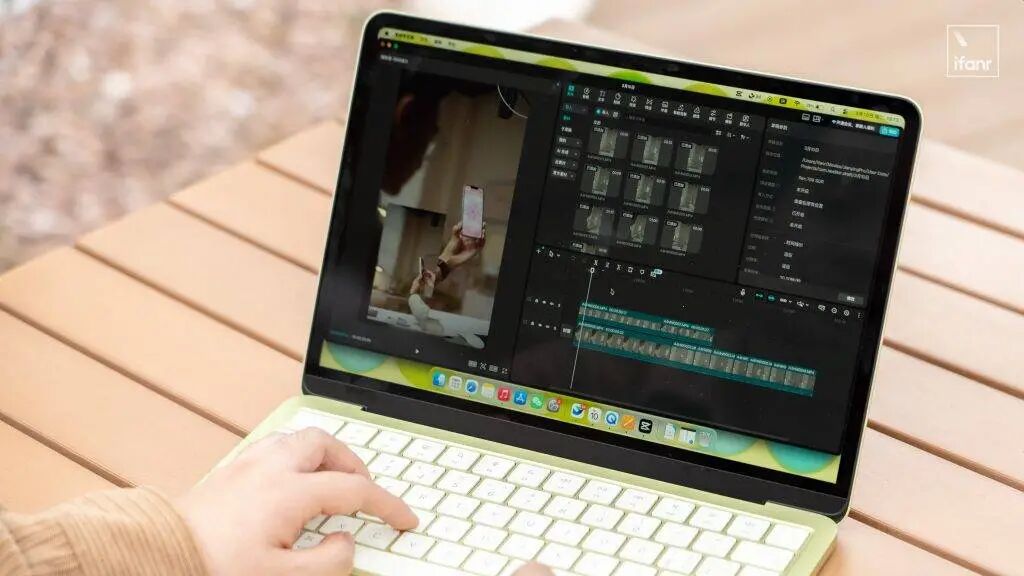
Whether it's the quick cold start of applications or switching back and forth between dozens of browser tabs, it performs with ease. Even when using Jianying to drag and drop 1080P video materials and edit a few - minute Vlog, the timeline operation is smooth and seamless.
Objectively speaking, this 8GB of unified memory is definitely not as generous and smooth as the 12GB of unified memory in the M4 iPad Air. It's easy for me to figure out the performance boundary of the MacBook Neo.
There is also a bit of concern about whether the MacBook Neo can withstand the system version updates in the following years.
However, those more demanding "Pro - level" productivity needs should be left to the higher - end Pro product lines to tackle. This is not something the "Neo" should worry about. The Neo has done a really good job in the role of an "entry - level" MacBook.
iPadOS Still Can't Replace macOS, and Vice Versa
Perhaps the chip determines how fast a device can run, but the system determines how far it can go.
Since the iPad started using the same M - series chips as the Mac, the only difference between the iPad as a tablet and a Mac computer is almost just macOS.
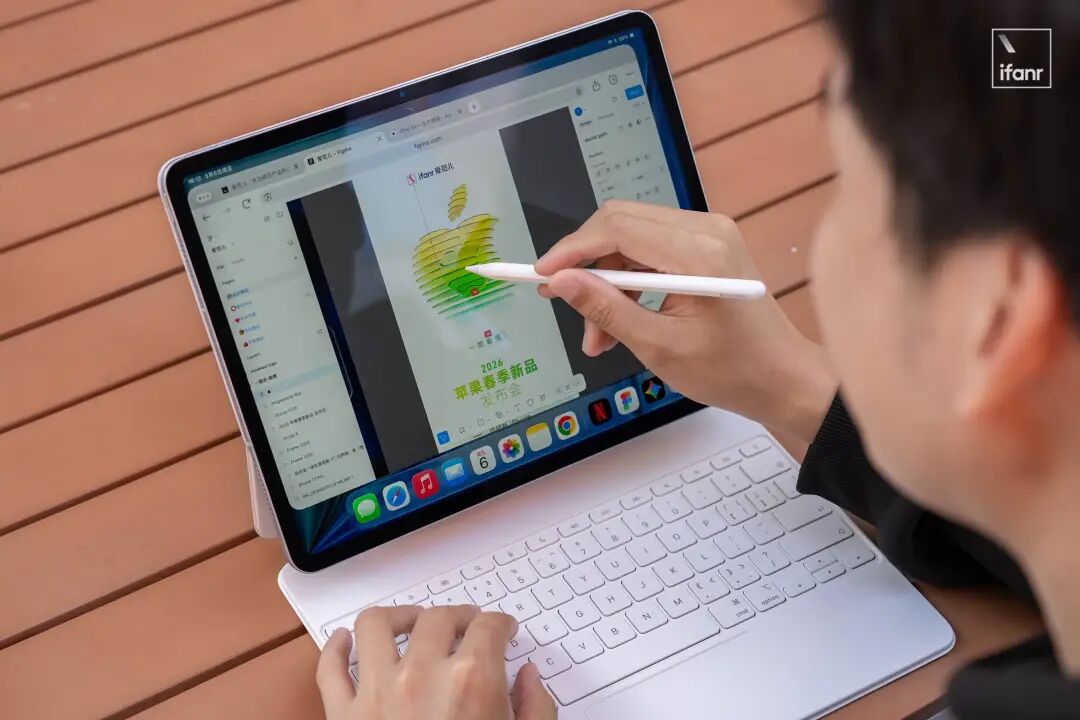
We've discussed iPadOS many times in our previous articles. From a macro perspective of human - computer interaction, the iPad is definitely the most ambitious and diverse culmination of Apple's technological achievements in the past 30 years.
Compared with macOS, which doesn't support touch, and iOS, which doesn't support using a pen, the iPad can "reach out to touch the screen, use a pen to make annotations, and operate windows with a keyboard and mouse".
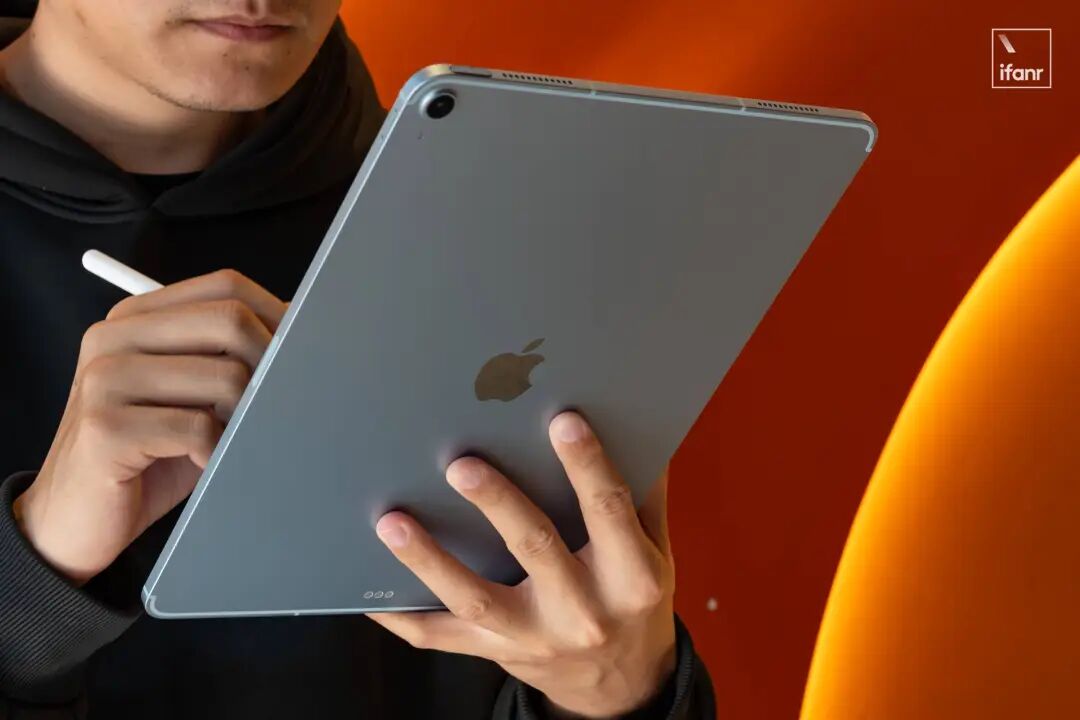
Suppose you're in a university library, facing hundreds of pages of obscure English PDF literature. What you need is an Apple Pencil to highlight and annotate at will, and the intuitive experience of flipping pages smoothly with a single finger.
For postgraduate entrance exam candidates, medical students, or academic researchers, the iPad with Goodnotes is a portable library that you can hold in your hand and scribble on at any time.
This unique interaction form is an irreplaceable productivity tool for creative workers such as painters and designers.
However, everything comes at a price. When the interaction form of an electronic product is more diverse, the ultimate experience in a specific tool will be diluted.
If a computer is a "special - purpose tool", then the iPad is definitely a "general - purpose tool".
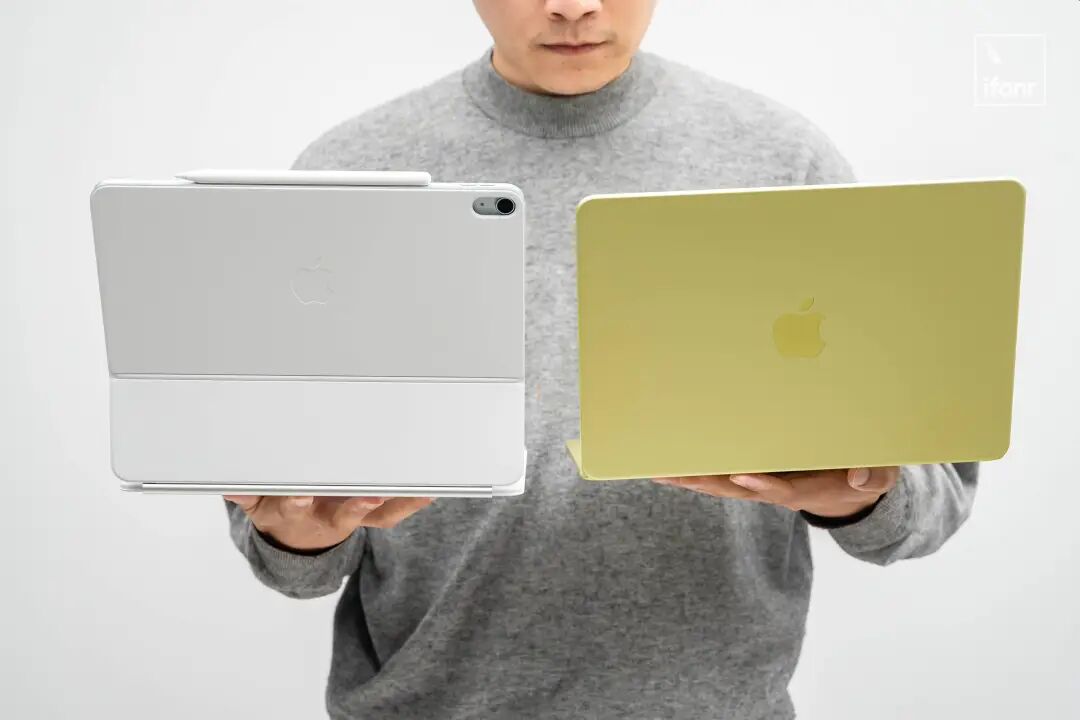
Although the annual iPadOS updates make it more and more like macOS, iPadOS is still the biggest constraint for the iPad.
It's like the latest iPad Air has an M4 "super - car engine" but can only run on the "country road" of iPadOS with a speed limit of 60.
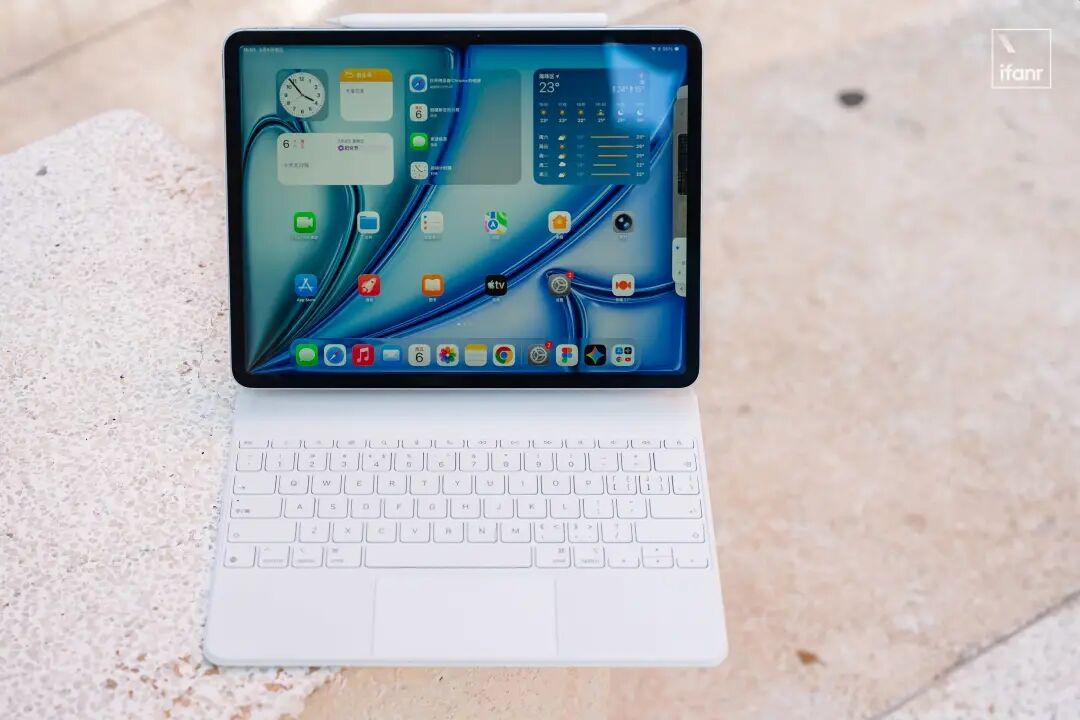
The cumbersome and even counter - intuitive multitasking mechanism, the still - not - open - enough file management system, and the partial lack of desktop - level professional software mean that it can only remain the "most powerful tablet" and cannot cross the line to become a real computer in the general sense.
