Google Gemini enters the global arena, decimates Microsoft Office, and disrupts the work lives of 300 million workers worldwide.
Late at night, Google officially announced a major update! Gemini fully takes over Docs, Sheets, and Slides. The era of AI-native office work has arrived, and the office work styles of 3 billion Google users worldwide may be completely revolutionized.
Just after Microsoft fully integrated Claude into the Office "office suite", Google made a big move late at night.
Just now, Google officially launched the fully upgraded Workspace experience with Gemini.
From now on, Gemini is fully integrated into Docs/Sheets/Slides, becoming a truly native AI suite!
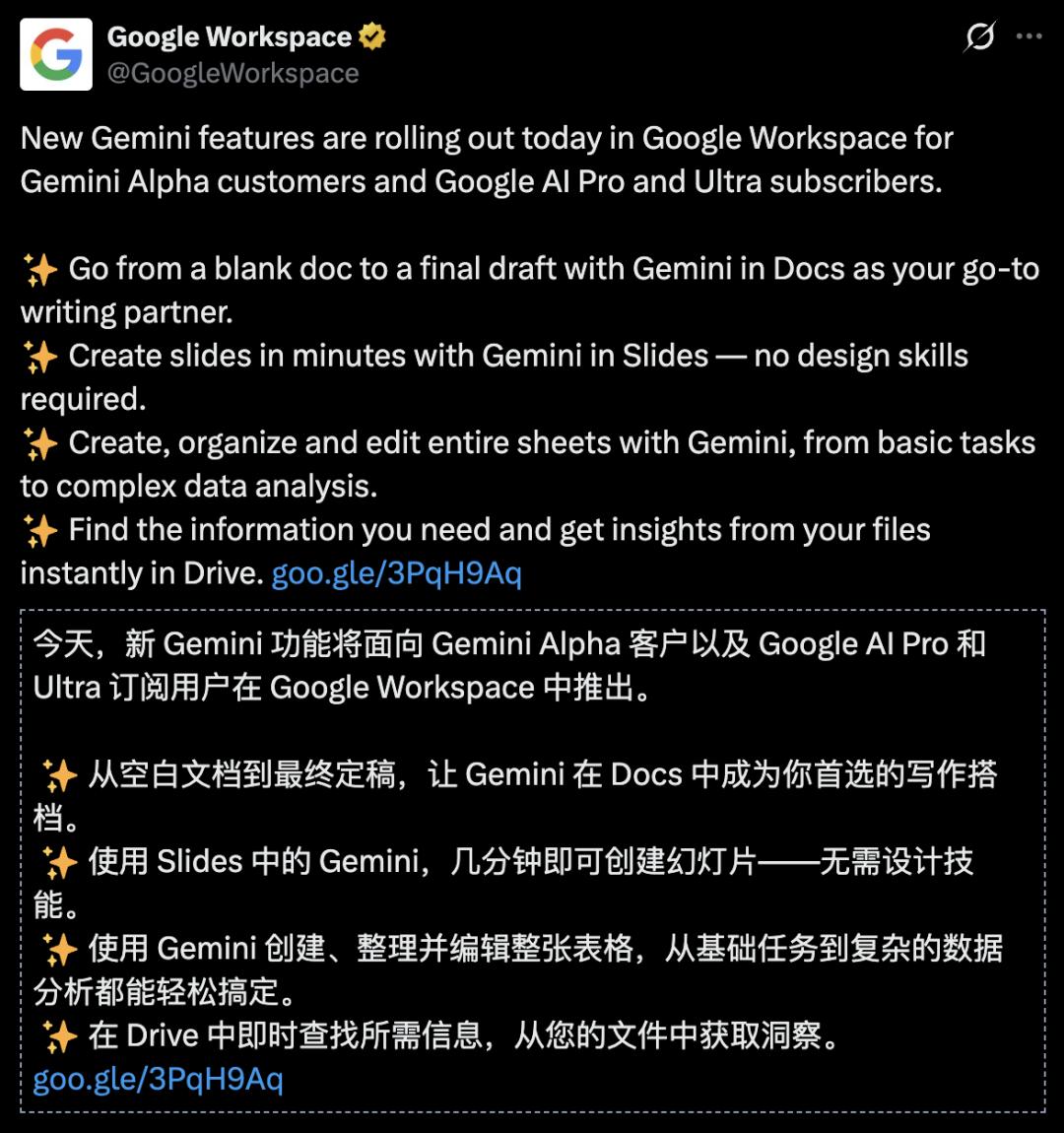
Currently, these features have started to be available to Google AI Pro and Ultra users.
In a nutshell, Gemini is taking over your entire Google office system!

In the full public test benchmark SpreadsheetBench for the ability to edit spreadsheets in real scenarios, Gemini in Sheets achieved a success rate of 70.48%, surpassing its competitors and approaching the level of human experts.

What's more important than the test results is the users' mindset.
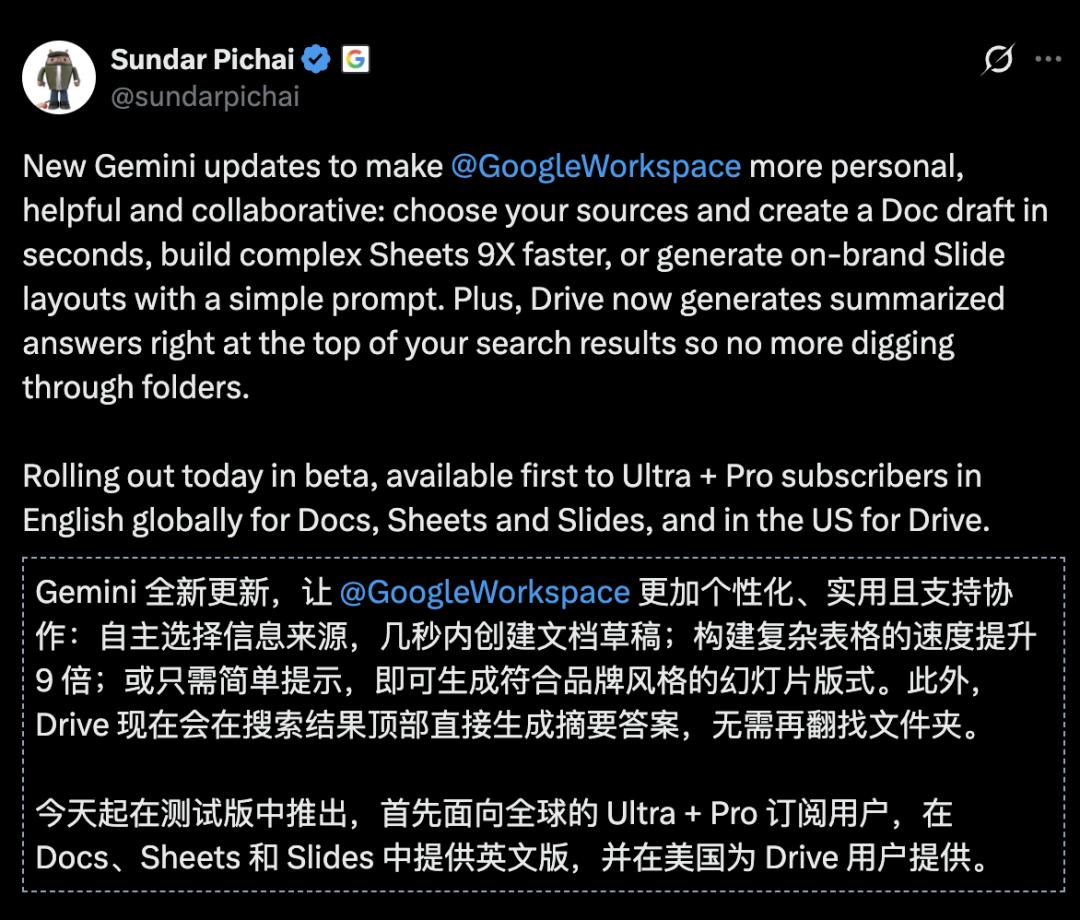
According to Google CEO Sundar Pichai, Google Workspace is more personalized, more practical, and more coordinated:
Autonomously select information sources and create a Doc draft within seconds;
Build complex spreadsheets in Sheets 9 times faster;
Or create a slide layout that matches your brand style with a simple instruction;
Now, Google Drive will directly display summary answers at the top of the search results, so you no longer have to rummage through folders one by one.
This is undoubtedly a victory for Google AI - 300 million Google Workspace users can seamlessly connect without having to download new applications or learn new workflows. AI directly appears where they already work, enabling users to increase efficiency.

Netizens said bluntly: 300 million people are already using Workspace. This is Google's real AI moat!
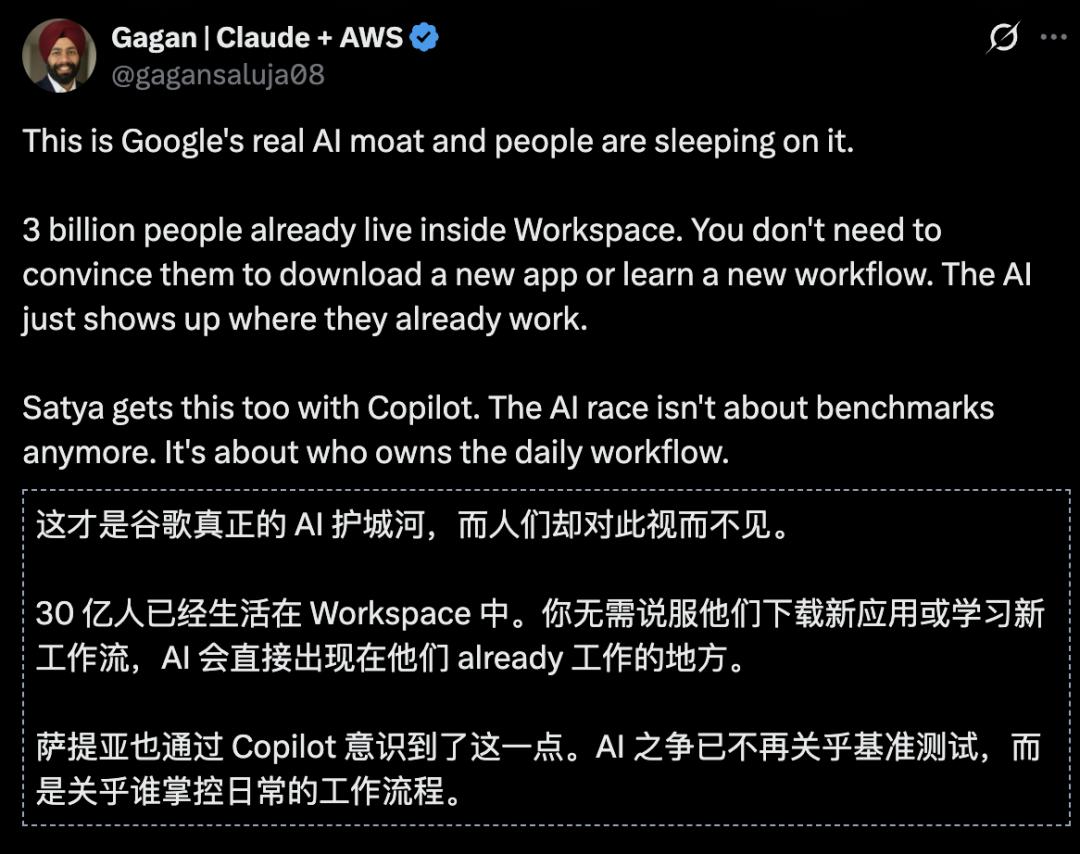
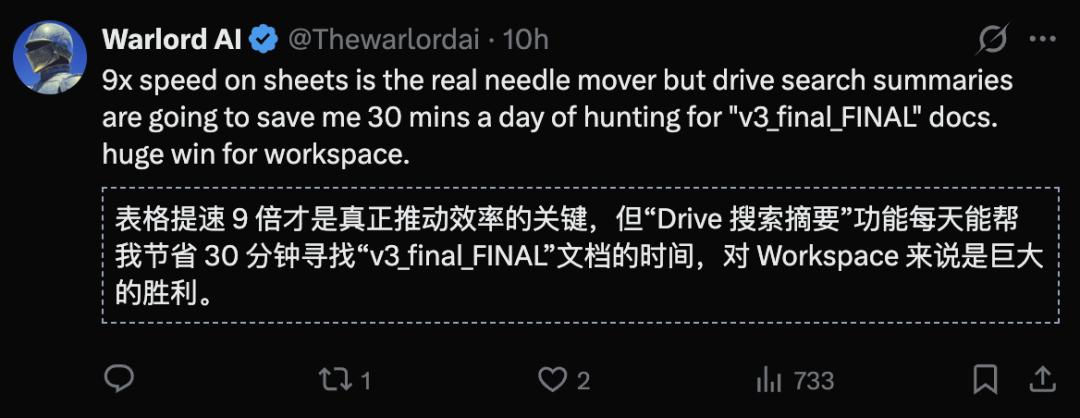

It's not about attaching AI on the side, but making Workspace itself smarter. Google really got this step right.
From now on, the productivity of teams will be greatly improved.


Google's move has made every office worker start to doubt life:
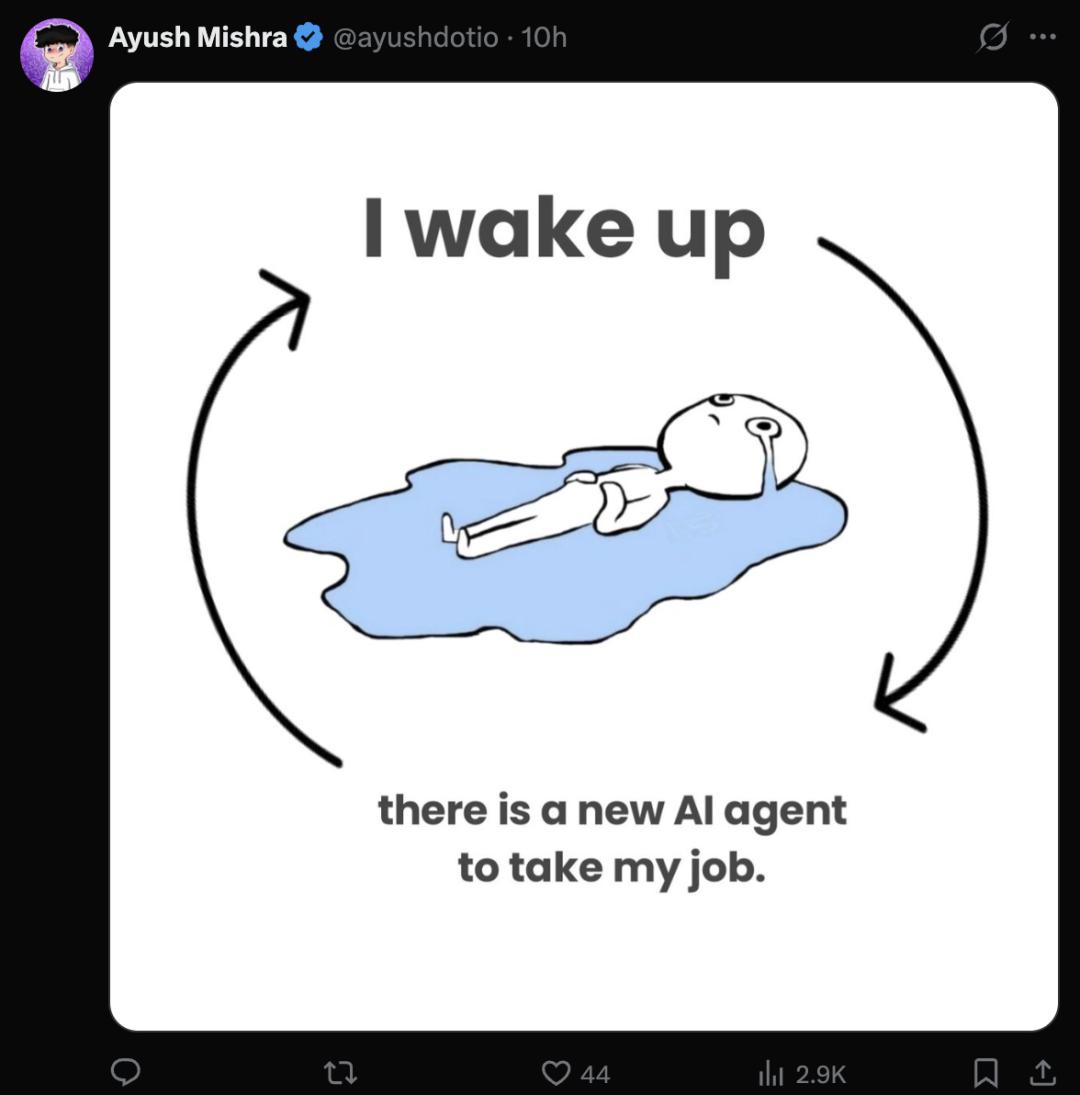
Generate documents in seconds, make spreadsheets 9 times faster, and create slides with instructions. It turns out that work itself isn't that difficult. We just thought so in the past.
Yulie Kwon Kim, the vice president and leader of the Google Workspace product line, boasted:
This redefinition of content creation will upgrade the Gemini assistant in documents, spreadsheets, slides, and Google Drive to a collaborative partner that accompanies you throughout the entire creative process.
……
These new features will make turning ideas into reality faster and more refined than ever before.


Let's see what surprises Google has in store.
Docs: Generate a complete document with one sentence
What Google upgraded first this time is Google Docs.
For example, you can directly give it a command: "Write a community newsletter using my HOA meeting minutes and event list from January."
A complete first draft will be ready in a few seconds.
During this process, Gemini will automatically extract contextual content from your Google Drive files, Gmail emails, and relevant web information.
That is to say, this document is completely generated based on real data.
After generation, you can continue to give the AI specific modification suggestions and even let it automatically match your writing style.
Many people think that the writing style of AI is very different from their own. The new Match writing style feature launched by Google this time can analyze your historical documents and then make the whole article in your style.

Another very practical feature is Match doc format.
For example, if you like a certain travel itinerary template, Gemini can immediately extract flight information, hotel details, and car rental details from your emails and automatically fill them into this template.

Sheet: Let AI design the whole spreadsheet for you
Many people get stuck at the stage of designing the spreadsheet structure when making spreadsheets.
Now, Gemini can design it for you directly!
For example, if you input "Organize my itinerary for moving to Chicago. Create a packing list categorized by room, a list of contact information for utilities such as water, electricity, and gas, and a spreadsheet for tracking quotes from moving companies in my inbox", it will set up the whole project for you based on the relevant information in your emails and files.
If it needs improvement, it will also help you expand, add spreadsheets, dashboards, etc.

What's even more amazing is the new "Fill with Gemini" feature. With it, AI will automatically fill in the data for you!
It not only classifies and summarizes the data but also can access real - time information from Google Search.
For example, if you are applying for college and need to make a college application form, you don't need to manually look up the deadline, tuition fees, and other information of each school.
Just drag down, and Gemini can directly fill in the form automatically based on the information on the Internet.

From now on, operations such as searching, organizing, and filling in forms can be completely automated.
Slides: AI helps you create a complete PPT
What's the most torturous office software? Many people's answer is - PPT!
Now, you just need to say one sentence, and Gemini can generate it for you in seconds.
For example, if you input "Create a 5 - page PPT for my upcoming trip to Tokyo", it can automatically extract relevant information and generate the whole PPT.
Moreover, it can also extract context from your files, emails, and online information.
If you're not satisfied, you can also let Gemini help you edit, such as making the colors more suitable or making it more concise.
Google Drive, no longer just for storing files
If the above feature upgrades solve the problem of "how to write", then the update of Drive solves the problem of "how to find".
This time, the "AI Overviews" feature is introduced in Drive.
Its goal is straightforward: to help users find the content they really want in a more natural way among a large number of personal files.
In reality, most people's cloud drives are not well - organized.
You often can't remember the file name or which folder it's in. You can only vaguely remember:
The deck shown to the audit committee
The document that mentions last year's revenue data
A renaming plan written two years ago
Traditional keyword search often doesn't work well in this scenario.
Because you're not "not knowing what to look for", but "knowing what it is roughly but not being able to say the exact keywords".
The significance of AI Overviews is to make Drive move from "keyword - based retrieval" to "semantic - understanding - based retrieval".
You can directly describe what you're looking for, and the system will help you understand your intention, extract the key points, and find the most relevant files.
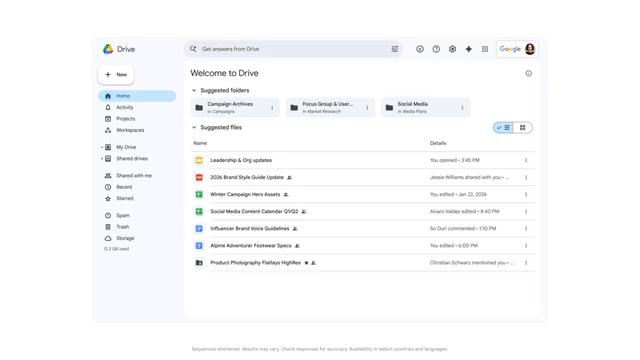
Because it's not just "searching smarter", but gradually turning your Drive into a conversational personal knowledge base.
When you need more than just a short answer, you can further use Ask Gemini in Drive.
The "Ask Gemini" feature allows you to ask complex questions across documents, emails, calendars, and web pages.
For example, you can select all tax - related files and then ask "What questions should I consult my tax advisor before filing this year's tax return?", and you can get a detailed answer based on your actual data.
<