After being out of the public eye for a long time, Guangnianzhiwai has developed an AI browser called Tabbit. Is it any good?
Browsers are becoming the most important battlefield for the implementation of AI.
In October last year, OpenAI launched the AI browser Atlas, which Altman defined as a "once-in-a-decade opportunity" and claimed it would "change the way 3 billion people use the Internet."
Google DeepMind launched "Project Mariner" with the slogan "Explore the future of human-computer interaction, starting from the browser."
Microsoft has integrated Copilot into Edge, Google has embedded Gemini into Chrome, and Apple is also accelerating the layout of AI capabilities in Safari.
All major tech giants have set their sights on this piece of the pie because the browser is one of the applications that modern people use the most. We search, read, work, and entertain here, and almost all information consumption takes place here. If AI is to truly integrate into daily life, the browser is an inevitable entry point.
However, integrating AI into a browser is different from creating a true AI browser. The former is like patching an old framework, while the latter is to reimagine the relationship between people and information.
The team of Light Year Beyond chose the latter.
They launched the Tabbit AI Browser, which integrates browsing, searching, chatting, and execution. It deeply integrates AI capabilities with the browser and attempts to reshape the way users process online information through functions such as intelligent agents, immersive AI conversations, intelligent tab management, and a new-generation favorites folder.
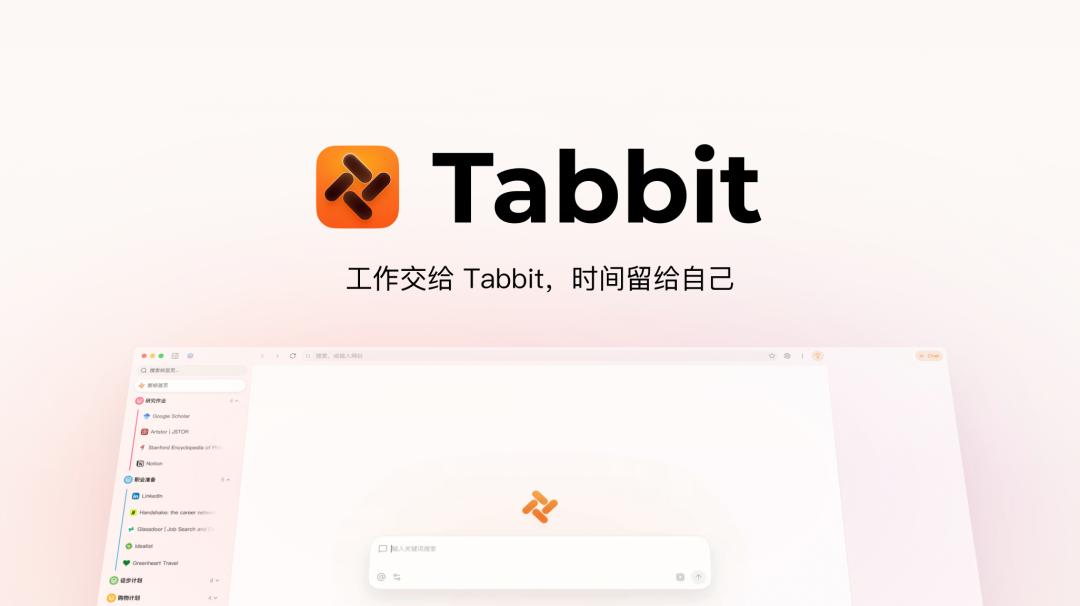
Currently, the Tabbit AI Browser has fully launched its public beta. You can visit the official website to download and experience it for free without an invitation code.
Link: https://www.tabbit-ai.com/
First-hand test: Is Tabbit really useful?
The first impression of Tabbit is that it is more restrained than expected. The interface doesn't pile up too many functions and is even not much different from an ordinary browser until you start using it for real work.
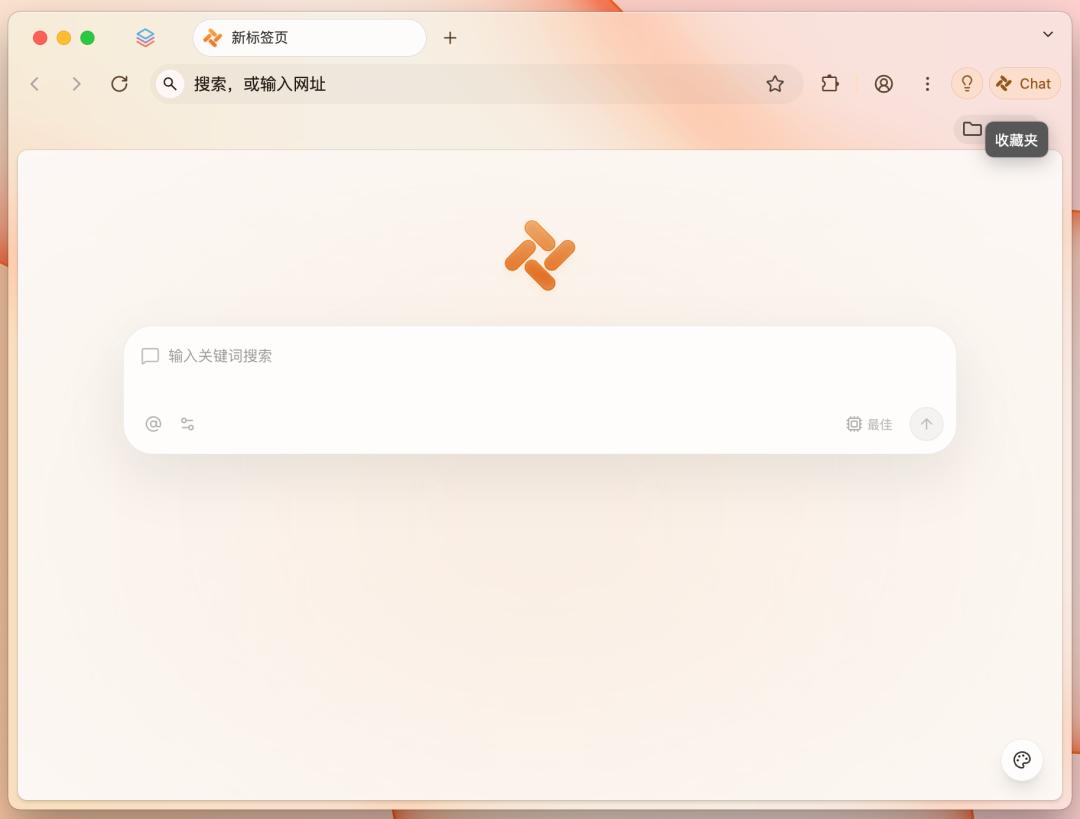
Before conducting the actual tests of various functions, let's take a look at the small details of Tabbit.
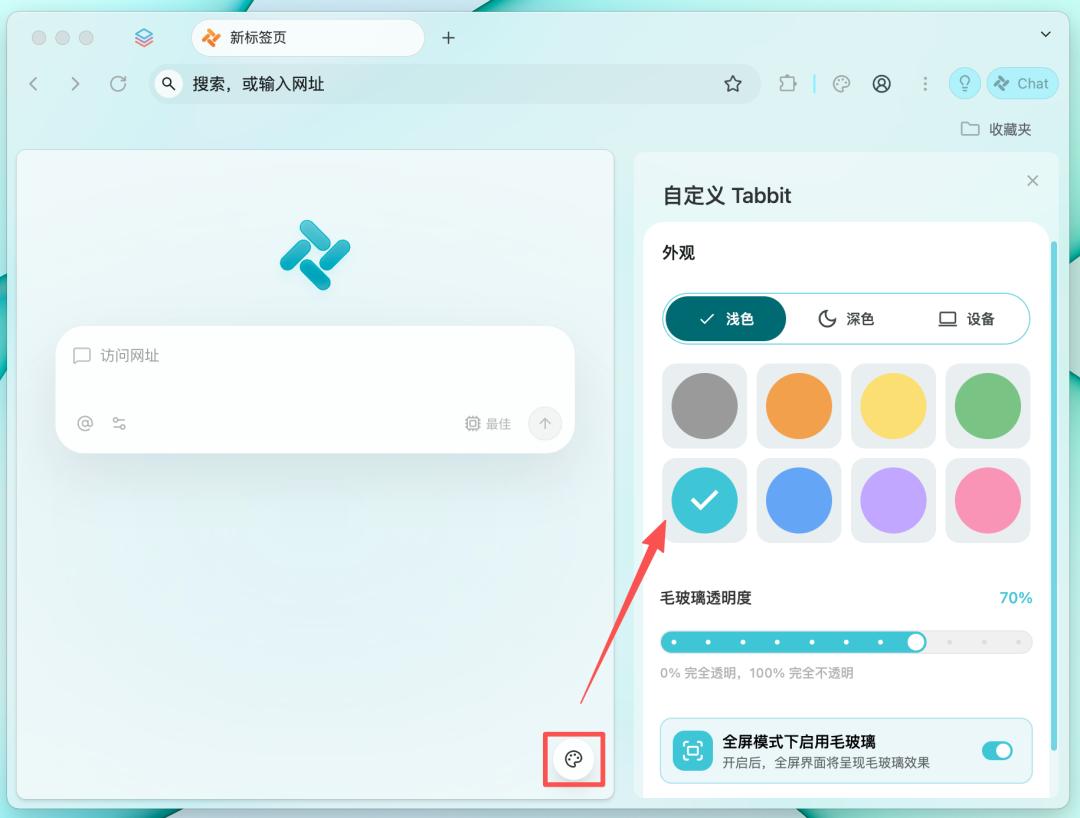
It provides comprehensive appearance customization functions, including 8 preset theme color options, dark/light mode switching, and frosted glass effect adjustment.
We can access the theme settings through the "Customize Colors" button on the new tab page or the "Appearance" option in the settings menu to quickly adjust the overall color scheme and visual style of the browser.
Conversation: Let AI truly integrate into the browsing scenario
Most people use AI in a fragmented way. When reading an article in the browser and wanting AI to summarize or ask follow-up questions, they can only manually copy and paste and switch to another AI application. This operation happens many times a day, and each time it interrupts the current reading train of thought.
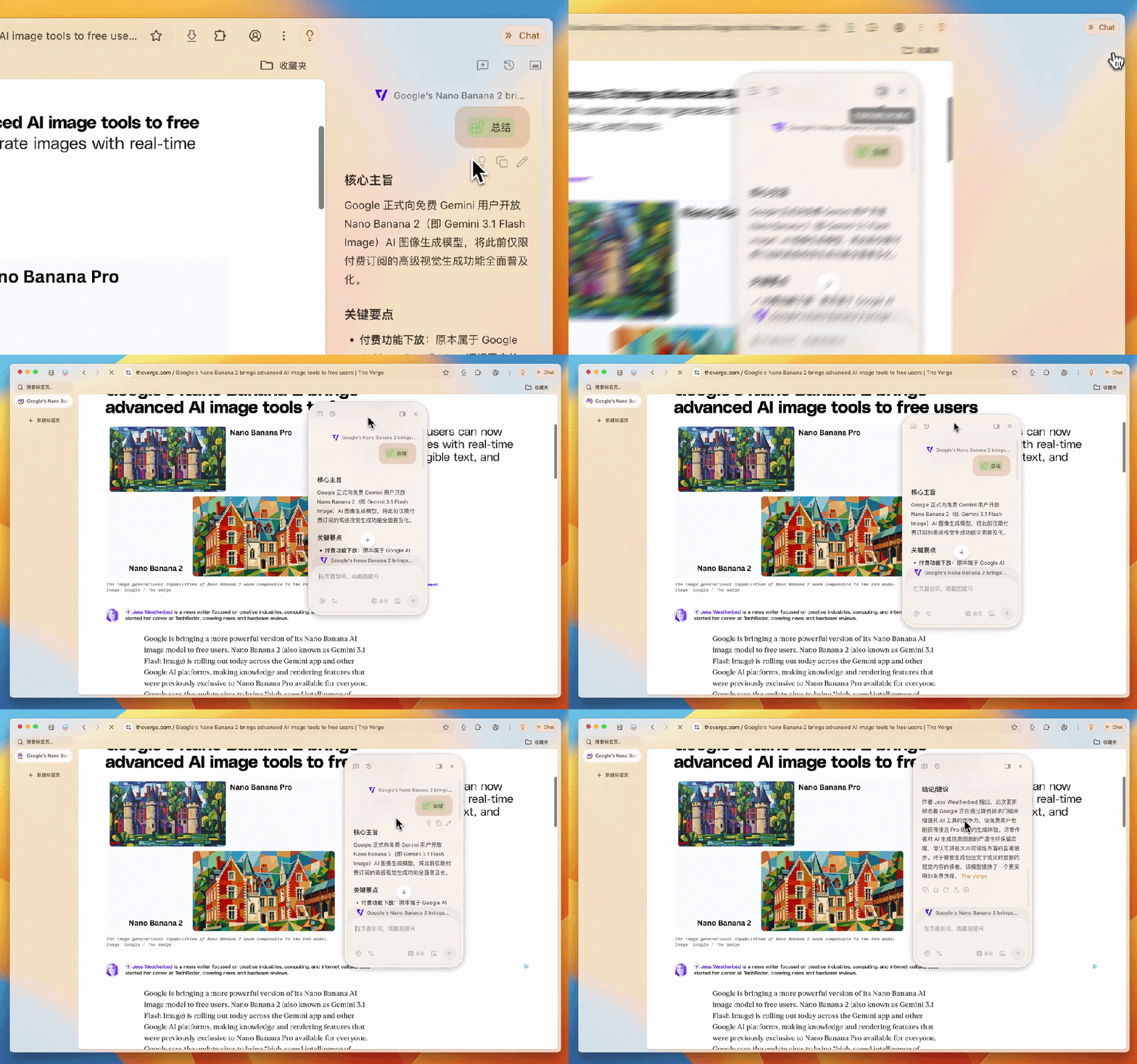
Tabbit is well aware of this pain point and launched a conversation function. Just click the "Chat" icon in the upper right corner to evoke the conversation bar in the browser and directly ask questions, summarize, or analyze the current web page.
For example, when asking it to summarize a report on "Google's launch of Nano Banana 2" from The Verge, after a moment of thought, Tabbit sorts out the core theme, key points, and conclusion suggestions of the article in a clear and organized manner, allowing people to grasp the main content of the report in the shortest time.
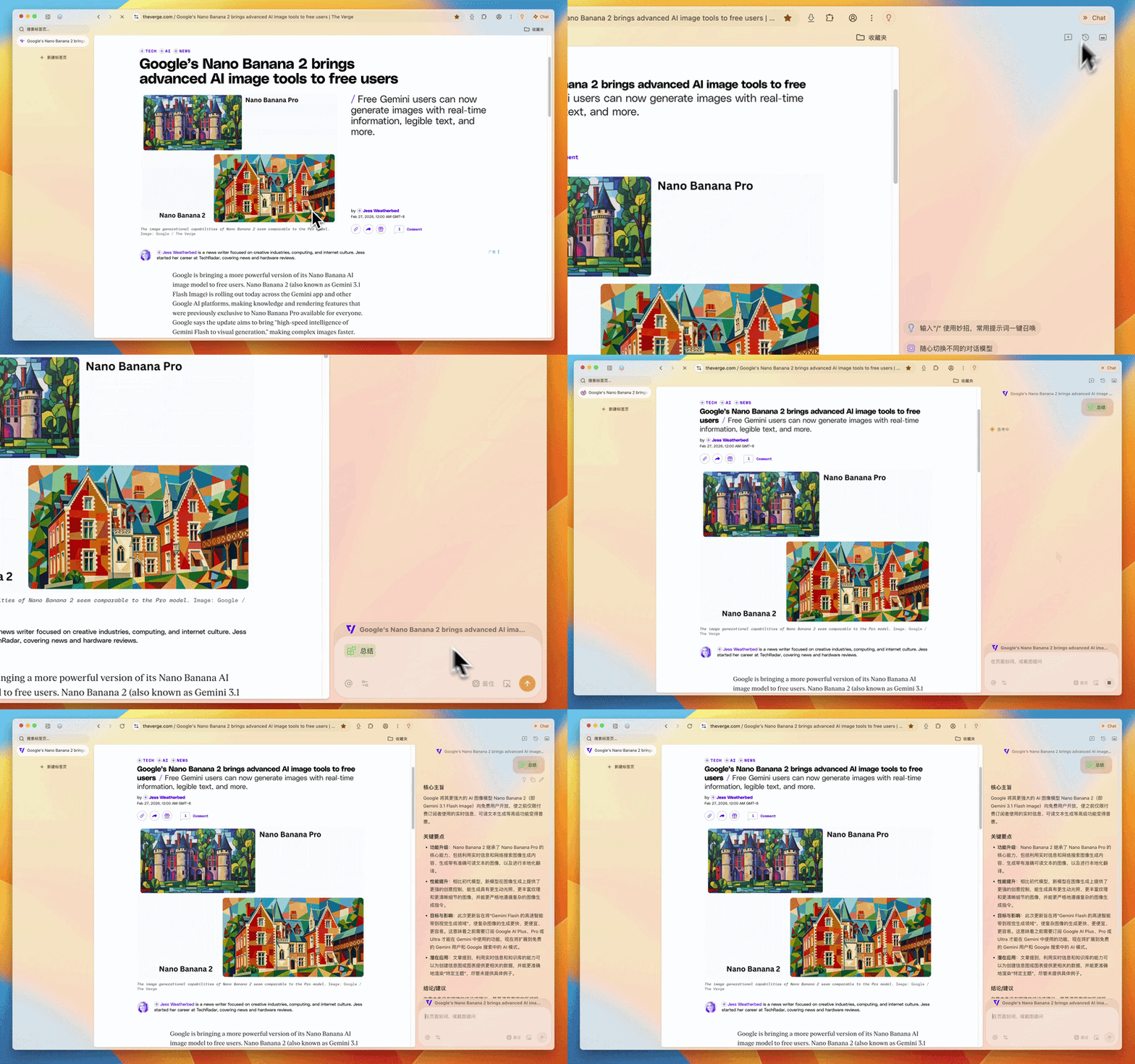
If you think the sidebar affects web browsing, you can also switch to the floating window mode with one click:
Tabbit has built-in multiple models such as DeepSeek, Doubao, Kimi, Qwen, and LongCat, and we can switch and call them at will according to our own needs.

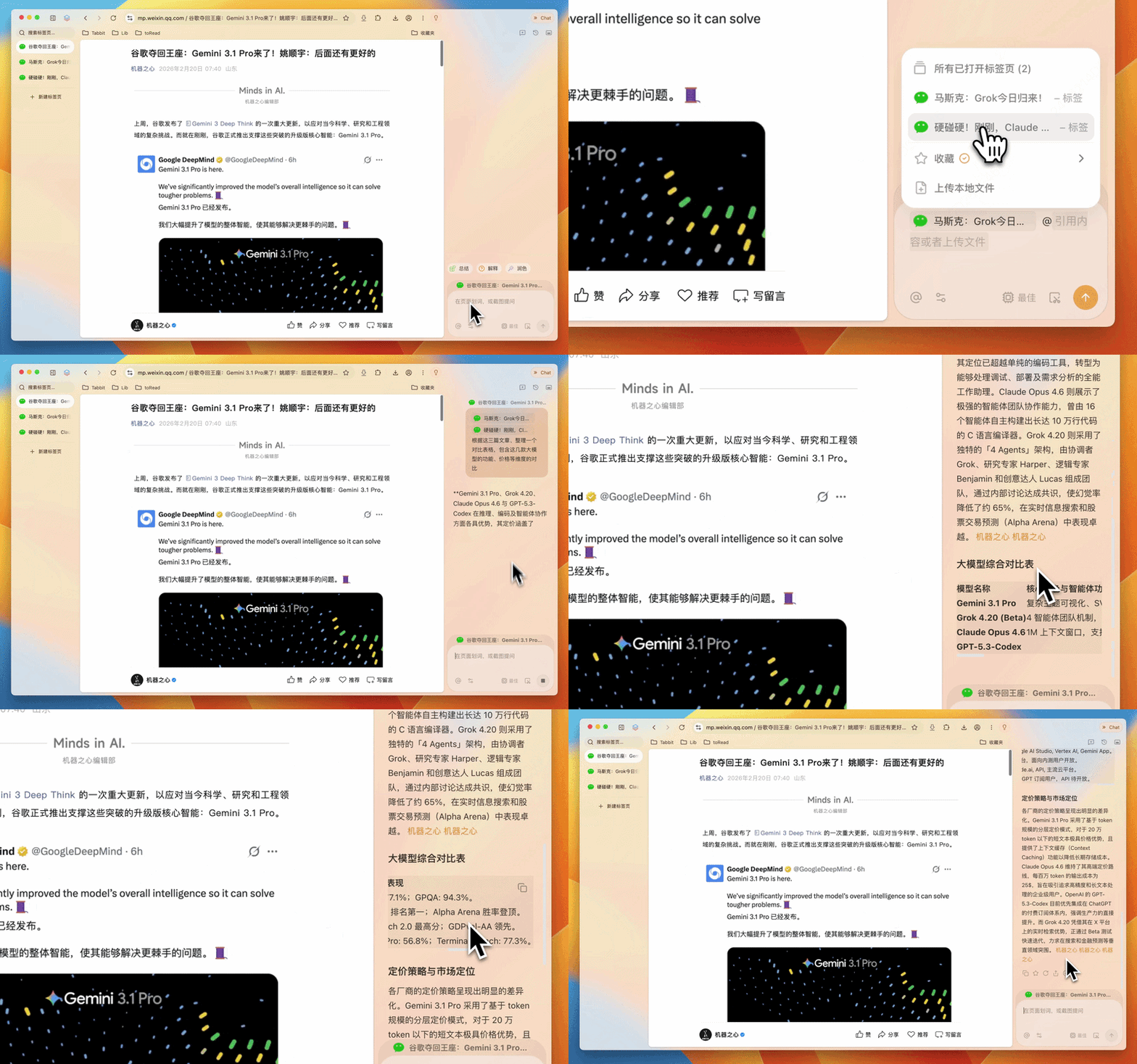
Currently, almost all AI browsers on the market have a conversation function, but the difference of Tabbit lies in that the dialog box supports @ referencing any opened tab pages, tab groups, and favorites, and also supports uploading local files and pictures.
For example, open three reports from Machine Intelligence about the latest large models, covering four large models: Google Gemini 3.1 Pro, Grok 4.2, Claude Opus 4.6, and GPT-5.3-Codex. The content is complex. After @ referencing these tab pages, we ask AI to sort out a comparison table from aspects such as price and function. Tabbit then sorts out the core features, intelligent agent functions, benchmark test performance, pricing, and main application scenarios one by one, making it clear at a glance.
Clever tricks: Turn high-frequency operations into one-click instructions
For editors, their work is filled with a large number of repetitive AI tasks, such as generating various platform versions after writing an article, translating and adding explanations for English professional terms. The tasks themselves are not difficult, but re-entering a long string of prompt words every time is not only troublesome but also error-prone.
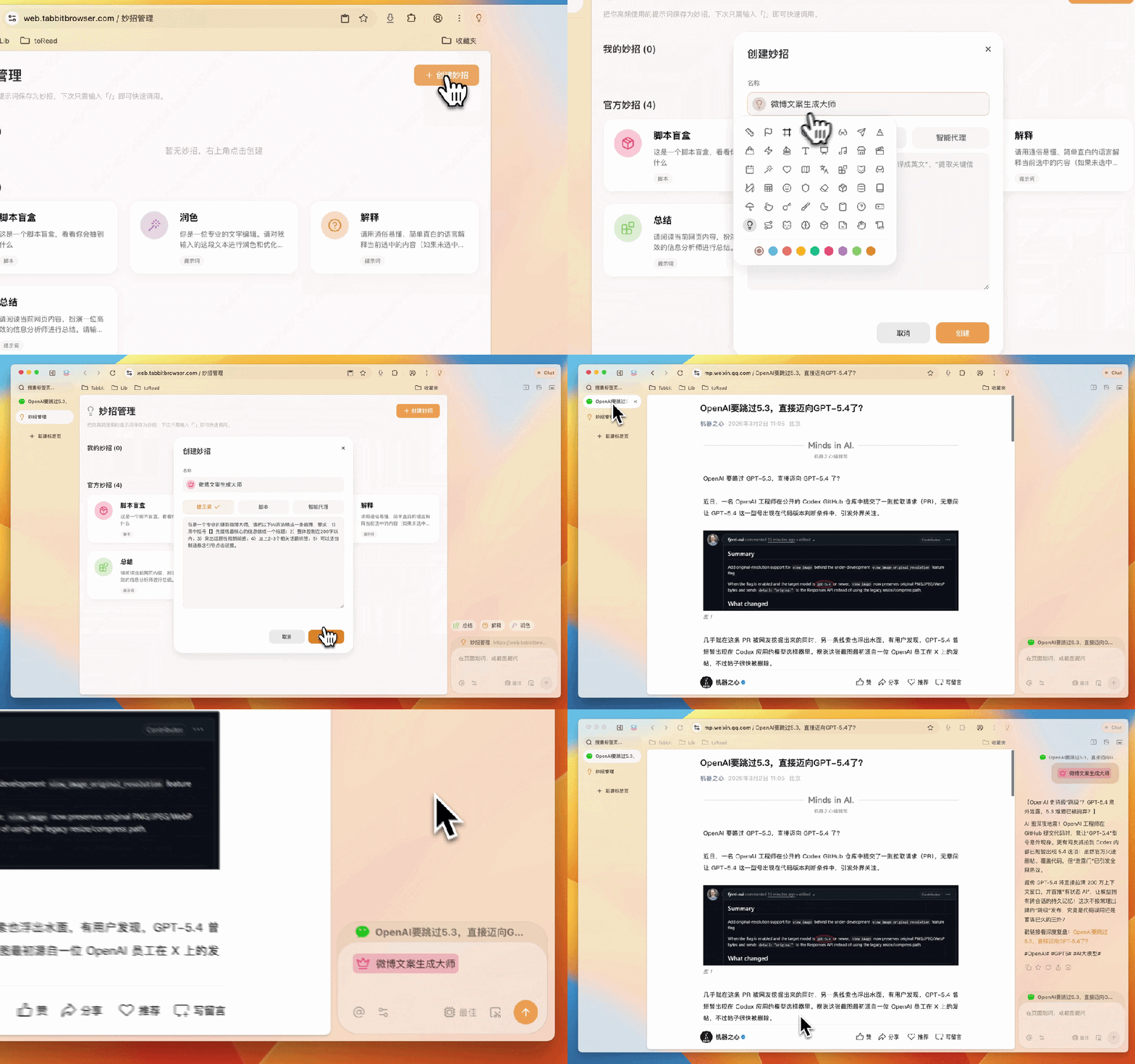
Tabbit's clever trick function can save commonly used AI instructions as shortcut commands, supporting prompt word tricks, script tricks, and intelligent agent tricks in three types.
Let's first talk about the prompt word tricks. We create a "Weibo copywriting generation master" trick. After setting the prompt words, just enter "/" in the dialog box to evoke the created trick and generate a popular Weibo copywriting with one click.
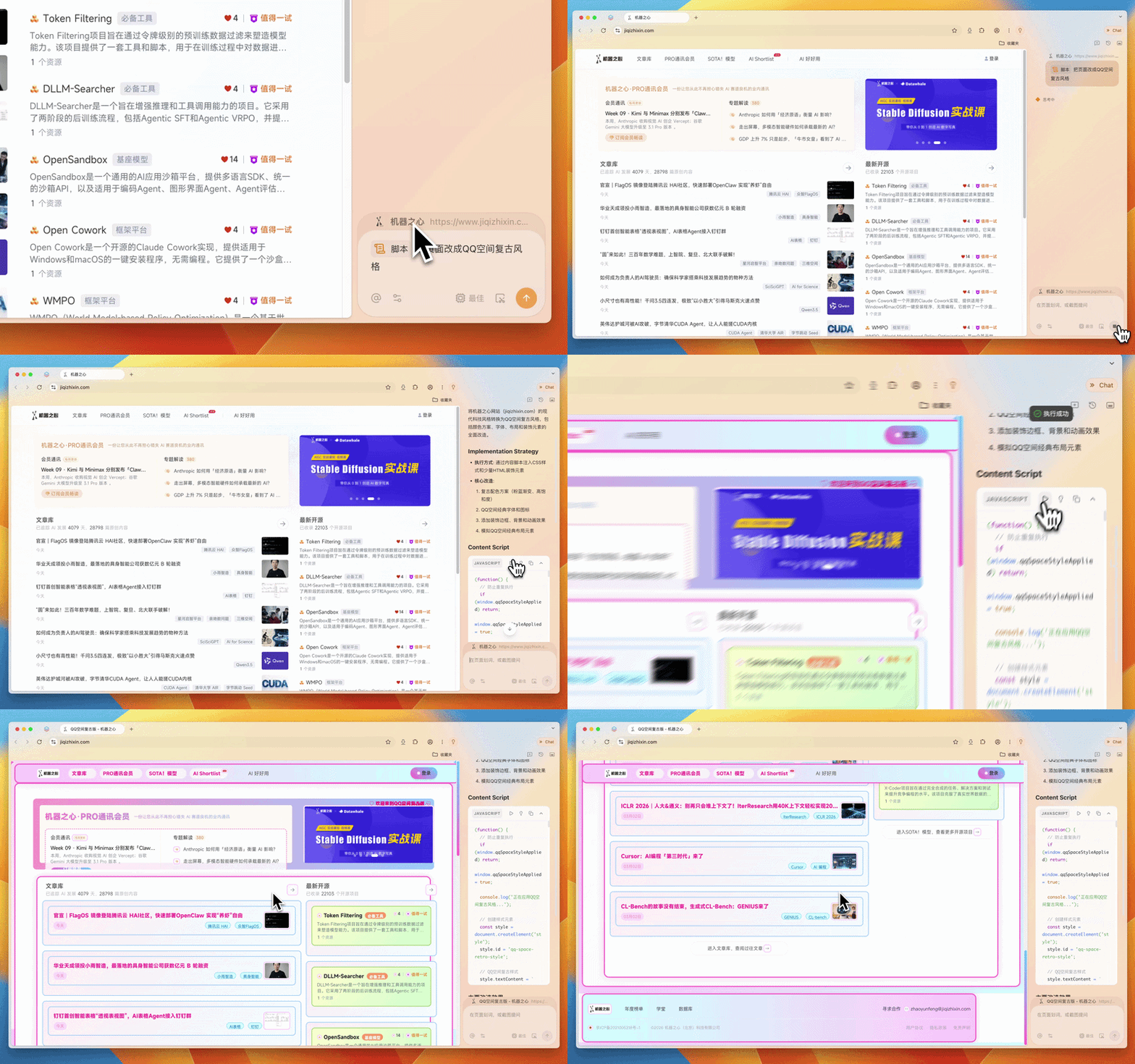
The script trick can describe the desired page effect in natural language, and Tabbit will automatically generate and run the script.
For example, change the official website of Machine Intelligence to the retro style of QQ Space:
Or extract the cover image of an article from The Verge with one click:

Even when you're tired of working, you can ask it to directly generate a playable Super Mario game:
In this way, the "customized web page" ability that originally only belonged to developers can also be owned by ordinary users.
Intelligent agent: Let AI do the "manual work"
Market research and travel planning are probably among the most energy-consuming tasks. You need to open the search engine, browse web pages one by one, filter useful information, and record and organize it in a document. The whole process takes at least one or two hours and at most half a day.
Now, we only need to describe the task in natural language, and Tabbit's Agent will automatically plan the search strategy, access relevant websites, filter effective information, and integrate and analyze data, and finally output a complete report.
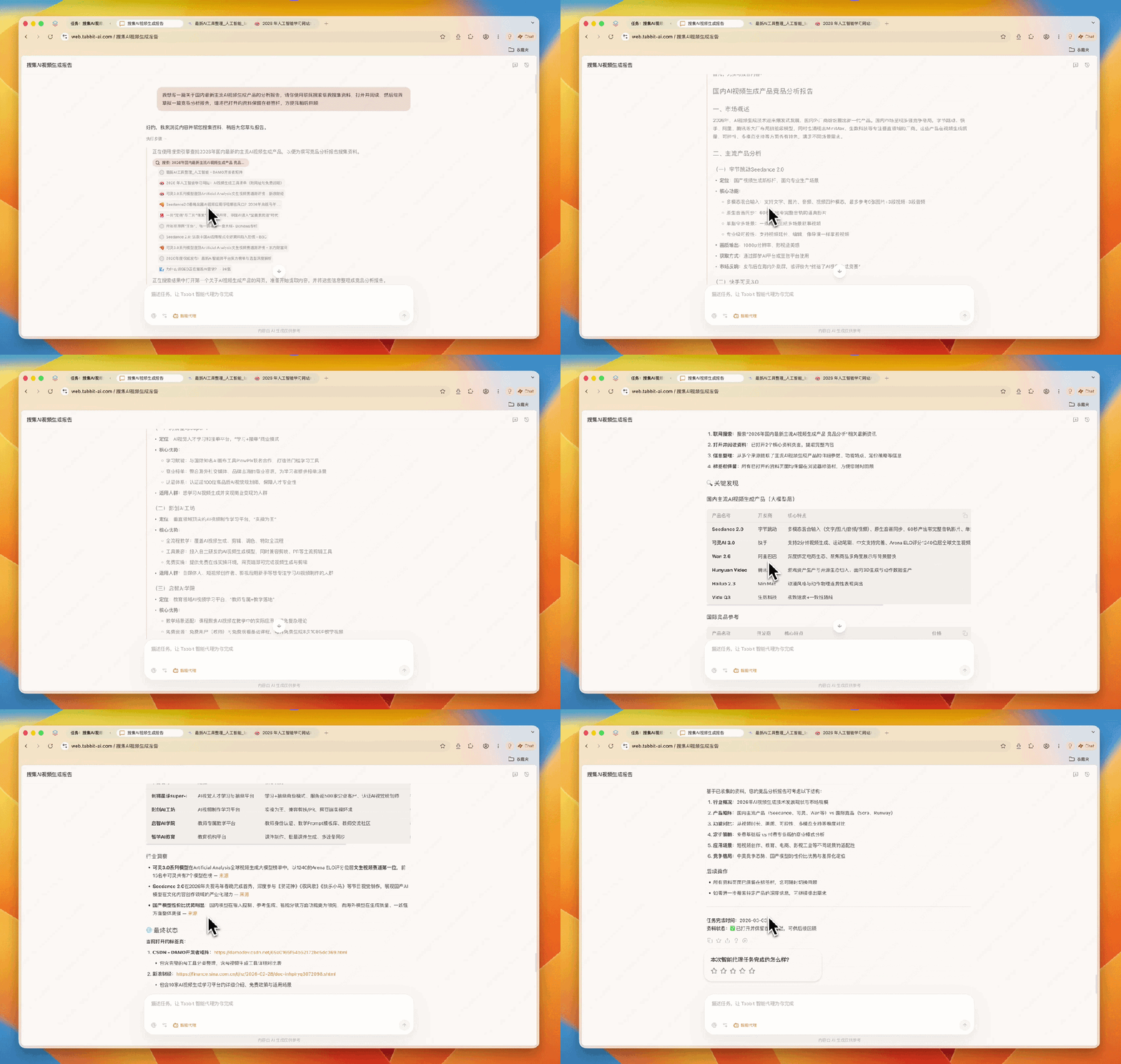
We tested a typical research task and asked Tabbit to draft an analysis report on the latest mainstream AI video generation products in China.
After receiving the task, Tabbit started to collect materials, read them one by one and extract important information. At the same time, it kept all the opened materials in the tab bar for us to review later.
The report finally generated by Tabbit includes tables, market trends, and industry insights, as well as a summary of the competitive landscape. To prevent making groundless statements, each key point is accompanied by the information source.
Collection: Let every bookmark have a memory
Traditional browser bookmarks are essentially a list of URLs. As time passes, there is only a title left, and you can't remember why you saved it or what's in the page at all. Many people's favorites folders are like a digital trash can, with more and more things accumulated but hardly ever being looked at.
Tabbit's collection function not only saves the link but also completely saves the web page content, and AI automatically generates a summary. We can quickly review the core information without opening the page.
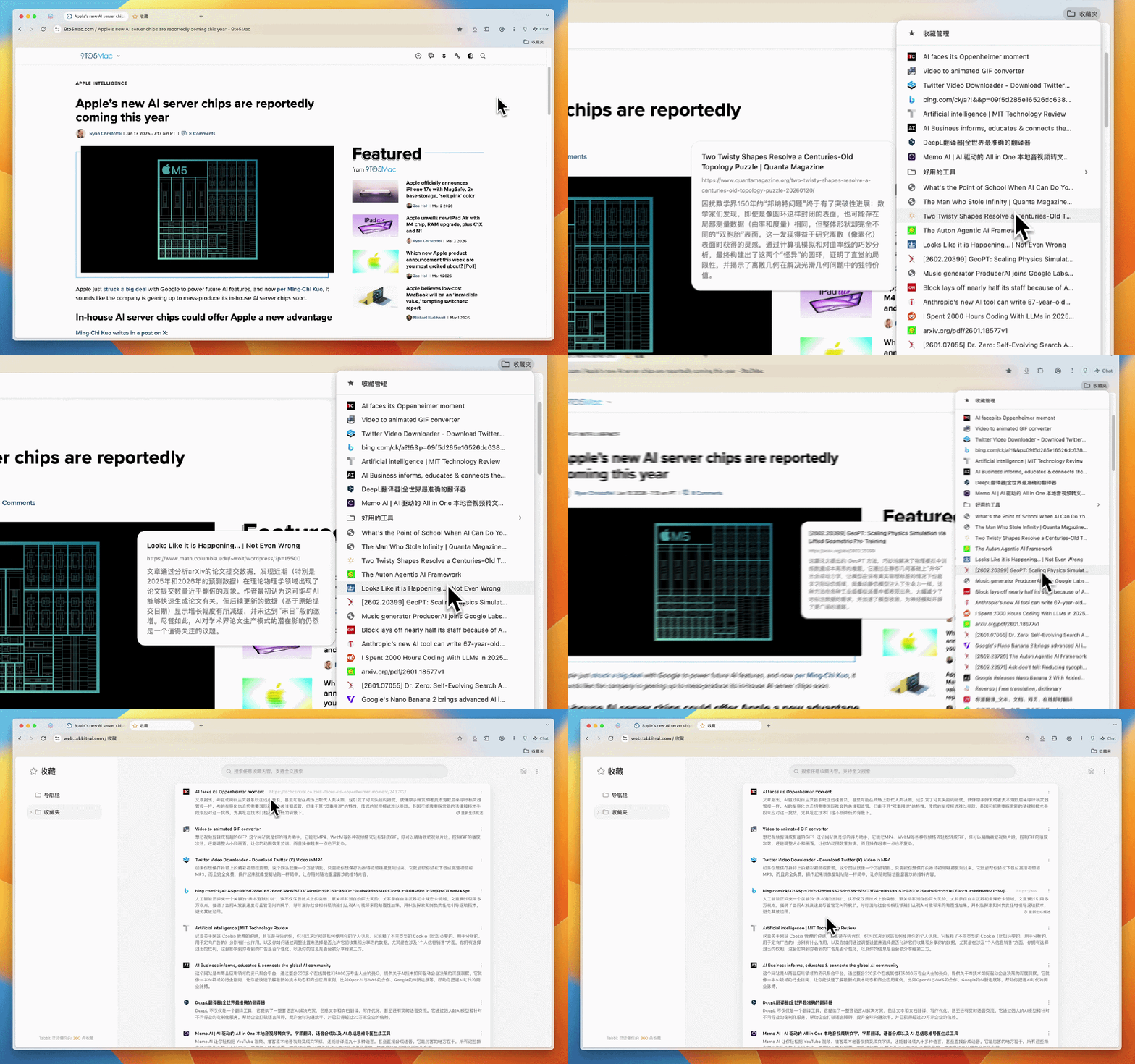
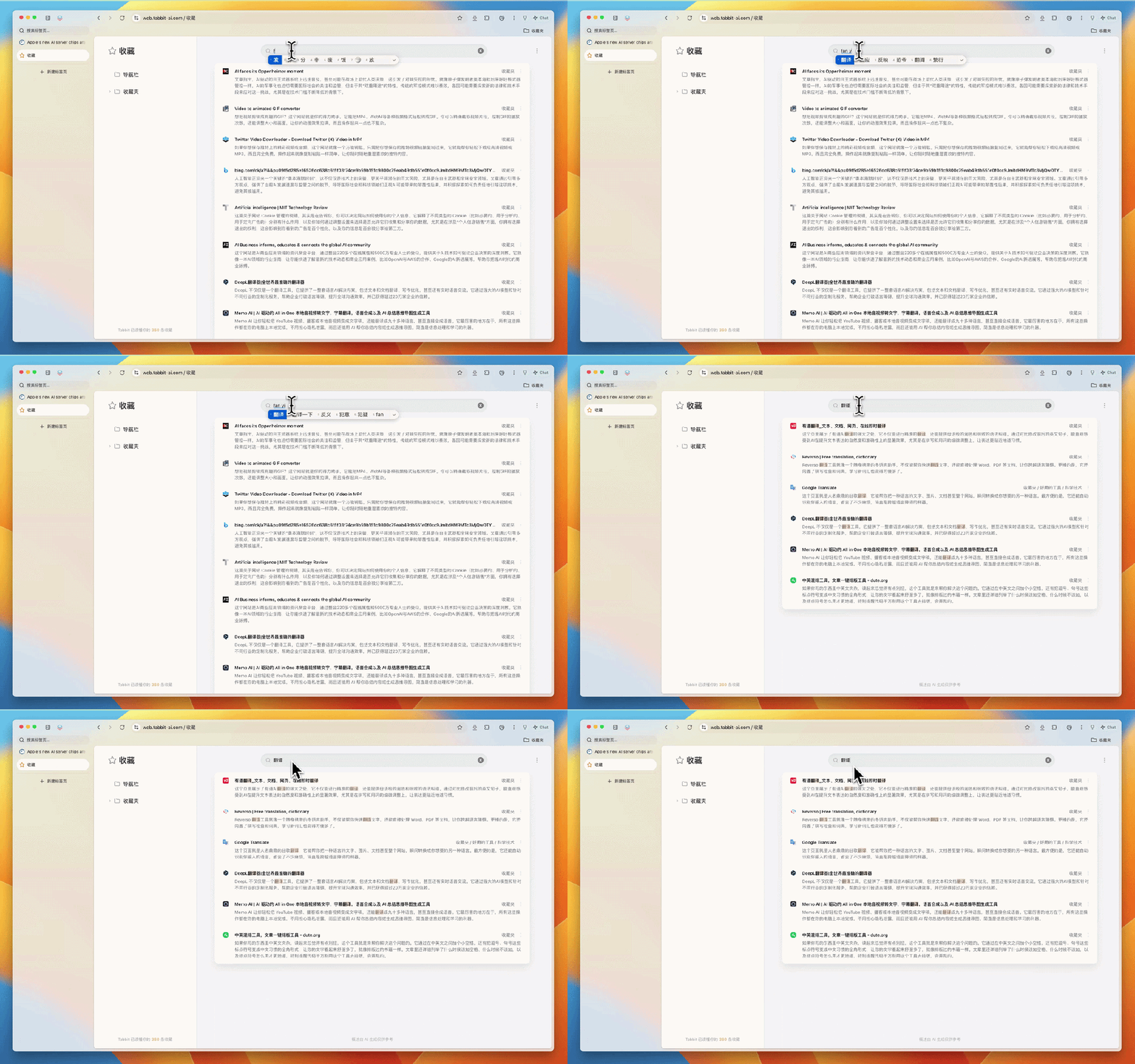
The search is also more intelligent. Even if the search keyword is not in the title and description, Tabbit can find relevant pages through semantic understanding.
For example, when we search for "translation", it immediately filters out all the translation-related tools and content in the favorites folder.
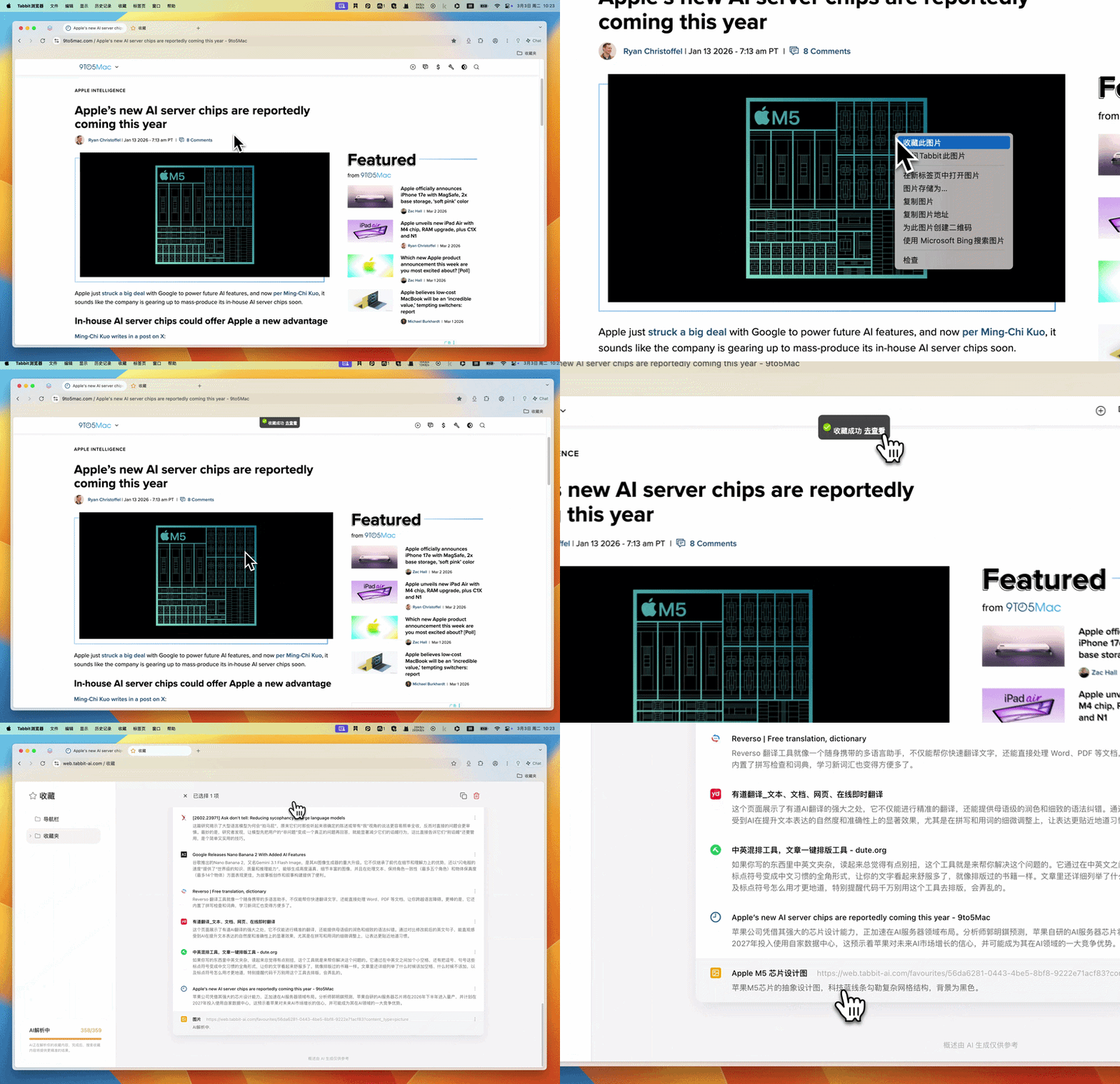
Any picture, chart, or text fragment on the web page can be directly collected by right-clicking without saving it locally, creating a new folder, or naming the file. All collected content is automatically synchronized to the cloud, and you can continue to use it seamlessly after logging in to your account on a different device.
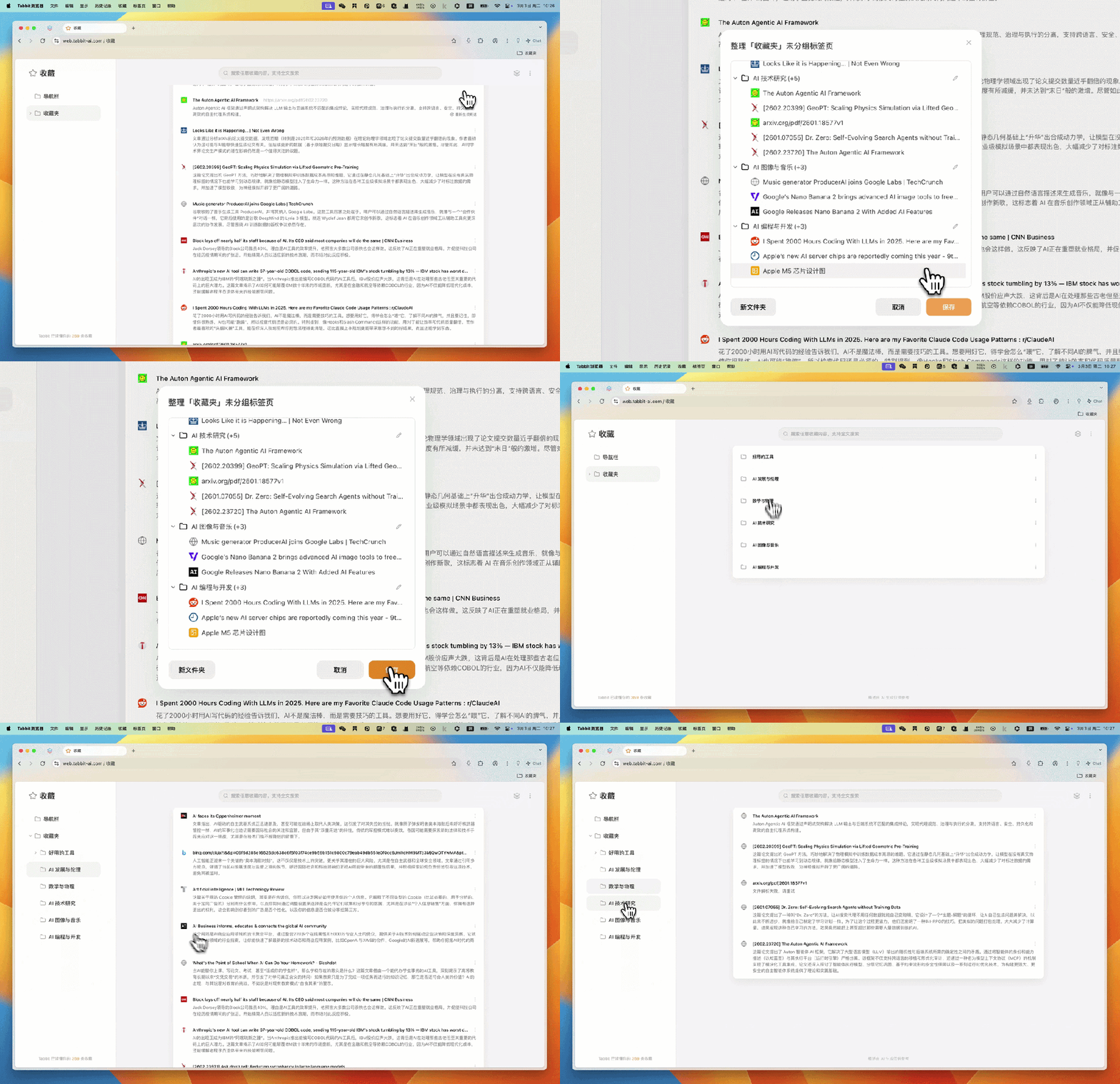
If the favorites folder is in a mess with a large number of ungrouped tab pages, we can also use it to organize them with one click.
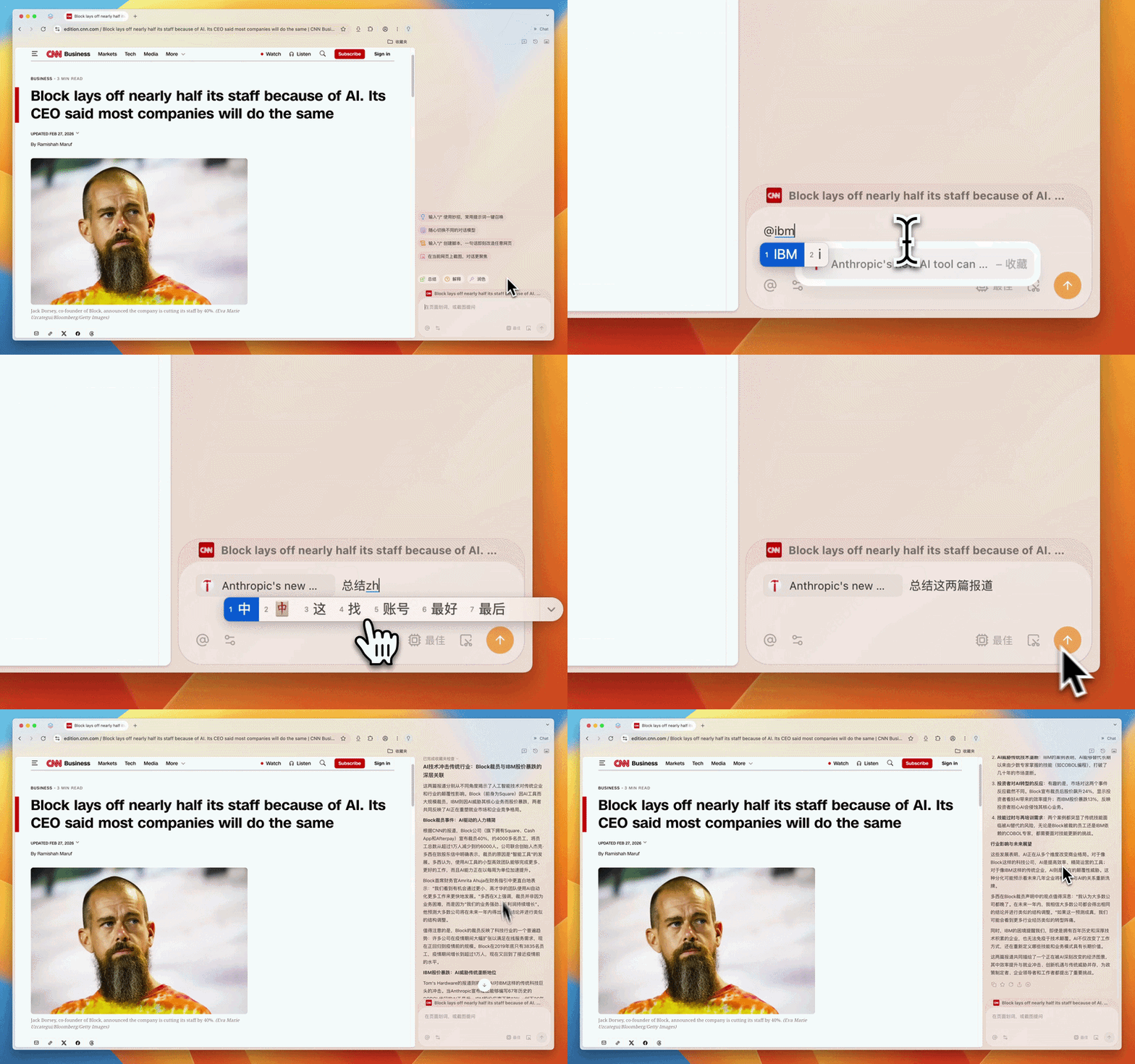
In addition, when chatting on any interface, we can directly @ the content in the favorites folder to ask questions.
For example, when viewing a report on Block's layoffs, thinking of the news "IBM's stock price plummeted because AI can write COBOL code" that was previously saved in the favorites, @ the favorites, enter the keyword "IBM", select it, and then give the instruction "Summarize these two reports". Tabbit can then extract the core information of the two articles and summarize the common themes.
Tab management: Bring order to the chaotic workspace
Opening dozens of tab pages at the same time is a daily routine for information workers. Once the horizontal tab bar of a traditional browser has more than a dozen pages, it starts to get crowded, and each tab shrinks into a small icon. You can only guess one by one to find a certain page.
Tabbit's vertical tab bar arranges all tab pages vertically on the left side. Even if dozens of pages are opened, the full title of each tab is still clearly visible.
