Hands-on experience of the touch-screen MacBook Pro: Lighter, more powerful and luminous, what makes it worth 110,000 RMB?
As Apple officially launched the new touchscreen MacBook Pro on its official website, ifanr also got hands-on experience with this latest touchscreen computer at Apple's event site in Los Angeles at the same time.
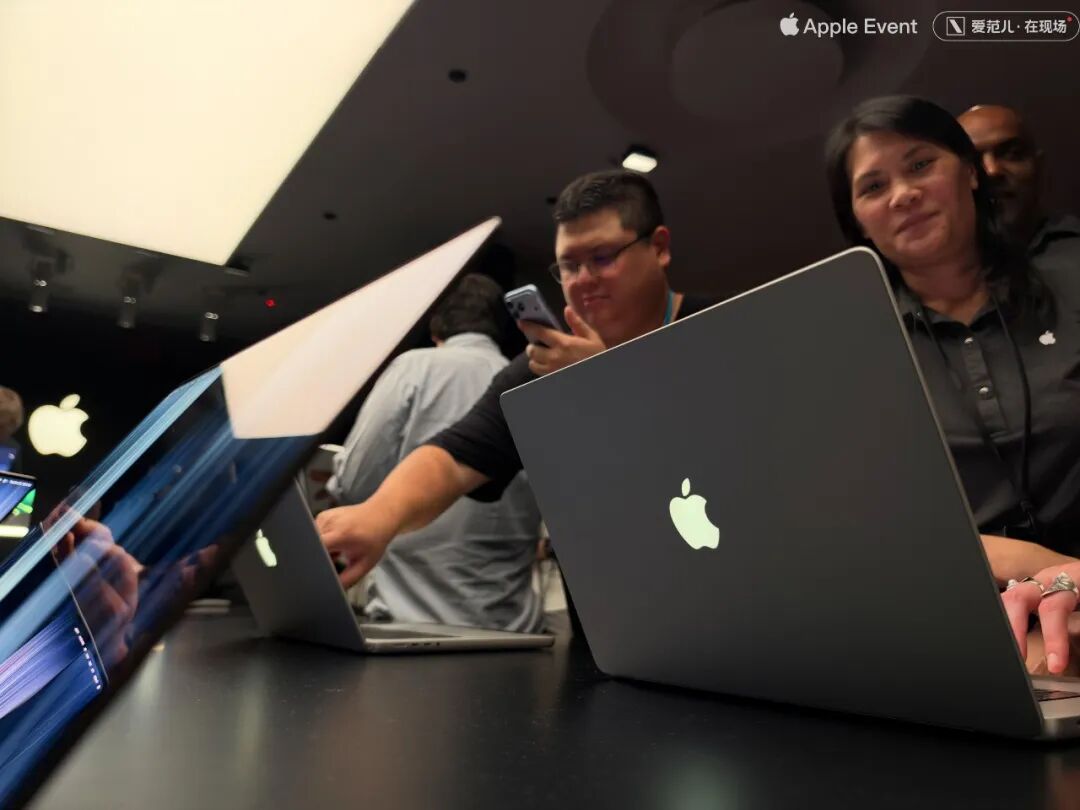
Leaving other aspects aside, the return of this glowing Apple logo on the A-side alone is more than enough to strike a chord with some long-time Apple users.
After all, this glowing Apple logo used to "borrow light" from the LCD backlight layer. Now that it is paired with a self-luminous OLED screen, Apple most likely added a separate light-emitting module for it to achieve this effect —
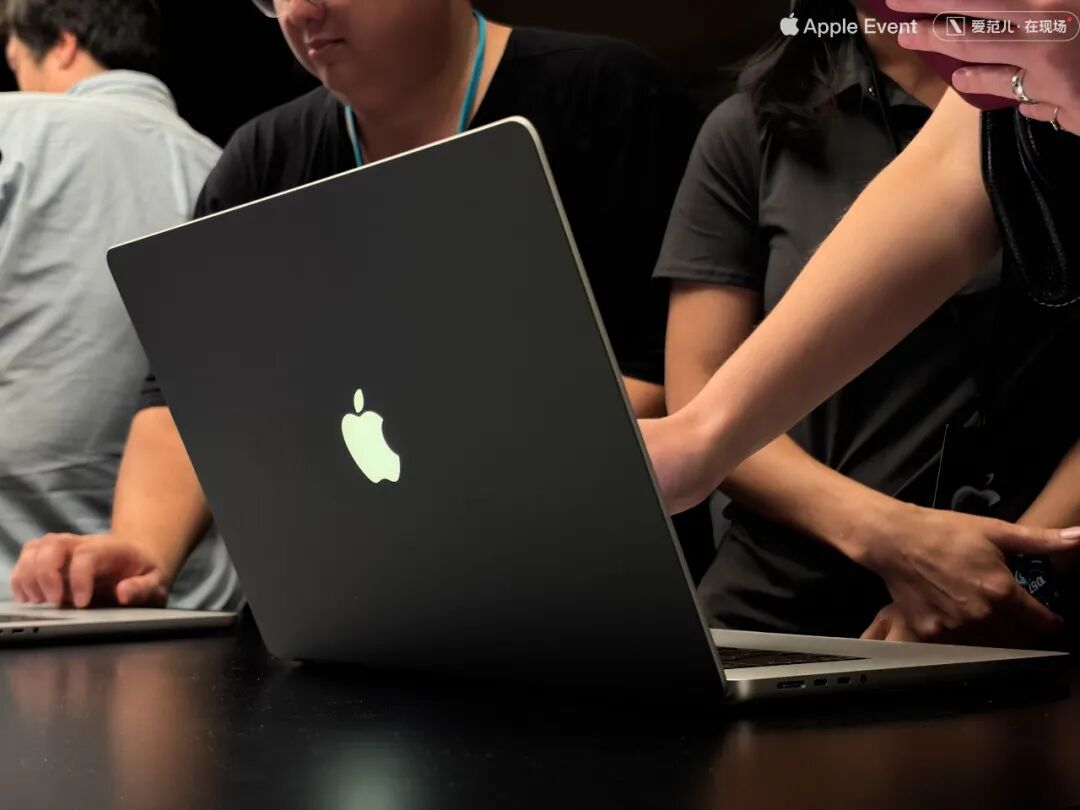
This tiny detail clearly reveals the difference in thinking between Ternus and Cook.
Back to this touchscreen MacBook Pro, its basic operation logic is largely consistent with that of the trackpad, iPad and iPhone. For example, you can double-pinch to zoom in on photos, manually rotate 3D maps, and so on.
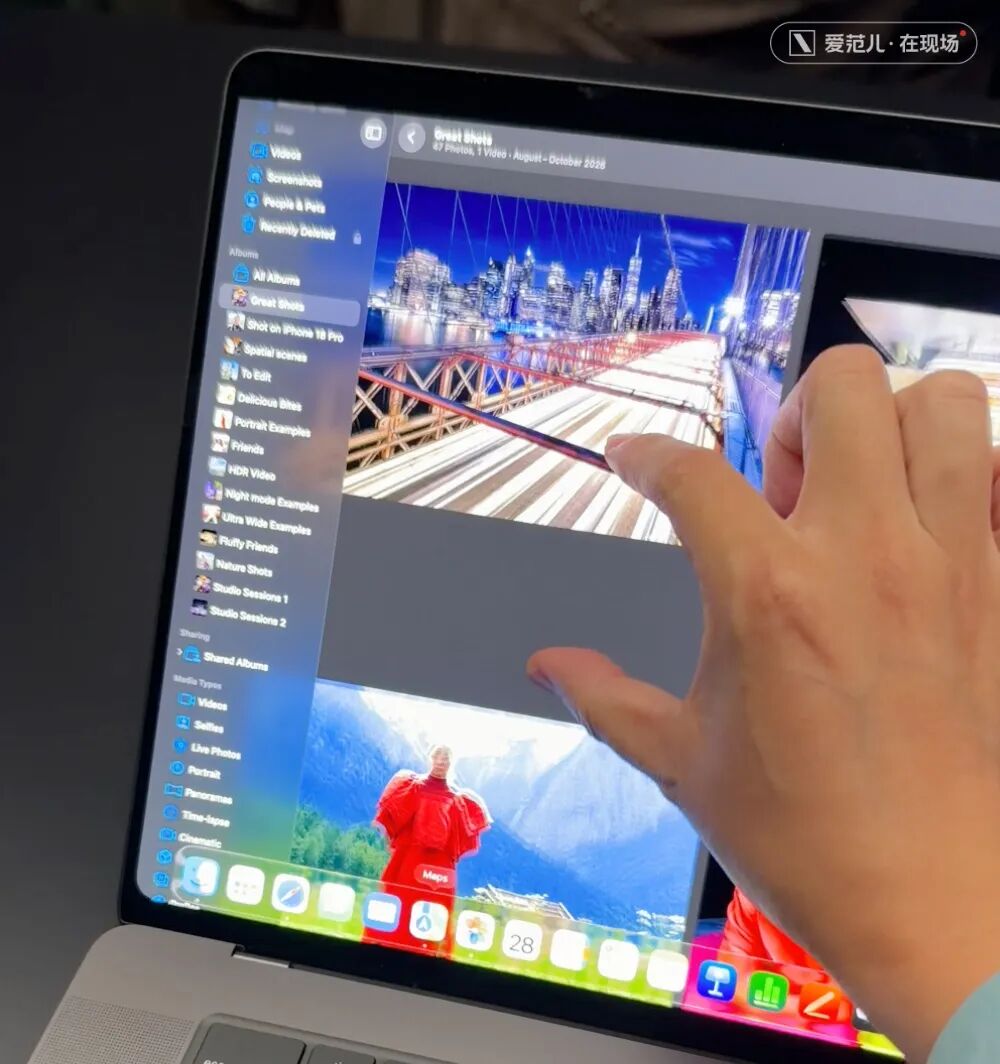
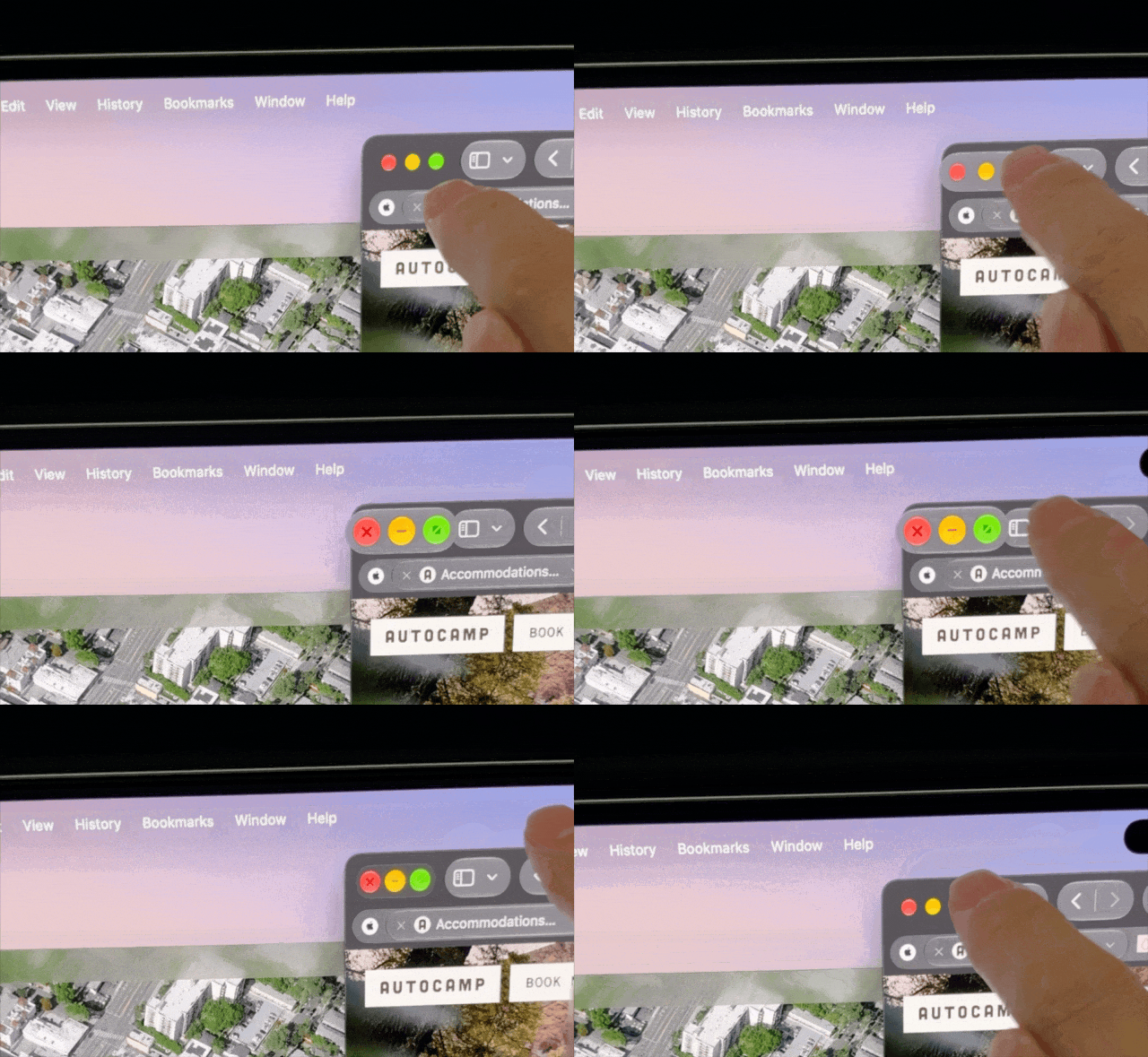
It is worth noting that Apple has made a series of ergonomic optimizations specifically for the "touch" interaction in macOS 27 Golden Gate —
For instance, when you try to click the traffic light control buttons in the upper left corner of a window, the buttons will actively enlarge their operation area to make tapping easier, just like what iPadOS does when it detects a cursor or Apple Pencil:
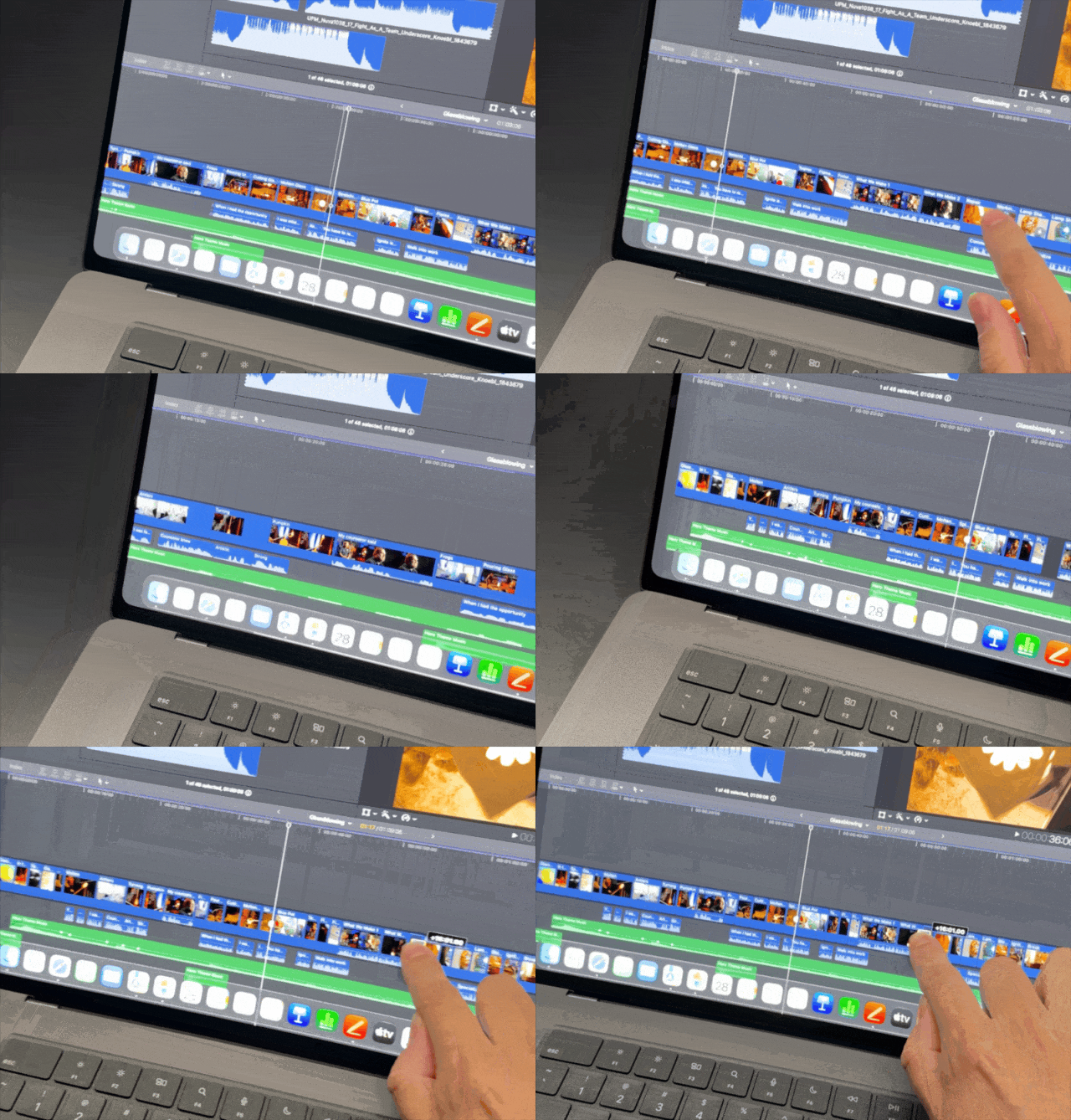
Apart from basic system operations, Apple has also completed a number of intuitive adaptations for other applications.
Unlike Windows, where touch operations are often misidentified as "holding to select a frame", in editing software like Final Cut Pro, you can now directly drag the timeline and media assets with your hands, which is even more intuitive than using the mouse scroll wheel:
Of course, as a flat surface for interaction, the stability of the screen hinge of the MacBook Pro is a very critical indicator.
The new MacBook Pro this year still retains the fine tradition of being opened and closed with one hand. Its maximum opening angle has not increased significantly compared with the previous model, so it is definitely impossible to lay it completely flat at 180 degrees like Windows laptops —
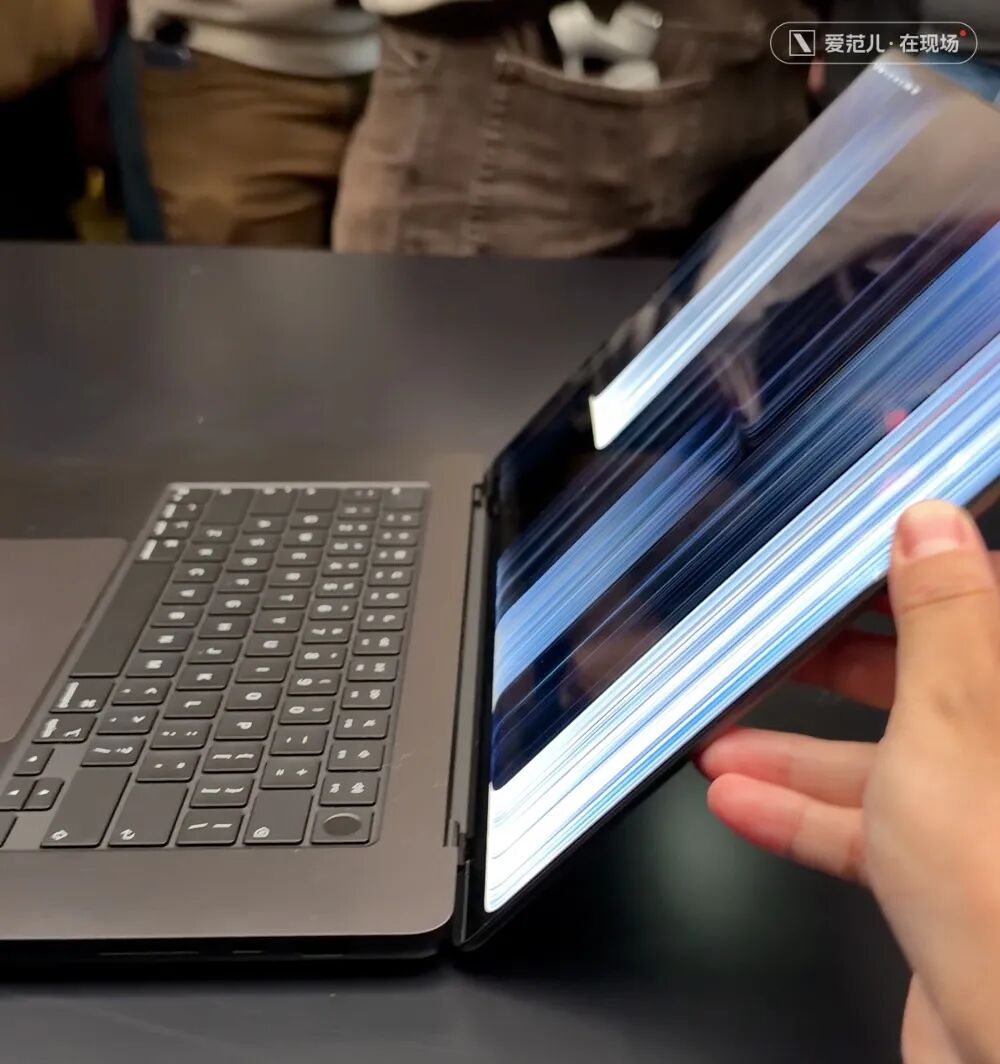
Apple also mentioned on its official website that it has upgraded the hinge stability. However, based on our hands-on experience at the event site, although the screen stability of the touchscreen MacBook Pro is better than most laptops, it is still not at the "extremely stable" level.
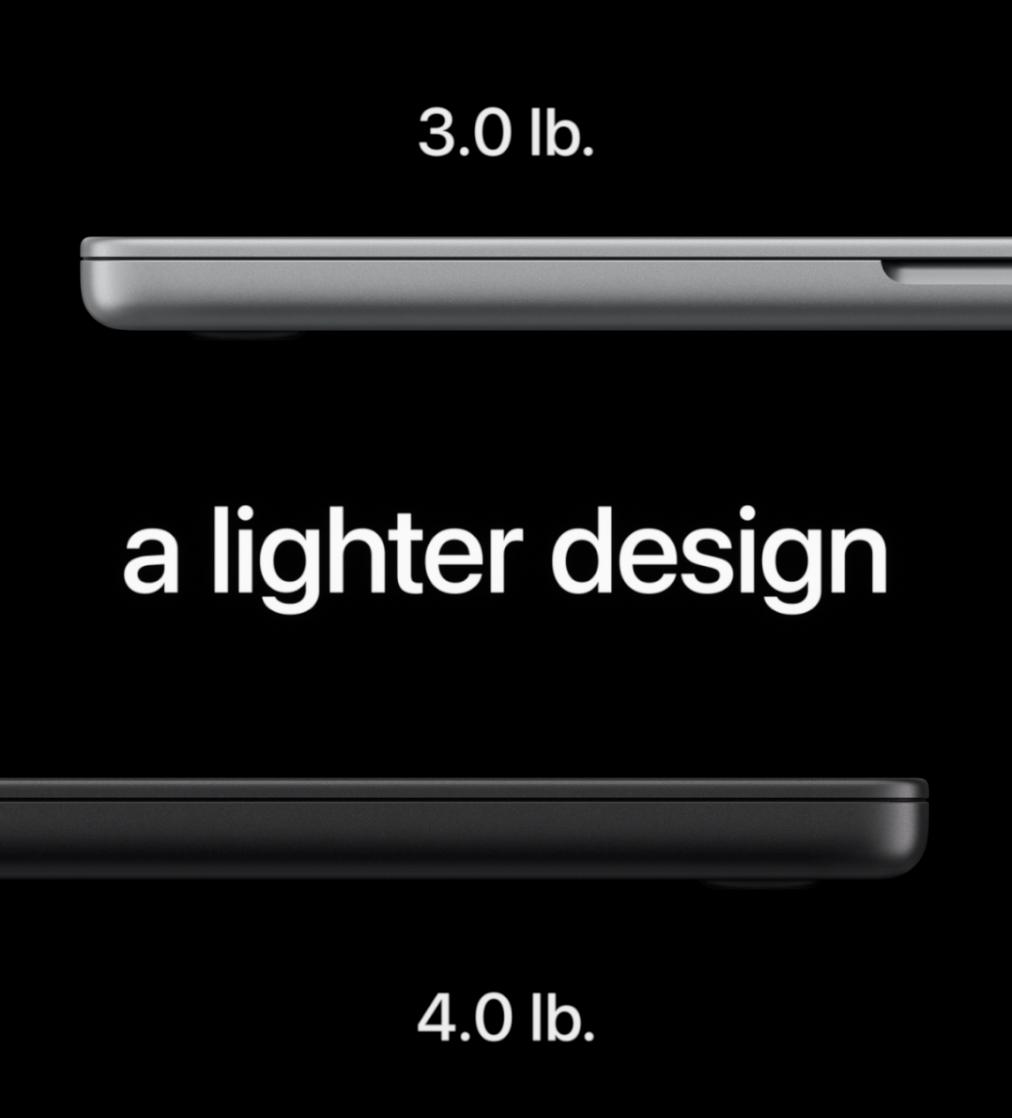
The switch to OLED screen means that the new MacBook Pro can further improve indicators such as peak brightness, black level and contrast compared with the previous mini-LED backlit screen, and the screen module can also be made thinner and lighter.
This weight reduction is reflected in the official specifications: the touchscreen version of the MacBook Pro is more than 200 grams and 300 grams lighter than its predecessor respectively, and the body thickness is reduced by about 0.5mm and 1mm, bringing a slightly improved hand feel:
The update to the OLED screen also means that the MacBook Pro has finally entered the era of the punch-hole display —
The Dynamic Island on the touchscreen MacBook Pro actually looks like a shortened version of the Dynamic Island on the iPhone 18 Pro, with less visual intrusion than the previous large notch:
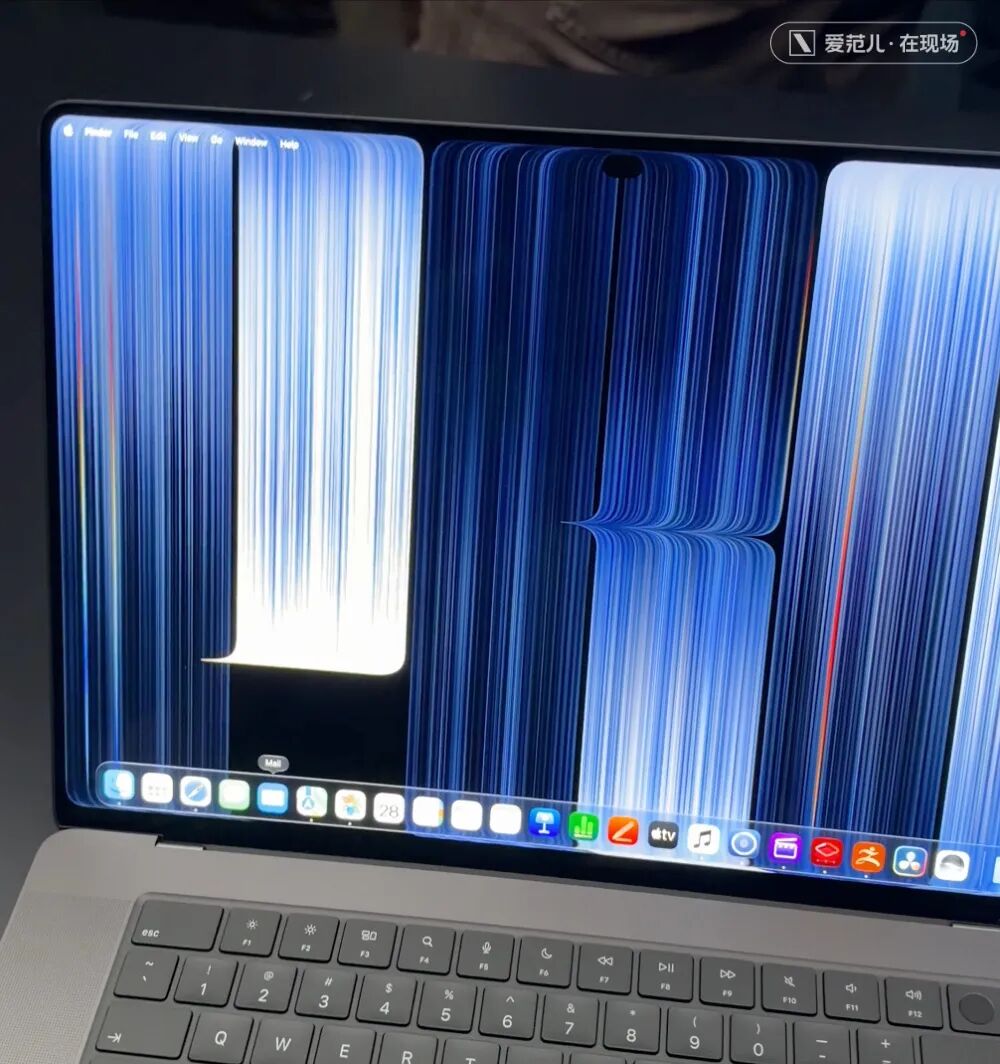
The new MacBook Pro this time also supports swipe operations on the main screen. Swipe down from the Dynamic Island to directly open the dialog box for Siri AI and Spotlight Search, whose logic is exactly the same as that on iPhone.
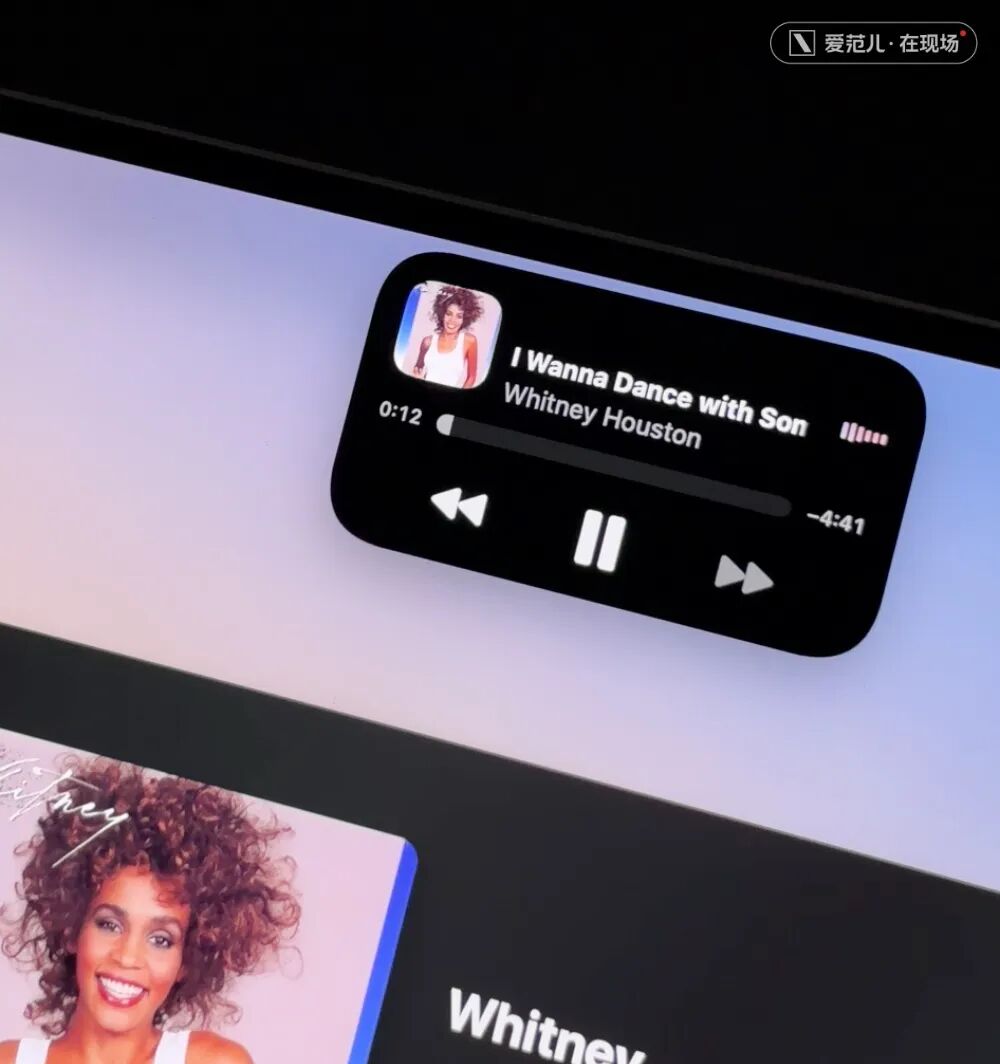
With the Dynamic Island, various Live Activities finally have a dedicated space that belongs to them.
After all, on the previous notch-screen MacBook, the synced Live Activities from your iPhone would be compressed into the gap between the status bar and the notch, looking as uncoordinated as a third-party tool. The visual experience on the touchscreen MacBook Pro has been greatly improved —
In any case, whether at the event site or in the office, what our editors at ifanr care most about is actually "Why did Apple add a touchscreen to the MacBook?"
I think in some scenarios, the touchscreen is indeed more convenient than the trackpad, such as zooming in on photos, dragging media assets, including rotating 3D maps, and so on —
In these cases, the "touchscreen" can play a complementary role that adds extra convenience.
But I also believe that even with these convenient scenarios, Apple has not essentially solved the problem of extreme fatigue caused by operating with your arm hanging in the air.

If there are only these scattered scenarios and occasional convenient touch operations, plus the fact that Apple Pencil is not supported, it will make people feel that this is an abrupt feature that lacks the typical "Apple-style thinking" —
Adding a touchscreen to the MacBook Pro neither forms integration and complementarity with existing system functions, nor opens up any brand-new usage methods that have never been seen on laptops before.
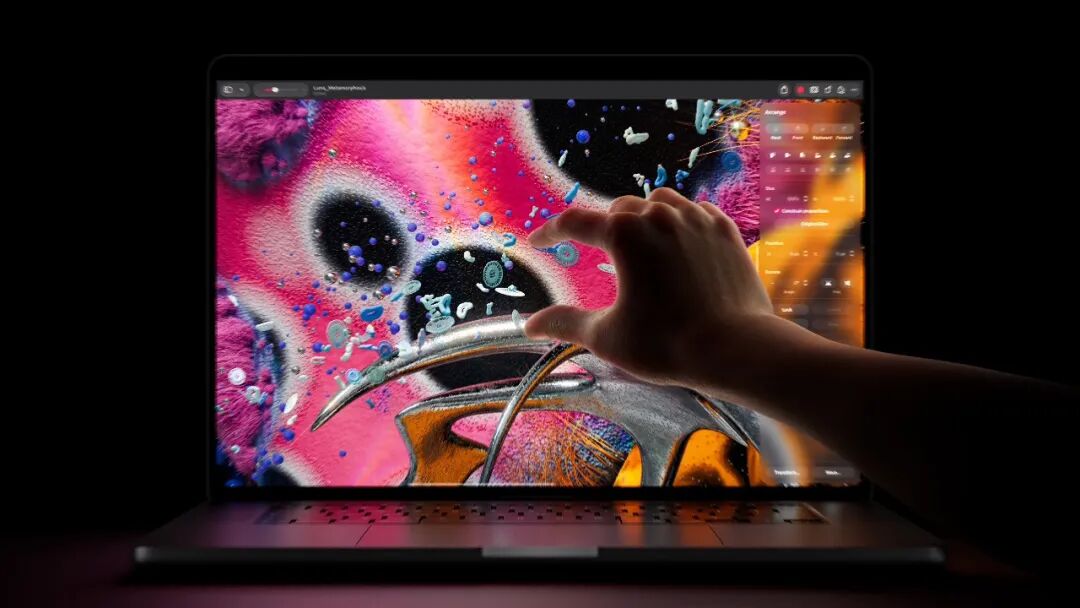
Speaking of the actual experience, the thinner OLED screen, the aligned rounded corners on the top and bottom of the screen, the slightly lighter and thinner body, and even the glowing Apple logo itself, are all more tangible upgrades than the "touchscreen".
In short, if you are attracted by the glowing Apple logo and want to upgrade to the touchscreen MacBook Pro, it still has various versions for you to choose from: 14-inch and 16-inch, M5 Pro and M5 Max, 24~128GB RAM, and 1~16TB storage.
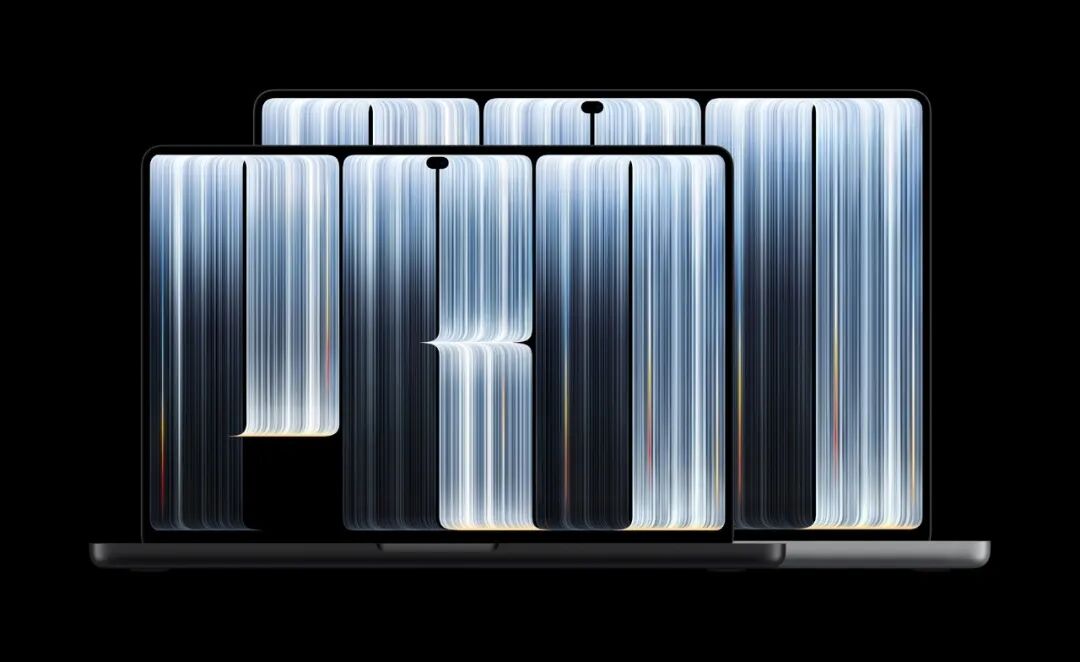
Among them, the lowest-priced 14-inch M5 Pro with 24GB RAM + 1TB storage costs 22,999 yuan. If you go all out for the top configuration, the 16-inch M5 Max with 128GB RAM + 16TB storage can reach a price of 112,624 yuan.
No matter in terms of interaction, specifications or price, this is the most "Pro" MacBook Pro ever.
This article is from WeChat Official Account "ifanr" (ID: ifanr), written by Ma Fuyao, edited by Xiao Qinpeng, and published by 36Kr with authorization.