12 Things You Need to Know About iPhone Duo Before You Get It
It is believed that the first batch of users who grabbed the iPhone Duo have got their new devices one after another.
Quite a number of users, even though they successfully got the first batch of units, are still hesitating whether to keep the phone or not.
We have had an in-depth discussion with you in our launch review yesterday about what kind of product the iPhone Duo actually is — "First Impression | We have used the iPhone Duo for a whole week, and here is everything you care about". But when you are actually ready to buy and use it, many practical experiences hidden in daily details are often the key to deciding whether to keep the device or not.
For this purpose, ifanr has sorted out several issues that most users care about, and talked about the matters worth noting before purchasing and using the iPhone Duo.
If you are still waiting on the sidelines, or are hesitating whether to keep the newly unboxed device, you might as well read this article first before making a decision.
Only eSIM, what should you pay attention to when changing SIM cards
Among all the issues, the first one that comes to you and most likely determines whether you will keep this phone is actually eSIM.
Just like the overseas version, the Chinese mainland version of iPhone Duo has completely canceled the physical SIM card slot this time. Changing cards has become much more troublesome.
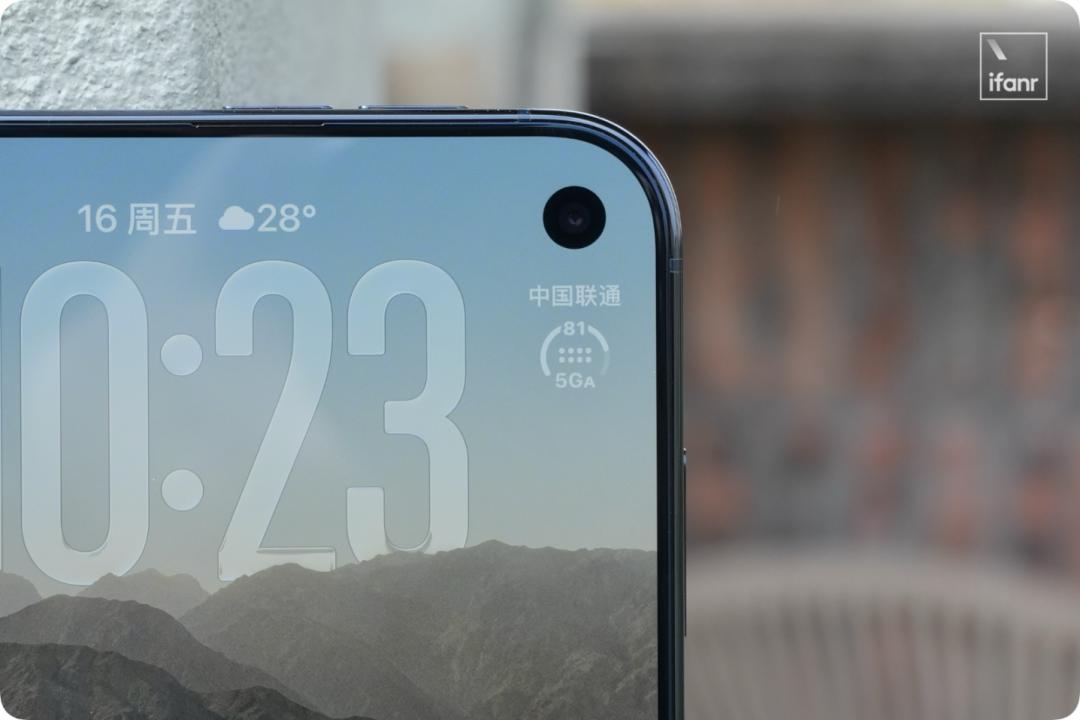
What is somewhat frustrating is that from last year's iPhone Air to this year's iPhone Duo, a year has passed, there is almost no substantial progress in China's eSIM policy and supporting experience.
At present, the three major domestic operators have not provided complete online eSIM card opening services. Therefore, you basically have to go to the business hall in person to write the mobile phone number into the iPhone Duo.
Moreover, limited by domestic operator policies and the dual SIM dual standby mechanism of the Chinese mainland version, the system of the Chinese mainland version of iPhone Duo is strictly restricted to writing and saving a maximum of two eSIMs at the same time.
This means that if there are already two cards in the phone and you want to write a third one when traveling abroad, you must first remove one of the original eSIMs in the phone to make room for the new one. After returning to China, if you want to switch back to the original number, you have to go to the business hall again to re-apply for writing.
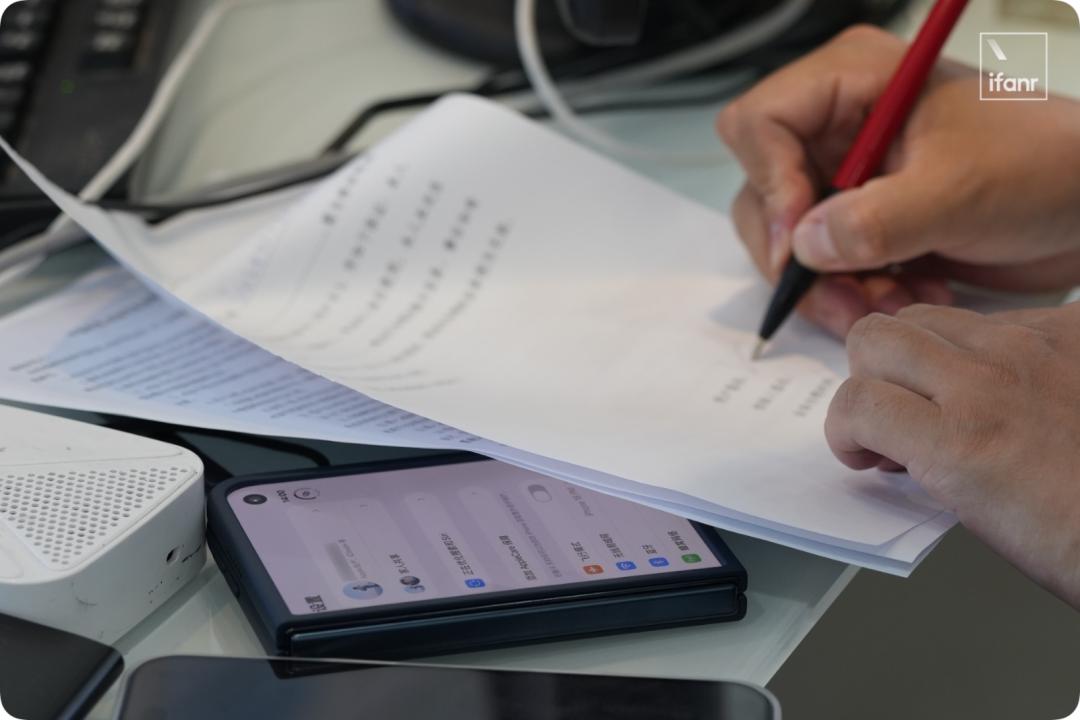
If you, like the editors of ifanr, often switch between several mobile phones, or are users who often go abroad on business, you need to be mentally prepared to make several extra trips to the business hall in advance.
But if you do not have the need to change cards frequently in daily life, it is no big deal to make this one trip to the business hall.
For the specific handling process and troublesome details of the Chinese mainland version of eSIM, we wrote a detailed actual measurement article when we experienced the iPhone Air last year: "First-hand test of the Chinese mainland version of iPhone Air: we have stepped on all the eSIM pitfalls for you after visiting all operators", welcome to click the link to read it.
"Imperceptible" crease, the "matte screen" plays a big role
After talking about the most realistic threshold of changing cards, let's take a look at the inner screen that everyone pays the most attention to, especially the long-standing topic that can not be avoided by foldable screens: crease.
To start with the conclusion, the crease still exists, but Apple has controlled it at a quite good level. In many daily use scenarios, I can hardly feel the existence of this crease.
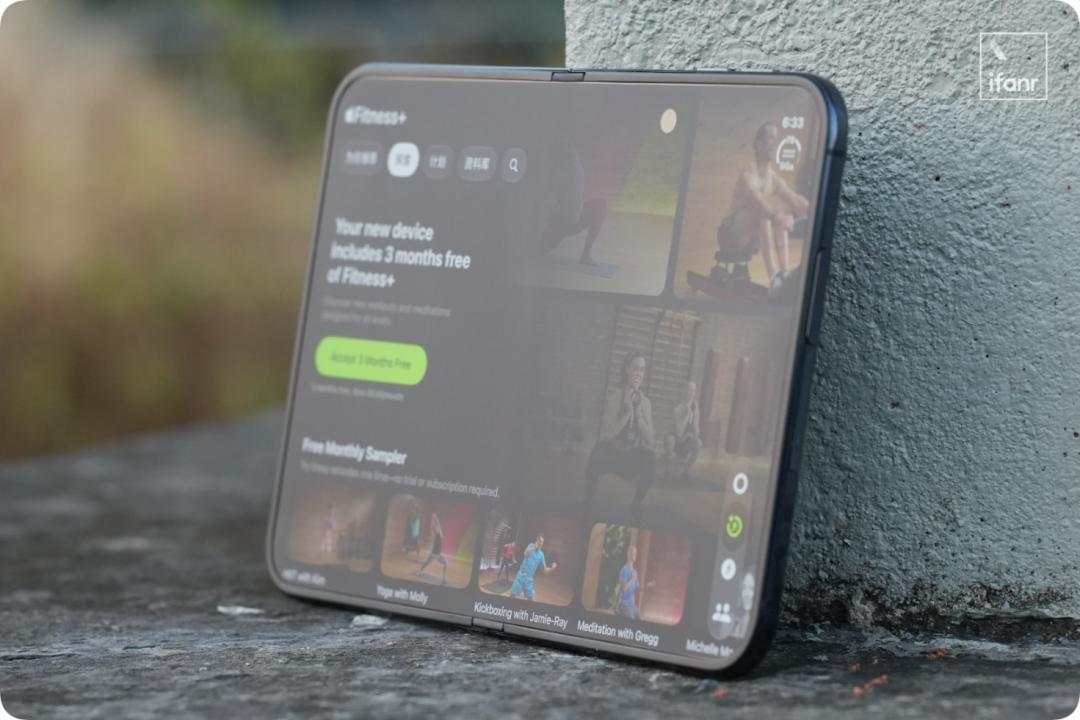
This visual "imperceptibility" is attributed to the nano-textured surface layer adopted by Apple, which is the layer of matte material covering the surface of the inner screen that you see when you get the device.
It should be noted that there is a certain manufacturing tolerance for the crease itself. There may be slight differences in the depth and flatness of creases between different iPhone Duo units.
From the actual effect, it does a really good job in suppressing screen reflection. Coupled with the excellent display quality of the inner screen itself, this matte texture will not make people feel that it is a very "ugly" screen.
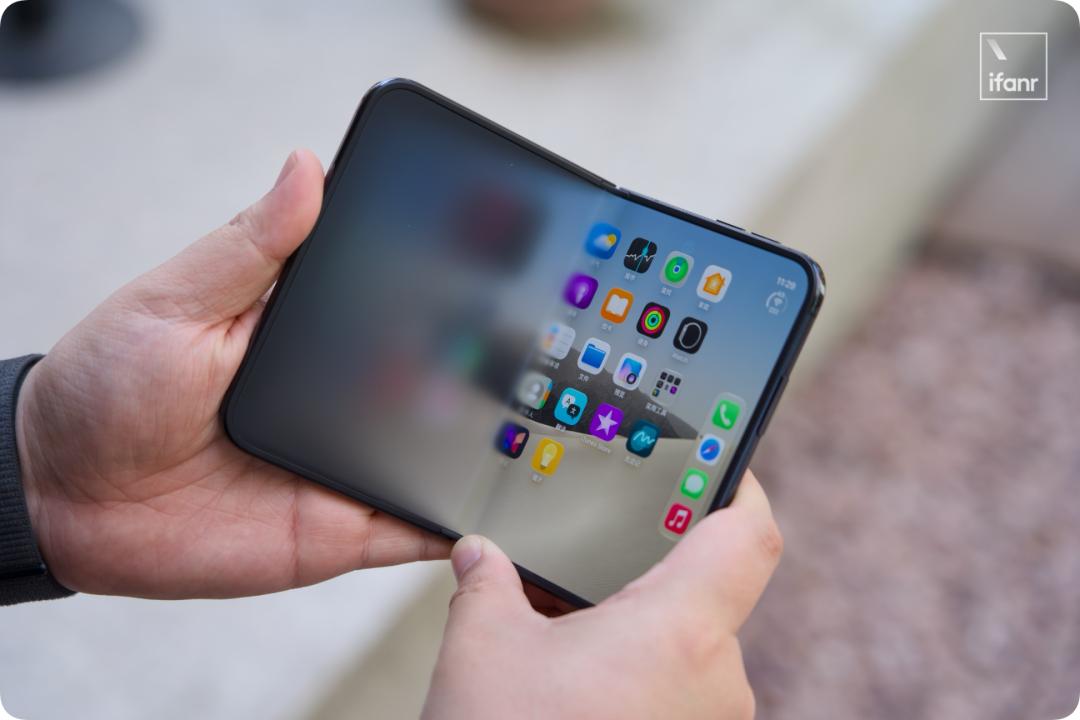
Of course, the visual difference between the inner and outer screens still exists. Especially the moment you switch from the outer screen to the inner screen, you can clearly feel the difference in clarity between the two screens.
If you already like the clear and transparent look of traditional glass screens, and have a low acceptance of matte screens, it is recommended that you go to the offline store to experience the real device before making a decision.
Is the under-screen camera obvious? How is the selfie effect?
In addition to the crease, there is another thing on the inner screen of the iPhone Duo that is hard to ignore: the under-screen camera.
In order to ensure the imaging effect of the camera, the nano-textured surface layer of the inner screen does not cover the area where the lens is located, so its presence is still obvious. At least for me, compared with the crease, this area is easier to attract my attention.
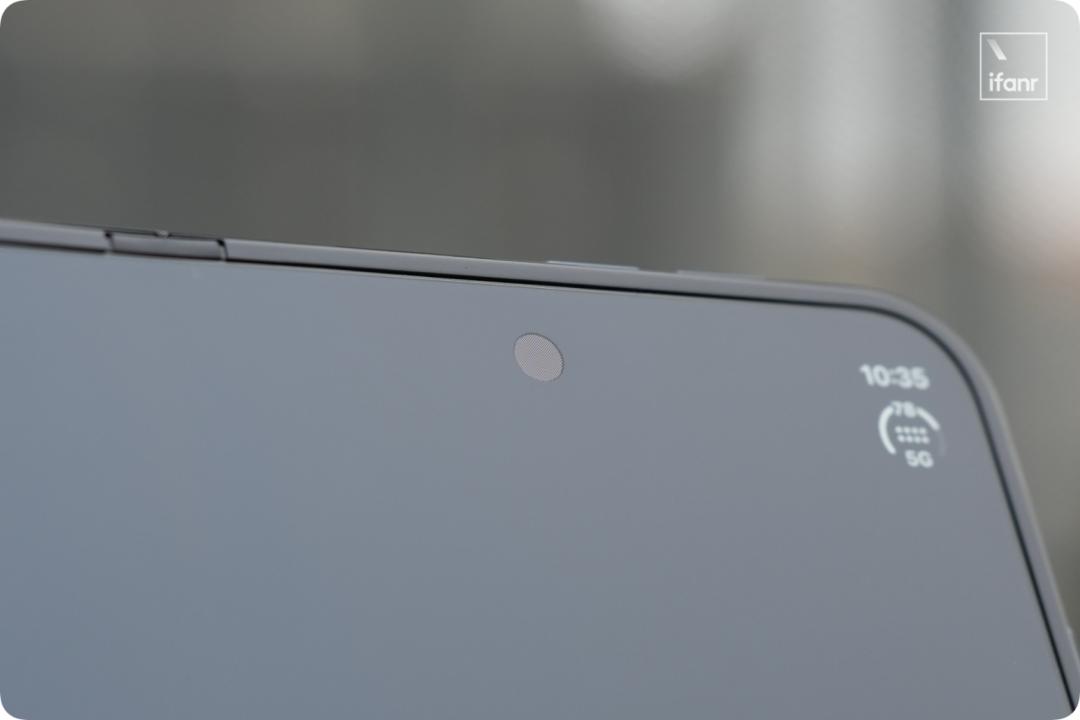
As for the photo effect, this under-screen camera is more suitable for daily video conferences and video chat scenarios with friends. If you want to take selfies, it is much better to use the camera on the outer screen.
Of course, for foldable screen phones, there is actually a third selfie method: directly use the rear main camera.
The iPhone Duo also supports this function, but its entry method is a little hidden (it is not in the same entrance as the dual-screen preview).
You need to unfold the phone first and open the camera. Then turn the phone over, the outer screen will automatically show the switch of "Slide to show camera". After sliding it on, you can use the main camera to take selfies and preview the picture through the outer screen at the same time.

No Face ID, are you used to fingerprint unlock?
The iPhone Duo does not continue the familiar Face ID, but uses Touch ID integrated on the side power button instead.
For long-time iPhone users who have been used to face unlock for many years, you really need to change your muscle memory when you first switch over. In the first few days of daily use, I often subconsciously held up the phone to wait for it to "scan my face" after lighting up the screen, and then I realized after a moment of stun that I had to reach out and touch the power button to unlock it.
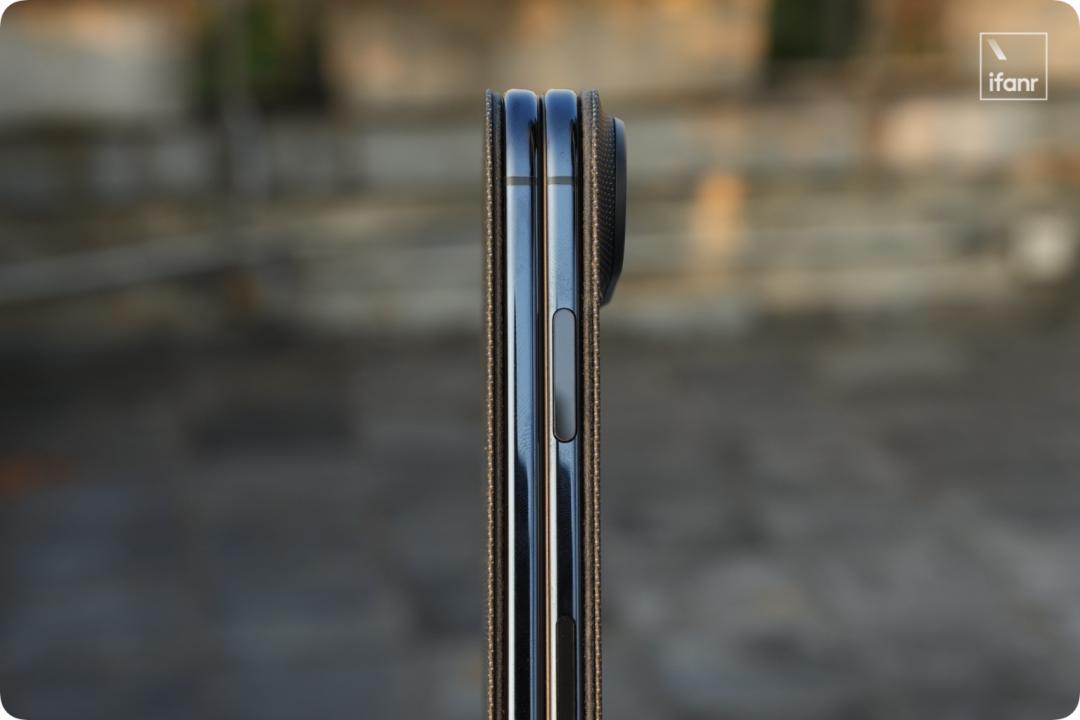
However, after getting used to it for a few days, this Touch ID itself is not difficult to use.
Especially for a device like a foldable screen that has two main usage forms, the advantage of side fingerprint is that no matter the screen is unfolded or folded, you can complete the unlocking in the same way.
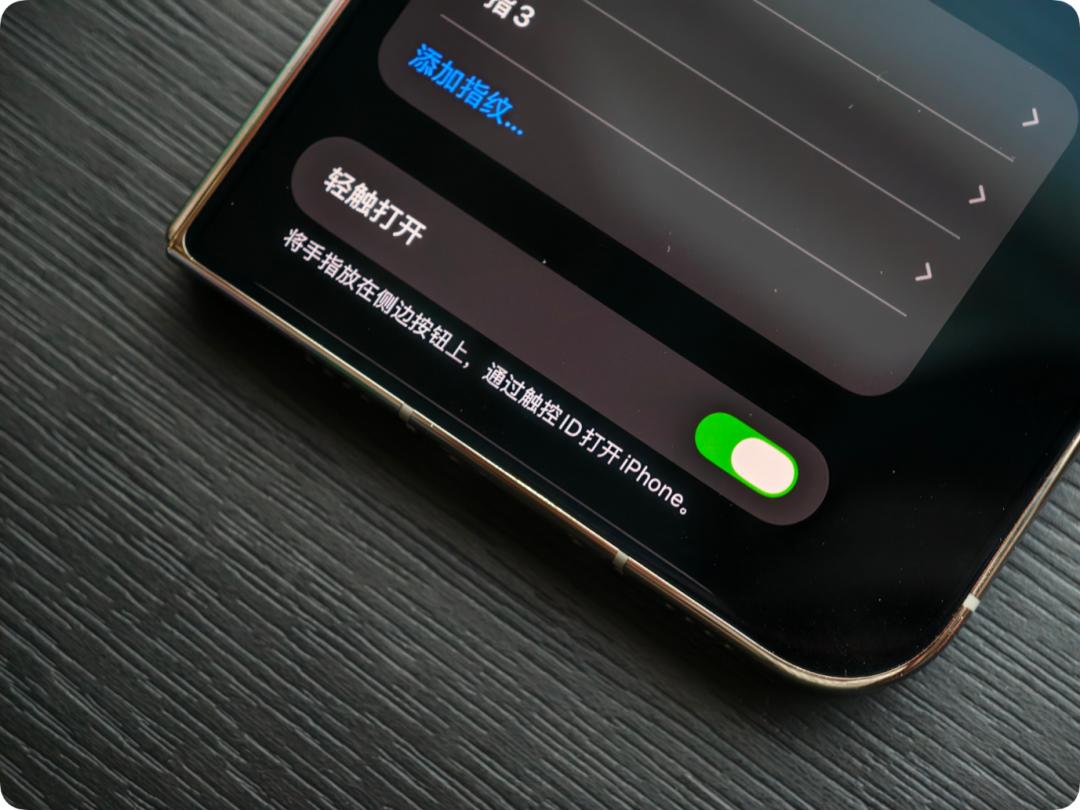
Here is a small tip to share with you: turn on the "Tap to Open" option in the system settings. After recognizing the fingerprint, the phone will directly enter the home screen, without the need to swipe up manually after unlocking, the whole experience will be much smoother.
What does the half-jin weight Duo feel like in hand?
The relatively short and stout D-shaped design makes it very special in the folded state, and after unfolding, you can get a large screen with a considerable area.
As for whether this shape looks good or not, it varies from person to person.
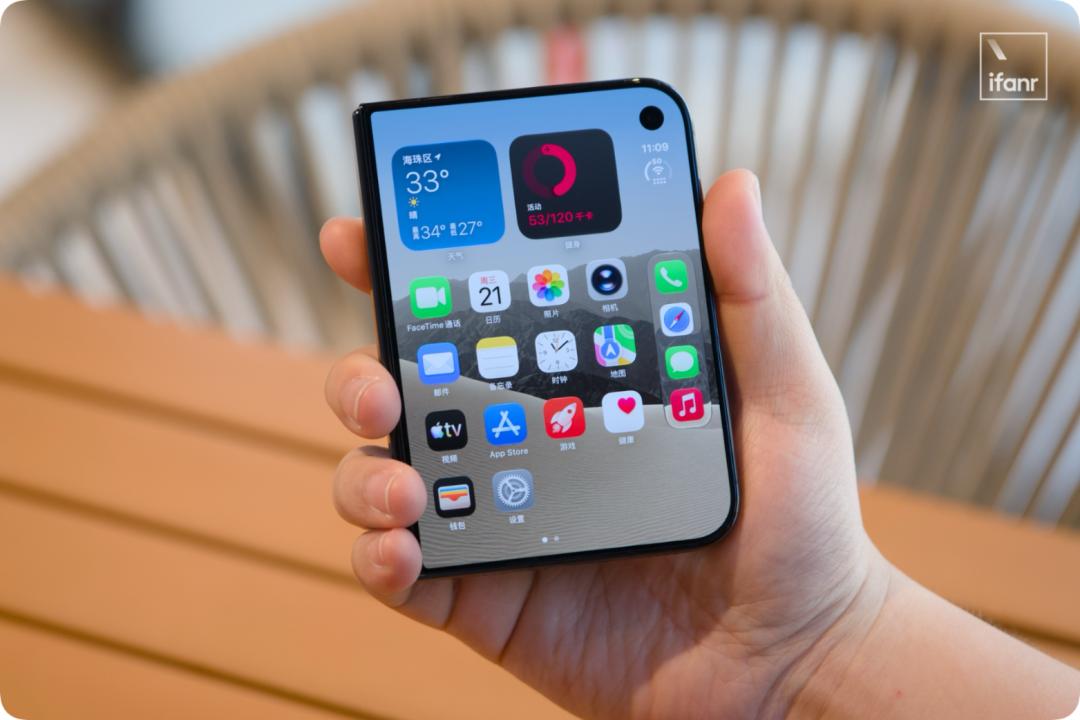
Compared with the appearance, I think what is more worthy of your attention is its weight distribution. The weight of iPhone Duo reaches 254 grams. Due to the relatively short and wide body, the weight will feel quite concentrated when you hold it in your hand. Especially in the folded state, when you put it in your pocket casually, you can clearly feel its weight.
However, this feeling will be much relieved when the inner screen is unfolded.
It is also because of this folding form that the physical buttons and main operation areas of the iPhone Duo are concentrated on the right side of the body. For left-handed users, especially when holding the phone with one hand and pressing the buttons, it is indeed a little awkward.
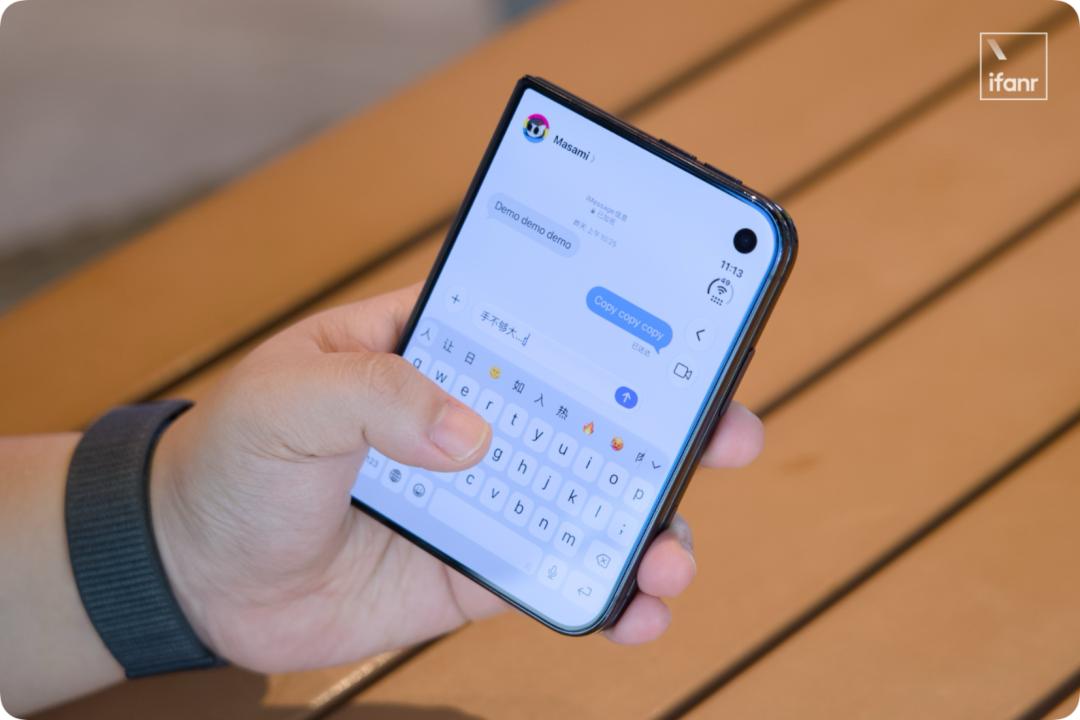
However, ifanr has learned that Apple plans to launch a "Left-Handed Mode" that facilitates left-handed holding and operation through a system update at the end of this year, which is also worth looking forward to.
It is recommended to add AppleCare+ when buying iPhone Duo
Although we all know that the product form of foldable screen is relatively fragile, which is no different from Apple and other manufacturers, for the iPhone Duo, we still have to remind you:
Its maintenance cost is extremely high!
For the iPhone Duo, the main cost of maintenance is the inner screen and the hinge.
According to the official maintenance price announced by Apple, if the inner screen of the iPhone Duo is damaged, the maintenance cost will reach 7998 yuan without AppleCare+.
In other words, if you break the inner screen once, the money for repairing it is enough to buy a brand new standard version iPhone.
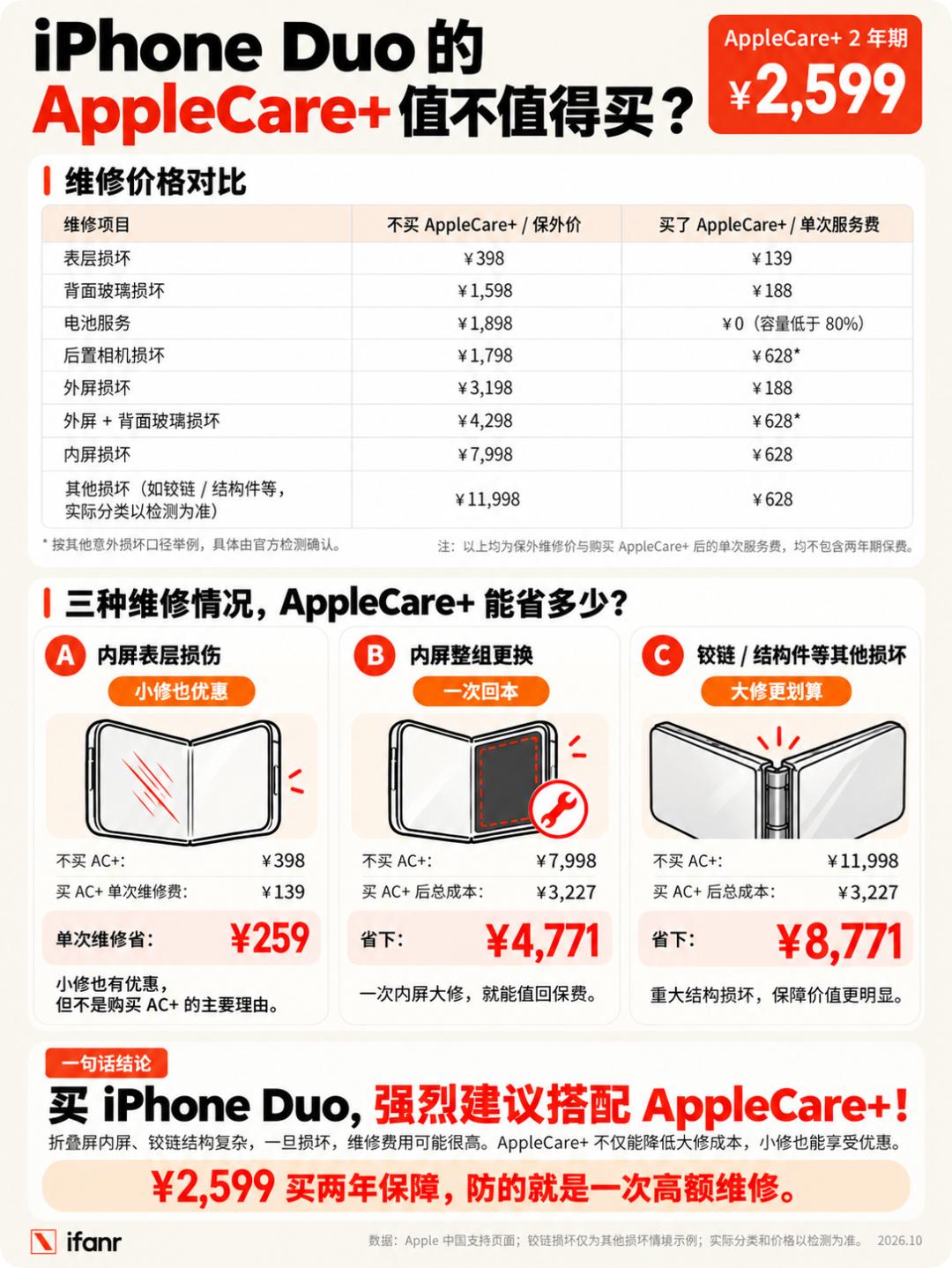
The hinge is also a headache, because the inner screen and the hinge are not two completely independent parts. If the phone hurts the hinge when it falls, it may also affect the inner screen together.
Although Apple's official website does not list the separate maintenance quotation for the hinge, there is a "Other Accidental Damage (Including Severe Structural Damage)" with a price as high as 11,998 yuan — if the hinge is really broken, you will most likely have to pay for it at this sky-high price level.
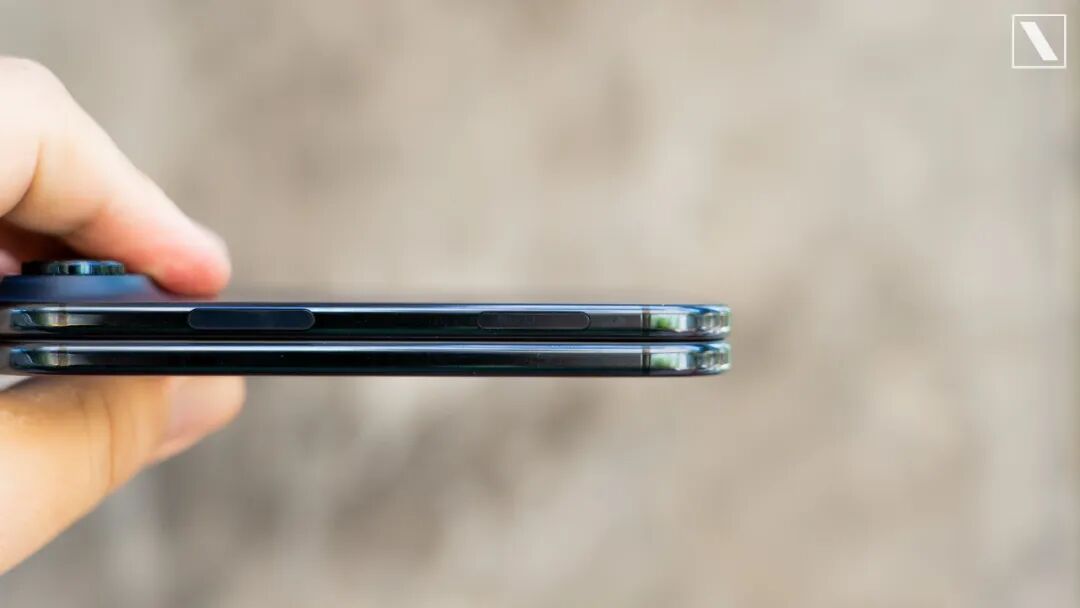
Another hidden "price assassin" is the camera control button. Although the iPhone Duo has removed the Action Button this time, it still retains the camera control key embedded in the frame of the body. Once this button is damaged, it is likely that the entire middle frame structure needs to be replaced together, and you may get another top-level bill of 11,998 yuan for no reason.
Therefore, ifanr sincerely suggests that you must equip your iPhone Duo with AppleCare+. The price of 2599 yuan for two years is definitely worth it compared with the high maintenance cost.
An iPhone suitable for "naked use"
At this time, some friends will say, for such a precious phone, just put a protective case on it, right? But choosing a suitable phone case for the iPhone Duo is also a little complicated.
This time Apple has also prepared two different forms of official protective cases for the iPhone Duo, and we have actually experienced both of them.
The silicone split protective case has the advantage of being relatively light. However, since there is no structure on the outer screen side to fix the protective case, it needs to be installed with adhesive stickers. After disassembly and assembly for several times, the viscosity of the adhesive stickers may decrease, and even leave adhesive marks on the frame.