Hands-on Summary of Apple HomeView: Apple's debut brings a nice little surprise, and Siri AI is very smart
On the evening of the 13th, Apple released a whole host of new Apple Home products in one go.
But I believe that, just like me, the one you are most concerned about must be this brand-new product form that Apple has never launched before — HomeView.
At present, this product has no official launch plan in mainland China. Many friends who are eager to get it must have the same doubt as me:
What on earth is the difference between this gadget and an iPad?
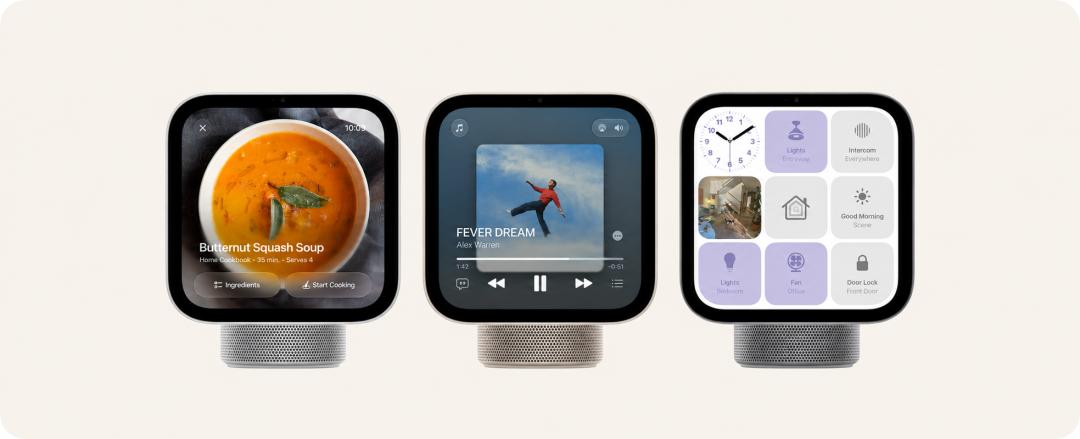
HomeView is not an iPad placed on the table
Let's start with a brief introduction to HomeView itself.
It is equipped with a 7-inch screen, a square and angular body, and a speaker base with a distinct Apple-style design. This set of designs reminds people of the classic "lamp" iMac G4 from more than 20 years ago.
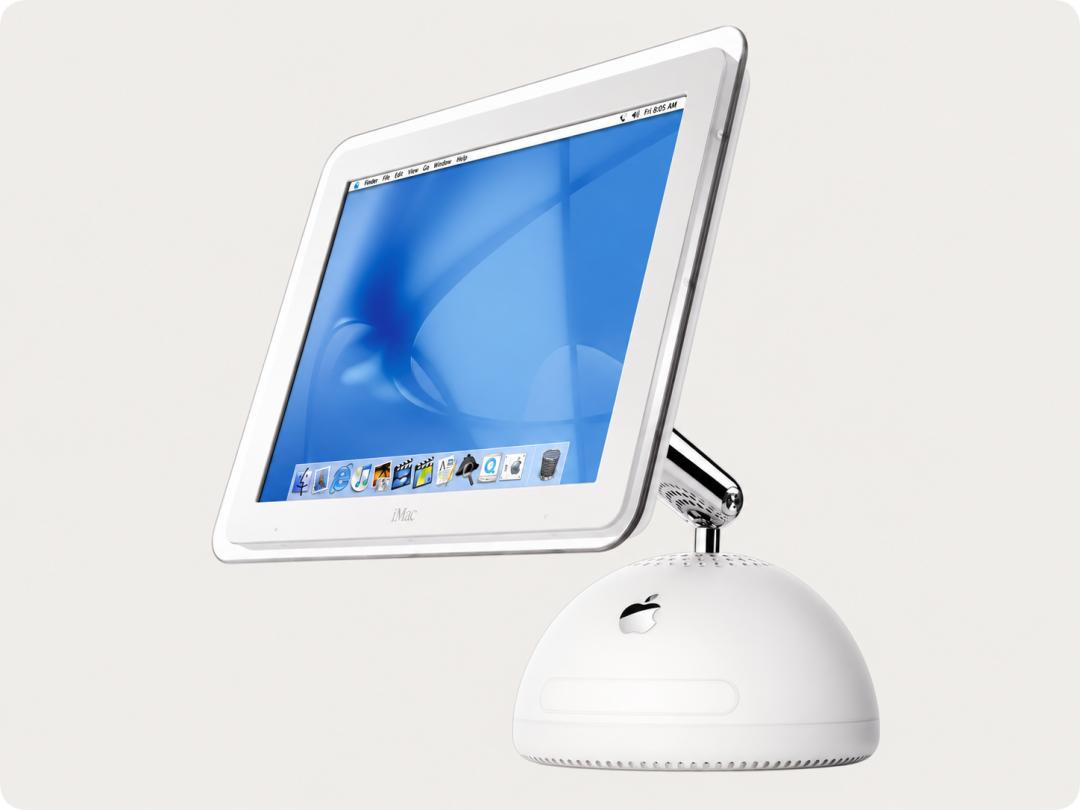
Many overseas media have given quite good first impressions of this product.
Raymond from Gizmodo spoke highly of its workmanship and design, believing that this might be the smart home screen with the best texture he has ever experienced.
After hands-on testing, The Verge found that HomeView is much more compact than expected. The front screen almost completely covers the aluminum speaker base behind it, and from some angles, it even looks like it is floating on the desktop.
However, compared with the iPad, it looks more like a Pro Max Ultra version of Apple Watch, and even a bit like the control screen inside a Ferrari.
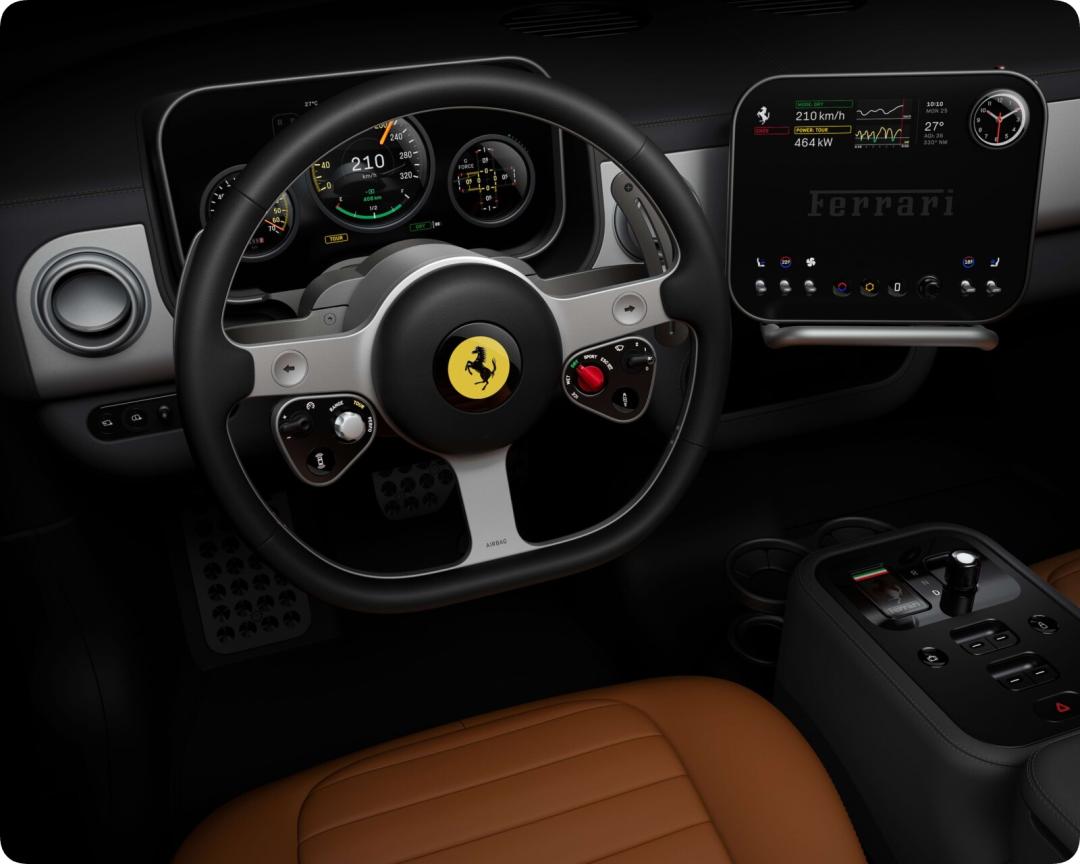
Of course, HomeView is not just attractive in appearance.
YouTube blogger The Tech Chap mentioned that the Liquid Retina screen equipped on HomeView has a good display effect, supports True Tone, and has an excellent viewing angle.
What surprises me even more is its brightness performance.
This screen has a maximum brightness of 500 nits and a minimum brightness as low as 0.3 nits. For a device that may be placed at home all day long, this brightness range is very practical. At least when you put it on the bedside at night, you don't have to worry about being dazzled by the suddenly lit screen.
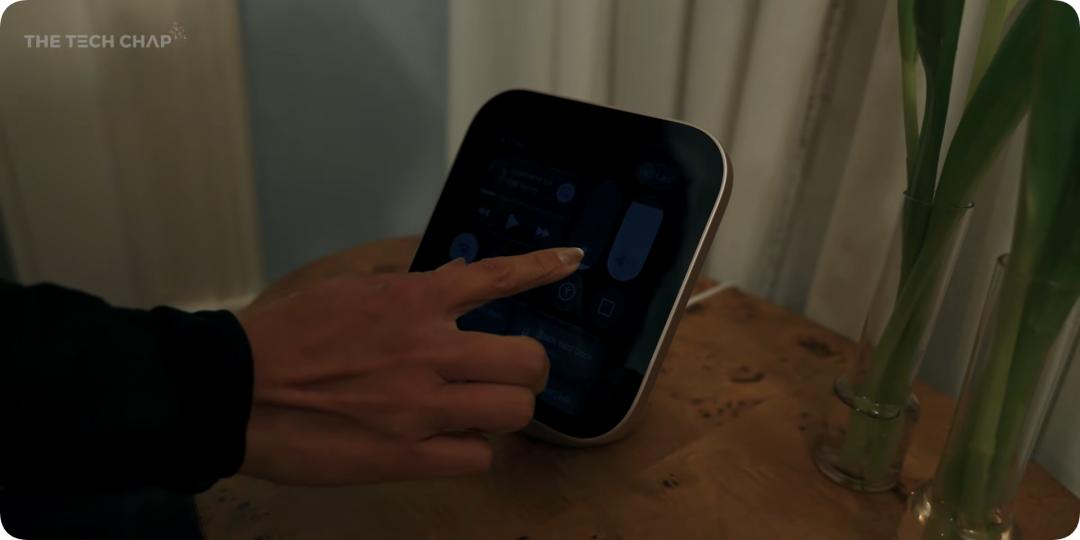
Photo by The Tech Chop
In terms of sound performance, blogger Marques Brownlee mentioned that the sound effect of this product is actually pretty good. After all, in addition to the dual speakers on the screen, the base is also equipped with an extra space for a woofer unit. However, even if the volume is turned up to the maximum, the actual loudness is still a little low, which does not meet his expectations.
Moreover, this evaluation only applies to the version with the base. The wall-mounted version lacks the base, so it does not have the support of an extra woofer unit. Even though Apple is said to have specially adjusted the sound for it, its actual performance will not be as good as the base version.
What is even more unbelievable is that the two versions are actually sold at the same price...
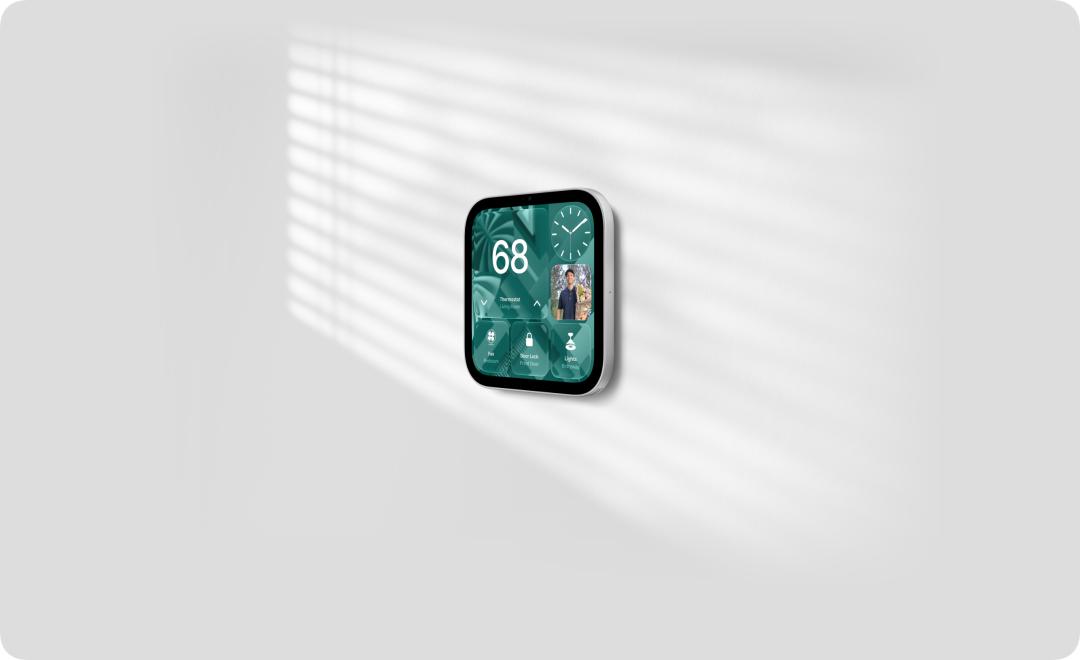
After talking about the appearance and basic configurations, let's take a look at the really interesting part of HomeView. Although it also has a screen, Apple obviously does not intend to make it an iPad placed on the desktop.
What it wants to be is a device for the whole family.
To this end, Apple has specially designed an interactive system called HomeView Software.
The main interface of HomeView does not follow the design of the iPad that arranges apps densely, but is closer to the watch face of Apple Watch. Users can swipe between different interfaces to check the weather, schedules, photos, music, and the status of various smart devices in the home.
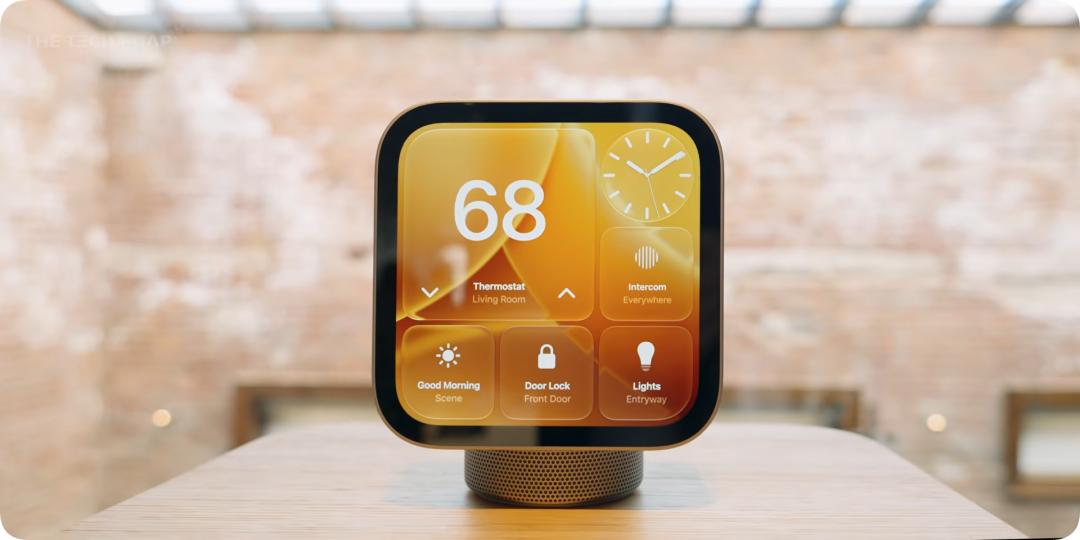
Photo by The Tech Chop
In The Verge's hands-on experience, the reporter could directly adjust the thermostat, operate the smart lock, or quickly call up the real-time footage of the home camera through the home control components on the screen.
When it comes to sensitive operations such as unlocking the door, HomeView will ask the user to complete identity verification through face recognition or iPhone.
These functions are actually not new. After all, today's iPad, together with the Home app, can also complete many similar operations.
What I find really interesting is the new function of quickly switching between family members/accounts added by HomeView.
Simply put, with the help of the built-in camera of HomeView, when a person stands in front of the screen, it can non-perceptibly identify which family member is standing in front of it, and automatically switch to the corresponding personal interface, displaying the personal context belonging to that person, such as messages, reminders, and so on.
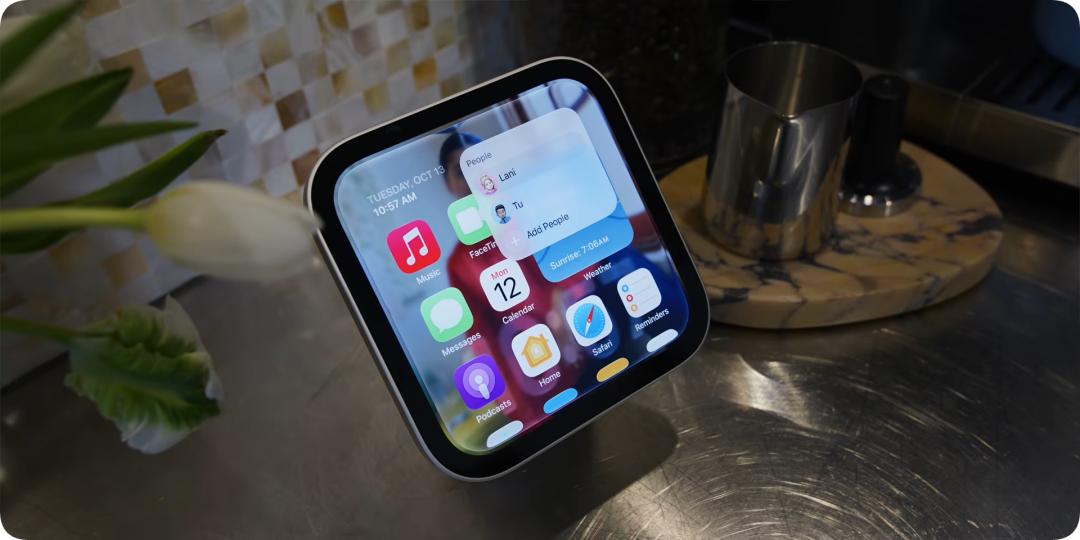
Photo by MKBHD
The whole process does not require manual account selection, nor do you need to log in again every time.
HomeView can distinguish up to six family members through facial recognition, and each member can customize their own main page.
This also makes HomeView obviously different from many similar competing smart home hubs of the same form:
The same screen can not only become a family control center shared by the whole family, but also turn into a personal private assistant belonging to the person when different people approach it.
However, although HomeView has a screen similar to that of the iPad, Apple obviously does not intend to give it the same software freedom.
The most obvious point is: HomeView does not have the App Store. This means that in addition to the pre-installed applications by Apple, users cannot freely install third-party apps as they do on the iPad.
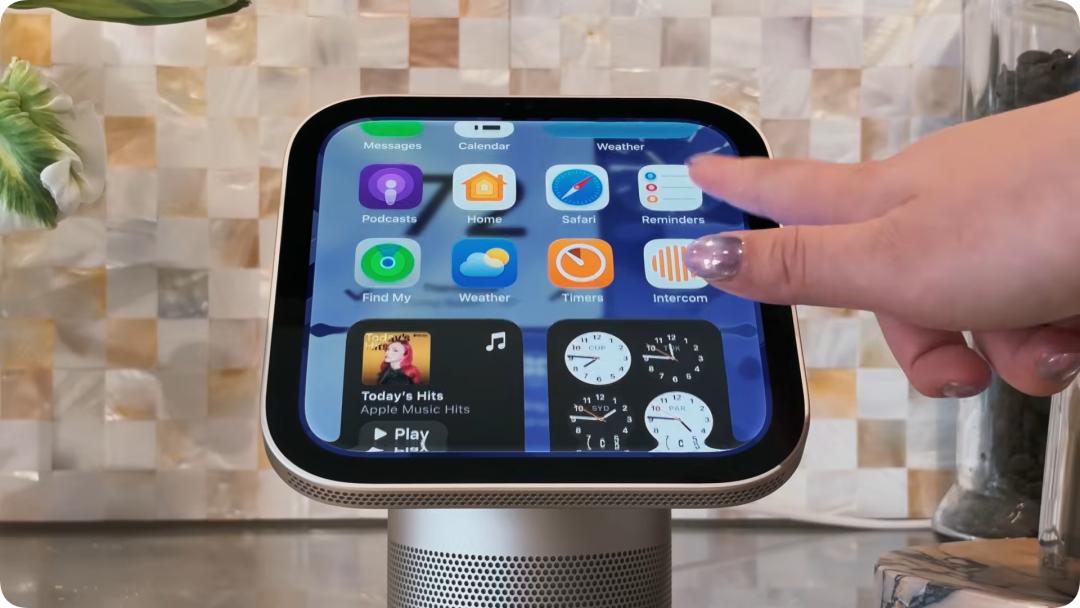
Photo by Brian Tong
If you want to view recipes or news from the mobile browser on HomeView, you need to use Apple's "Handoff" function to transfer the content from the iPhone to it.
This operation is a bit like when you bring your iPhone close to the HomePod, you can transfer the playing music to the speaker.
However, third-party applications do not have no chance at all to appear on this screen.
Some bloggers mentioned after the experience that HomeView seems to also support a screen-casting mechanism similar to CarPlay, which allows applications on iPhone or iPad to be displayed on HomeView in a specific way.
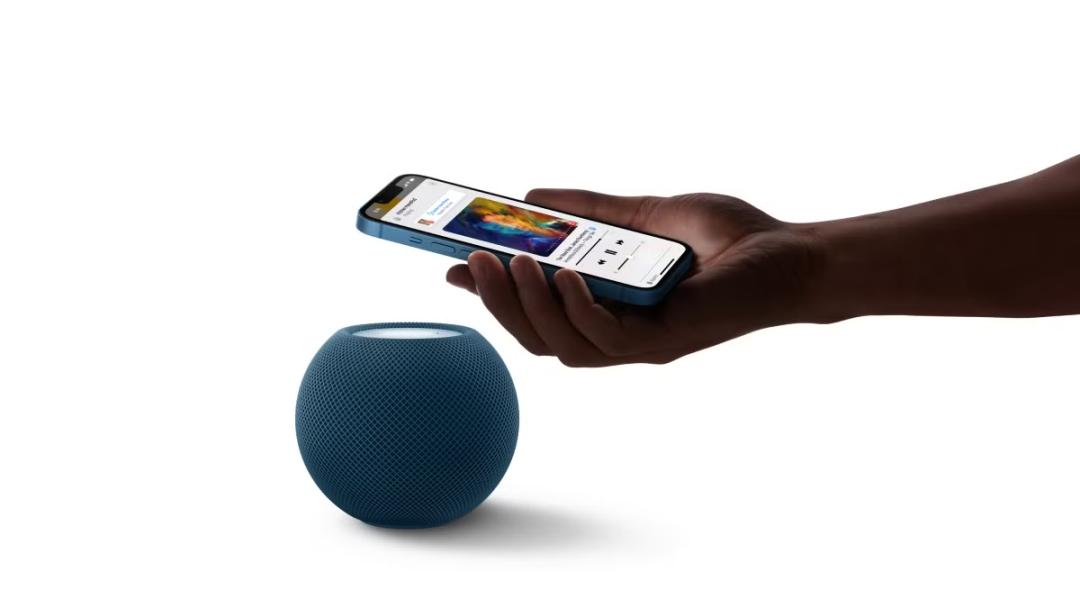
What Apple wants is a home powered by AI
However, let's talk about it another way.
Even with quite exquisite design and an interactive system redesigned for home scenarios, if we only look at these functions shown at present, there are not many irreplaceable reasons for HomeView.
Controlling smart homes can be done with the existing "Home" app; playing music and checking schedules are also no problem with an iPad.
What's more, smart home hubs with screens are no longer new things.
So why did Apple choose to launch such a product right now? I think the answer may not lie in HomeView itself, but in another protagonist that Apple emphasized this time:
Siri AI.
It even gives people a feeling that Apple specially made this product just to match this new Siri AI feature, just like making a whole dumpling meal just for a small dish of vinegar dip.
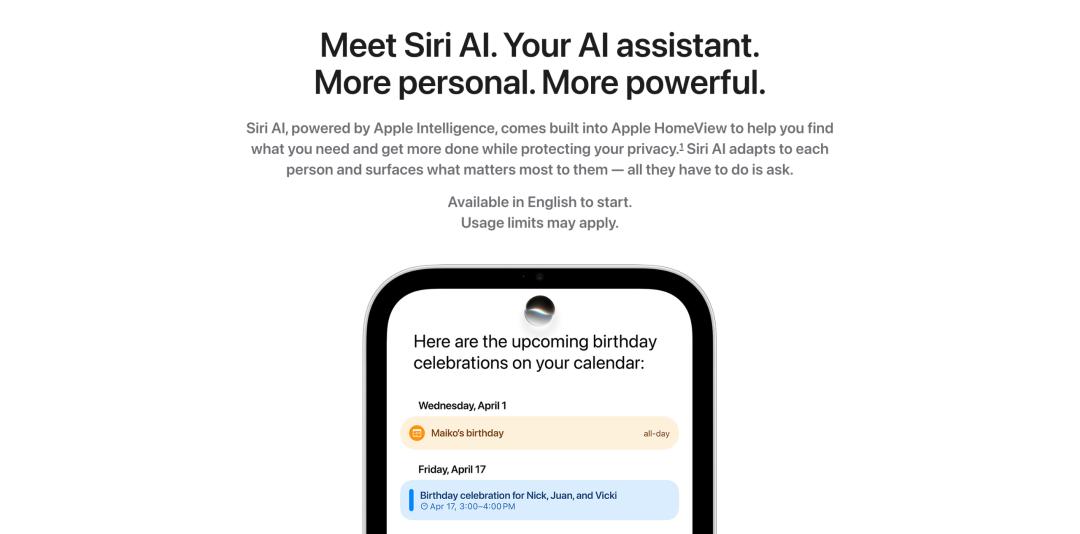
Rather than saying that Apple has created a new screen for smart homes, it is better to say that it has found a new usage scenario for Siri AI.
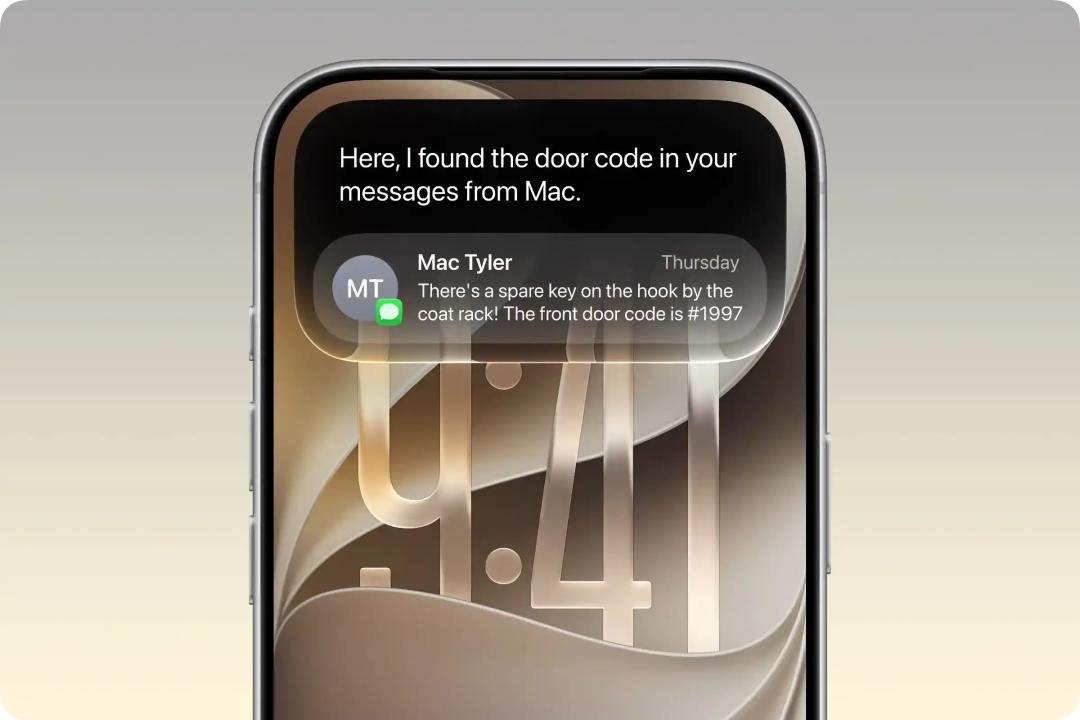
In The Verge's live demonstration, the staff asked Siri when a friend's flight would arrive in New York.
Siri not only found the corresponding flight information from the user's messages, but also estimated the time it would take for this friend to get home from the airport by public transport according to the follow-up question.
Then, the staff put forward another requirement: turn on the coffee machine at home 15 minutes before the friend arrives.
Siri then set the corresponding home automation task according to the previous conversation.
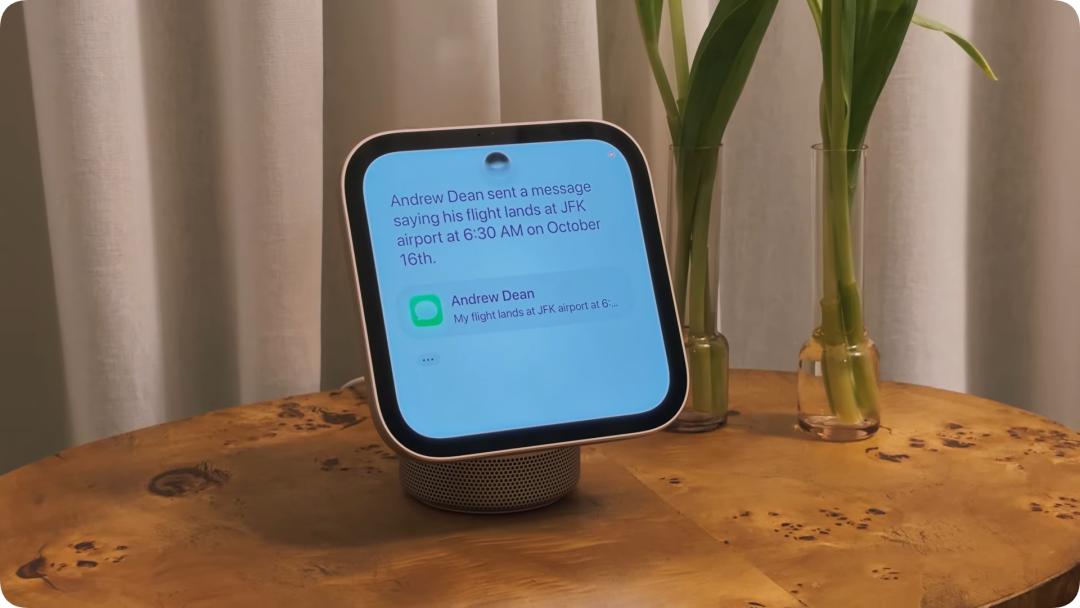
In the past, to make smart homes complete similar tasks, we actually relied on a set of pre-set "automation" rules.
We need to set trigger conditions, execution time, and the linkage relationship between different devices in advance. Even if you shout "Hey Siri", most of the time you just replace the operation that originally needed to be done manually with a voice command.
It can execute tasks according to the established conditions, but it is difficult to understand why the user does this.
The addition of AI gives smart homes the opportunity to get rid of this pre-set rule-based interaction method.
For example, when you get home from work, you only need to say to Siri:
"I'm a little tired today, I want to rest early."
Ideally, it can take the current time, your living habits, and the status of home devices into consideration, and actively adjust the lighting and room temperature to reduce unnecessary disturbances.
Or, if you need to go out early the next day, you don't have to modify the time of the alarm clock, coffee machine and home automation one by one, you just need to tell Siri your schedule for tomorrow.
Of course, these are just ideal usage scenarios. But from the live demonstration, Apple has at least begun to try to make smart homes move from the past "device control" to more complex "task execution".
And Apple's ambition for Siri AI is obviously more than that.
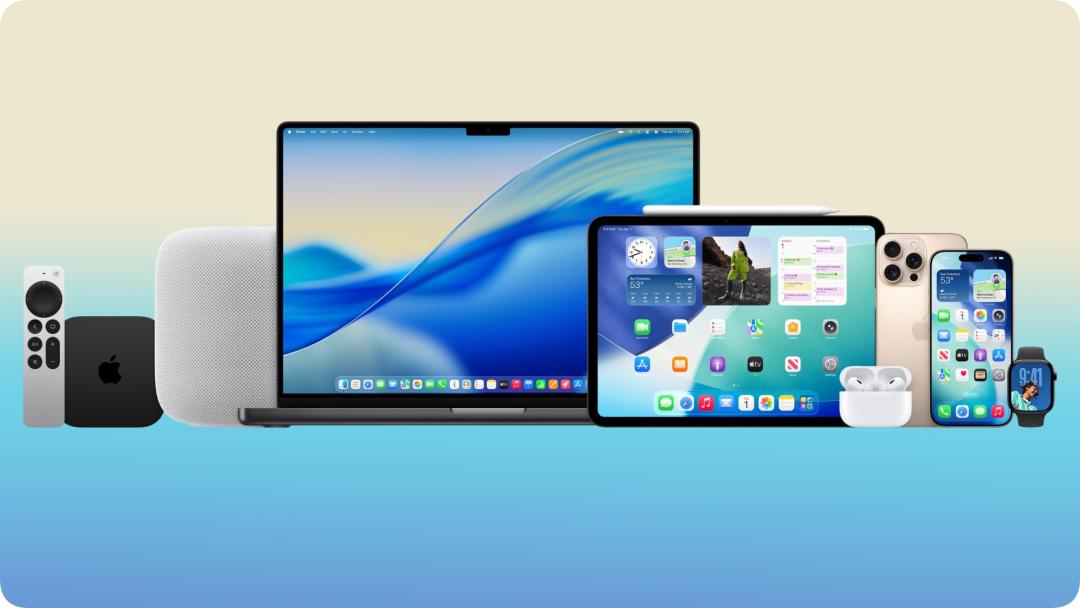
Compared with other smart home manufacturers, Apple also has a hand of cards of software and hardware ecosystem that spans iPhone, iPad, Mac, Apple Watch and smart homes.
These devices hold personal information in different scenarios, and are also connected to the applications and services that users need to use every day.
If Siri can understand this information with authorization and continue tasks across different devices, then Apple will have the opportunity to make AI a new layer of interactive entry that connects the entire ecosystem.
The role of HomeView is to fill in the puzzle of home scenarios for Siri in this process — a space shared by multiple people, with devices online for a long time and constantly changing demands.
Of course, there is still a long way to go from a live demonstration to the actual realization of these ideas. After all, considering the previous performance of Siri AI and various doubts from overseas users about its actual experience.
But we can see Apple's ambition: to turn Siri AI from a function that exists in various devices into an AI entry that can cross devices and connect different life scenarios.
The emergence of HomeView just makes this entry displayed so clearly in the home for the first time.