A Quick Overview of OpenAI DevDay: Welcome to the Agent Era
At 1 a.m., I was glued to the OpenAI DevDay live stream on time.
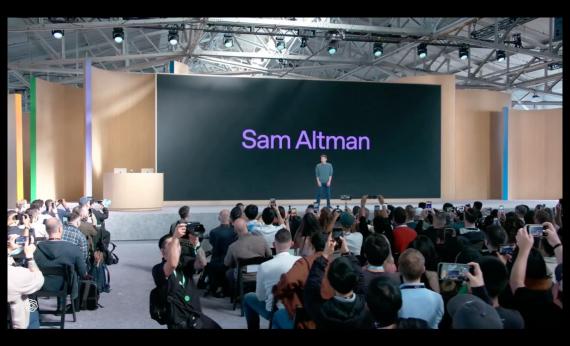
The live stream lasted for roughly one hour, with more than 20 updates released one after another. After the whole session, I was so shocked that I nearly fell off my chair, slumping on the floor and taking a long time to calm down (doge).
OpenAI first launched Dot, the 24-hour online resident agent, then built a shared working Space for humans and Agents, unveiled GPT-6.1 Sol, and rolled out the Ultrafast mode and Pro 500 subscription plan right afterwards.
In this article, I will use the most straightforward, simplest and most unvarnished way to quickly walk you through exactly what was announced at this DevDay, which updates can truly change daily life, and which are just supplementary feature catch-ups.
Besides, I will point out the obvious loopholes in OpenAI's new releases, and sort out what issues they deliberately avoided mentioning this time.
Quick Overview of New Products / Updates at DevDay
1. Dot
The very first thing to introduce is definitely the most important new product in this event.
This is a permanent resident Agent that you don't need to keep monitoring all the time, and you don't have to restate the background information every time you start a new task.

You can simply regard it as the intermediate form between Muse and Cue.
First, it is like Muse, a 24/7 online personal Agent; but it is more "substantial" than ordinary personal assistants — each Dot has its own identity and permission system, an independent cloud computer and browser, can connect to more than 4000 applications, and handle multiple projects at the same time.
You can customize the name, avatar and role for your Dot.
You can check its cloud computer at any time to see what it is working on, and you can also authorize it to connect to your laptop, bringing it directly into your real working environment.
A single Dot can take over multiple projects at the same time and push them forward autonomously. You can directly assign new tasks to it whenever you come up with ideas, no need to keep opening new conversations, or teach it step by step how to complete the work.
In daily use, you can send messages or make direct calls to it on the web version, desktop client and mobile app; it will also take the initiative to contact you to report progress, raise questions, or wait for your decision. The same Dot will maintain full context across different platforms — besides ChatGPT, it already supports Slack and Teams at present, and SMS access will be added later.
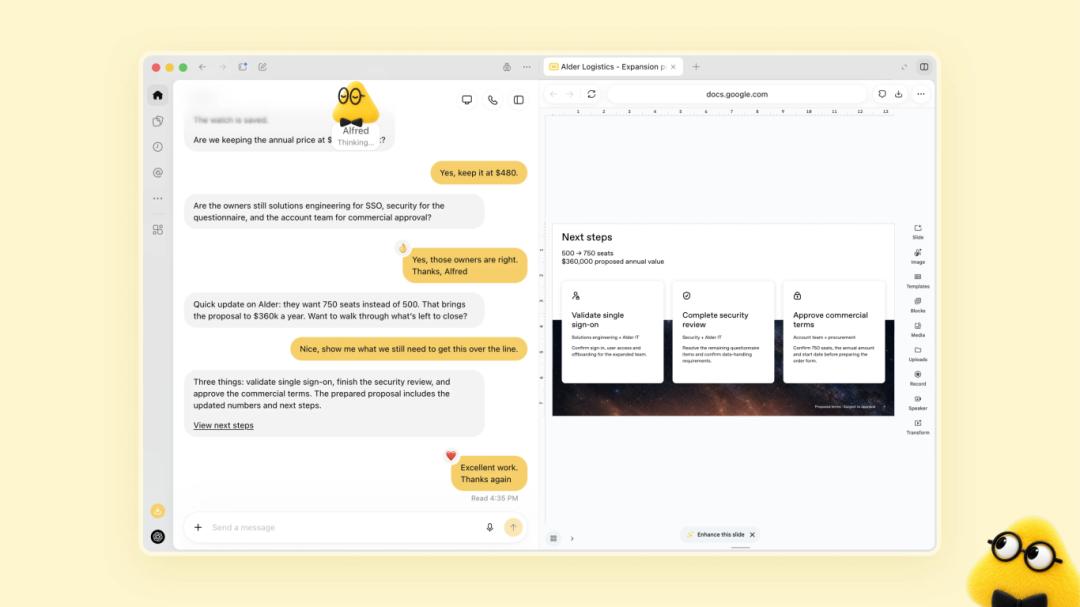
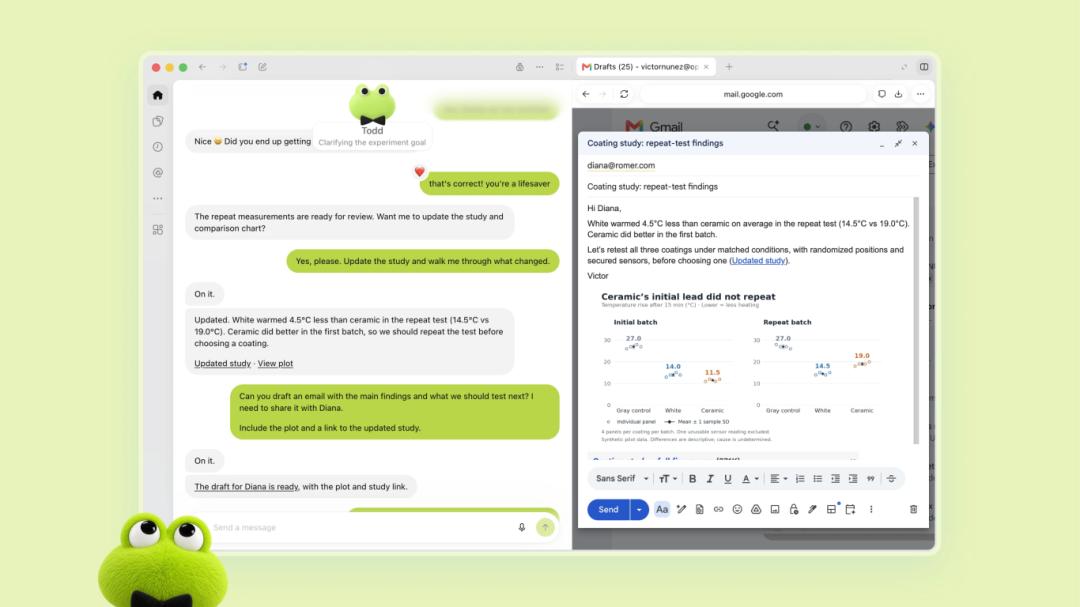
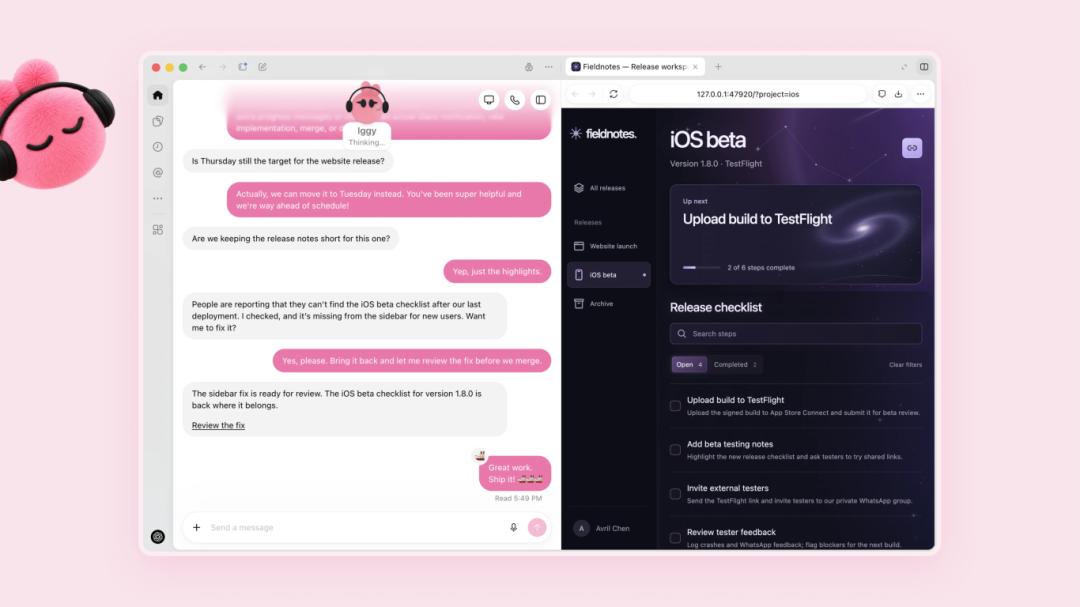
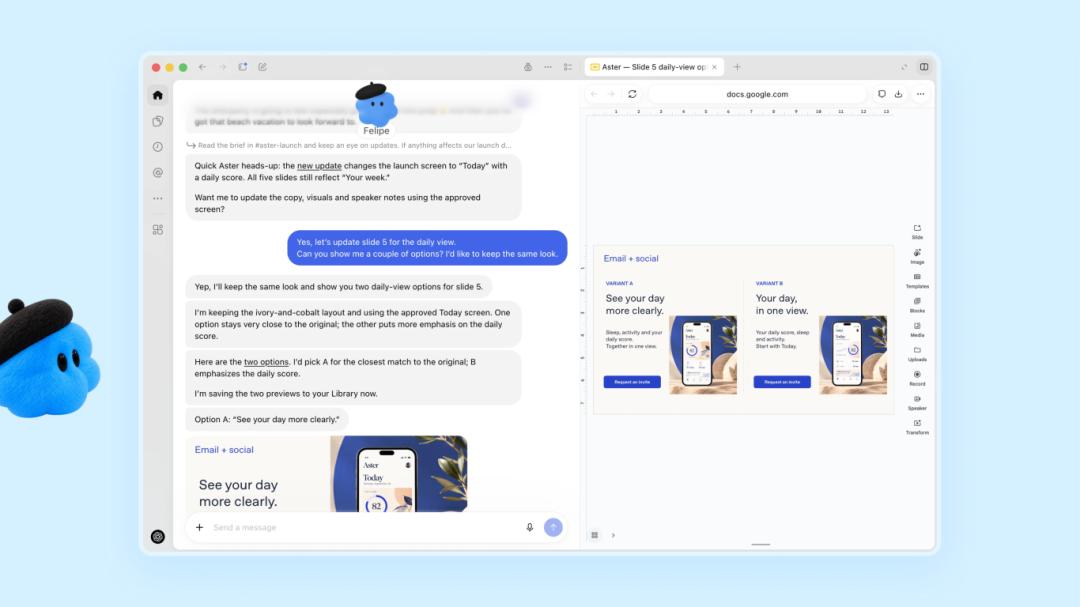

OpenAI explicitly stated that in the future, multiple Dots will be allowed to form a team and work for users collaboratively.
At present, Dot is gradually rolling out to Pro, Business Premium and Enterprise users in eligible markets. OpenAI is also testing a more "full-time employee-like" dedicated Dot in a small number of enterprises, which will have independent identities and clear responsibilities within the organization.
The first Dot is included in Pro and Business Premium subscriptions, and chat interactions with it do not consume your ChatGPT quota; but if you let it launch Codex or Work tasks for you, the quota will still be deducted normally.
2. ChatGPT Space
Since Agents now have their own identities and cloud computers, OpenAI also launched the matching workbench at the same time.
ChatGPT Space, in short, is a shared working space for humans and Agents. It replaces the original Library, turning the "storage warehouse" into a fully functional "office".
You can put files, pages, presentations, spreadsheets and project materials into the same Space, then @ChatGPT, Codex or Dot at any time to let them continue working based on these shared contents.
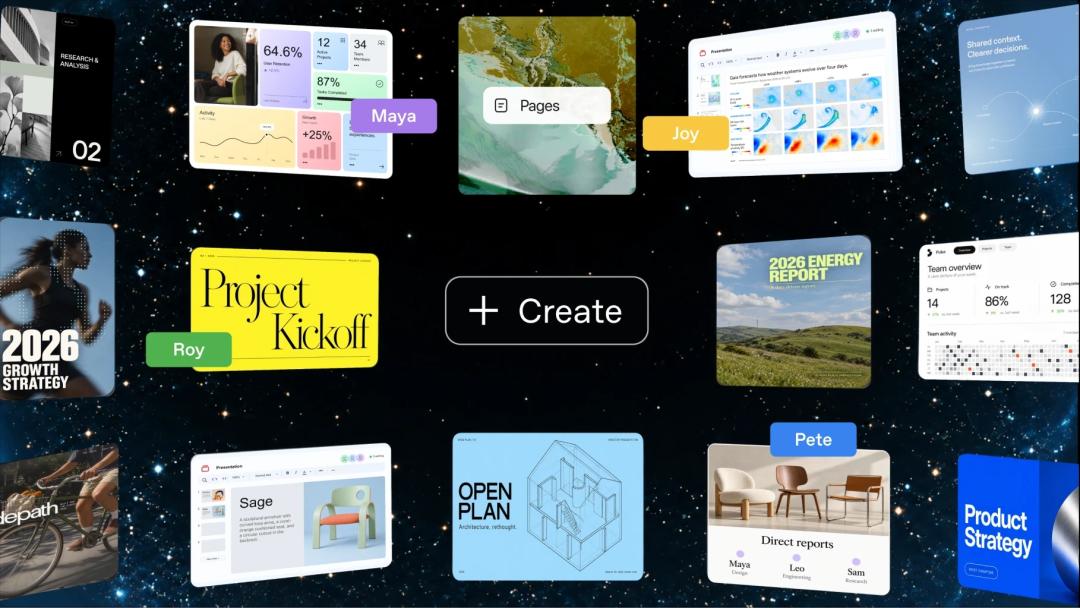
Its core component is called Page, a type of document that supports real-time multi-person editing... in terms of form, it is a bit like the online documents of Feishu or WPS.
You can add text, images, charts and interactive tools to it, and let ChatGPT or Dot directly modify the content, sort out lists, add charts, and carry out further research. Pages can also continuously obtain information from the connected tools, and even set up automatic updates.
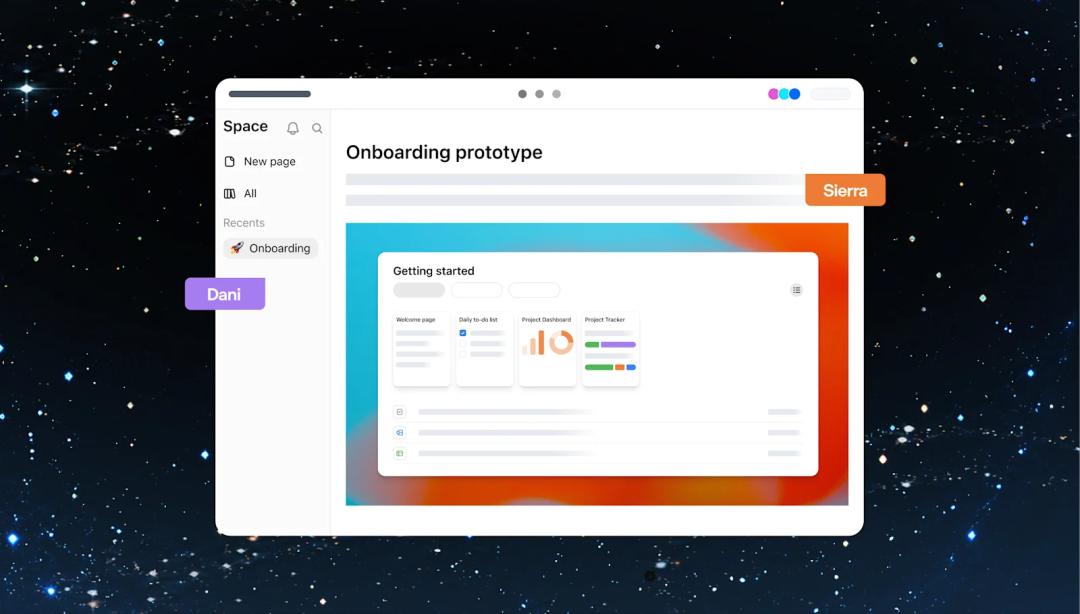
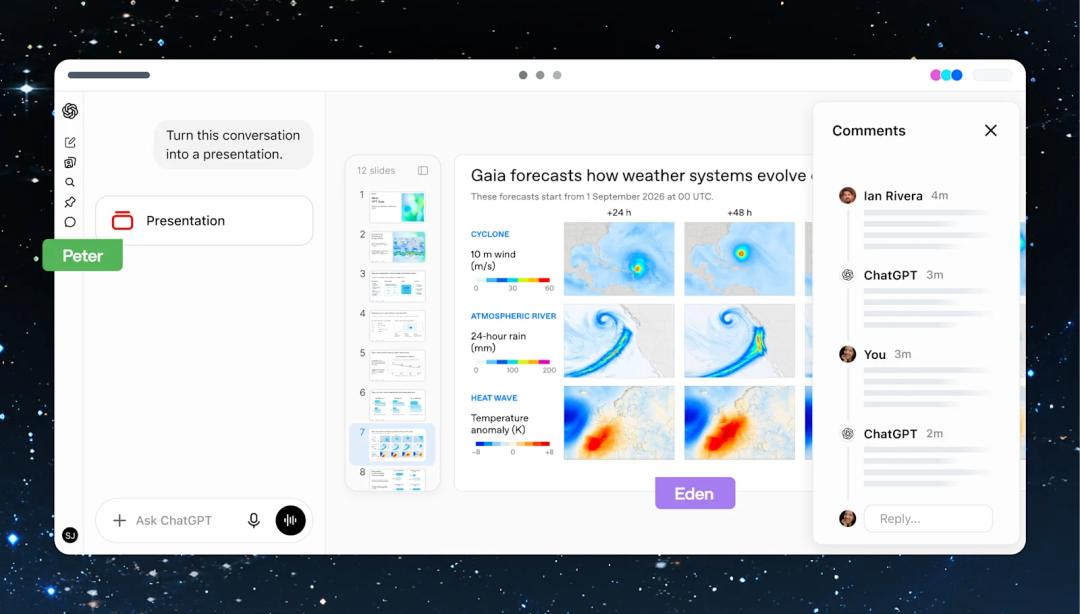
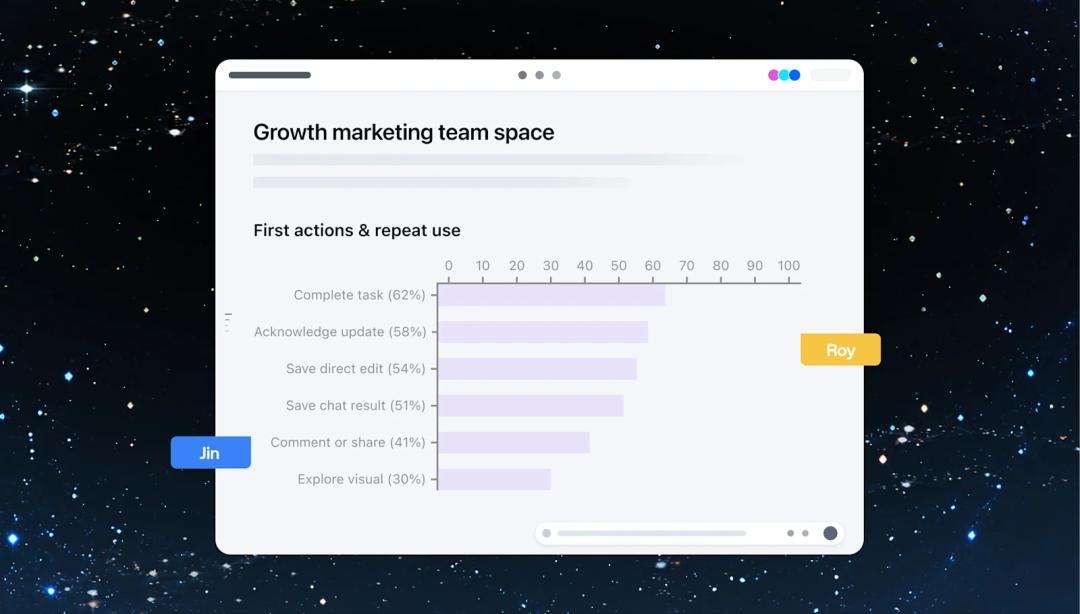
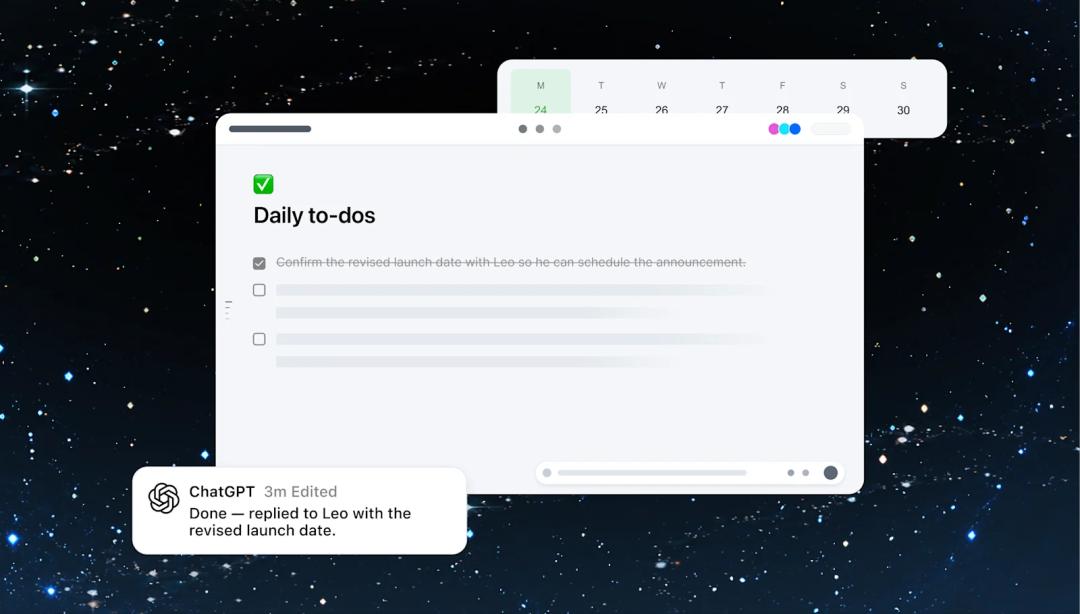
At present, Space is open to Pro, Business and Enterprise users. You can create, edit and collaborate on the web and desktop clients; in the initial mobile release, you can only search, read and share content, and cannot create or edit files for the time being. Collaborative Slides and Spreadsheets features are coming soon.
3. GPT 6.1 Sol
Seeing this, you can't help but wonder: GPT 6 Sol was just released a few days ago, right?
6.1 Sol is the upgraded version of 6 Sol. According to OpenAI's positioning, its performance in complex programming, computer operation and professional work is close to the level of GPT-6 Astra, but the price remains at the Sol tier (only one fifth of Astra's cost).
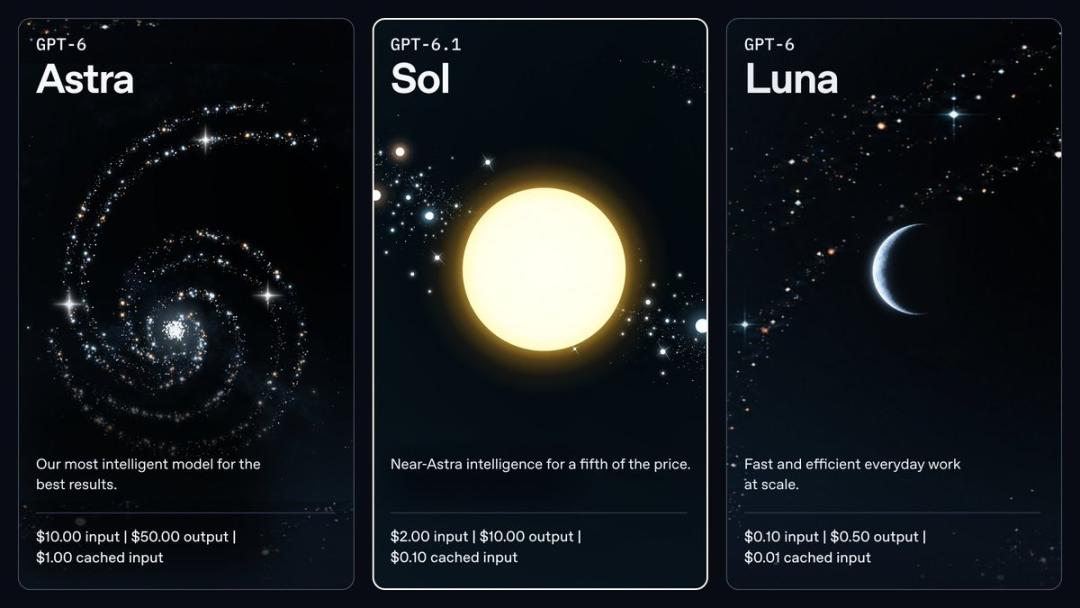
The input price of GPT-6.1 Sol API is still $2 per million Tokens, the output price is $10 per million Tokens, and the cached input price is $0.1.
The conference site demonstrated several Agent-related Benchmarks: on the programming evaluation benchmark DeepSWE v1.1, GPT-6.1 Sol reached 75.22%, slightly higher than Astra's 73.23%; on the computer operation evaluation benchmark OSWorld 2.0, 6.1 Sol reached about 71.42%, while Astra reached 73.49%; but on the scientific task benchmark Terminal-Bench Science, Astra still has a clear lead, with 68.10% against 57.02% of 6.1 Sol.
OpenAI has opened it to Plus, Pro, Business, Enterprise and Edu users. It can be used in ChatGPT Work and Codex, and will not be added to the regular ChatGPT interface for the time being.
4. Ultrafast
The next feature that received huge cheers on site is the Ultrafast mode.
In fact, OpenAI previewed Ultrafast as early as August. At that time, it ran on GPT-5.6 Sol, and the speed was up to 14 times that of the standard mode. It was only open to a small number of API customers at first.
This time, Ultrafast is ported to GPT-6 Astra, and officially launched in ChatGPT Work and Codex.
According to the official description, in Codex, the Token generation speed of this mode can be increased up to 8 times, reaching about 300 tokens/s; in the API, the speed can be increased up to 6 times.
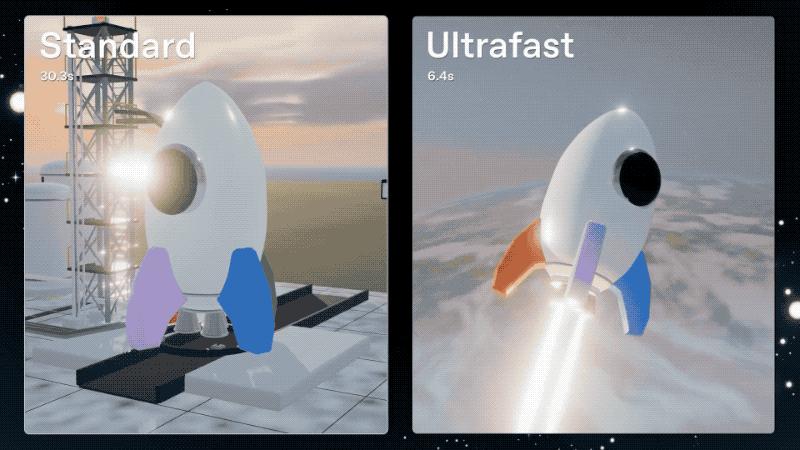
However, the initial release is only open to Pro 500, as well as eligible Enterprise and Edu workspaces. Other subscriptions cannot access this mode even if they buy extra credits — unless they use the API directly. When using it in Work or Codex, you can directly select the Ultrafast mode of GPT-6 Astra.
OpenAI also announced that the Ultrafast mode for GPT-6.1 Sol will be launched in the next few days.
5. Pro 500
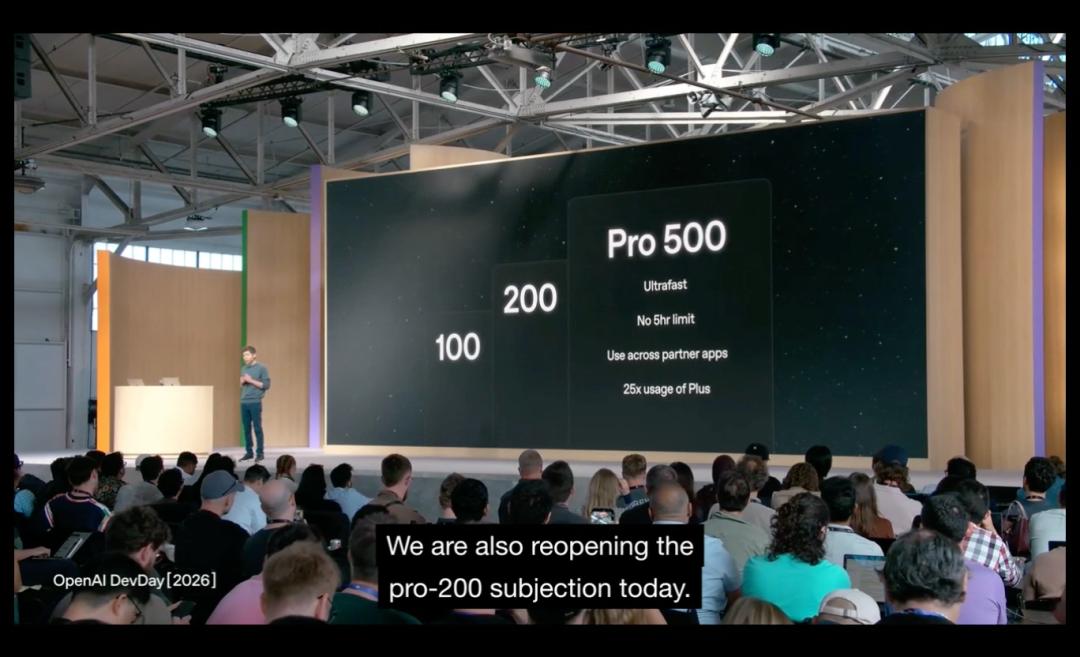
This is a higher-tier Pro subscription plan, with a monthly fee of $500, so it is named Pro 500.
It has two core selling points: you get the maximum available quota (25 times that of Plus), and exclusive access to the Ultrafast mode of GPT-6 Astra.
At the same time, Pro 200 has also been reopened for new purchases.
6. Codex Update Collection
This DevDay has added a large number of new capabilities to Codex, let me introduce all of them together.
The first is Codex Cloud. Now the cloud development environment of Codex can be reused directly, no need to create a clean sandbox from scratch every time. You can start a task on your computer, operate it remotely on your mobile phone, or resume work from other devices directly; the team can also share the configured environment, permissions and dependencies.
