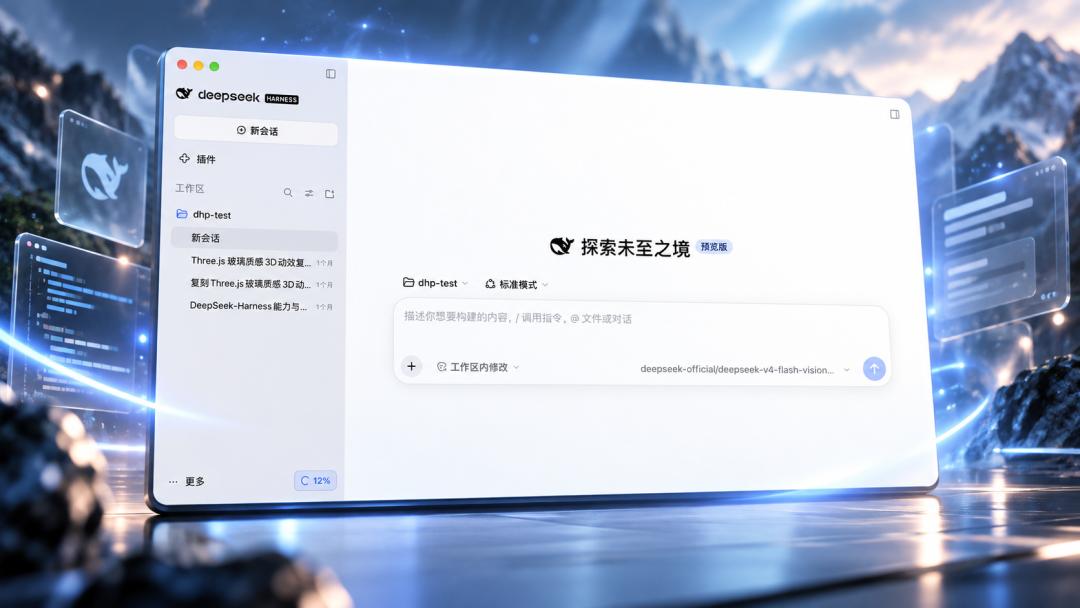
Just now, the desktop preview version of DeepSeek Harness has been officially launched!
Author | Qing He
Editor | Siyue
DeepSeek's unbroken rule of "releasing updates every holiday" still holds. During this dual-holiday break, the community finally got the long-awaited desktop entry for Harness.
Last night, developers spotted the full source code of the Harness desktop client in DeepSeek Harness's official GitHub repository, where the official code explicitly listed the update source as download.deepseek.com. As early as the end of August, the complete apps/desktop directory had already appeared in the official deepseek-ai/deepseek-harness repository of DeepSeek.
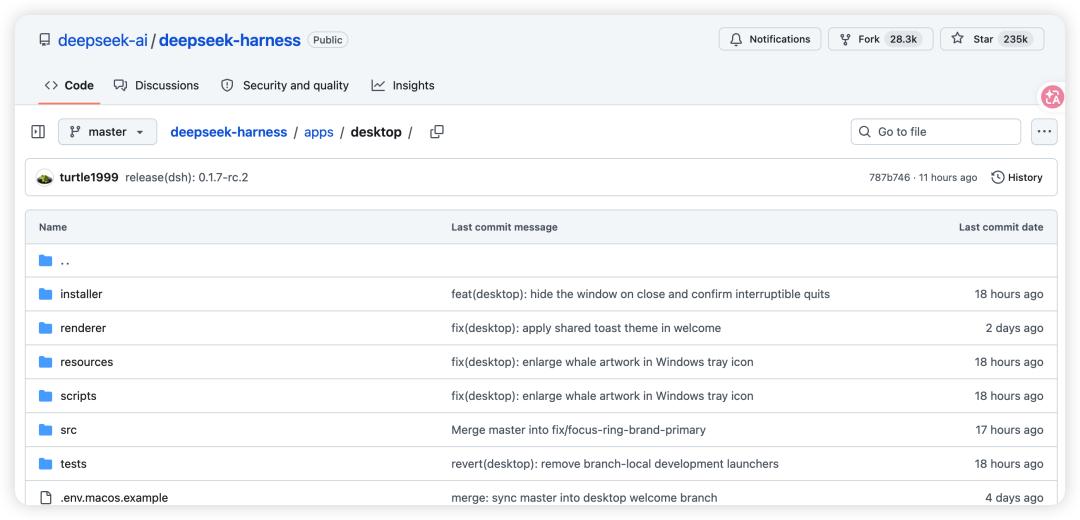
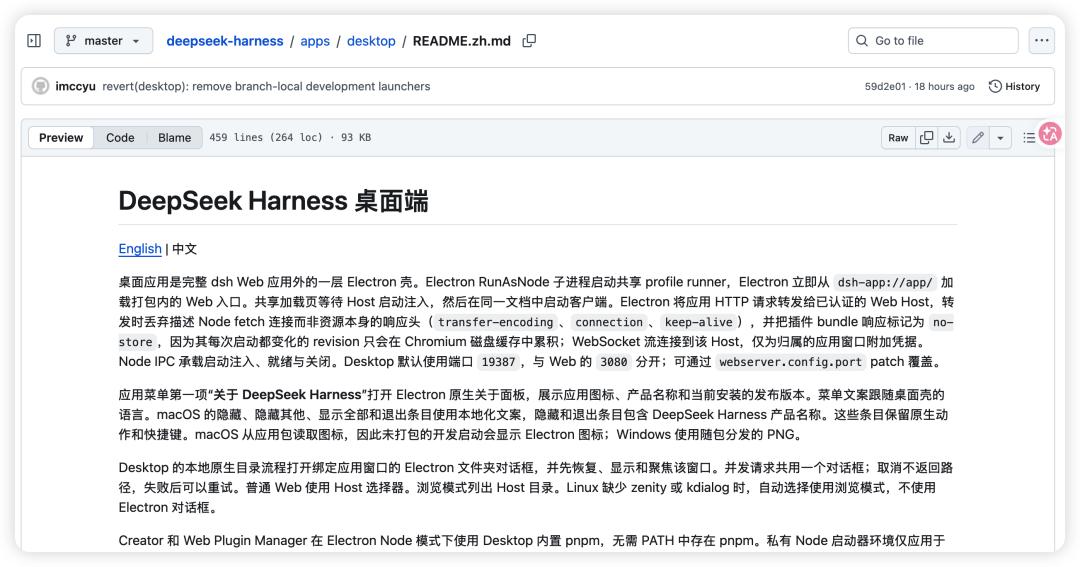
The official technical documentation clearly states that the desktop client is implemented with Electron, and the goal is not to rebuild a brand new Harness from scratch, but to directly reuse the existing Web UI as well as the running logic of Agent, sessions, tools, plugins and other modules.
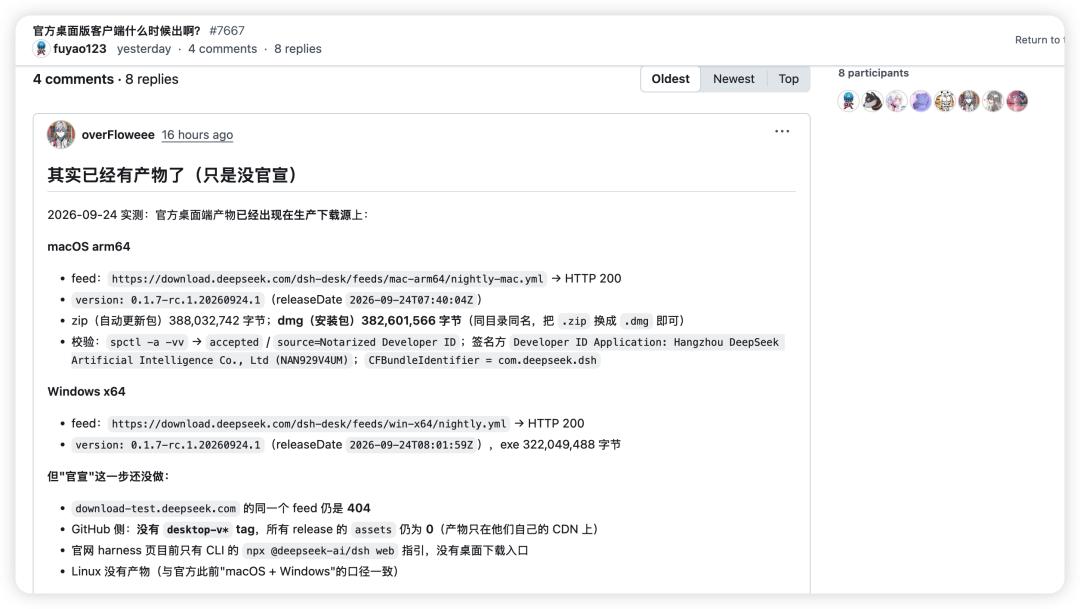
As of press time, the official download entry for the desktop version has not been officially posted on DeepSeek's official website and GitHub Release, but both the Mac and Windows versions have been circulating in the community, with no Linux version available for now, and the download links fully match the official update source.
DeepSeek Harness Windows version download
https://download.deepseek.com/dsh-desk/bin/win-x64/deepseek-harness-0.1.7-rc.1.20260924.1-win-x64.exe
DeepSeek Harness Mac client download (arm64)
https://download.deepseek.com/dsh-desk/bin/mac-arm64/deepseek-harness-0.1.7-rc.1.20260924.1-mac-arm64.dmg
It is understood that the Mac version has also passed Apple's notarization, with the signing entity directly displayed as Hangzhou DeepSeek Artificial Intelligence Co., Ltd, and the Bundle ID is com.deepseek.dsh.
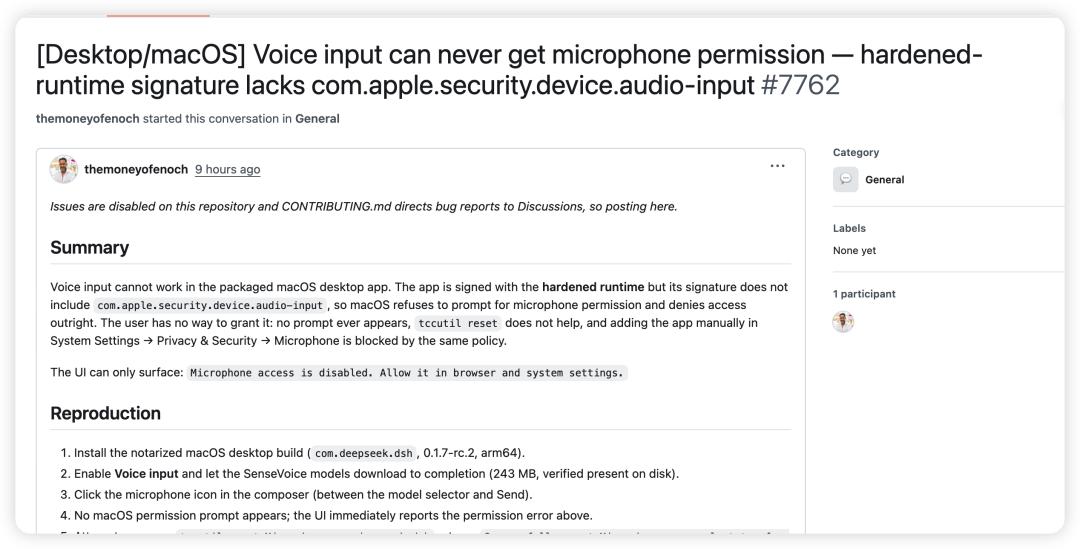
The downloaded version number is V0.1.7-rc.1. After actual installation, we found that the client has a built-in version update function, and the latest version shown in the real test is V0.1.7-rc.2.
This client is different from the regular Web version that supports "register and use directly", and the differences are mainly in two aspects:
Not a completely free tool: If there is no remaining quota when you first log in, you need to top up or bind an account with valid balance, and complete real-name authentication;
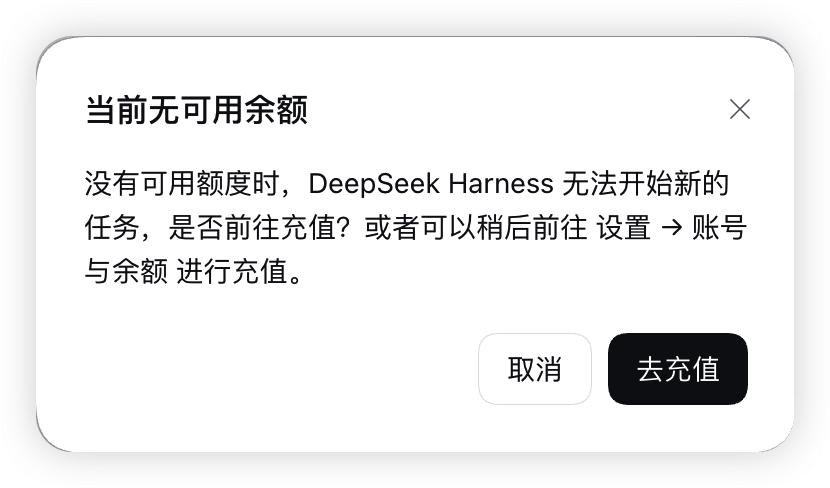
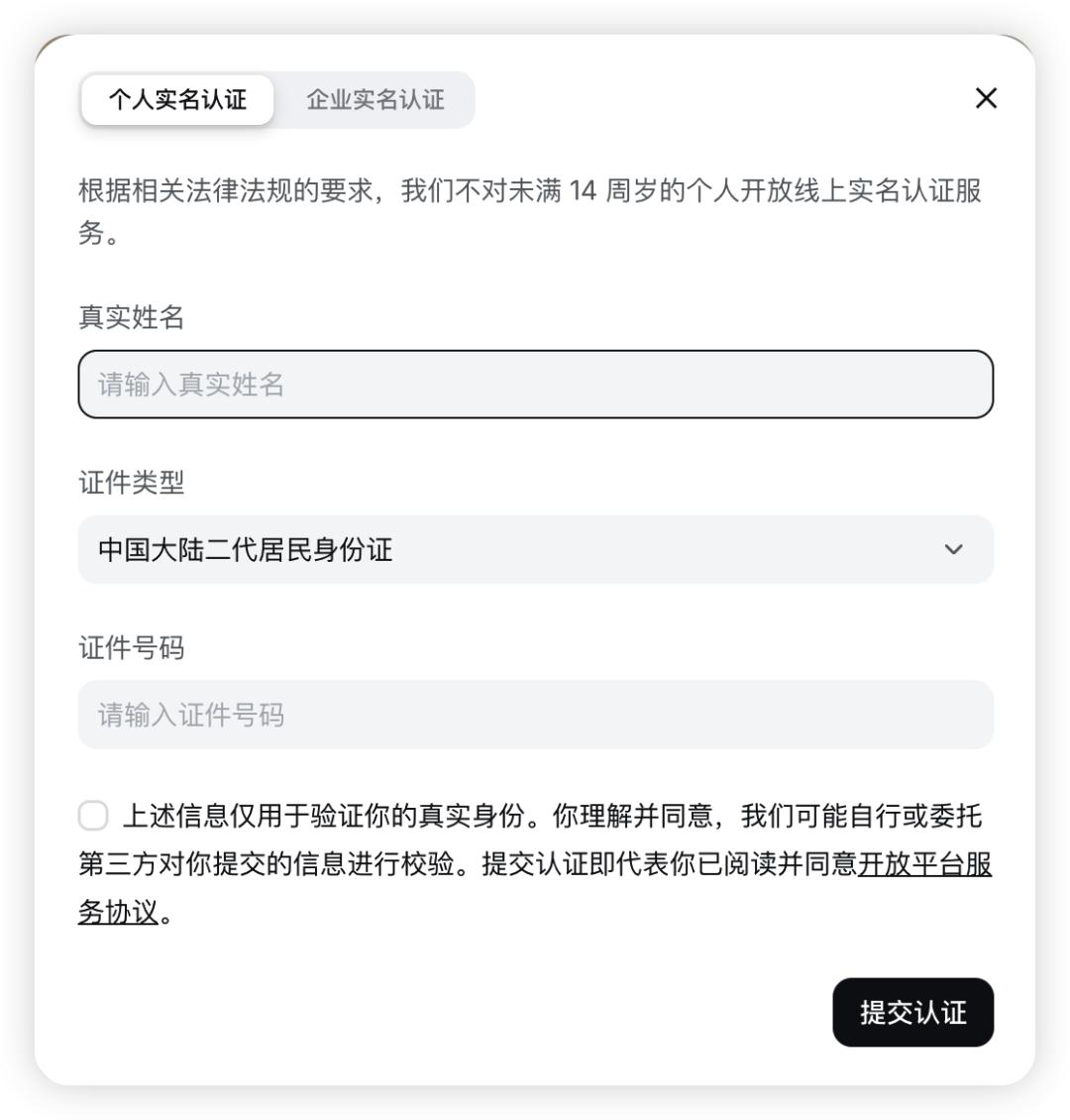
Supports API access: Users can choose to directly enter their official API key (API Key).
Judging from the interface, the UI design of DeepSeek Harness adopts a minimalist borderless soft-skeuomorphic style (preview version).
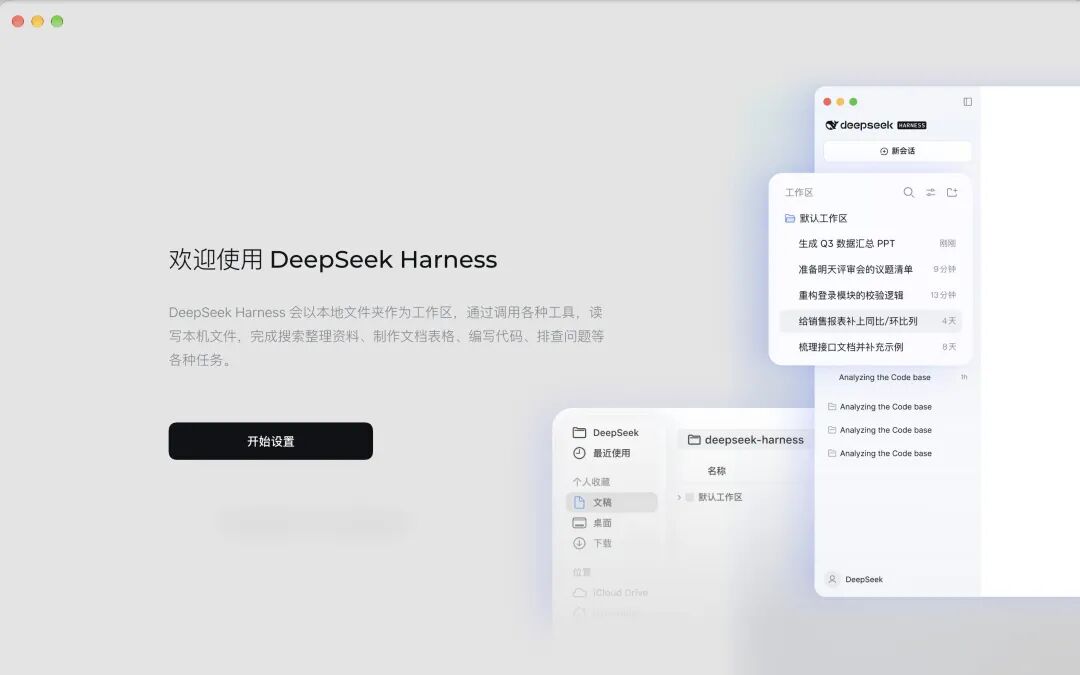
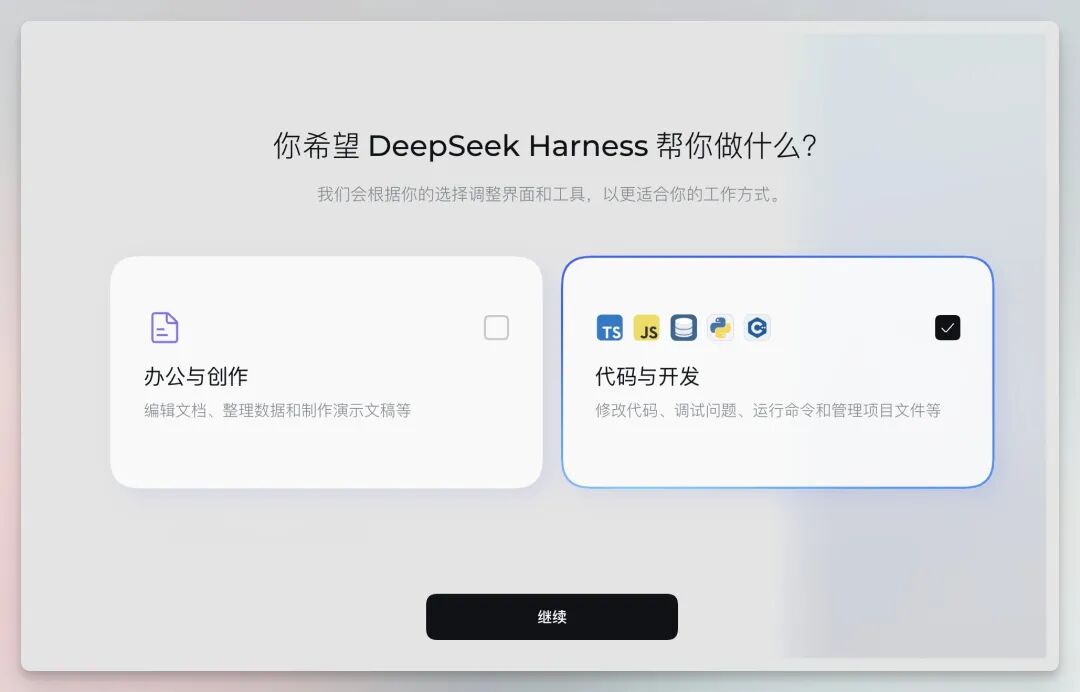
In terms of working modes, DeepSeek Harness is mainly designed with two categories: Office & Creation and Code & Development.
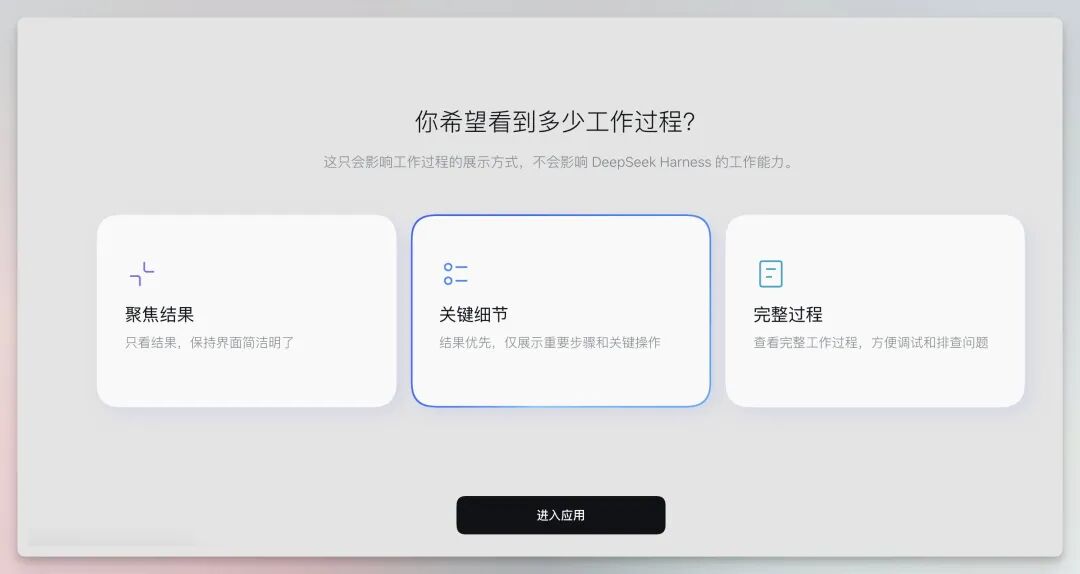
For the preference of displaying the working process, it provides three modes: Focus on Results, Key Details, and Full Process.
Under the Agent mode, four workflow levels are available: Standard Mode, PTC Mode, Minimalist Mode, and Creation Mode, allowing users to switch according to the complexity of the task.
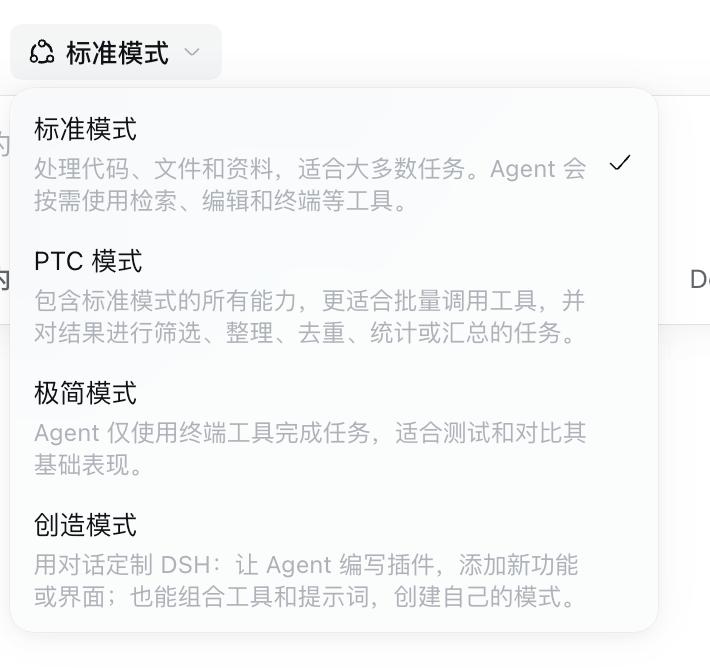
Standard Mode is suitable for most general tasks;
PTC (Programmatic Tool Calling) puts more emphasis on filtering, sorting and summarization after batch tool calls. That is to say, under this mode, the model will no longer execute commands step by step through multiple network round trips, but independently write a full piece of code to orchestrate and schedule multiple tools in batches, and complete the filtering and summarization of results, which can reduce latency and improve the stability of complex pipelines.
Minimalist Mode only uses terminal tools, which is more suitable for lightweight comparison and Benchmark test design;
Creation Mode is oriented to customization, allowing developers to debug Cordis plugins directly in memory through natural language, dynamically expand the interface, and build their own brand new Agent mode.
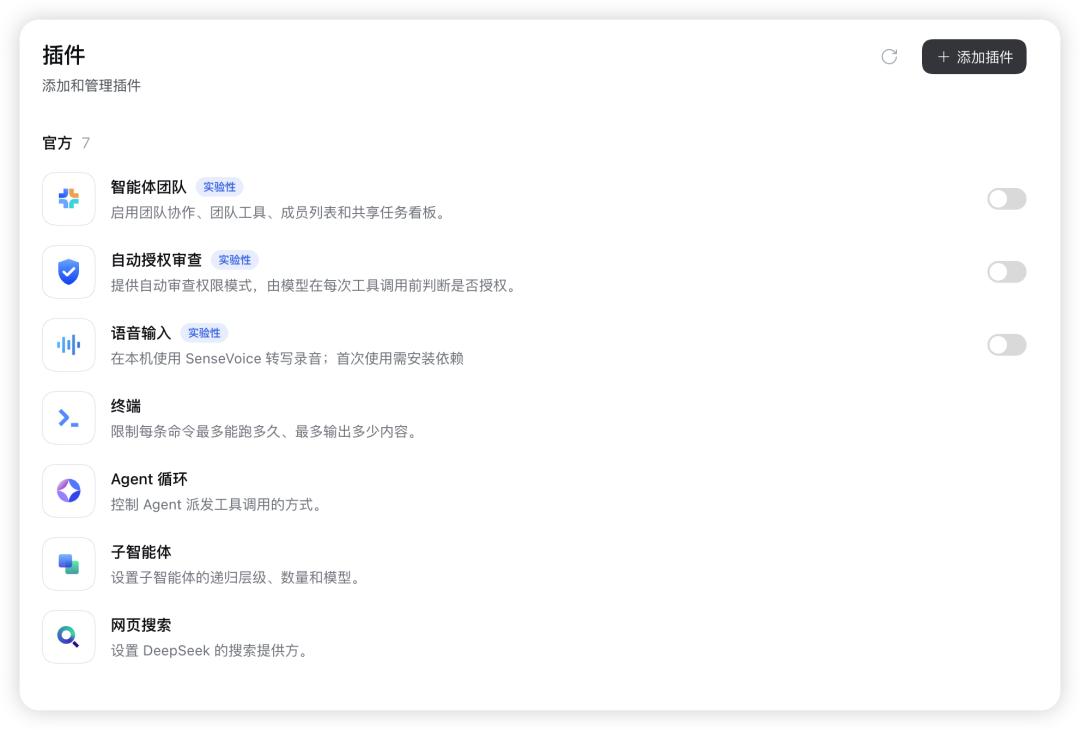
The plugin management panel intuitively shows the underlying engineering logic of the official "everything is a plugin" architecture. In addition to the configuration of conventional web search providers, the current preview version also covers advanced capabilities such as Agent Team & Subagent, Localization and Execution Control, and allows code repository invocation.
In actual experience, the response area of Harness adopts an obvious task-oriented design. After the user submits a query, the interface will first display status labels such as "Processing Completed" and "Execution Completed", and directly mark the number of context Tokens, the number of tool calls and time consumption, so that users can see whether the Agent has called tools in the background.
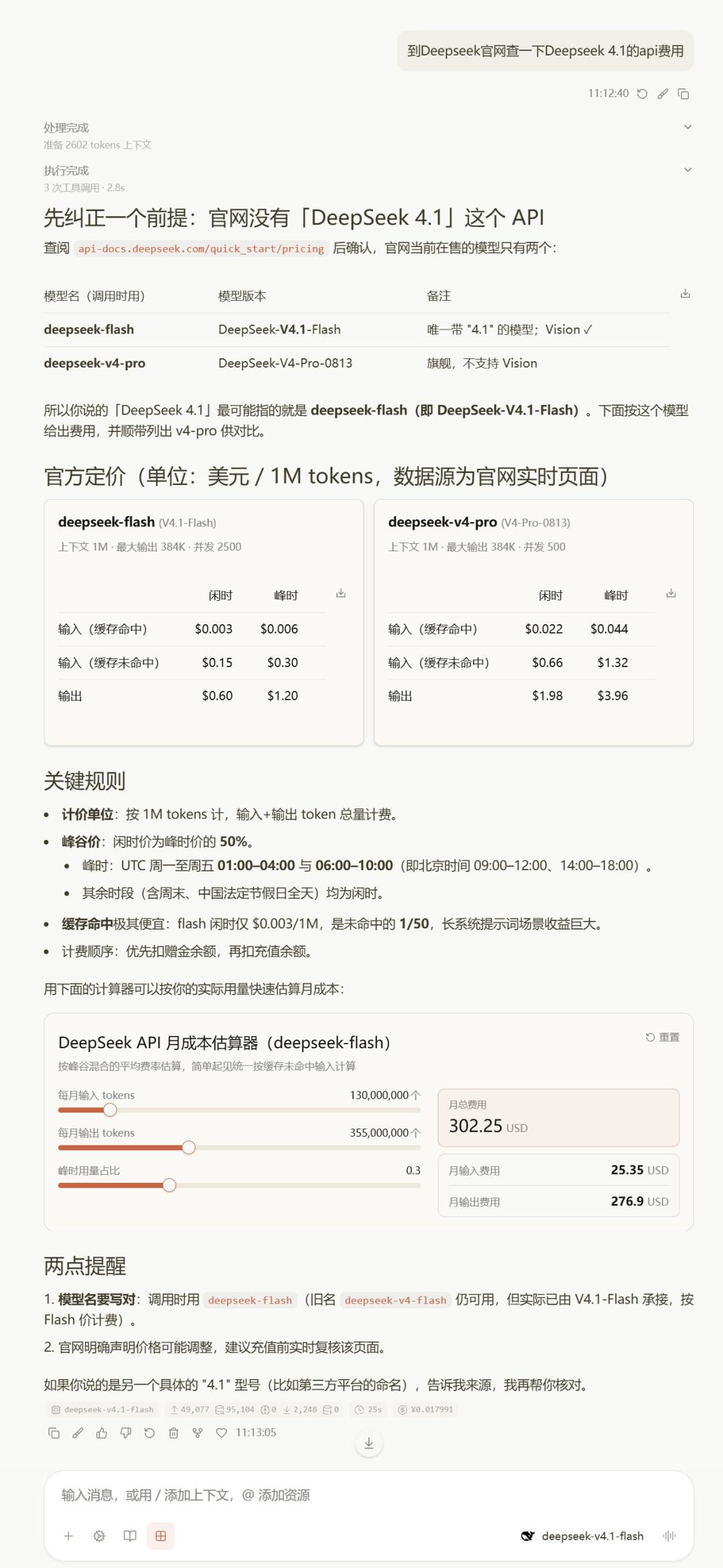
The response content itself also emphasizes structured presentation. Taking querying the price of DeepSeek API as an example, it first gives the conclusion, then compares different models through a table, then generates price cards and rule descriptions, and even embeds a draggable parameter monthly cost estimator directly in the response. Long responses thus look more like a dynamic information page, rather than consecutively stacked Markdown text.
Disclaimer: This article is originally created by AI Front, does not represent the position of the platform, and does not constitute investment advice. Reproduction is prohibited without permission.
This article is from the WeChat official account"AI Front" (ID: ai-front), author: Qing He, published by 36Kr with authorization.