The most popular architecture diagram Agent on GitHub, the developer's story is so touching that it moves readers to tears.
Aesthetic architecture diagrams that support real-time updates can now also be generated with one click via AI!

I believe in your daily manual drawing work, you must have been annoyed by issues where the canvas needs repeated adjustments and dragging, and images easily become outdated after code updates.
While generating diagrams with Mermaid is convenient, arrows may fly around randomly for slightly more complex scenarios, and you still have to make manual modifications in the end.
Now, an open-source project Archify that has landed on GitHub Trending has compressed this entire process into one sentence:
Analyze this code repository and generate a high-level runtime architecture diagram.
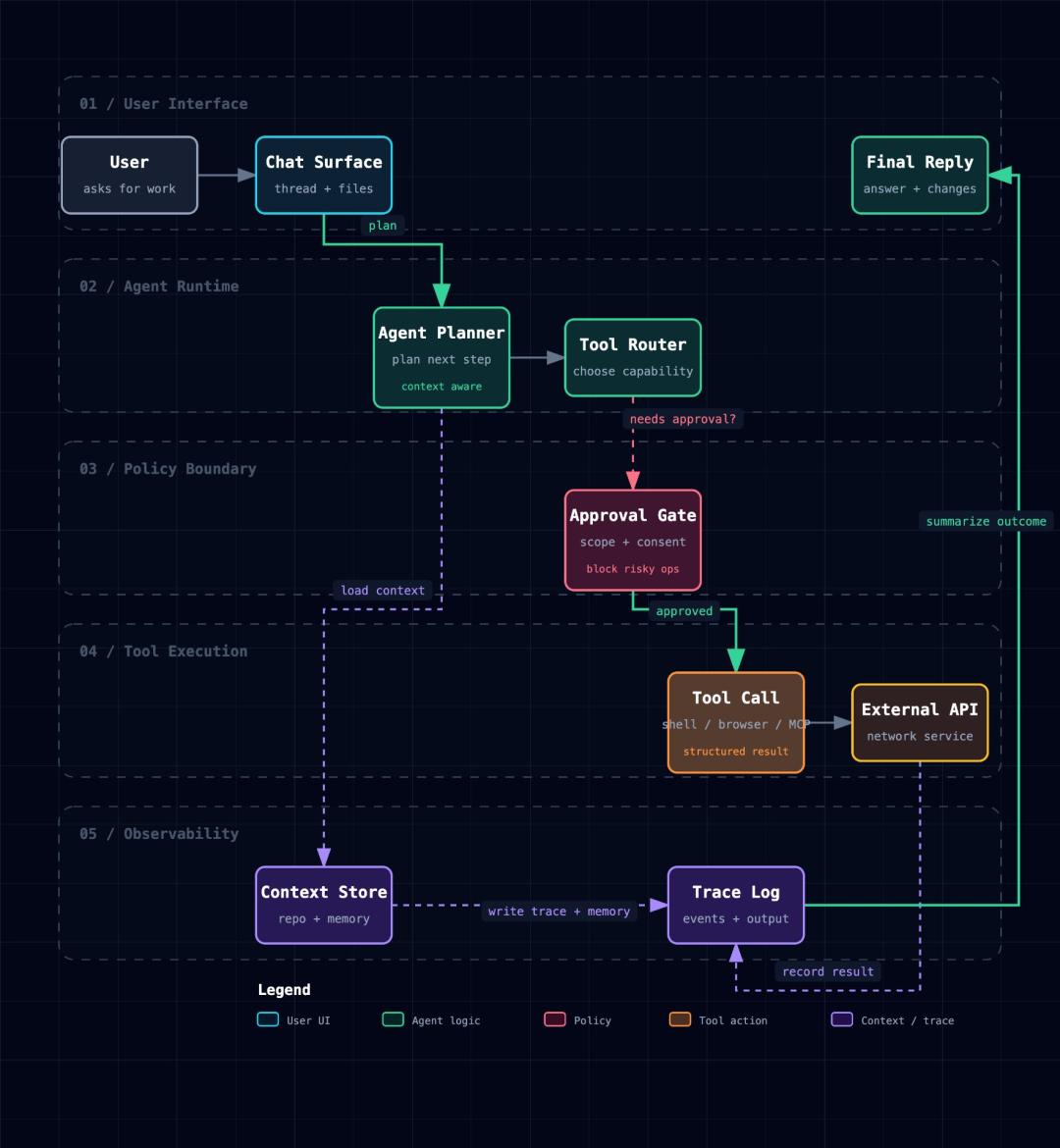
Then, an HTML-format architecture diagram that supports node search, call path tracking and theme switching will be generated.
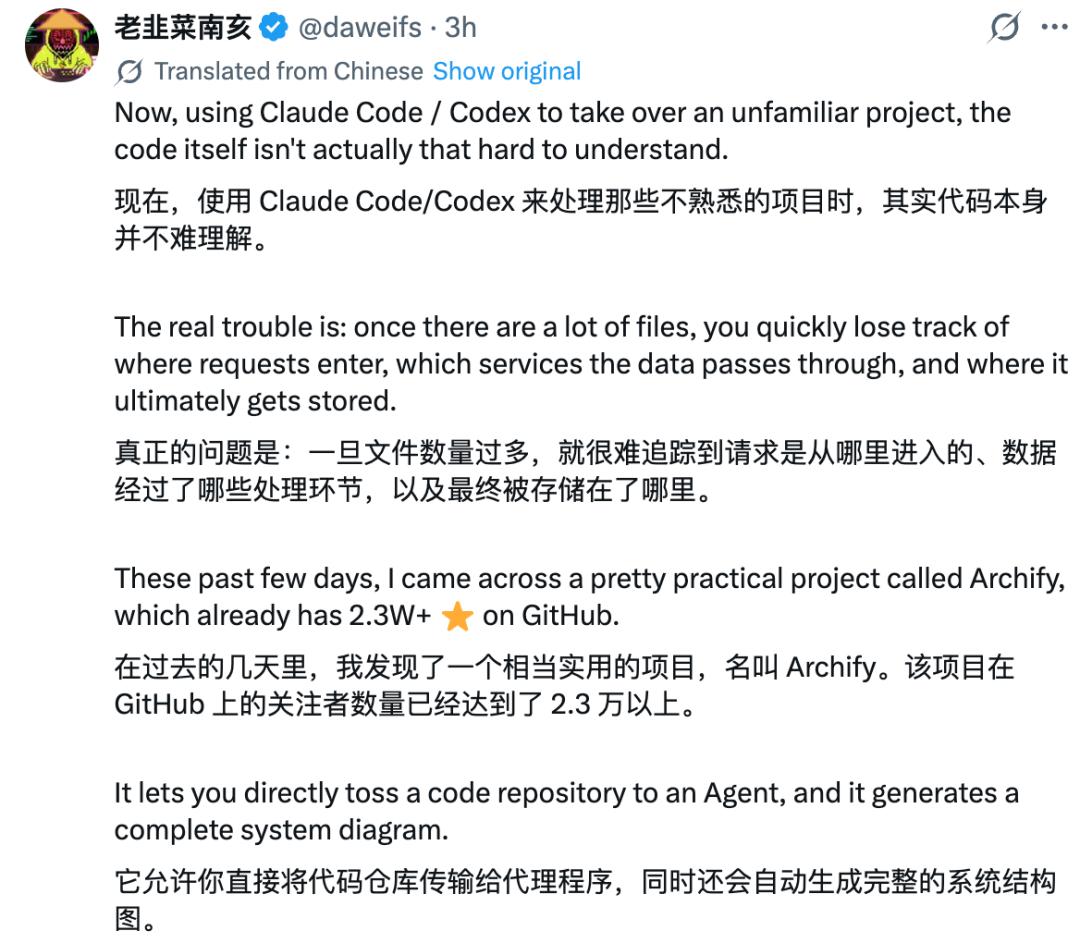
Moreover, it is model-agnostic, no matter you use Claude Code, Codex, Cursor or any other Agent, it can run smoothly.

As of press time, Archify has received a large number of positive reviews with over 100,000 likes on X, gained 1.9k Forks, 31.4k Stars, and quickly climbed to the top of the GitHub trending list.

People can't help but exclaim:
Thanks to Archify, I have saved at least four or five follow-up meetings.

But surprisingly, the developer of this popular AI Agent, "Wufeng Wuyu Ye Wuqing", is not a graduate from a top-tier university.
He studied in a junior college, then was admitted to the School of Software Engineering of Chongqing University of Posts and Telecommunications with the top score in the undergraduate promotion examination.
After Archify became popular, he teased a little sentimentally on his X account:
I used to work as a security guard, learned car repair, worked in factories, and even passed the rounds of interviews at big companies such as ByteDance Feishu and Yuanfudao with great difficulty. I always thought the Offer was close at hand, but they all found out that I had studied in a junior college during the background check, so I had to leave regretfully. In the year I graduated, I always encountered such things: we had a great chat during the interview, but as soon as I mentioned that I was a "junior college graduate promoted to undergraduate", the HR would never follow up again. (Wry smile)

He confessed that after getting rejected for all those Offers, he suffered, doubted himself, felt lost, and even went downstairs to run 5 kilometers immediately.
But he never gave up.
Later, with the encouragement of Cz Chen, COO of Manus, he chose to use Archify to prove to everyone:
Coming from a humble background is not a shame!
Turn code into a system map with one sentence
Archify is an Agent Skill oriented to AI agents such as Claude Code, Codex, Cursor and OpenCode.
You can provide it with a system description, or let Archify directly analyze the code repository for you.
After Archify understands the code, it will first generate a structured JSON IR, then Archify will complete the Schema, layout and rendering checks, and finally output an independent HTML file.
The whole process is roughly as follows:
Code or text description → Archify understanding → JSON IR generation → rule verification → HTML/SVG rendering → interaction and export.
It can currently generate five types of technical diagrams: architecture diagram, workflow diagram, sequence diagram, data flow diagram and lifecycle diagram.
Moreover, the diagrams it generates are not only for viewing, you can also search for nodes, check the upstream and downstream of a certain module, track the path between two nodes; you can freely switch between light and dark themes, and export PNG, SVG, WebM and sharing cards.
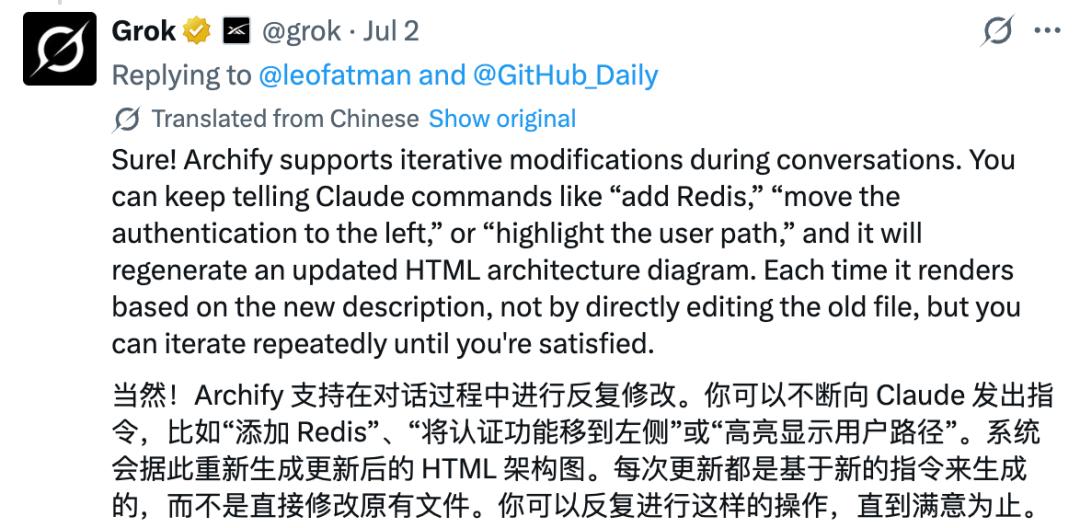
If you are not satisfied with the result, you can also ask Archify to modify it at any time, for example:
Add Redis.
Move the authentication module to the left.
Highlight the fallback path after cache invalidation.
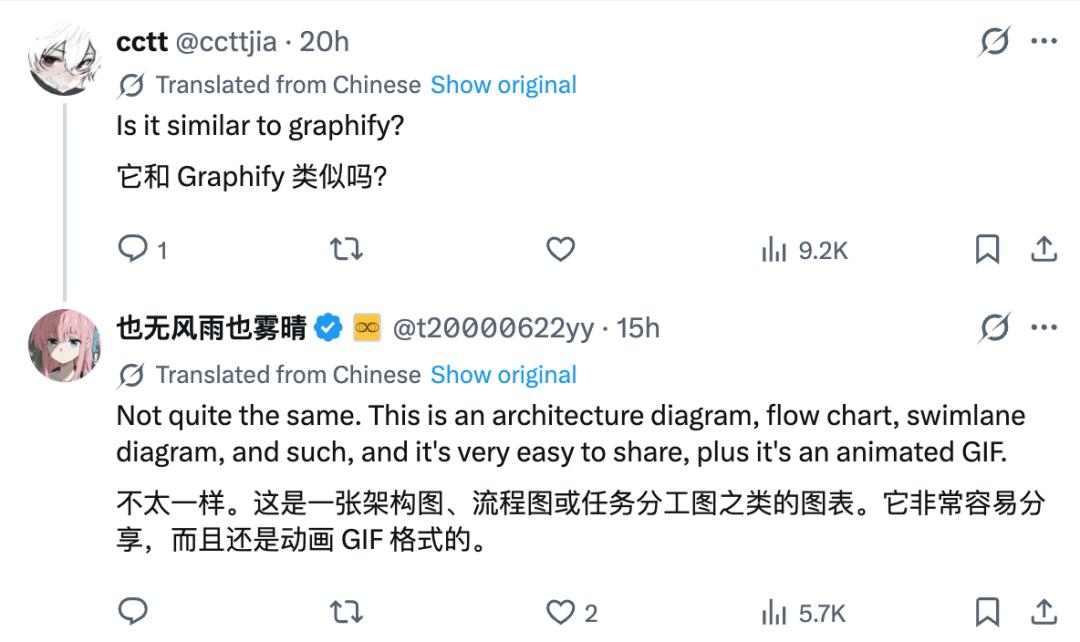
But here comes the question: text-to-diagram tools such as Mermaid and D2 have existed for a long time, what makes Archify unique?

The answer is, it does not only generate diagrams from text, but directly embeds the drawing capability into the workflow of programming Agents, allowing Agents to understand code, generate GIF format diagrams and make continuous modifications.
In contrast, Mermaid and Graphify are mainly responsible for rendering existing text descriptions into images, and their output may not even look as good as Archify's.
It is more than just a better-looking Mermaid
The real difference of Archify is that it embeds the drawing tool into the workflow of programming Agents.
You don't have to learn drawing syntax from scratch, you only need to describe your technical intentions.
The work of understanding code, organizing components and generating structured data can be handed over to AI Agents, while Archify is responsible for verification and rendering.
This division of labor actually tries to solve a problem of AI-generated architecture diagrams, that is
The model can draw very fast, but may not draw correctly.
Archify will check the data structure, node layout, labels and connection conflicts before delivery.
If the verification fails, it will point out the specific problem and allowed repair methods, instead of directly delivering a diagram that looks beautiful but actually has errors.
In addition, it can also compare two architecture snapshots, marking the added, deleted, modified, moved and rerouted parts in Before/Delta/After mode.
This means that architecture diagrams are no longer just illustrations added after development, but can also participate in code review and iterate along with the project.
Of course, Archify is not perfect, it is not a real-time monitoring system, nor can it automatically prove that the diagram is completely consistent with the online running status.
The accuracy of the results still depends on the code information, user prompts and the analysis capability of the Agent.
Some netizens pointed out after actual testing that Archify has problems such as the detail display of nodes is a bit small, it does not run very smoothly with models that do not have built-in vision (such as deepseek-v4-flash), and it consumes a lot of credits.
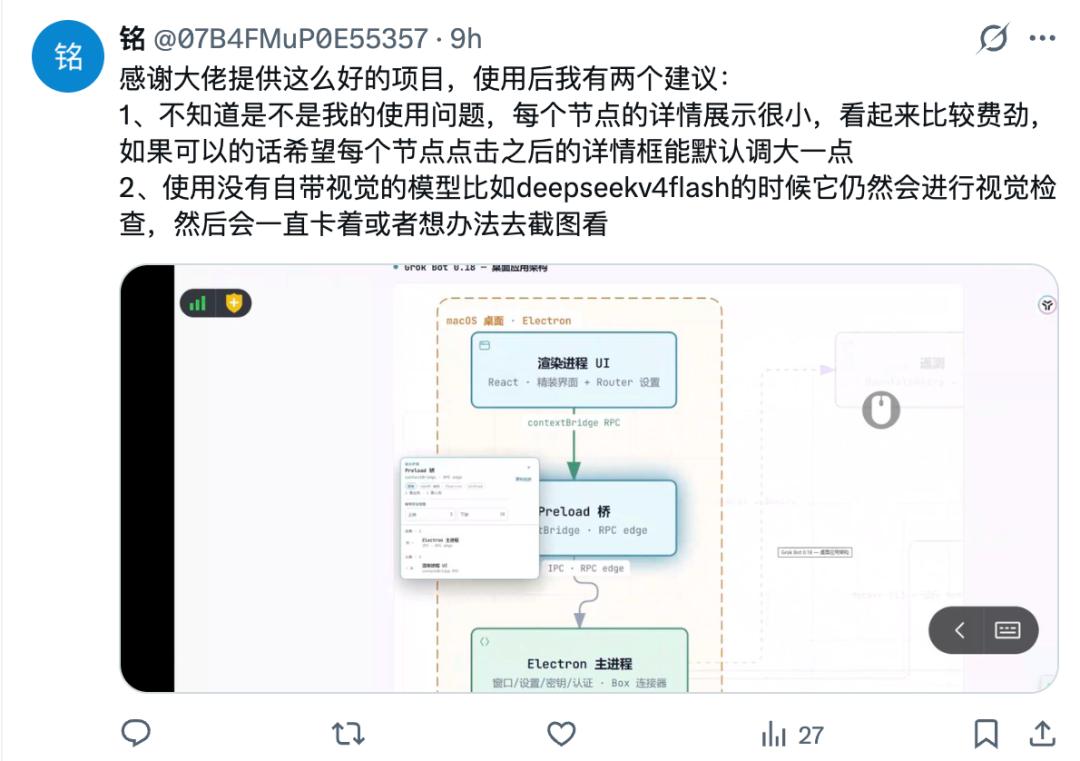

In response to this, the developer Wufeng Wuyu Ye Wuqing said that they are working hard to update the version and solve these problems, and we can look forward to it.

So, Archify is suitable for you if:
You are already using AI programming, hope to quickly understand unfamiliar repositories, sort out call chains, or clearly explain a complex system to the team.

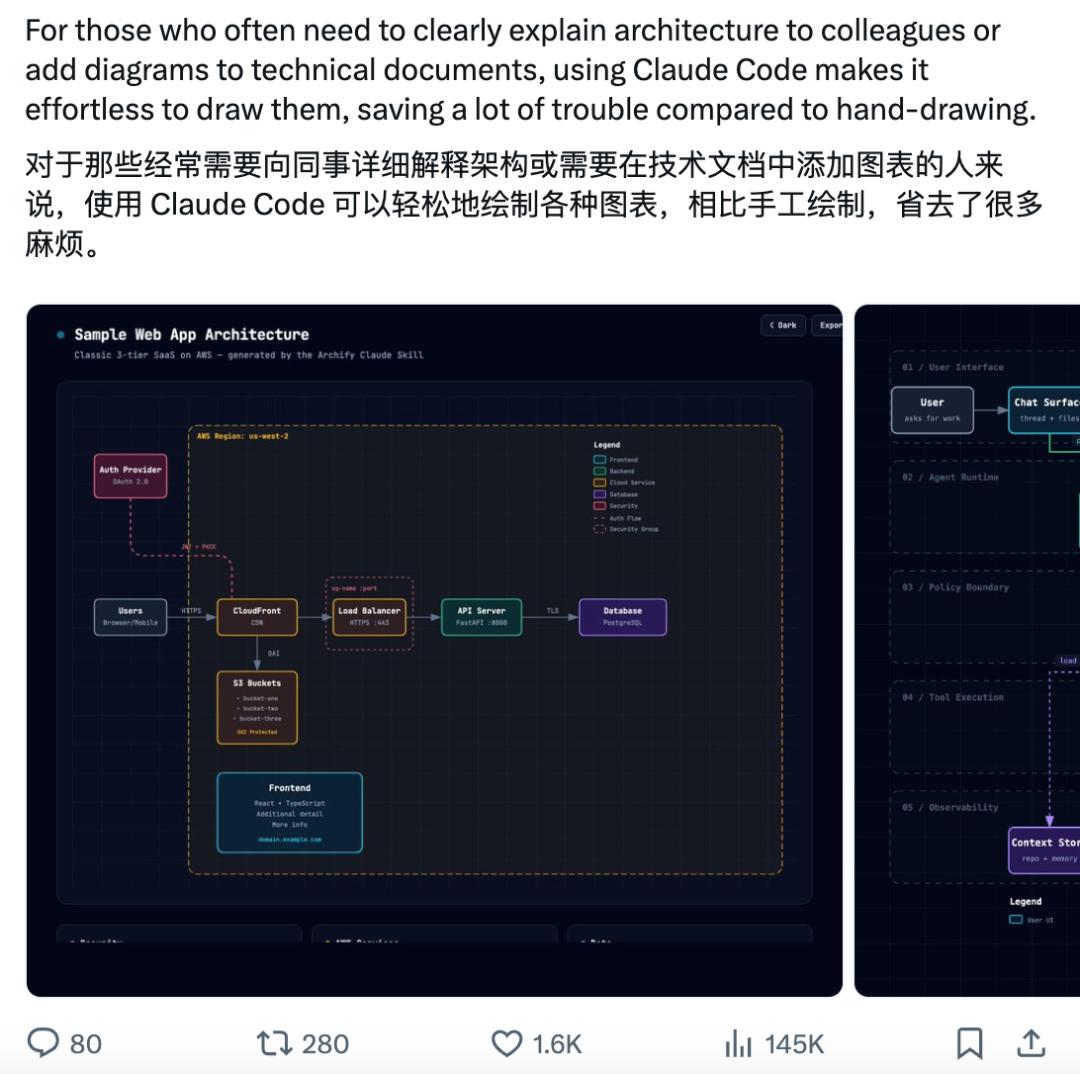
The story of Archify is more than just how a tool quickly became popular in four months.
There is a more specific question behind it:
When your academic background cannot be changed, how else can a developer prove himself?
The answer given by "Wufeng Wuyu Ye Wuqing" is to turn your capabilities into a work that anyone can open, use and verify.
I was promoted from junior college to undergraduate, but I can do it!
Mr. "Wufeng Wuyu Ye Wuqing" has not publicly disclosed his name and the company he currently works for, but now the story of Archify has come to light and won recognition from more and more people.
Since the clouds have cleared and the sky is clear, we will affectionately call him "Mr. Qingtian" below. (We have already contacted him, and interested friends can look forward to the follow-up exclusive interview).
Mr. Qingtian sincerely communicated with everyone on X, and frankly shared his story of graduating from the front-end major after the junior college to undergraduate promotion, suffering many setbacks along the way, and finally getting an Offer from a big company in Shanghai with his open source project and tool. The key points are roughly as follows:
From a rural area, junior college to undergraduate promotion, self-taught front-end development, repeatedly blocked in background checks, prove strength through open source projects.