Practical test of Doubao's working performance: After connecting to Feishu, the Agent finally acts like a real colleague.
Just now, Doubao officially launched a brand new product — Doubao Work. With a brand new logo and an independent desktop client, it has a clear positioning: a brand new Agent product and brand oriented for productivity scenarios.
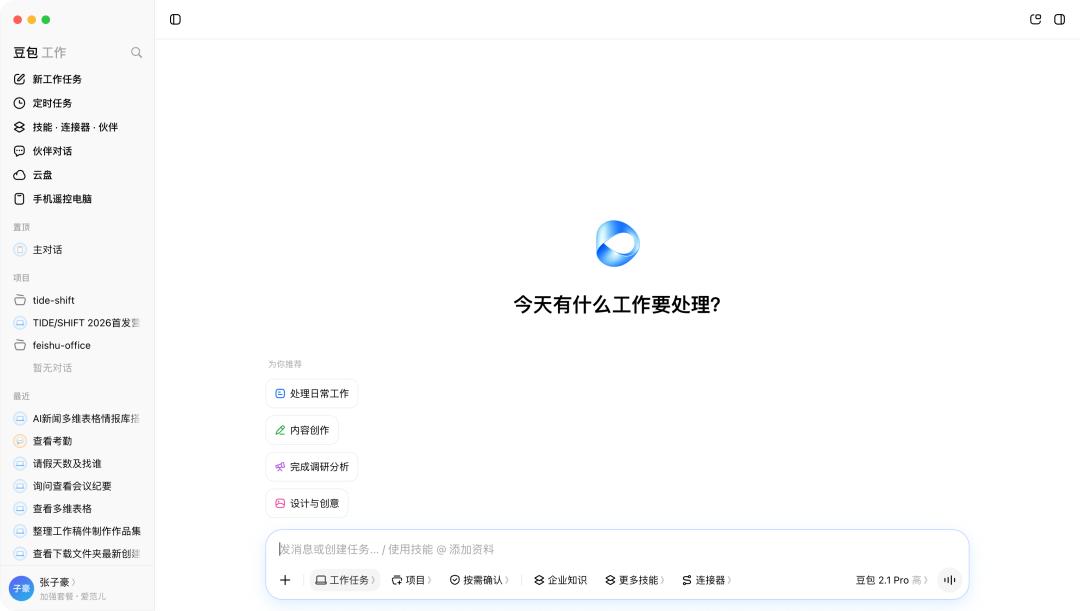
Doubao Work APP
To be honest, my first reaction was not surprise. The three major tech giants are all focusing on their own Agents, but what new surprises can Doubao Work bring?
Over the past two years, Doubao has been the AI assistant with the largest number of C-end users in China. In the past one or two months, with the intensive updates of the "work task" capability, it is no longer just a chat Bot, but a real work-capable Agent — with smoother interaction and stronger delivery capability.
Now, it has simply separated the "work mode" into an independent product Doubao Work, and integrated it into Feishu. It supports almost all Agent capabilities you can think of, including documents, spreadsheets, PPTs, web pages, applications, multimodal generation and computer operation.
Benefiting from the access of Seedance and Seedream, the content delivered by Doubao Work is richer than that of other Agents.
But what truly differentiates Doubao Work from other office Agents is its deep integration with Feishu. The Agent does not only process files in an independent dialog box. After logging in with a Feishu account, it can directly access the team's original documents, messages, tasks and organizational relationships.
APPSO obtained the test qualification in advance, experienced the full process with daily office tasks, and focused on testing this most distinctive capability: what exactly can Doubao Work do after logging in with a Feishu account.
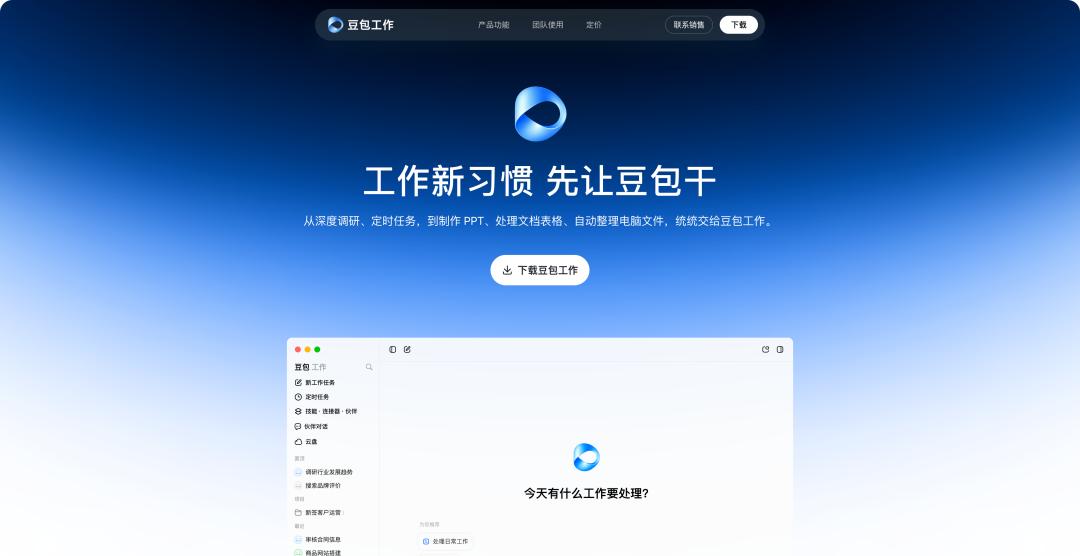
At present, Doubao Work can be experienced in both the Doubao App and Feishu. In addition, you can also visit the official Doubao website doubao.com/work to download the dedicated Doubao Work App for experience.
Downloading the desktop version of Doubao Work now also gives you 30 days of free subscription benefits. If you are already a paid Doubao member, your subscription will be automatically extended for 30 days.
Being an Agent as well, Doubao Work has these unique features
Documents, PPTs, spreadsheets, web pages, small applications, plus image generation, video generation and computer operation, the capabilities of this round of office Agents have been highly homogenized. We ran all these common tasks on Doubao Work, the completion degree is extremely high, and the generated results can be directly used.
Another obvious experience is that Doubao Work has also reduced the quota consumption this time. With the same enhanced personal subscription package, you can now continuously run more complex tasks, and you no longer need to stare at the remaining quota after completing a few heavy tasks as before.
For example, we asked it to generate three natively editable files based on an existing event brief, registration details and supplier quotation: event execution plan Word, registration and budget analysis Excel, and internal proposal PPT; it only used 1% of the 5h quota.
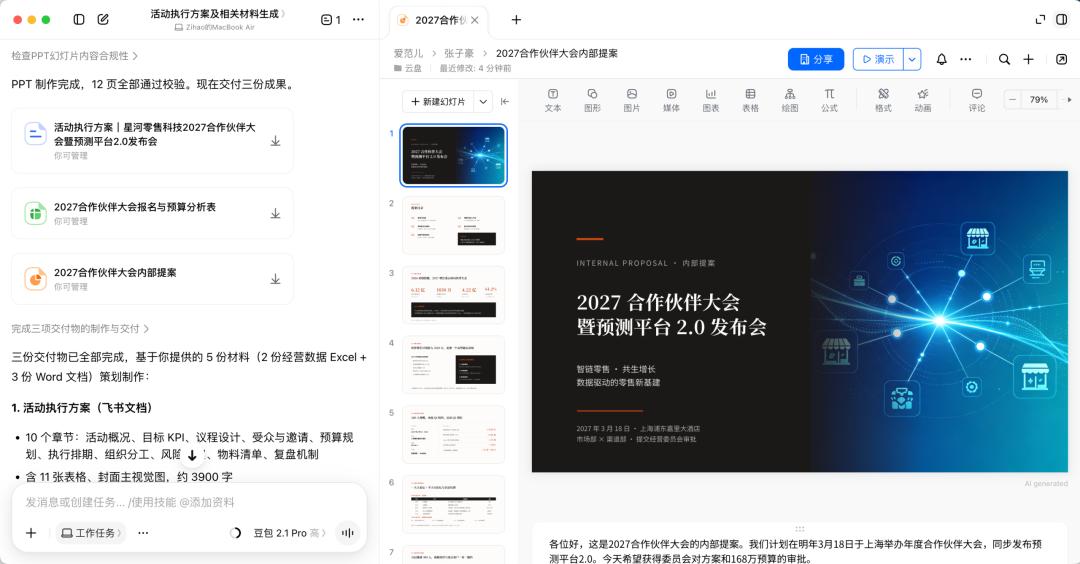
The generated PPT also automatically adds speaker notes
What is particularly special is that since we log in directly with Feishu, all the documents delivered by Doubao are Feishu cloud documents. Whether it is PPT, Word or Excel, we can directly set sharing permissions and @colleagues for collaborative editing in Doubao Work, just like using Feishu documents.
In addition to collaborative editing with real colleagues, Doubao Work has also added AI collaborative editing this time. Especially for generated web pages and applications, the partial modification capability of Doubao Work has achieved almost full coverage support.
We can directly select the content to be modified, or perform targeted or partial editing through conversation.
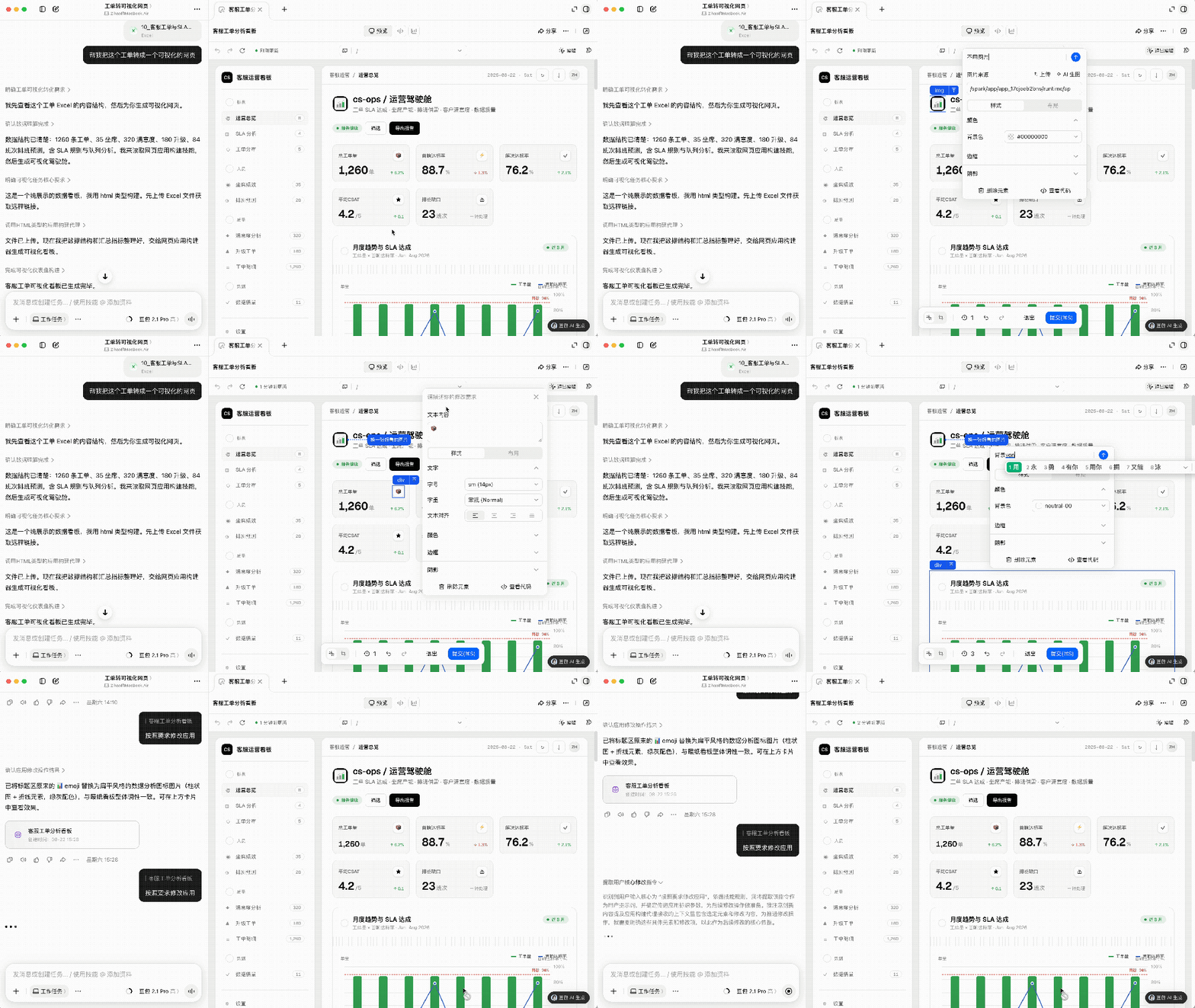
For example, we uploaded a work order spreadsheet and asked Doubao Work to organize the work order data into a visualized web page. After generation, we can directly modify the content, style and layout, and also let the AI perform targeted editing.
For web page generation, Doubao Work has more than 80 built-in design styles. If you are not satisfied with the generated web page style, you can replace it with one click.
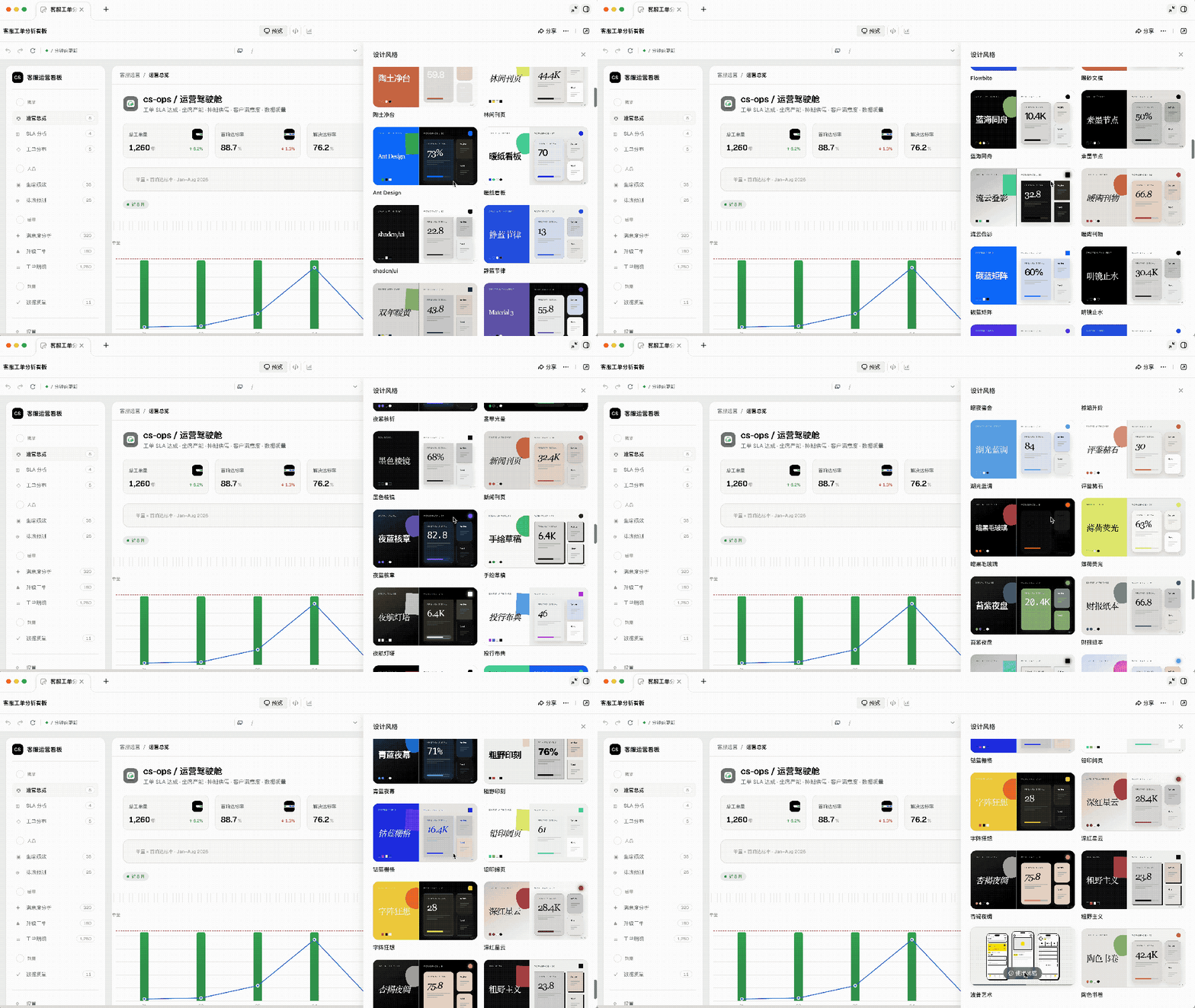
For most office Agents' "web page generation" function, once the HTML is generated, the data will not be automatically updated with the source document. What Doubao Work can do is that the generated web page can be directly equipped with a database, and it becomes an online available service immediately after generation.
This kind of capability truly saves the "rework cost" after Agent delivery. In the past, generating a PPT, spreadsheet or web page with AI was only the first step, and you still needed to adjust the format, modify the layout and re-export it manually; Doubao Work starts to keep the modification process in the same workflow.
If processing documents and web pages is the basic work of office Agents, then multimodal generation is the unique advantage of Doubao Work.
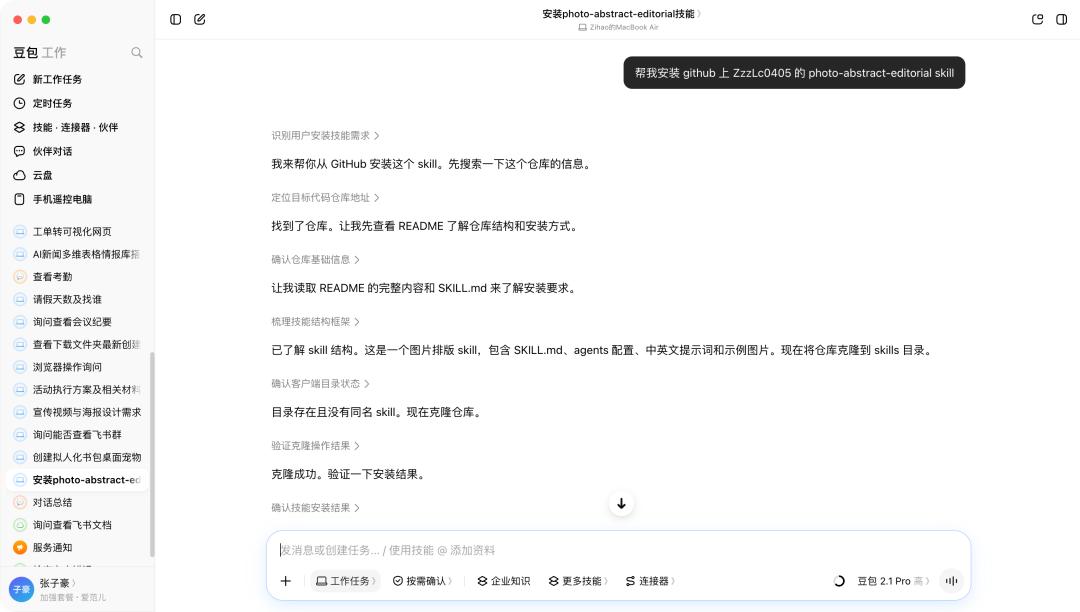
We can directly install the illustration Skill from GitHub with Doubao Work, and call it directly after uploading the image.

The same applies to video generation. When we need to generate a full set of marketing materials, unify the main visual of the image poster and promotional video, we can now directly get both images and videos through Doubao Work.
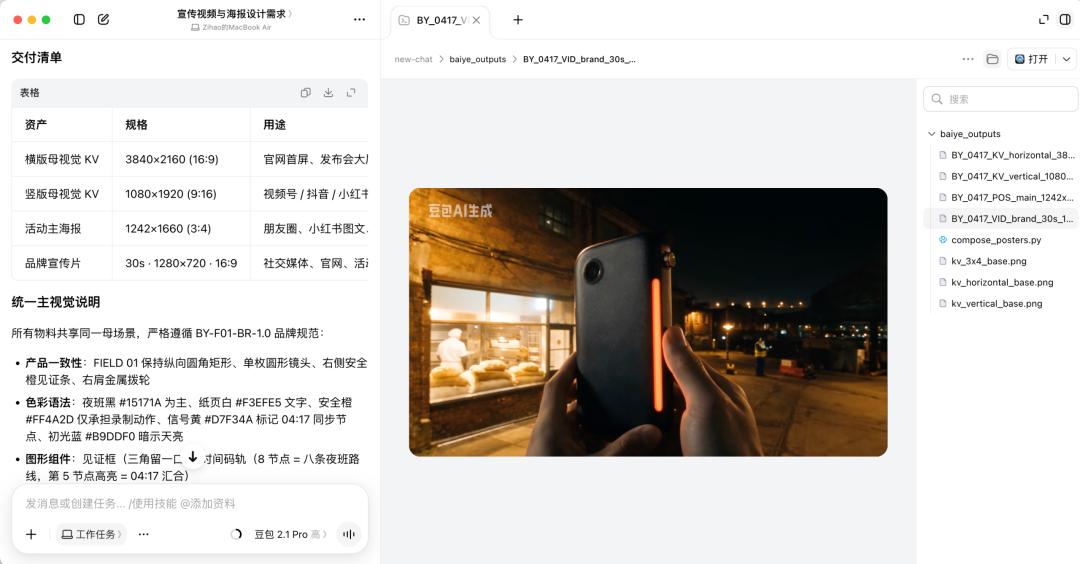
An event brief and brand usage specification can generate a complete set of multimedia communication solutions
In addition to connecting local files for various creations, the Agent also needs to be able to operate the local computer. Now we can directly remotely control Doubao Work on the computer from our mobile phone, operate the local computer, send files to us remotely, or perform other tasks.
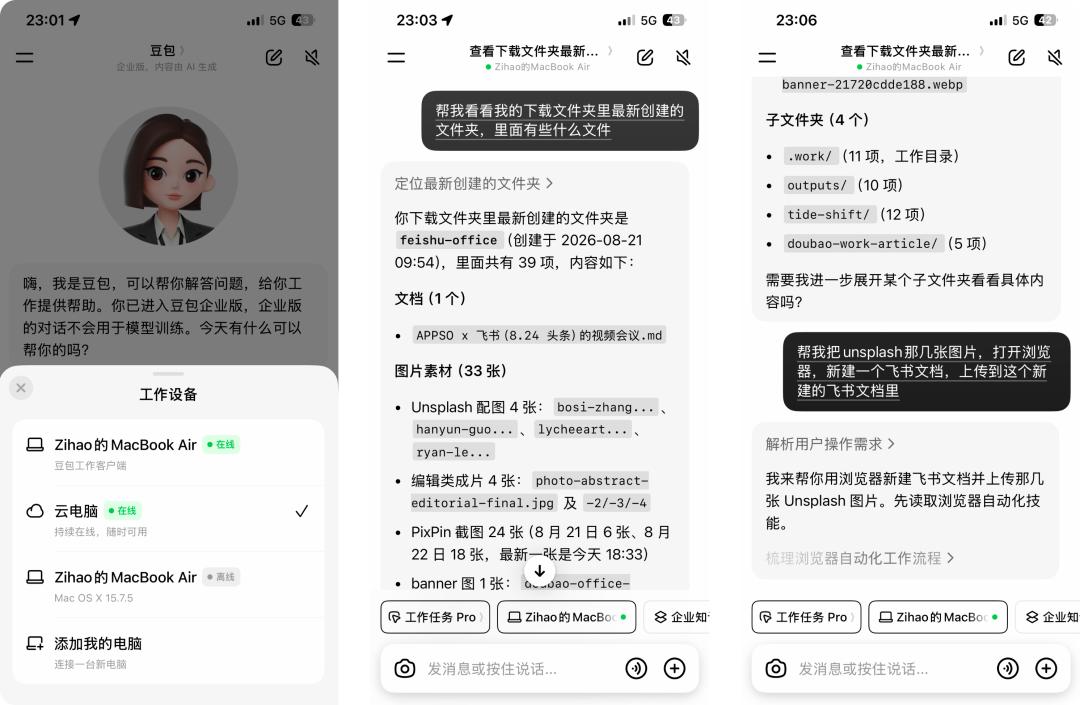
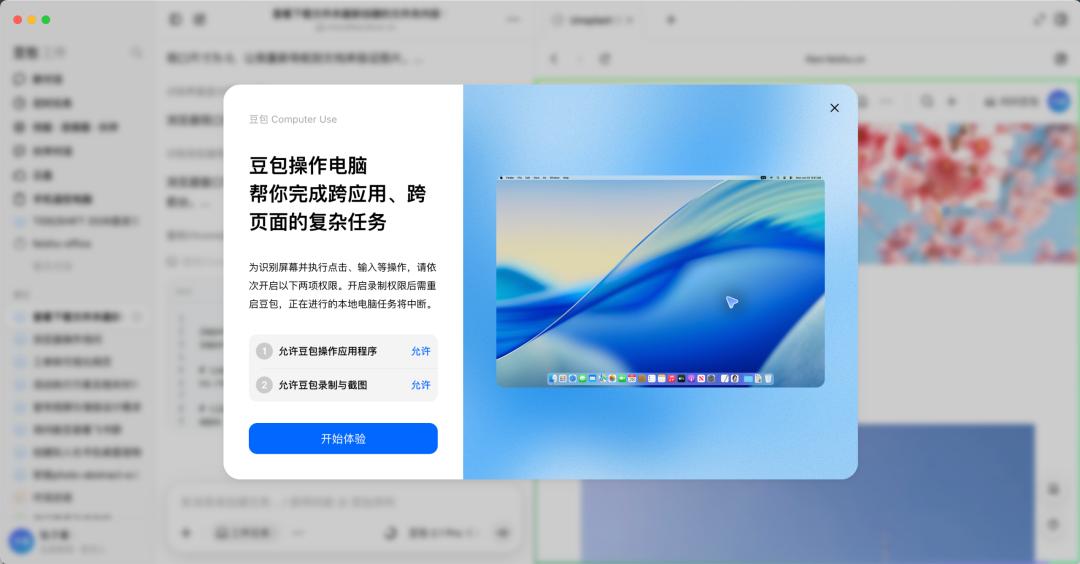
After connecting to Feishu, Doubao Work becomes a real AI colleague
First of all, even if you don't use Feishu, Doubao Work can be used normally, all the above capabilities do not depend on Feishu.
But I have to say that only by logging in with a Feishu account or using the Feishu connector can you unlock all its potential.
If your team uses Feishu, log in to Doubao Work with a Feishu enterprise account, and it will automatically connect with the information, data and tools in your Feishu.
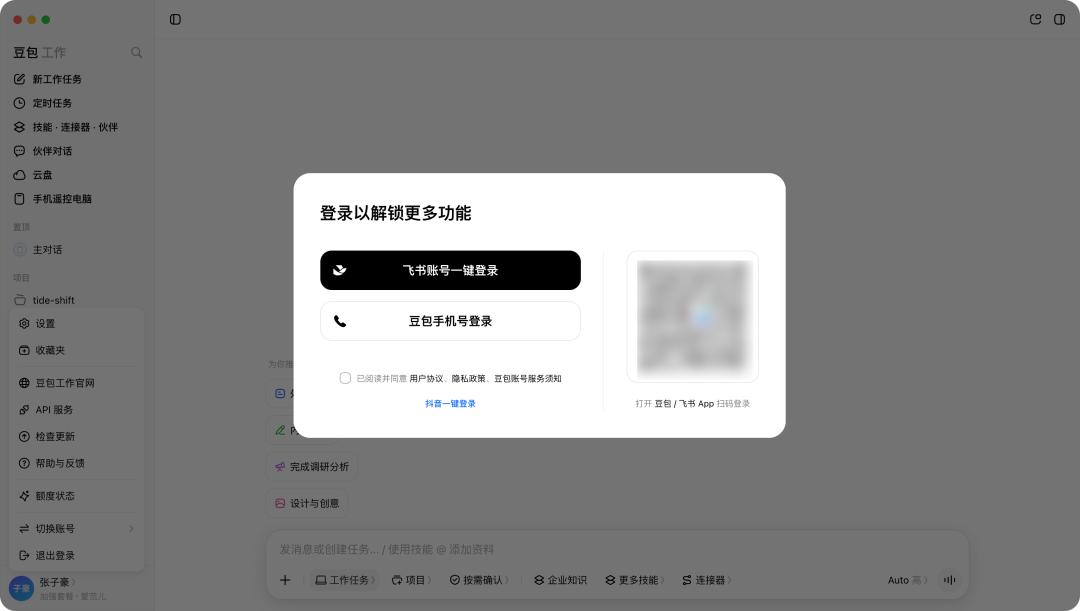
Every Agent needs a "work scene". We can write a ten-thousand-word prompt to describe the background for the Agent, but it is still difficult to figure out which is our project group, who is responsible for approval, what the process is, and what was decided in last week's meeting. All these information can be found in Feishu.
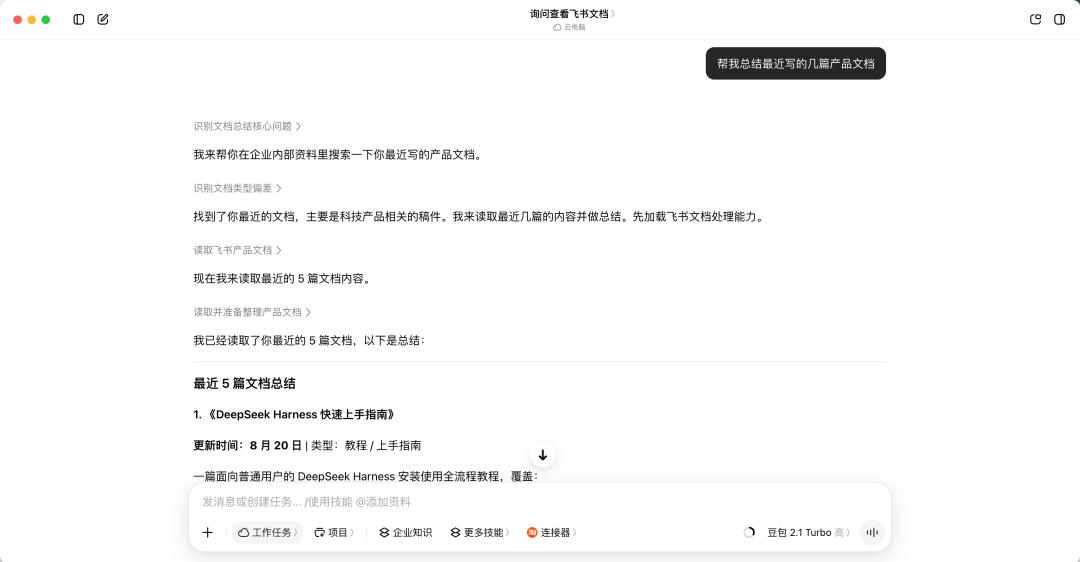
APPSO usually completes all its work manuscripts and other tasks in Feishu. We can directly check the recent manuscript writing progress in Doubao Work, for example, quickly summarize our recently published product work manuscripts, it can locate the getting started guide for DeepSeek Harness and summarize the content of the article.
We can even ask it to make a portfolio of all my articles to improve my professional competitiveness. It will automatically summarize which articles are worth including, clarify my personal positioning based on the content of specific articles, and present the portfolio with a cool web page.
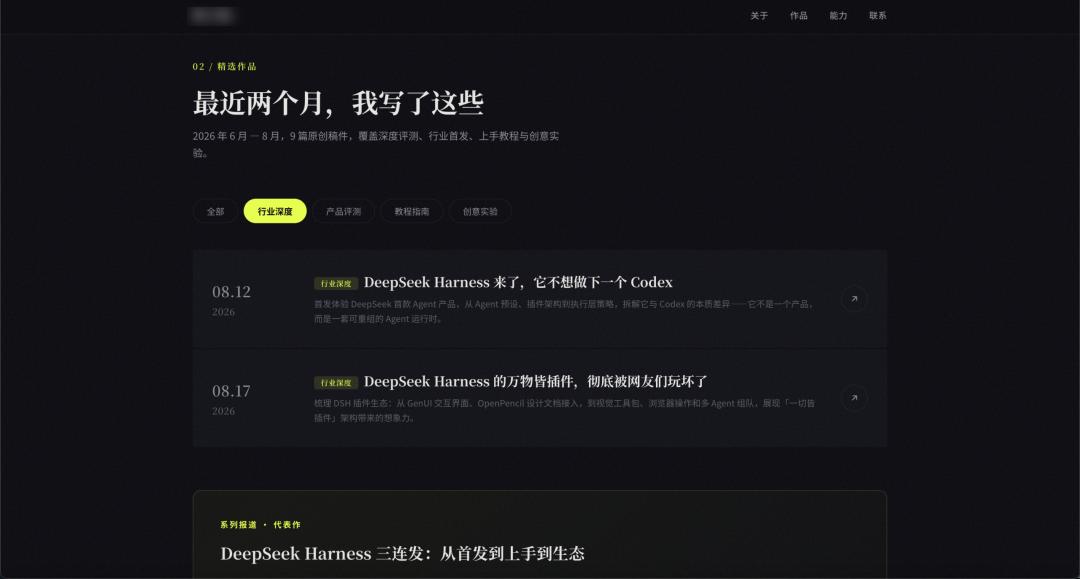
The links of these documents also inherit the permissions of the original Feishu documents synchronously. Doubao Work will not modify the access permissions of these documents without permission just to create a portfolio.
Then, we can also send this AI-sorted web page to our superior for review to check its accuracy. Doubao Work will automatically edit the chat message, and add "Sent by Doubao" to distinguish it from messages sent by real people.
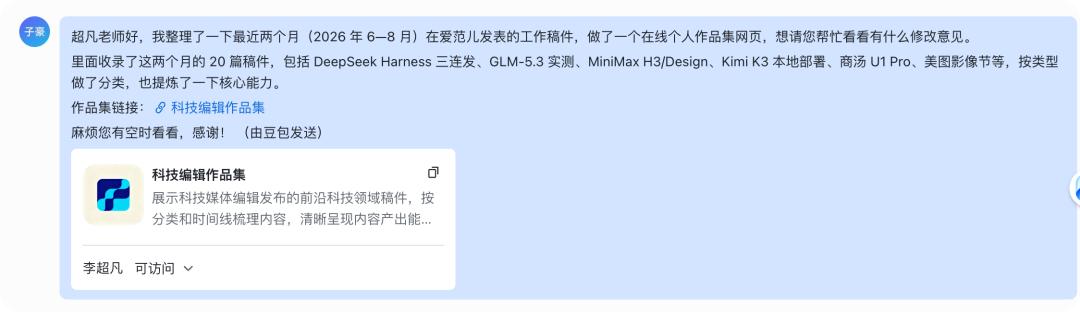
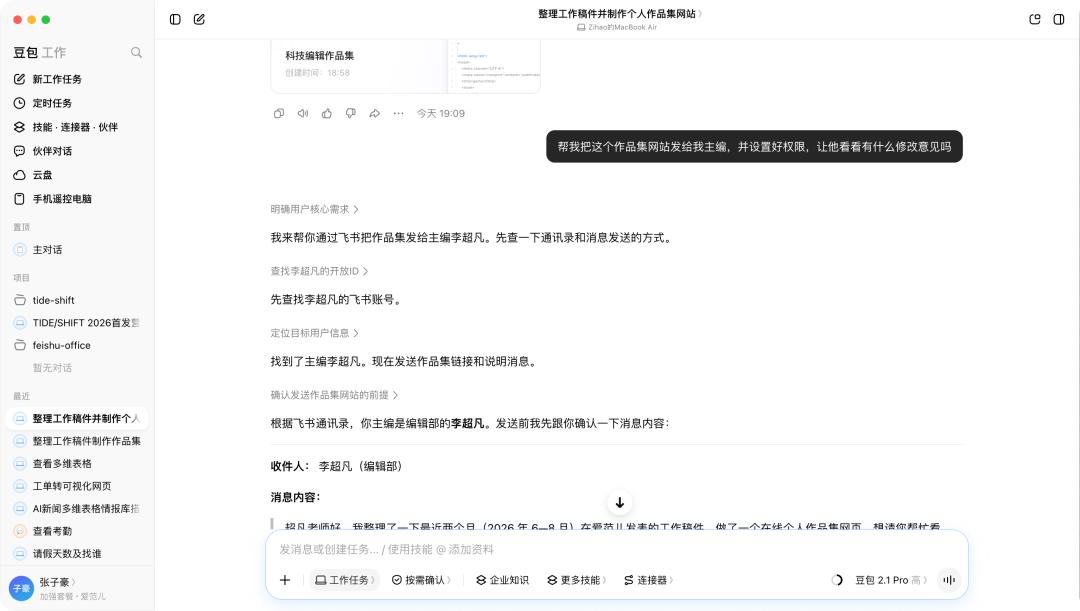
Doubao Work can read organizational information, quickly figure out who my superior is, how to edit the message, and who to send it to.
These capabilities of accessing chat content allow Doubao Work to cope with various office scenarios beyond documents. Just like Feishu groups carry a large number of work tasks for many teams, all kinds of files, notifications and discussions on various issues are posted in the groups.
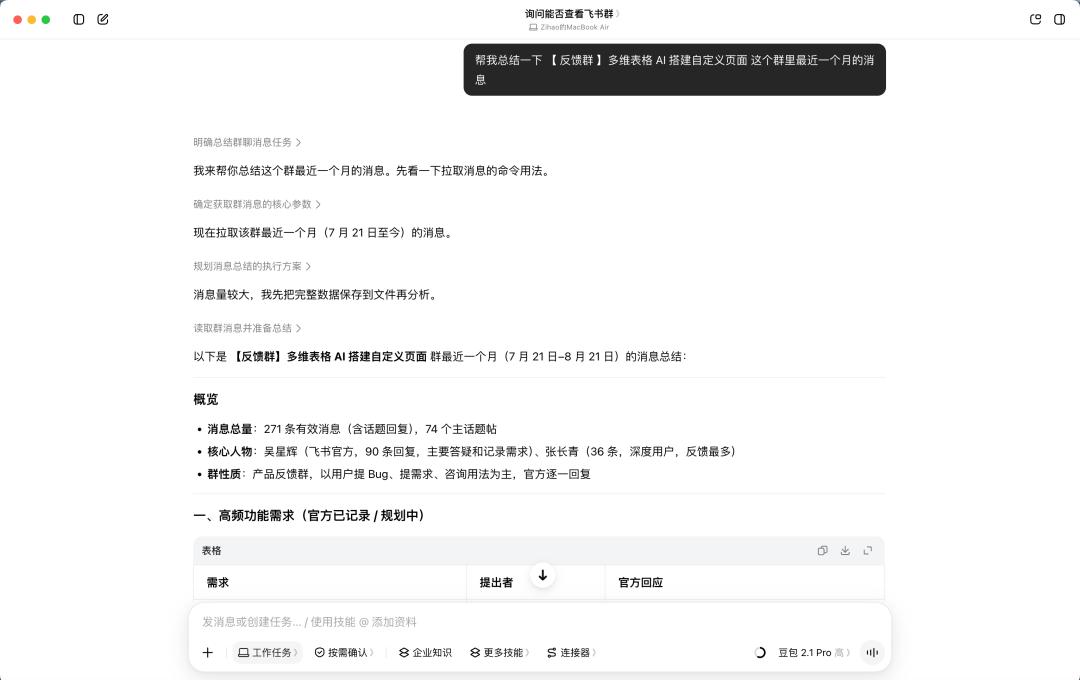
We can ask it to summarize a group chat, it will read the group chat records by itself, and restore the complete context of the matter — including who is the decision-maker in the group. In contrast, using those Agents that are not connected to group chat, we can only constantly copy and paste "What did Mr. Wang say today", the information is always scattered and lagging.