How does Apple Intelligence work in practice? We got an early hands-on experience with the US-version iPhone.
Just now, the Cyberspace Administration of China released the filing information for seven mobile-side generative AI services, with "Apple Intelligence" listed among them.
After years of waiting, the China-market Apple AI has finally received official regulatory approval.
ifanr has learned that the China-market Apple AI uses Alibaba's Qwen model to deliver intelligent services across Apple's full product lineup.

Although the China-market version has not been officially launched yet, ifanr has previously run the iOS 27 developer beta on US-market Apple devices and tested all capabilities of Apple AI.
Siri AI has achieved an "epic leap forward"
Last month's WWDC 26 became the last major event hosted by Tim Cook, while leaving behind a series of ambitious promises.
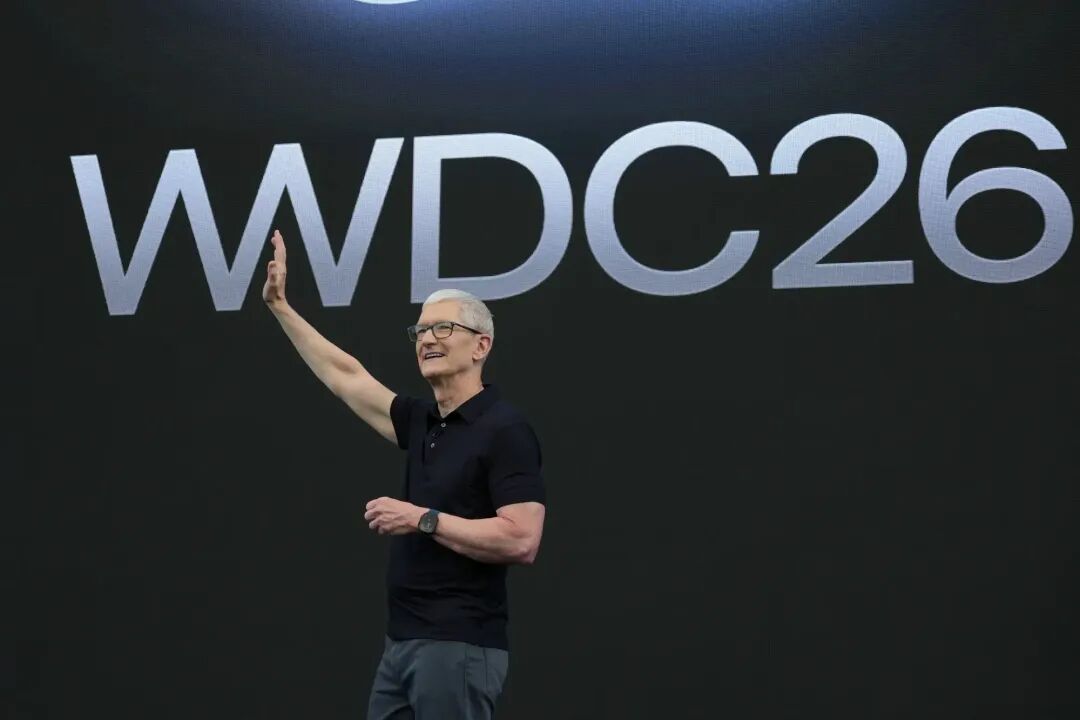
Photo via Business Insider
But the biggest difference from WWDC 24 is that —
After experiencing the latest developer build, these grand plans left for new CEO Ternus appear to be fully tangible.
This includes not only iOS 27 with visual style optimizations, stability and fluidity improvements, but also the first truly deployed "AI-powered Siri" that takes center stage as the grand finale.
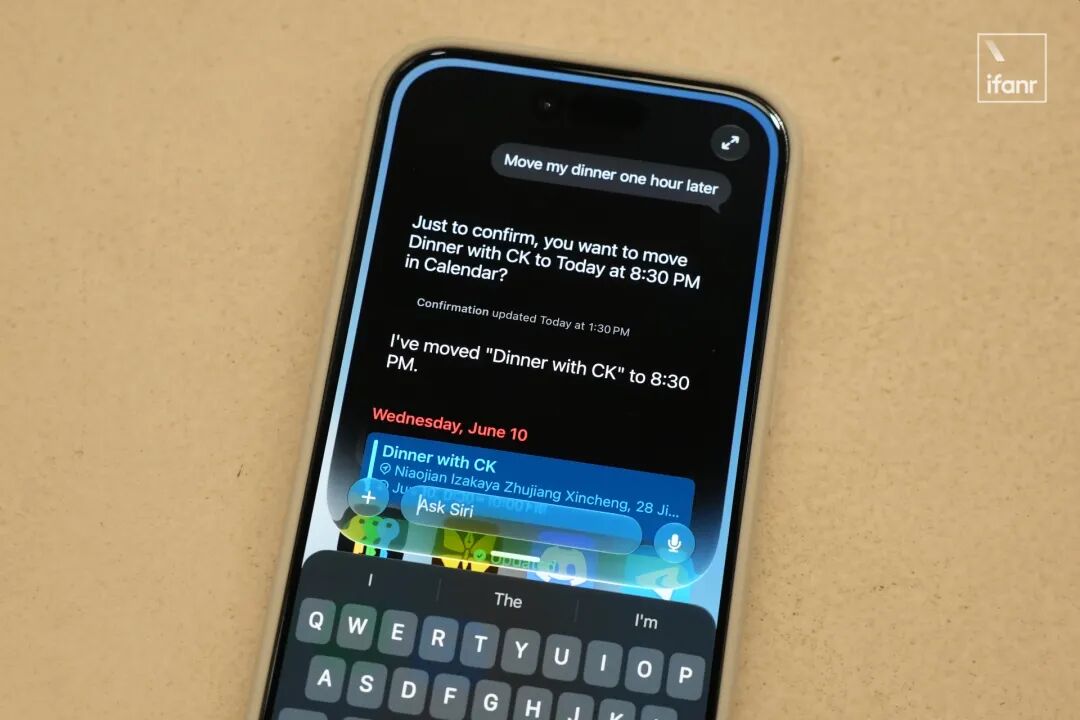
In addition, as the foundation of Siri AI, Apple has also updated the third-generation Apple Foundation Model (AFM) family, officially acknowledging "custom co-development in partnership with Google."
Among them, the 3-billion-parameter AFM 3 Core and 20-billion-parameter AFM 3 Core Advanced are on-device models, currently only available on iPhones equipped with the A19 Pro processor:
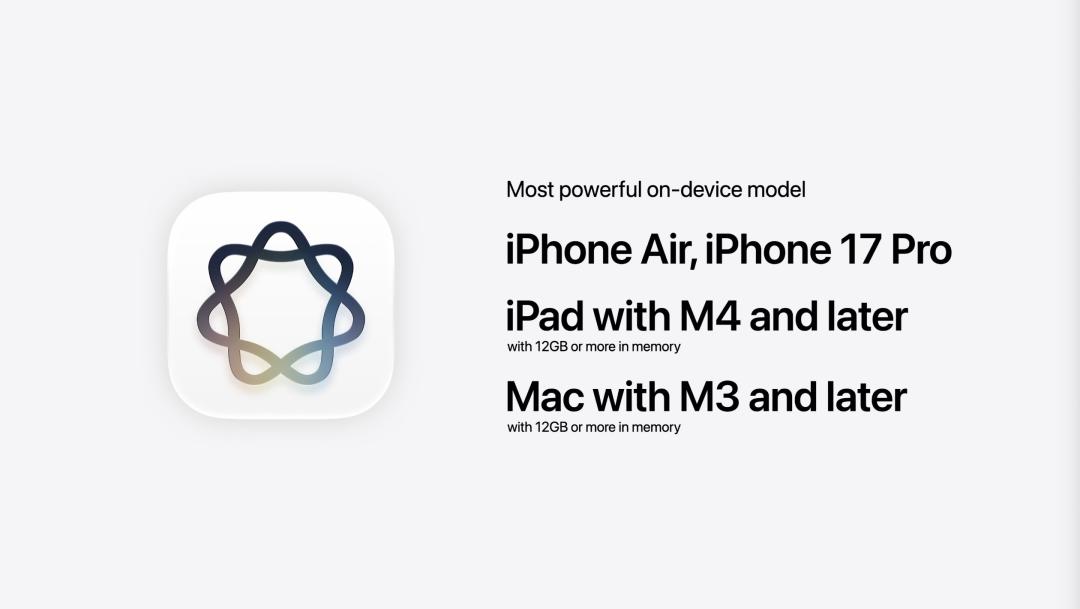
Photo via YouTube @Apple
The larger-scale AFM 3 Cloud, AFM 3 Cloud Pro, and the image-generation ADM 3 Cloud are deployed on Apple's servers, with their billing model bundled with the iCloud+ subscription.
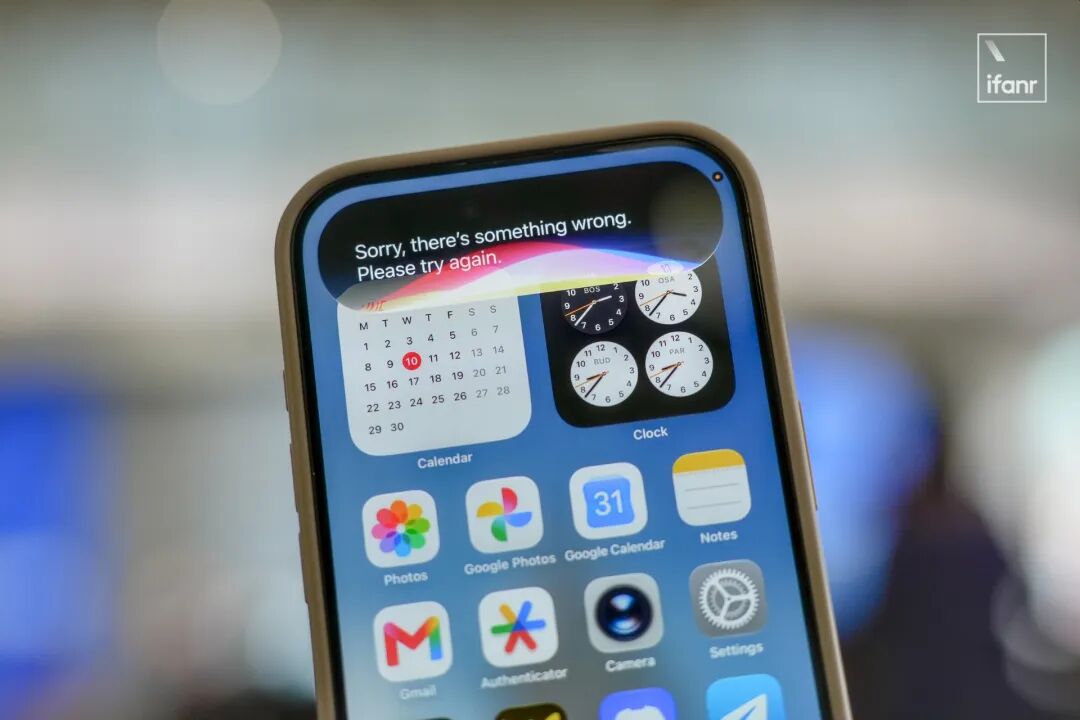
Regardless, several colleagues at ifanr who own non-China-market iPhones have finally welcomed their long-awaited moment.
After all, the on-device capabilities of Siri AI have also seen that same "epic leap forward" —
After rigorously testing the new Siri for nearly 48 hours, we arrived at a satisfying conclusion:
Siri AI has performed like Max Verstappen at the 2016 Brazilian Grand Prix, climbing from the back of the field to the top 3 in the final 16 laps in an entirely unexpected fashion.

Photo via Red Bull
How to update to iOS 27
In our previous hands-on review, many readers asked in the comment section how to update to iOS 27, so we are providing a rough update guide here.
First and most importantly:
Beta systems are unstable. If you only have one iPhone as your daily driver, ifanr does not recommend blindly updating to test the new features.
If you want to install the regular beta system, you first need to visit the "Apple Beta Software Program" website, register your Apple ID, to receive the update push.
Notably, Apple officially rolled out the public beta version of iOS 27 yesterday, and interested users can try out the new experience now.
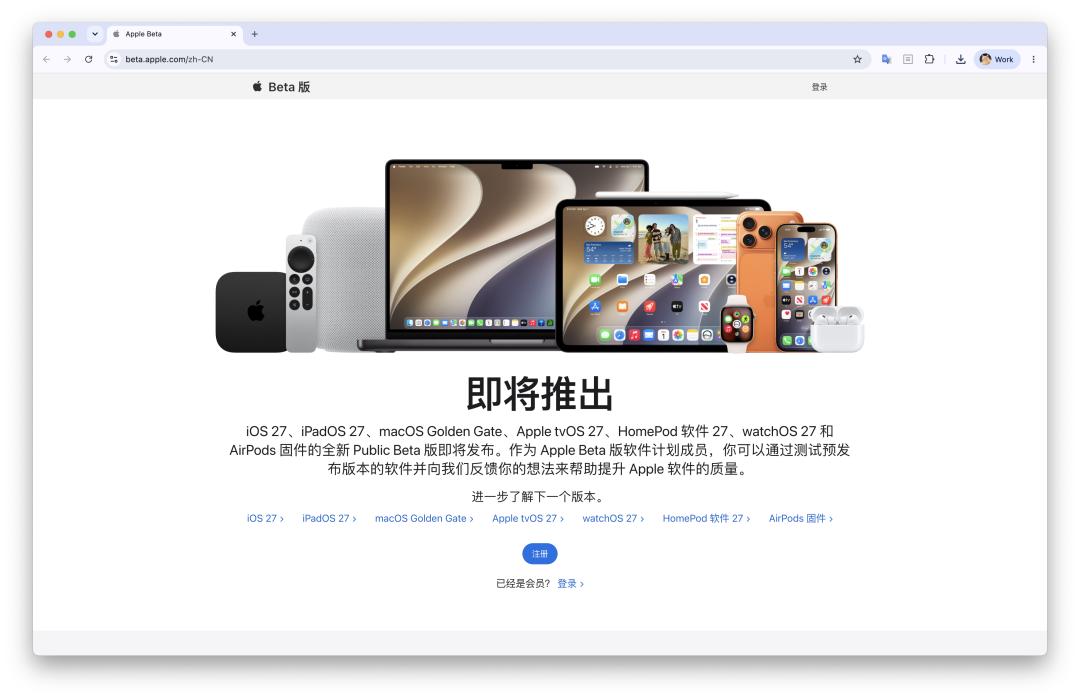
URL: beta.apple.com
Siri AI Experience: The Little Gemini
We pushed the new Siri to its limits, mainly to see how it differs from last year's half-baked AI and the previous basic versions of Siri.
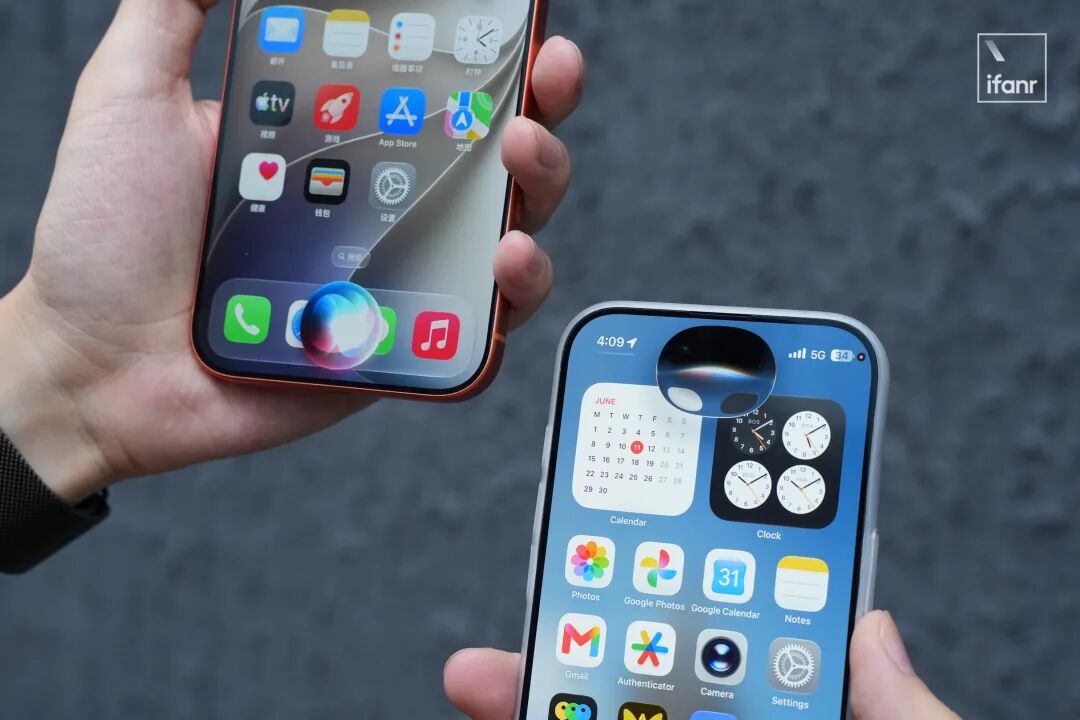
To start with our conclusion: Siri AI in iOS 27 has enormous potential, but correspondingly, there are also a great number of urgent issues that need to be resolved.
Take the most basic communication ability as an example. In iOS 27, the first thing you'll notice is that Siri is far more conversational than ever before —
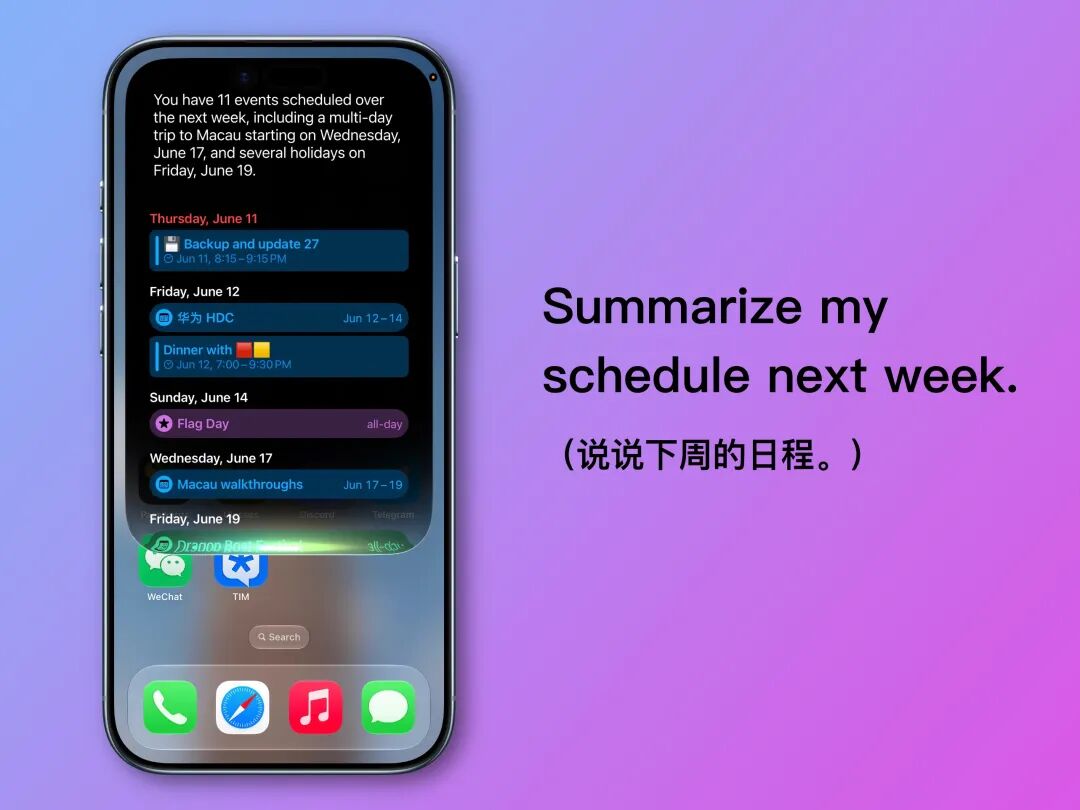
In other words, Siri in iOS 27 finally stops responding with dry, rigid messages or pre-set templates, and can instead organize scattered information into coherent natural language:
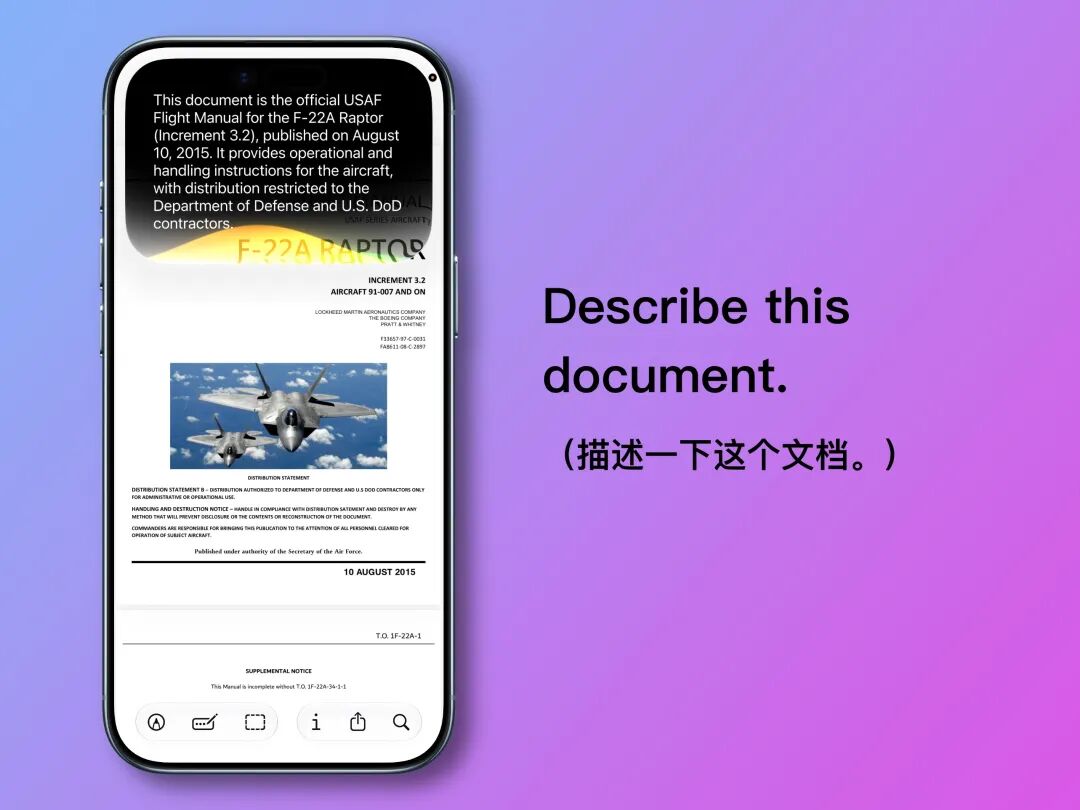
Additionally, screen perception and document analysis features have finally become part of Siri's multimodal capabilities.
In most system apps and a small number of third-party apps, Siri can recognize the content displayed on the screen and page information, and provide targeted responses:
Building on these features, Siri has also upgraded its ability to execute complex commands, which would have been unthinkable back in the days when Siri was known as a "clunky non-intelligent assistant."
For example, if my friend sends me an address via iMessage, and I'm too lazy to manually copy and paste it, I can directly ask Siri:
There's a party address mentioned in a text message from my contact, navigate to Guangzhou Grand Theatre from that location, select walking as the transport method.
Then you'll see Siri slowly (but accurately) search out the address from iMessage, confirm the nearby starting point, and finally navigate to Guangzhou Grand Theatre:
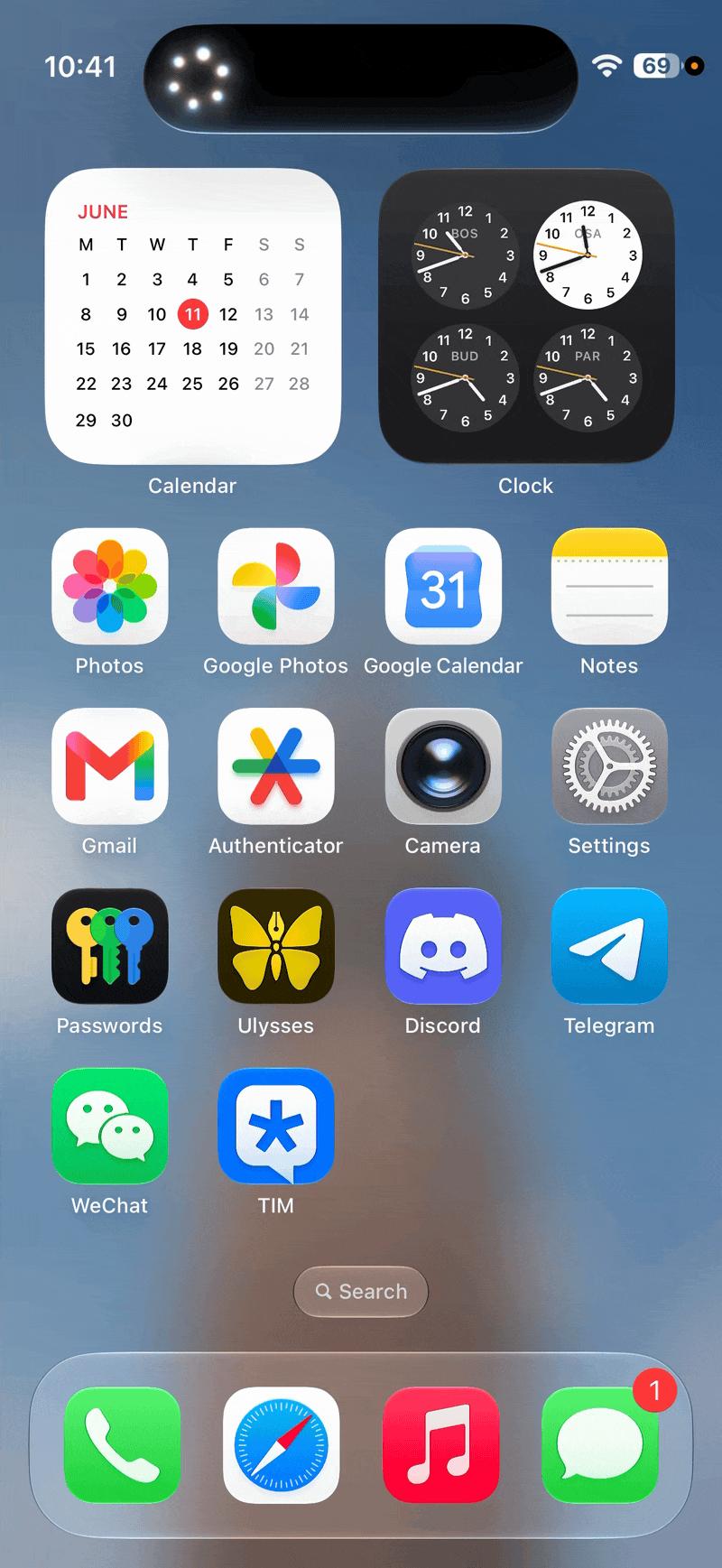
It's worth remembering that less than a month ago, Siri was still the assistant that couldn't even reliably handle basic commands.
While "understanding complex commands" and "cross-app execution" have become standard features for 2026 smartphone assistants, the fact that Siri caught up to the mainstream from its laggard status with just one update is undeniably a remarkable achievement.
Beyond these features, getting Siri to read your emails is a trivial task.
Since I subscribe to a huge number of newsletters, organizing them is a real hassle, and asking Siri to summarize my recent emails has become the most frequently used feature for me in iOS 27:
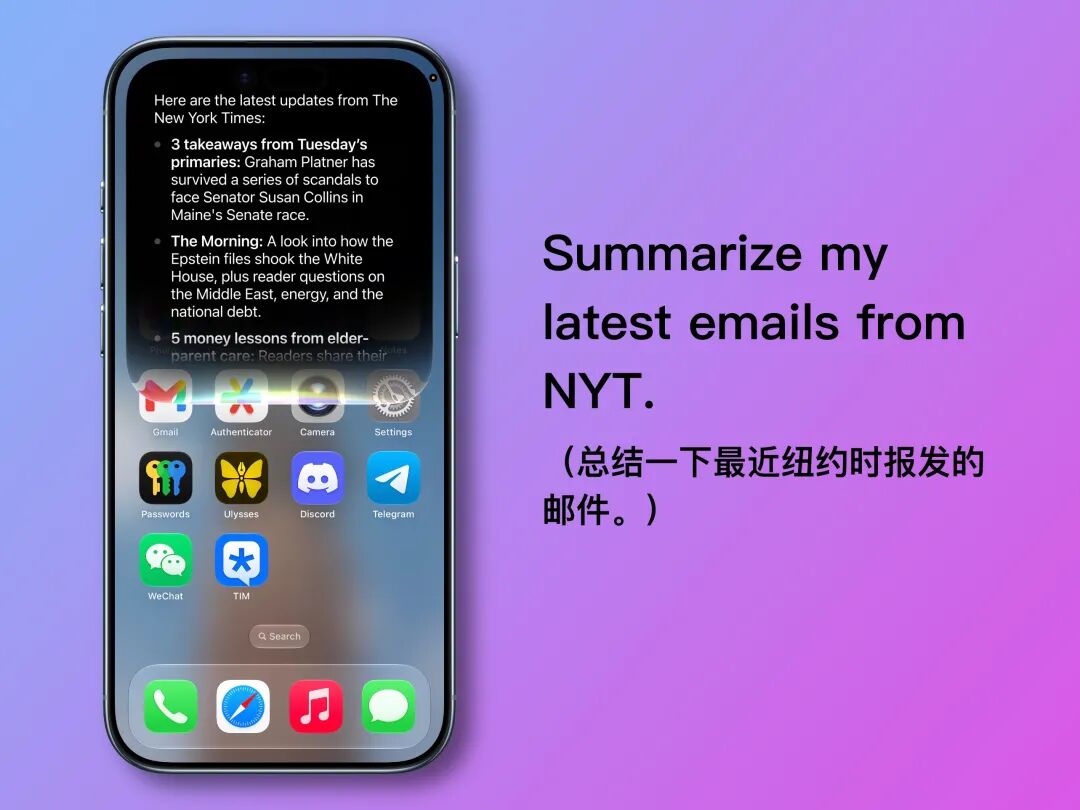
Also, remember the WeChat A2A feature ifanr mentioned earlier? While Siri could previously send WeChat messages, the new UI and voice engine make the whole operation feel much smoother.
Related Reading: WeChat Is Finally Opening Its Doors to AI-Powered Phones | AI Gear Review
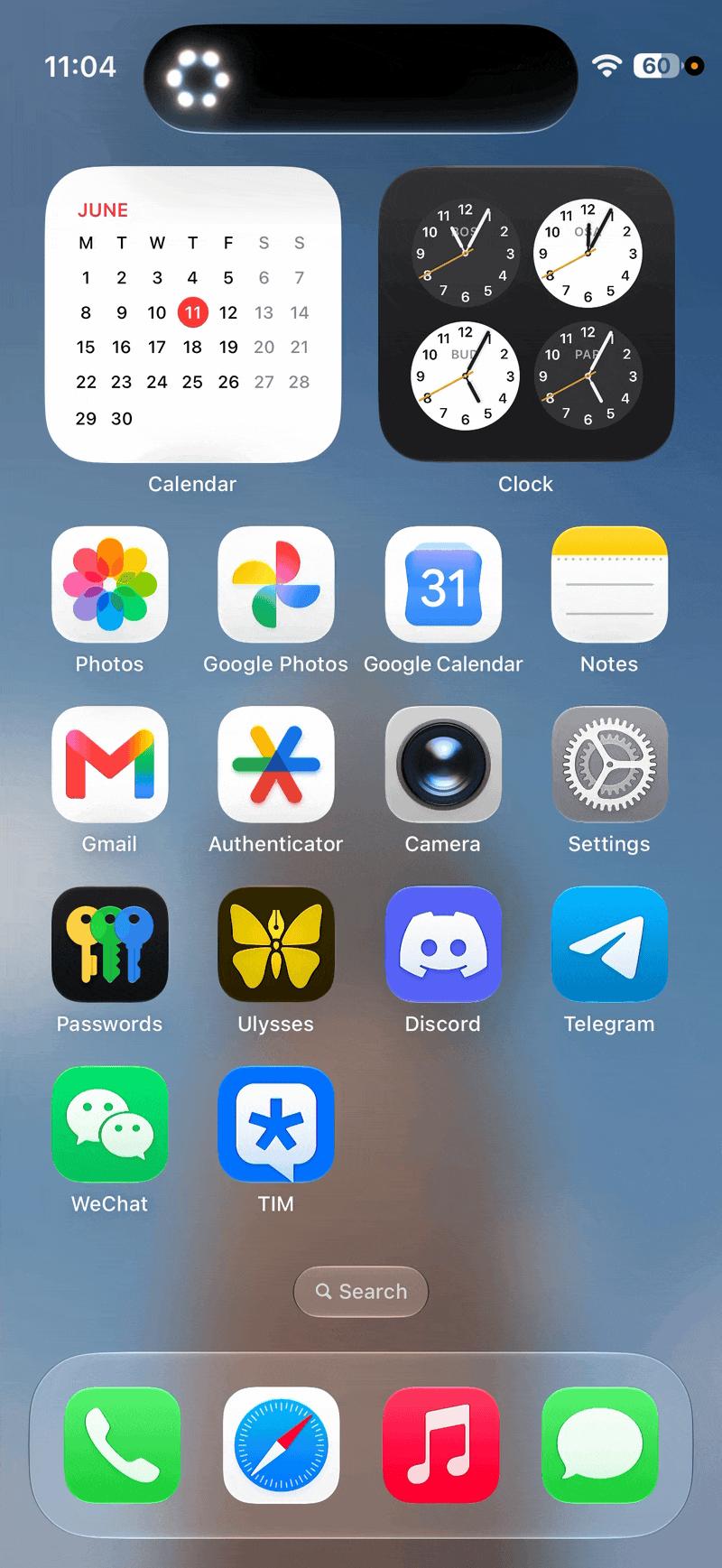
Based on our current testing, almost all the Siri AI features demonstrated at the WWDC 26 keynote have been fully implemented.
Apart from occasional UI bugs, the overall experience is already very close to "seamless."
Despite some minor hiccups, our conclusion remains unchanged —
With a single update, Apple transformed Siri from a "clunky non-intelligent assistant" into a "little Gemini." While the beta experience is not perfectly stable, it still qualifies as Apple's most significant advancement since entering the AI era.
Image AI Experience: Redefining Reality
The other side of Siri AI lies in everything related to imaging —
Multimodal image features, the Siri mode in the camera, and the AI tools in the Photos app.
For nearly a decade, Apple has maintained a very restrained attitude toward imaging: the camera is for capturing moments, photos are for preservation, and post-processing is for minor adjustments.
Even when Apple Intelligence began integrating into the system, Apple carefully kept AI image generation within a "safe content zone" focused on illustrations and animations, avoiding realistic imagery.
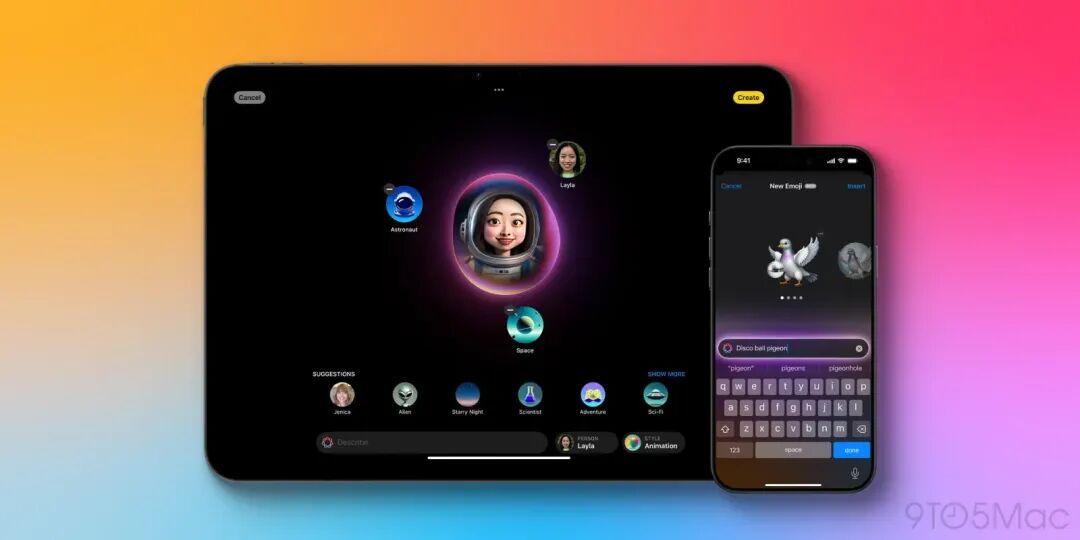
Photo via 9to5Mac
Clearly, Apple has been reluctant to let users easily generate images that look like real photographs, as this would cross a long-held line Apple has strictly adhered to:
Photos should maintain a certain connection to real events that actually happened.
Our exclusive interviews with Apple have repeatedly confirmed this stance, but the changes in iOS 27 show that Apple's attitudes and perspectives are quietly shifting —
The first change is the convergence of imaging and AI access points.
In the bottom bar of the iOS 27 camera, a new "SIRI" mode has been added, which houses the Visual Intelligence features previously embedded within camera controls.
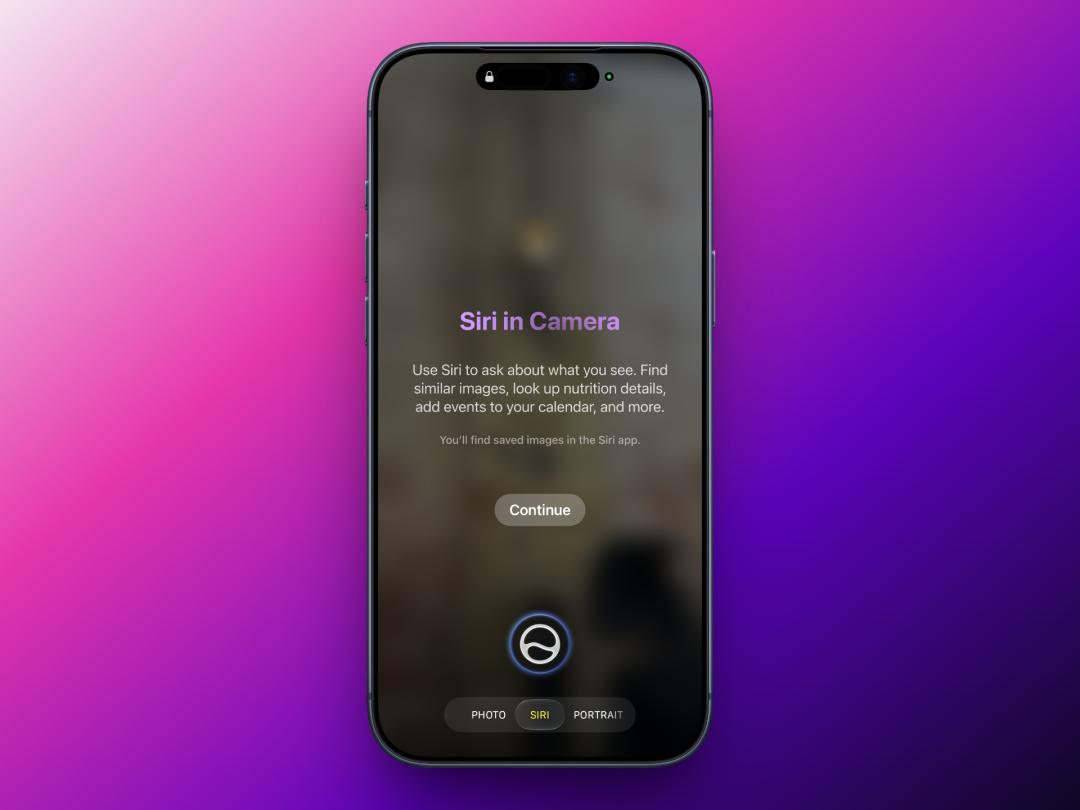
Under Apple's arrangement, this marks the first time imaging and AI appear side by side in the default camera interface.
But this is just the beginning. Apple's other choice is to bring AI generation closer than ever before to the "realistic imagery" category it once deliberately avoided.
I uploaded a landscape photo taken on a cloudy day, and described it in English:
Add blue sky and white clouds to this photo, keep the realistic photo style.
