Stop guessing, here's everything WeChat AI can do.
Lao Hu recently had an in-depth hands-on experience with WeChat AI (officially named "WeChat Xiaowei"), and will break down its entry points, features, highlights, and limitations for you all in one go.
If you have time, you can watch the full video carefully; if not, scroll down for the text version.
Where to Find It?
WeChat Xiaowei is currently in beta, and it is reported that only around 1 million users across the country have access eligibility for the experience.
As an AI assistant built into a national-level super app, its entry points are designed to be quite hidden. So far, Lao Hu has discovered a total of 4 access points:
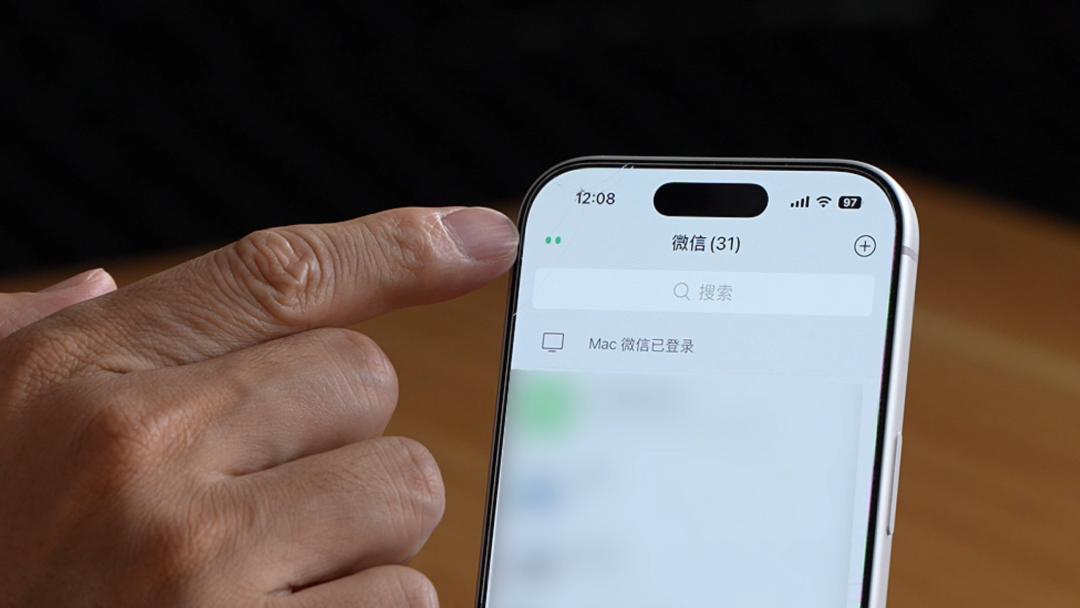
1. Messages Page: Tap the "two small eyes" icon in the top-left corner to enter the main WeChat Xiaowei page; you can also swipe left on the message list page to access it the same way.
2. Plus Sign in Chat Interface: Tap the "+" button in any chat window, and you will see the flashing "Ask Xiaowei" icon.
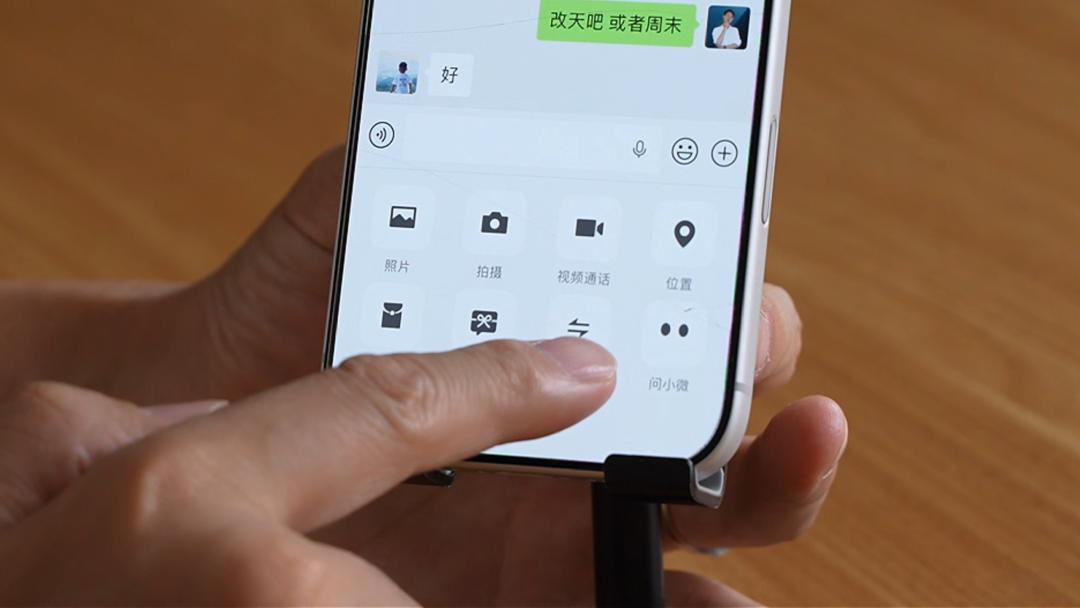
3. Group Chat Interface: There is also an "Ask Xiaowei" entry point in group chats.
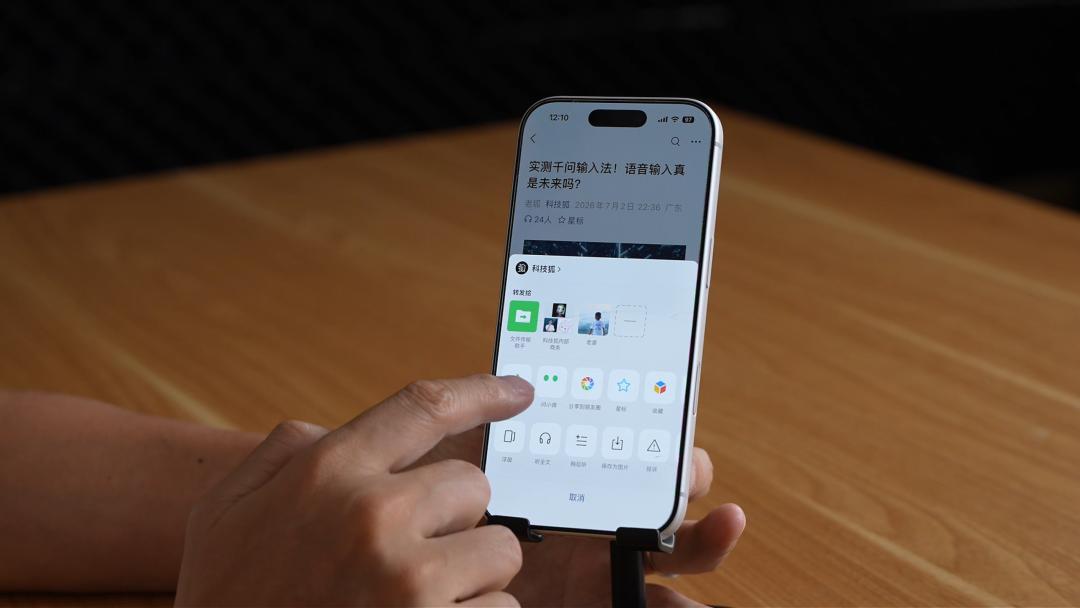
4. Official Account Articles / Channels: When you tap the forward button, the "Ask Xiaowei" option will also pop up.
5. Long-press on an opened Moments image, and the "Ask Xiaowei" entry point will appear as well.
The main page has an extremely minimalist design. It natively supports voice-to-text by holding down to speak, and also allows you to send images, take photos, upload files, or type text manually.
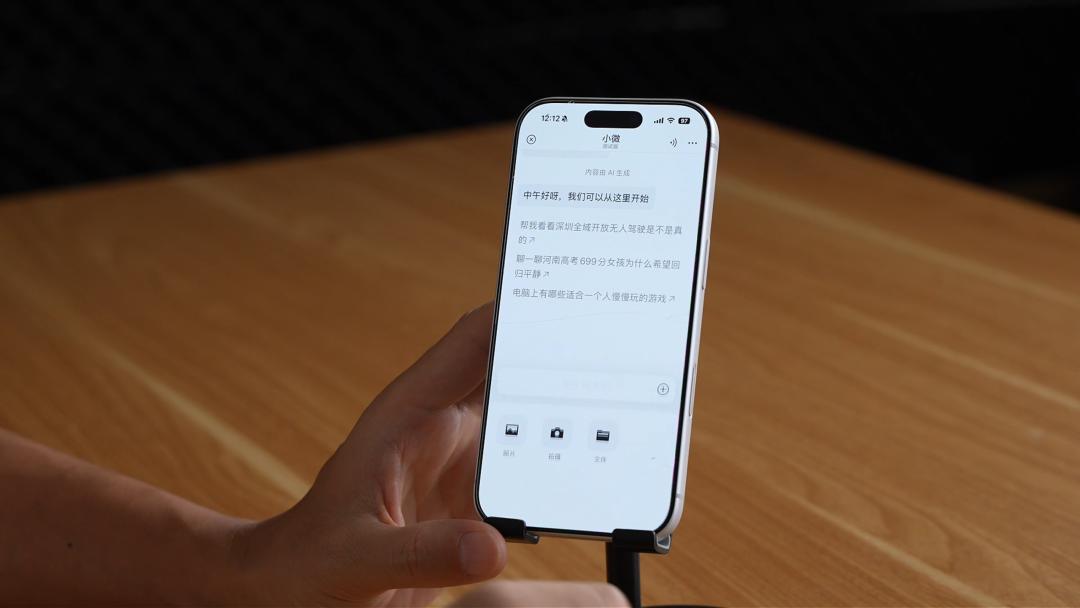
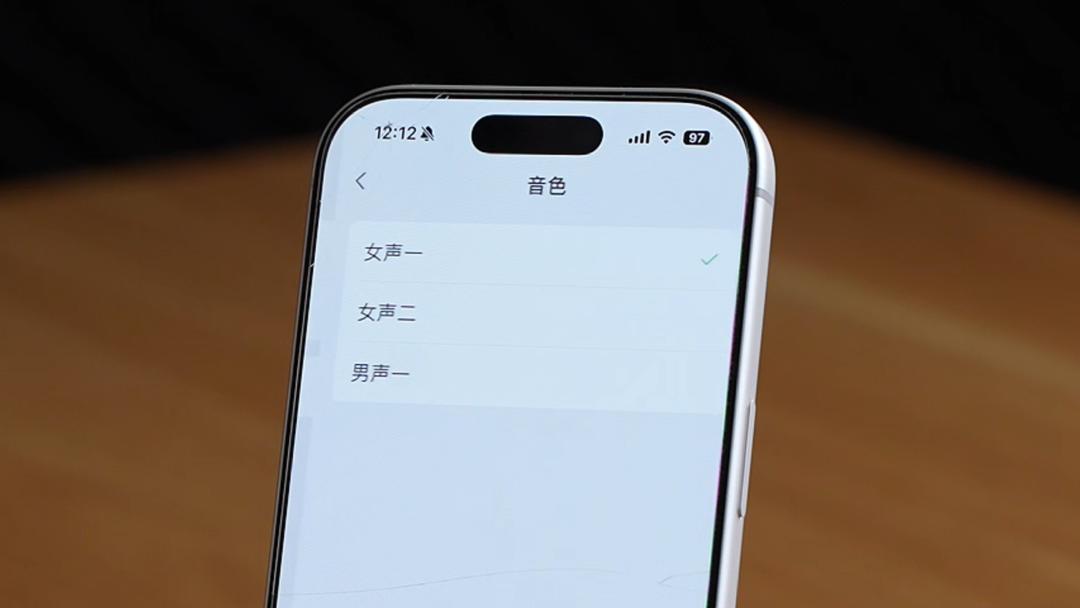
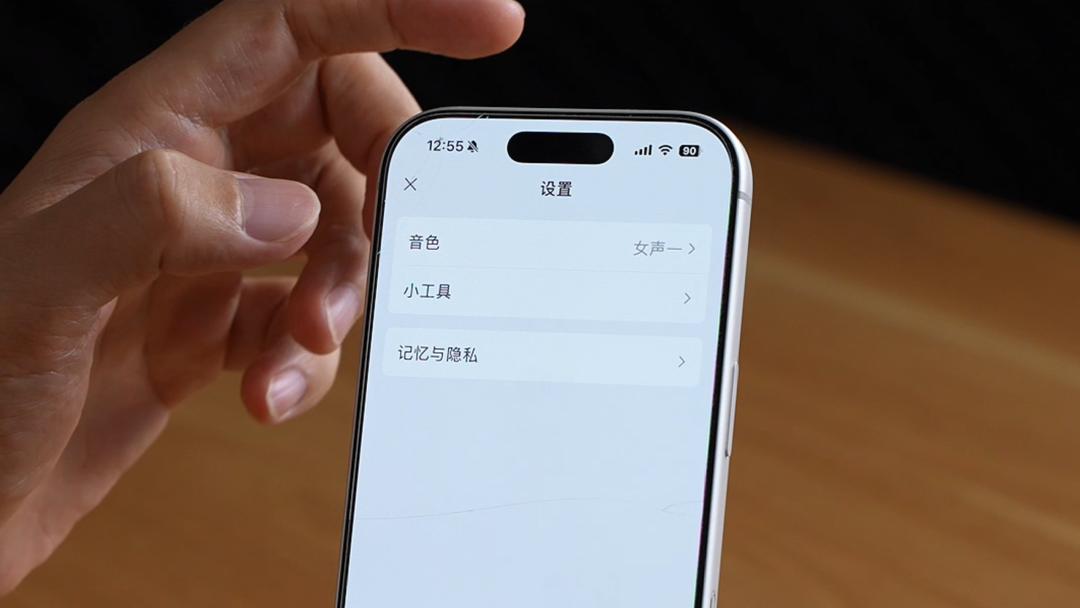
Tap the three dots in the top-right corner, and you can switch between three voice tones: Female Voice 1, Female Voice 2, and Male Voice 1, as well as manage memory and privacy settings.
As for the underlying model, the main model powering WeChat Xiaowei is Tencent's self-developed WeLM, while some responses are processed by calling on DeepSeek.
Basic Features
Benefiting from WeChat's million-scale mini-program ecosystem, WeChat Xiaowei inherently has the capability to call various life services.
Say "Help me book a ride to Time Hub in the Design Capital", and Xiaowei will pull up the Didi mini-program, plan the route, and show the estimated fare, allowing you to confirm and call the ride right away.
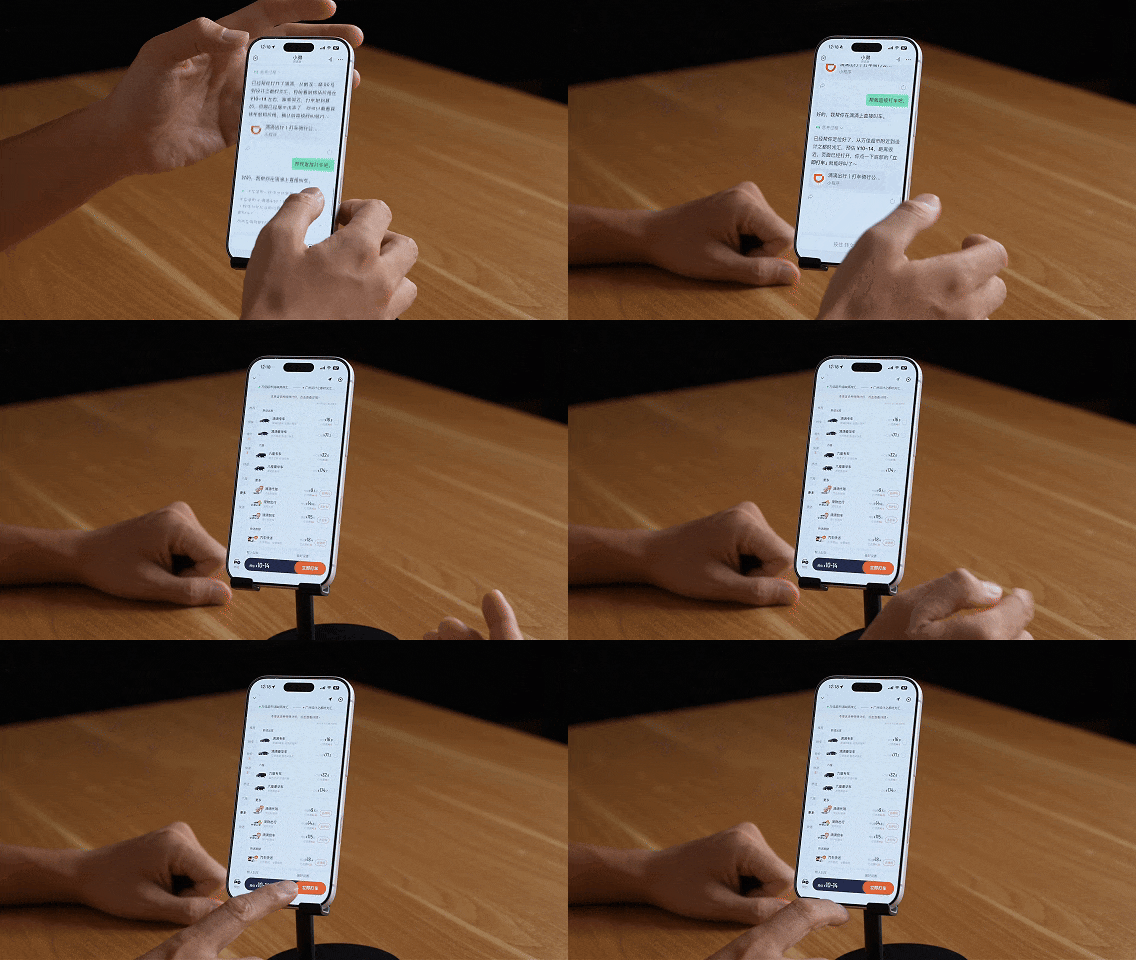
It's worth noting that the positioning is extremely accurate, directly pulling the frequently used addresses bound to your WeChat account.
The same goes for ordering food delivery. Taking Luckin Coffee as an example, tell WeChat Xiaowei "Help me order an iced Americano from Luckin", and Xiaowei will open the Luckin mini-program and ask whether you want to pick it up in-store or have it delivered.
We ran into a small hiccup when testing Meituan: Xiaowei initially failed to recognize the "in-store pickup" option on Meituan, but corrected itself quickly after we gave it a reminder.
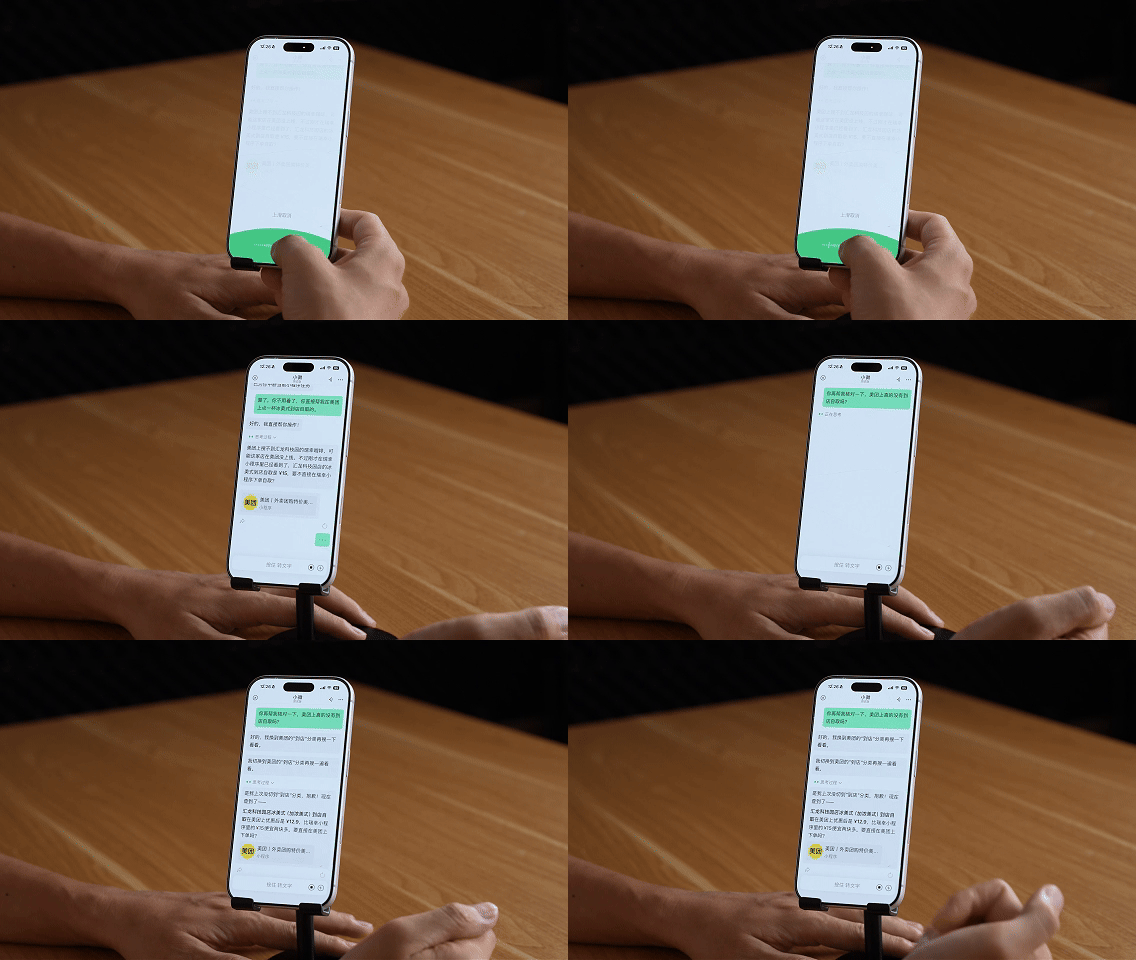
This also shows that there is still room for optimization in the beta version, but its error correction ability is commendable.
Social Scenarios: Sending Messages, Sending Red Envelopes, Searching Chat History
WeChat Xiaowei's most unique advantage lies in its ability to access WeChat's social data (with user authorization).
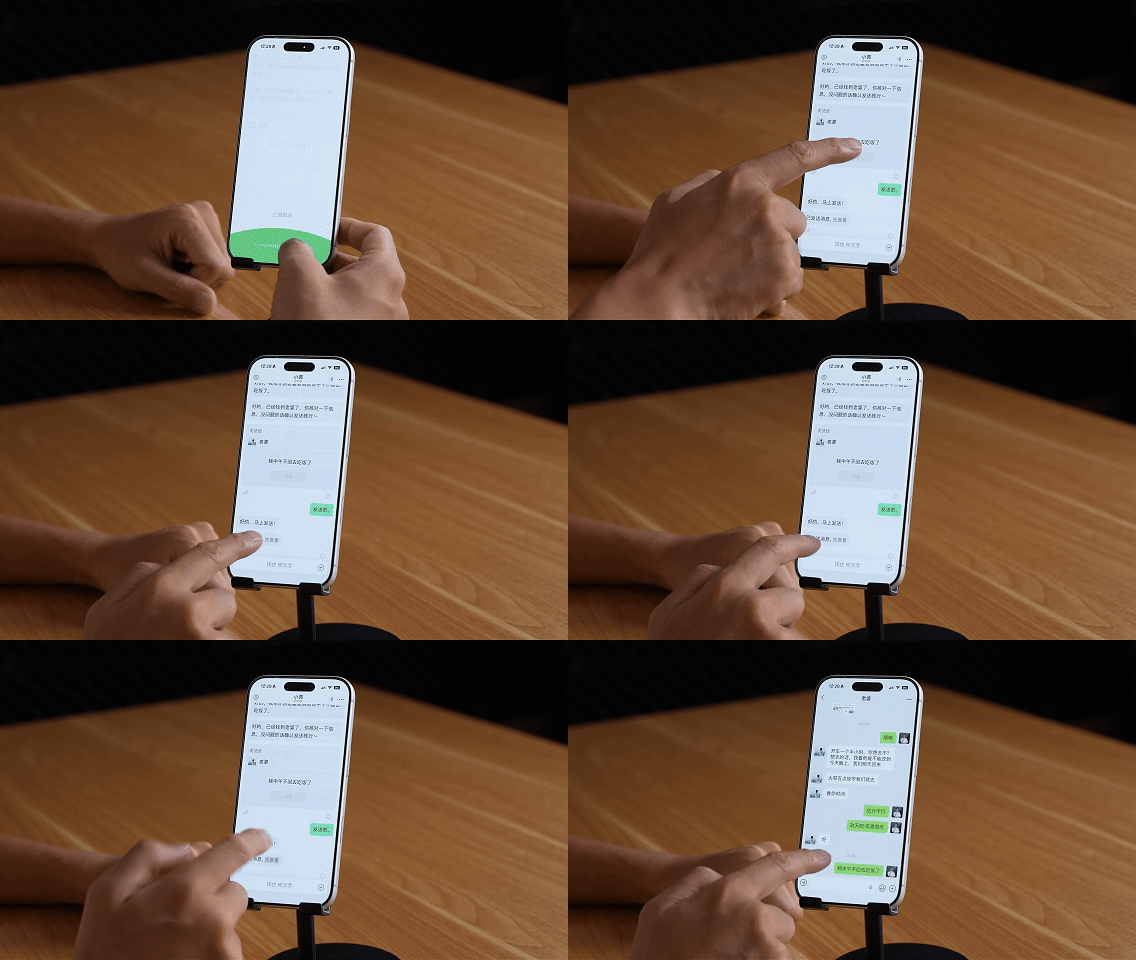
Compose messages on your behalf: Say "Tell my wife that I won't be back for lunch today", and Xiaowei will generate a message draft that you can send with one tap after confirmation.
Sending red envelopes: "Help me send my wife a 188-yuan red envelope", and Xiaowei will set the red envelope amount and accompanying message, but the user will need to manually go to the payment page to confirm.
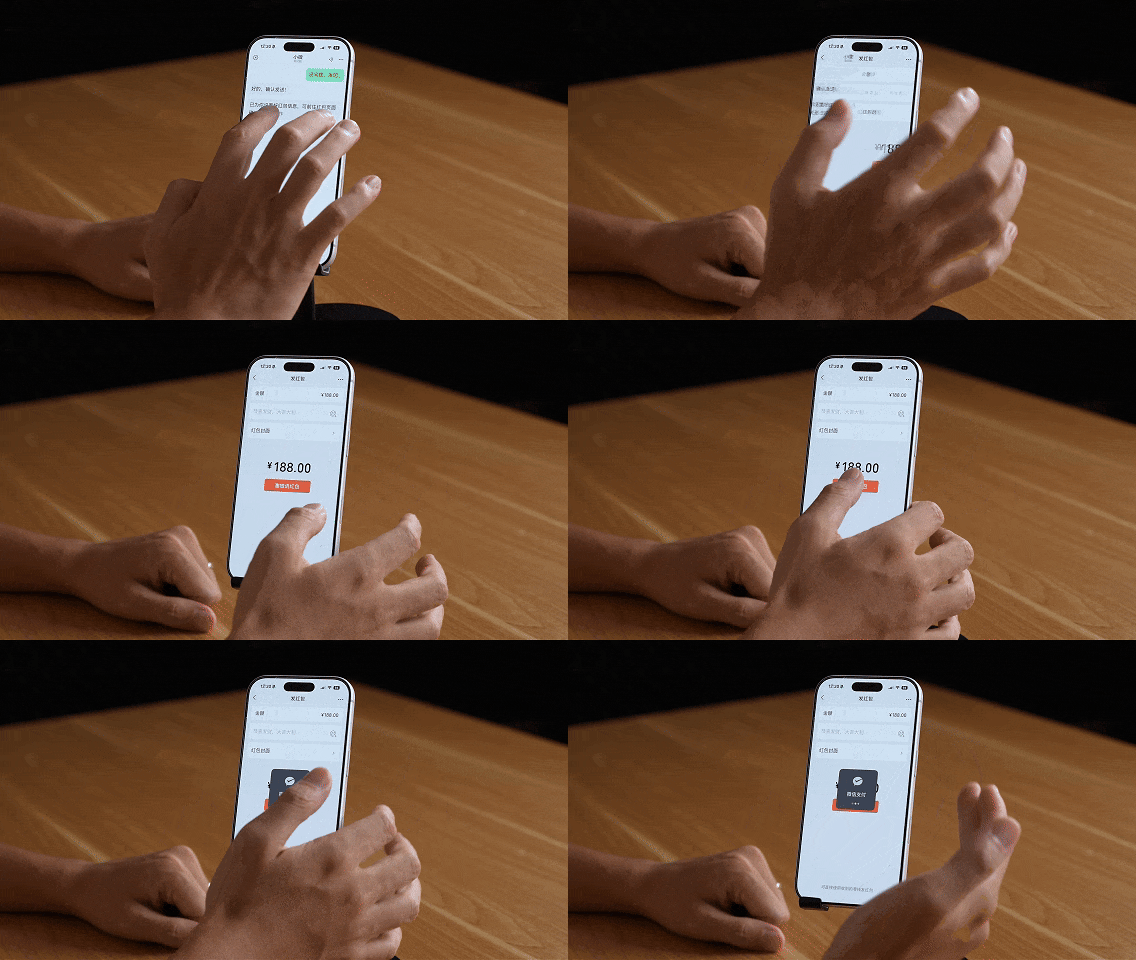
This reflects WeChat's prudence and security in the payment process: the AI only acts as an assistant and will never complete payments on the user's behalf.
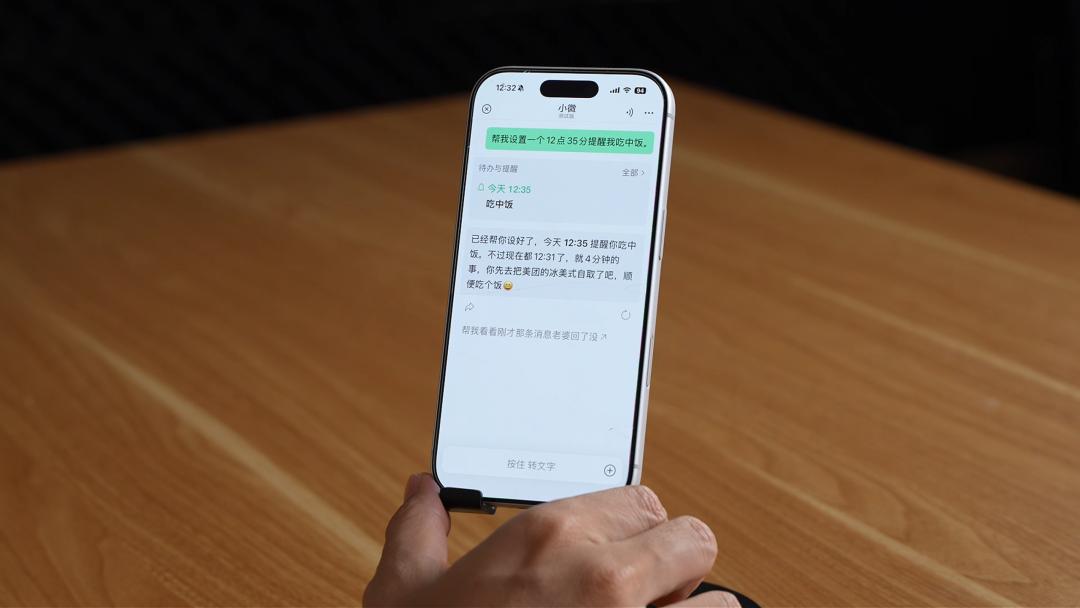
Scheduled Reminders: "Help me set a 12:35 reminder to have lunch", and Xiaowei will not only remind you on time, but also proactively add context like "Don't forget to pick up your iced Americano first". Reminders are presented as a lightweight WeChat red dot notification.
Chat History Search: In a one-on-one chat, you can ask "Help me look up the conversations about our kid's education that I had with my wife over the past month", and Xiaowei will accurately extract the relevant original chat records and provide a summary analysis.
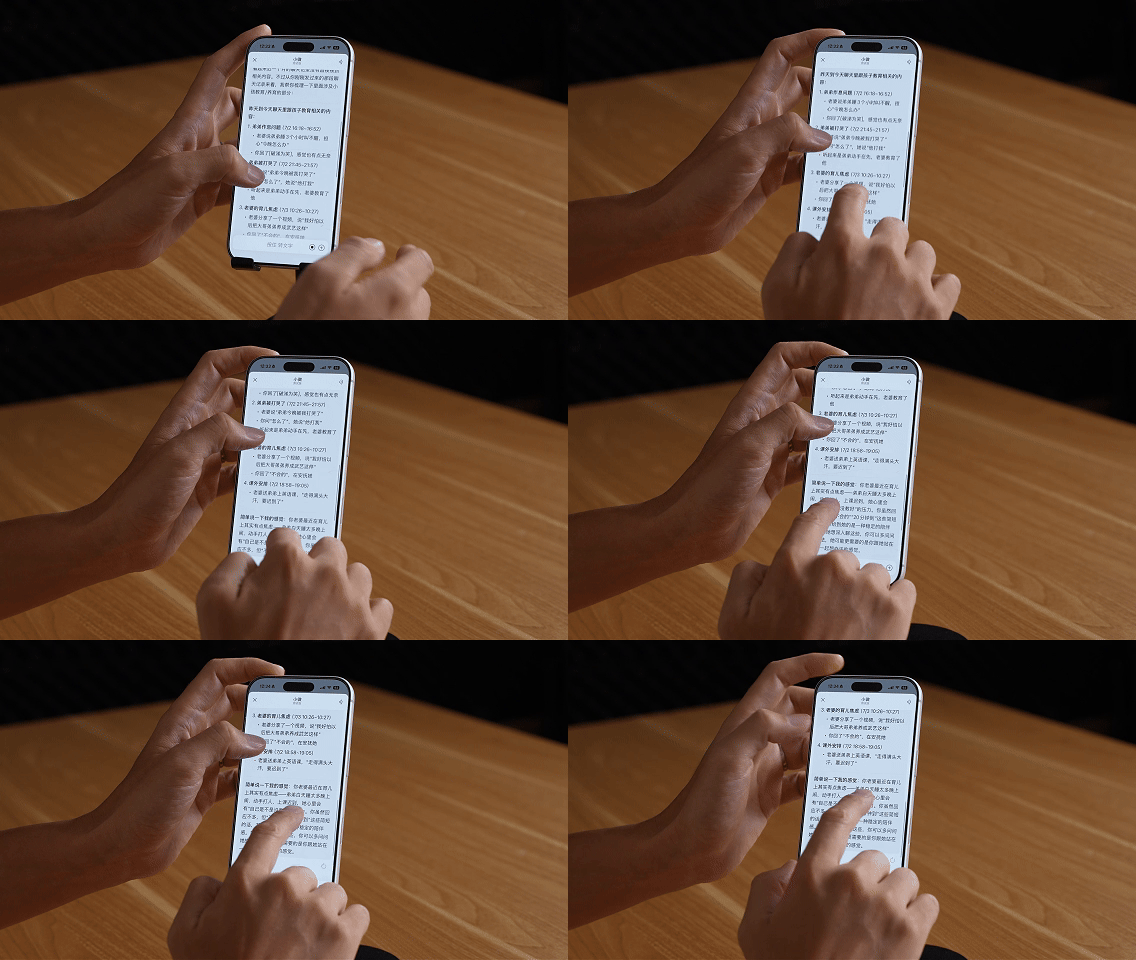
In group chats, you can also ask "Help me look up all the messages Xiao Ming sent in this group over the past week", and all the records will be clearly displayed.
For working professionals, this feature can help you summarize and organize group chat information, ensuring you never miss important announcements from your supervisors.
Content Scenarios
WeChat Xiaowei also performs remarkably well in Channels and Official Account use cases.
Song Recognition: When you hear a favorite background track while scrolling through Channels, tap "Ask Xiaowei" to identify the song title and artist.
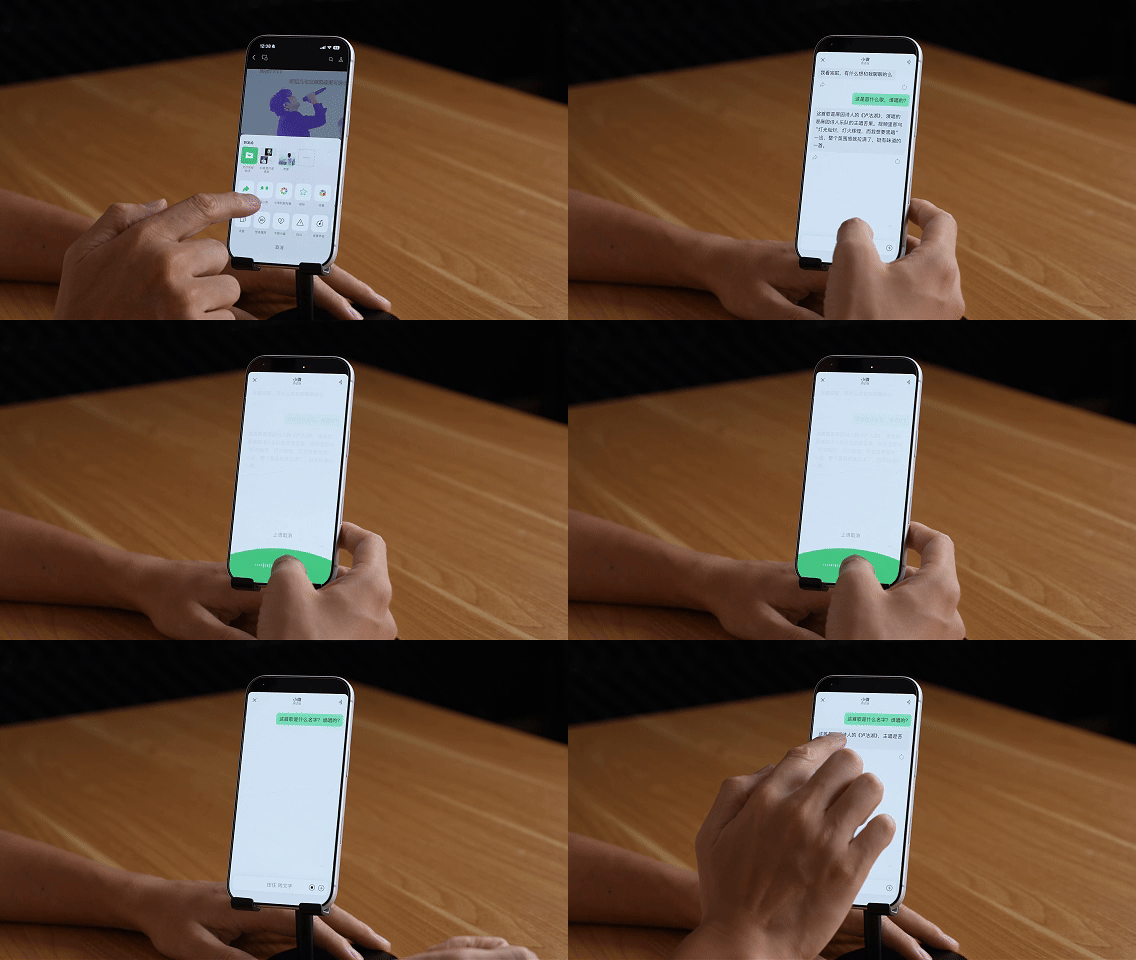
While testing this feature, Lao Hu also discovered a hidden little perk: tell WeChat Xiaowei "Help me play Jay Chou's *Blue and White Porcelain*", and it will play the song in a floating window, letting you listen to the full track completely free of charge, no premium membership required.
Video Summarization: You can ask "What is this video mainly about", and Xiaowei will directly generate a concise content summary.
Article Summarization: Tap "Ask Xiaowei" on any Official Account article to get the core key points of the entire article with one tap.
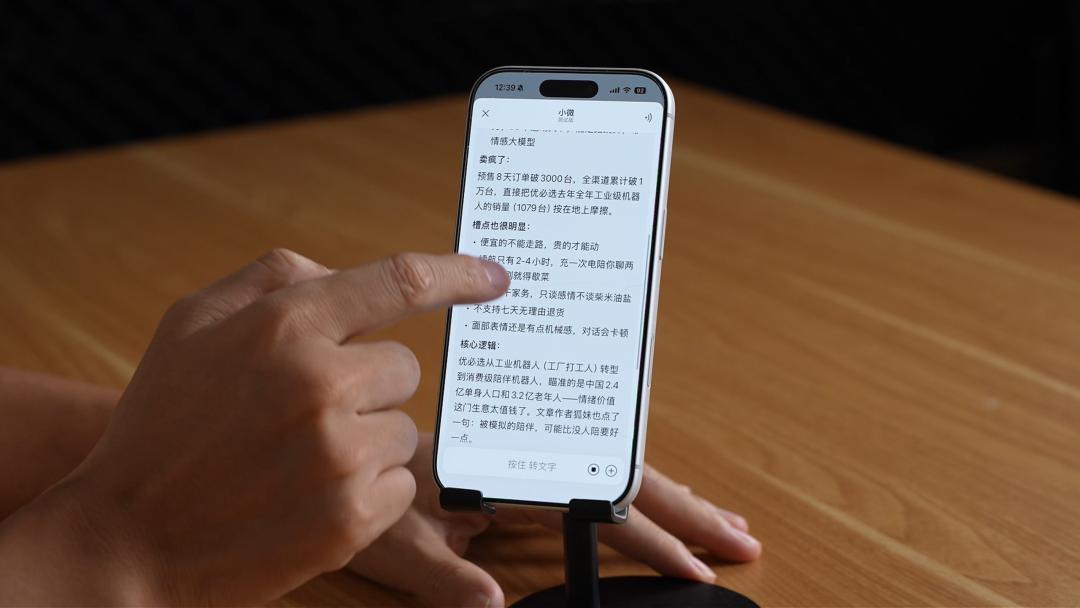
WeChat Ecosystem Capabilities: Expense Bills, Moments Hot Topics
WeChat Xiaowei can also access more native WeChat features.
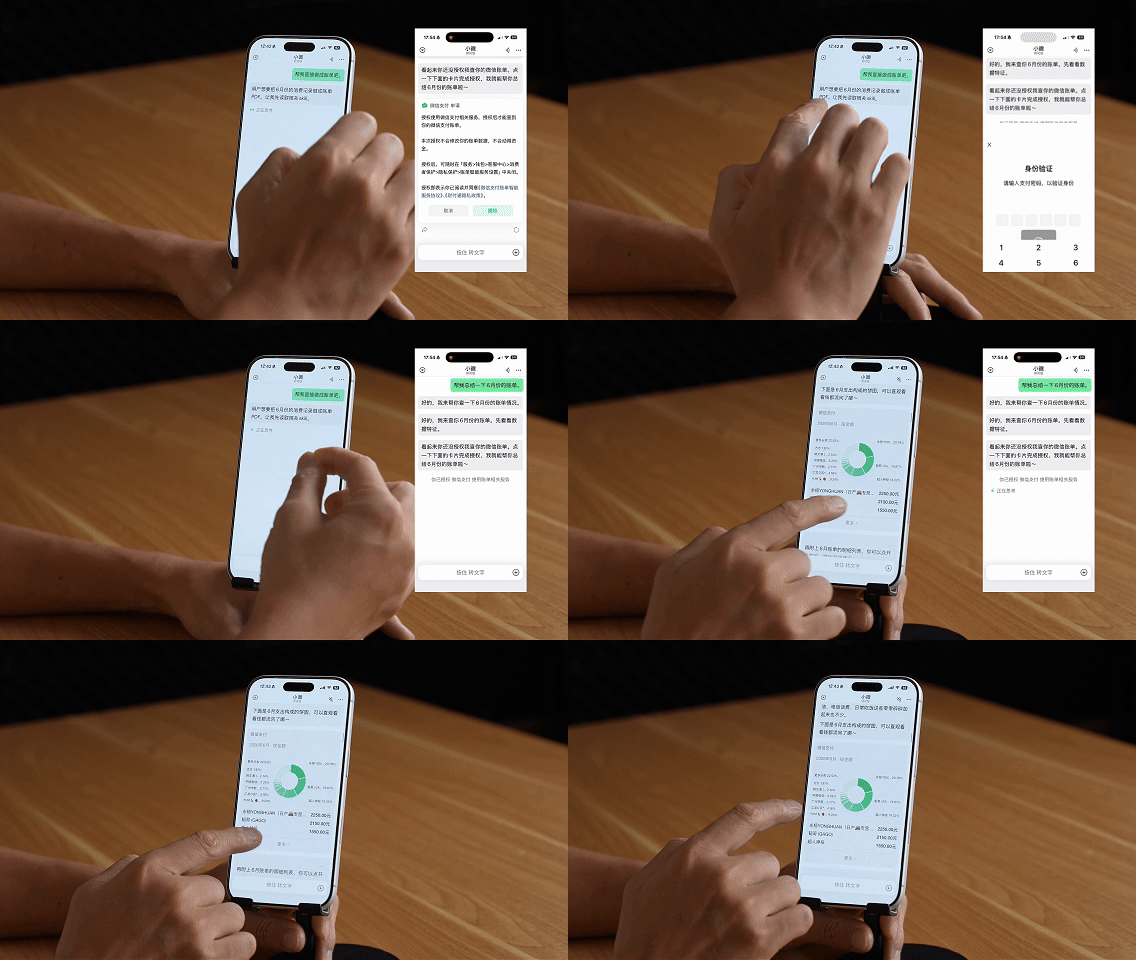
Expense Bills: After authorizing WeChat Pay access, say "Help me look up my spending records for June and generate a detailed bill for me", and Xiaowei will present your monthly expense breakdown in a clear accounting format.
Moments Hot Content: "Help me look up the most widely shared articles in Moments over the past few days", and Xiaowei can quickly retrieve the relevant results.
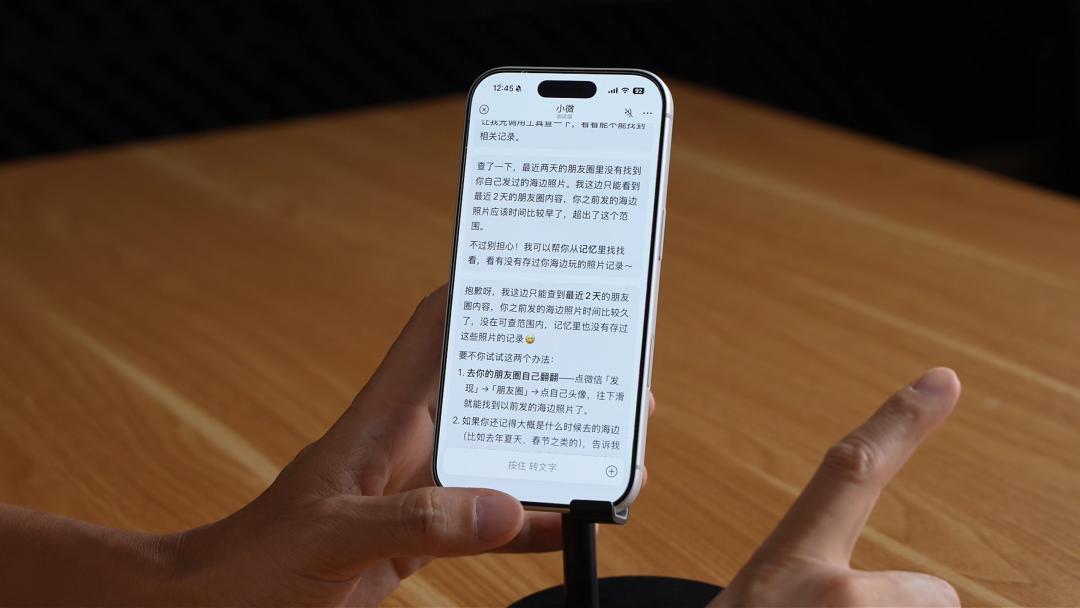
Long-press on an image in Moments, and Xiaowei can also help you identify the location where the photo was taken.

It should be noted, however, that Moments image search currently only supports data from the last two days, and older content cannot be retrieved. Images, videos, and other multimedia files saved in WeChat Favorites are also not supported for search at this moment.
As for the highly requested scheduled message sending feature, Xiaowei can currently only send you a reminder at the set time, and you still need to manually send the message yourself.
These limitations are clearly deliberate design choices made to protect user privacy.
Surprise Feature: Mini Tools
The feature that impressed me most about WeChat Xiaowei is the Mini Tools section, located in the three-dot menu in the top-right corner of the main page.
For example, describe your requirement like this: "I go to bed at 12 PM. What's the latest time I can drink coffee, and what's the maximum volume I can consume without disrupting my sleep?"
Xiaowei will generate a custom "Coffee & Sleep Calculator" based on this input — you just enter the current time, and it will calculate how much more coffee you can safely drink.
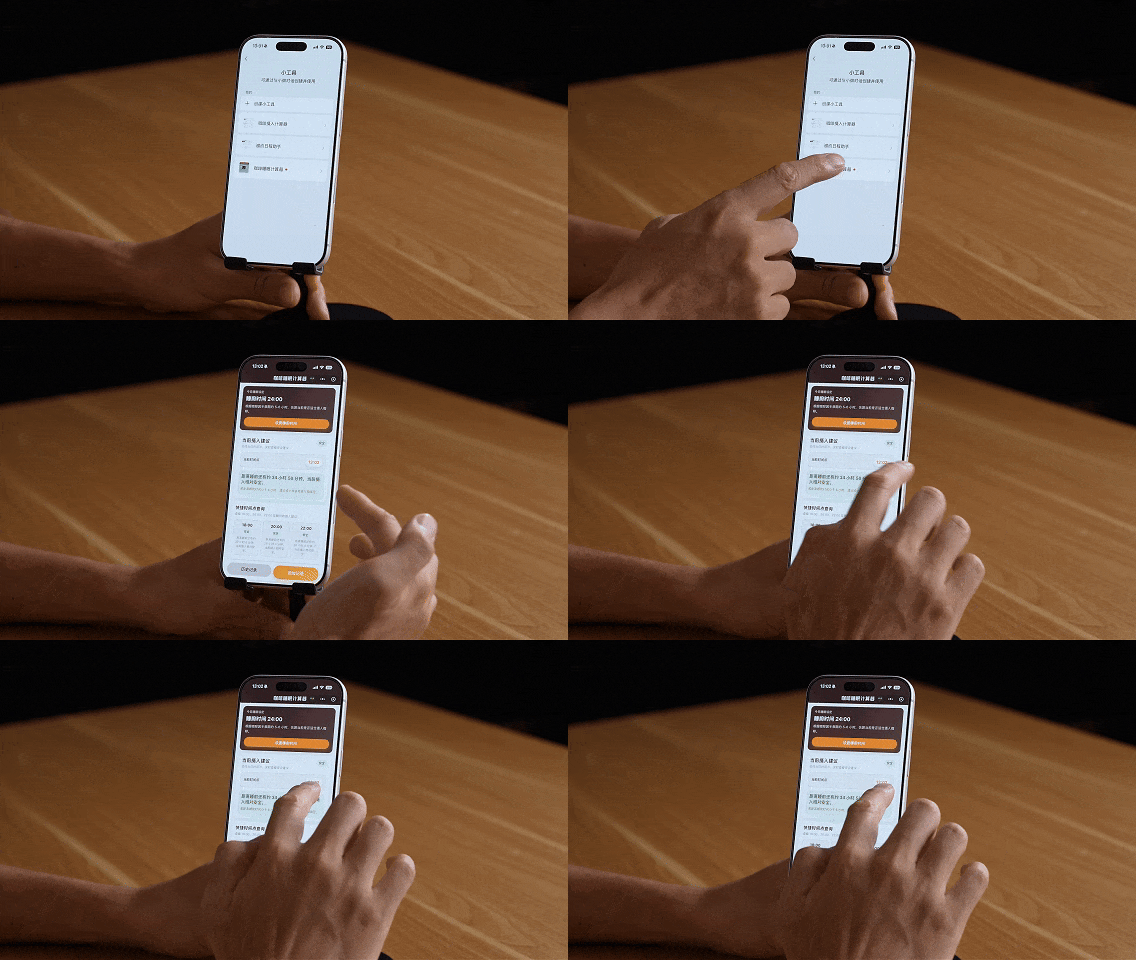
The entire process requires no programming knowledge at all, completely zero-threshold. Mini-program developers might be left stunned by this capability, as it essentially eliminates the need for many ordinary mini-program developers.
Right now, Mini Tools are limited to personal use, but if the sharing feature is opened up in the future, it will mean everyone can become a mini-program developer, drastically lowering the barrier to creating mini-programs.
Lao Hu previously created an "Invitation Schedule Assistant": by pasting invitation-related information from chat records into it, Xiaowei will automatically extract the time and location, then add the event to your calendar.
