After using iOS 27 for two days, I've completely fallen for the AI-powered Siri.
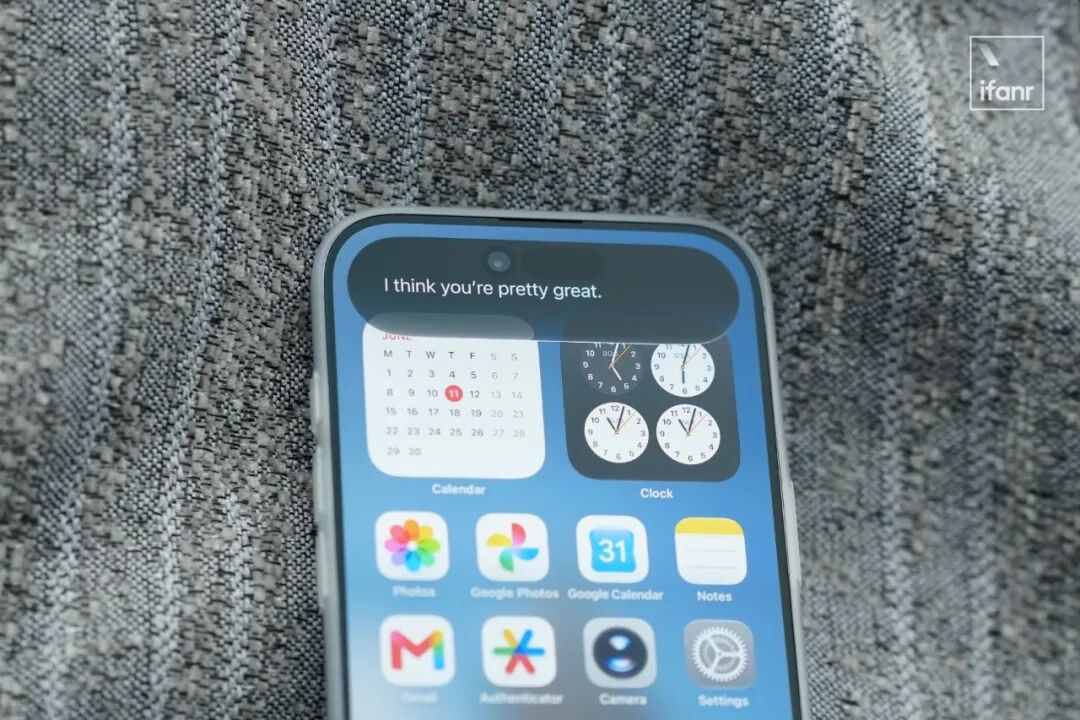
On Thursday night, I held my iPhone Air in bed and typed a question I'd never asked before in the Siri dialog box:
Siri, what do you think of me?
After a few seconds of the waiting sound in iOS 27, Siri gave an answer:
I think you're pretty great.
The all - night opening ceremony of WWDC 26 has ended. The last major event hosted by Tim Cook came to a successful conclusion, leaving a bunch of unfulfilled promises.
Different from WWDC 24 —
After experiencing the latest developer system, these unfulfilled promises left for the new CEO, Tunes, seem to be substantial.
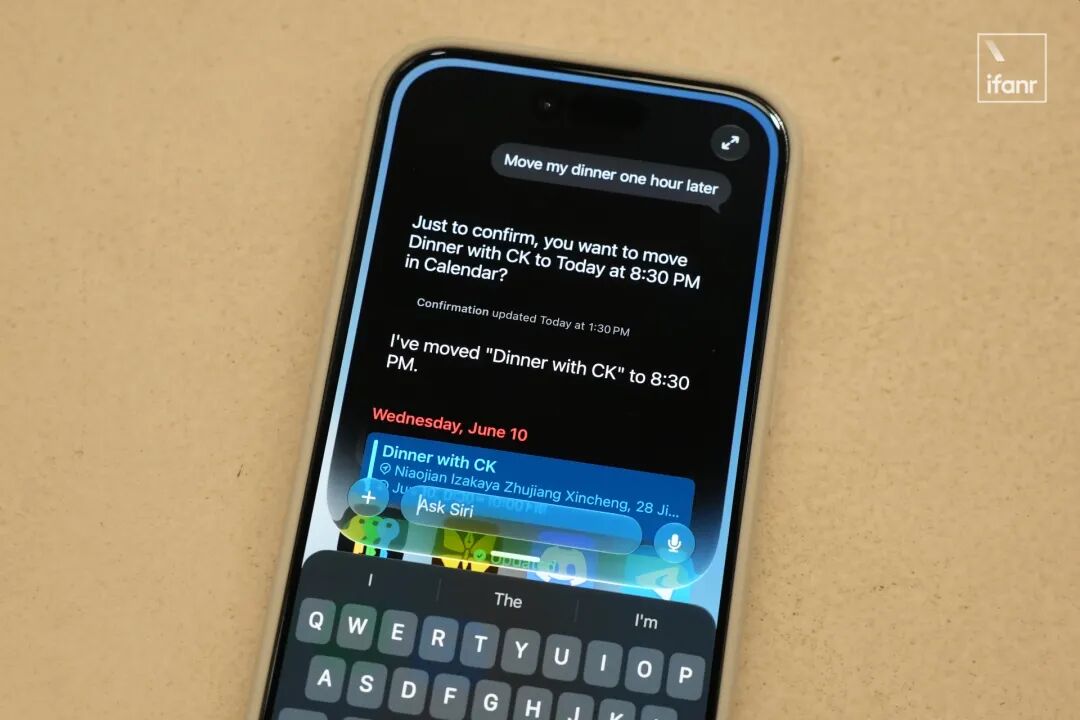
Among them, there is not only iOS 27 with optimized visual style, improved stability and fluency, but also the first truly implemented "AI - level Siri", making a grand finale appearance:
In addition, as the foundation of Siri AI, Apple has also updated the third - generation Apple Foundation Model (AFM) family and officially admitted "custom development in cooperation with Google".
Among them, AFM 3 Core with 3b parameters and AFM 3 Core Advanced with 20b parameters are on - device models. Currently, only iPhones equipped with the A19 Pro processor can use them:
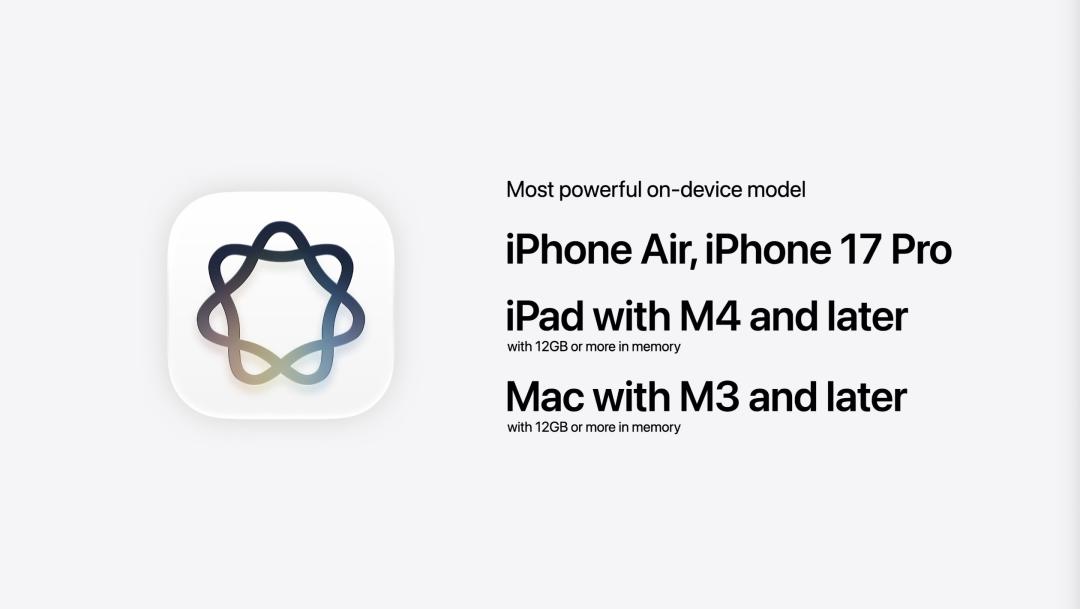
Image | YouTube @Apple
The larger AFM 3 Cloud, AFM 3 Cloud Pro and ADM 3 Cloud for image generation are deployed on Apple's servers, and the charging model is embedded in iCloud+.
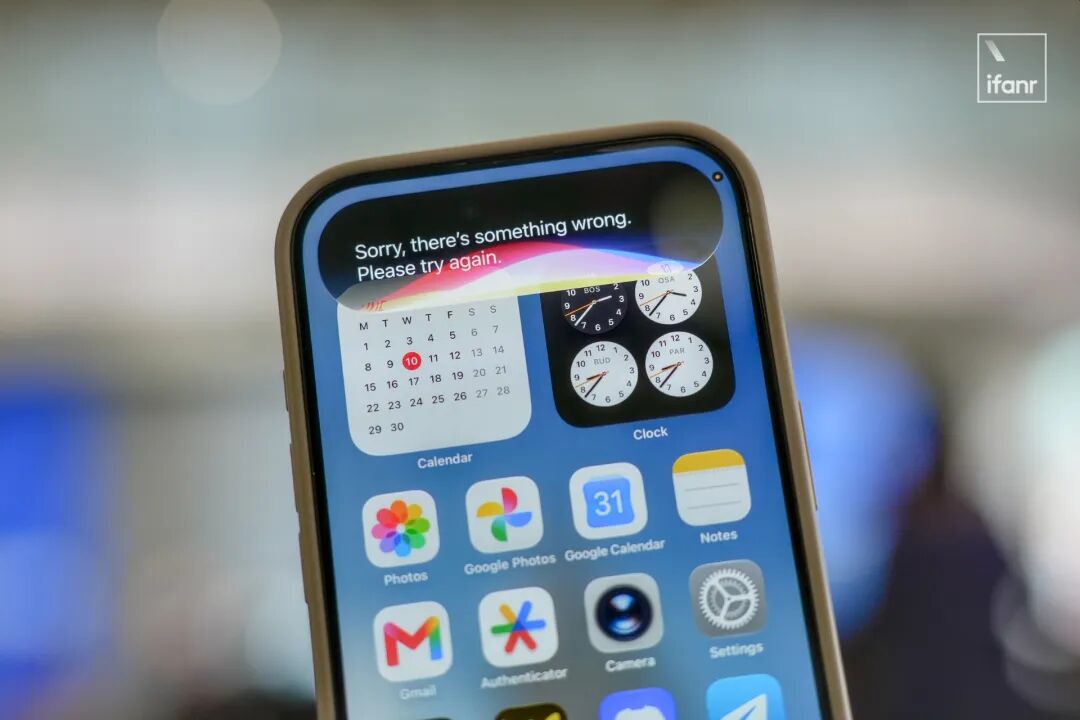
Unfortunately, limited by server capacity and the large number of testers, many online functions of Siri AI are currently in an intermittent outage state.
Anyway, several colleagues in the ifanr editorial department who insist on buying overseas iPhones have finally welcomed a new era.
After all, the on - device capabilities of Siri AI have also achieved an "epic improvement" —
From the end of the WWDC opening ceremony to now, we've put the new Siri to the test for nearly 48 hours and reached a satisfactory conclusion:
Siri AI has achieved a feat like Max Verstappen in the 2016 Brazilian Grand Prix, surging from the back of the pack to the top three in the last 16 laps in an unexpected way.

Image | Red Bull
How to Update iOS 27
In previous hands - on experiences, many readers asked in the comment section how to update to iOS 27. Here, we provide a rough update guide for you.
First and foremost:
The beta system is not stable. If you only have one iPhone as your main device, ifanr does not recommend that you blindly update to try it out.
In short, if you want to update to the regular beta system, you need to go to the Apple Beta Software Program website first, register your Apple ID, and then you can receive the Public Beta push:
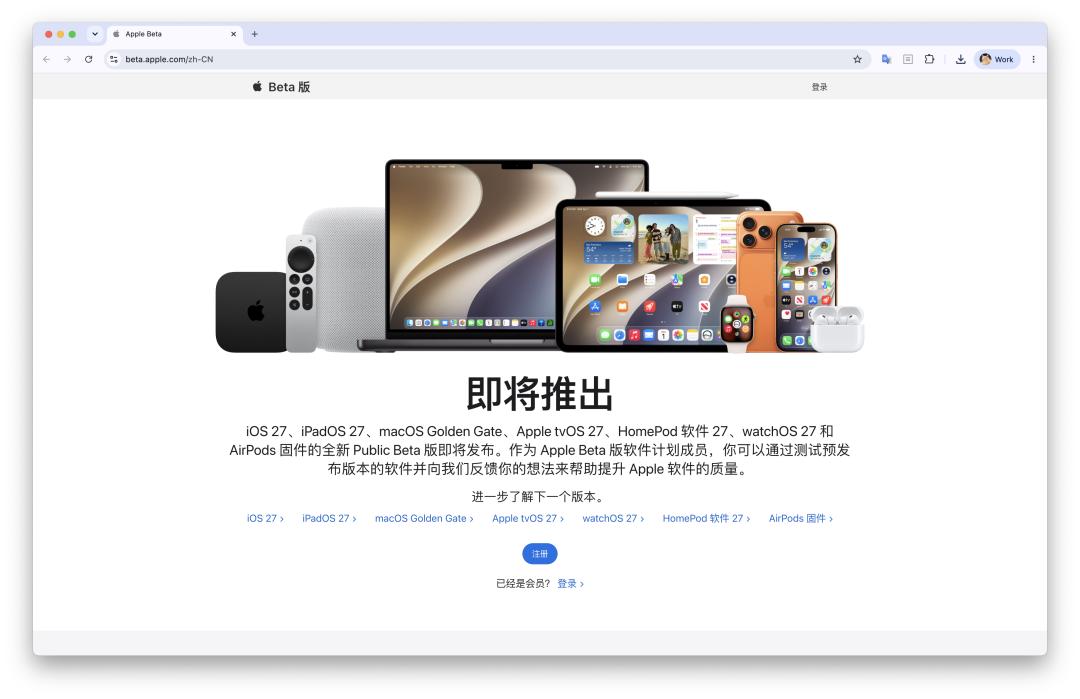
Website: beta.apple.com/en - US
To update to iOS 27, you also need to download the Apple Developer app from the App Store.
You need to complete the first few steps of "Sign up for the Apple Developer Program" on the "Account" page to receive the developer version update.
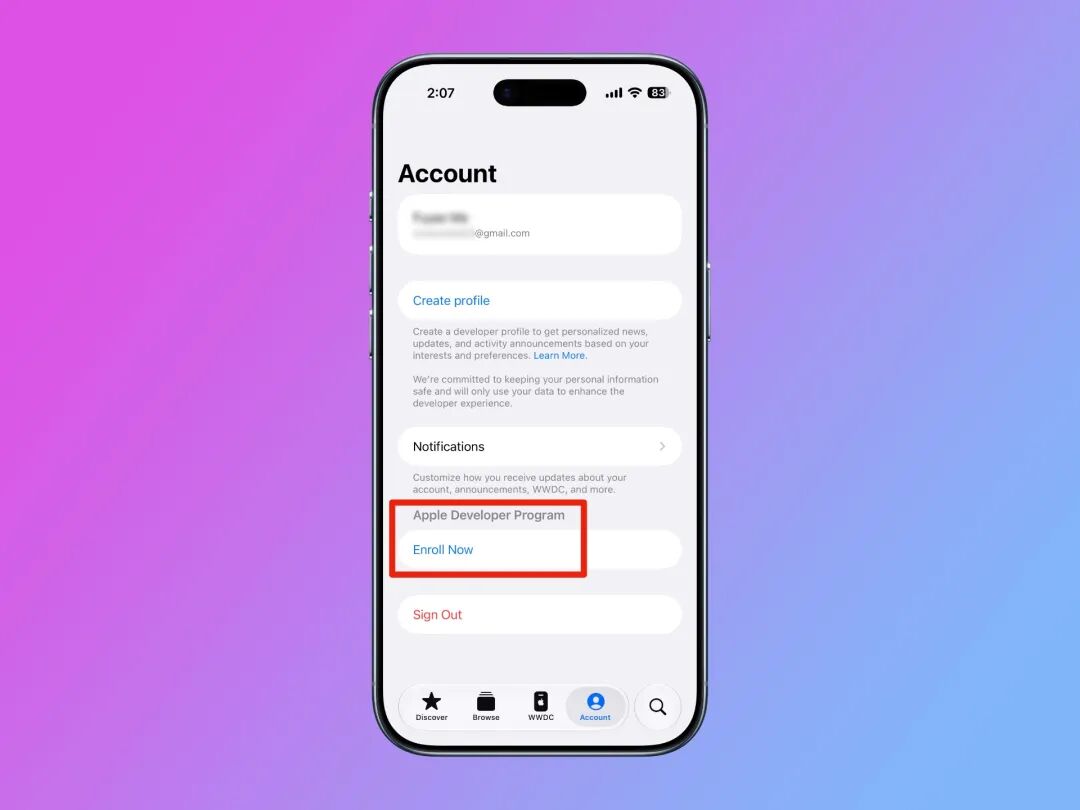
It should also be noted that if you want to use Apple Intelligence and Siri AI, you still need to have an iPhone 15 Pro or a newer model.
And we can't ignore that the new Siri AI still has very clear regional restrictions.
A non - Chinese mainland iPhone, an overseas Apple ID, and English (US) as the system language are all indispensable.
Siri AI Experience: Mini Gemini
In the more than 48 hours since the end of WWDC, we've put Siri to the test as much as possible.
We just wanted to see how it differs from last year's semi - finished Apple Intelligence and the most common color - bubble version.
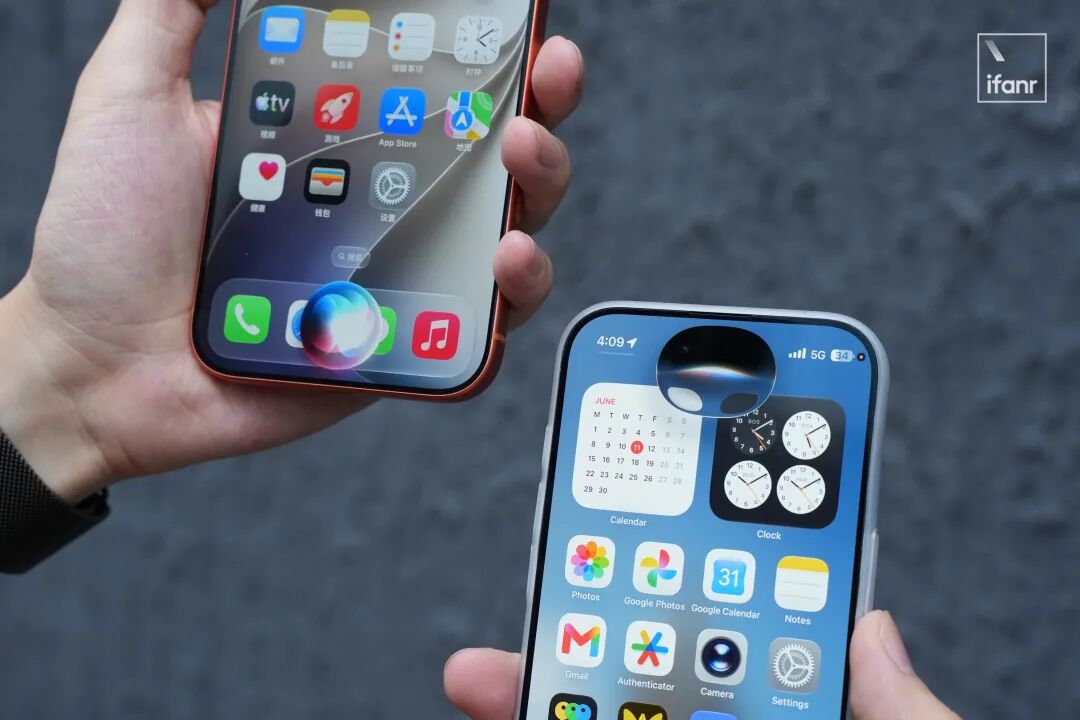
First, the conclusion: The Siri AI in iOS 27 has great potential, but correspondingly, there are also many problems that need to be solved urgently.
Take the simplest communication ability as an example. If you successfully activate the new Siri, the first thing you'll notice is that Siri is much more talkative than before —
In other words, in iOS 27, Siri finally stops giving dry information or using preset templates. Instead, it can organize scattered information into coherent natural language:
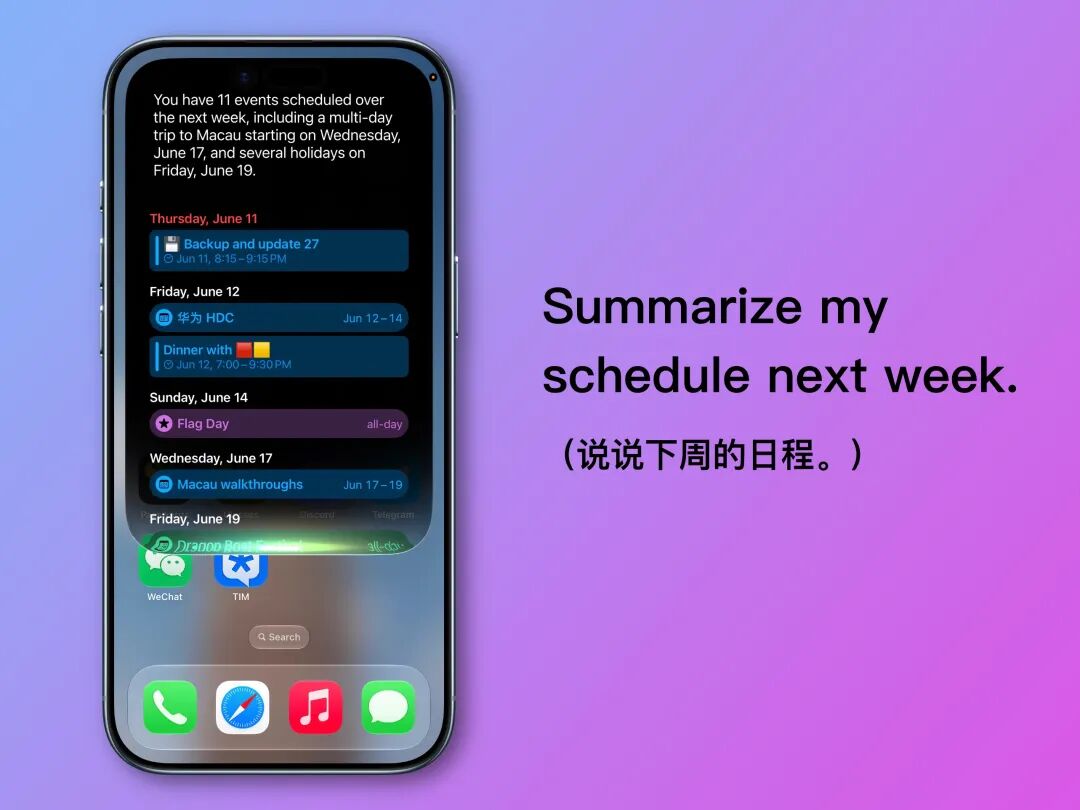
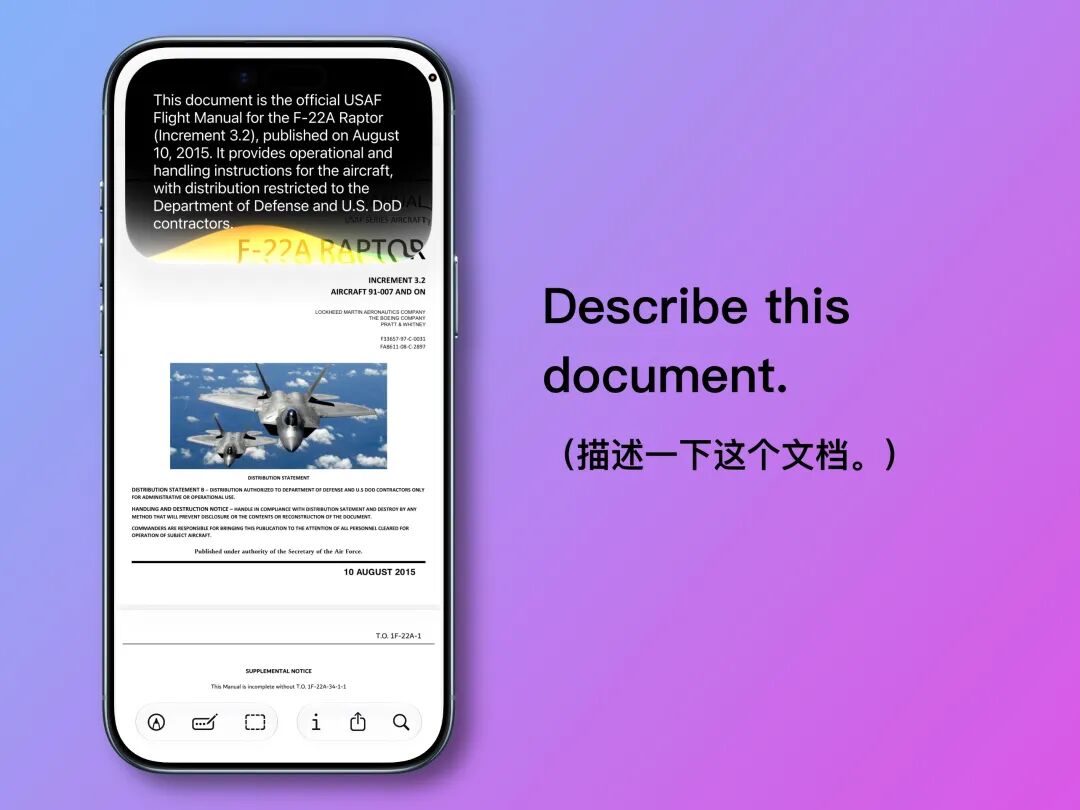
In addition, screen perception and document analysis functions have finally become part of Siri's multimodal capabilities.
In most system apps and a few third - party apps, Siri can recognize the content and page information displayed on the screen and give targeted answers:
Based on the above functions, Siri has also upgraded its ability to execute compound commands, which was unimaginable during the "artificial stupidity" period of Siri in the past.
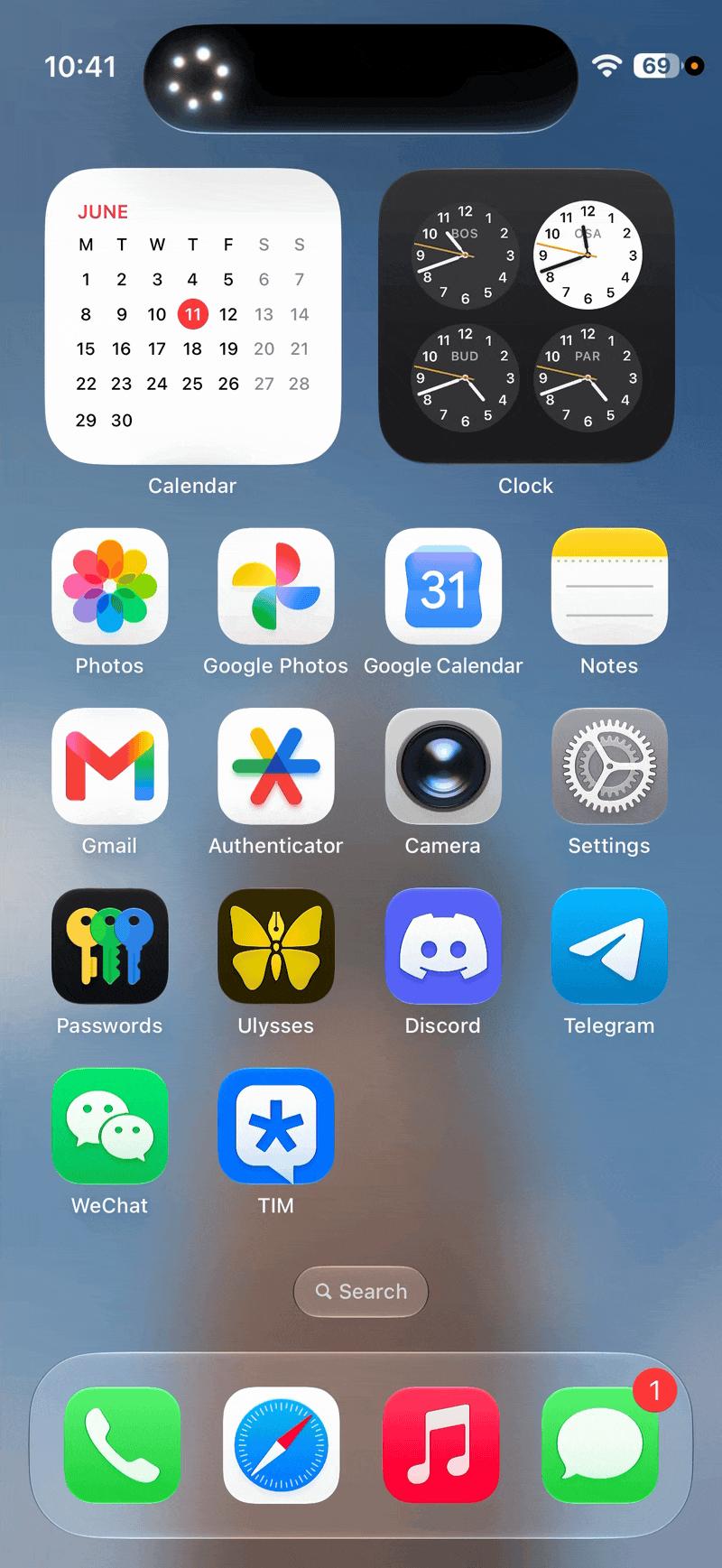
For example, if my friend sent me an address via iMessage and I was too lazy to copy and paste it manually, I could directly ask Siri:
XXX mentioned a party address in the text message. Navigate from there to the Guangzhou Opera House on foot.
Then you can see Siri slowly (but accurately) search for the address from iMessage, confirm the nearby starting point, and finally navigate to the Guangzhou Opera House:
You know, less than a month ago, Siri was still the one that couldn't even handle ordinary commands properly.
Although "understanding compound commands" and "executing across apps" are already standard features of mobile assistants in 2026, isn't it a kind of progress that Siri has caught up with the big troops from the bottom with just one update?
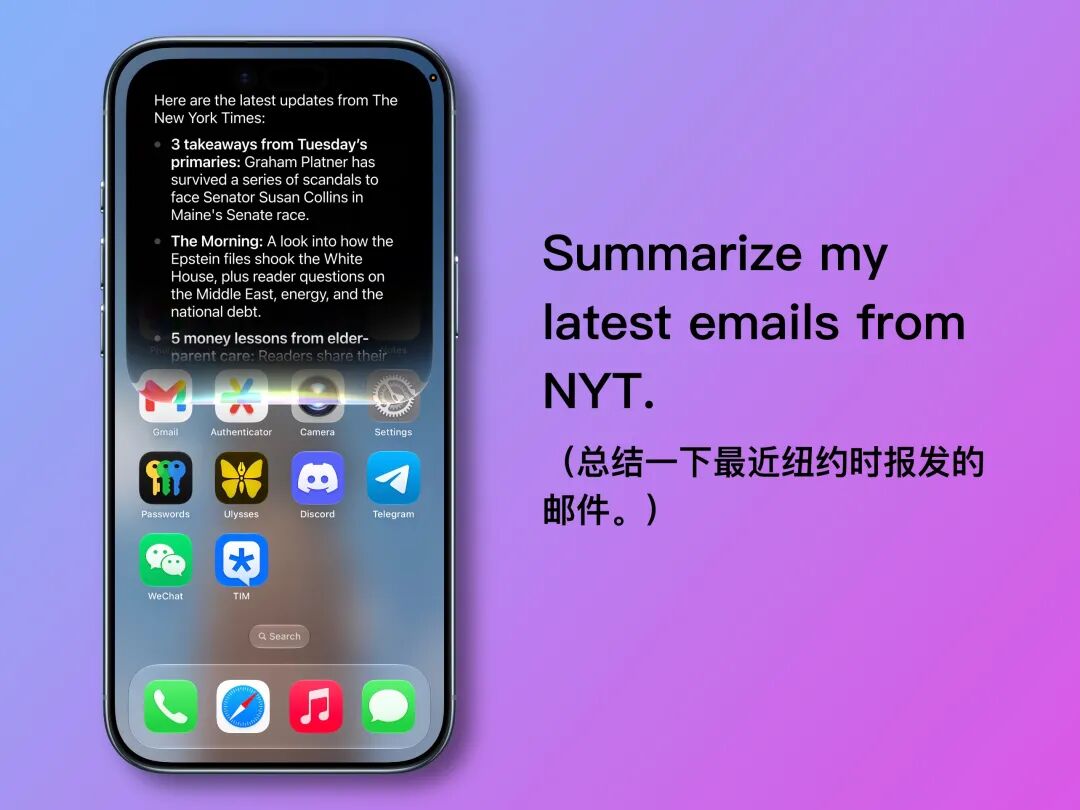
Besides, it's a piece of cake for Siri to read e - mails.
Since I subscribe to a large number of newsletters and it's a headache to organize them, asking Siri to summarize recent e - mails has become the most frequently used function for me in iOS 27:
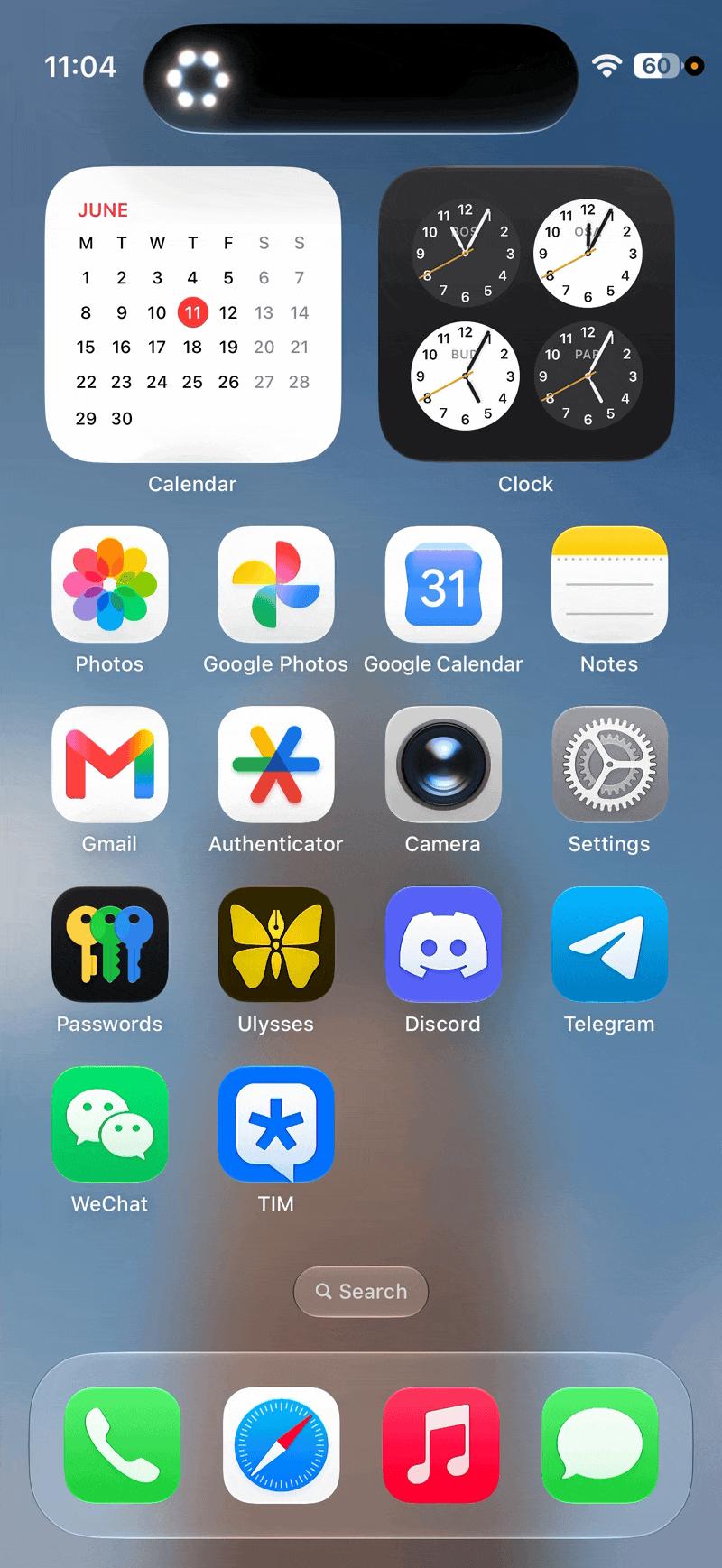
Also, remember the WeChat A2A that ifanr mentioned before? Although Siri could operate WeChat before, with the new UI and voice engine, the whole operation feels much smoother.
According to our current tests, most of the Siri AI functions demonstrated at the WWDC 26 opening ceremony have basically been implemented.
Except for the occasional interface bugs, the whole experience is very close to "smooth".
However, the biggest problem at this stage is neither performance nor bugs, but Apple's under - performing servers.
After all, a large part of Siri AI's capabilities rely on cloud models, such as searching for online information, uploading and recognizing materials, comparing local and online materials, etc.
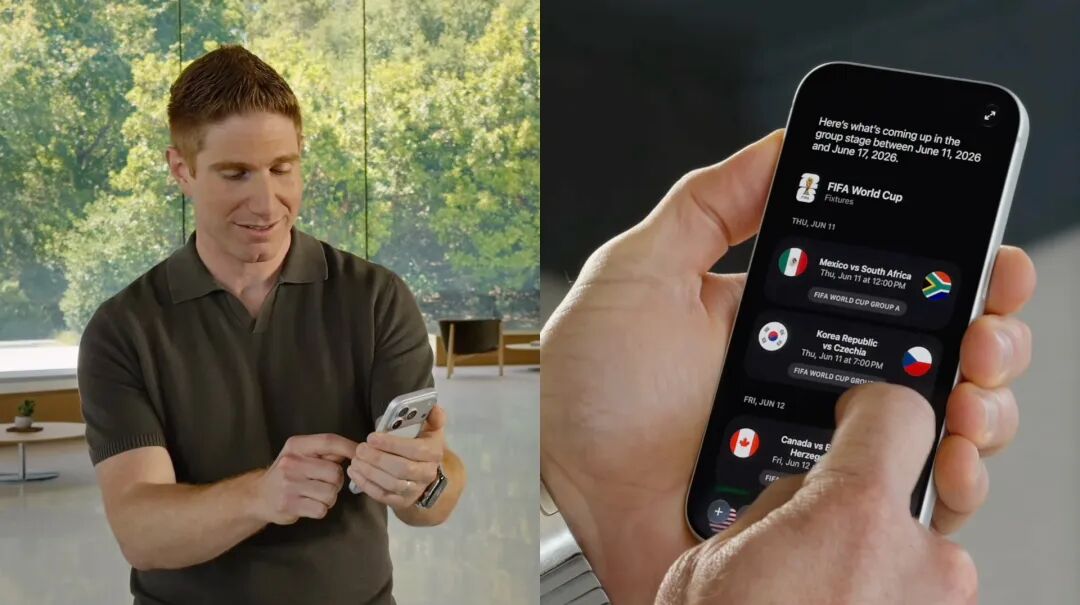
Image | YouTube @Apple
However, since the WWDC opening ceremony, Apple's Siri servers have been in an intermittent online state —
During the testing process, it often happens that the first operation goes smoothly, but when you turn on the screen recording and try to repeat it, Siri starts to report an error saying "Something went wrong".
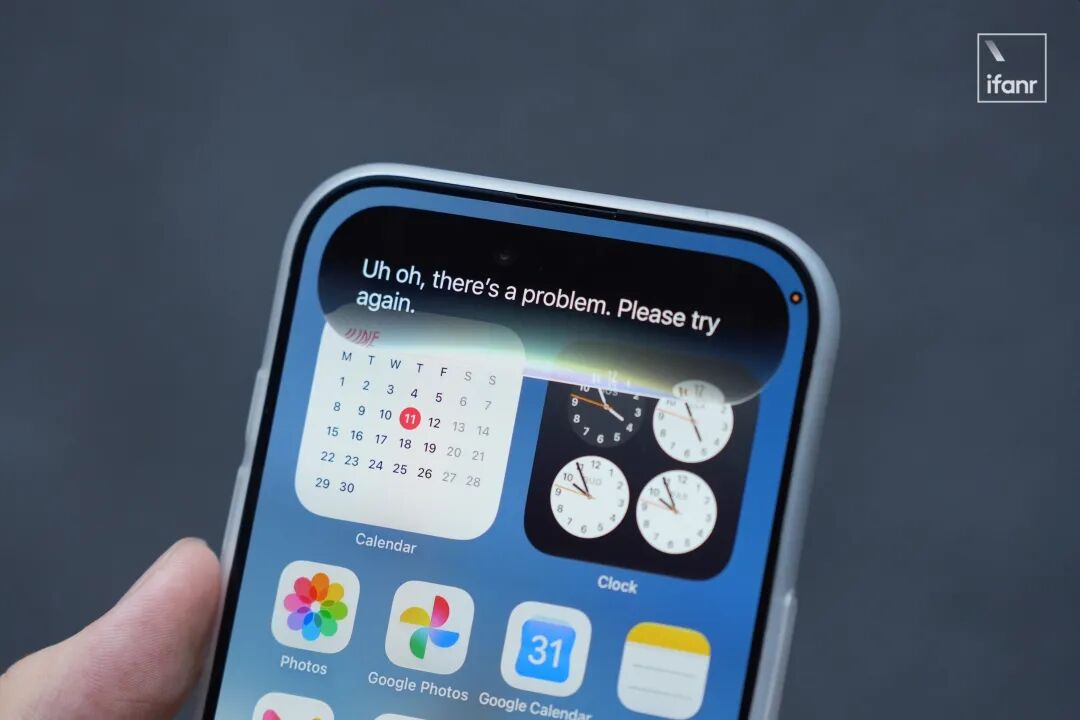
This is just the situation when iOS 27 is in a limited - scope developer test. After the public beta in July and the global release in September, "how long will you have to wait for Siri" will be an unavoidable topic.
But despite some small bumps, our conclusion remains the same —
With one update, Apple has transformed Siri from an "artificial idiot" into a "mini Gemini". Although the experience of the beta version is not very stable, it can still be regarded as Apple's most significant progress since entering the AI era.
Image AI Experience: Redefining Reality
The other side of Siri AI lies in everything related to imaging —
Multimodal image functions, Siri mode in the camera, Image Garden, and AI tools in the photo album.
In the past nearly a decade, Apple has been quite restrained in its attitude towards imaging: the camera is for recording, photos are for preservation, and post - processing is for minor corrections.
Even when Apple Intelligence started to be integrated into the system, Apple has always been very cautious about placing AI - generated images in the "content safety zone" of illustrations and animations, avoiding realistic ones.
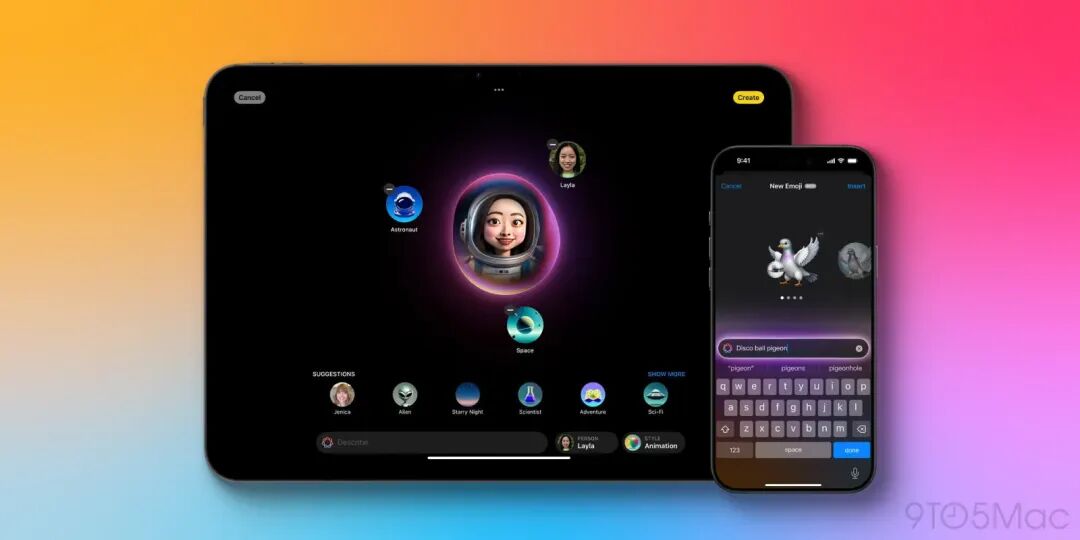
Image | 9to5Mac
Obviously, Apple is not willing to let users easily generate something that looks like a real photo, because this will cross a line that Apple has long adhered to:
Photos should have some relationship with what actually happened