Get a First Look at Android 17: Phones Are No Longer the Focus, But...
With the conclusion of the Android Show and the Google I/O opening ceremony, we've finally caught a glimpse of Google's future plans for its software ecosystem —
Arm everything with Gemini, including the Android system we're all familiar with.
However, "upgrading Android from an operating system to an intelligent system" is just an abstract description. So, what's it really like to use this Gemini - flavored intelligent system?
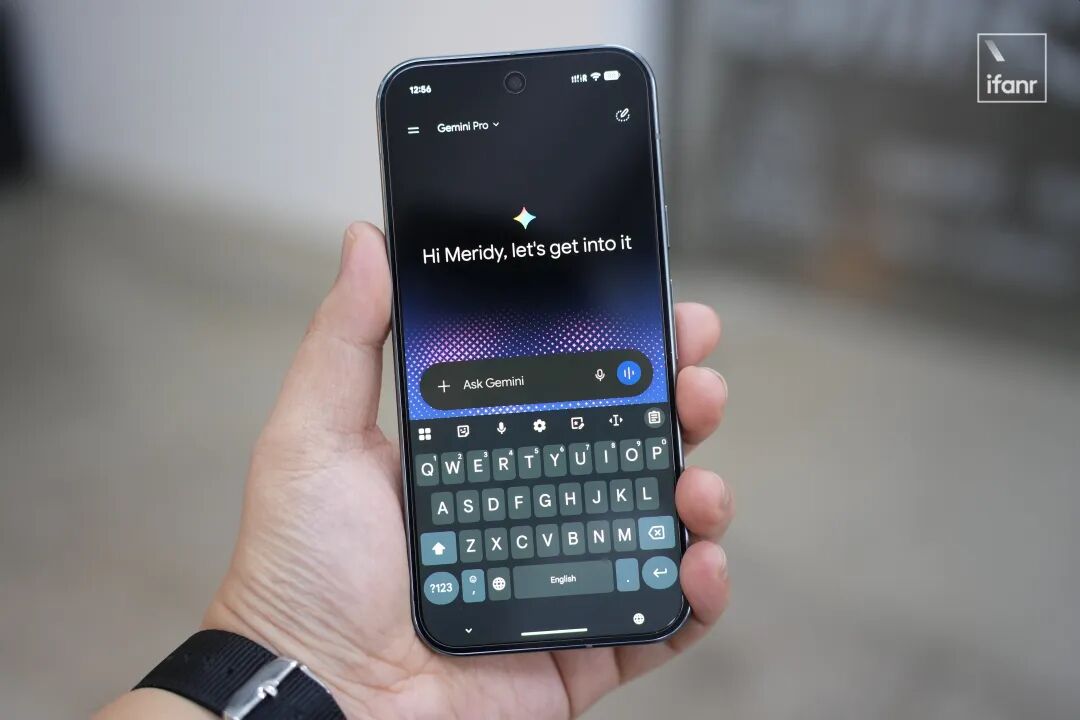
To get a taste of the new features, we flashed the latest version of Android 17 onto our Pixel 9 Pro.
Let's take a look at how many promises Google has made, how many have been fulfilled, and what we can look forward to.
How to Try Out Android 17
Like Apple, Google has expanded the system testing permissions significantly in recent years, making it almost barrier - free.
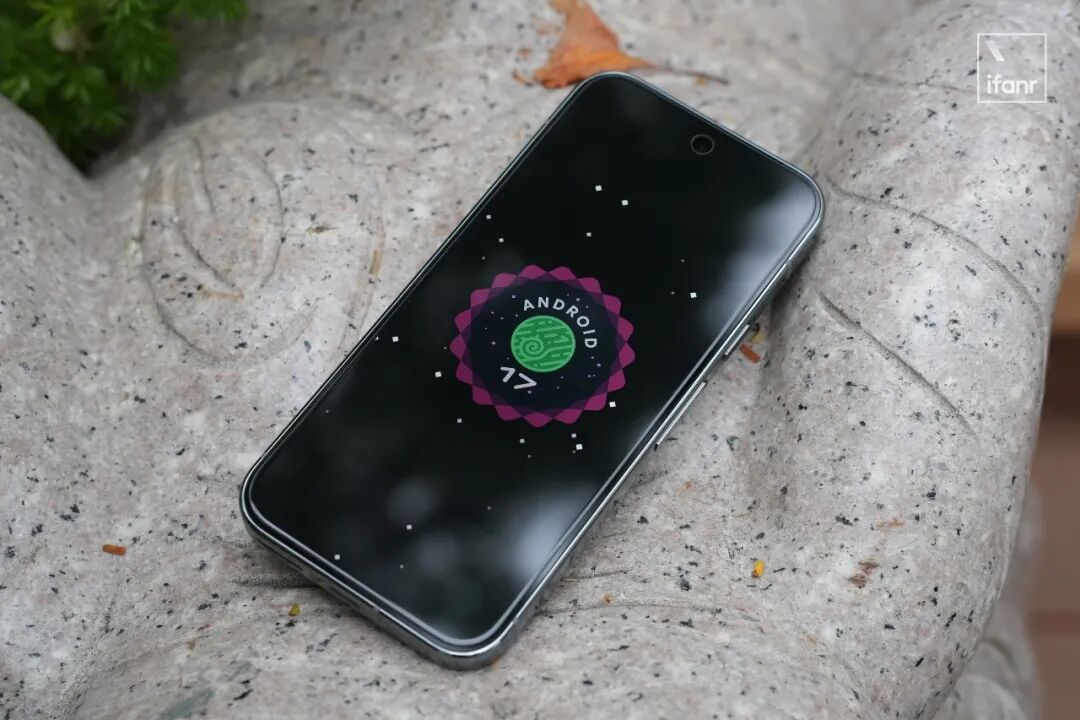
If you want to experience the beta version of the Android system, you don't need to participate in lotteries, compete for spots, or take a so - called 'Google entrance exam'. All you need is a Pixel phone.
⚠️ Updating to the beta version of the system comes with risks. Don't blindly try it out without backing up your data ⚠️
All you have to do is click "Opt In" on the Android Beta Program website, and you'll directly receive the beta update:
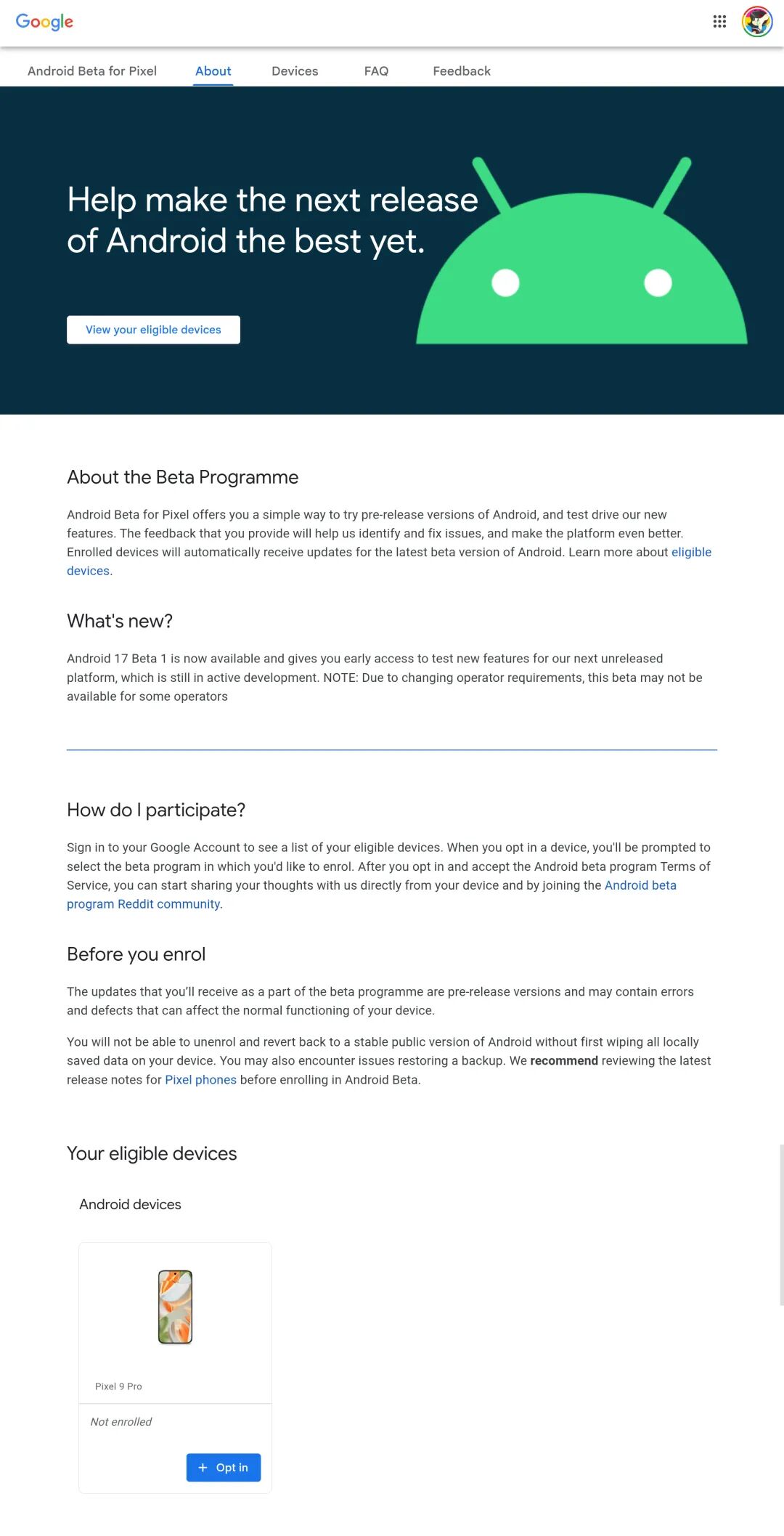
However, the update received this way is the "relatively stable" Android Beta QPR version. If your requirements aren't too high, you can use it as your primary phone.
If you want to experience the version "closest to the launch" right away, you need to perform an over - the - air (OTA) update via the browser on the Android Canary website:
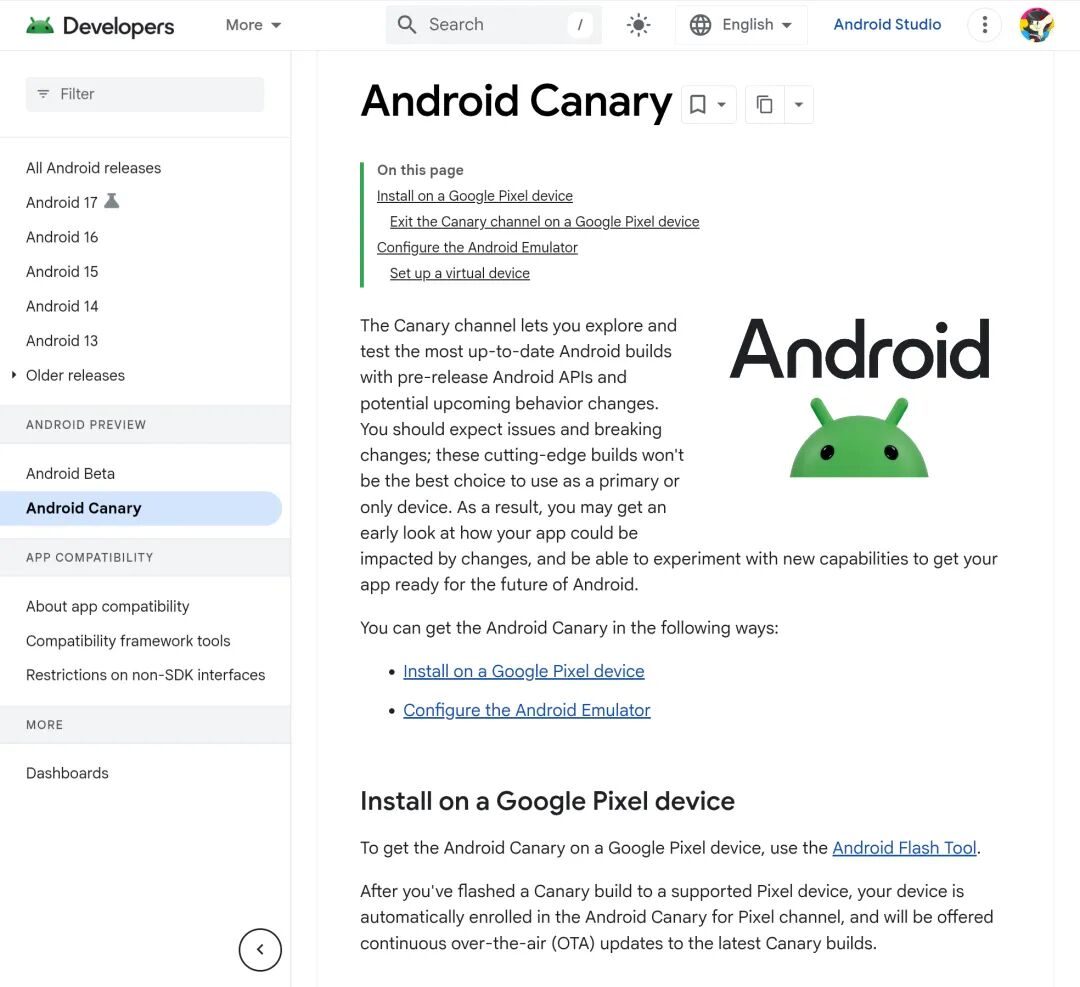
Fortunately, both the "relatively stable" QPR Beta 3 and the "less stable" Canary version have already rolled out some new UI and features of Android 17.
Our subsequent experience will be based on the latest Canary version (ZP11.260417.009).
New Design: Finally, It Doesn't Look Like Glass
Not surprisingly, the first impression of using the Android 17 Canary version is: Why does Google keep changing the design style again?
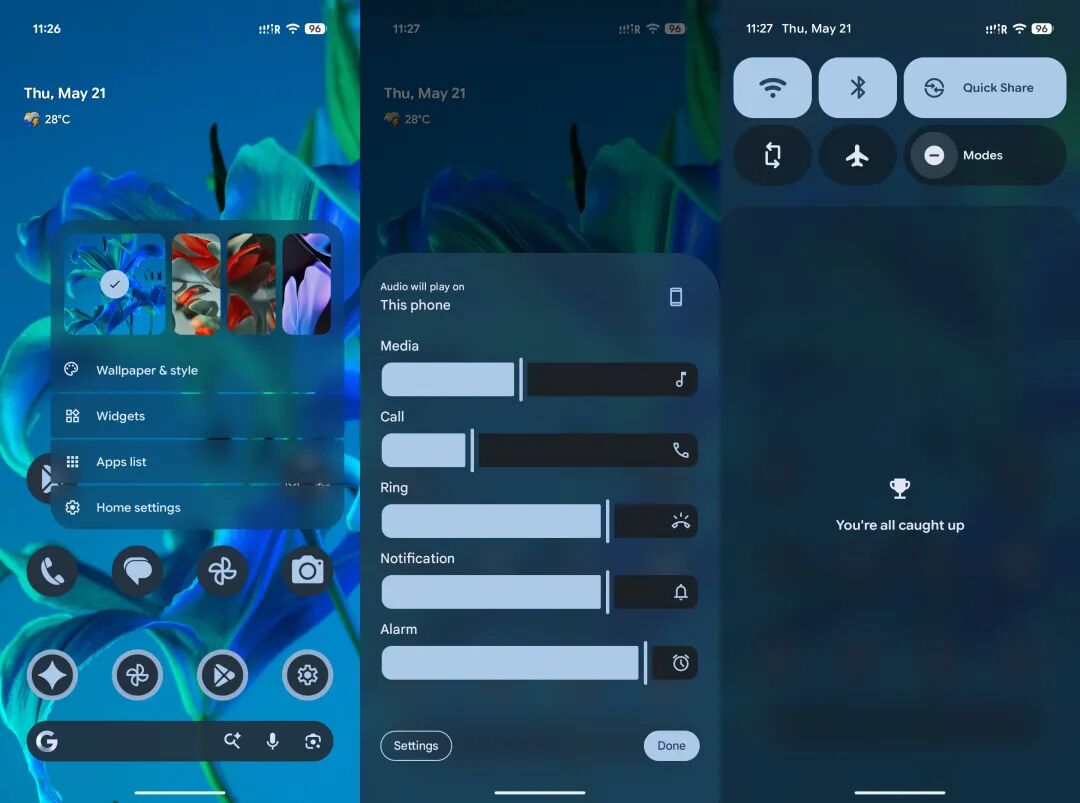
Readers interested in UI design may remember:
At last year's Google I/O, Google introduced a new design language called Material 3 Expressive (M3E).
Similar to the earlier Material You, M3E is known for its high - contrast colors, a large number of graphical controls, and a completely flat design that's "not very Material" at all:
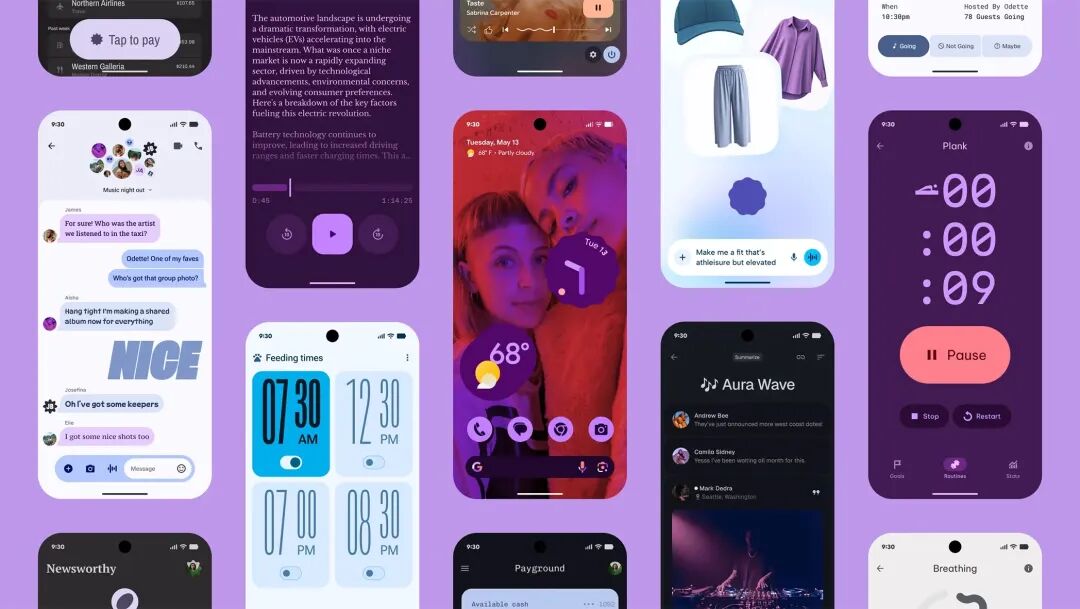
Image | Google Blog
As a result, in the updates over the past year or so, most of the M3E style hasn't been implemented. Only details like the new sidebar and floating action button (FAB) have been rolled out.
In Android 17, even though the industry trend is leaning towards the "liquid glass" style led by Apple, Google still thinks:
Glass is still too "material." Who says Material Design has to have a material feel?
That's why, at the Android Show, we saw Google's "new - generation" design style —
Neural Expressive, composed of blur, wave, particle effects, and Gaussian blur:
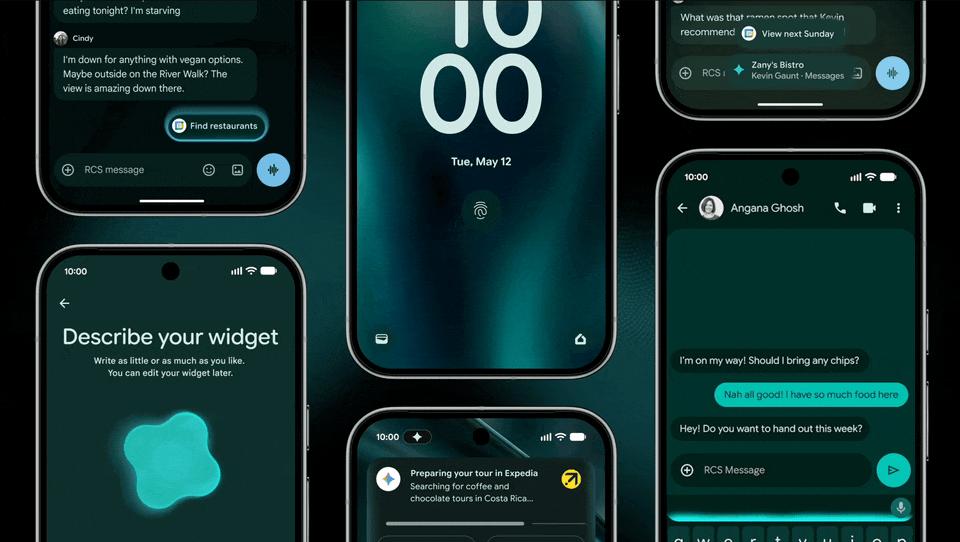
Image | Google
It's a pity that the Neural Expressive design doesn't currently include those dazzling defocus, fade - in, and inner - glow effects.
As in previous years, these features will gradually be rolled out via OTA updates.
Therefore, in the current Canary system, apart from more prominent Gaussian blur, the main stage for Neural Expressive is inside the Gemini app.
On the night of the I/O event, the Gemini app launched particle effects and a brand - new font. You can experience these by simply updating the app:
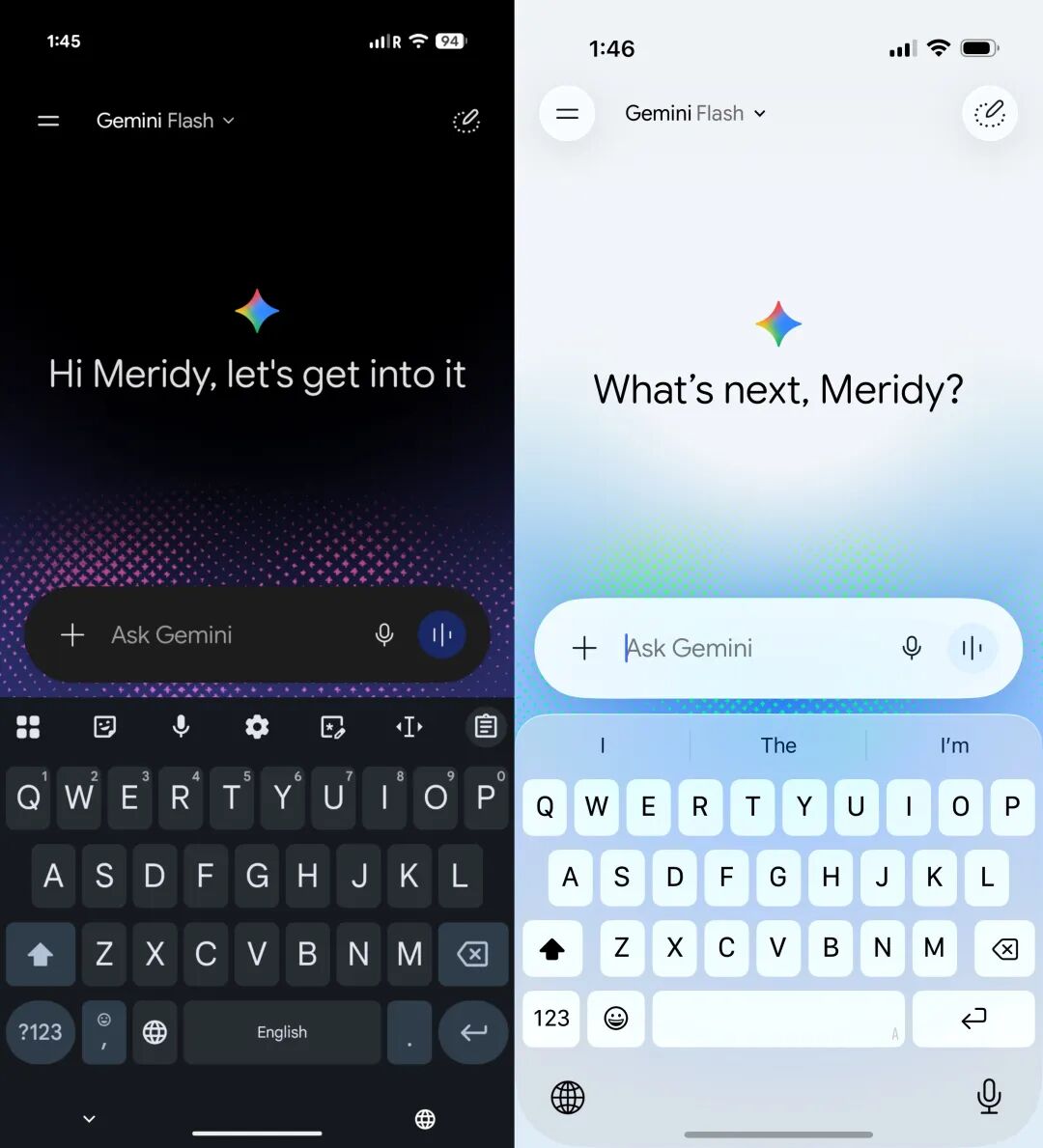
Android (left) and iOS (right)
It has to be said that after seeing domestic systems "copy" the liquid glass style, Google's design that abandons material simulation and uses only lighting and blur to create hierarchy is quite refreshing.
The biggest challenge for Neural Expressive at present is not to end up like M3E.
As long as it can be launched in the official version of Android 17, in my opinion, it will be a better visual solution than the liquid glass style.
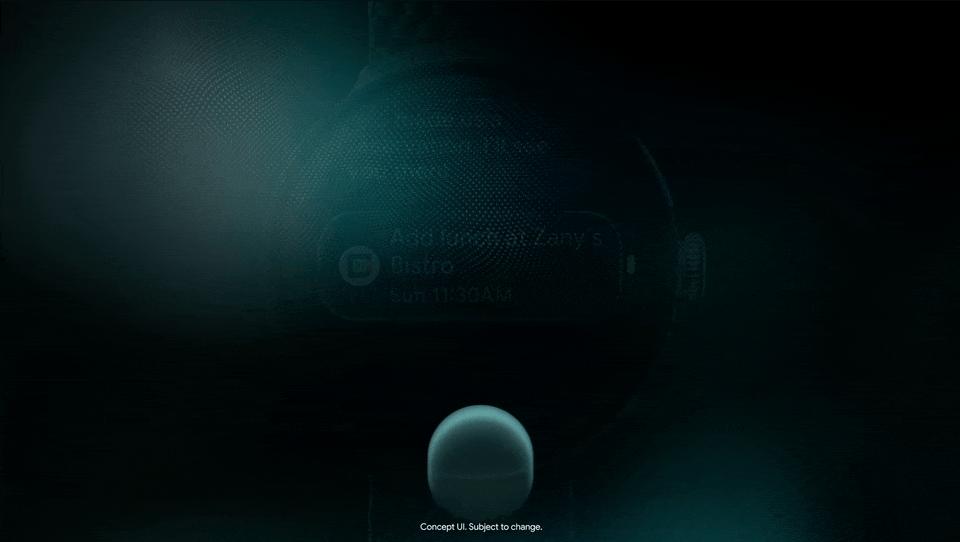
Image | Google
New Model: Immeasurable Potential
Of course, participating in Android version testing is a very niche hobby, not only in China but also abroad.
Fortunately, you don't have to use Android 17 to enjoy the latest version of the model.
The Gemini 3.5 Flash has been globally launched through the Gemini app and other Google apps with embedded AI. You can use it directly:
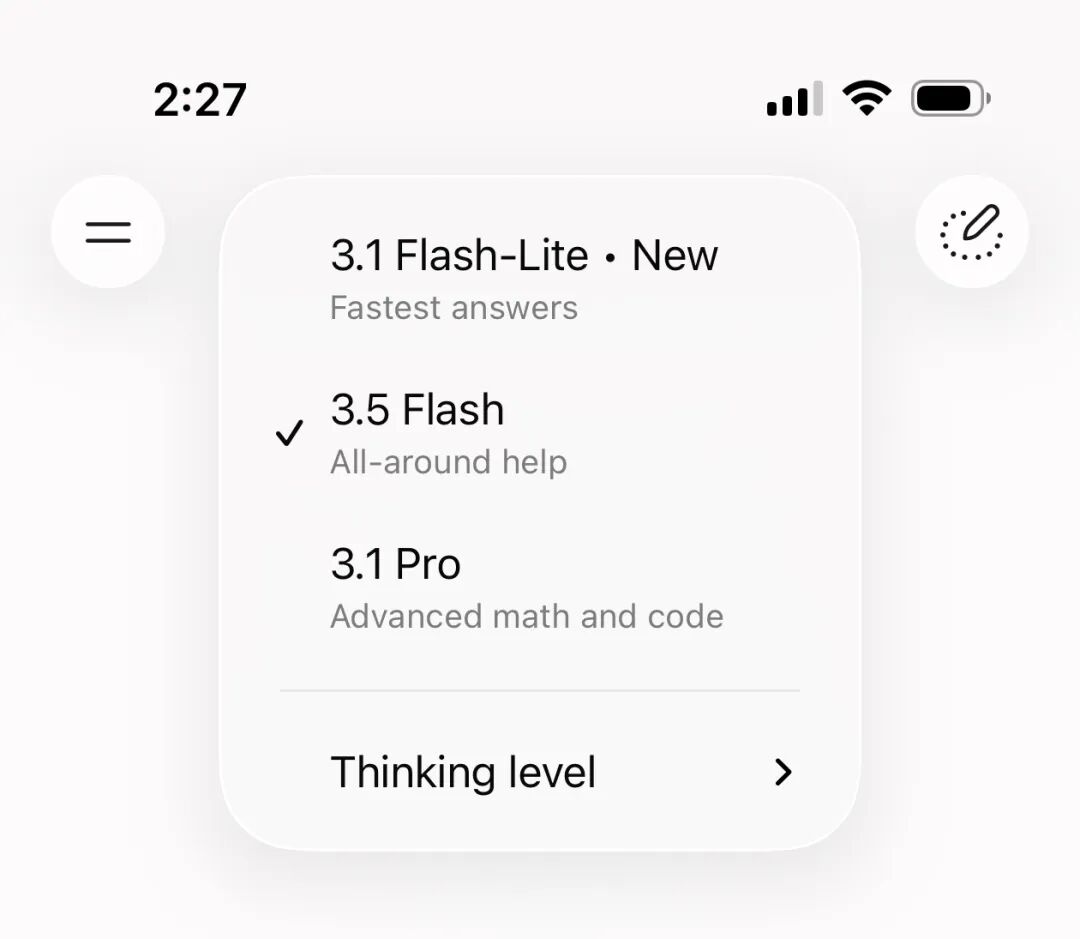
Besides the interface redesign and new font, the first impression of Gemini 3.5 Flash is "speed."
For example, when answering the open - ended question "Why did the Soviet Union collapse in 1991?" in the standard thinking mode, 3.5 Flash takes less than 10 seconds from thinking to displaying the first character of the answer:
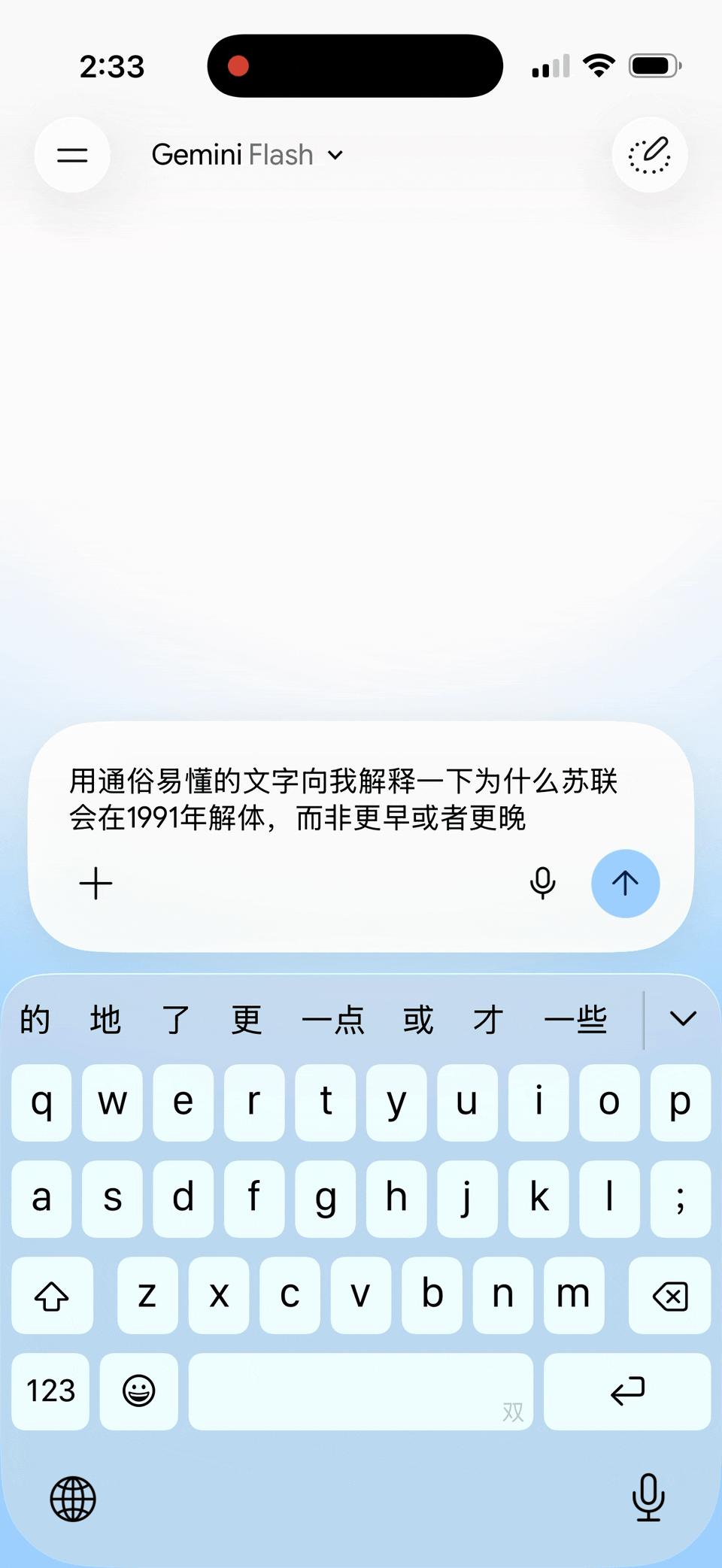
On the other hand, Gemini 3.1 Pro takes nearly 22 seconds from the start of thinking to displaying the first character of the answer — and there's no significant difference in the answer quality compared to 3.5 Flash.
This upgrade model, which significantly speeds up while maintaining quality, is undoubtedly beneficial for the usage scenarios planned for Gemini 3.5.
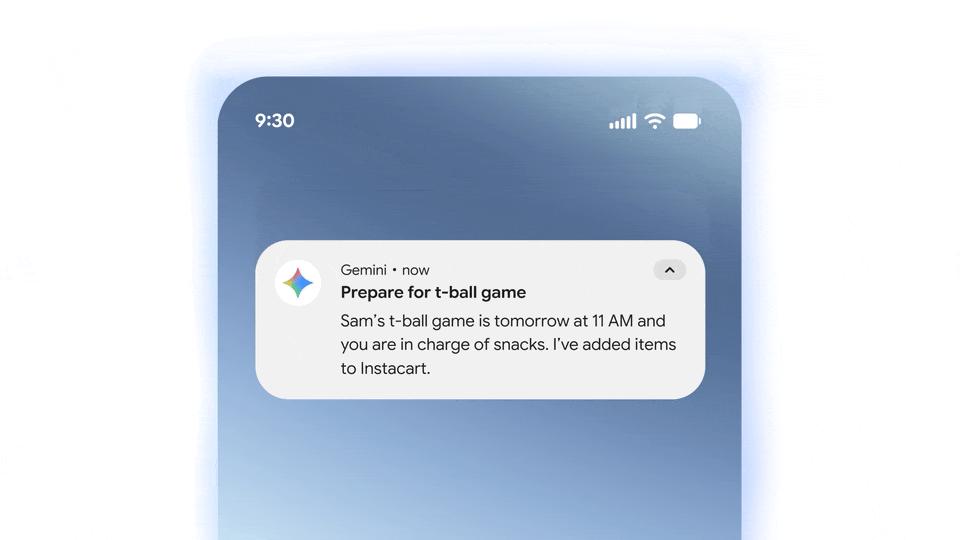
Image | Google Blog
After all, whether it's the "Google Claw" for automatic task execution or using Antigravity for video coding, the speed of the language model can easily become a time bottleneck.
Unfortunately, the functions of Gemini Spark and Antigravity 2.0 (such as generative widgets and the new AI search) haven't been launched yet and will be available this summer.
The AI features and usage scenarios we can experience in Android 17 are almost the same as those in Android 16 and iOS 26.
So, what can we experience now? Video generation with the latest Omni features —

The All - Ecosystem Gemini Is the Most Anticipated
Actually, judging from the updated Android 17 version after Google I/O, the features we can experience are very fragmented, and there's nothing truly "unique."
The current beta version of the system still has a long way to go before achieving the "all - ecosystem Gemini integration" that Google has promised.
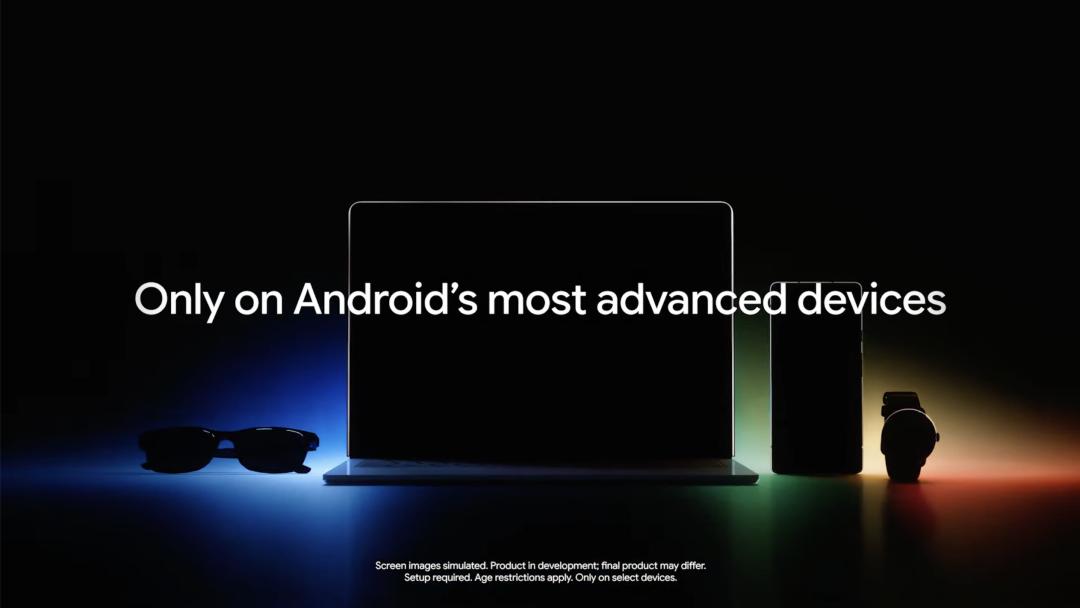
Image | Google
However, what really makes Gemini stand out and set it apart from ChatGPT and Claude is Google's software - hardware ecosystem —
Google doesn't need to design brand - new AI hardware from scratch like OpenAI. It has already connected to the computers and phones of nearly 5 billion people worldwide.
With proper operation, Gemini could become a global product as "too big to fail" as Chrome, transforming from a participant in the AI competition to the "venue provider."
Image | ProAndroidDev
Google is actually doing just that: adding Gemini to every indispensable aspect of life — mobile systems, computer browsers, smart home devices, and online services. Naturally, users will start using it.
Once Gemini is deployed everywhere, Google only needs a simple interconnection mechanism to integrate the AI capabilities of the entire ecosystem, bringing mobile phones, computers, browsers, and apps under its wing.
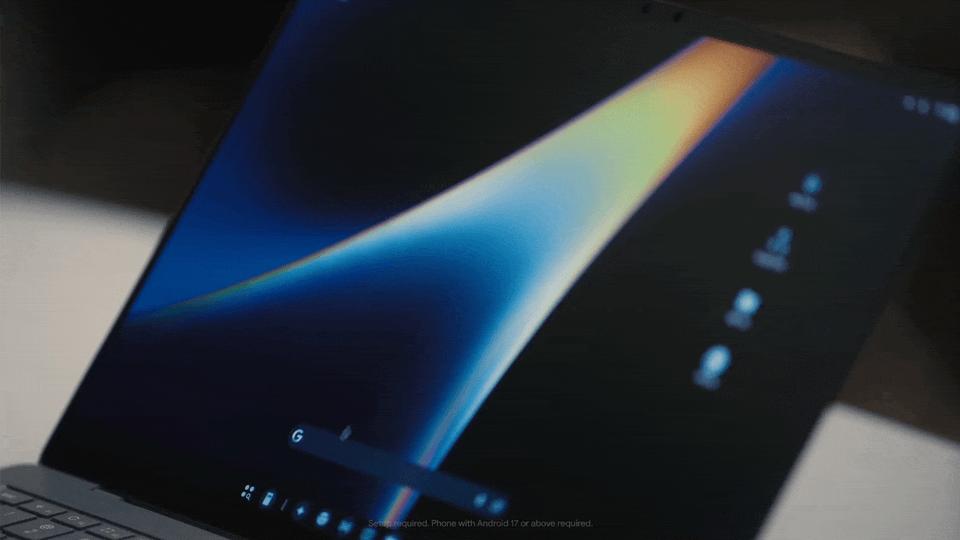
Image | Google
By then, even if Claude can write great code, in the end, won't it still have to be displayed on Android or Chromium?
Moreover, in the latest Google AI Studio, Google has established the entire process from "web - based coding" to "importing APKs to mobile phones":
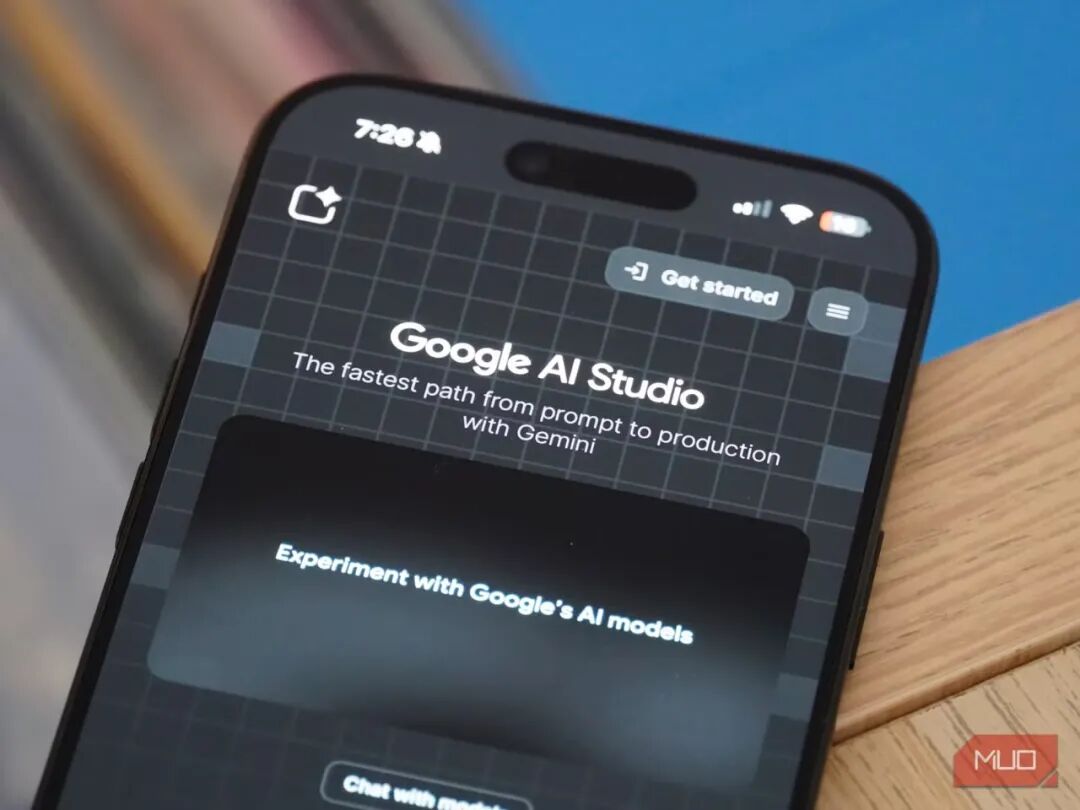
Image | MakeUseOf
This means that under ideal future conditions, every personalized need can be solved through Gemini: whether it's getting a text answer, writing a small app, or creating a widget.
That's why Gemini's potential seems so great —
It doesn't require a certain technical level to use like OpenClaw, nor does it rely on others' software platforms to expand