Google raids Apple, Android transforms into a "Doubao phone", launches the Gemini computer for the first time, and packs AI into the cursor
According to Zhidx on May 13th, early this morning, Google rolled out a series of Android updates at the Android Show conference. It officially unveiled the first Googlebook laptop specifically designed for Gemini. Meanwhile, it integrated AI into the Android system and launched Android Gemini Intelligence. Google also joined hands with Apple to add end-to-end encrypted RCS to ensure chat security.
Sameer Samat, the president of Google's Android ecosystem, said that this is the biggest update in Android's history. He also mentioned in a blog post that Google aims to transform Android, the world's most popular operating system, into an intelligent system based on Gemini. He also previewed that Google will showcase Google Smart Glasses at next week's Google I/O conference, and the new product is expected to be released later this year.
Among them, Googlebook is Google's first laptop designed from scratch for Gemini Intelligence. It will be equipped with Magic Pointer, allowing users to point the mouse at a certain content and state a simple requirement, and the AI can understand the context and execute tasks. It also offers cross-Android device experience, enabling users to order takeout using mobile apps on their computers.
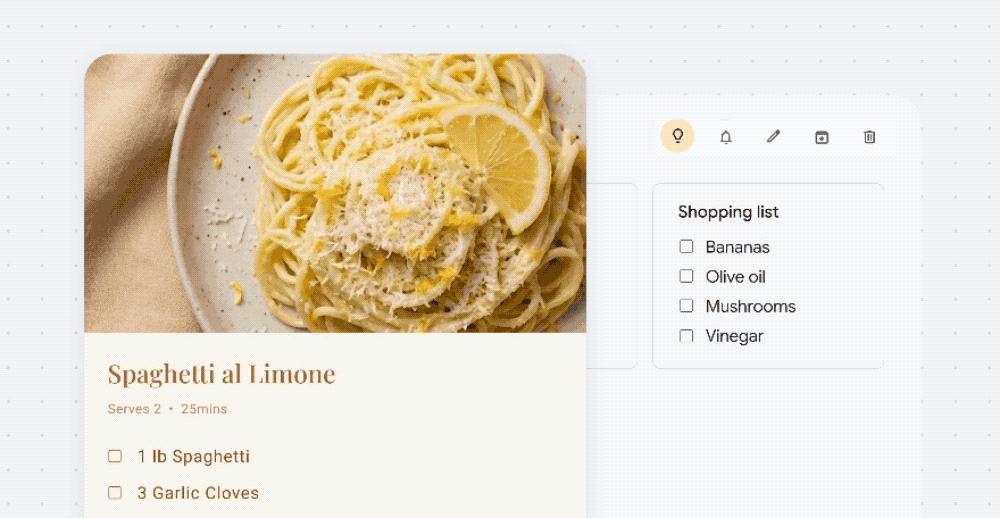
Currently, Google is collaborating with Acer, Asus, Dell, HP, Lenovo, etc. to build the first batch of Googlebooks. More relevant content will be released later.
Another major update is that Google has fully integrated AI into the Android system and directly launched Android Gemini Intelligence. It was previously rumored that Apple's Apple Intelligence, which will be powered by Claude and Gemini, will debut next month. A head-to-head confrontation between the two tech giants in the mobile AI field is imminent.
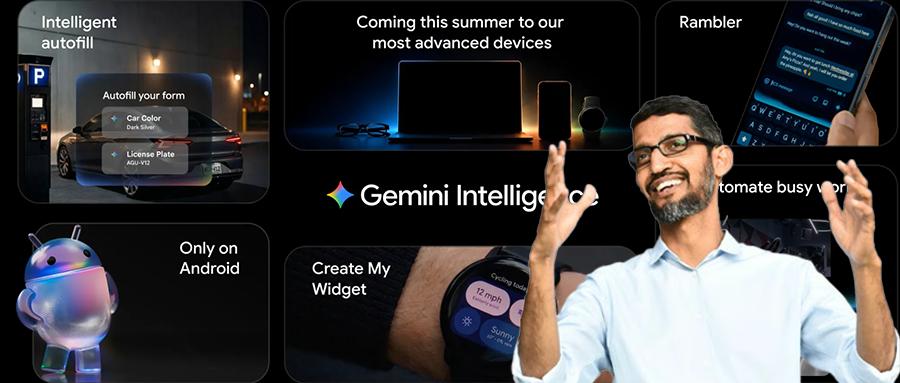
The core highlights of Gemini Intelligence include automatically executing multi-step tasks across apps, integrating a Gemini plugin in the Chrome browser to help users answer questions and generate images in real-time. It can also use Rambler to directly convert users' oral ideas into written text, allowing users to create custom desktop widgets.
However, the new features of Gemini Intelligence are not immediately available. The features of Gemini Intelligence will be rolled out in batches. First, it will be applied to the latest Samsung Galaxy and Google Pixel phones this summer, and later this year, it will be available on all Android devices, including watches, cars, glasses, and laptops. The Gemini features in the Chrome browser will be gradually launched on some devices.
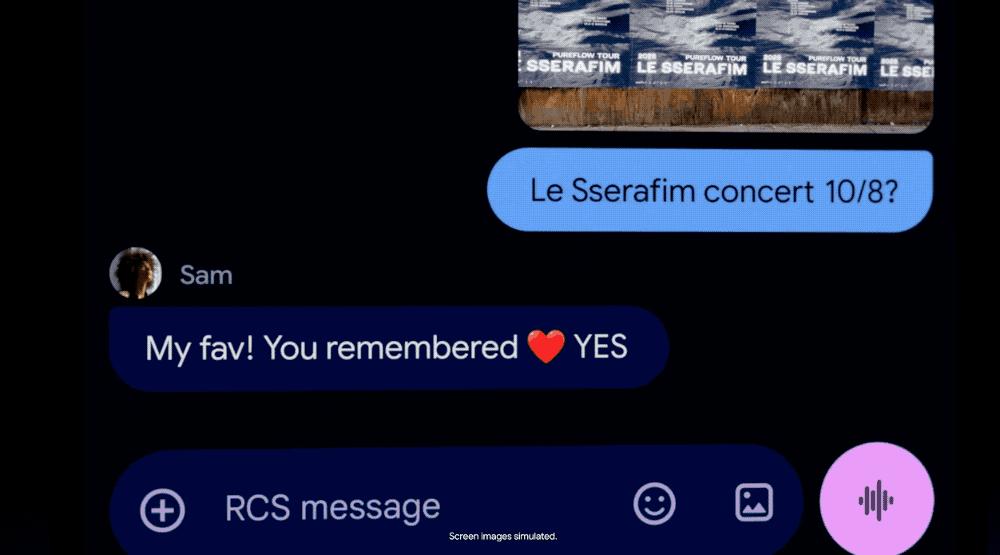
In addition, Google and Apple have jointly introduced end-to-end encryption to Rich Communication Services (RCS). When RCS messages are end-to-end encrypted, the messages cannot be read by third parties during transmission between devices. Starting today, iPhone users with iOS 26.5 and carrier support, as well as Android users using the latest version of Google Messages, can experience the beta version of the end-to-end encrypted RCS messaging function.
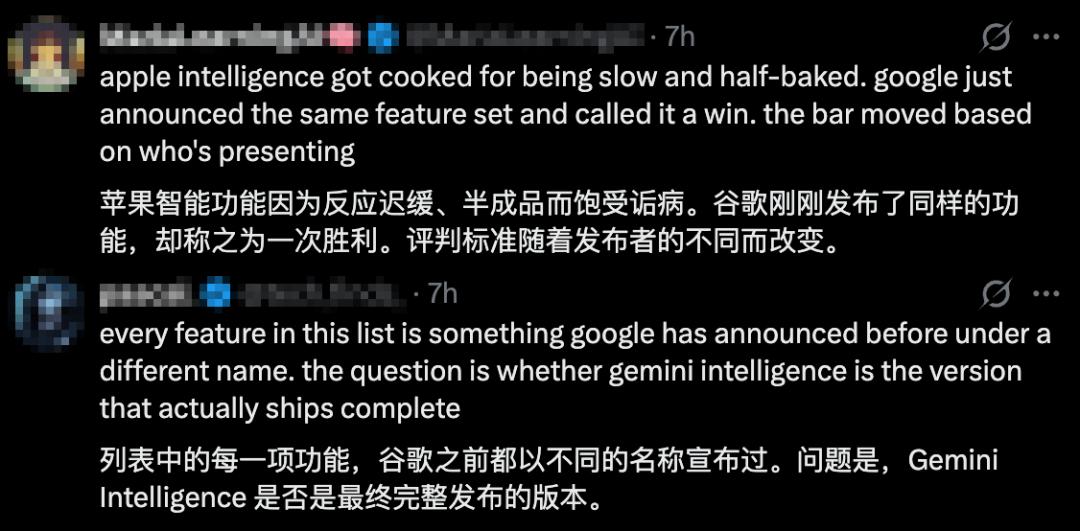
However, in Google's comment section, users' feedback is mixed. Some netizens think that this Android system update is "what Apple has been dreaming of for Siri."

Some netizens also mentioned that this Google update is similar to Apple's previous "half-baked quality," or they think that each function of this Google update is old, and they question the final form of Gemini Intelligence.
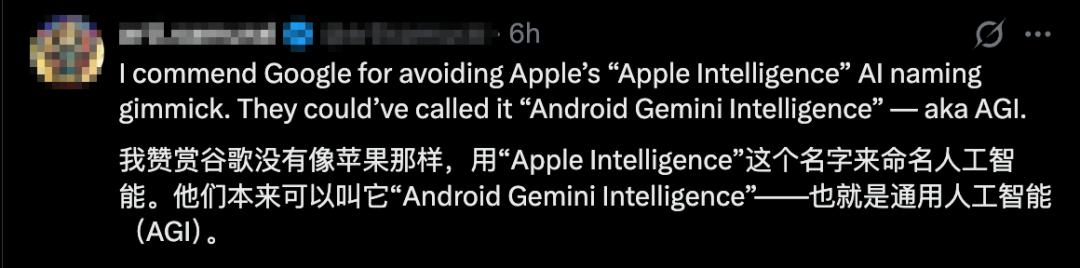
Another netizen joked that if Google changes the name to "Android Gemini Intelligence," it will directly become AGI.
01. Android Gemini Intelligence is here, capable of automatic cross-app tasks
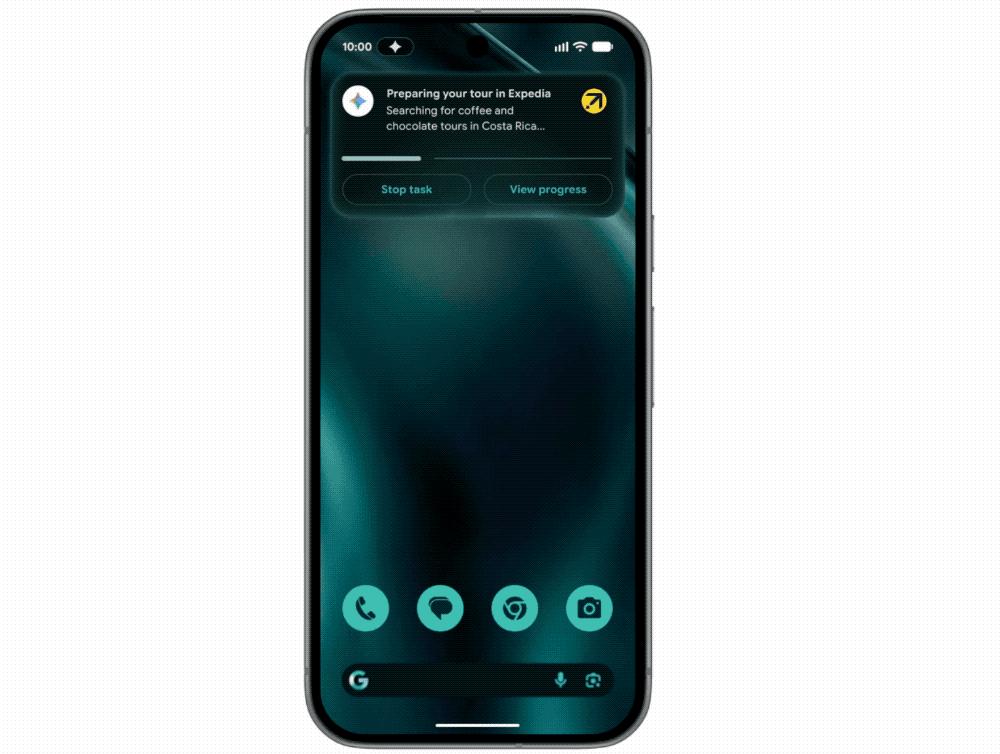
The core functions of Android Gemini Intelligence include automatically executing multi-step tasks in apps, integrating a Gemini plugin in the Chrome browser, helping users fill out forms with one click, converting users' oral ideas into fluent text, and customizing widgets.
Gemini Intelligence can help users automatically handle various tasks, such as grabbing the front-row seats for a spinning class, finding the course syllabus in Gmail, and adding required books to the shopping cart.
If combined with the context of the screen or image, the application automation ability of Gemini Intelligence becomes even more powerful. Users don't need to manually switch apps or copy and paste data. Gemini can directly convert visual scene information into immediate operations. For example, when a user has a long shopping list in the memo, they only need to long-press the power button while pointing at the list, and Gemini will automatically add all the items to the shopping cart and place an order.
Gemini only executes users' instructions and will stop immediately after the task is completed, waiting for users' final confirmation.
For the Gemini plugin in the Chrome browser, in late June, Google will provide automatic browsing function. Gemini can understand the page users are browsing and help users search, summarize, and compare information.
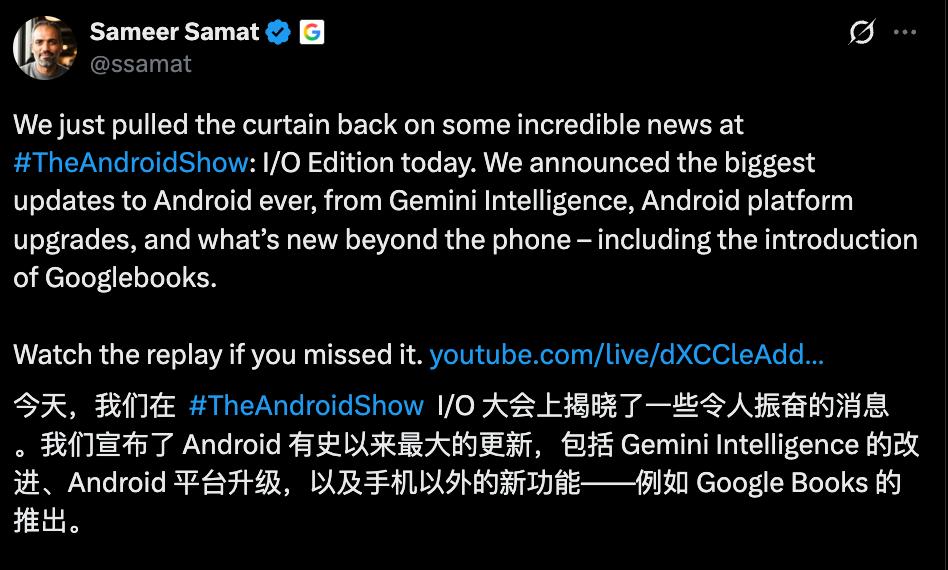
When users click the Gemini icon in the upper right corner of the toolbar, Gemini will open at the bottom of the screen, helping users answer questions about the current web page, summarize long articles, or obtain detailed explanations of complex topics. It can also connect with other Google applications, such as helping users add events to the calendar or add ingredients from a recipe to Keep.
The Gemini plugin also integrates Nano Banana, allowing users to create or modify images instantly in the Chrome browser.
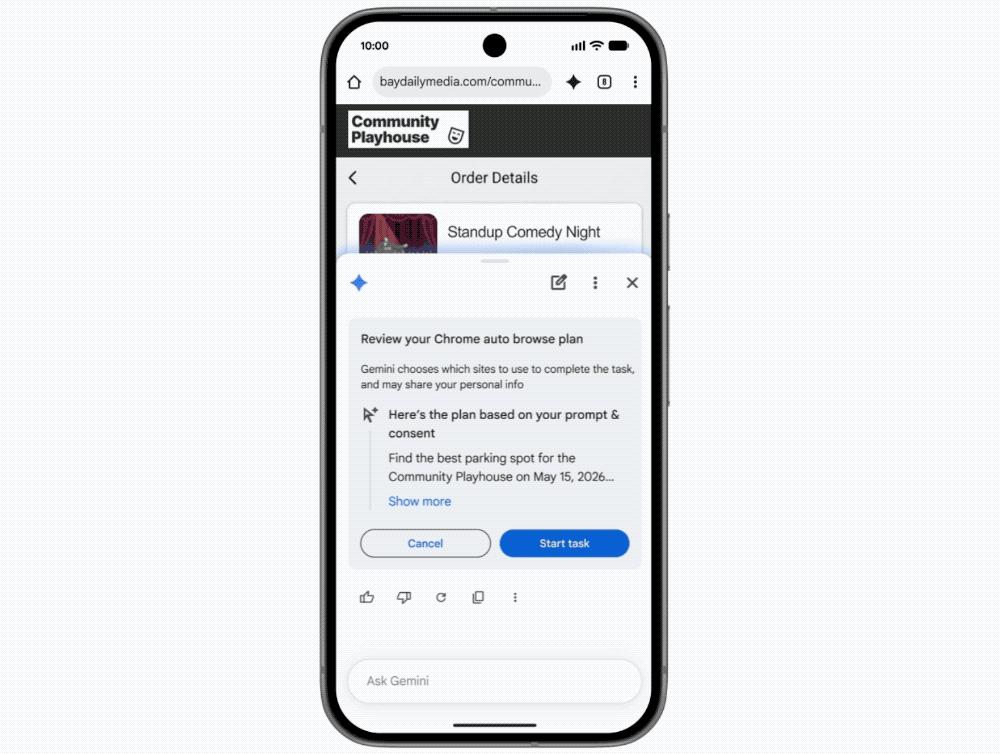
In terms of filling out forms with one click, Google's autofill function, with the support of Gemini, can help users' Android devices automatically fill in more text boxes. Users can choose whether and when to connect the autofill function to Gemini.
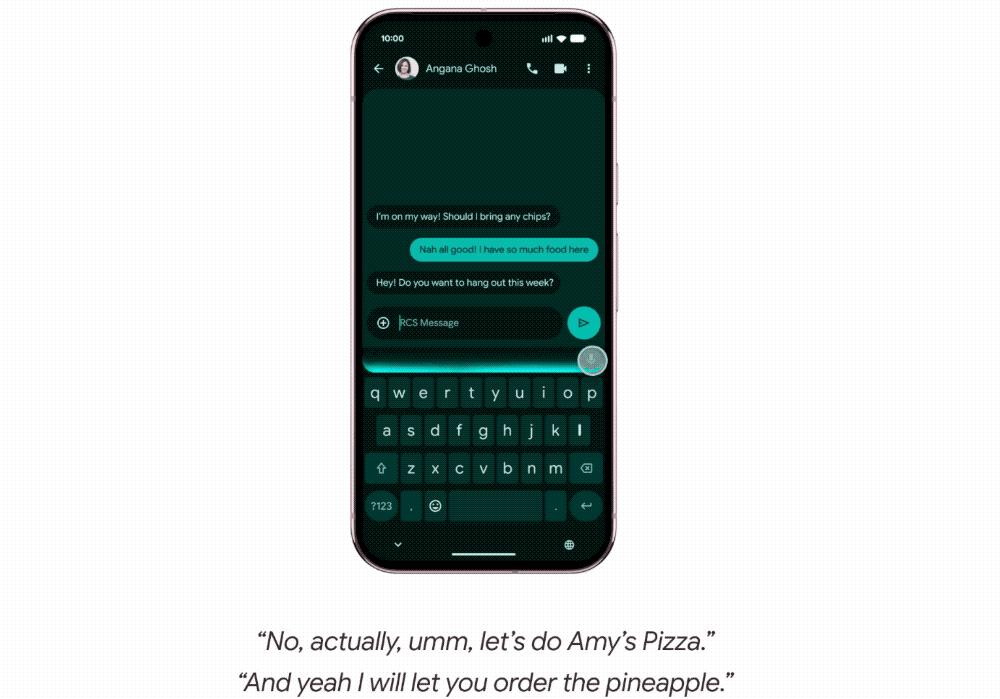
Another new tool in Gemini Intelligence is Rambler, which can convert users' oral ideas into fluent text.
Rambler can extract key information from users' colloquial expressions and give active prompts when users enable the voice-to-text function. With the help of Gemini's multilingual model, this tool can seamlessly switch languages in a single message. When users mix multiple languages, Rambler can also understand the context.
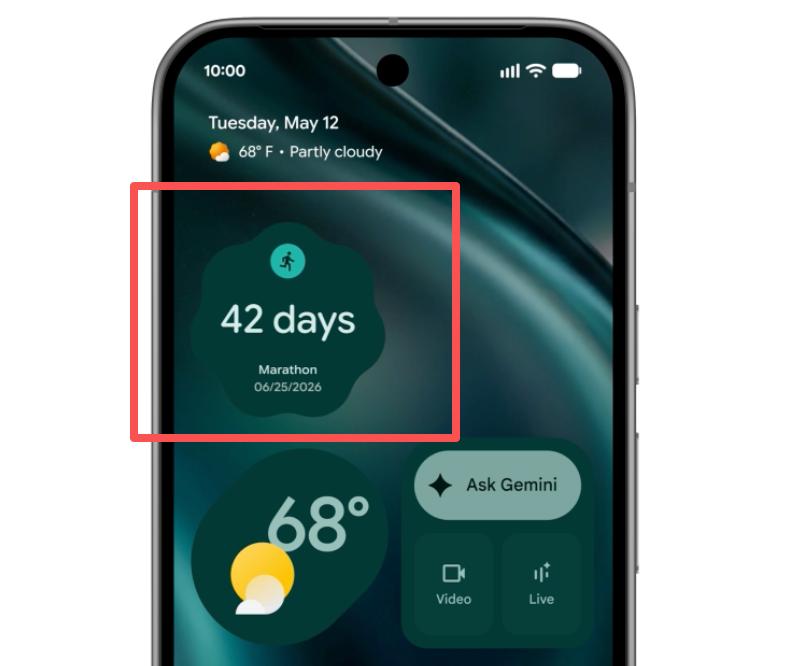
In terms of generative UI, Gemini Intelligence allows users to customize desktop widgets.
Users only need to describe their requirements in natural language to create fully customized desktop widgets from scratch. For example, if a user has a habit of meal preparation, they only need to say to the "Create My Widget" tool: "Recommend three high-protein meal preparation recipes every week." The system will automatically generate a dedicated control panel, and users can directly add it to the home screen and adjust its size.
02. The first Gemini laptop, where AI works with a mouse point
Google launched Googlebook, the first laptop specifically designed for Gemini. One of its core functions is the Magic Pointer.
A common pain point for users when using AI tools is that AI tools run in independent windows, and users have to drag their work content into them. Google's vision is to create a seamless and natural AI that integrates into all the tools users use daily without interrupting their work ideas and operation processes.
For example, when a user points at a picture of a building and directly says "Plan a route for me to get here," the AI can automatically understand the current scene and context and execute the task. For instance, when a user moves the mouse over a desktop picture, Gemini will automatically upload the picture and then provide possible operation options for the user. After the user selects an option, the AI will automatically call relevant capabilities to generate a merged picture.
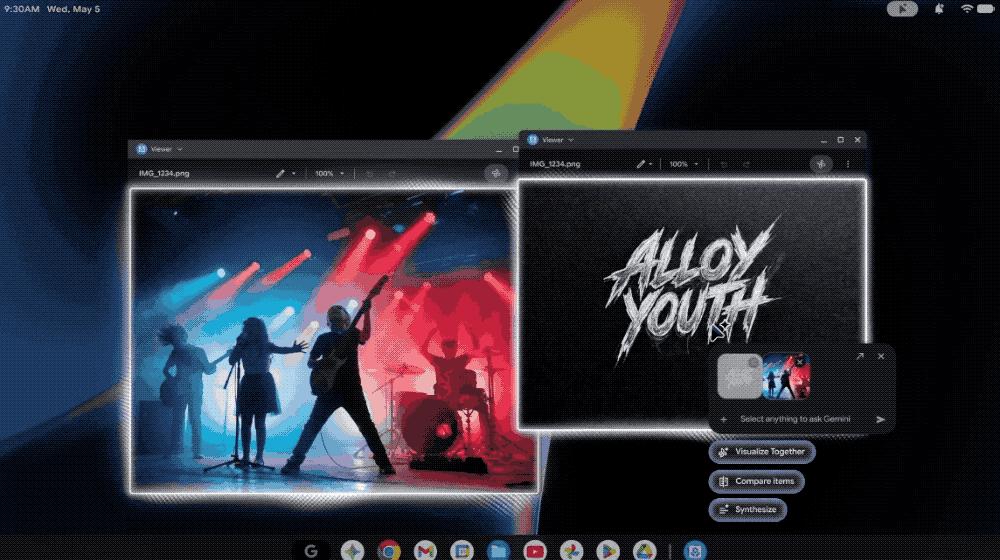
Google will soon launch the Magic Pointer function in Googlebook, allowing users to easily access Gemini.
Googlebook is optimized for the Android ecosystem, and users can experience AI functions smoothly across multiple Android devices.
For example, when a user is concentrating on work on a laptop and suddenly feels hungry, they only need to open a mobile app on the computer, quickly place an order for takeout, and then return to work. Or, when a user receives a daily language learning reminder from Duolingo on their phone, they can directly complete the course on the computer without leaving the current computer screen.
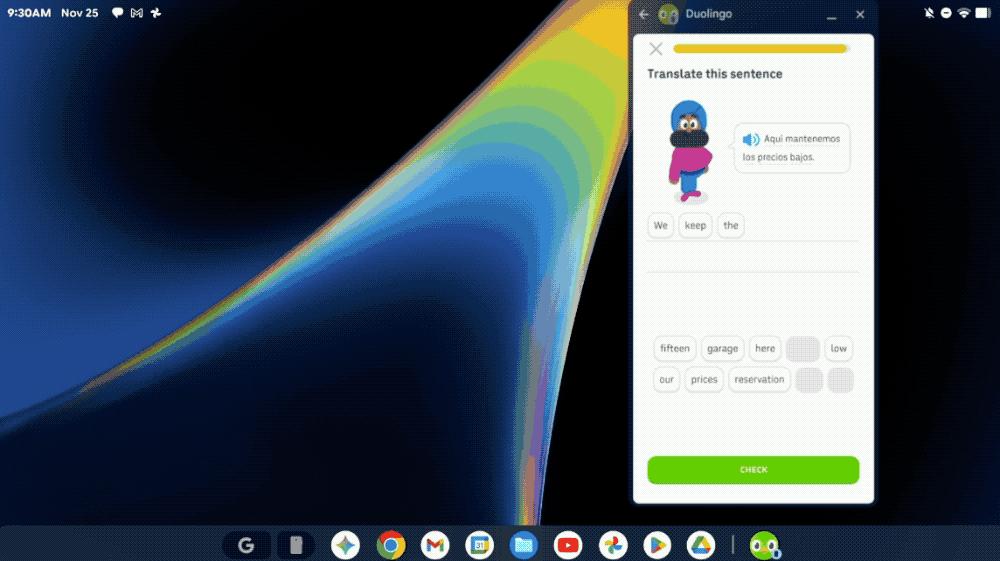
Currently, Google is collaborating with Acer, Asus, Dell, HP, Lenovo, etc. to build the first batch of Googlebooks.
03. The smart mouse is still in the experimental stage, and Google has set four principles
The smart mouse powered by Gemini launched by Google is still in the experimental demonstration stage. They have set four principles for the AI mouse pointer:
The first is Maintain the flow, enabling the AI pointer prototype to be used anywhere in the user's work. For example, users can hover the mouse over a PDF file and request to generate a summary and directly paste it into an email; hover the mouse over a statistical table and request to generate a pie chart; or select a recipe and ask to double the amount of all ingredients.
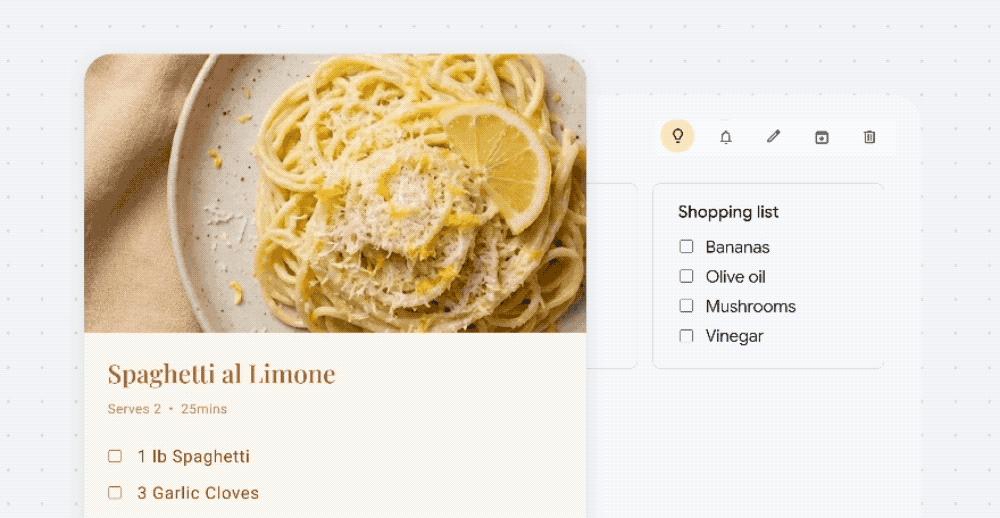
The second is Show and tell. The AI pointer can simplify the process of users writing complex prompts. It can capture the visual and semantic context around the pointer in real-time, allowing the computer to actively "see" and understand the key points that users are concerned about. In Google's experimental system, users only need to point at the target, and the AI can identify the words, paragraphs, partial pictures, or code snippets that users need assistance with.

The third is Embrace the power of "This" and "That". In daily communication, people often say "Change this" or "Move that here." They can rely on body gestures and the shared background of the scene to supplement the omitted information in the words. If the AI system can understand the scene context, the combination of pointing actions, and voice instructions, users can put forward complex requirements in a natural and concise way.

The last is Turn pixels into actionable entities, that is, with the help of AI, the AI can understand what content the user is pointing at. This is to convert screen pixels into structured entities such as locations, dates, and items, and users can directly