Google released the Android AI system. This is what Apple imagines itself to be.
As in last year, before the official Google I/O Developer Conference, Google held a small separate press conference for Android.
At this Android Show, Google almost revealed all its "grand plans" for Android and the entire AI product ecosystem in the coming year.
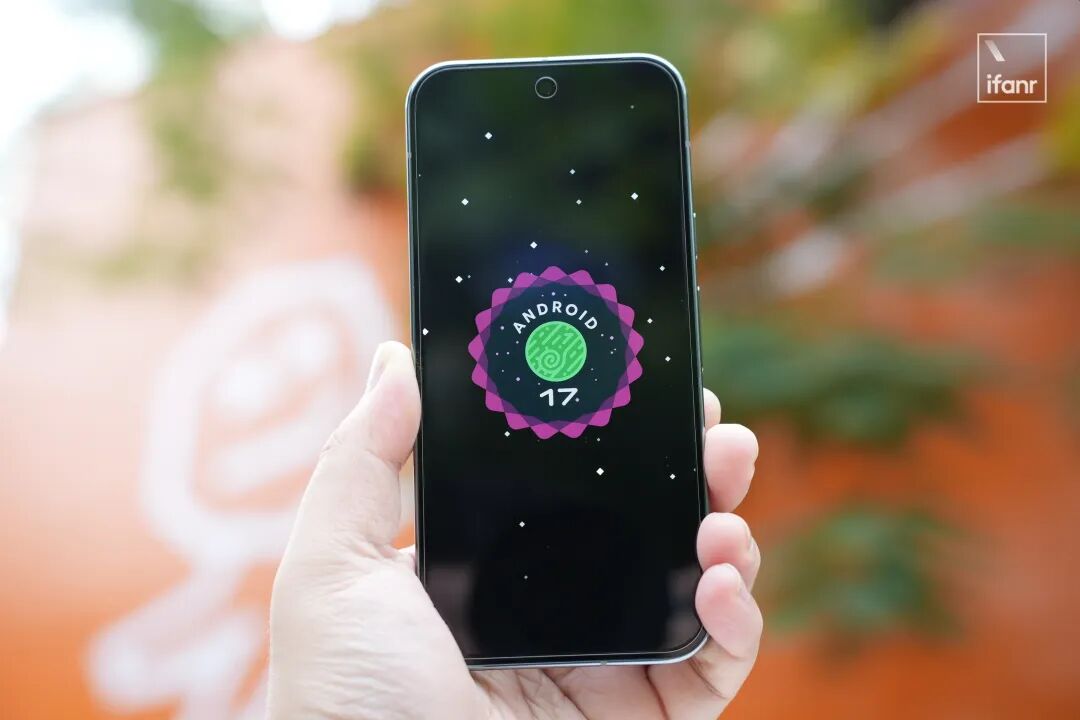
In addition to Android 17 as the foundation, we also witnessed some unexpected platform updates and the release of several hardware products this time.
The key point is: Although there aren't many products and it will still take some time before Android 17 is widely pushed, we can already see Google's plans for the artificial intelligence ecosystem in the next five or even ten years.
What's even more crucial is that Google tonight is exactly what Apple dreams of becoming after entering the AI era.
Related reading: Next month's Apple WWDC, what if iCloud becomes iClaw...?
From Operating System to Intelligence System
Right at the beginning of the event, Google announced a significant initiative:
Android will no longer be just a simple operating system (Operating System), but an intelligence system (Intelligence System).
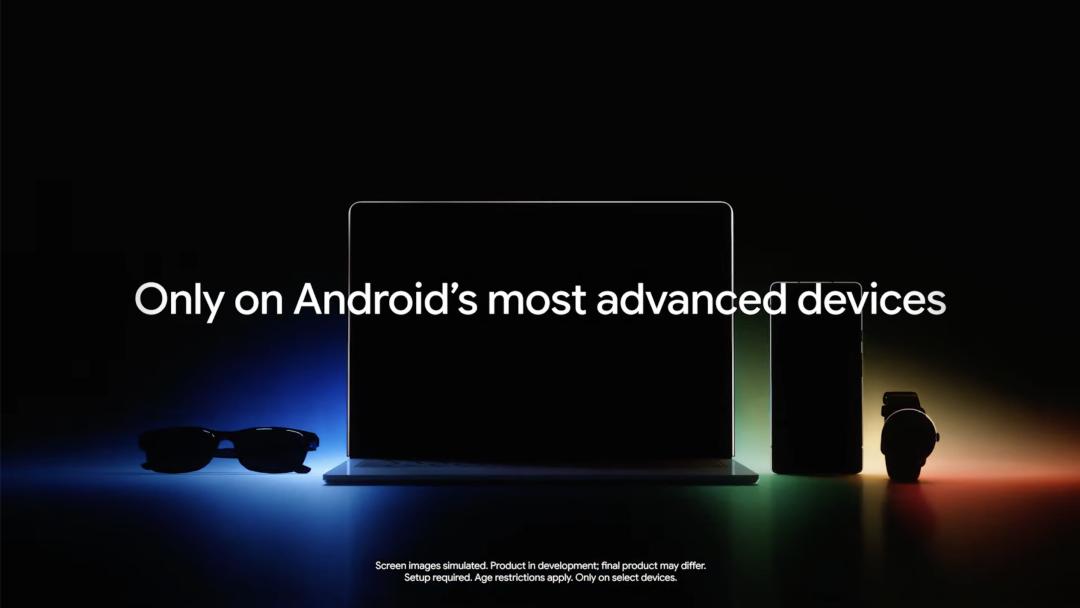
Image | Google
In other words, the way of using software and hardware that was once dominated by "manual user operations" is, in Google's view, a symbol of the previous era.
From today on, as a cluster of intelligent functions, Android will more actively intervene at the forefront of the user operation process, anticipating your needs and actions.

Image | Google
This is why at this event, the specific system version Android 17 appeared only a few times, while Gemini Intelligence became the synonym for the system.
First of all, as the latest form of Google's Gemini on mobile hardware, Gemini Intelligence greatly enhances its multi-modal, cross-environment, and highly integrated operating mode.
For example, as the first entry point for system input, the default keyboard Gboard has received a functional enhancement.
Based on the multi-modal capabilities of Gemini Intelligence, the "autofill" function, which previously had a low profile in the keyboard functions, has greatly expanded its information sources:
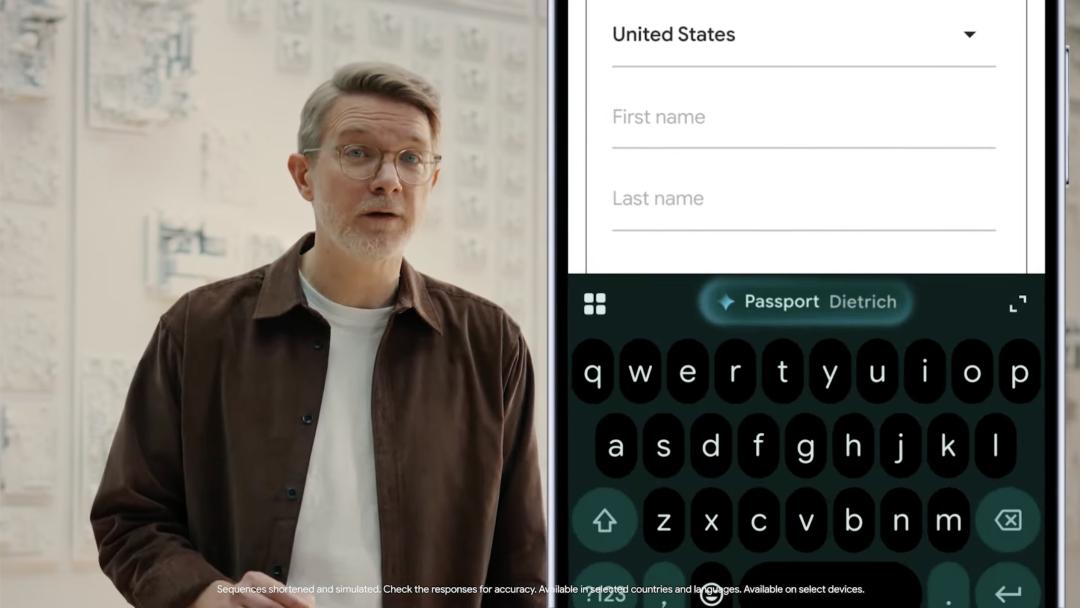
Image | Google
In addition to various manually saved passwords, Gboard will also support autofilling license information from the photo gallery, address information mentioned in chats, schedule information written in emails, and so on.
More straightforwardly: Gemini Intelligence has far exceeded the level of "helping to remember passwords" and truly acts like an assistant to help you remember and suggest information from various sources and of various types.
Another effective way to utilize this multi-modal information is through Android's desktop widgets.
In Android 17, Gemini Intelligence will support a function called "Create my widget", but it won't be launched immediately, with the target being later this year.
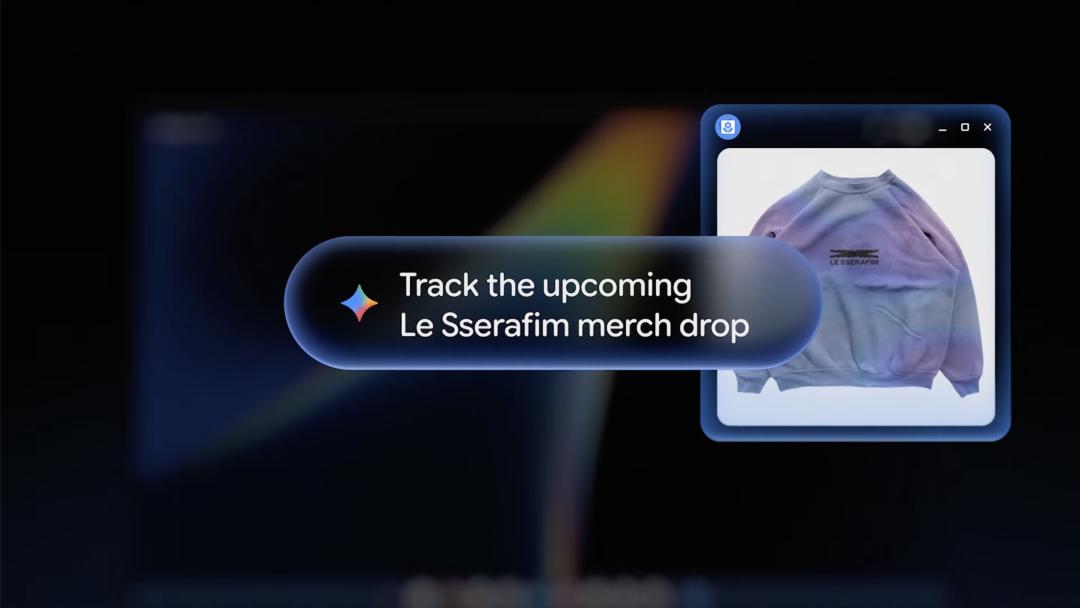
Image | Google
What this new function mainly does is to create new widgets on the desktop according to your instructions in a mode similar to vide coding, breaking the limitation that widgets can only be those pre - installed by apps.
For example, compared to a single - function app for recording calories, I can tell Gemini: Create a widget that recommends high - protein meals to me twice a week on weekdays.
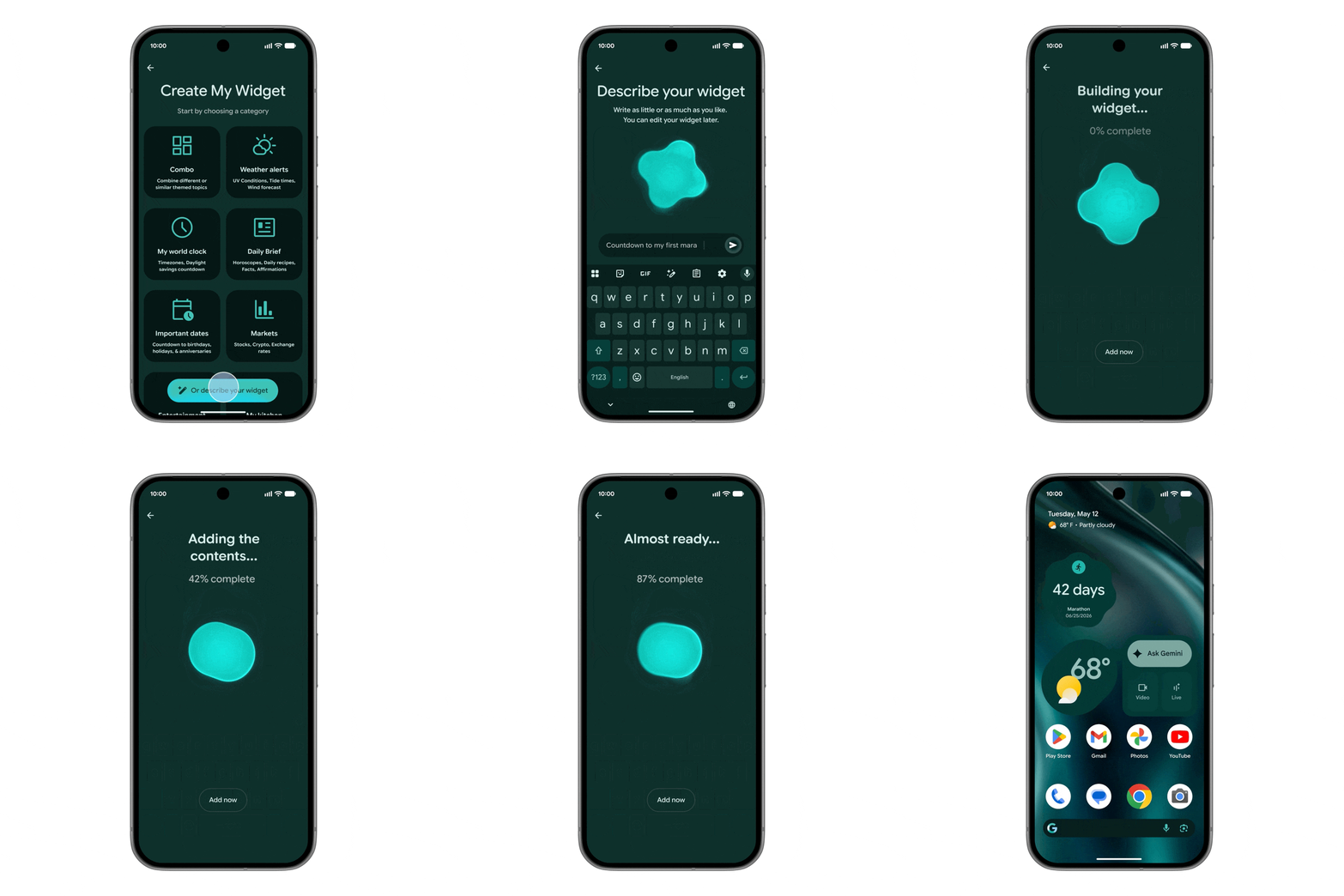
Image | Google
In this way, desktop widgets have truly become an entry point for complex tasks, which is essentially the same as vibe coding an app.
Moreover, users who like voice input are in for a treat — The new version of Gboard will support a highly intelligent voice input function similar to Typeless, called Rambler.
Compared to having to say "comma... period..." before, Rambler can translate, clean up, and organize a whole paragraph of dictated text full of "umms" and "ahs" into a neat piece of writing:

Image | Google
On the other hand, the automatic execution function of Gemini Intelligence has also been further strengthened.
At last year's Google I/O and press conferences, Google demonstrated giving commands to Gemini to automatically order takeaways, call taxis, book tickets, etc., and it received a good response after its official launch.
In Android 17, Gemini has been upgraded to Gemini Intelligence, and this "proxy operation" also supports multi - step tasks.
For example, previously it only supported a simple "Book me a ticket". Now you can directly take a photo of a travel brochure in the Gemini dialog box and tell Gemini "Find me a similar two - person group tour on Ctrip":

Image | Google
The key is not what tasks Gemini can perform, but that it has a more powerful ability to "go one step further". Sometimes, this extra step makes AI go from "usable" to "useful".
Of course, the update of Android 17 is not just a one - man show for Gemini. Google has also optimized many "core Android experiences".
In Android 17, Google has reached a cooperation with Meta, supporting the use of the native camera function in apps such as Facebook and Instagram, such as Ultra HDR, super anti - shake, and night - view video.
And the flat - style emojis that Google has used for many years have also been updated — from the original pure 2D to 2.5D, and the style is closer to the emojis used by iOS:
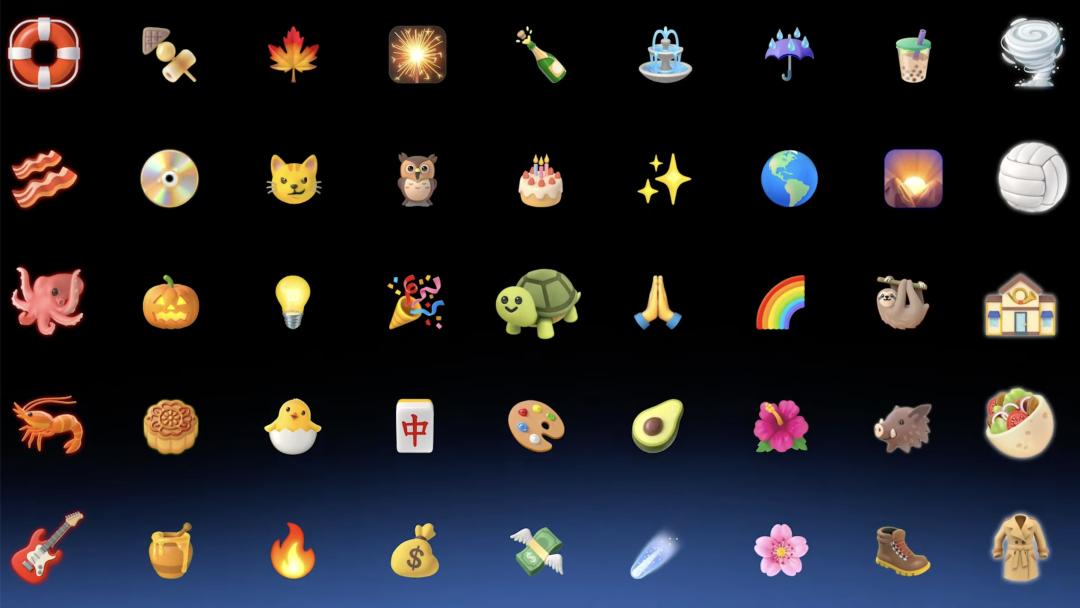
Image | Google
The QuickShare function compatible with AirDrop, which we introduced before, will also support devices from more manufacturers on Android 17.
In addition to Samsung and Pixel, (International versions) of OPPO, Vivo, OnePlus, and Honor newer models will also be updated with firmware compatible with AirDrop in the second half of this year:
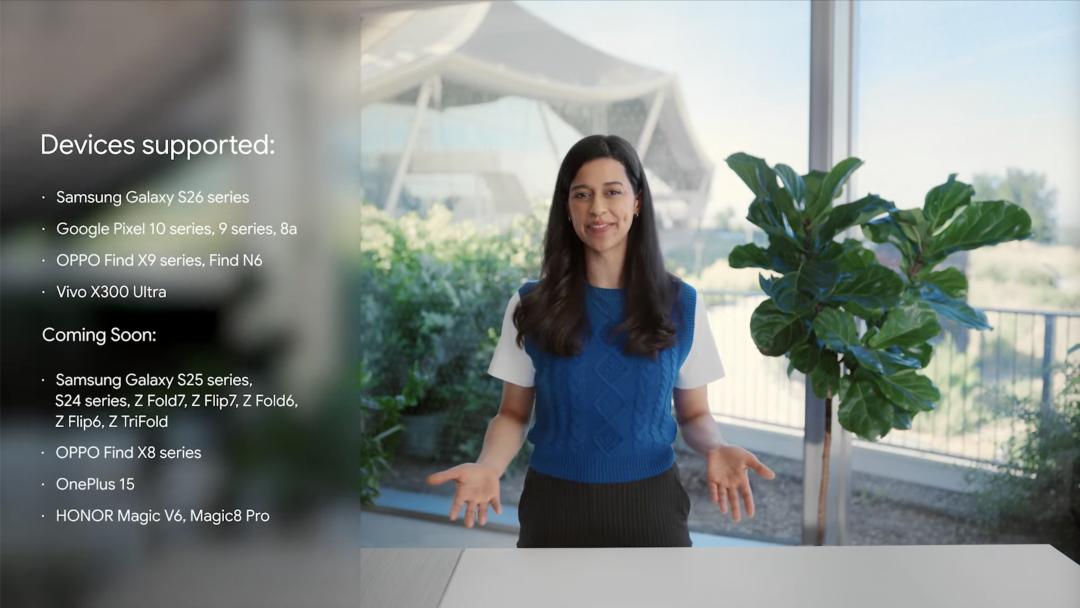
Image | Google
Google's AI PC
In addition to Gemini Intelligence, Google hasn't forgotten to create a customized hardware for these more complex and powerful AI functions.
The form of this new hardware is neither a pendant, nor an earphone, nor a watch or bracelet — but the former Chromebook.
Yes, in the AI era, Google has renamed its laptop again.
From Pixelbook, to Chromebook, to the latest Googlebook:
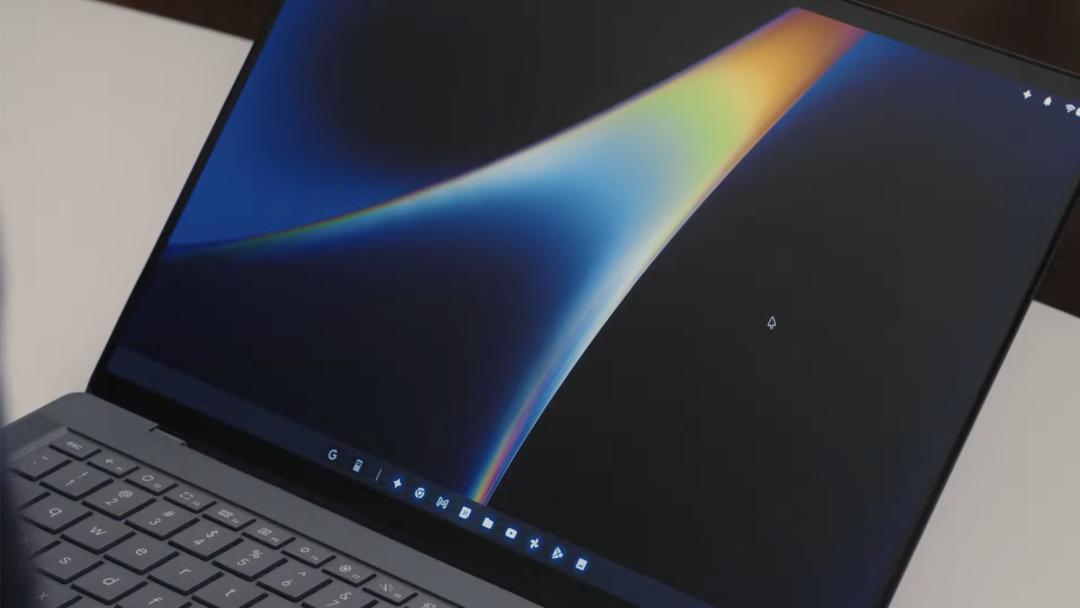
Image | Google
Like Chromebook, Googlebook is not a specific laptop, but is also in cooperation with third - party manufacturers. As long as it meets the standards, it can be called this name.
And Googlebook is "the first hardware product tailor - made for Gemini Intelligence".
In addition to the above - mentioned brand - new Gemini Intelligence functions, Googlebook has made revolutionary innovations at the most frequently used basic human - computer interaction level —
To activate the Gemini function on Googlebook, you don't need to speak, press a button, or use the right - click menu. You just need to "shake the cursor".
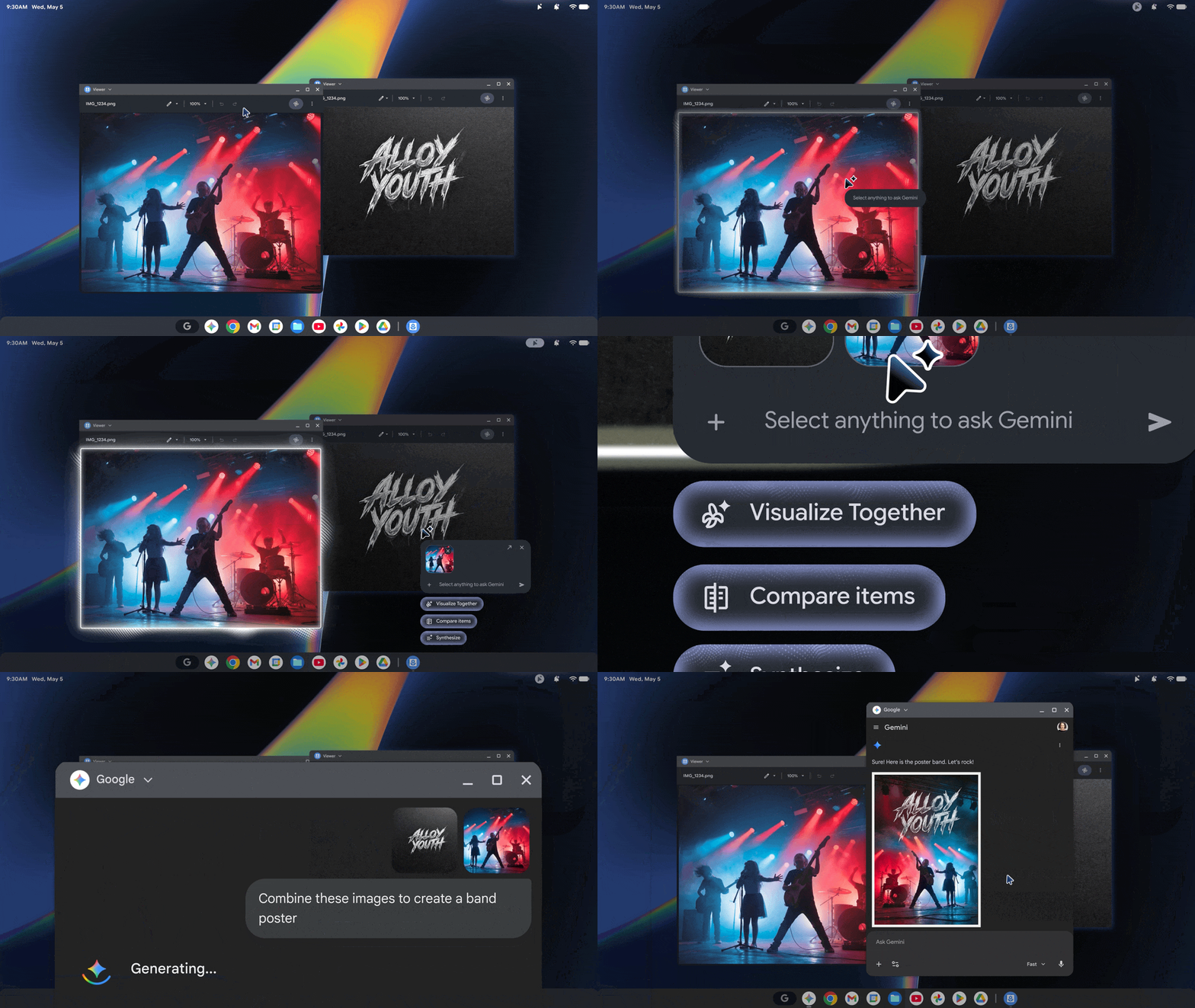
Image | Google
Based on the multi - modal capabilities of Gemini Intelligence, the recommended AI commands can even be automatically adjusted according to factors such as the content under the cursor, the selected content, and the operations that can be performed on the screen.
In a situation where AI functions on the computer are becoming more and more intensive and the laptop keyboard space is not sufficient enough, Googlebook's "magic pointer" is undoubtedly one of the most intuitive and elegant solutions.
Moreover, Googlebook has also solved a long - standing problem in ChromeOS history: It is a Google product, but it couldn't run Android apps before.
In other words, all apps in Android phones can run directly on Googlebook, basically on par with the current level of macOS running iOS software.
The basis for all this is the GKI (General Kernel Image) program vigorously promoted by Google, which was mentioned in a previous article by ifanr. It is allowing Android to break free from the shackles of mobile phones and seamlessly connect to more forms of devices.
Although Google hasn't mentioned the compatibility of this function at present, we guess that according to the processor specifications and network status, Googlebook should support both local operation and screen mirroring of mobile apps.
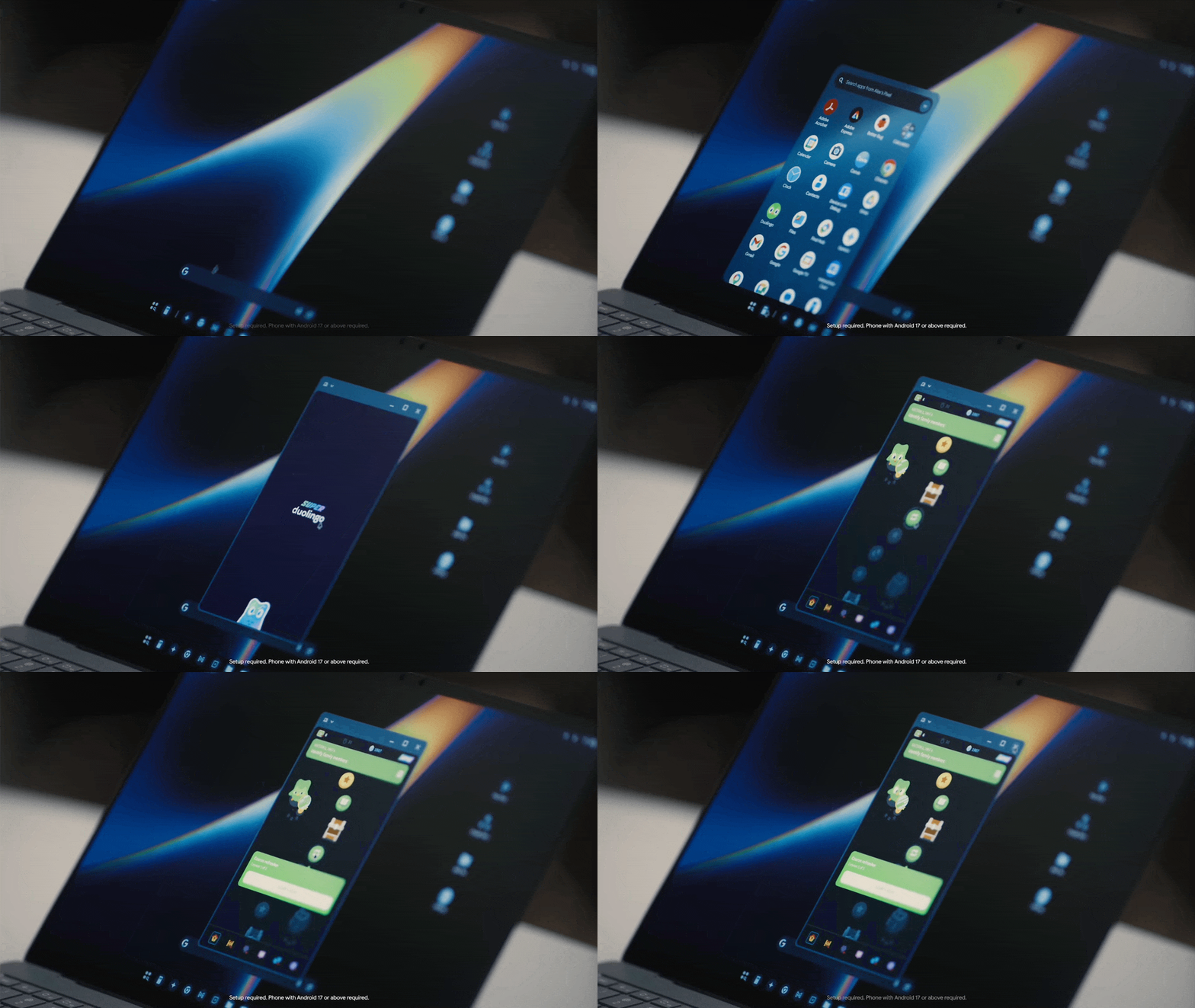
Image | Google
According to the event news, the first - batch manufacturers of Googlebook are still the familiar ones: Acer, Asus, Dell, HP, Lenovo, etc. The first - batch products are expected to be on the market this year.
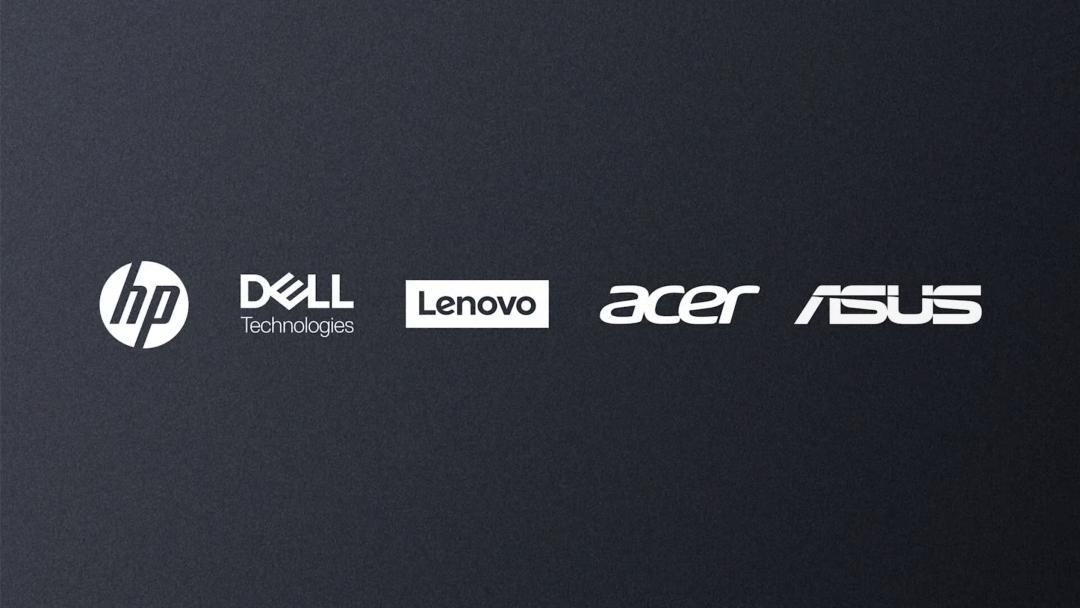
Image | Google
In addition to laptops, Android 17 has also updated some functions of the Android Auto in - car system.
For example, the Gemini Intelligence proxy operation with capabilities more like OpenClaw, the optimized 3D road view, and the more intelligent streaming media playback function, etc.
It also supports displaying self - created custom widgets on the phone on the in - car system.
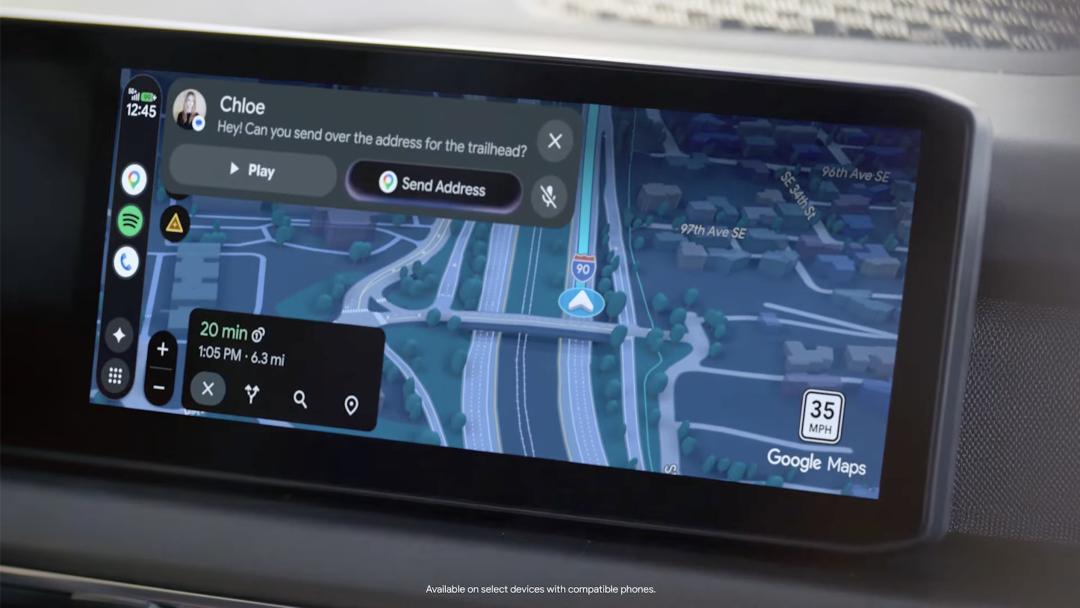
Image | Google
At the same time, the range of brands natively supporting Android Auto is also increasing. Some models even support remembering current vehicle information, such as trunk size, dashboard specifications, etc.
In this way, when users use Gemini to ask questions, the in - car system can give specific answers, such as "Can two 27 - inch suit