Markdown is going out of fashion... Karpathy is also on the side of HTML.
Markdown, it's time to die.
This bold statement comes from a long article posted today by Thariq, an engineer at Anthropic, which has gone viral across the internet.
The whole article has one purpose -
To pronounce the "death sentence" on MD.
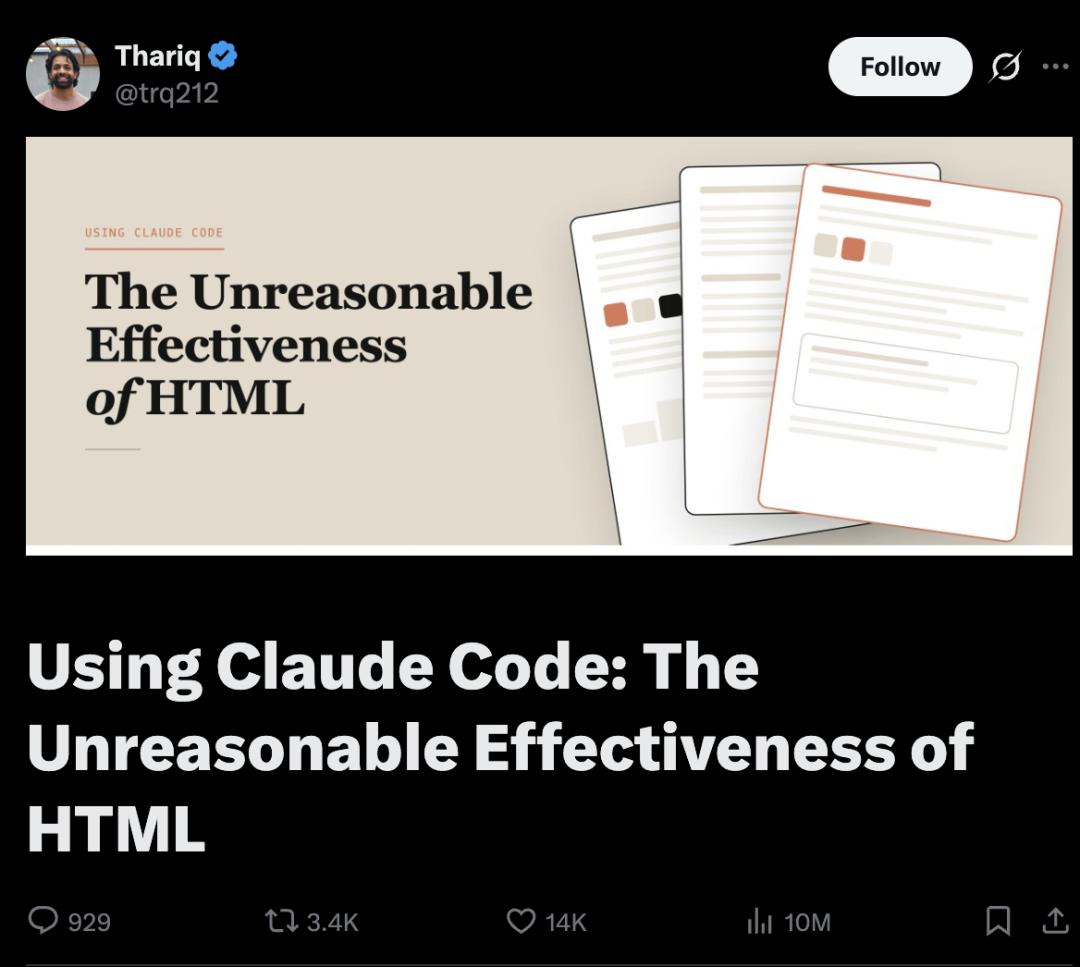
Yes, this human - machine communication format that was popular in vibe coding not long ago is being called on to be abandoned by the engineers at Claude.
I hardly edit these files by hand anymore. I mostly use them as specifications, reference documents, or the output of brainstorming. Even if I really need to make changes, I usually just hand them over to Claude to fix.
Wait a minute.
I just learned how to use MD...
Is it dead again???
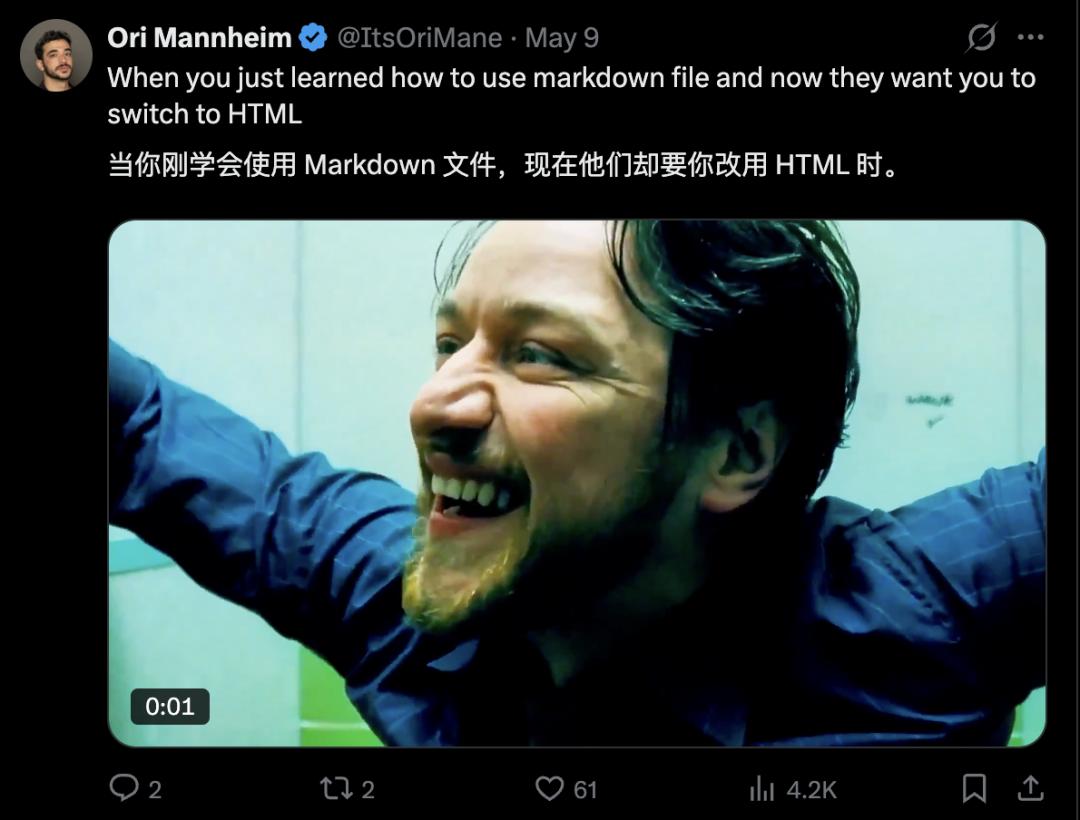
So, what's the alternative? What should I learn next?
Thariq's answer is unexpected:
HTML.
Now, whether I'm doing planning, requirement design, solution exploration, code review, or organizing reports, I'm all using HTML...

Actually, if only Thariq says so, it doesn't mean much.
The key is that there are too many people resonating in the comment section, which in itself represents a trend.
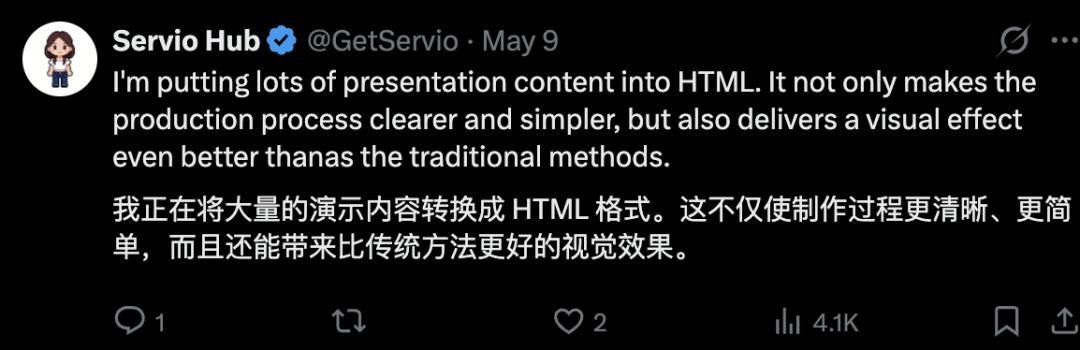
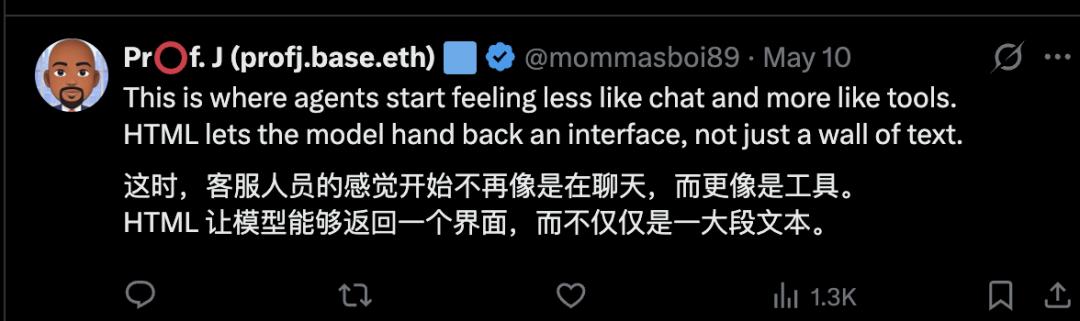
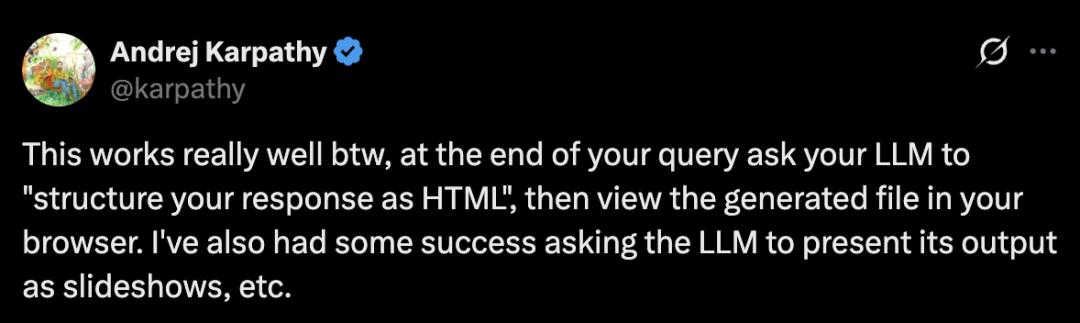
Even Karpathy said it was very right and gave his approval:
This method is really useful.
Here is a more organized version for your easier reading.
Enjoy.
Why do Anthropic engineers strongly recommend HTML?
The content of this format dispute is most easily understood when presented in a comparative way.
In Thariq's view, HTML is superior to MD for 5 reasons.
I've listed these 5 points one by one and also made a diagram for you to compare.
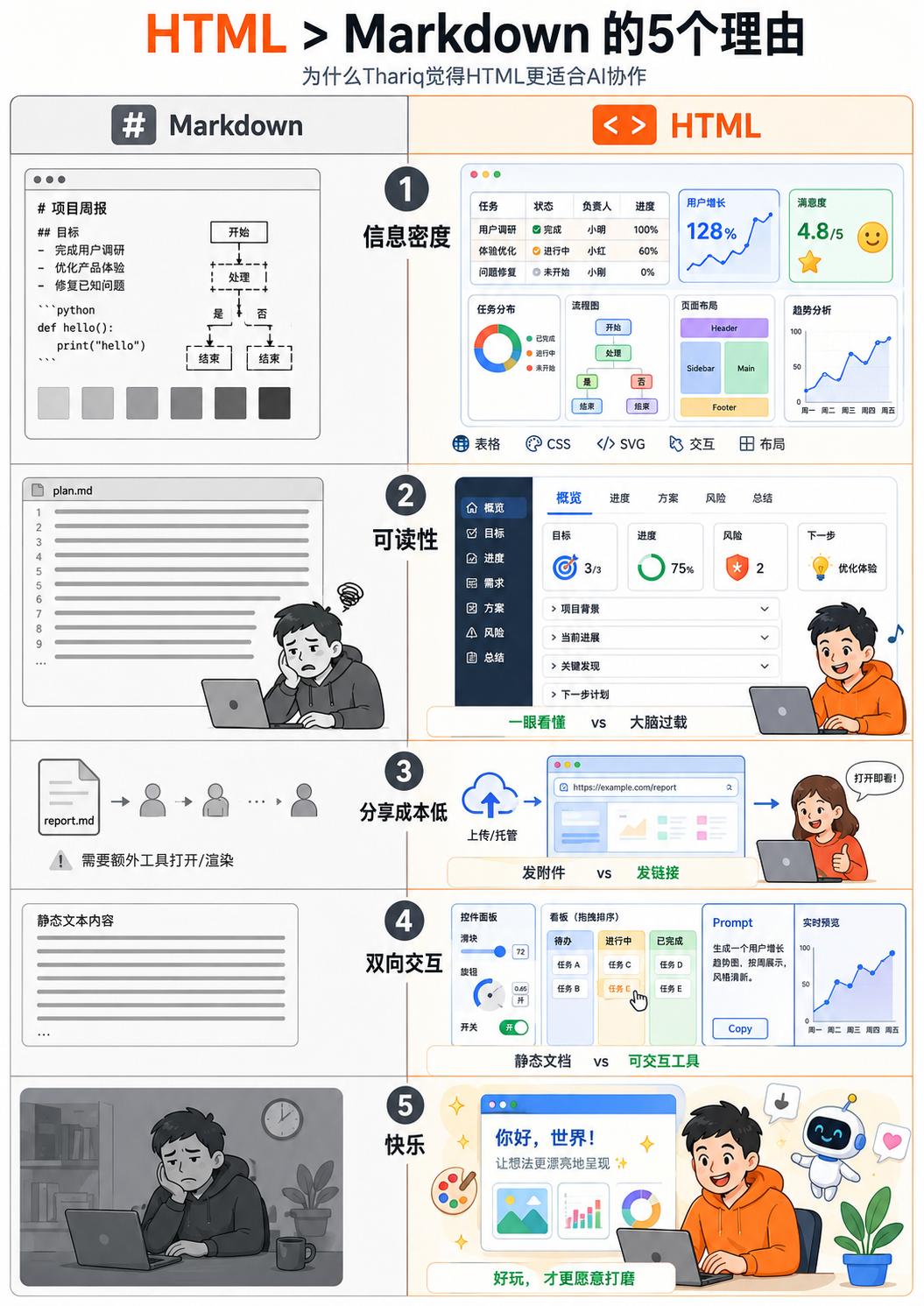
1. Crushing information density
What can Markdown do? Headings, bold text, lists, code blocks. That's about it.
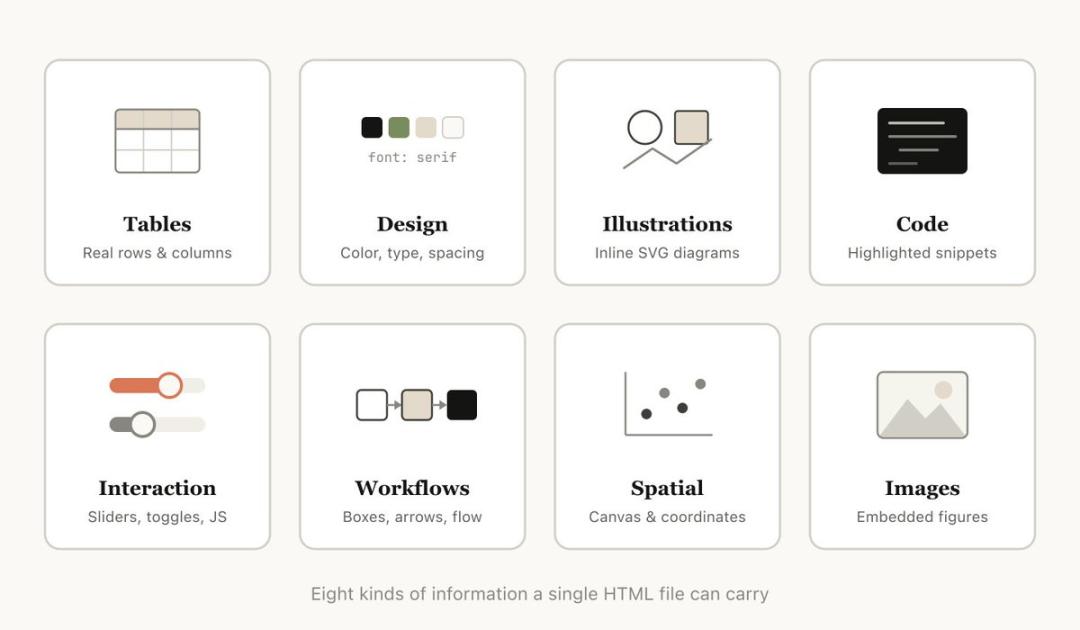
But what HTML can do is incredibly extensive - tables, CSS styles, SVG vector graphics, JavaScript interactions, Canvas canvases, absolute - positioned spatial layouts...
There is almost no type of information that AI can understand but HTML can't express.
You may have seen Claude Code draw flowcharts with ASCII codes in Markdown, or the famous scene of "estimating colors" with Unicode color blocks.
It's this picture.
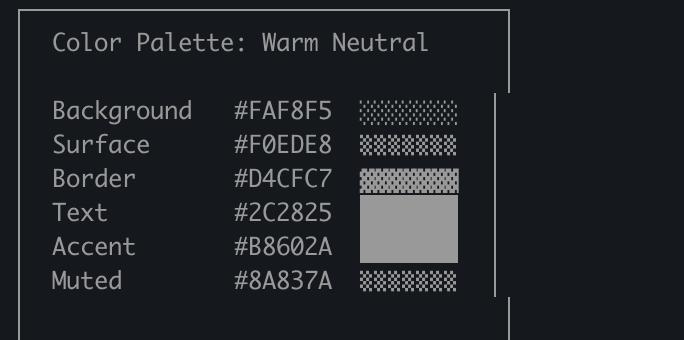
It's so pitiful, like forcing a painter to paint an oil painting with chopsticks and still requiring them to paint a Mona Lisa.
2. Readability
MD has extremely high compression.
Thariq has always thought so. He basically doesn't read Markdown files over 100 lines.
Not to mention asking others in the team to read them.
I really resonate with this.
I don't know about you, but every time Claude Code and Codex laboriously generate a plan.md with more than two hundred lines for me... I've never really read it carefully.
I just take a quick look and send out a "Let's start" message.
But HTML should be better.
AI can organize the same information into a page with tabs, navigation, and collapsible sections, and it can even be made responsive, so it's comfortable to view on a mobile phone.
Let's take a look at the comparison -
To be honest, I may even selectively ignore the one on the left. Just taking a quick look makes me feel like my brain's computing power is running out.
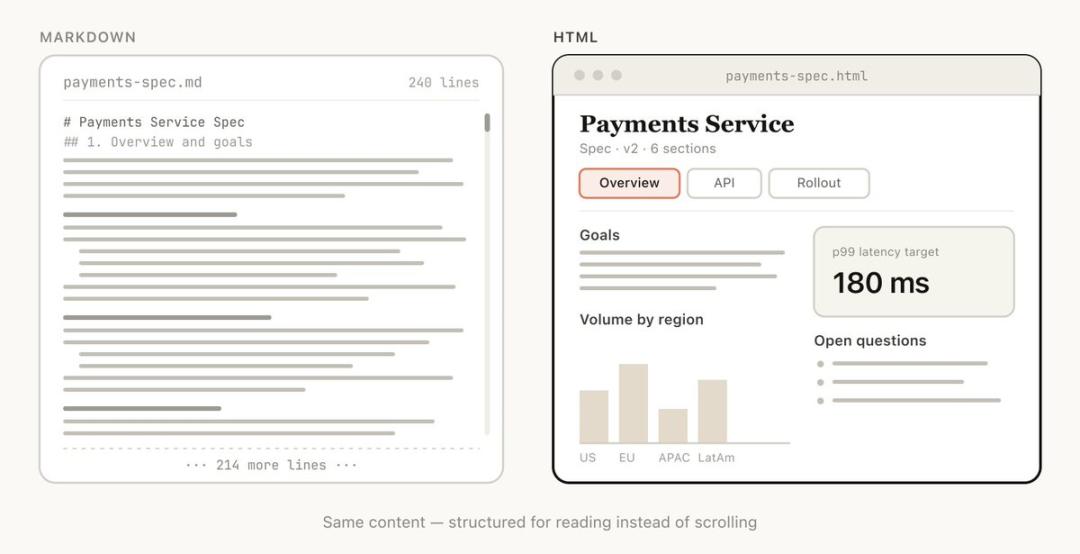
Sorry, little MD, but we humans still love looking at pictures.
3. Almost zero sharing cost
How do you share a Markdown file? By sending an attachment. The recipient also has to find a tool that can render it to open it.
What about HTML?
Just upload it to S3 and share the link. It can be opened directly in the browser.
It's very convenient to send it to colleagues, bosses, or friends to show off.
Put bluntly, in HTML, good looks and convenience are justice.
The probability that your spec, report, or PR description will be actually read by others is much higher with HTML than with Markdown.
This is also why, in the AI era, personal websites have become a new form of resume.
4. Two - way interaction
HTML is interactive.
You can ask Claude to add sliders and knobs to the design draft, and you can adjust the parameters by dragging.
You can ask it to create a draggable kanban to rearrange task priorities.
You can even ask it to create a real - time preview Prompt editor.
When you make changes to the Prompt on the left, you can immediately see the filling effect on the right.
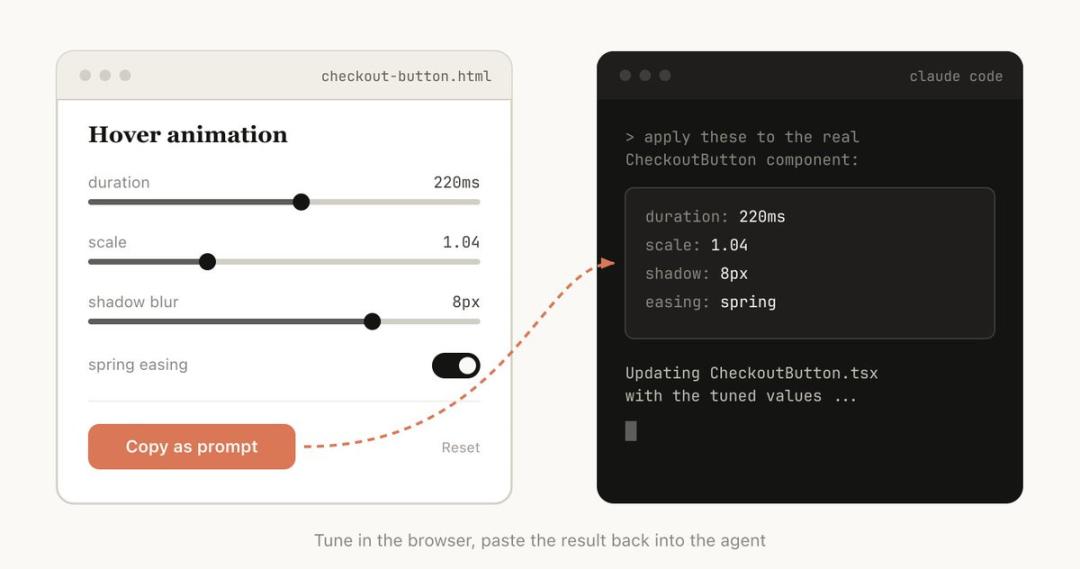
After making the changes, click the Copy button to paste the parameters directly back into Claude Code.
5. Fun
This is the last reason Thariq gives:
It's more fun to create things with HTML.
To be honest, this may be the most important point.
When you feel happy collaborating with a tool, you'll be more willing to invest time and effort, and the quality of the final output will be higher.
The reason why people are addicted to vibe coding is that they've regained that original sense of fun.
Thariq's usage list
Thariq isn't just talking on paper. He himself has long become a loyal believer in HTML.
He listed many specific usage scenarios in his article. You can follow his example and use it as an introductory guide.
1. Planning and exploration
When starting a project, instead of writing a plan.md, ask Claude Code to generate a set of HTML files.
First, do some brainstorming and create visual comparison pages for several directions.
Then, choose one direction to go deeper, create mockups, and write code snippets. Finally, organize them into an implementation plan.
Here's a Prompt you can save:
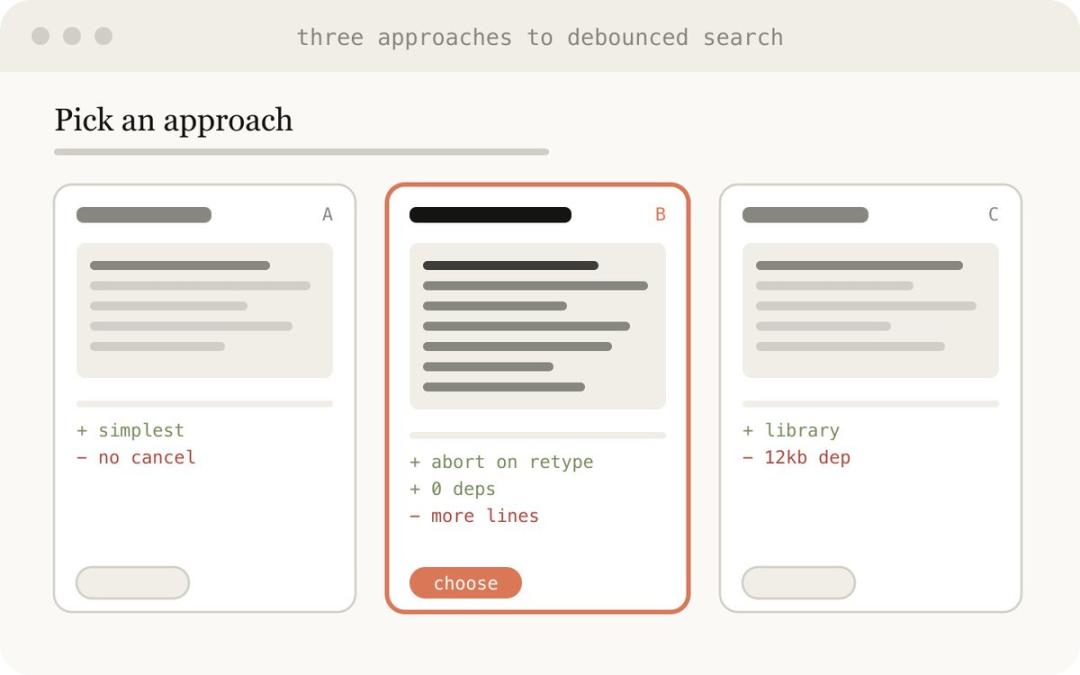
I'm not sure how to design the onboarding page. Generate 6 completely different solutions - with differences in layout, tone, and information density - and arrange them in a grid in an HTML file so that I can compare them side by side. Mark the trade - offs each solution makes.
This is what it looks like in the end.
2. Code review
This is really a necessity.
It's too painful to view diffs in Markdown.
But HTML can render real diff views, add inline annotations, mark colors according to severity, and draw flowcharts to explain the code logic.
It's like this.
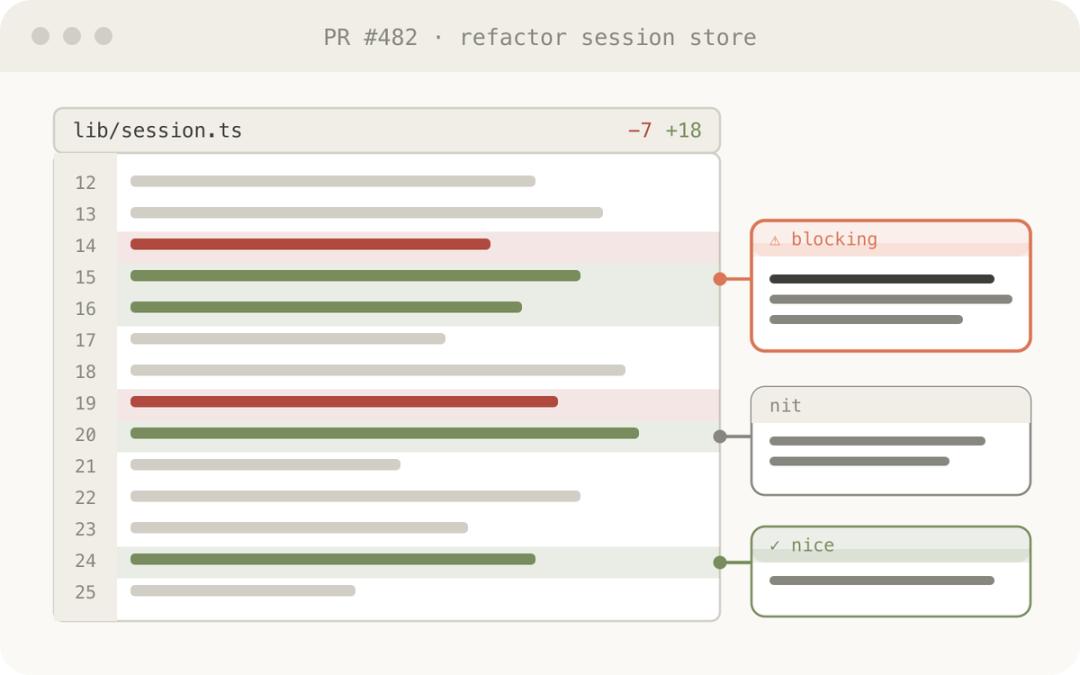
Thariq said that he now attaches an HTML - formatted code description to each PR.
We also have a similar error - review skill internally, and it generates HTML, so you can immediately see typos.
3. Design and prototyping
There's no need to say much about this. HTML has a natural advantage in interaction and is very suitable for front - end development.
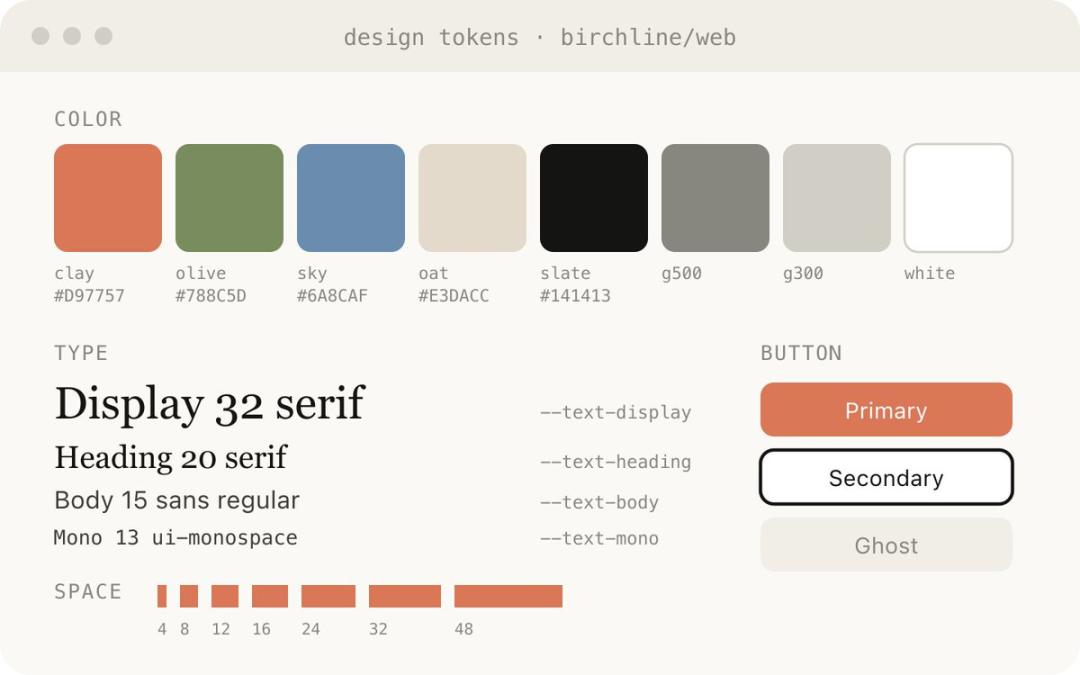
4. Reports and research
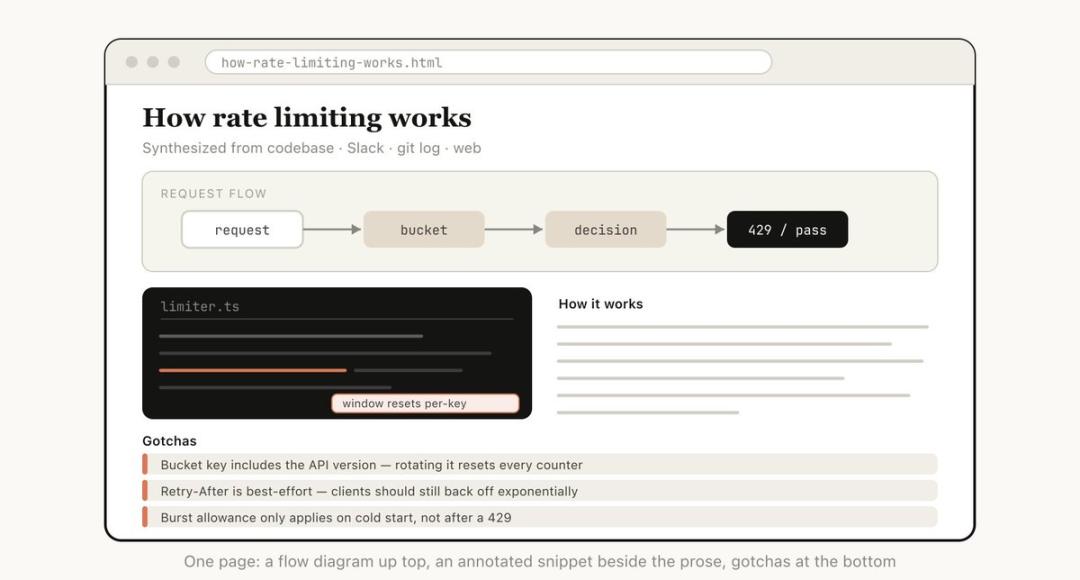
Ask Claude Code to search your Slack, code repository, git history, and online resources, and then integrate all the information into a highly readable HTML report.
It can be a long document, an interactive interpreter, or even a slide show.
5. One - time editor
This is a very interesting way of using it.
When it's difficult to describe what you want in pure text, ask Claude to create a "one - time editor" for you.
Yes, it's one - time, not a reusable tool. It's just an HTML page specifically created for your current task.
