Lobster upper body Codex
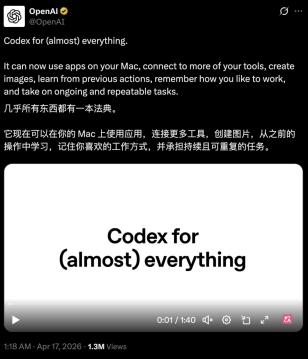
Codex has undergone a significant update, transforming from a code - writing tool into an assistant capable of operating a computer.
The official used a rather exaggerated statement for promotion: “Codex for (almost) everything.”
Put simply, in the past, as a coding tool, Codex had a relatively clear boundary: you presented a requirement, and it generated code.
However, after this update, this boundary has been greatly expanded.
It starts to operate your computer, use applications, and switch between different tools; it can leave tasks for a few days later and continue, and also give suggestions on what to do next based on your past habits.
Combined, these capabilities give Codex the feeling of a lobster (OpenClaw).
It has started to “work”.
From writing code to “getting hands - on”
The most core highlight of this update is that Codex has started to directly operate the computer.
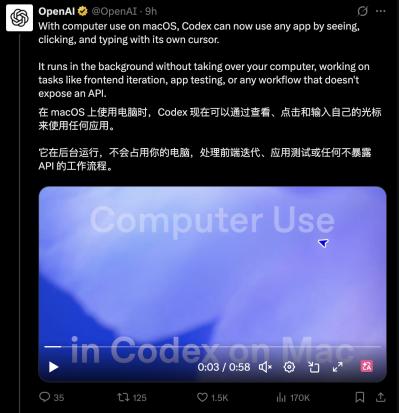
According to the official statement, Codex can now directly use the applications on your computer by “seeing the screen, clicking the mouse, and typing on the keyboard”. It will use its own cursor to complete operations on the interface instead of calling API interfaces.
It can be understood like this: in the past, AI usually relied on API interfaces to complete tasks. Once it encountered tools without interfaces, such as design software, local applications, internal systems, etc., its capabilities would be limited.
But now, it can bypass these limitations and directly take action on the interface.
Moreover, this operation will not interrupt your current work. Multiple Agents can run in parallel in the background, switch between different applications, and users can still use the computer normally.
This function is currently available on macOS first, and other systems need to wait for some time.
In addition, in this version, Codex has started to directly access web pages.
The desktop application has a built - in browser. You can circle a button, a certain area on the page, or even directly write comments, turning the “location” itself into an instruction for it to modify the interface, adjust the logic, or check for problems.
This function is very useful for front - end design and game development. If the code was originally generated by Codex, you can directly mark it on the generated interface.
The official documentation shows that they plan to expand this function over time, enabling Codex to more fully control the browser, not limited to web applications running locally.
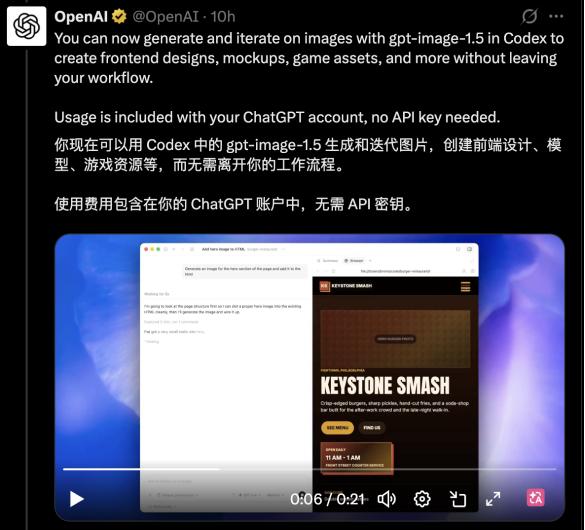
At the same time, a native image generation function has been added: Codex can now use gpt - image - 1.5 to generate and iterate images for product design, interface sketches, or game materials, without the need to connect to an additional API.
Regarding the development process itself, this update has also filled in many previously scattered links. For example, it can handle GitHub review comments; open multiple terminal tabs; connect to a remote development environment via SSH; and directly preview PDFs, tables, and documents in the sidebar.
There is also a summary panel where you can see what is currently being done, what information is being used, and what results have been produced.
These capabilities are not entirely new functions from scratch. They just existed sporadically before and are now incorporated into Codex's entire development process.
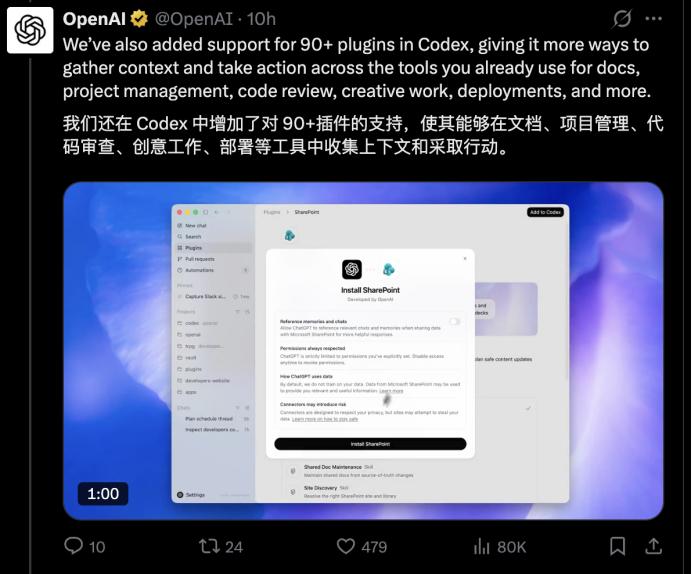
Codex has also expanded plugin and tool integration, connecting more than 90 plugins, including JIRA, GitLab, Microsoft suites, etc.
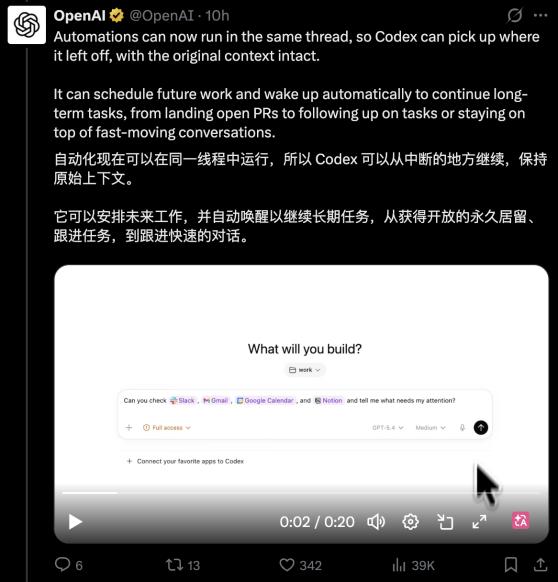
Tasks start to flow across tools instead of staying in a single application. You can tell it in one sentence to check Slack, Gmail, and Notion simultaneously and then give you a list of things to handle.
Another crucial upgrade is that Codex can now “leave tasks for later”.
It can reuse the existing context and automatically continue to execute tasks at a certain point in the future. The whole process can span several days or even weeks.
That is to say, the previously completed organization, discussed issues, and unfinished work will not be discarded. They can be carried forward to the next step and become part of subsequent tasks.
Meanwhile, the memory ability also starts to take effect. Codex will record your preferences, modification habits, and organized information, allowing subsequent tasks to continue without repeated instructions and gradually adapt to your work style.
After it has mastered enough context, Codex can extract information from different tools, identify comments or tasks that need to be handled, and sort out a prioritized action suggestion, telling you where to start to continue a project.
More than just a feature upgrade
Many of the functions listed above may seem unrelated at first glance, but they all point to the same change: the workflow.
In the past, Codex existed in a specific link, such as writing code, modifying code, and explaining code. You needed to switch between different tools and break tasks into segments and then hand them over to it for completion.
But now these things are starting to be connected: it can perform operations in applications, obtain information on web pages, run commands in the terminal, and then bring the results back to the code; it can also continue these steps and advance the same task a few days later.
It can be said that the work originally scattered in different tools and at different times is starting to be strung into a continuous process and integrated into a system.
The native Mac integration allows Codex to operate your computer, operate applications in the local environment, coordinate tasks, and transfer information between different tools.
It doesn't replace the original applications, but starts to flow between these applications, bringing tasks from one place to another.
This is why some people think that Codex is becoming the “operating system” for knowledge work.

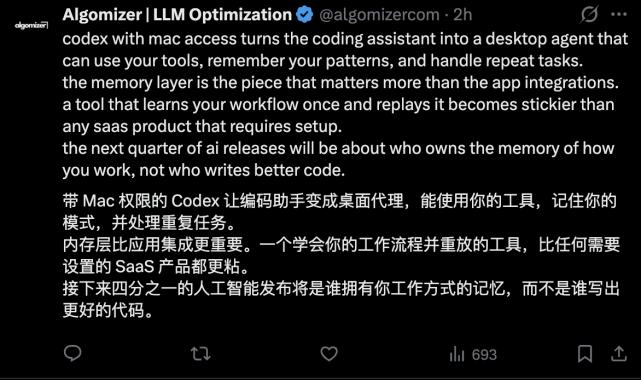
In addition, compared with connecting more applications, some people think that the memory ability may be the key to this update.
Because once AI starts to understand your work style and reuse this information in subsequent tasks, it will gradually adapt to your habits and make it more and more convenient for you to use.
This indeed points to a trend: in the future AI competition, it may not only be about the model's ability itself, but also about who can embed more deeply into your work process and continuously understand how you complete your work.
“Super app”
When it comes to the ability to penetrate deeply into the workflow, many people may think it is similar to OpenClaw. The directions of the two are indeed the same, both aiming to let AI complete tasks rather than just answer questions.
The difference is that OpenClaw is more inclined to “call tools” and string the processes together through interfaces; while this update of Codex puts AI inside the system, allowing it to directly operate applications.
So it is said that it has “put on the lobster suit” — incorporating this set of logic into the system is just like putting on a suit.
This similarity may be related to Peter Steinberger (founder of OpenClaw) joining OpenAI. However, it is more likely that OpenAI itself wants to do ecological integration and create a “super app” that can handle all things.
According to OpenAI's official statistics, Codex now has more than 3 million users per week, and nearly half of the usage is non - coding tasks. Its usage scenarios are no longer limited to code. This update may be the first step for OpenAI to create a “super app”.
Judging from the launch rhythm, this update is also being promoted in stages: the desktop control function is currently only available on macOS; the functions of memory and context - aware suggestions are first open to users in the United States, and will be available to users in the EU, the UK, the education version, and the enterprise version later.
The capabilities are still being expanded, but the direction is very clear: Codex is transforming from a code - writing tool into a system that can continuously complete tasks across applications and time.
OpenAI is not the only one taking this path. Almost at the same time, Perplexity AI also released a Mac desktop application called “Personal Computer”, which is also trying to integrate local files, native applications, and browser operations, allowing AI to perform tasks in a unified environment. By the way, the recently updated Claude Opus 4.7 has become the default orchestration model for Personal Computer.
As for Anthropic, their products already have relatively strong Agent capabilities, which can call tools and perform multi - step tasks, but they are more concentrated in the development environment and tool - calling level, and have not yet formed a unified system for directly operating desktop applications.
The trend in China is roughly the same: almost all large companies are deploying an Agent system similar to OpenClaw, and are also starting to try to let AI directly operate the local environment and perform tasks.
To put it simply, the goal is to let AI no longer stay in conversations and be able to enter the actual work environment.
From chatting to writing code, to operating applications, and then to advancing work across time, when AI starts to “take action”, the work style changes.
The Codex with the “lobster suit” is just one step in this process.
This article is from the WeChat official account “Zimu AI”, author: Yuan Xinyue. It is published by 36Kr with authorization.