Lobsters take a backseat. Silicon Valley's top AI "Hermès" bursts onto WeChat overnight and hits the global number one spot.
The new Silicon Valley favorite, Hermes Agent, has suddenly become extremely popular overnight. It has not only amassed 66,000 stars on GitHub but also made developers across the board excited because it natively integrates with WeChat. Now, the first "top - conference - level" paper signed by Hermes has also come out.
Hermes Agent is really popular, completely overshadowing the popularity of the "Lobster".
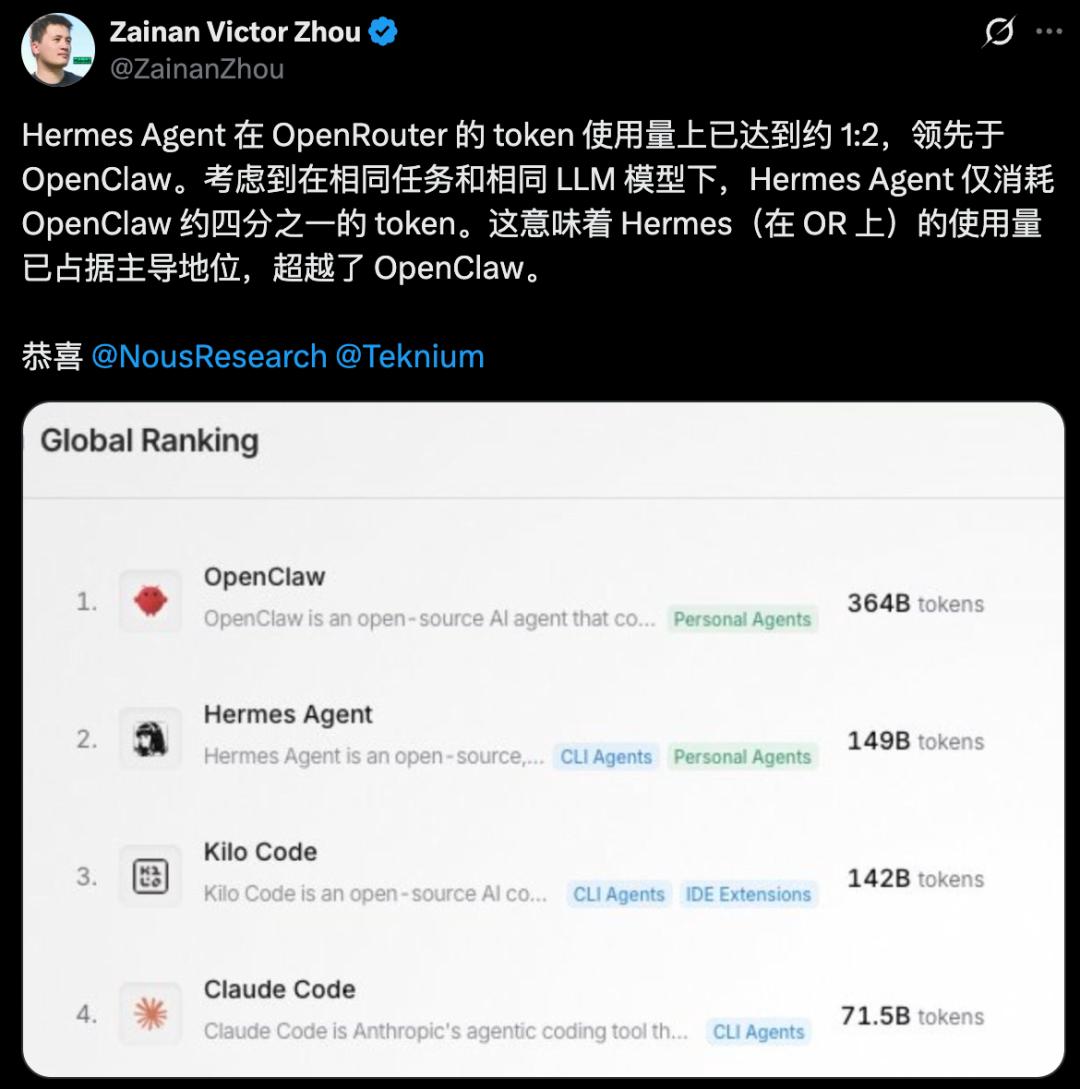
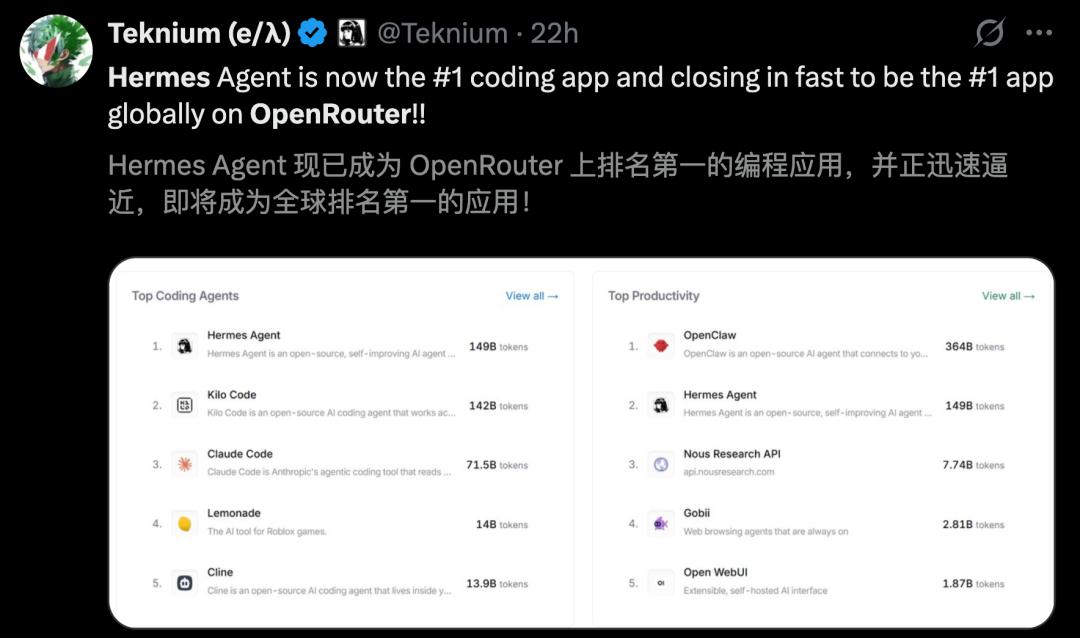
Just today, Hermes ranked second in the daily token consumption list on OpenRouter, only second to OpenClaw.
Moreover, it has also topped the global "Programming Applications" list and ranked second on the "Productivity List", closely approaching the championship.
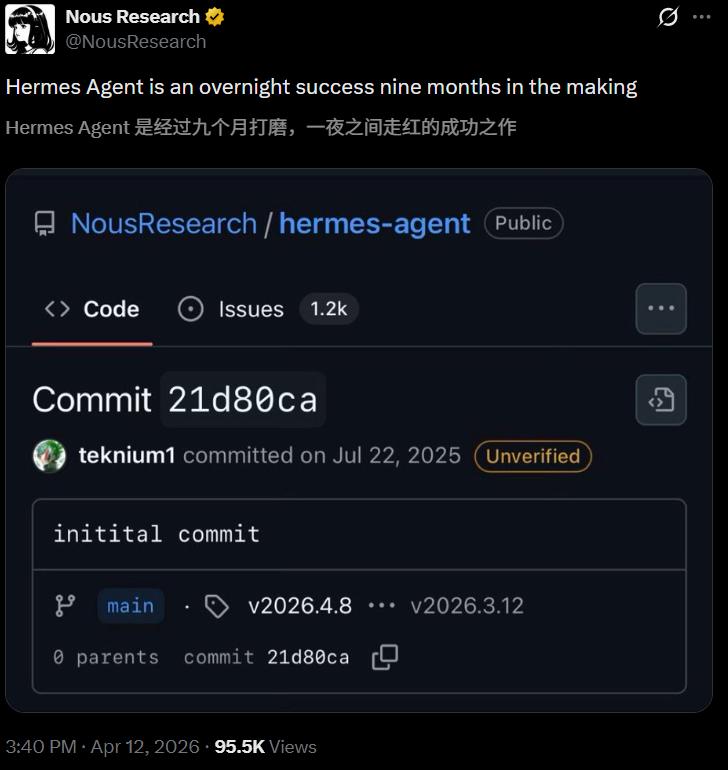
Now, this Agent, which has been polished for 9 months and become famous overnight, has amassed 66k stars and 8.8k forks on GitHub.
Due to the extreme popularity of the project, the number of submitted Issues has reached 2.3k (latest).
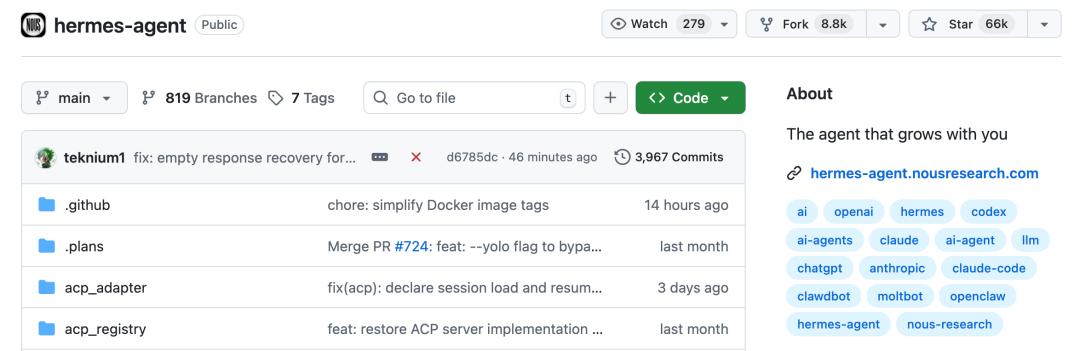
GitHub link: https://github.com/nousresearch/hermes-agent
For a while, many people directly abandoned OpenClaw and flocked to Hermes.


"Hermes" Integrates with WeChat, Just Scan a QR Code
With the key characteristic of being a "self - growing" Agent, the new favorite in Silicon Valley has now shifted from the "Lobster" to "Hermes".
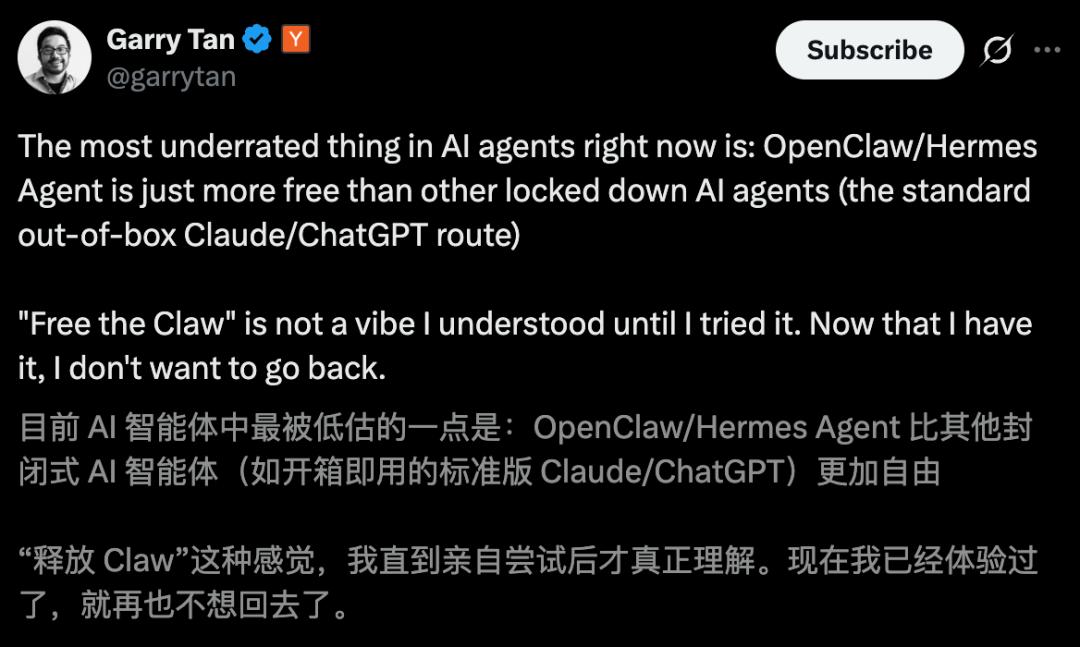
YC CEO Garry Tan said bluntly that after trying it himself, he can't go back to the old way.
What's most exciting is that these days, Nous Research officially announced that Hermes can also "natively" support WeChat.
For public network servers, no webhook is needed. Just scan a QR code and it's done.
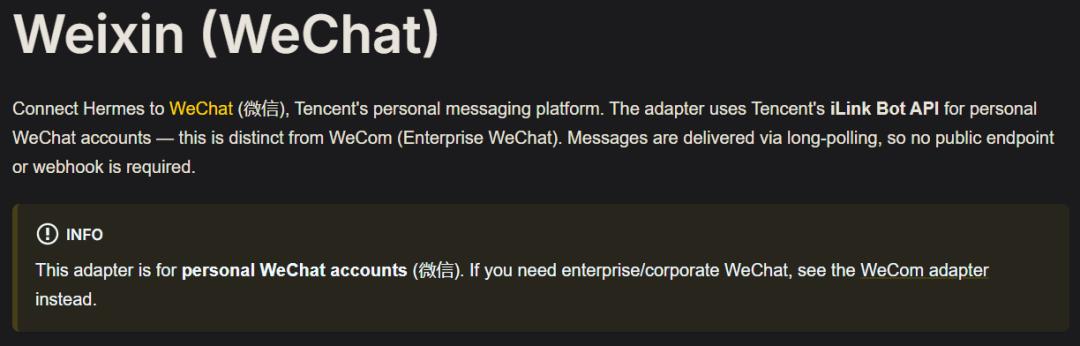
Official documentation: https://hermes-agent.nousresearch.com/docs/user-guide/messaging/weixin
On the day this feature was launched, the official Nous Research account posted a tweet in Chinese, which got 549.1K views and was one of the tweets with the highest interaction for this American laboratory recently.
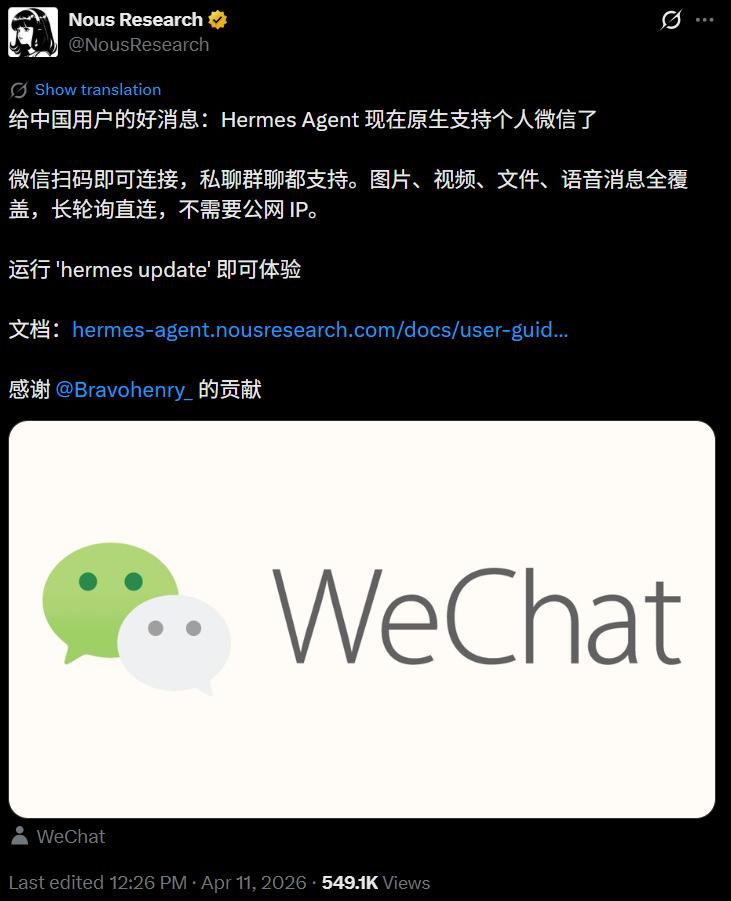
A comment is quite thought - provoking: In China, if you can integrate with WeChat, you'll take off.
It's worth mentioning that it's not common for a Silicon Valley laboratory to interact with Chinese users in Chinese under a Chinese tweet.
As for why the Chinese is written so smoothly, Nous revealed that they asked Hermes to polish it.


Nous also explained the technical background. It uses Tencent's official iLink Bot API, not a third - party cracked protocol or an unofficial client.
However, it's still recommended to try it with a secondary account first before deciding whether to use the main account.

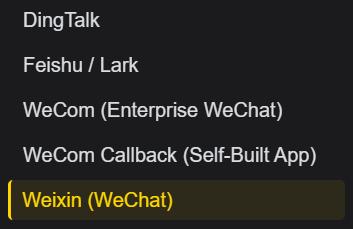
By the way, Hermes has basically integrated with all the mainstream domestic IMs.
DingTalk, Feishu, Enterprise WeChat, callbacks for self - built Enterprise WeChat applications, and now personal WeChat are all covered.
Which one to use depends on your own work needs.
Now, let's talk about the specific configuration process for WeChat.
First, install the dependencies
Two packages are required. Without either of them, it won't work.
- pip install aiohttp cryptography
If you want to see the QR code directly in the terminal, install one more package.
- pip install qrcode
Scan the QR code to log in
Use one command to start the setup wizard.
- hermes gateway setup
Select Weixin. The wizard will handle the rest. It will pull up the QR code, display it in the terminal (or provide a link), wait for you to scan it with your phone, wait for you to confirm on your phone, and then write the account credentials to ~/.hermes/weixin/accounts/.
After the confirmation is successful, the terminal will show a message.
- WeChat connection successful, account_id=your - account - id
The wizard will automatically save the account_id, token, and base_url to disk, so you don't need to fill them in manually later.
Set the environment variables
Open ~/.hermes/.env and at least add the account_id.
- WEIXIN_ACCOUNT_ID=your - account - id
Open the other items as needed. If you want to restrict who can send messages to the Bot, add these two lines.
- WEIXIN_DM_POLICY=allowlist
- WEIXIN_ALLOWED_USERS=user_id_1,user_id_2
Group messages are turned off by default. If you want to use it in a group, you need to manually enable the allowlist.
- WEIXIN_GROUP_POLICY=allowlist
- WEIXIN_GROUP_ALLOWED_USERS=group_id_1
If you want to send scheduled tasks and notifications to a specific chat window, add two more lines.
- WEIXIN_HOME_CHANNEL=chat_id
- WEIXIN_HOME_CHANNEL_NAME=Home
Start the service
At this step, the adapter will retrieve the previously saved credentials, connect to iLink, and start long - polling.
Send a message to the Bot in your WeChat on your phone, and you'll receive a reply within a few seconds. You can even see the "typing" status in the chat window.
- hermes gateway
Some common pitfalls
JamesweiymWei encountered a problem. He found that WeChat often cuts a reply into several segments and sends them out. Many times, a reply is truncated before it's finished.
When asking Hermes about this, the reply was that the single - message limit on WeChat is 4000 tokens. If it exceeds this limit, it will be automatically chunked, and there is no better solution for now. As of the time of writing, this problem still exists. This is also the most off - putting aspect of integrating with WeChat, as the experience of long replies is not very good.
The most common reason for disconnection is session expiration, with an error code of - 14. The solution is to run hermes gateway setup again and scan a new QR code.
If you get the message "Another local Hermes gateway is already using this Weixin token", it means that another gateway instance is using the same token. One token can only be used by one poller, so stop the other instance.
If media file sending and receiving fails, first make sure that cryptography is installed. WeChat's CDN uses AES - 128 - ECB encryption. Without this library, you won't even be able to download pictures.
Replace OpenClaw, Start Using for $3.99
Now, the whole network is deeply impressed by the capabilities of Hermes Agent.

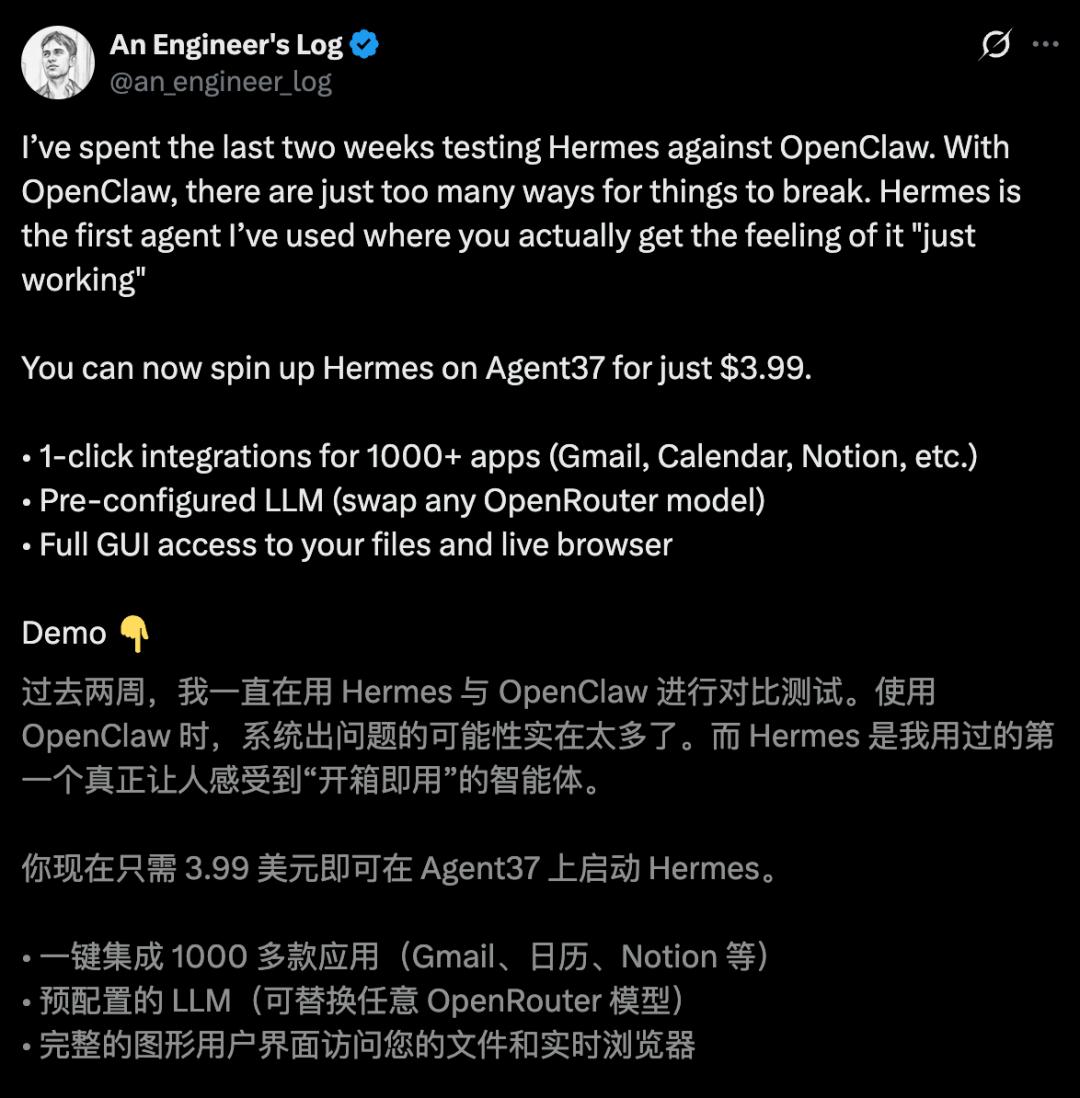
A developer conducted an in - depth evaluation of both Hermes and OpenClaw. His overall impression was -
The OpenClaw system has too many potential crash points, which is tiring;
Hermes is the AI Agent that truly makes him feel "out - of - the - box ready", and it only costs $3.99 to use.
After some domestic experts tried it, they all agreed that Hermes Agent fully demonstrates "self - evolution".
