OpenClaw 3.24 released: Completely solve the most important Skills installation obstacles
OpenClaw is back on its familiar daily update rhythm.
This update is completely different from the previous ones that were just about "fixing a few insignificant bugs".
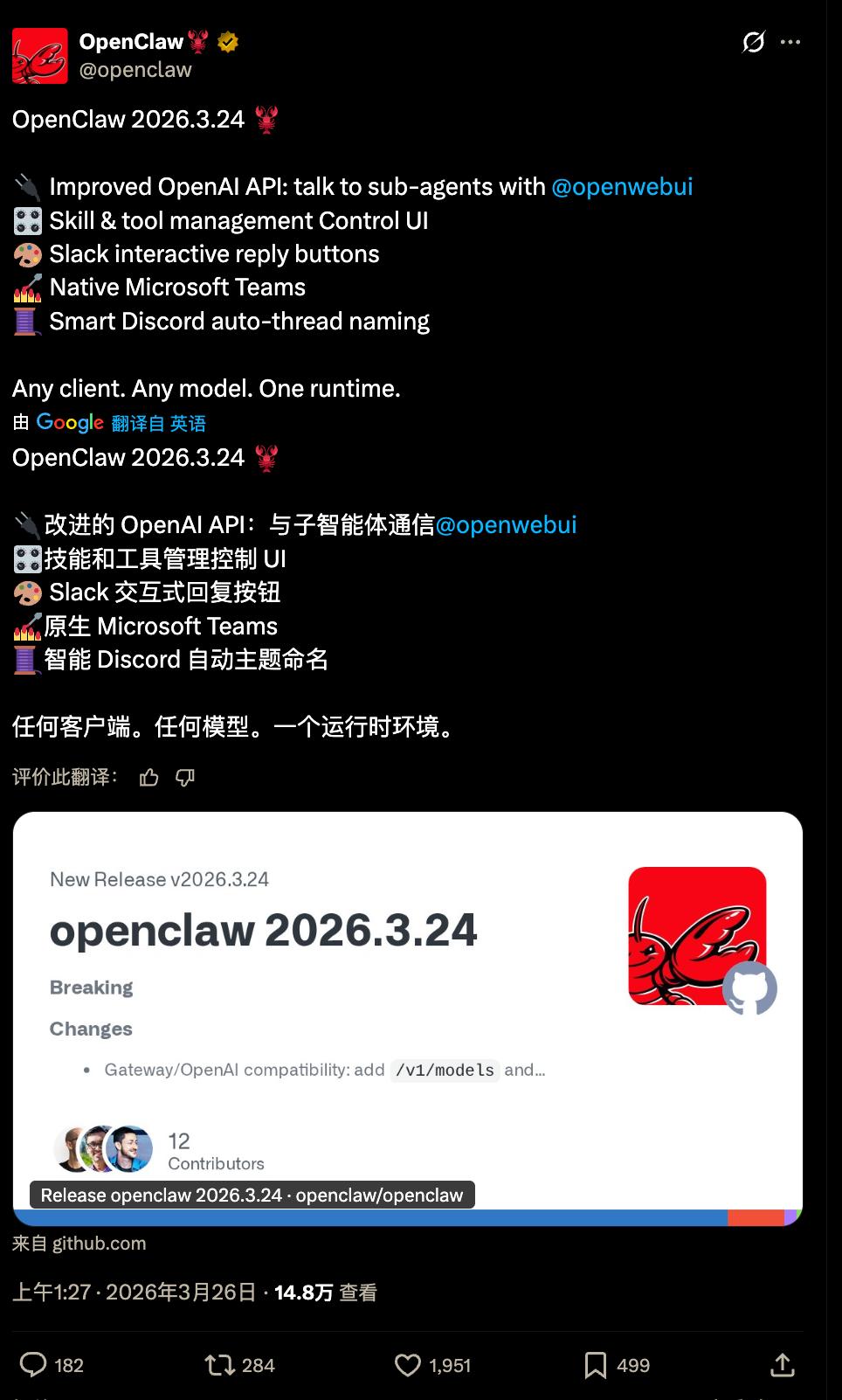
Just from the length of the update log, you can feel the significance of this change.
Moreover, there are several things in it that are worth talking about separately.
Skills are installed more smoothly
This change may be the most directly felt by most ordinary users.
Previously, when installing Skills, you might have encountered this situation: after installation, it couldn't run, and there were a bunch of red error messages, but you had no idea what was missing.
This time, two things have been done.
One is the addition of one-click installation recipes (Install Recipes).
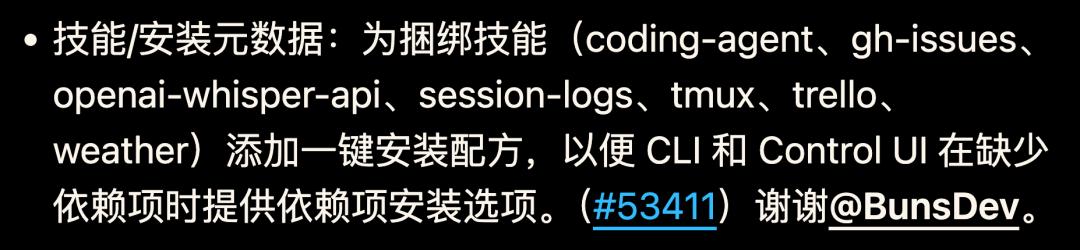
For several commonly used Skills built into OpenClaw (including coding-agent, gh-issues, openai-whisper-api, session-logs, tmux, trello, weather, etc.), when installing now, the system will automatically detect which dependencies you are missing and directly prompt you to install them, so you don't have to look through the documentation yourself.
The other is that the Skills page in the console has been completely redesigned.
Previously, that page was just a row of cards densely piled together, and you had no idea which ones were available and which ones lacked configuration.
Now it has been changed to tabbed: All / Ready / Needs Setup / Disabled, with the numbers beside them.
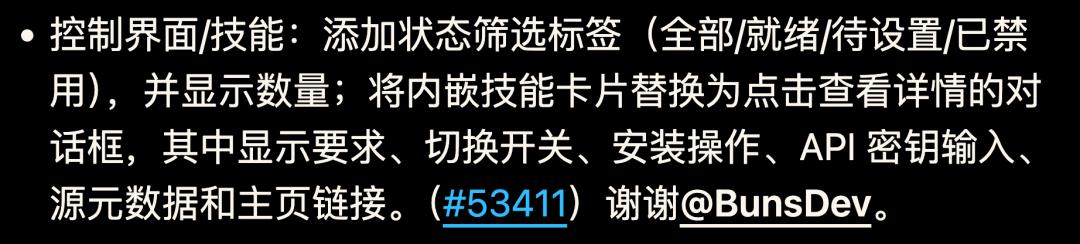
Clicking on each Skill brings up a detailed pop-up window that clearly states what it needs, how to configure it, where to find the API Key, and even how to install it.
There is also a small detail: previously, when a Skill lacked configuration, it would be marked in red and show "missing".
Now it has been changed to "needs setup".

Just this one-word change makes the tone completely different.
It's not blaming you for misconfiguring, but telling you what to do next.
After all, one of the greatest values of the lobster is its emotional value. Speaking with high emotional intelligence is very important.
The sidebar in the console no longer makes it difficult for you to find things
The macOS version has changed the navigation method of the configuration page this time.
Previously, it was a horizontal row of capsule buttons laid out in rows. Clicking around, the hierarchy was not clear.
Now it has been changed to a collapsible tree sidebar with expand arrows and indented levels, so you can clearly see the relationship between the main categories and subcategories at a glance.

It feels just like using the file tree in VS Code.
It's not a revolutionary change, but it's much more convenient to use.
In terms of security, a major vulnerability has been plugged
This time, a security vulnerability of media file access bypass has been fixed - the original file access path had an alias (mediaUrl/fileUrl). Attackers could use this alias to bypass OpenClaw's media access restrictions and obtain files that they theoretically shouldn't be able to get.
This time, this alias bypass has been completely disabled. Neither tool actions nor message actions can break through the media access boundary through this path anymore.

Normally, no one will actively report this kind of security vulnerability to you.
You may just have your files read inexplicably without even knowing where they went.
Microsoft Teams finally makes up for its shortcoming
All along, OpenClaw's support for Microsoft Teams has been like a stepchild compared to other channels.
This time, OpenClaw has completely renovated the underlying layer of Teams - migrating to the official Teams SDK and no longer using the previous non - official approach.
But the changes are not limited to these.
Along with this update, there is also an AI - native interactive experience: streaming replies (that is, you can watch the answers being typed out bit by bit, just like chatting with ChatGPT, instead of waiting for a long time and then suddenly getting a large paragraph), welcome cards with shortcut prompts, a "thinking" status indicator while typing, and native AI tags beside the messages.

To put it bluntly, when using OpenClaw in Teams, it finally starts to feel like a real AI assistant, rather than an awkward addition.
In addition, message editing and deletion have also been added this time.

Previously, if the Agent sent out a wrong message, you could only stare blankly. Now you can modify it.
These two improvements have basically upgraded the Teams channel from "barely usable" to "seriously usable".
A bunch of group chat bugs have been fixed
In addition to the above, there is a whole list of channel - level fixes in this update log, covering almost all the major platforms.
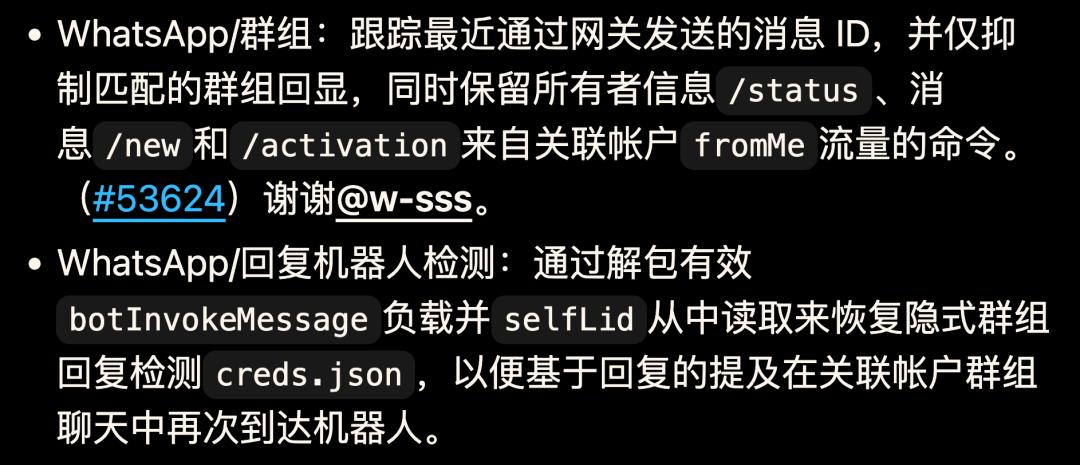
In WhatsApp groups, OpenClaw used to process the messages it sent out twice, which was like replying to itself. Now this has been fixed.
In Telegram forum topics, when encountering the #General theme, the routing would be incorrect, and messages couldn't be sent to the correct topic. Now it can be handled correctly.

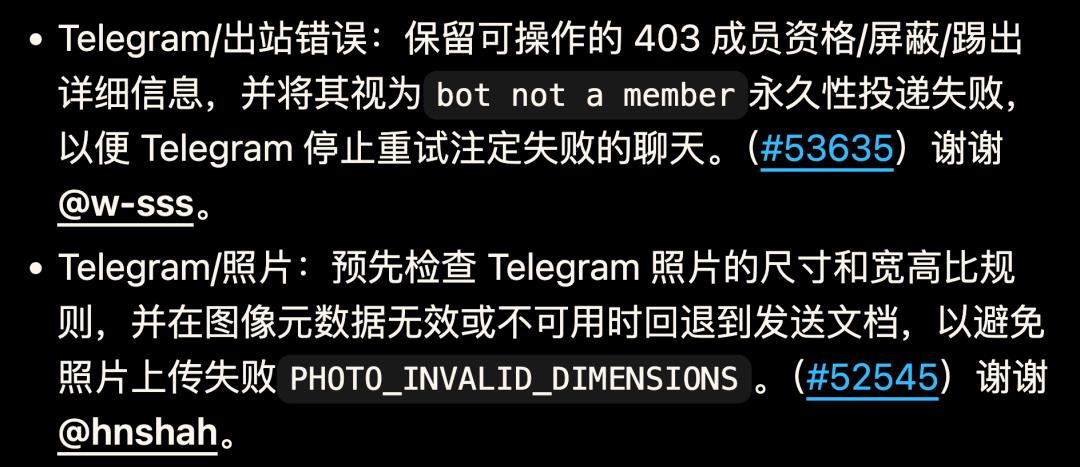
The timeout issue in Discord has also been fixed - previously, if OpenClaw timed out while processing your request, it would just silently stop responding. Now it will send you a timeout prompt to tell you that it hasn't finished processing.
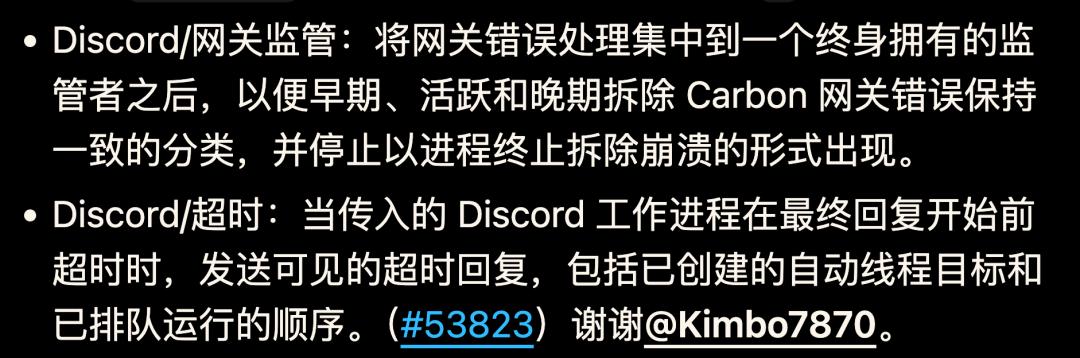
Individually, these bugs may not seem significant.
But if you use these channels every day, the accumulated difference in experience is real.
Updates worth the attention of AI developers
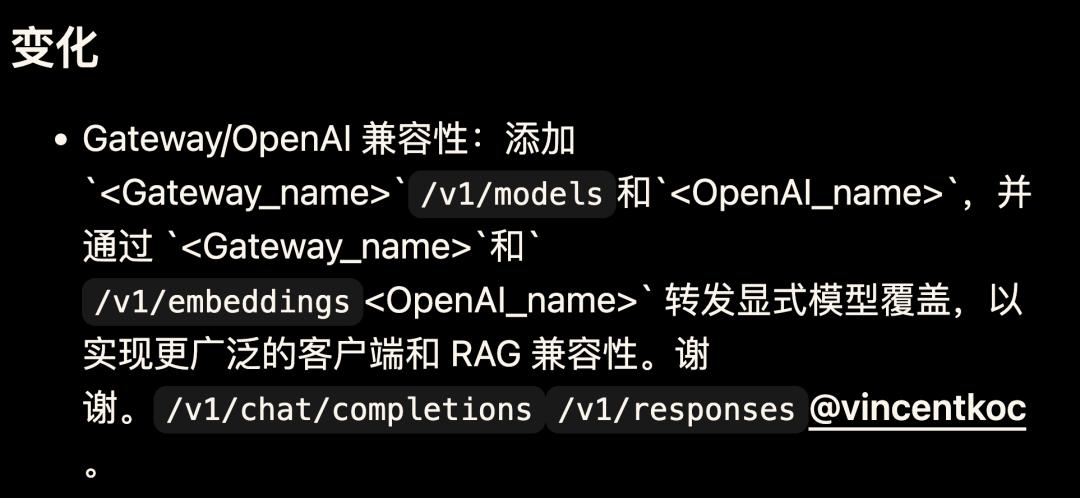
If you call OpenClaw through the OpenAI - compatible interface in your own project, two endpoints, /v1/models and /v1/embeddings, have been added this time, which greatly improves the compatibility with RAG (Retrieval - Augmented Generation).
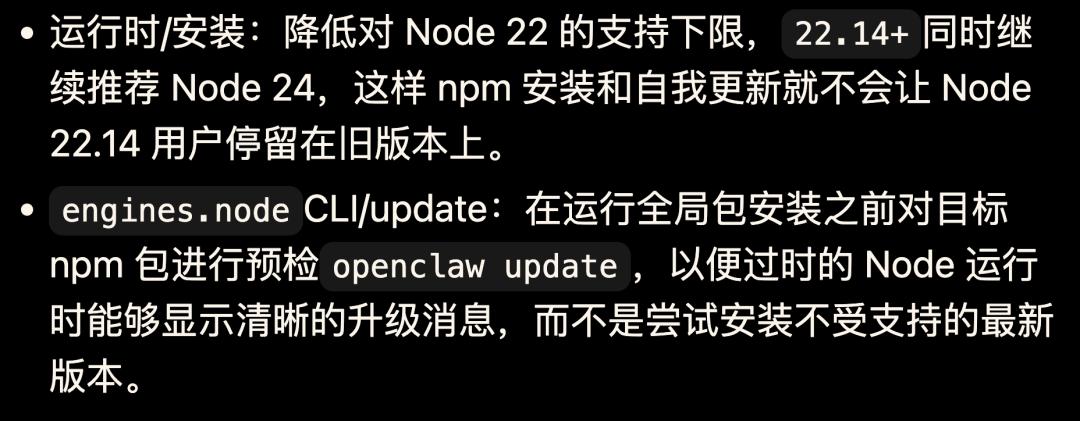
Currently, the latest version of OpenClaw supports running on Node 22.14+. The official recommendation is Node 24.
Previously, users of Node 22.14 would encounter installation failures due to version incompatibility when upgrading. This time, the version check has been advanced. Before running openclaw update, it will first check if your Node version is sufficient. If not, it will directly tell you that you need to upgrade, instead of failing halfway through the installation and leaving a bunch of confusing error messages.
Appendix: Complete update log
Major changes
Gateway / OpenAI compatibility: New /v1/models and /v1/embeddings endpoints are added, and explicit model override parameters can be passed through /v1/chat/completions and /v1/responses to be compatible with more clients and RAG application scenarios.
Agent / Tools: The /tools interface now only shows the tools actually available to the current Agent; a new default compact view is added (can be switched to the detailed mode); a "Currently Available" real - time block is added to the console, allowing you to confirm which tools can be called before asking questions.
Microsoft Teams: Migrated to the official Teams SDK and introduced best practices for AI Agent interaction, including single - chat streaming replies, welcome cards with shortcut prompts, feedback and reflection mechanisms, friendly status prompts, input indicators, and native AI tags.
Microsoft Teams: Supports editing and deleting sent messages. When no clear target is specified, it automatically falls back to in - thread operations.
Skills / Installation metadata: One - click installation recipes are added for built - in Skills (coding - agent, gh - issues, openai - whisper - api, session - logs, tmux, trello, weather). The CLI and console can directly prompt for installation when detecting missing dependencies.
Console / Skills: New status filtering tab pages are added (All / Ready / Needs Setup / Disabled, each with quantity statistics); the original inline Skill cards are changed to click - to - pop - up detailed dialog boxes, including dependency descriptions, enable switches, installation operations, API Key input, source metadata, and home page links.
Slack / Interactive replies: Restored peer - to - peer support for directly delivered rich - text replies; automatically renders the simple Options: list at the end as buttons or drop - down selections; optimized the default values of Slack interaction settings; isolated the reply controls from the plugin interaction processor.
CLI / Containers: A new --container parameter and the OPENCLAW_CONTAINER environment variable are added, supporting the execution of openclaw commands in a running Docker or Podman OpenClaw container.
Discord / Auto - threads: A new optional autoThreadName: "generated" naming mode is added. After creating a new auto - thread, it can asynchronously call the LLM to generate a concise title for renaming; the original naming method based on message content remains the default behavior.
Plugins / Hooks: A new before_dispatch hook is added, carrying normalized inbound metadata; the processed replies are now forwarded through the standard end - delivery path, retaining the TTS and routing delivery semantics.
Console / Agent: The file list in the Agent workspace is changed to an expandable
Console / Markdown preview: The Agent workspace file preview dialog box is redesigned,