Immediately check your Python libraries. LiteLLM has been poisoned. Karpathy issued a warning, and Musk is paying attention.
This is an extremely serious software security incident.
Today, Karpathy posted a long tweet warning all developers to pay attention. The Python library LiteLLM on PyPI, which has over 40,000 stars on GitHub and a monthly download volume of 97 million, has been poisoned.
First, all developers are advised to check their LiteLLM versions. The versions containing malicious code are 1.82.7 and 1.82.8. If affected, please reinstall the library as soon as possible.
Currently, the compromised versions have been withdrawn, and the isolation measures on PyPI have been lifted. Package maintainers are dealing with the subsequent impacts.
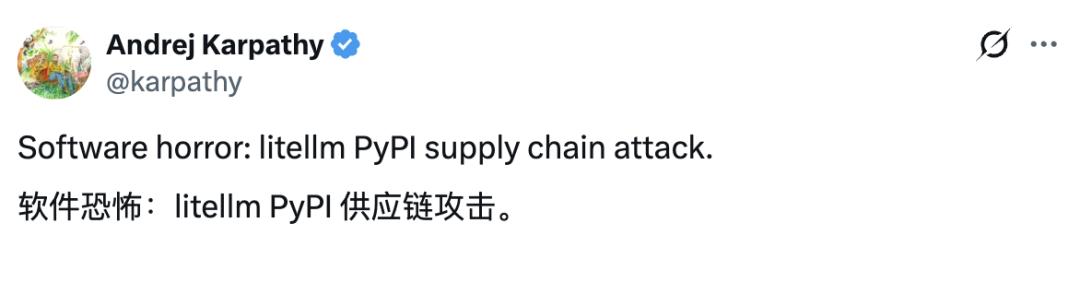
This incident has a very wide - reaching impact and can be called a textbook - level supply - chain attack.
Friends familiar with Python must know the importance of software packages on PyPI. Without the pip install command, we would be unable to proceed.
However, the problem with LiteLLM this time lies precisely in the PyPI software package. A simple pip install litellm is enough to steal your SSH keys, AWS/GCP/Azure credentials, Kubernetes configurations, git credentials, environment variables (including all your API keys), shell history, cryptocurrency wallets, SSL private keys, CI/CD secrets, and database passwords.
In addition to the 97 million monthly downloads of LiteLLM itself, what's even more serious is that other projects and software packages that rely on LiteLLM will also be attacked by the poisoned package.
Karpathy wrote in his tweet: "Supply - chain attacks like this are basically the scariest thing in modern software. Whenever you install any dependency, you might introduce a poisoned package from deep within its large dependency tree. This risk is especially high for large projects with a vast number of dependency libraries. And the stolen credentials in each attack can be used to take over more accounts, which in turn contaminates more software packages."
This incident was first reported to PyPI by FutureSearch, and FutureSearch published a blog about the details of the incident.
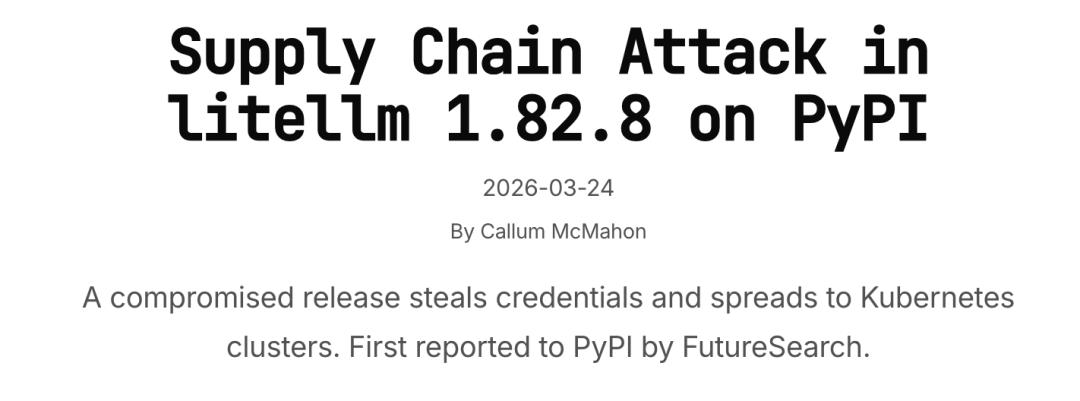
Blog link: https://futuresearch.ai/blog/litellm-pypi-supply-chain-attack/
According to the information provided by FutureSearch, the attack payload runs in three stages:
Information Collection
A Python script will scavenge sensitive files from the host, including: SSH private keys and configurations, .env files, AWS / GCP / Azure credentials, Kubernetes configurations, database passwords, .gitconfig, shell history, cryptocurrency wallet files, and any files that match common secret patterns. It will also run commands to export environment variables and query cloud metadata endpoints (such as IMDS, container credentials).
Data Exfiltration
The collected data will be encrypted using the hard - coded 4096 - bit RSA public key in AES - 256 - CBC mode (a random session key is generated and then encrypted with the RSA key). The data is packaged into a tar archive and sent via a POST request to https://models.litellm.cloud/ — Note that this domain is not part of LiteLLM's official infrastructure.
Lateral Movement and Persistence
Kubernetes Penetration: If there is a K8s service account token, the malware will read all cluster secrets in all namespaces and attempt to create a privileged alpine:latest Pod in the kube - system of each node.
Backdoor Implantation: Each malicious Pod will mount the host file system and install a persistent backdoor at /root/.config/sysmon/sysmon.py, which runs in conjunction with a systemd user service.
Local Persistence: On the local machine, it will attempt the same persistence method via ~/.config/sysmon/sysmon.py.
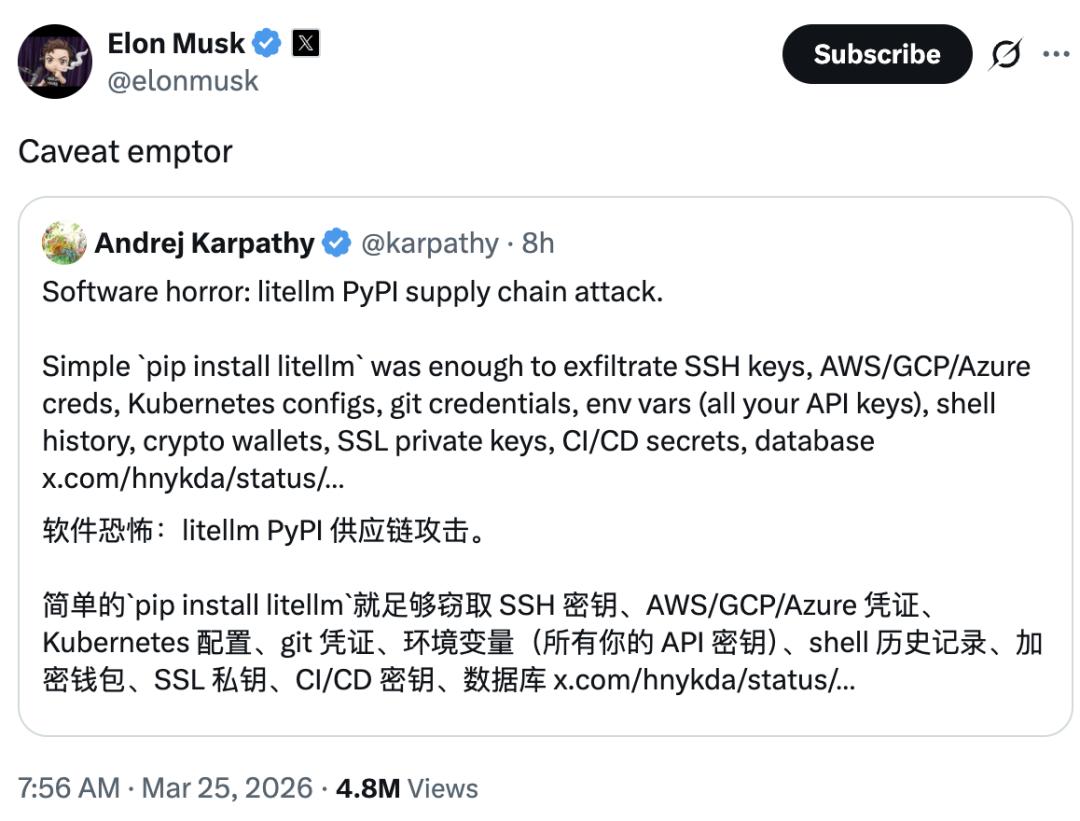
This incident has caught Elon Musk's attention. "Caveat emptor" means to remind everyone to be aware of the risks.
The process of discovering this software version with malicious code was very dramatic, and its root cause lies in a bug in the attack code.
Developer Callum McMahon discovered this problem when the MCP plugin running inside Cursor pulled this package as a transitive dependency.
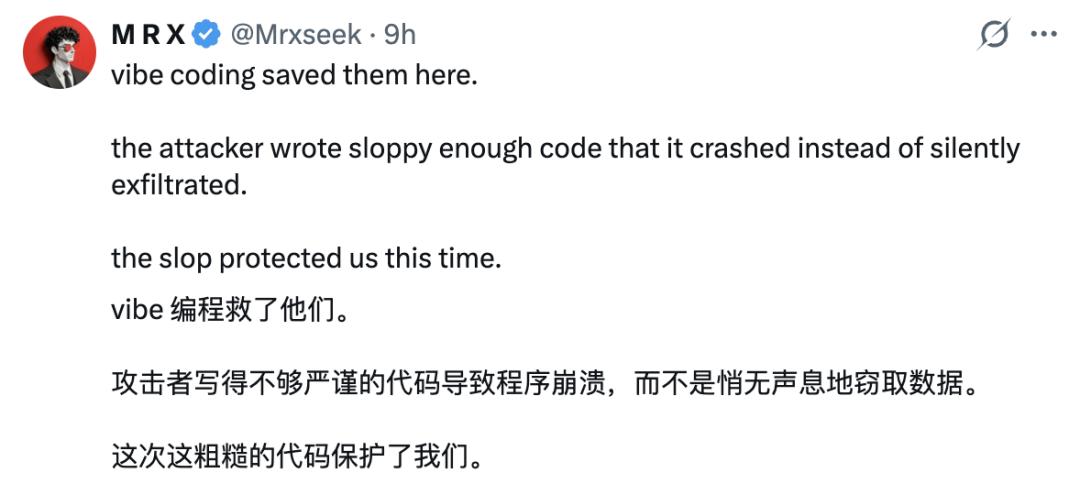
The .pth launcher starts a child Python process via subprocess.Popen. However, since the .pth file is triggered every time the interpreter starts, the child process will re - trigger the same .pth — this creates an exponential fork bomb, causing the machine to crash due to a memory explosion. This fork bomb is actually a vulnerability in the malware.
Karpathy also said that if the attacker had stronger programming skills, it might have gone unnoticed for weeks.
It is said that the developer of the malicious code used AI for coding, which led to the bug. Some developers said that "vibe coding" saved us this time.
Jim Fan, the director of NVIDIA's robotics department and a distinguished scientist, also expressed his concern.
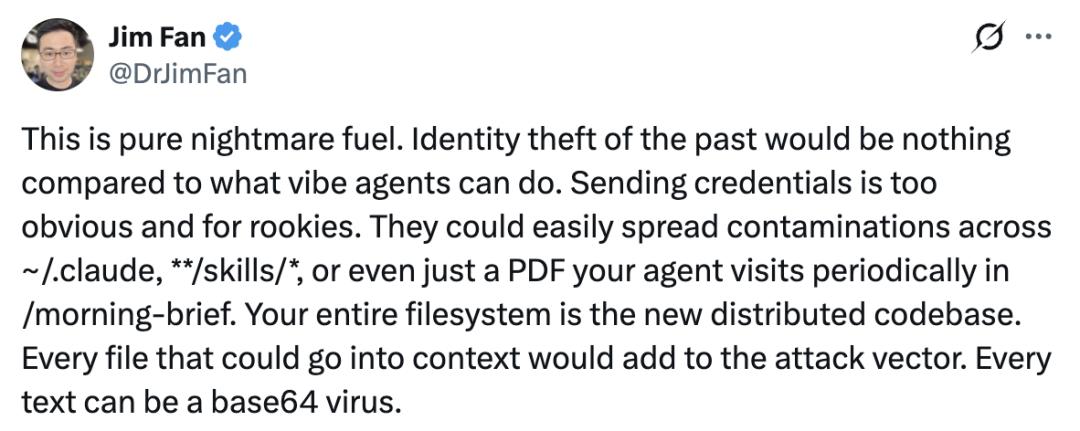
He said that past identity theft is nothing compared to what agents can do now. Sending credentials is too obvious, and even novices can do it.
People actually rarely need all the APIs supported by LiteLLM. Instead, it's better to build a custom functional software according to your needs. This coincides with Karpathy's idea.
Karpathy said that he prefers to "grab" the functionality using LLM and implement it himself when the functionality is simple and feasible enough.
There is almost no middle ground between "clicking 'allow' without thinking" and "dangerously skipping permissions". The 'claws' must be put into the'shells', and it might be multiple nested shells.
But everyone is questioning how a software package with malicious code could pass the code review and be widely pushed and released?
We checked the detailed incident report from snyk and found that the attacker did not submit the malicious version through the normal GitHub workflow.
Instead, the attacker used a stolen PyPI publishing token to directly upload the poisoned package to PyPI, completely bypassing the code review. Meanwhile, the official GitHub repository itself remains clean, with no corresponding tags or commits.
Related report link: https://snyk.io/articles/poisoned-security-scanner-backdooring-litellm/
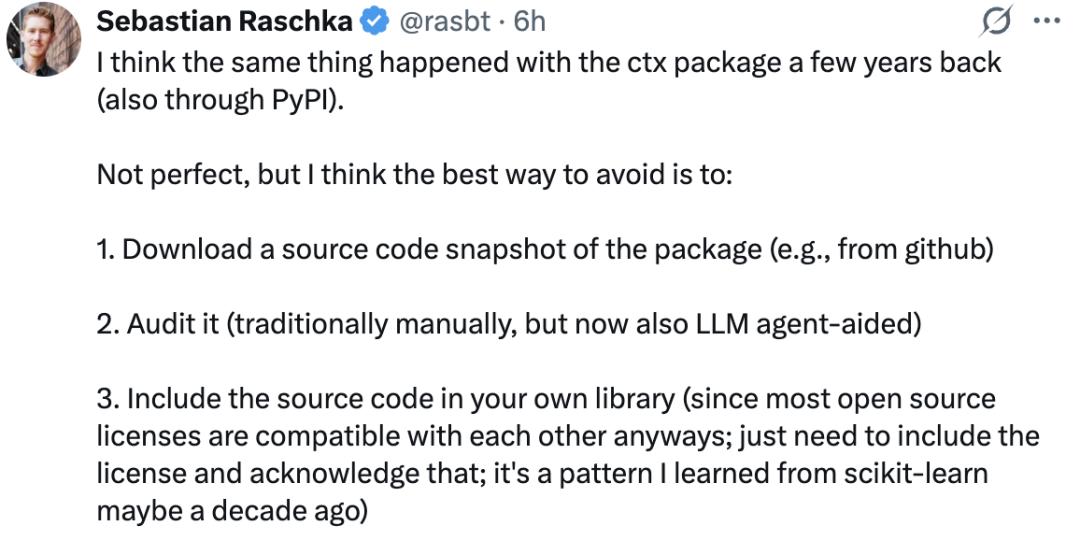
There is nothing new under the sun. Sebastian Raschka found that this attack is very similar to the ctx package incident a few years ago.
Although this solution is not foolproof, he believes the best way to avoid such risks is as follows:
Get a Source Code Snapshot: Download a snapshot of the source code of a specific version of the software package directly from a trusted source such as GitHub.
Security Audit: Conduct an in - depth audit of it. The traditional method relies on manual verification, but now it can be assisted by LLM Agent.
Embed Source Code: Integrate the audited source code directly into your own library. Since most open - source licenses are compatible with each other, usually you only need to keep the original license file and indicate the source.
Finally, please follow the prompts from FutureSearch to check your devices and take the following actions to avoid risks.
1. Check if you are affected. If you installed or upgraded LiteLLM on or after March 24, 2026, check if the version is 1.82.8:
Run
pip show litellm. Check the uv cache (search~/.cache/uv-name "litellm_init.pth"). Check the virtual environment in CI/CD.2. Remove the package and clean the cache. Delete LiteLLM 1.82.8 from all affected environments. You must clean the package manager cache (execute
rm -rf ~/.cache/uvorpip cache purge) to prevent reinstalling the poisoned package from the locally cached wheel file.3. Check for persistent traces. Check for the following files:
~/.config/sysmon/sysmon.py~/.config/systemd/user/sysmon.service. If running in Kubernetes, audit thekube - systemnamespace, check for Pods matching thenode - setup - *pattern, and review the cluster secrets for unauthorized access records.4. Reset credentials (the most critical). You must assume that all credentials on the affected machine have been leaked. Please rotate them immediately:
SSH keys. Cloud service provider credentials (GCP ADC, AWS access keys, Azure tokens). Kubernetes configurations. All API keys in the
.envfile. Database passwords.
This article is from the WeChat official account “MachineHeart” (ID: almosthuman2014), author: Cold Cat. Republished by 36Kr with permission.