Claude just killed OpenClaw
"Claude Edition Lobster" is here!
According to a report from Zhidx on March 24th, this morning, Anthropic released the Computer Use feature for Claude. Claude can automatically control a computer to perform tasks.
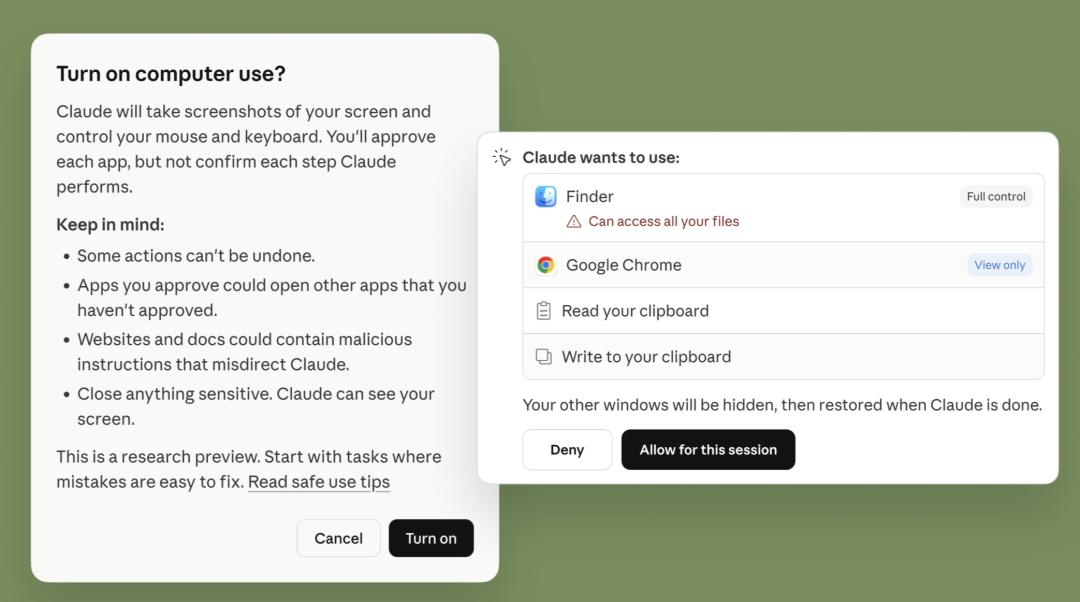
In the AI collaboration tool Claude Cowork and the AI programming tool Claude Code, users can enable Claude to control their computers to complete tasks. Its official tweet stated that Claude can use the computer to help you complete anything you can do while sitting in front of the computer, such as opening an application, browsing the web, filling out forms, etc.
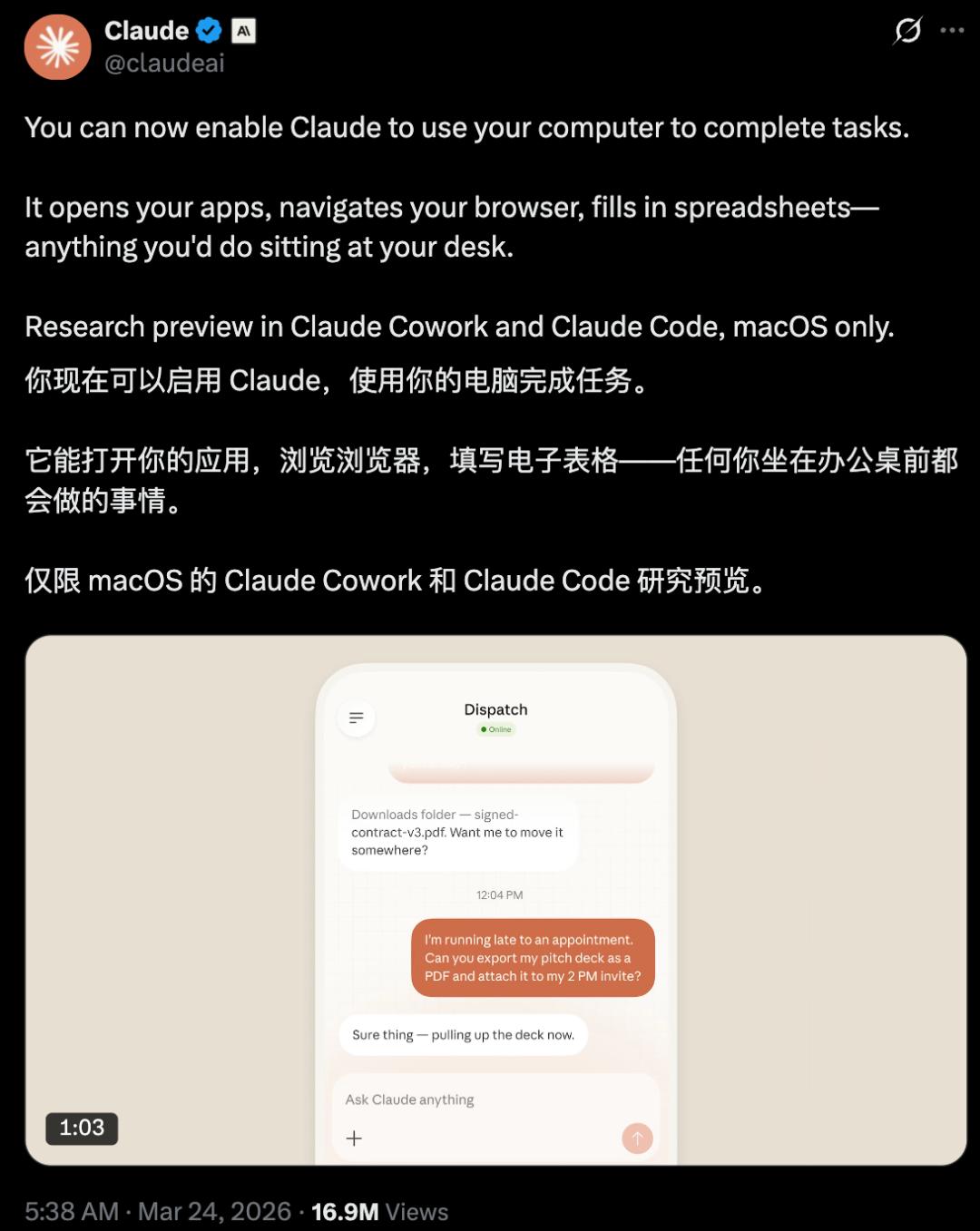
Last week, Anthropic added a new feature called Dispatch to Claude Cowork. Based on this, users can use their mobile phones to operate Claude on the computer to complete tasks. With the combination of Dispatch and the Computer Use feature, users can remotely command Claude to work automatically from their mobile phones even when they are not in front of the computer.
Anthropic's official blog mentioned that they released this feature in advance to understand its applicable scenarios and deficiencies, just as they did when they launched Claude Cowork.
However, the Claude Computer Use feature is an early research preview version and is not fully available to all users. Currently, only Claude Pro and Max subscribers can use it, and it only supports the macOS system.
Felix Rieseberg, a technical staff member of the Anthropic Claude Cowork project, revealed that the Windows version of the Claude Computer Use feature will be available in the next few weeks, and currently, Claude "moves slowly, much slower than humans."
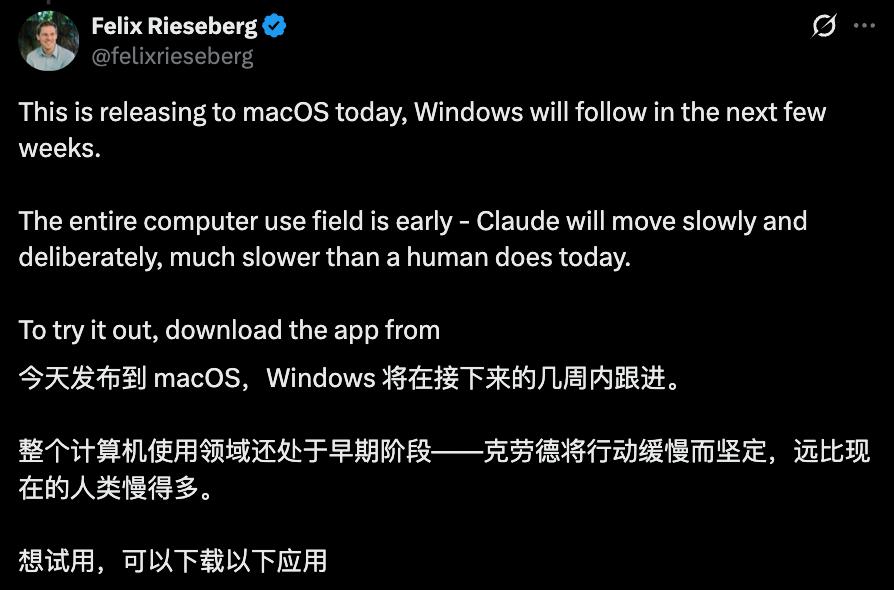
Anthropic's blog mentioned that users need to ensure that the desktop client is awake and running, and then pair it with the Claude mobile app to try to transfer tasks from the mobile phone.
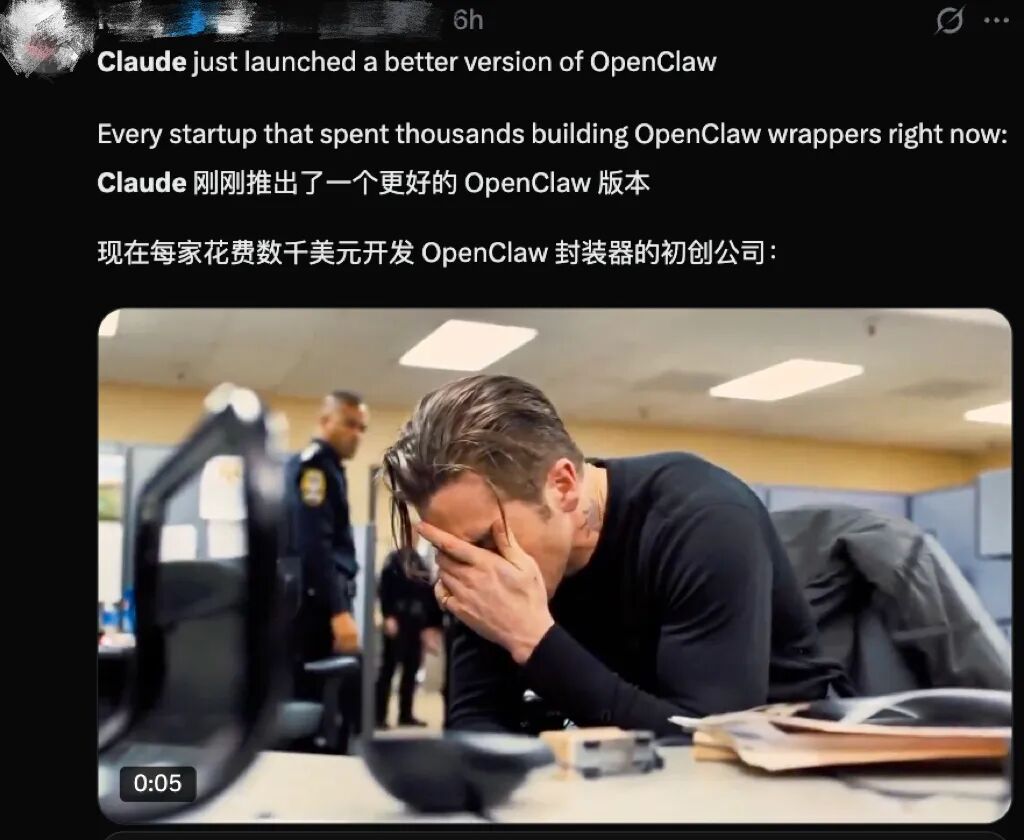
Below the comment section of Claude, many netizens sighed that "Anthropic just killed OpenClaw."

Some netizens also felt sorry for users who bought Mac minis to deploy OpenClaw and spent thousands of dollars installing the OpenClaw wrapper.
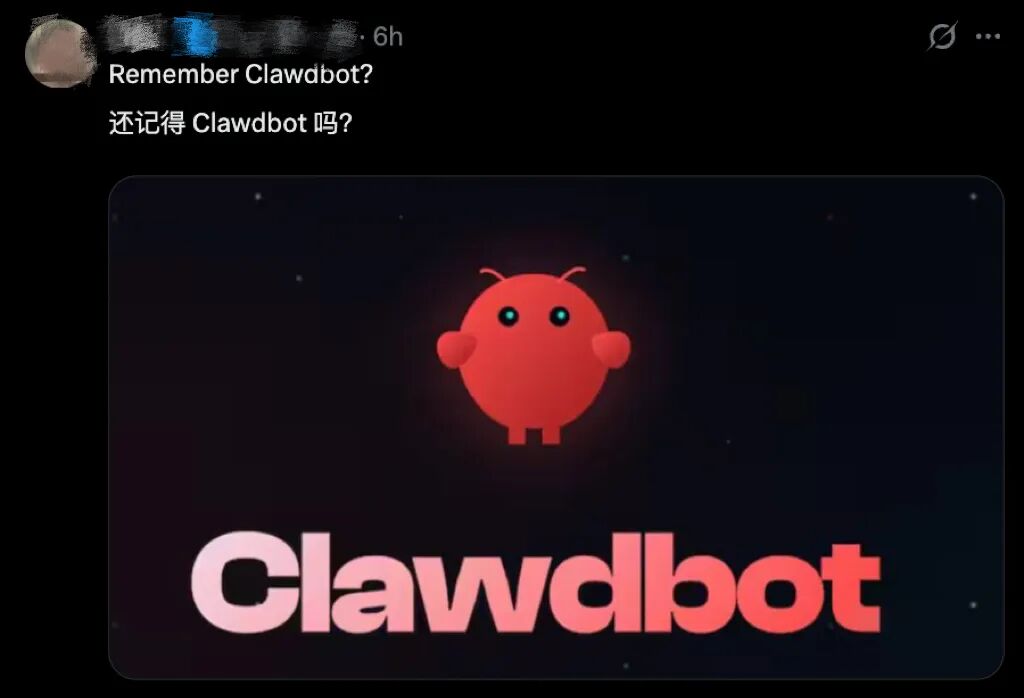
Some netizens joked, "Do you still remember the previous ClawdBot?" Previously, because Clawd sounded similar to Claude, Anthropic accused it of infringement and demanded a name change.
01 Summon Claude to work with a single sentence and help you debug and optimize application development
When performing tasks, Claude will first accurately select tools and call services such as Slack and Google Calendar through connectors. When there are no connectors, Claude can directly control the user's browser, mouse, keyboard, and screen to complete tasks. It will scroll, click to open, and explore. It is worth noting that Claude will always ask for the user's permission before performing these steps.
In addition, when Claude cannot obtain the required tools, it will perform click and navigation operations on your screen to complete tasks independently. It can automatically open files, use the browser, and run development tools without any pre - setup. Rieseberg said that Claude can also help users debug native applications under development.
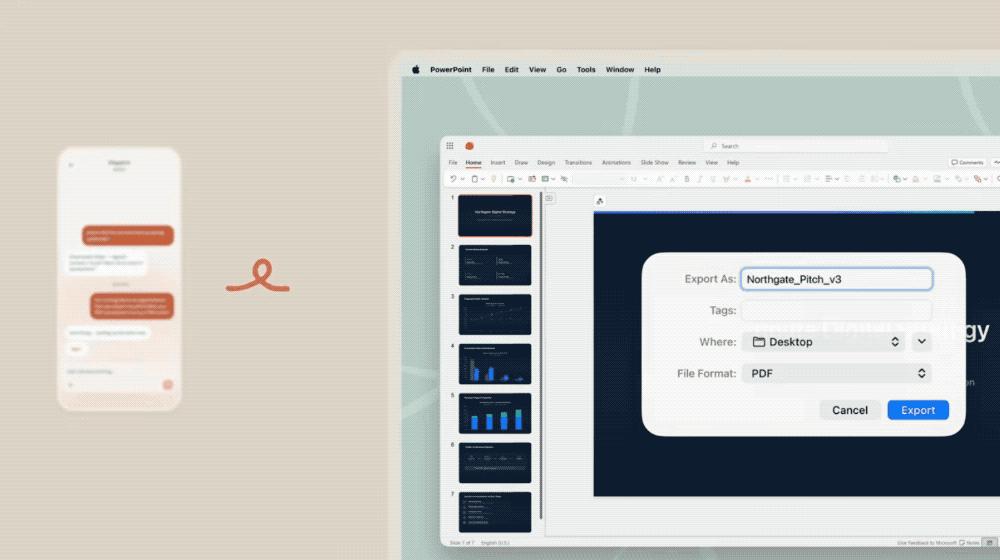
For example, when you are late for an appointment, you can summon Claude to work on your mobile phone. Prompt: I'm going to be late for my date. Can you export my presentation as a PDF and attach it to my 2 pm meeting invitation?
Claude will automatically operate the computer to export the PDF and then add it to the meeting invitation attachment. After completing the task, Claude will reply to the user, "Used the version edited at 9:47 am today and exported it at the highest quality."
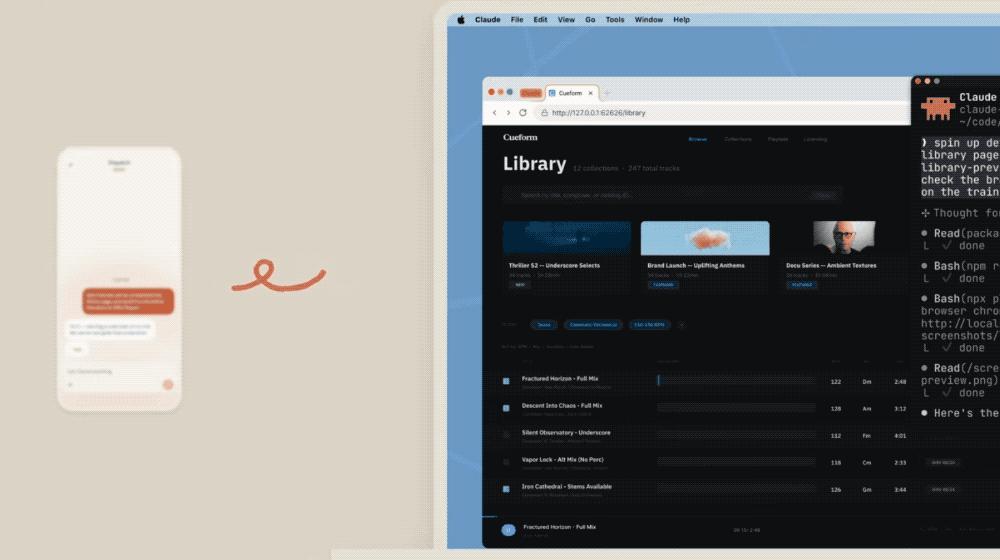
For example, when you are about to give a presentation but suddenly find that you are short of materials, you can let Claude automatically complete the task on the computer. Prompt: Please start the development server, take a screenshot of the library page, and send it to me before the 3 pm presentation. Please!
Claude will synchronize its execution progress in real - time, such as starting the application, finding the library page, what the layout is like, and taking a screenshot.
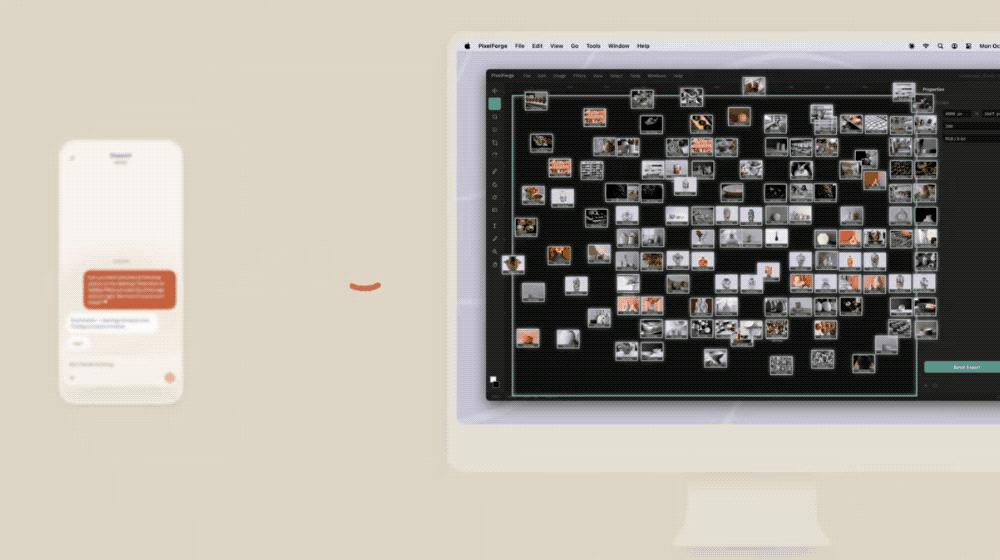
When you are short on time and have no time to handle work, Claude can also help. Prompt: Can you batch process all the store photos on my desktop? Resize them to 1200 - pixel PNG format and add a white logo to the bottom - right corner. I don't have time to do it myself 😬
Claude will first find the location of the pictures, then create a new folder on the desktop, and put the resized pictures with the "Dragon" watermark in it.
02 Support mobile phone dialogue to control Claude, and the early preview version is prone to errors
Last week, a new feature called Dispatch was integrated into Claude Cowork. This feature allows users to have conversations with Claude and assign tasks on their mobile phones, and only need to check the tasks completed by Claude on the computer at the end. Now, this feature has also been launched on Claude Code.
Based on Dispatch, users can let Claude automatically check emails every morning, automatically pull fixed indicators every week, start a Claude Cowork or Claude Code session report, or pull a request.
After combining Dispatch with the latest Computer Use feature, the applicable scenarios have increased.
When users are out, Claude can use the computer on their behalf. For example, when the user is on a train, Claude can help create a morning briefing, modify and run tests in the IDE, and publish a PR, and promote the 3D printing project to be executed as planned.
Anthropic mentioned that researchers have built risk - minimizing protective measures for it.
When Claude uses the computer, its system will automatically scan the activations in the model to detect activities such as prompt injection. Users can stop Claude at any time, and Claude will always request permission before accessing a new application.
However, compared with Claude's text and programming abilities, the construction of its Computer Use feature is still in the early stage, so it may make mistakes.
Based on this, Anthropic's researchers suggest that when users try out the new feature, they can start with the applications they trust the most to avoid exposing sensitive data.
03 Conclusion: The era of AI computer automation has arrived, and Anthropic enters the "lobster - raising" field
This time, Anthropic launched the Computer Use feature, which natively realizes computer control in Claude Cowork and Code. It is similar to the previously popular OpenClaw in logic, both upgrading AI from simple dialogue interaction to an intelligent agent that can directly operate the desktop and perform tasks autonomously.
The difference between the two is that Anthropic's ability is a native ability built on the official product system, while OpenClaw is only a third - party open - source implementation. Compared with OpenClaw, which requires users to deploy and debug by themselves, Anthropic's new feature is ready - to - use. Users only need to download the client to experience it.
In terms of security risks, as an open - source project, OpenClaw not only has a high deployment threshold but also has obvious data and permission security risks. In contrast, Anthropic's official solution will significantly reduce the use risk through mechanisms such as permission control and security guards.
At present, the Claude Computer Use feature is still in the early preview stage. It not only has a slow execution speed but is also not available to all users. It is far from replacing OpenClaw.
In the future, when the Claude Computer Use feature is fully launched, combined with its security guards and ready - to - use nature, the moment of "killing OpenClaw" may truly arrive.
This article is from the WeChat official account "Zhidx" (ID: zhidxcom). The author is Cheng Qian. It is published by 36Kr with authorization.