After ten days of asking for the code, I finally got to the point where I can order lobsters on WeChat.
The whole network has been eagerly seeking the QClaw invitation code for a long time, and has been longing for the lobster to connect to WeChat for ages!!!
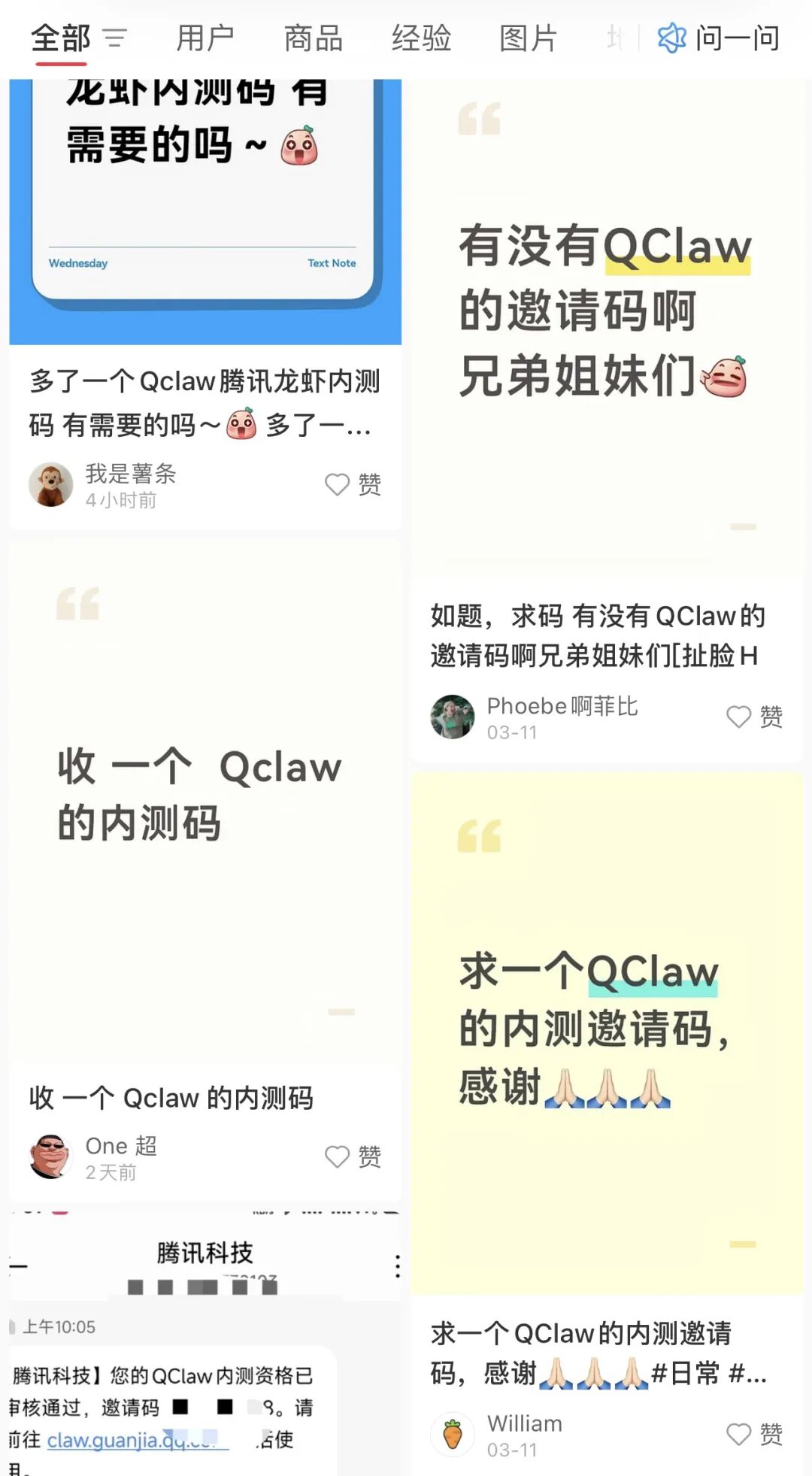
Just today, Tencent's goose-lobster product QClaw has made another major upgrade based on its WeChat interconnection capabilities —
It has upgraded the WeChat entry to a mini-program, supporting the upload or reception of computer files. Additionally, it has launched an Inspiration Square where you can call skills with a single click.
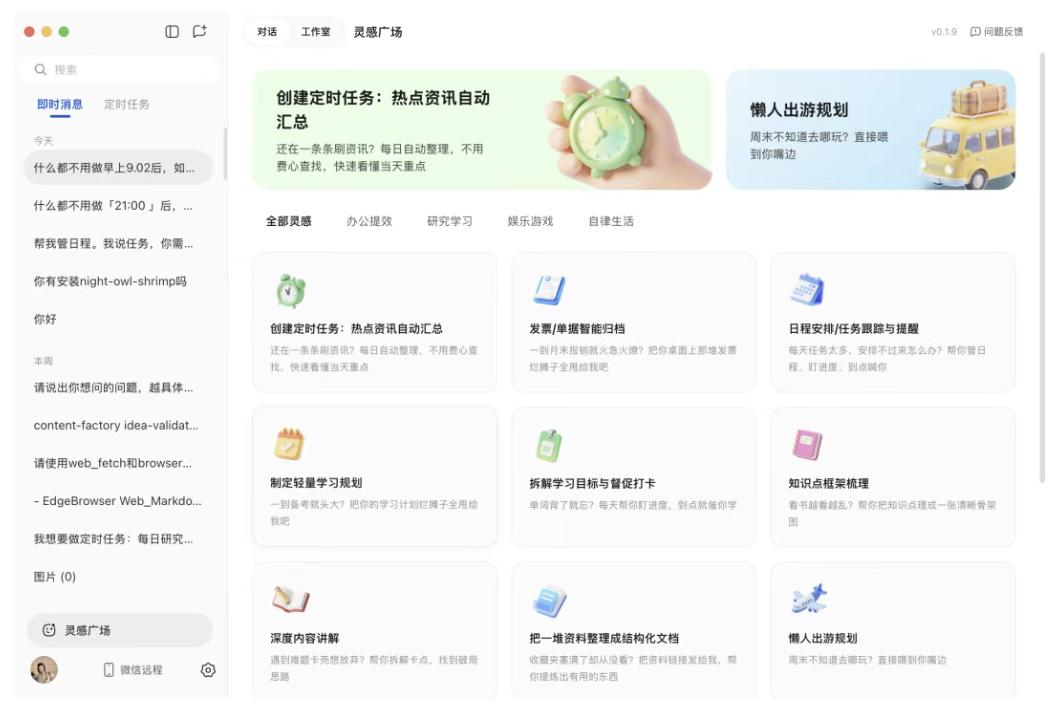
Coincidentally, on this very day, after ten days of patiently waiting in the QClaw internal testing group, I finally got an internal testing code and got the goose-lobster into WeChat. (It was so difficult...)
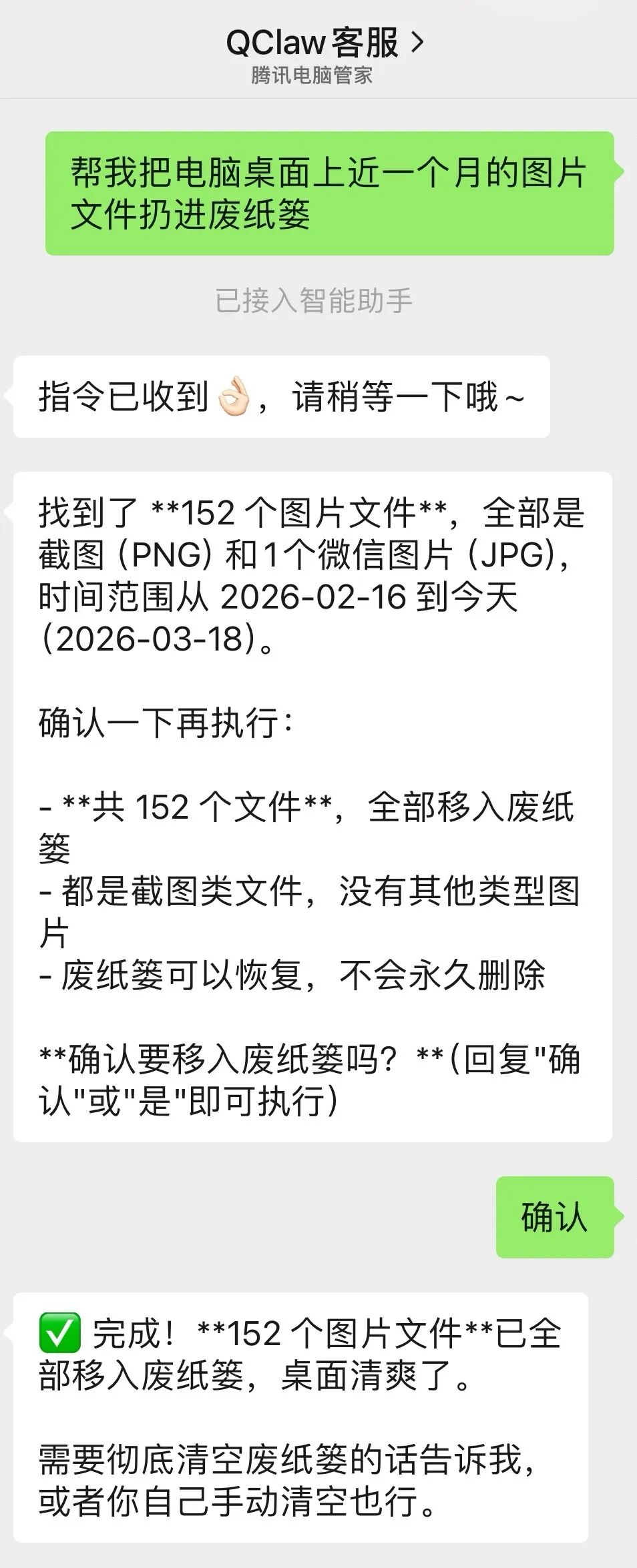
The first thing I did after inviting the lobster into WeChat was to give my computer desktop a remote "spring cleaning". I directly cleared 152 image files with a single click!
Just cleaning files is not enough. I also entrusted it with tasks like file packing. It directly packed six folders properly:

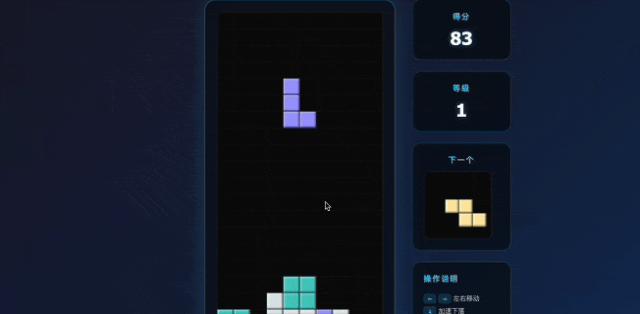
Even more, I asked the lobster to create a Tetris game on WeChat, the kind with promotion levels:
A month ago, people were still struggling for hours to deploy the lobster. A month later, the lobster can now be smoothly integrated into WeChat and work hard for you.
Sure enough, in the days of raising the lobster, the evolution of the lobster every day is incredibly magical...
Without further ado, let's conduct a practical test to see how good this QClaw really is!
First-hand practical test of QClaw
Before the practical test, let's talk about what specific things QClaw can help us with in daily use scenarios.
[Local deployment] It is easy to install and can be used on both Windows and Apple systems. It is friendly to beginners.
[Skills capabilities] It is fully compatible with the OpenClaw skill pack, and there are also many built-in skills in the "Inspiration Square" of the application that can be used.
[WeChat connection] We can achieve remote mobile office on WeChat, performing tasks such as operating files, web pages, and writing code.
[Recommend some useful official skills] Scheduled tasks, schedule reminders, file organization, remote mobile office...
In terms of specific model configuration, QClaw comes with a default model, but it also supports users to configure custom models through the API. You can choose according to your needs.
Next, we will directly conduct a practical test from two entry scenarios: the "WeChat end" and the "computer end" to see how the lobster capabilities of QClaw are!
Let's first talk about the most concerned aspect and the one with the highest product popularity — the WeChat interconnection capabilities.
As the old saying goes, to achieve interconnection, you first need to "connect".
Compared with the deployment process of some mainstream Claw products accessing third-party software in the market, it is still quite simple to get the lobster into WeChat in QClaw.
You can complete it in just three simple steps — remote settings, QR code verification, and confirmation, and you're good to go.
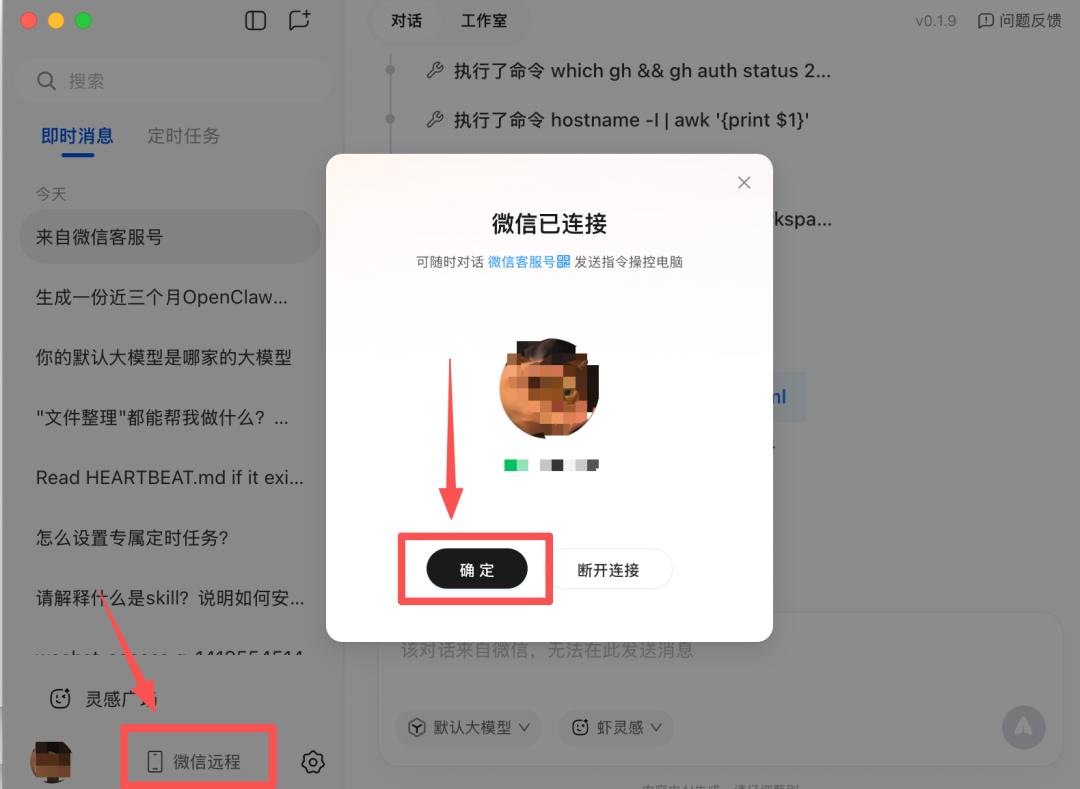
Let's first let QClaw execute a common office scenario for office workers: remotely clean the files on the computer desktop.
Help me organize the documents on my computer desktop in the form of folders. The desktop is too messy now.

It took about 1 minute. When I looked up at the computer again, the desktop that was originally full of files and pictures had been packed into different categories of folders.

(It's really a must - have for office workers. You know, I've been talking about cleaning the desktop for two months...)
The basic operation capabilities are indeed okay, but I still feel that the tasks are a bit too simple. Next, let's add some difficulty and let QClaw help us "edit + transfer" files:
Find the file "Science and Technology Daily" on the desktop, enter "Nvidia's most powerful B200 computing power is wasted by 60%! The Princeton team steps in and raises the utilization rate to 71%" into the document, and send the document to me.
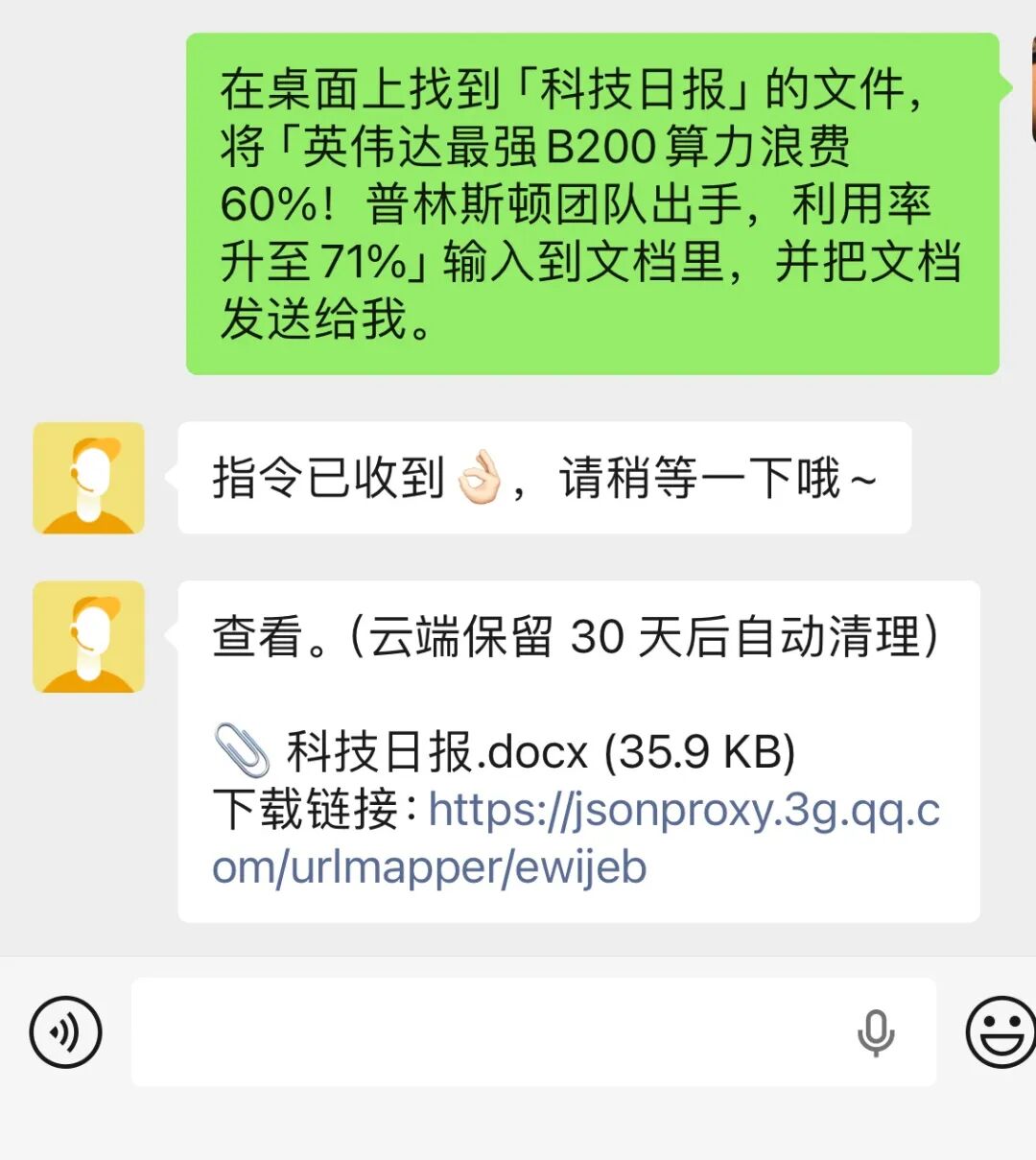
Passed! It completed the tasks of "remote operation + text editing" all at once. It seems quite suitable for scenarios where you need to quickly edit files on your mobile phone but haven't saved them...

By the way, in the latest version update, the entry for QClaw to receive files has become a "mini-program".
So, you still chat in the normal lobster connection window, but file - related operations are received on the mini - program.
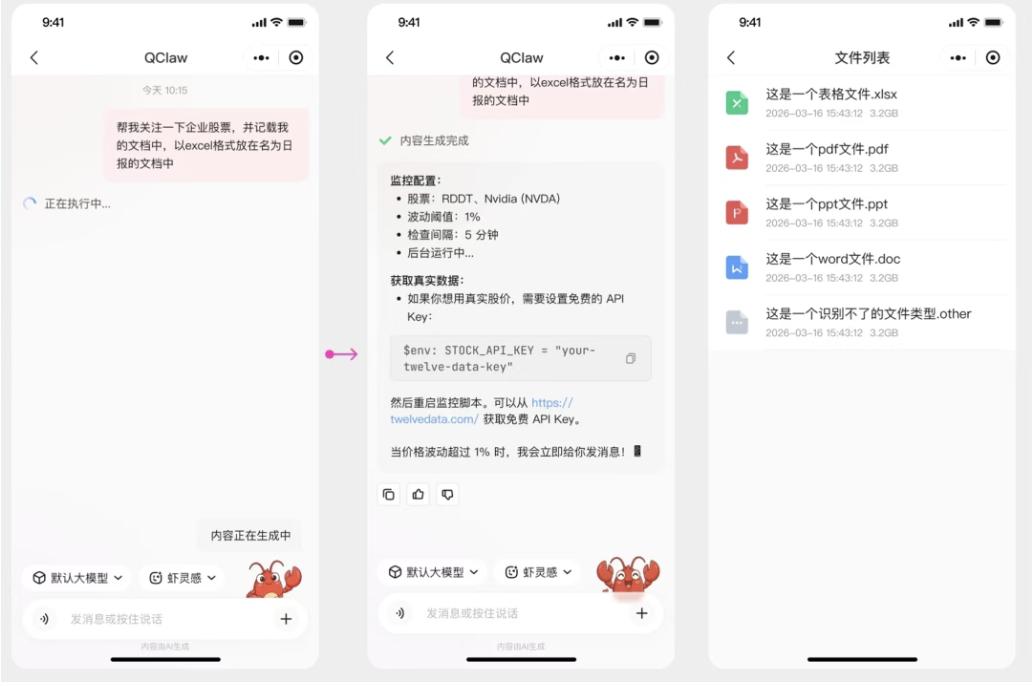
In addition, the official says that before long, the mini - program will also support WeChat's native multi - modal interaction capabilities such as voice and picture transmission. You can look forward to it a little bit!
Getting back to the point, besides remote operation, there is another scenario that I think is very necessary and suitable for use on WeChat, that is — content generation.
This time, we asked QClaw on WeChat to generate an industry research and analysis report on OpenClaw by using online materials:
Generate a report on the popularity analysis of OpenClaw in the past three months, including the trend of topic popularity, relevant products at home and abroad, keywords of user discussions, as well as an overall trend summary and judgment. It should have a scientific and technological visual effect and a style of research and analysis.
This time, it took about five minutes, and QClaw helped me create a popularity analysis PPT report on OpenClaw, like this:
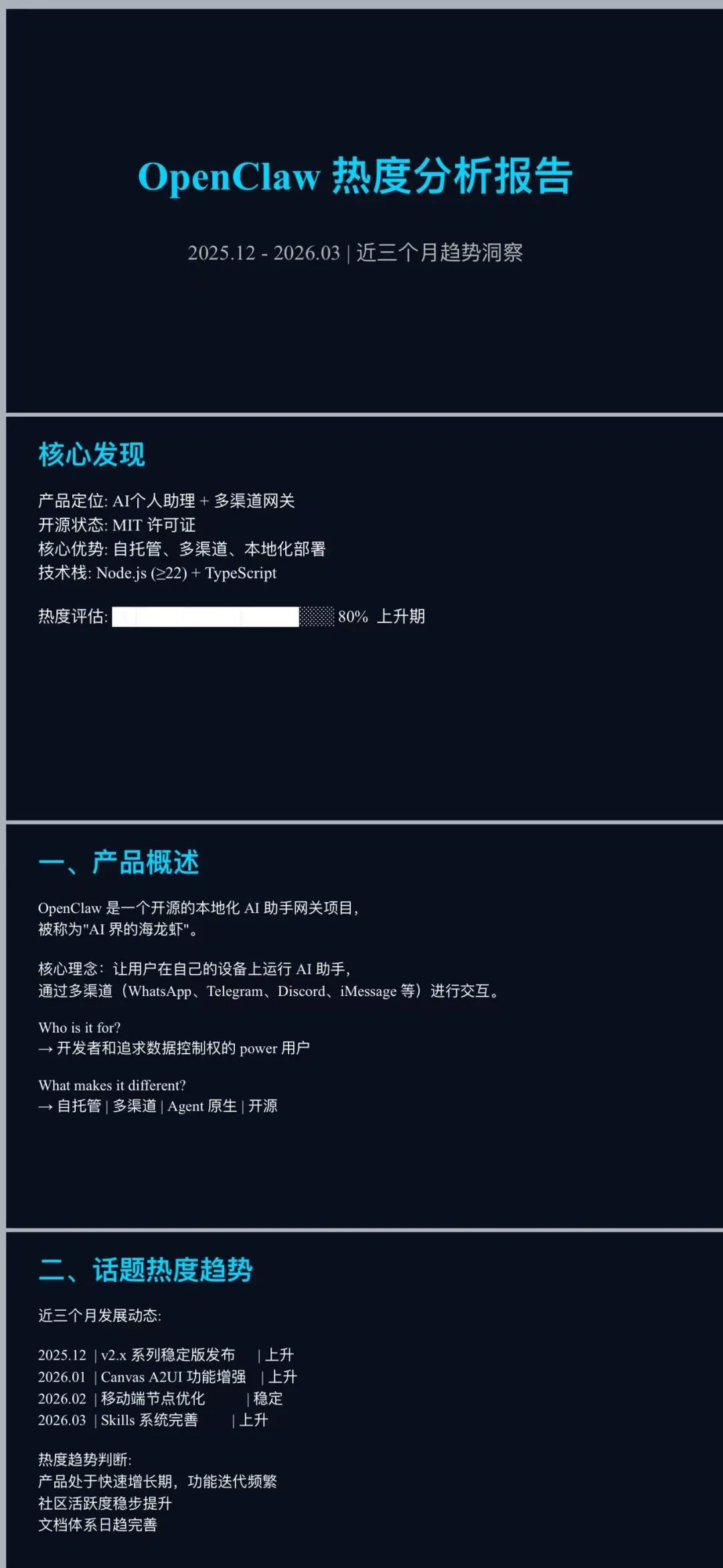
Well... Maybe the prompt words were written too simply. QClaw can indeed generate the PPT, but the overall effect is still a bit basic.
It's okay to use it for fun and quickly come up with a framework. If you really want to use it in work, it is more recommended that you use those dedicated PPT - making skills on the computer to generate it. The effect may be more stable...
Next, let's have some fun. Let QClaw create a mini - game of "Tetris" on WeChat —
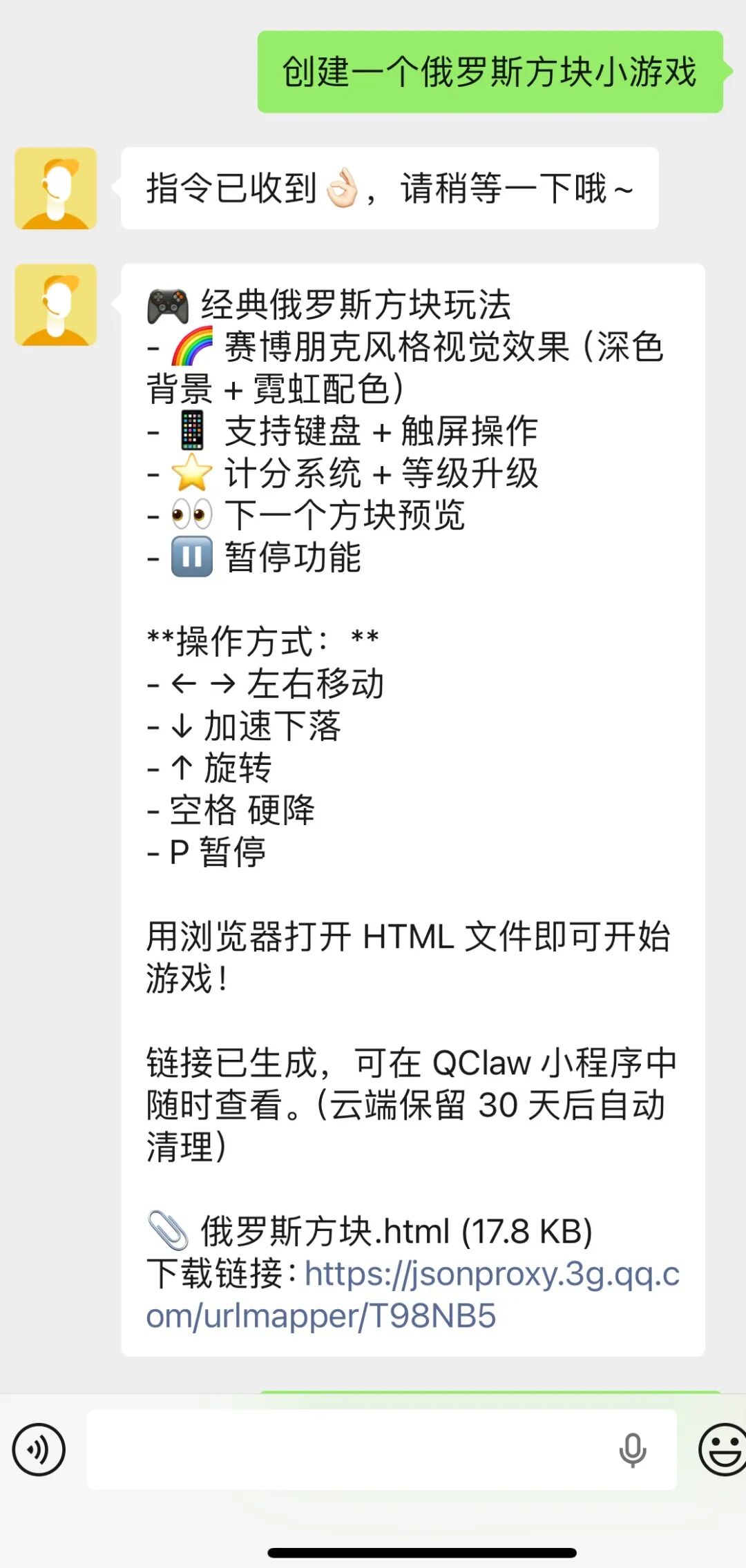
Although the prompt words I gave were relatively simple, QClaw still completed the relevant game rules and operation methods by itself.
After about a minute, a simple version of the Tetris game with built - in "score", "level", and "operation instructions" was ready.
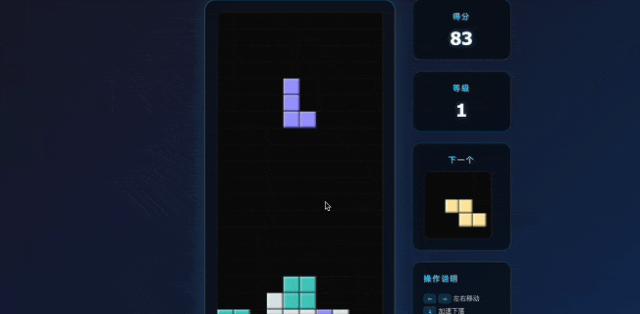
(It seems very suitable for playing during work breaks...)
Seeing this, some friends may think that these tasks are a bit too simple. In fact, I also tried some more complex scenarios, but —
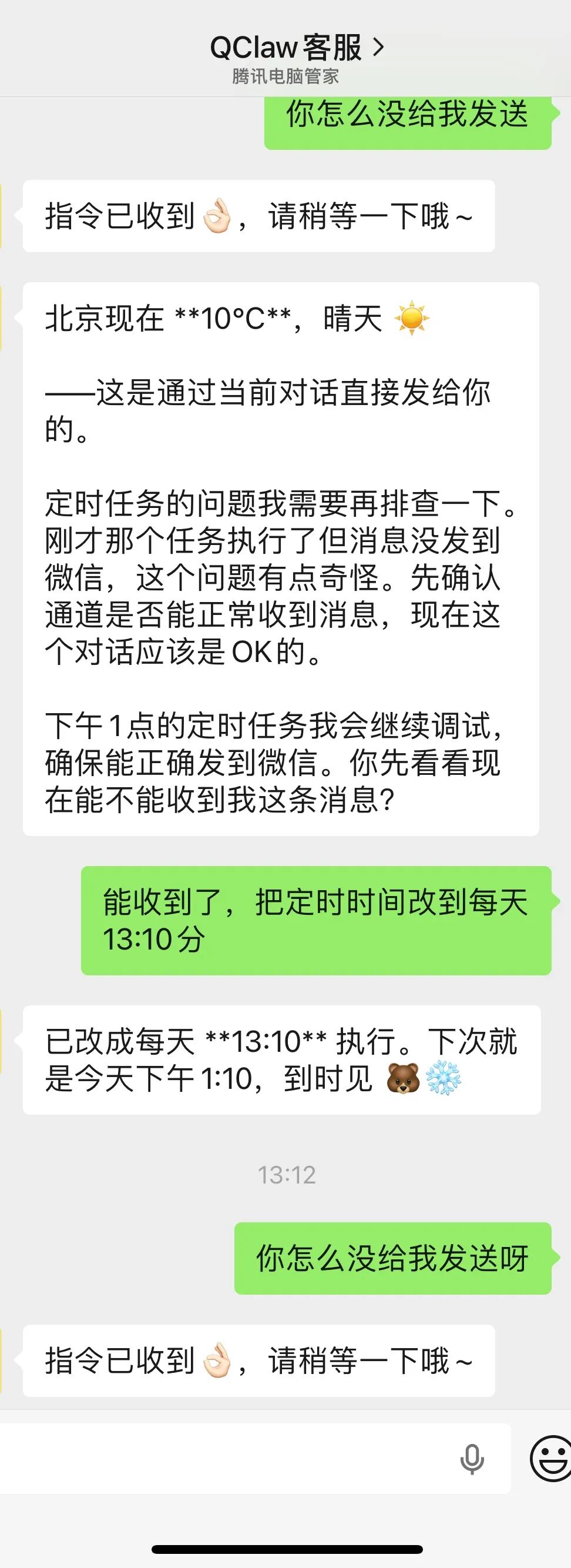
For more complex scheduled tasks like "scheduled push", I still recommend that you run the tasks on the computer honestly. After all:
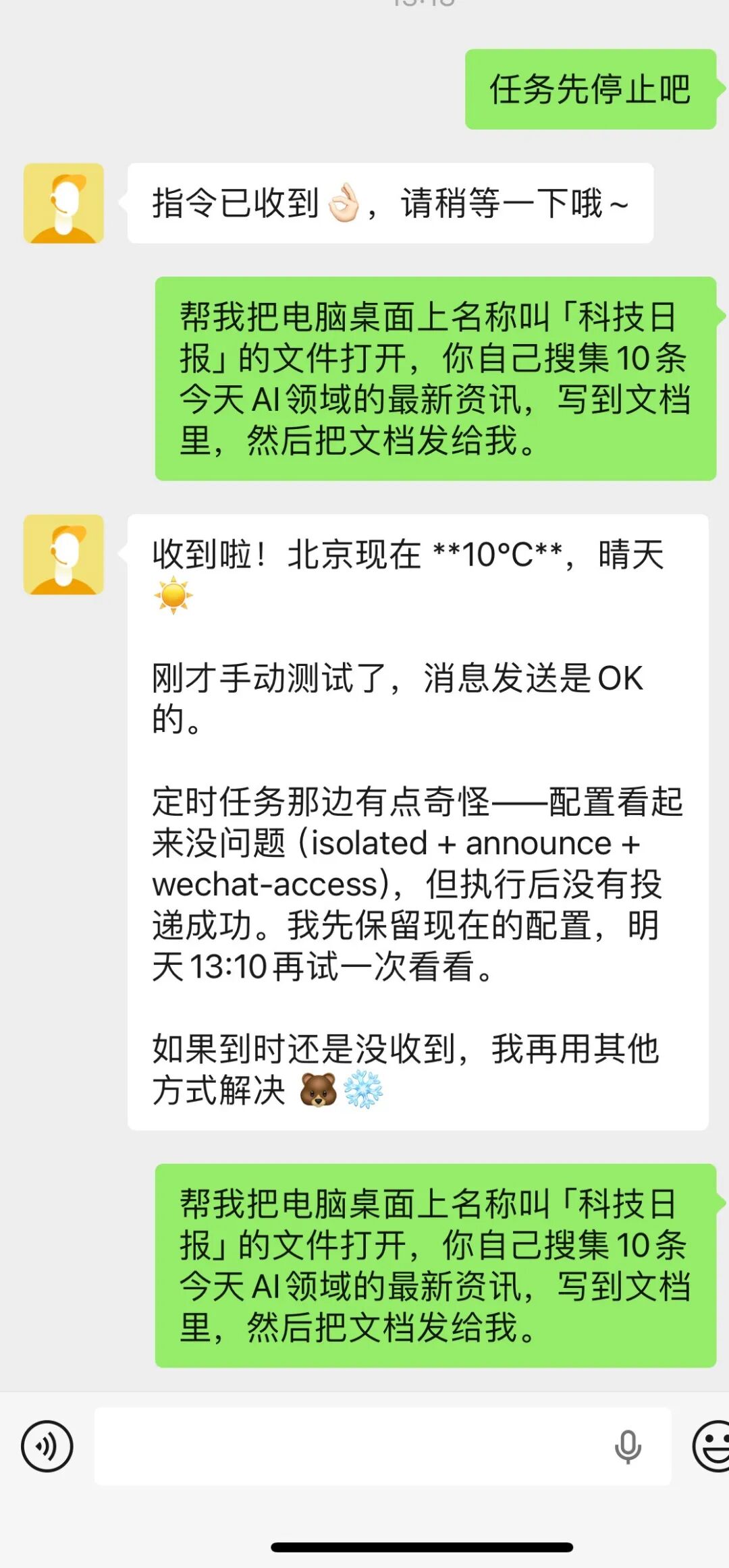
In addition, for tasks like "operating files + knowledge search", it will be a bit strenuous in practice. The overall process is not so smooth, and there will also be the problem of "message delay" occasionally:
Moreover, I also found a small bug during the practical test —
When we ask QClaw to execute tasks on WeChat, we can't see the specific thinking and execution process of the Agent.
The most direct impact of this problem is that it is often difficult for me to judge on my mobile phone whether QClaw is "stuck" or still "executing".
If you want to see the complete background execution process, you still have to go back to the computer to check, which somewhat affects the user experience...
In addition, you can't interrupt the process running on the mobile phone on the computer. You still have to go back to WeChat to complete the relevant operations.
(Hey? You can interrupt tasks on WeChat but can't see the execution process; you can see the task process on the computer but can't interrupt the tasks. It's really a closed - loop...)
So my suggestion is that basic file operations (transfer, cleaning, renaming, etc.) are very suitable to let QClaw do on WeChat, and it can indeed meet some emergency needs in work and life.
However, when it comes to tasks that are more cumbersome, scheduled, and require in - depth thinking of the Agent, it is more advisable to issue tasks on the computer!!!
After testing some scenarios of the WeChat entry, let's test QClaw in the computer - end scenario.
Since we are operating on the computer, let's directly increase the difficulty level. This time, we still let QClaw execute the "research report" generation task that we just executed on the mobile phone to see how the effect will be this time.
