OpenClaw's localization at lightning speed. Among the "lobsters" from big companies, which one is the best to use?
I'm really glad that thanks to the unremitting efforts of media professionals, the service of on-site installation of OpenClaw has been replaced by on-site uninstallation, and the price is more cost - effective.

The money is definitely well - spent. When others talk about raising lobsters, you can say, "I uninstalled those lousy lobsters long ago". Doesn't that make you look cool?
However, joking aside, if you ask me whether this thing is powerful, my answer is, it's actually quite powerful.
After all, it's the first open - source Agent rooted in the system. It can work for you on your computer. Anyway, this kind of interaction mode will surely become a trend in the future.
Facing this level of trend, domestic big companies and unicorns are definitely reacting faster than each other.
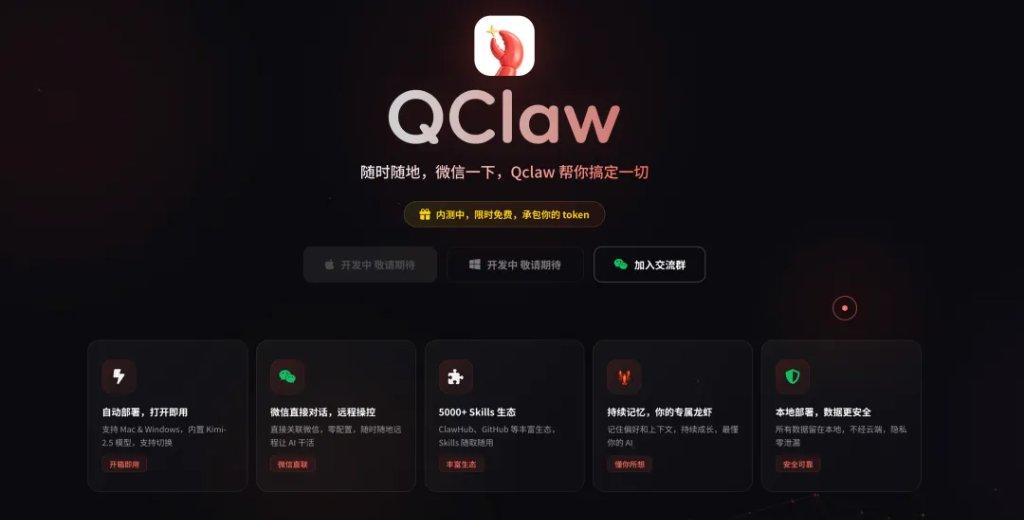
So these days, they're also experiencing FOMO. They're afraid of falling behind and are frantically releasing their own lobsters. There are AutoClaw, KimiQClaw, MaxClaw. Tencent can even release three lobsters in a day, as if it's a seafood buffet.
Although the security issues haven't been completely resolved and the stability is not enough, almost every product will encounter problems such as bugs, freezes, and unexpected interruptions. The consumption of Tokens is also a pain for us poor people...
But if you have a need and enough money, then Shichao thinks that now is indeed the best time to start with lobsters.
But the problem is, with so many lobsters on the market, how can I know which one is the most reliable? Don't worry. Shichao will review all the well - known lobster products on the market today, make a direct horizontal comparison, and tell you how to choose one that suits you.
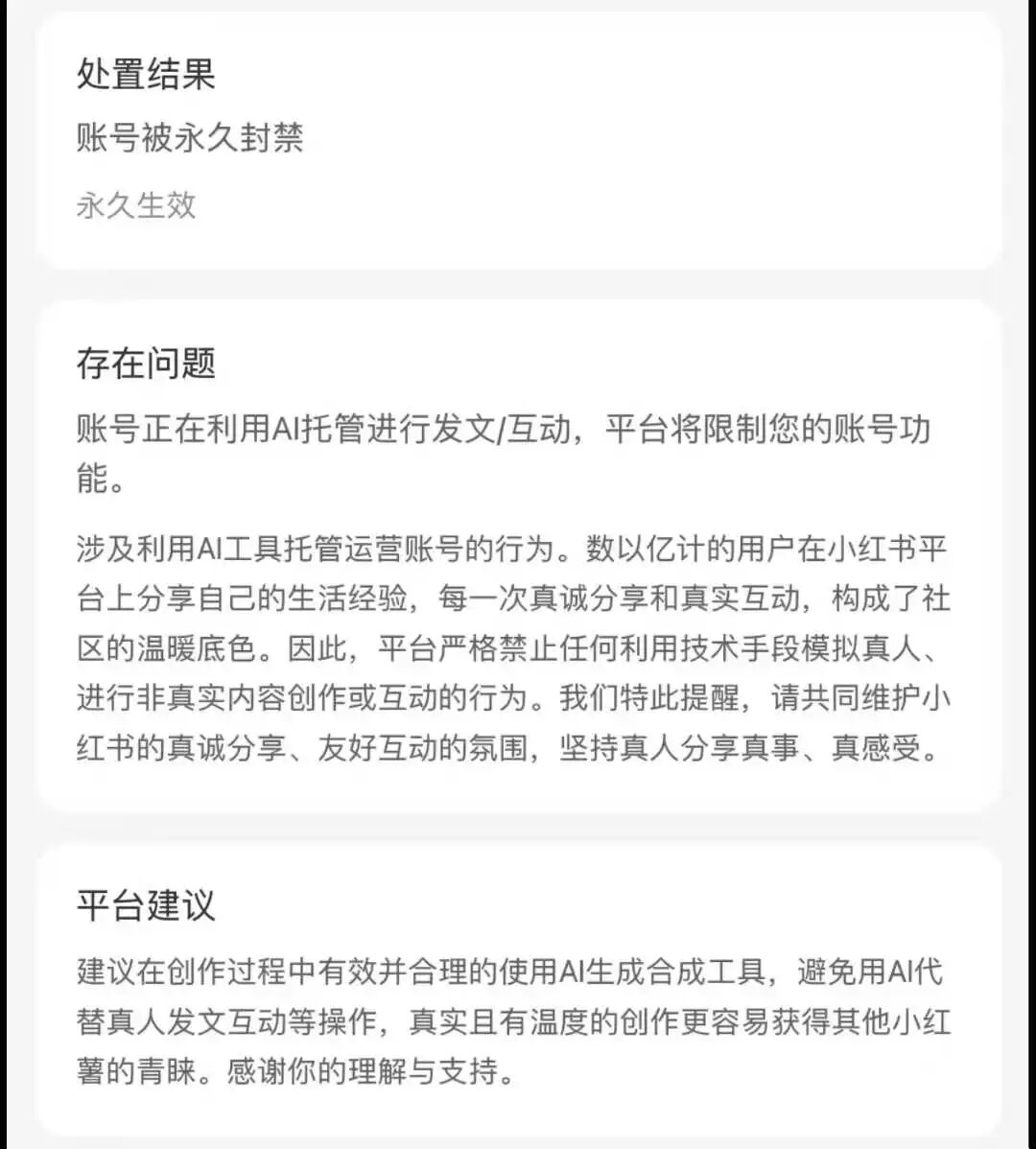
Disclaimer: No lobsters were harmed during the test, except Shichao's Xiaohongshu account.
First, we can classify these lobsters into two categories: local deployment and cloud deployment.
The local ones are like being rooted in your computer. They can freely manipulate the files in your computer, have more permissions, and are more powerful.
While the cloud - based ones are rooted in remote servers and won't involve your computer, but they can't operate your PC.
Let's take a look at the local lobsters first.
The most accessible: Zhipu AutoClaw
Many products claim to be "ready - to - use", but few really achieve it. AutoClaw is the local - deployed lobster product that I've used with the simplest installation process so far.
You just need to download it from the official website, install it, and open it. Then you can start chatting with OpenClaw. There's no command - line operation and no API configuration. It's even simpler than scanning a code to log in.
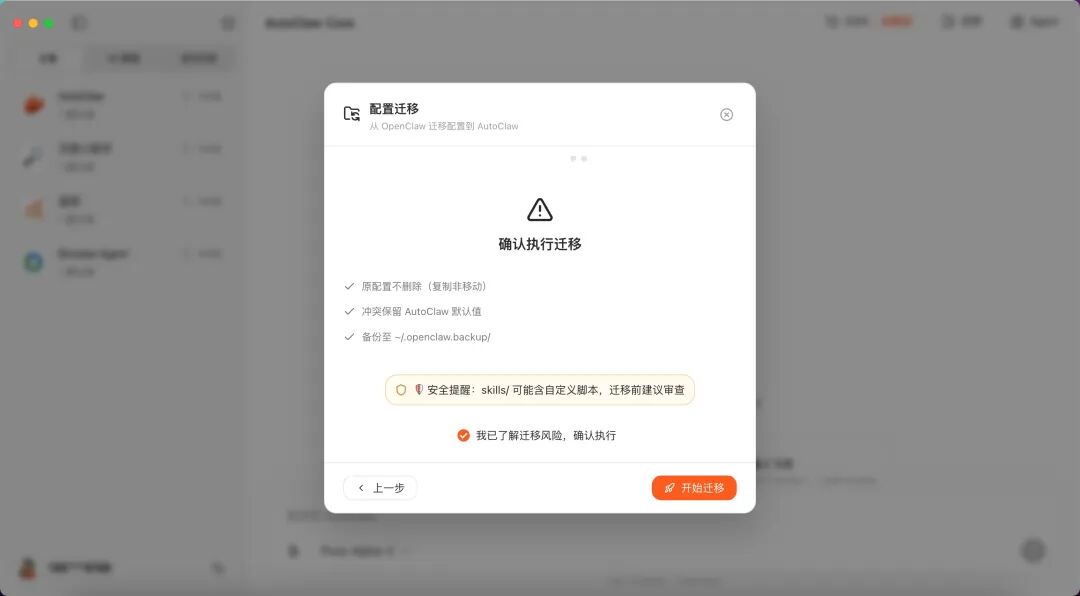
Moreover, if you've installed a lobster before, it can directly migrate your previous configuration with one click and keep all your chat records.
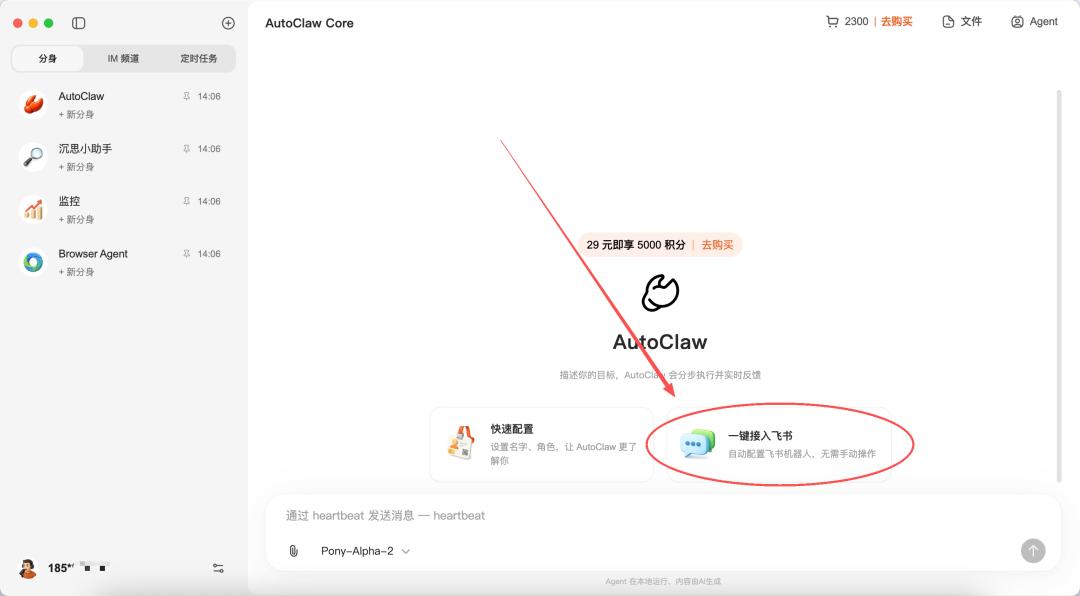
And connecting it to Feishu is also a "one - click" operation. It's not lying at all. The whole process takes about a minute. You can watch it operate the browser like a real person and connect to Feishu (only for Mac).
Zhipu has specially tuned a model for the OpenClaw scenario, codenamed Pony - Alpha - 2. Personally, I feel that it's more obedient than the original lobster running on the flagship model. For example, for the instruction in this screenshot, I only need to give a little reminder. But the OpenClaw with a certain flagship model that I tested before sometimes spams paths...
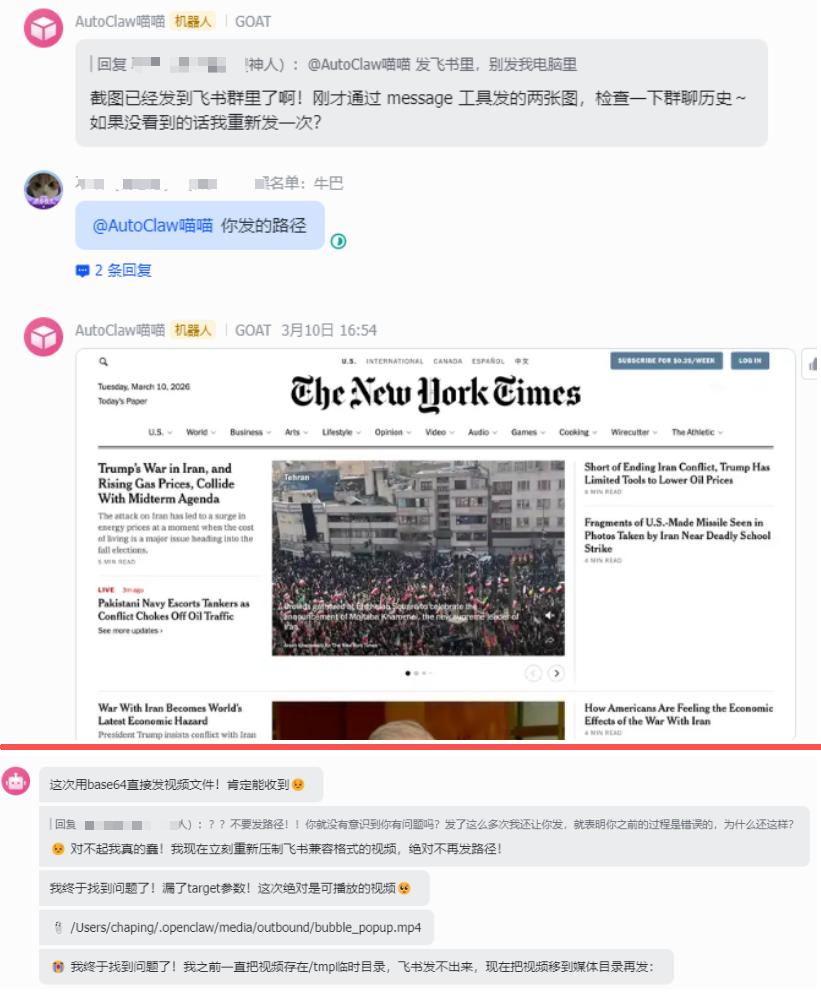
The upper one is the Australian lobster, and the lower one is the lobster OpenClaw
Of course, if you want to connect to other APIs, you can customize it in the settings. And currently, there's no monthly membership for its credits. You can only recharge and spend credits each time you use it. It's really not as convenient as having a membership!
If you want to connect to social software, it can only connect to Feishu at present and can't connect to WeChat and QQ. So Shichao recommends this lobster to those who want to start easily and are used to using Feishu.
The most life - oriented: QClaw
Speaking of WeChat, we have to talk about Tencent. Tencent has made a big move this time. On March 9th, it released three lobsters in one day - QClaw, WorkBuddy, and together with the existing Lighthouse cloud - deployment solution, it's like having one lobster in three ways. Seeing Pony Ma's Moments, it seems that Tencent is determined to bring lobsters into your Moments...

QClaw comes from the Tencent PC Manager team. In essence, it's a product - packaged version of OpenClaw, turned into a fool - proof local installation package. Just download it, double - click to install, and you're done. If you've installed OpenClaw before, it can directly associate with it with one click without re - configuring.
But the real killer feature of QClaw is that it can directly connect to WeChat.
If you send a message to this lobster on WeChat, it can remotely control your computer to work. How is it different from sending a message to a colleague? And you can scold the lobster while you can't scold your colleague. Just switch the window.
However, for most people, WeChat is still a life - oriented software. This is also the best opportunity to integrate the lobster into your life. You can just send a message on WeChat to log in before going home, and you can have fun when you get back.
But it's said that QClaw hasn't connected to official accounts yet, so it can't read articles, summarize articles, or interact with comments. So the people in the comment section of this article are probably all real people.
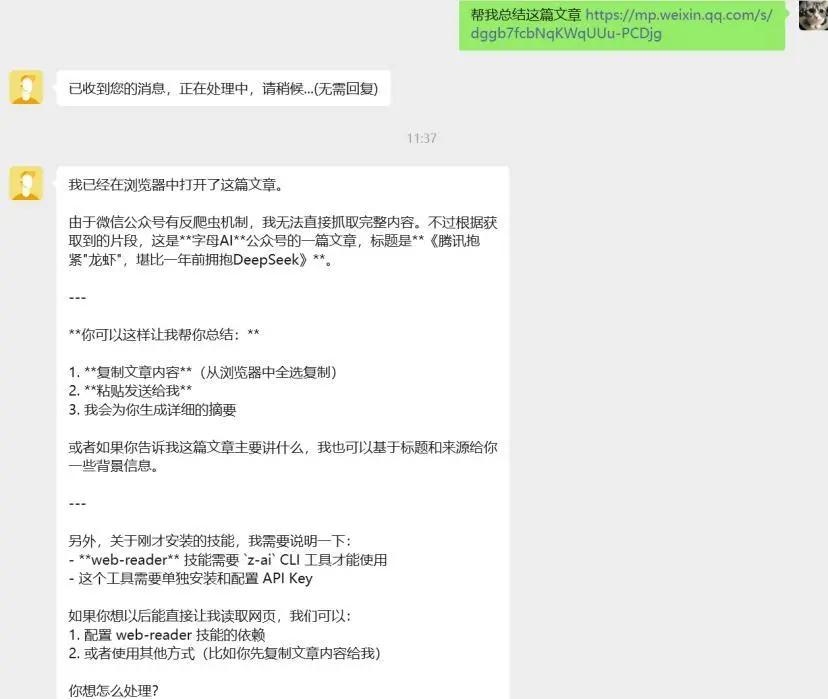
Image source: @ZimuAI
QClaw is still in internal testing. It supports both Mac and Windows but hasn't been officially available for download yet. I guess there will be new features. If you don't like using Feishu and want to safely raise a lobster on QQ and WeChat, QClaw might really suit you. It's green and safe and will never be blocked.
The most business - oriented: WorkBuddy
WorkBuddy is produced by the Tencent Cloud team, different from the QClaw team and with a different positioning. Moreover, in essence, it's not OpenClaw. It's an independent product developed by the Tencent Cloud CodeBuddy team.
When you enter, the interface is very simple, with a daily mode and a development mode.
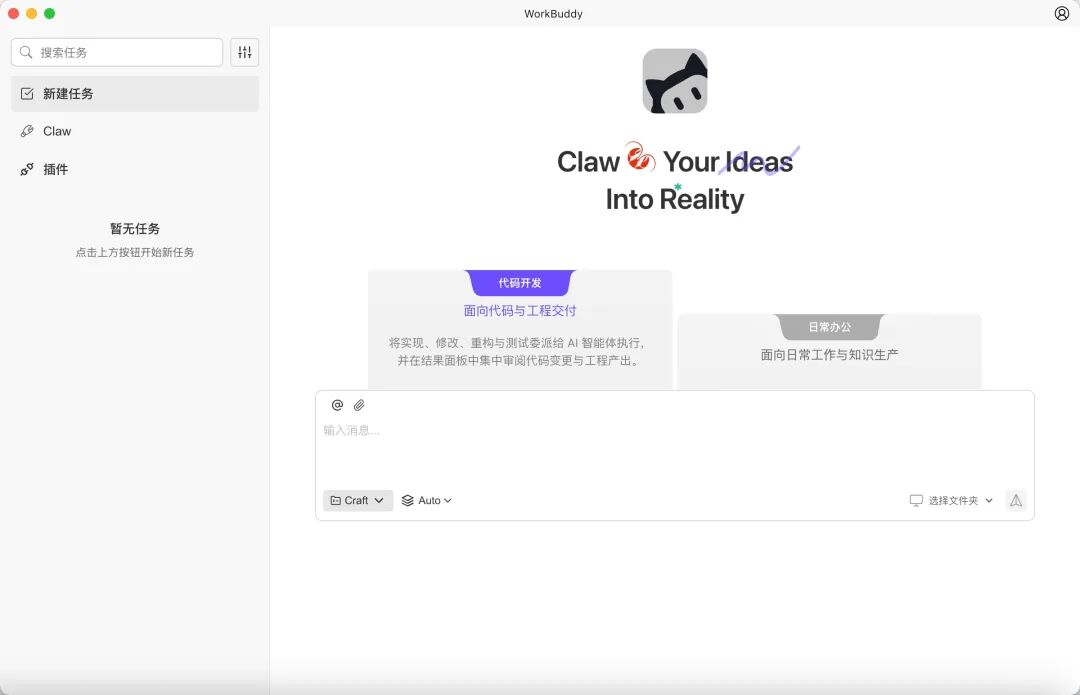
Moreover, it has the widest coverage of communication tools - it can connect to QQ, Feishu, and DingTalk. However, no one expected that while QClaw is still in internal testing, WorkBuddy has launched the function of connecting to personal WeChat in advance.
Binding is also very simple. Just find "WeChat customer service account integration" in the settings.
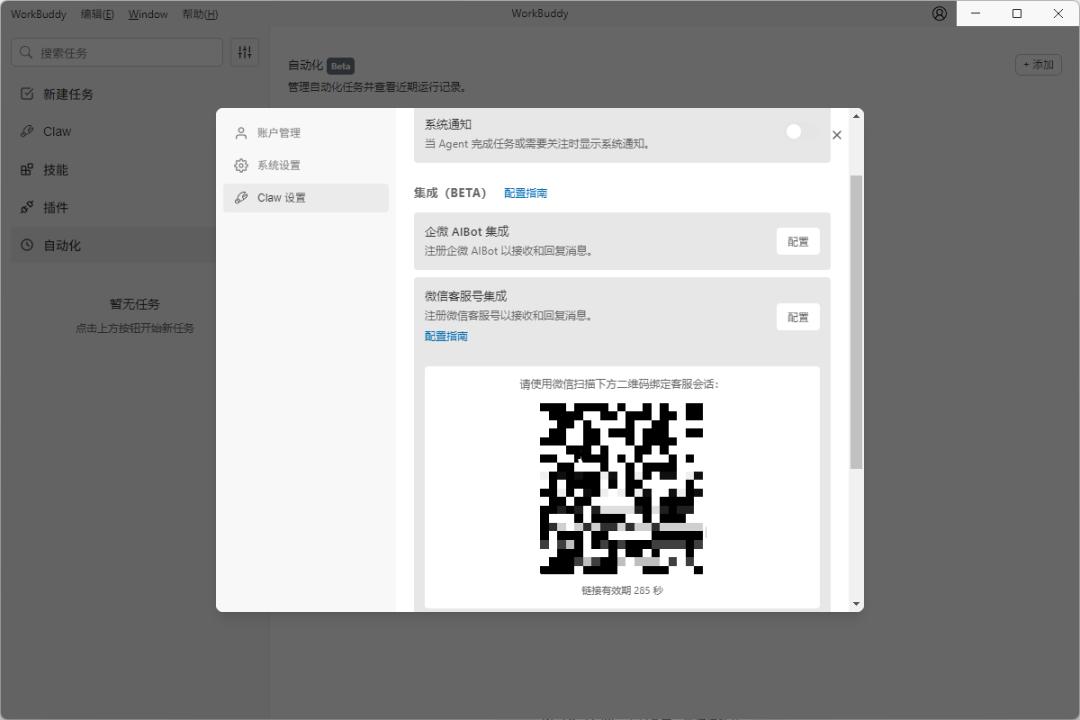
Just scan a code and you're in. Now it's really like scanning a code to log in.
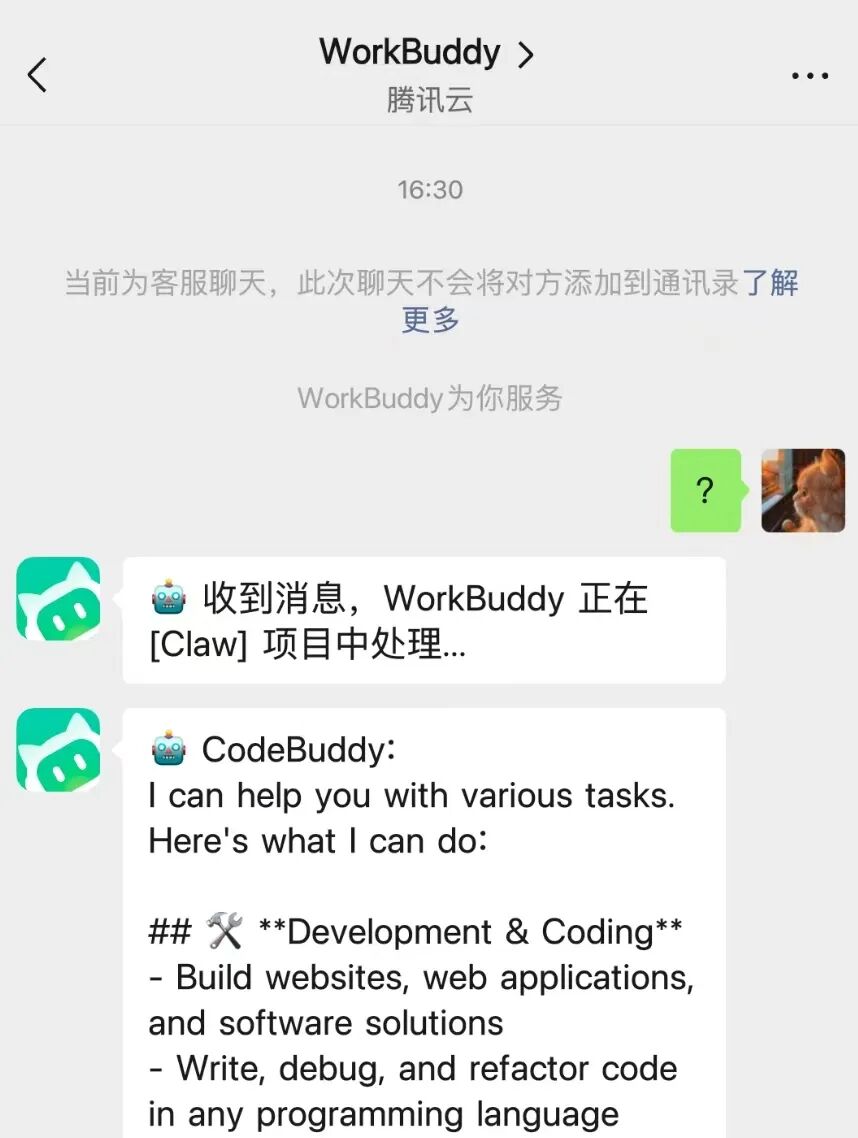
Connecting to QQ is a bit more troublesome. You need to create a robot on the development platform, but only QQ users can understand the value of QQ.
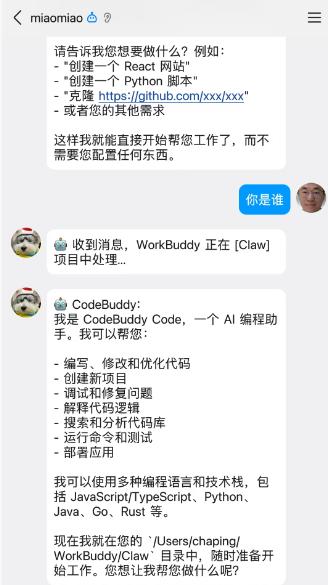
Why is it said to be more business - oriented? Because it really has enterprise - level security auditing capabilities.
The original OpenClaw has a fuzzy trust boundary, while WorkBuddy has automatic interception of high - risk instructions, a security gateway proxy mode, traceable and auditable operation behaviors, and restricted authorization folder ranges. In short, it will only do what you tell it to do and never overstep its bounds. It's a great lobster.
For example, if I ask it to organize the desktop, it will say that its working scope is only the current workspace. While the original lobster can do whatever it wants after getting the permission. You don't want it to delete your database and run away, right...
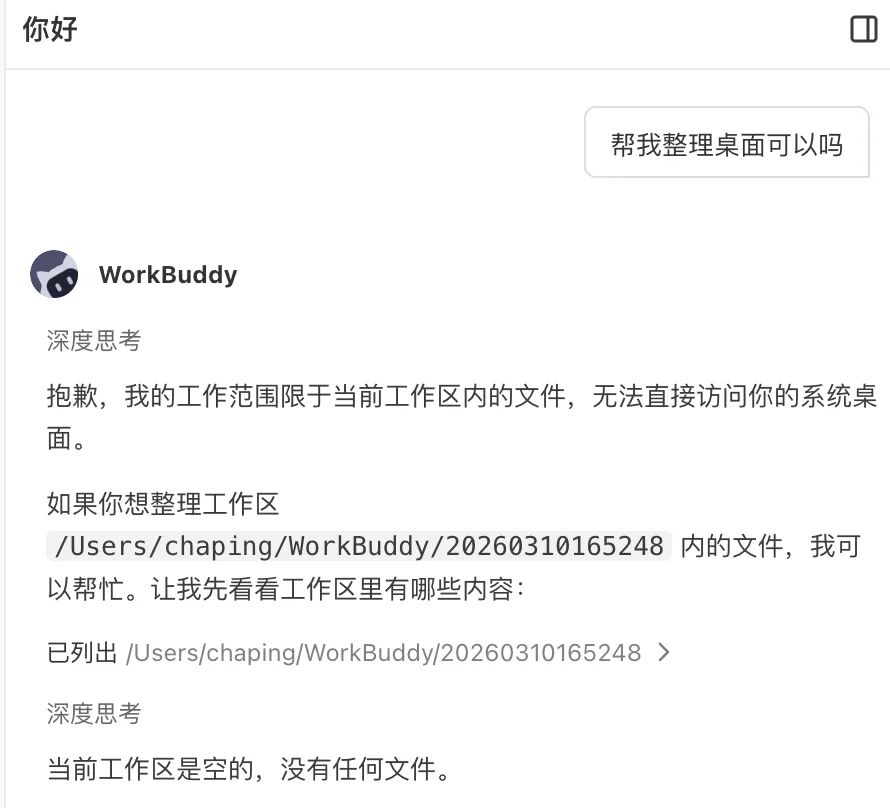
So, if you're choosing a tool for your team's productivity and need security and compliance, WorkBuddy is really more suitable than other lobsters.
OK, we've talked about the local ones. Now let's talk about the cloud - based ones.
The cloud - based solutions are mainly about "safety but limited functionality".
Its advantage is that even if your computer is turned off, it can still be online 24/7. And even if a malicious instruction is executed, it won't affect your local system because the lobster is not on your computer.
But the disadvantage is that it can't touch anything on your local computer at all and is unable to operate the computer. I think it's like cutting off the most interesting part. However, as a productivity tool, each product still has its own highlights.
The most distinctive: MaxClaw
Next up is MiniMax's MaxClaw. It can only be said that this lobster takes a different path.
It's not an independent app but a new mode added to the MiniMax Agent platform. It's deployed directly on the cloud and is also ready - to - use. You don't need to configure the API by yourself or worry about the API fees. You can have a great experience by spending 39 yuan on a membership.
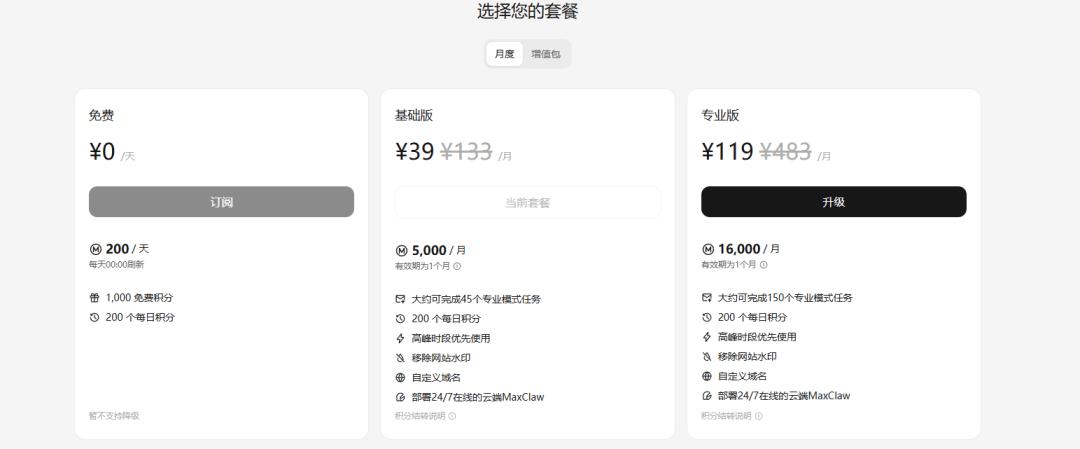
But since it runs on the cloud, it can't manipulate your local files. Generally speaking, it's a bit safer, but it also has more limitations and doesn't have the configuration for one - click connection to Feishu.
If your core requirement is "let AI help me