Why did "Lobster" first appear on computers rather than on mobile phones?
Editor's note:
Smartphones have dominated the digital ecosystem in the past decade. They are the black holes of our attention and our most intimate personal belongings. However, smartphones were designed from the start to be stared at by people - all their logic ends at the screen.
The requirements of AI, on the other hand, are exactly the opposite. It needs to continuously perceive the physical world - see what you see, hear what you hear, and be present at all times, rather than waking up only when you unlock the screen.
When AI truly becomes a fundamental ability, it will eventually break out of the screen and find its own form. This will be a long process of exploration and evolution.
The column "AI Artefacts" came into being for this reason. IFanr wants to continuously observe with you: how AI will change hardware design, reshape human - machine interaction, and more importantly - in what form will AI enter our daily lives?
Unexpectedly, in this new era where everyone is looking for the next AI hardware, the computer, a terminal from the "old era", has become the most powerful AI carrier at the beginning of this year.
The reason is simple - "Lobster" OpenClaw is more suitable for deployment on computers.
For a while, the Mac mini, the best container for OpenClaw, became the most sought - after tech product. Developers and geeks around the world are eager to deploy their own AI agents on it. Even if the function is not yet significant, they want to experience the future - style interaction of an AI assistant handling tasks automatically.
So, the question is, when the new AI era arrives, why is it the "old - era" terminal, the computer, that becomes the vanguard, rather than the mobile phone, which is highly expected to bring about change and is owned by everyone?
Computers retain the underlying logic of "machine interaction"
The reason is actually quite simple: compared to mobile phones, which were designed from the start for "human interaction", computers have always retained the underlying logic of "machine interaction".
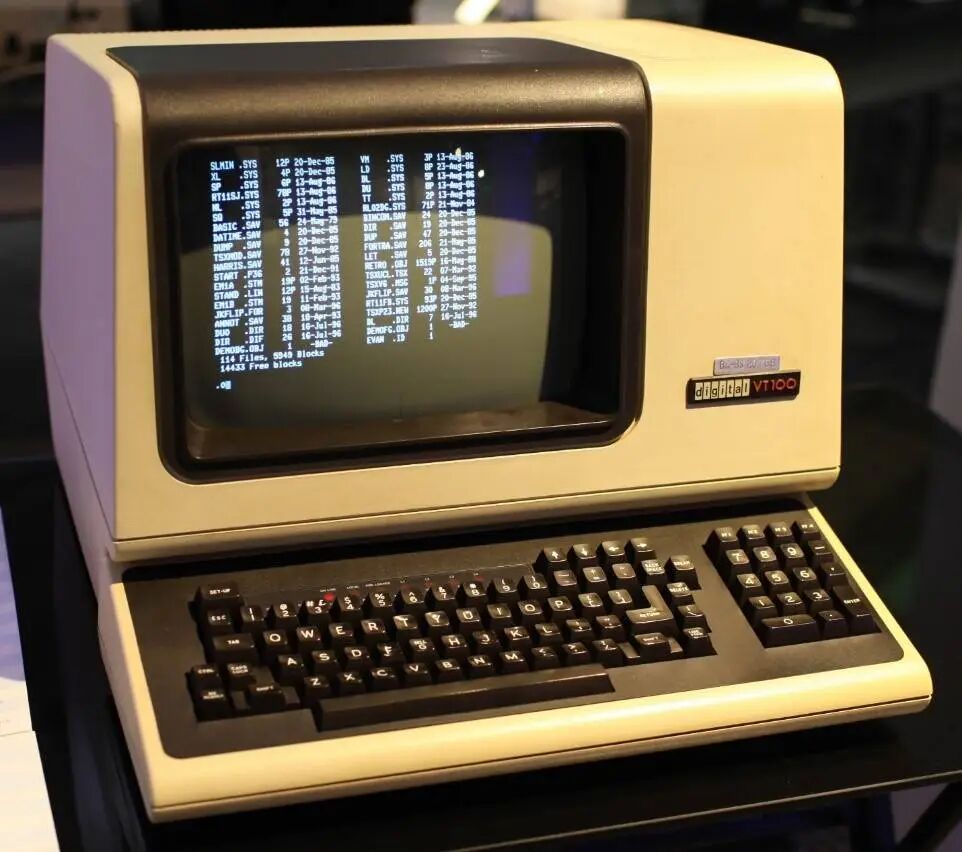
Remember? Before the appearance of mouse pointers, icons, and buttons, computers only had "characters", that is, the so - called "command line", with a black background, white characters, and a blinking cursor. Therefore, only a few people who could use "computer language" could operate these machines.
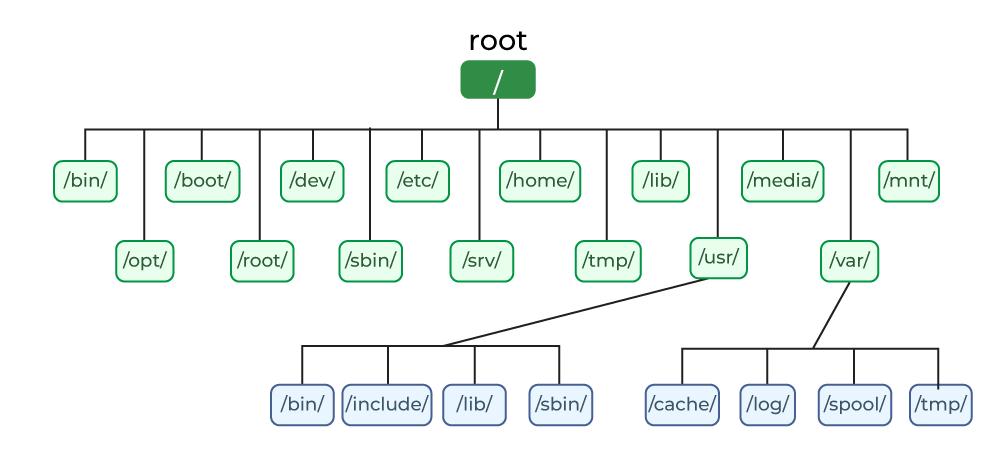
With the development of various technologies such as the emergence of multi - user operating systems and the increase in hard - disk capacity, computer systems also needed corresponding adjustments. Unix introduced a file system with a tree - like directory structure, which still influences modern computers today.
Considering the need to lower the threshold and promote the use of computers, the graphical user interface finally emerged and became the form of the computer systems we use today.
However, it is worth noting that even after decades of development, the graphical OS still retains the "command line" as an interaction method, and the file storage system has become the foundation for computer use and operation, which is quite different from smartphones.
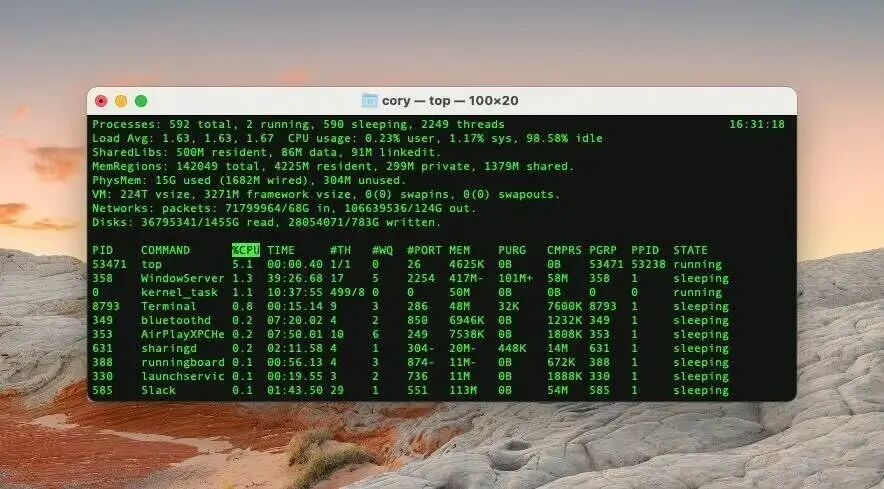
▲ The "Terminal" of macOS
Computers, or "computing machines", were initially created as "production tools". A complete file storage system is indispensable for productivity, and many in - depth development tasks require the use of the command line. After users get a computer, they need to configure, select, and even develop the necessary tools and production environment by themselves. Therefore, "machine interaction" has been retained.
Smartphones, which emerged in the 21st century, skipped directly to the graphical user interface in their entire interaction logic. Their design goal is to make operations as simple, intuitive, and accessible as possible.
It can be said that both computers and mobile phones today are consumer products for end - users. However, mobile phones are more purely consumer products, while computers still retain their identity as productivity tools, especially as development tools.
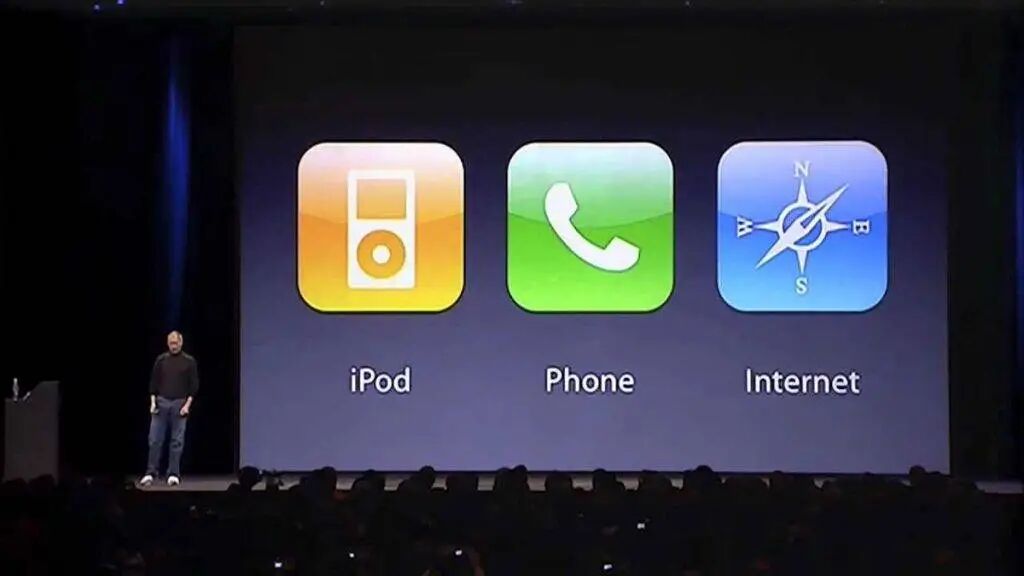
To ensure usability and take into account the interests of developers, apps on mobile phones are designed in a closed, ready - to - use mode. Although apps can still communicate with each other through API interfaces, in essence, each app is an independent and functionally complete island.
This also results in the production tasks on mobile phones being somewhat "confined" within the app ecosystem, making it difficult to achieve the same efficiency as on a computer.
If even the graphical computer system retains various "machine interaction" methods such as the early "command line" and interfaces, then smartphones were designed from the start for the most intuitive "human interaction".
More importantly, although the high customizability and programmability of computers are powerful, they also lay the foundation for viruses, hackers, and malicious scripts.
Smartphones, on the contrary, must be extremely strict in terms of security and privacy. Core permissions are blocked, and the system strictly manages the operating space of apps.
This is also the reason why computers will not be "killed" by mobile phones and why iPads can never replace Macs.
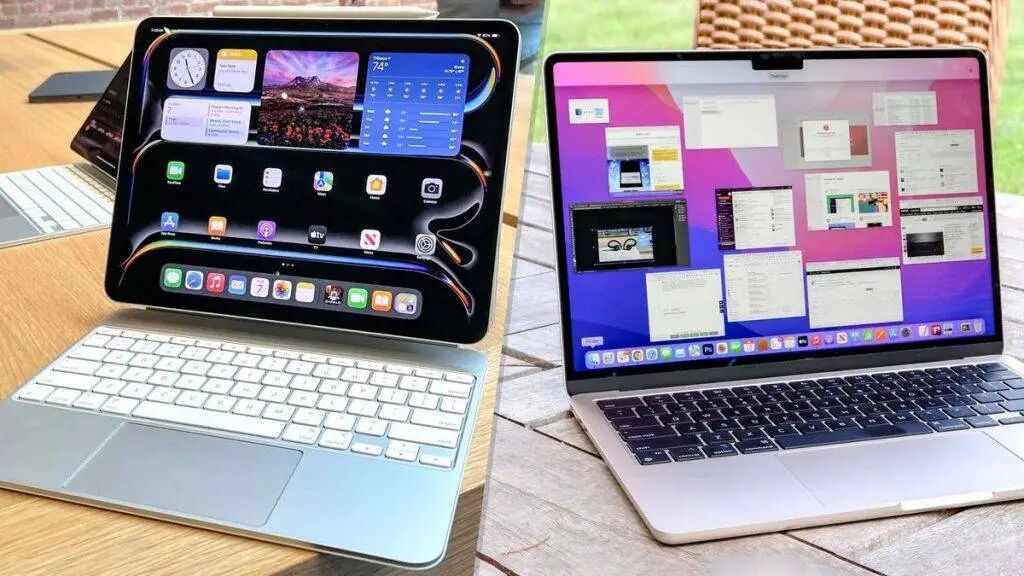
▲ A large - sized phone vs. a proper computer. Image source: Tom's Guide
These two very different models have been operating for more than a decade without any major problems until the arrival of the AI era.
It's hard to imagine that downloading an app from the App Store can automatically answer your takeout calls, check your schedule, and do your shopping according to the given instructions, because the permissions and capabilities of mobile apps are almost limited to the app itself.
That's why there is a solution like "Doubao Mobile Assistant". It uses multi - modal graphic recognition capabilities to make the machine imitate "human interaction" and realize app operation automation. In essence, it's a "roundabout way" - even so, it was soon strictly banned by app providers.
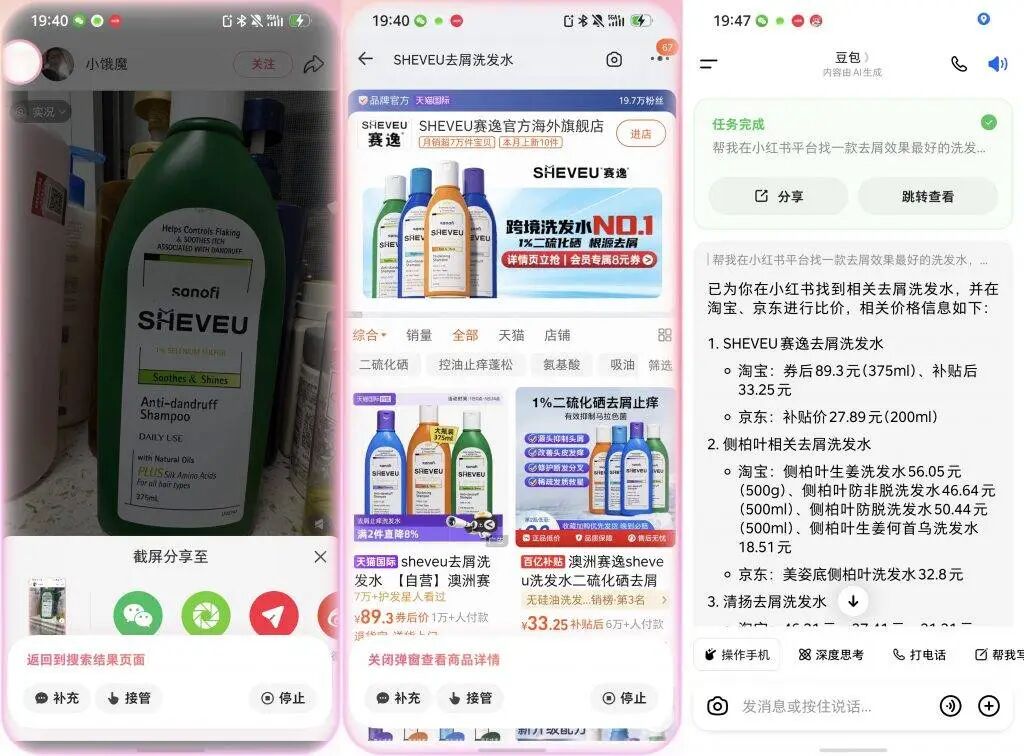
▲ Doubao Mobile Assistant helps me discover and compare shampoos in various apps
Before the birth of AI, humans could write scripts to control browsers, use Python to operate Excel, and use the command line to manage servers. We just had to use the "language and methods of machines" to complete these operations.
OpenClaw, and various agents with different design purposes but similar underlying principles, are like interpreters. They receive instructions in human natural language, convert them into the language of machines, and interact with the computer.
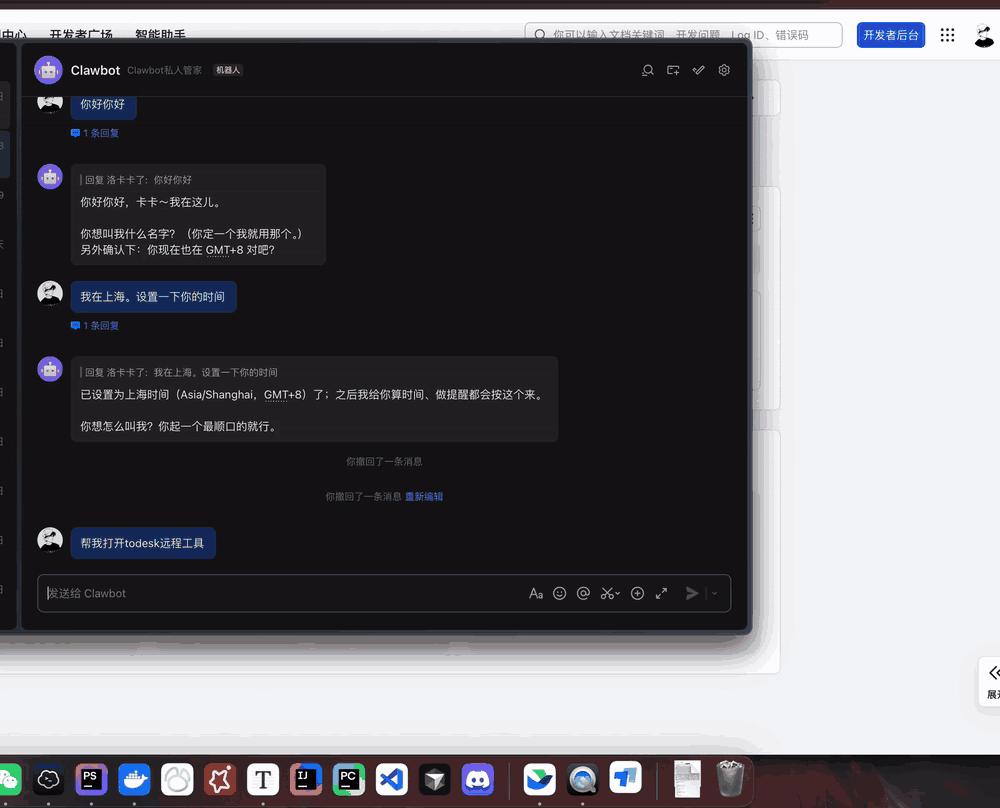
▲ Image source: Tencent Technology
Moreover, compared to mobile phones with relatively limited performance and strict background management mechanisms, computers have significant advantages in computing power, context awareness, and battery life.
The most crucial question is, as a "consumer carrier", does a mobile phone really need a fully automatic AI assistant to help us improve "efficiency"?
When an AI agent really starts to work for us, it will also tend to be on the side of the computer, which is closer to the "production tool".
Computers, which retain the old - fashioned "machine interaction" methods, have thus overtaken mobile phones, which focus on "human interaction", as the most promising starting point for the transformation of AI workflows in the new AI era.
When the graphical user interface takes a back seat, what will the computer become?
From OpenClaw, we once again truly see a possibility: those overlapping and fragmented windows will one day be integrated into a single dialog box.
The way we use computers will undergo a structural change.
I believe that for most people, the current way of using AI is to simply let it wait in a window, asking it to help with writing, searching, and organizing. In essence, it is just an isolated auxiliary tool.
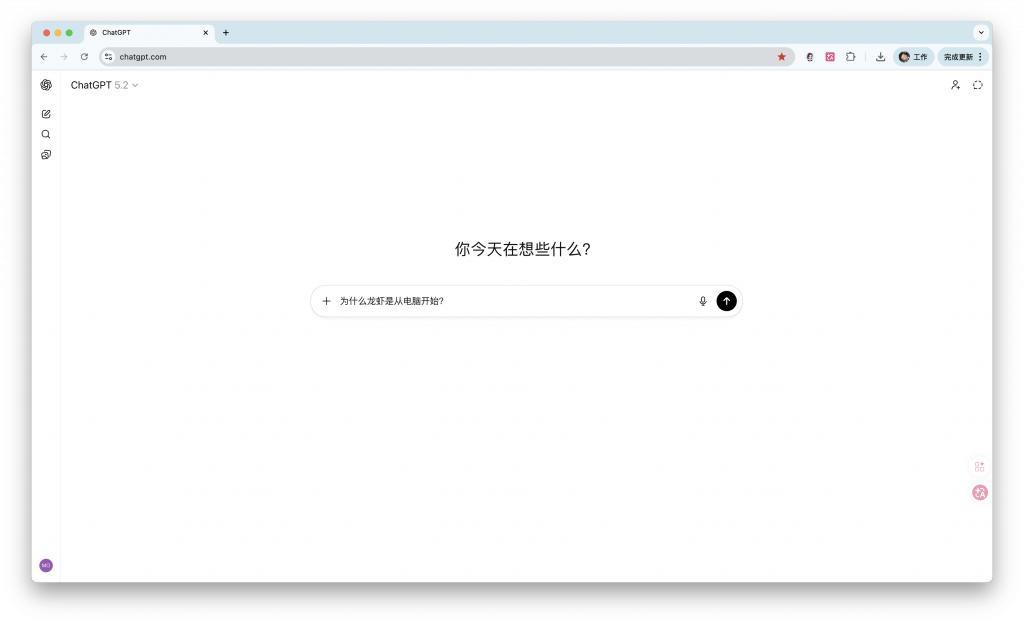
OpenClaw foreshadows the second stage: we can let go appropriately. For some more complex tasks, we can simply give instructions and let AI execute everything and deliver the results.
Take editorial work as an example. In the past, when writing morning and weekly reports, we had to visit various media to collect news sources manually before we could hand them over to AI for sorting and writing.
In the future, we only need to enter a sentence in the dialog box, such as "Help me compile a summary of today's exclusive tech news", and the agent can complete all the work - it will automatically collect news from sources, then sort and write automatically. We only need to review the final result. Such a workflow can even be completely automated.
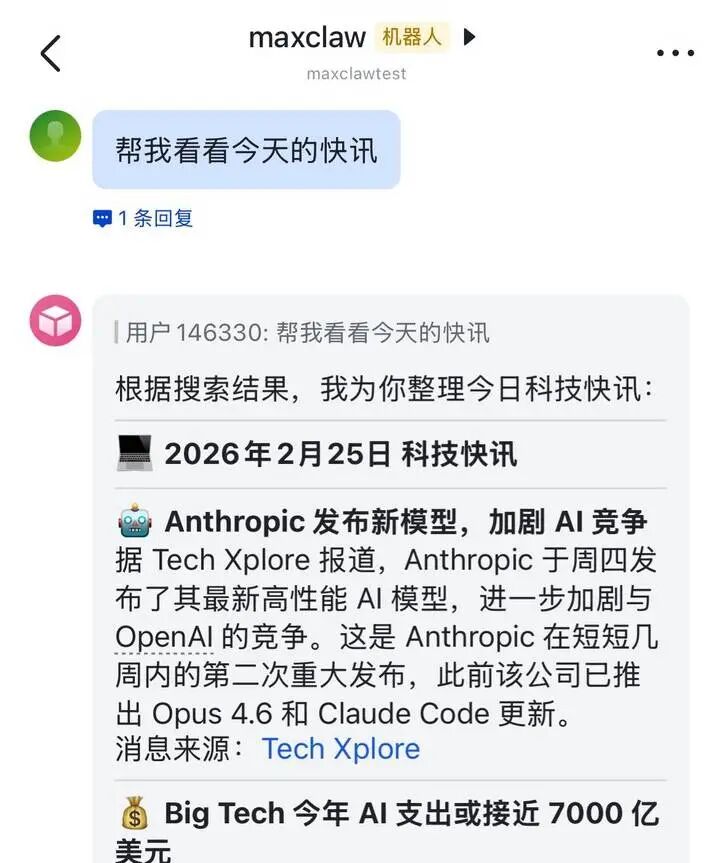
The way humans use computers has never been static. Today, many people deploy "Lobster" on a Mac mini without necessarily sitting in front of it. A more common scenario is: sending a message to a robot on Telegram or Feishu on a mobile phone, asking it to run scripts, collect information, and generate files on that computer, and then send the results back.
This is actually similar to a new - era SSH. The execution occurs on that machine, but the control interface can be anywhere. The only difference is that in the past, we typed commands into the command line, and now we express our intentions in natural language, which is then translated by the agent into commands, API calls, and file operations.
In recent years, computer manufacturers have been competing in the "AIPC" field, but the competition is still at the first stage, that is, pre - installing an "AI assistant" app at the factory, which can only simply assist users with some basic text - related tasks.
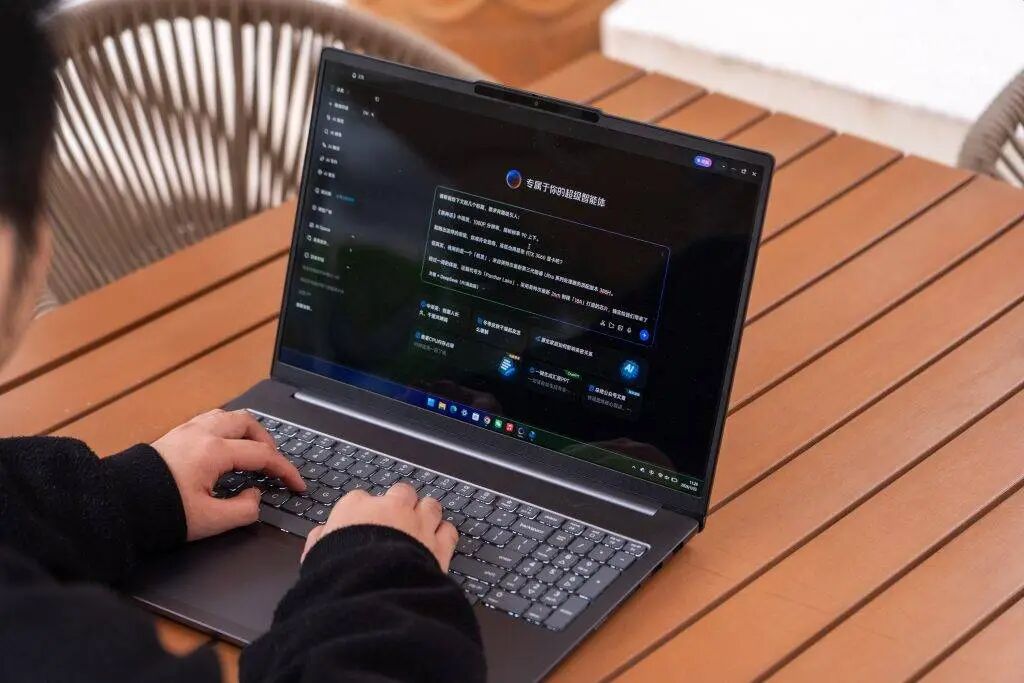
How to directly integrate capabilities similar to OpenClaw into the system's underlying layer so that consumers don't need complex configurations or worry about security issues and can start commanding AI agents to complete tasks quickly right out of the box, this is the "AIPC" that manufacturers should focus on in the next stage.
As early as 1982, Bill Buxton, a pioneer in the field of human - computer interaction, mentioned in a paper that the principle that the "natural user interface" should follow is: "Simplicity above all else". It should utilize humans' existing skills in the real world to reduce cognitive burden.
Looking back at the history of computer popularization, it was precisely because ordinary people who knew nothing about programming could easily use the visual interface of spreadsheet software to complete financial reports more efficiently than manual calculations. In essence, it is also about simplifying complex capabilities.
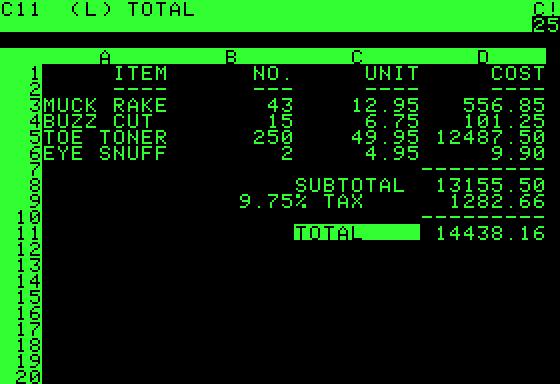
▲ The spreadsheet program VisiCalc successfully promoted computers to the public
For thousands of years, humans have been communicating in language, which is the interaction method with the lowest threshold.
So, will computers 50 years from now have no icons, windows, or buttons, and only a single dialog box, just like the command - line interface of DOS