Record the screen to copy code and take screenshots to modify web pages. Kimi K2.5 has mastered the combination of "vision and code".
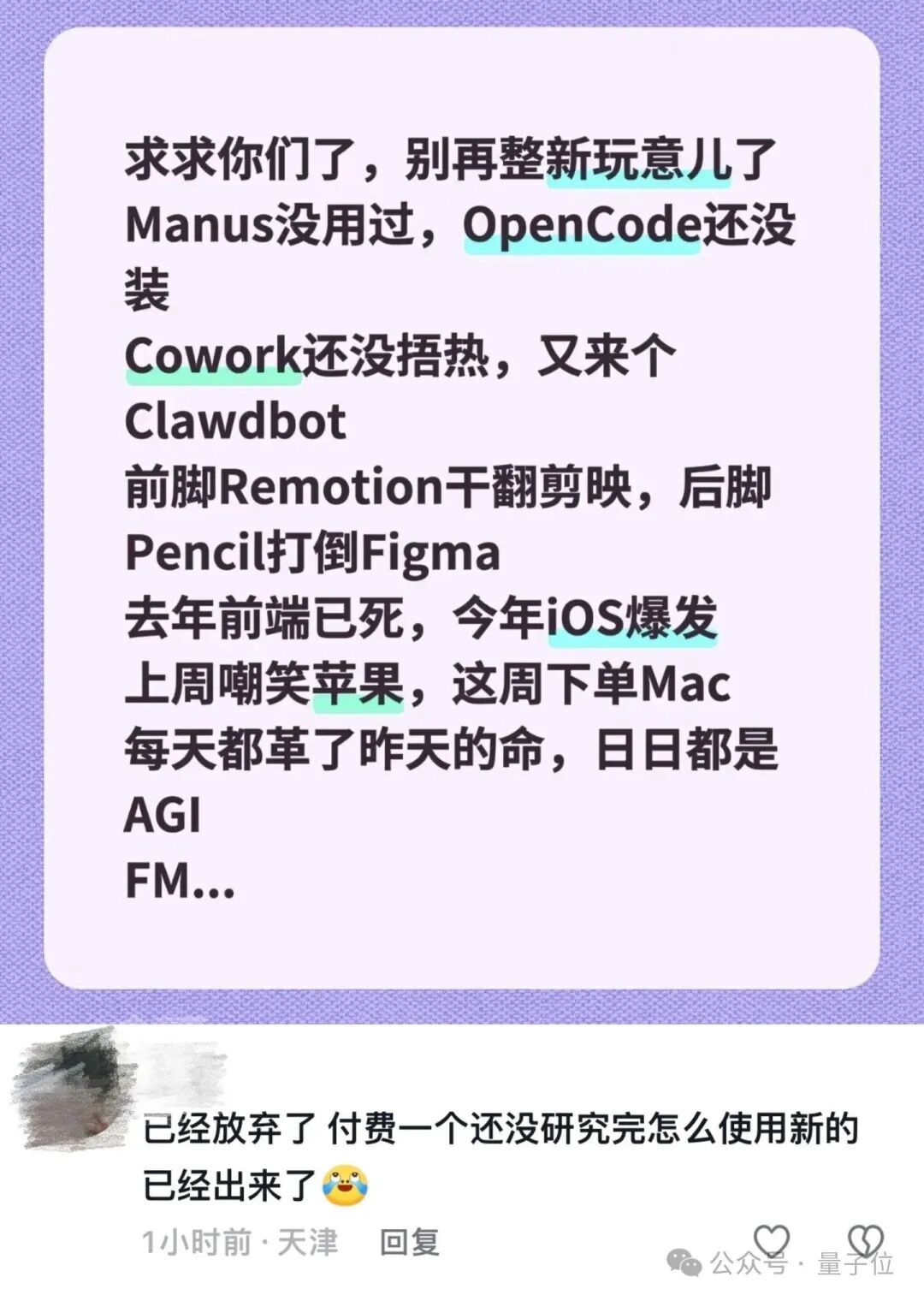
To be honest, the AI circle is changing so rapidly that it seems to transform overnight. New products are emerging one after another. No wonder netizens are starting to plead, "Please stop updating so frequently."
△
Sure enough, as soon as I opened my eyes today, I saw something new.
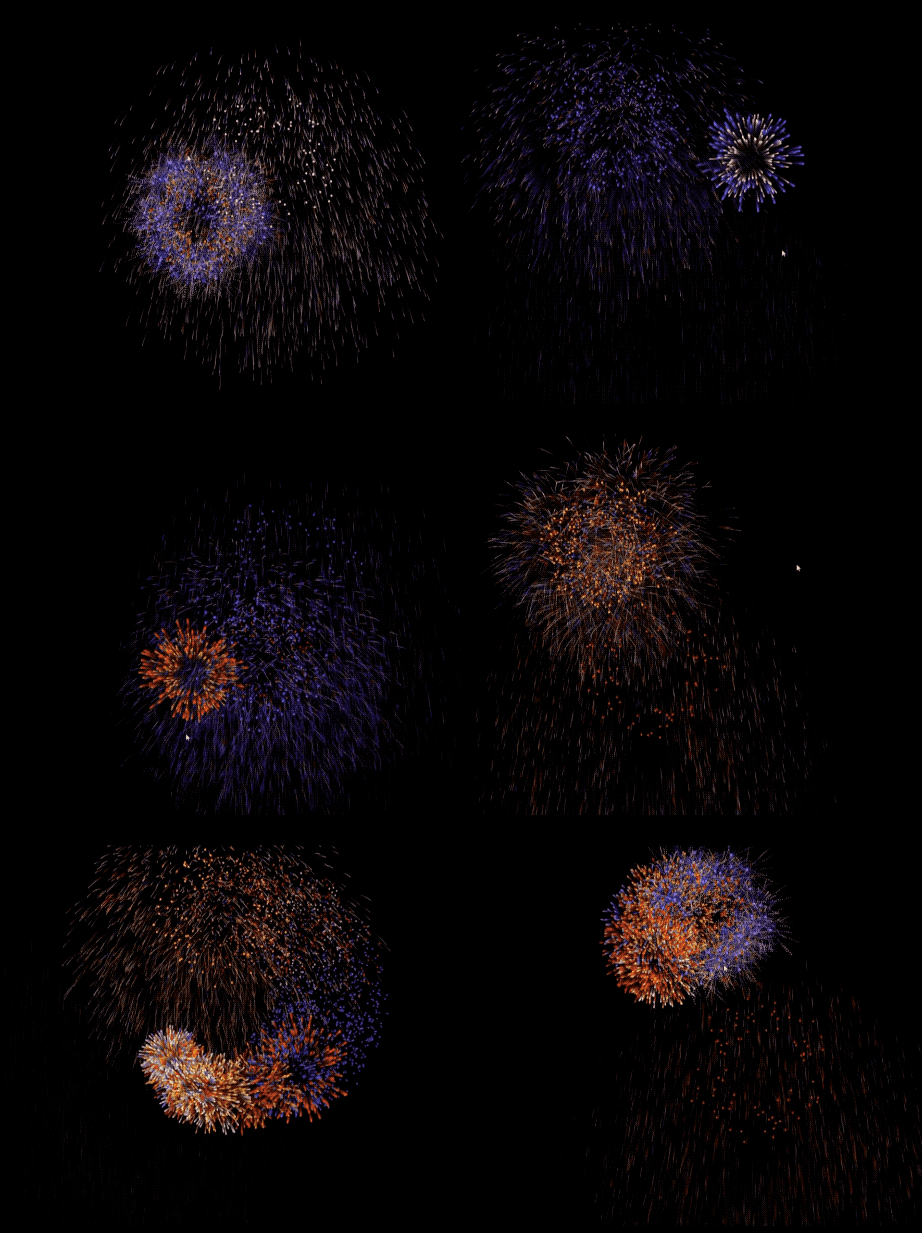
Have you ever seen a model that can extract special - effect codes directly from screen recordings and reproduce them? Well, I've really opened my eyes.
I casually dug out the following video from my album, uploaded it, and typed in the words "Implement this interactive special effect":
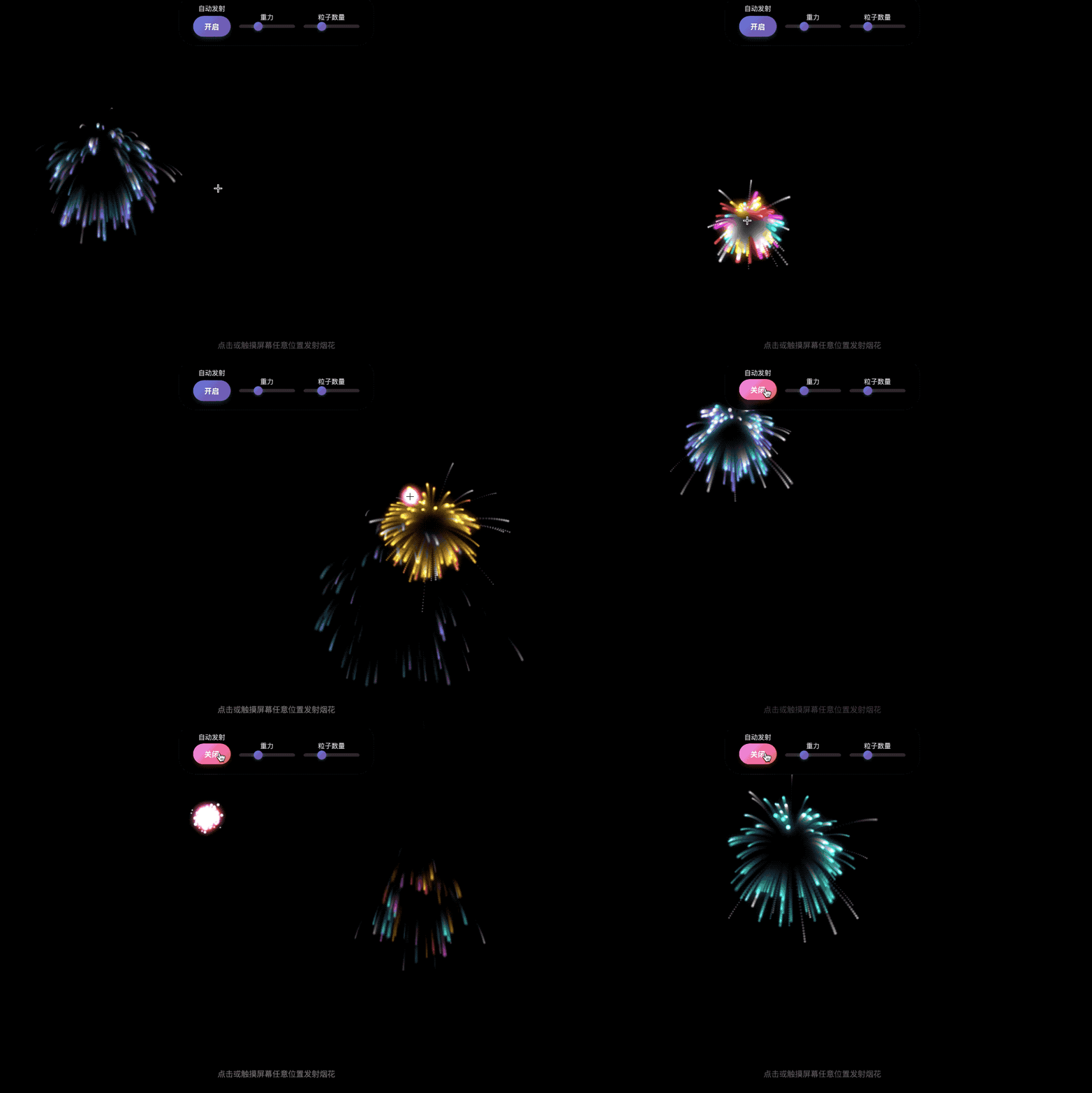
After the model did its thing, I got the following finished product:
All I can say is that before the Spring Festival movie season even starts to heat up, China's open - source forces are already advancing irresistibly.
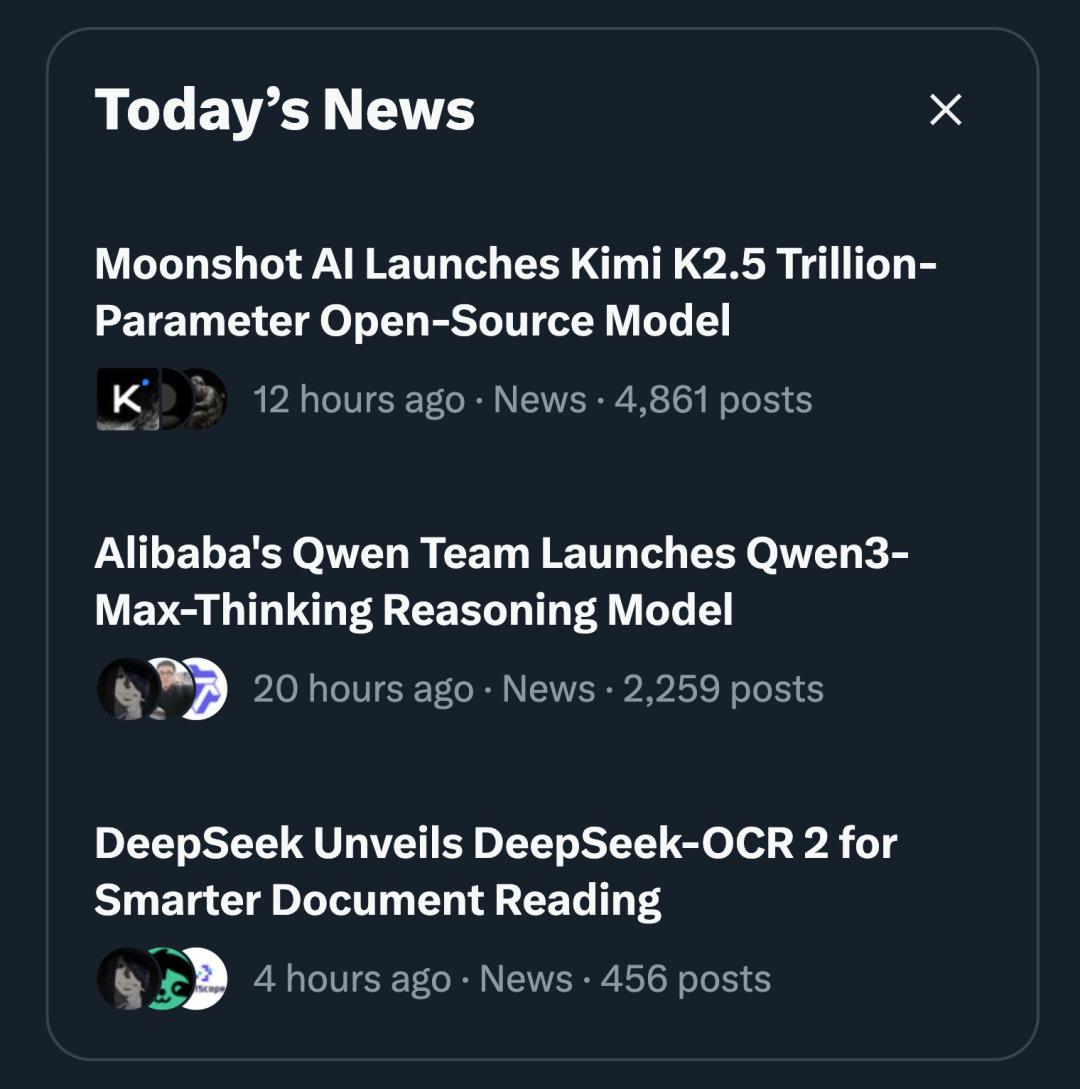
This is the most powerful Agentic model Kimi K2.5 newly launched by Moonshot AI. It has gone viral on a certain social media platform after its release.
The leader Yang Zhilin himself stepped in and recorded both Chinese and English introduction videos for this new model.
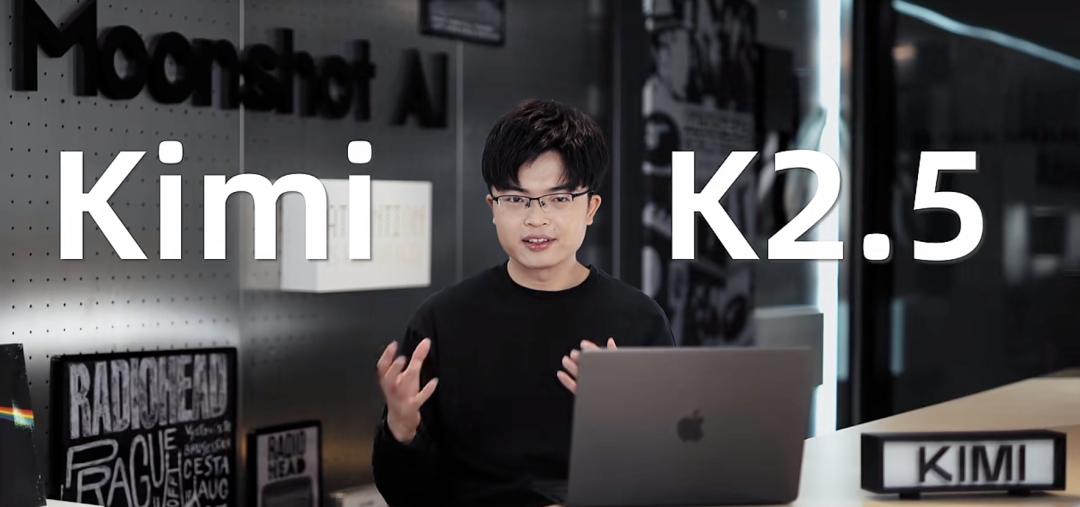
Judging from the video content, there are quite a few upgrade points for Kimi K2.5:
- It realizes the integrated integration of vision and text, thinking and instant response, dialogue and Agent functions, focusing on All in one.
- It has design aesthetics and can generate web pages with advanced animations.
- It supports visual edit. You can modify the interface by selecting areas on a screenshot. Uploading an animation screen recording can automatically disassemble the logic and generate professional codes.
- It launches the programming tool Kimi Code, which can run in the terminal, seamlessly integrate with IDEs such as VSCode and Cursor, support image/video input, and automatically migrate users' existing skills and MCP.
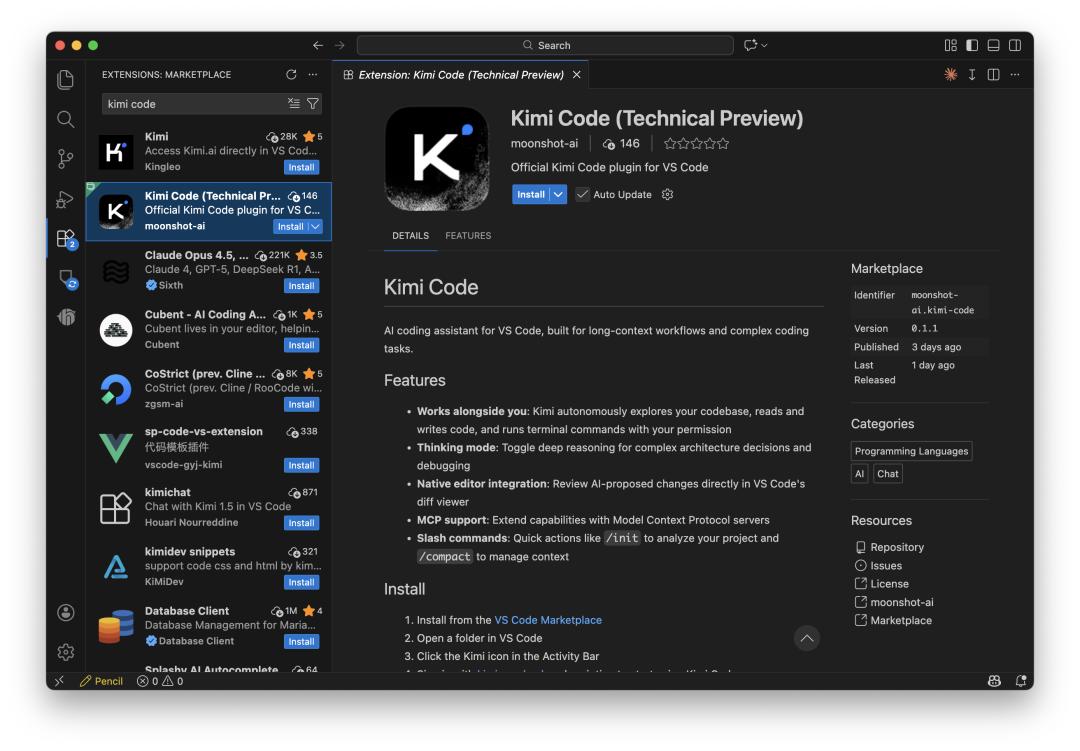
I just wanted to give it a try after reading the introduction, but unexpectedly, it was really interesting.
Then let's dig deeper and keep testing!
Visual ability is the trump card
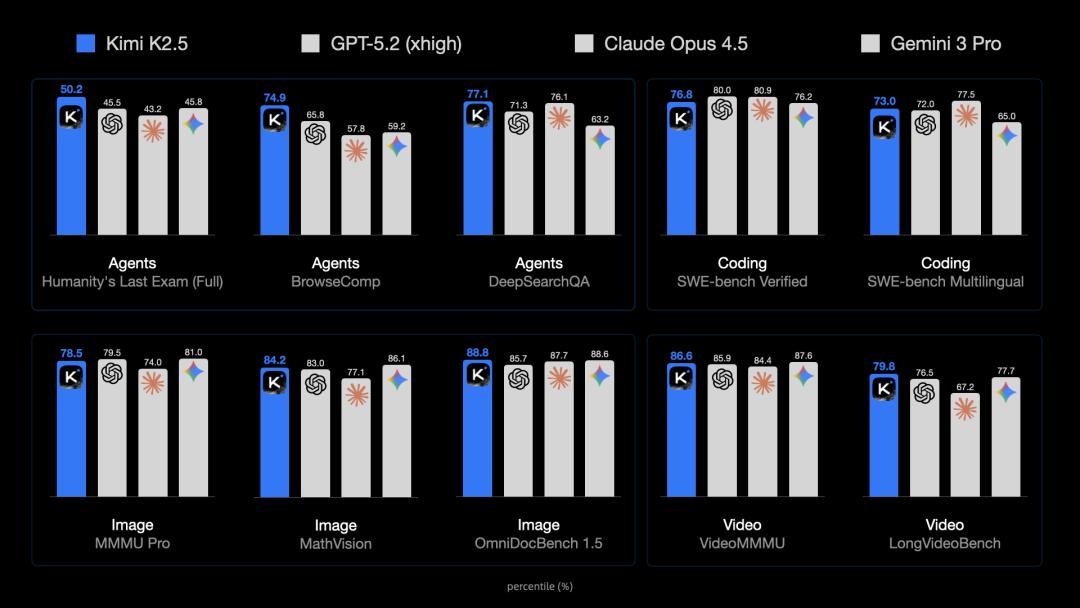
Before the hands - on test, let's first take a look at the benchmark test results of Kimi K2.5.
K2.5 achieved SOTA results in a series of high - difficulty test sets such as HLE, BrowseComp, and DeepSearchQA, which are considered the "last exams" for AI.
In terms of programming, it scored as high as 77 on SWE - bench Verified, narrowing the gap with top - tier closed - source models in an open - source manner.
It also set new highs in multiple visual understanding tests. It's worth mentioning that in many evaluations, K2.5 even outperformed GPT - 5.2 - xhigh.
Kimi K2.5 has updated 4 usage modes this time to adapt to different scenarios. No matter what your needs are, you can find a suitable way to use it.
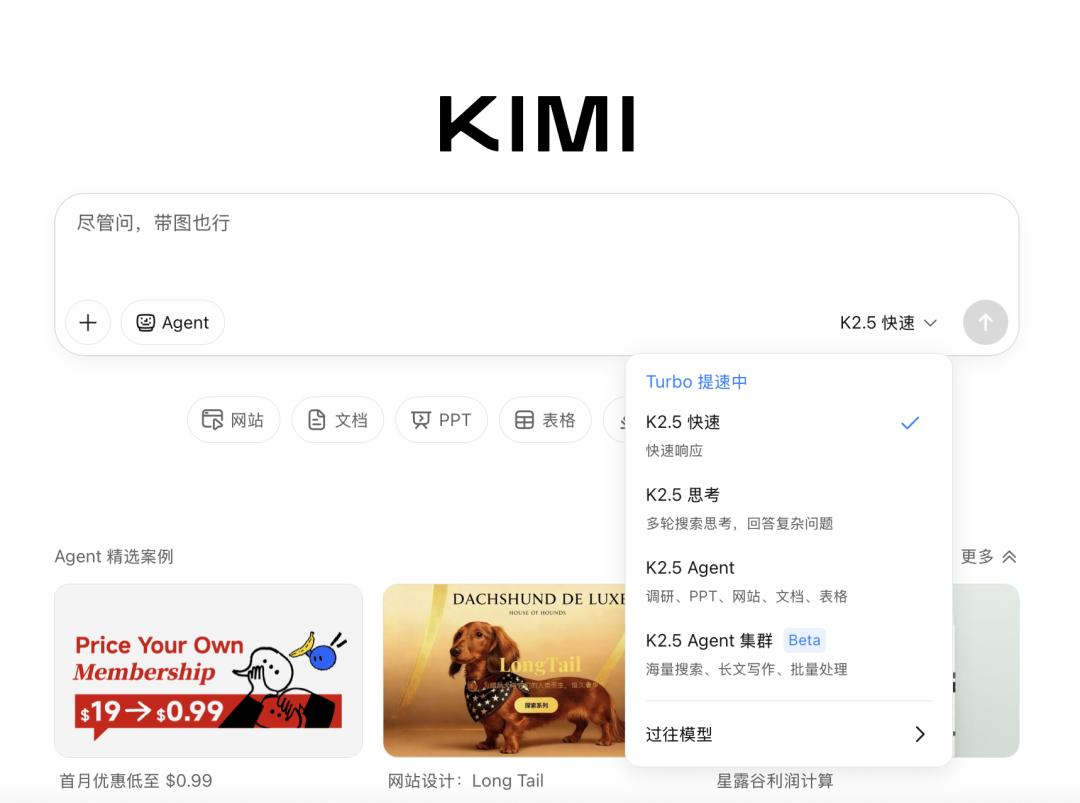
- The Quick mode focuses on providing instant feedback and is suitable for daily chats or simple queries.
- The Thinking mode specializes in solving difficult problems and helps you disassemble complex logic step by step.
- The Agent mode is good at in - depth exploration, such as conducting research, generating office documents, or web pages.
- The most powerful one is the Agent Cluster mode. For super - tasks that require multi - threading, it can mobilize a large number of agent avatars to execute tasks in parallel.
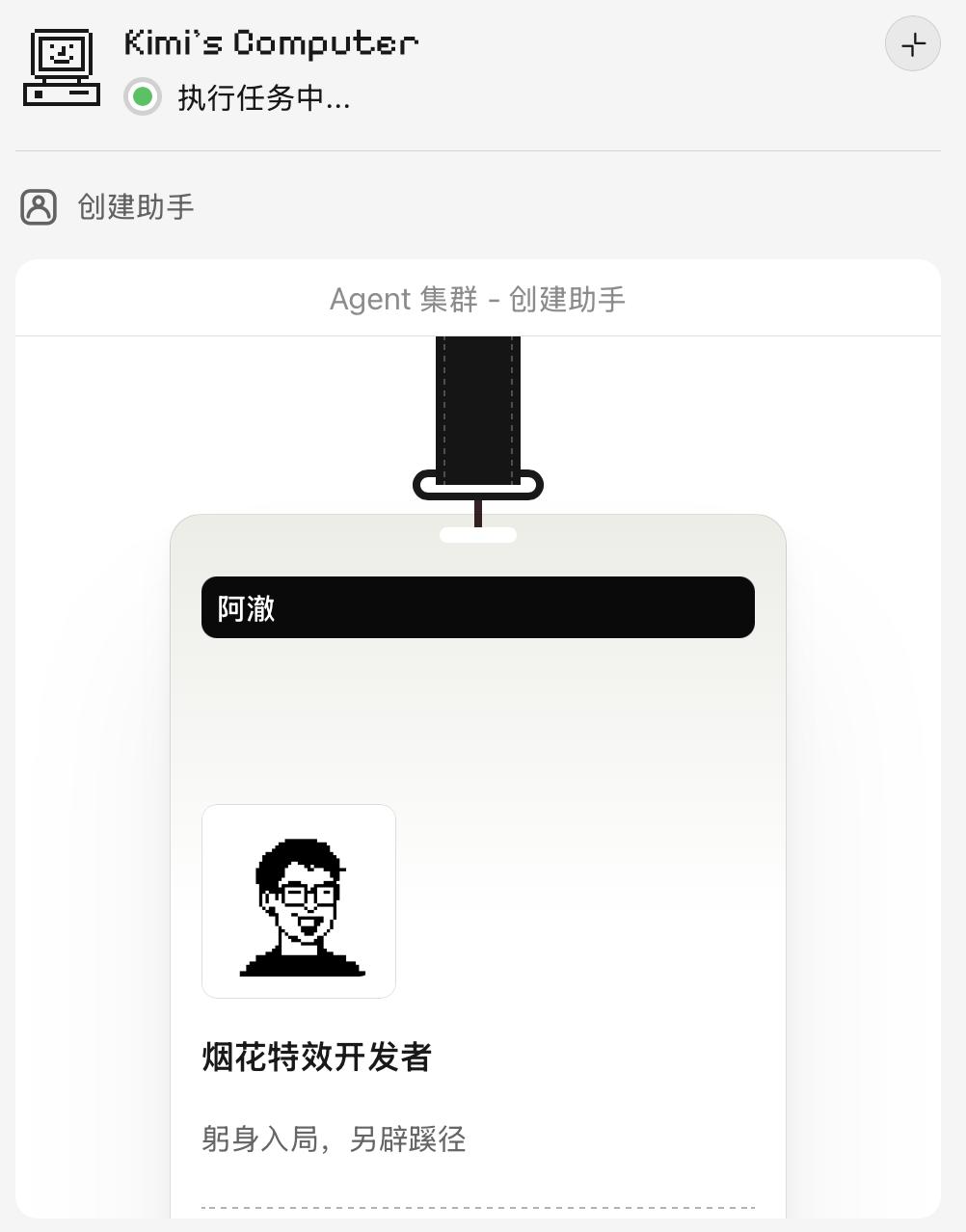
In the special - effect reproduction case at the beginning, the Agent Cluster mode was used. Kimi assigned me a developer named A Che.
Actions speak louder than words. Since the introduction emphasizes "Vision x Code", let's test the code - writing ability of K2.5.
The first test project is writing code based on an image.
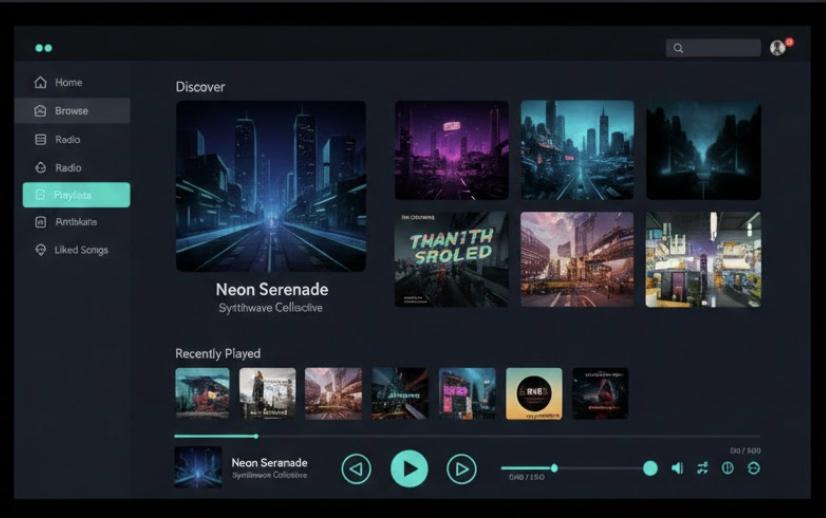
I uploaded a screenshot of a music player web page to K2.5 as a reference;
Then I entered the prompt:
Generate the corresponding code based on this web page
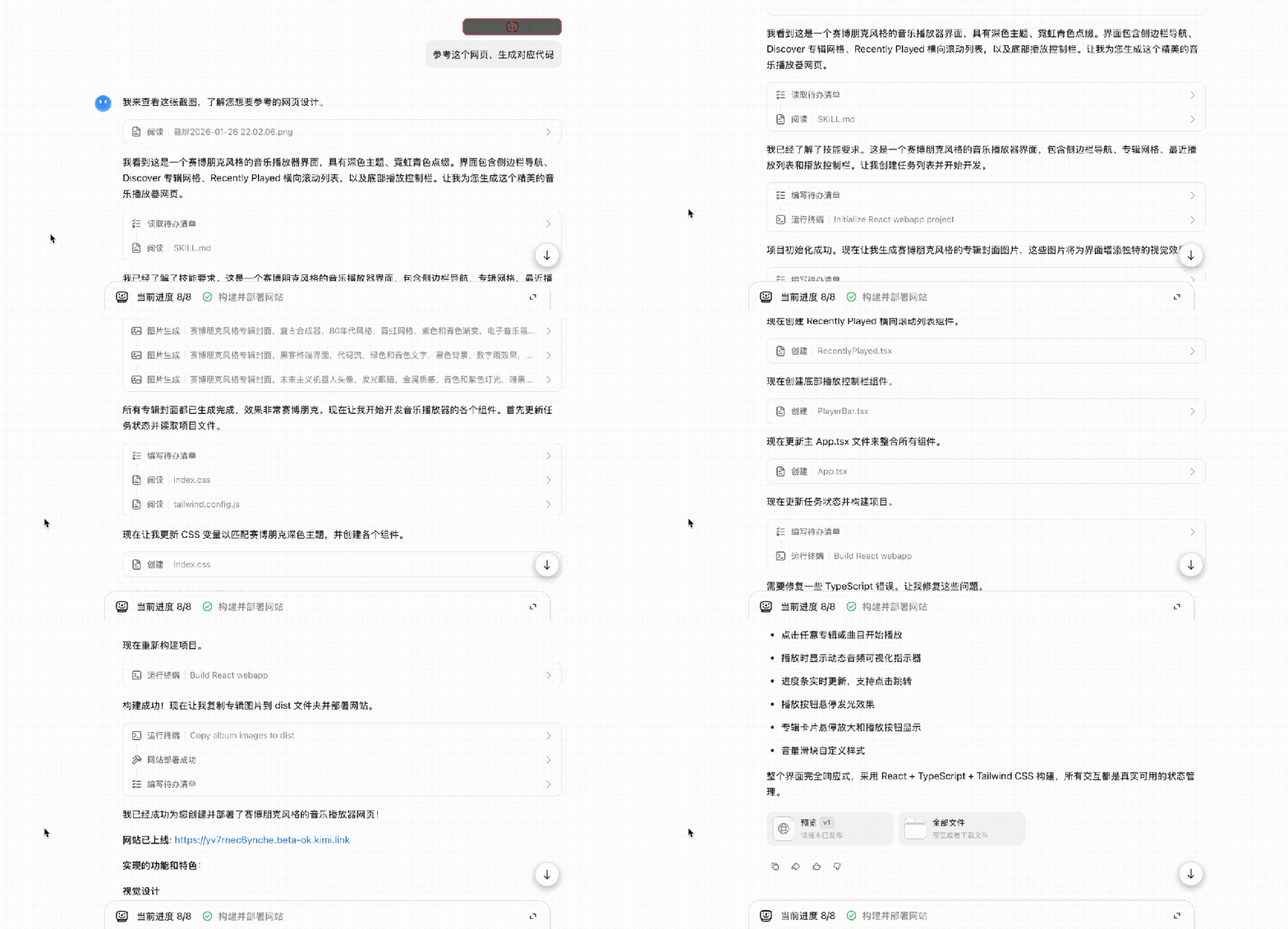
Before long, a complete set of code was generated.
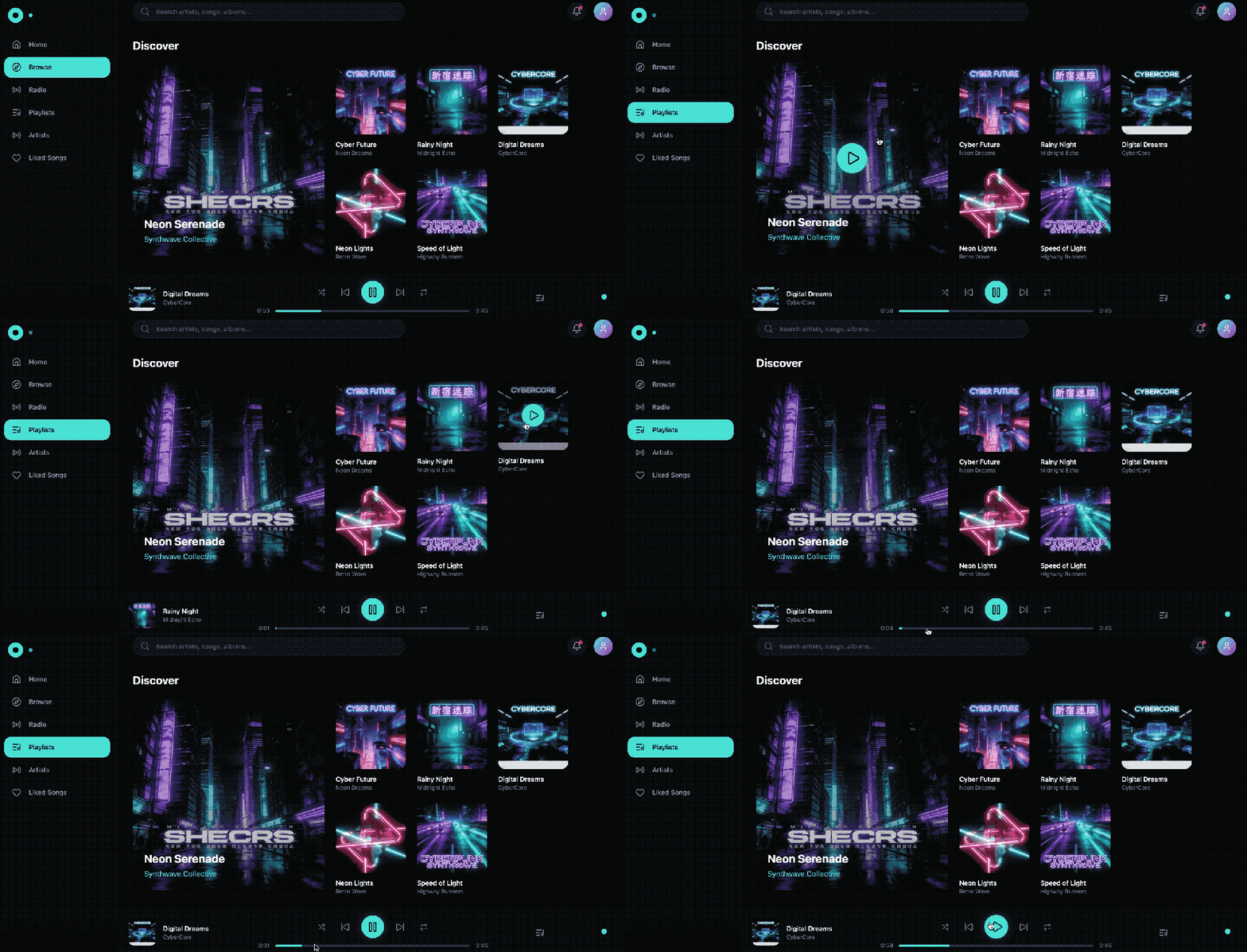
The generated web page not only restored the functions of the original design but also reproduced the hover animation of the buttons and the sliding effect of the music playback progress bar.
Actually, you can see that the clarity of the reference image I provided was not very high, but the model could still accurately recognize it.
The music cover displayed on the web page was generated by the model itself. Besides, you can see that the button layout at the bottom was not completely restored, but in my opinion, this result is already an excellent answer with a restoration degree of over 90%.
Of course, you can also see that there was a red exclamation mark on the uploaded reference image. Although the model can indeed recognize and analyze the image, it can be said that all models may have some minor bugs, but as long as they can get the job done, it doesn't really matter (doge).

In addition to writing code based on an image, K2.5 can also modify code based on a screenshot.
Take the music player web page generated just now as an example. I wanted to adjust the layout of the player, so I took a screenshot and circled the main part of the player;

Then I told K2.5:
Move this part to the lower - left corner
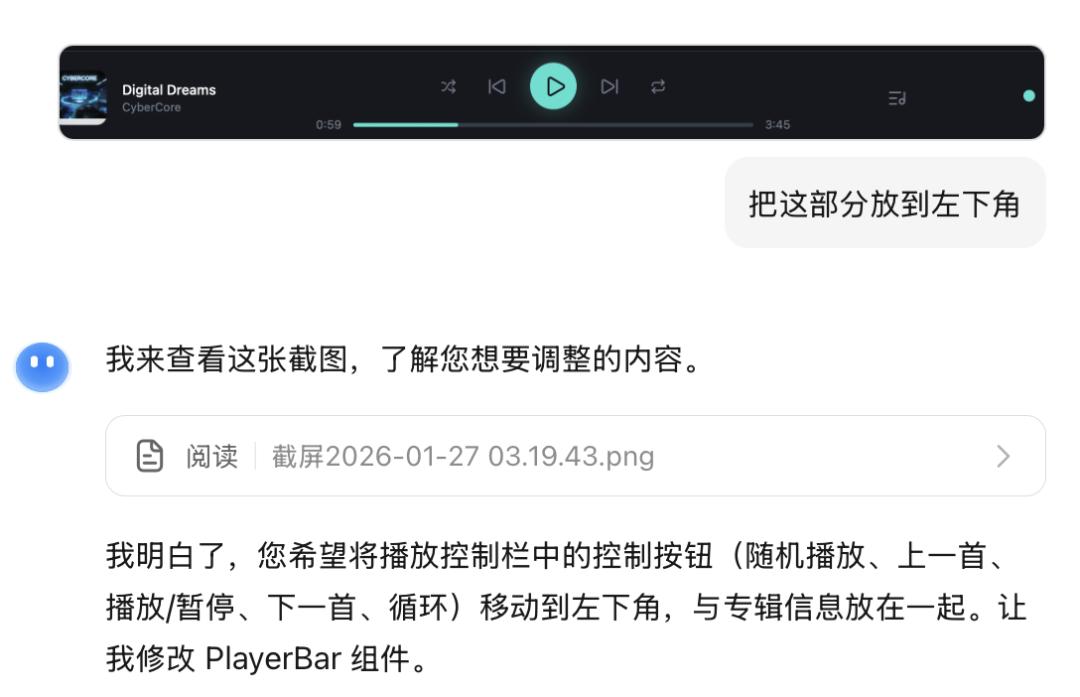
The model immediately understood my intention and provided the modified code within 2 minutes. When I refreshed the web page, I found that except for the layout adjustment of the screenshot part as required, the rest remained unchanged, which is very precise (and there was no red exclamation mark this time, hhh).
Moreover, the whole process is as intuitive as using a drawing software for modification, saving the trouble of long - winded text descriptions.
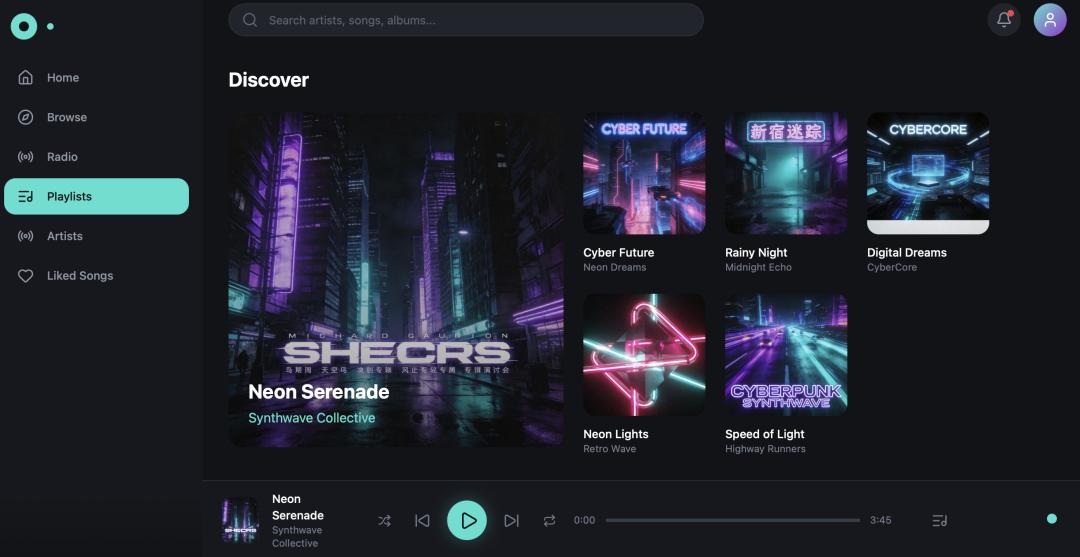
I tried several more rounds and found that even if the selected area was blurred or incomplete, it could intelligently complete my intention, avoiding the common misinterpretation problem of AI.
For example, I thought the color scheme of the player was a bit monotonous, so I took a screenshot and only circled the left sidebar of the player;
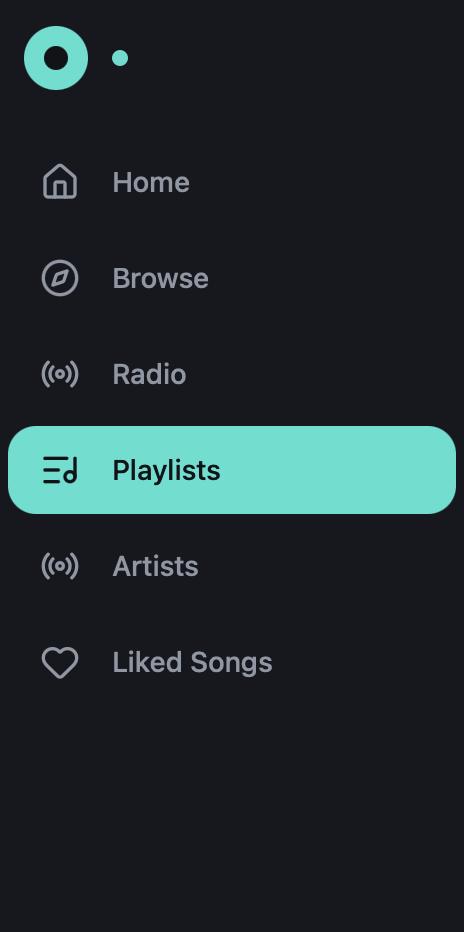
I told K2.5 that I wanted to change it to the Morandi color scheme:
The color scheme of this part is a bit monotonous. Change it to the Morandi color scheme
The model understood my intention again and provided the modified code within 5 minutes. When I refreshed the web page, I found that the colors it chose matched the original ones very well. Moreover, it not only changed one color but also created a "pseudo - gradient" effect.
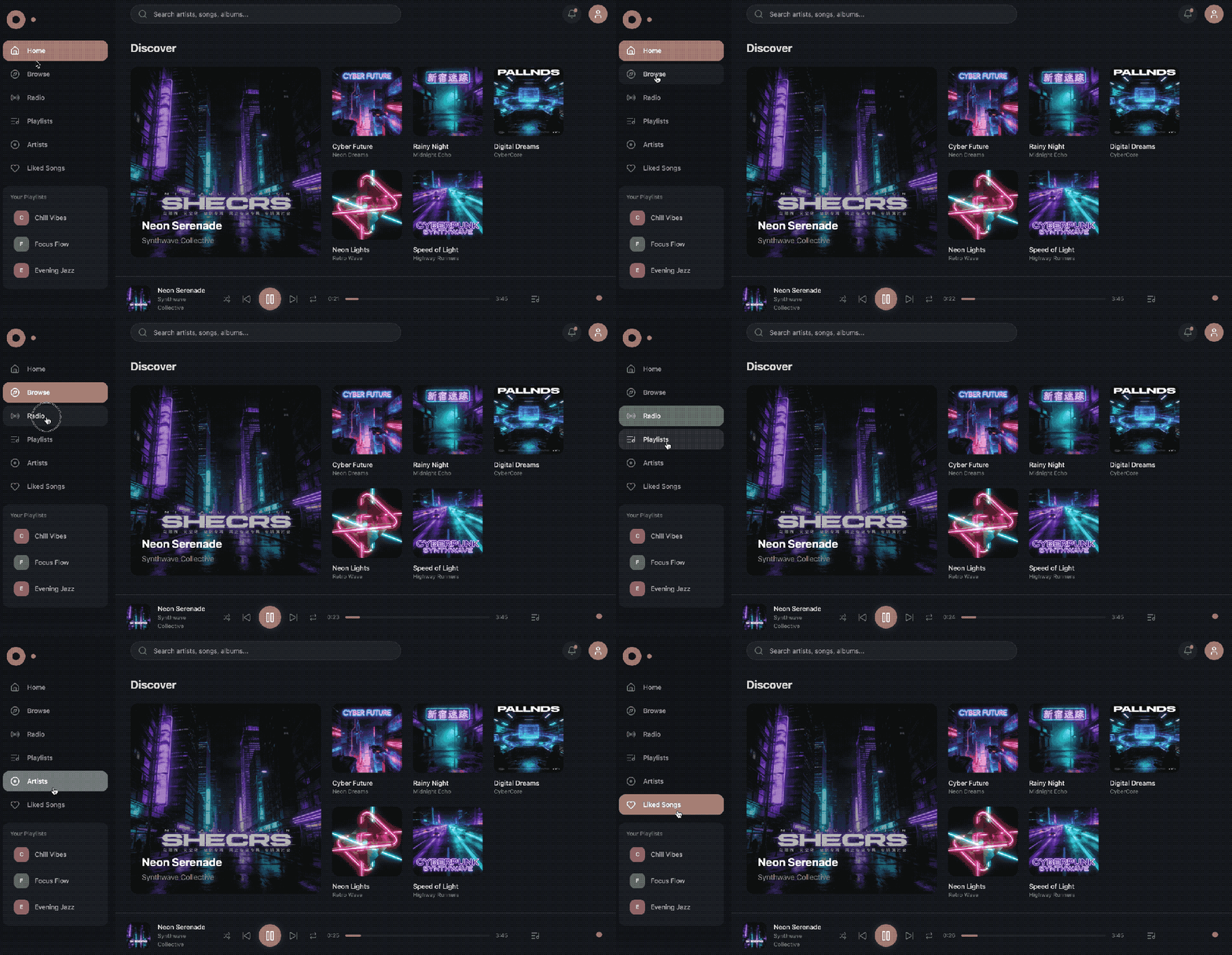
Even if you haven't found a design you like and don't have any ideas for the time being, you don't have to worry at all. With just a simple sentence, you can let K2.5 use its creativity.
For example, I casually typed in:
Help me generate a literary - style book recommendation web page
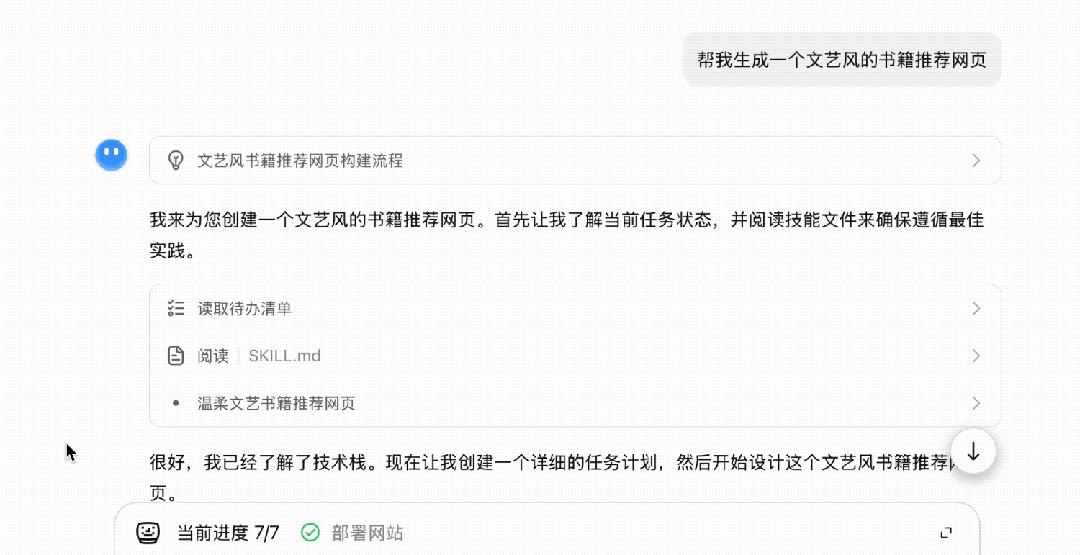
Unexpectedly, it really did a great job.
The cyan - green background paired with various fonts gives off a strong literary atmosphere. When you hover the mouse over the book covers, a brief introduction will pop up;
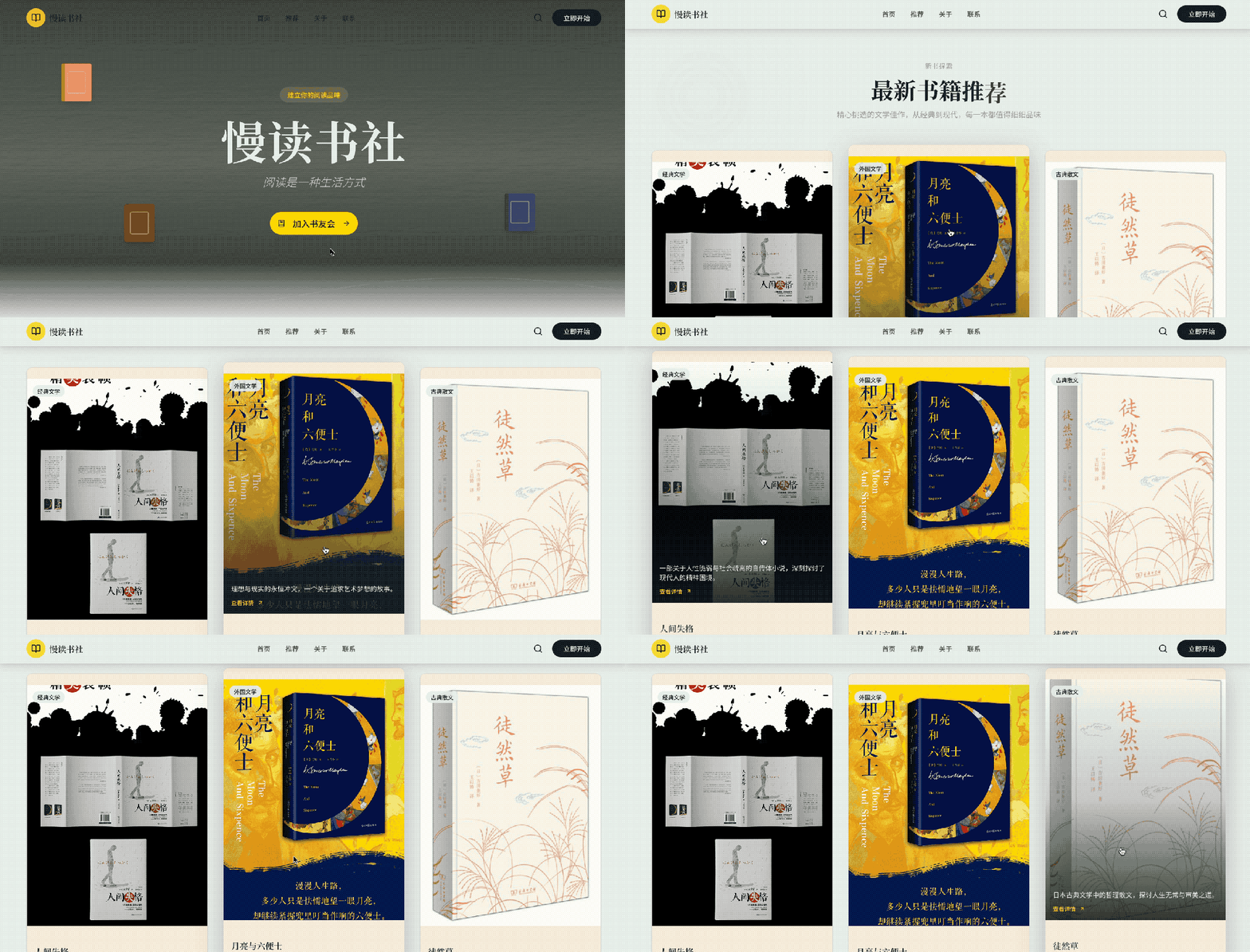
Scrolling down, there are