OpenAI Strikes Back: Codex's Brain Unveiled, Pitting Its 800-Million-User Limit Architecture Against Claude
Recently, Anthropic's Claude Code has set the AI programming circle on fire!
That AI assistant capable of reading code, modifying code, and running tests in the terminal has made many developers exclaim, "This is the future."
For a while, social media was filled with comments like "Claude Code beats Cursor, Codex, and Antigravity."
Just when everyone thought OpenAI was still brewing a big move with GPT - 5.3, today its official blog and Altman suddenly dropped two bombs on the X platform:
1. Revealing the Agent Loop architecture: For the first time, disclose how Codex's "brain" operates
2. PostgreSQL's ultimate architecture: One primary database handles the crazy operations of 800 million users
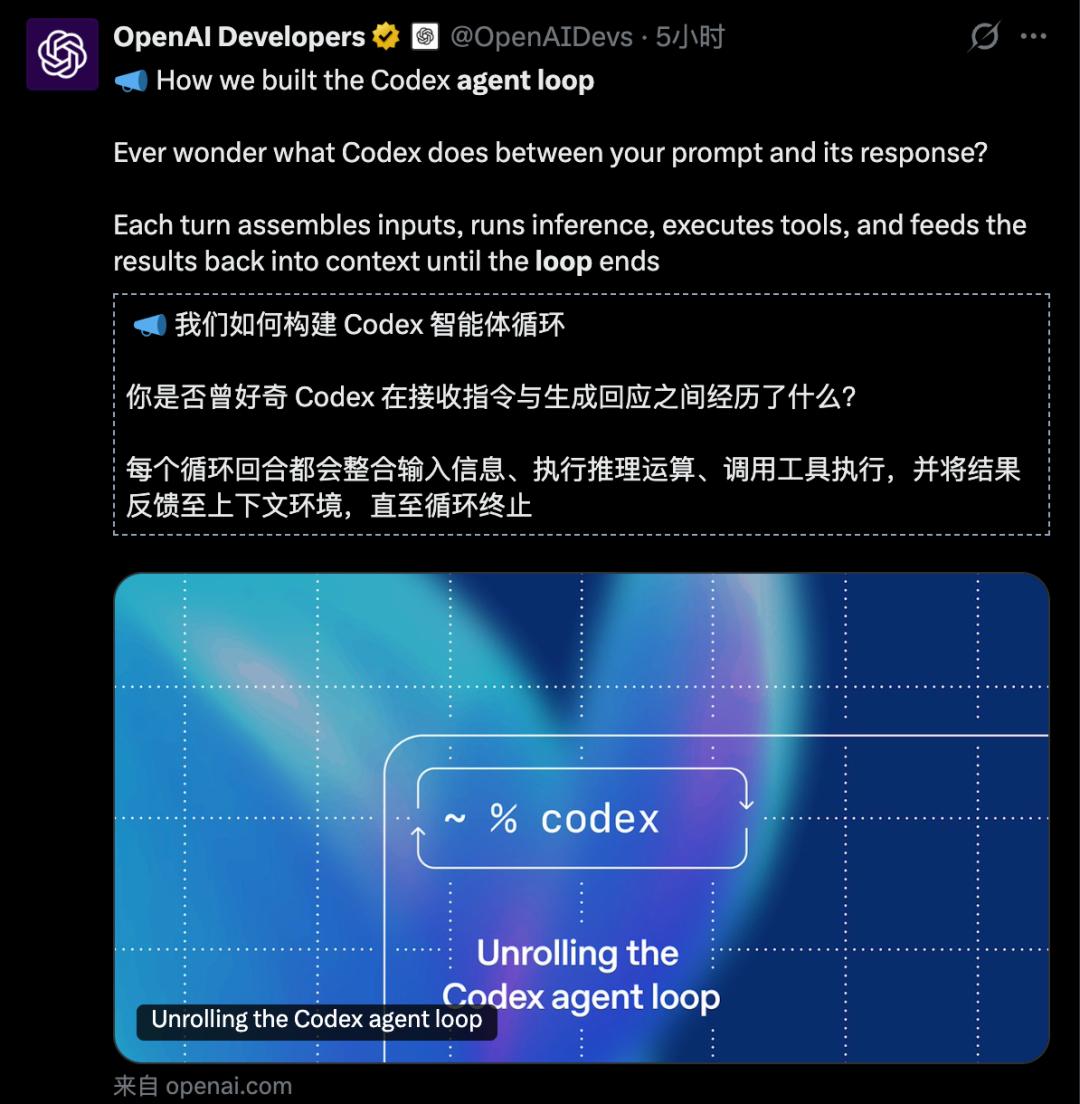
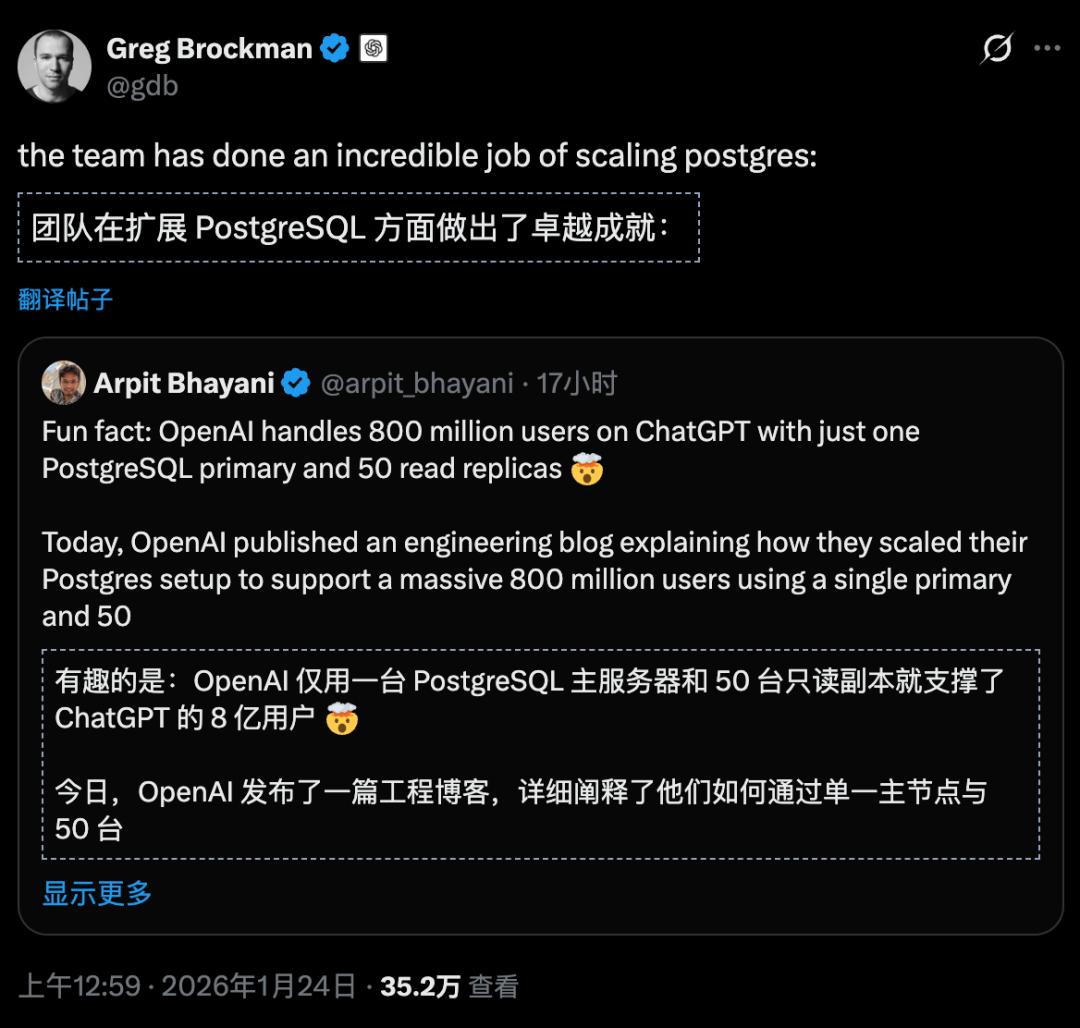
This combination punch was really impressive.
Today, let's dissect what big move OpenAI has been brewing.
Agent Loop
How does Codex's "brain" operate?
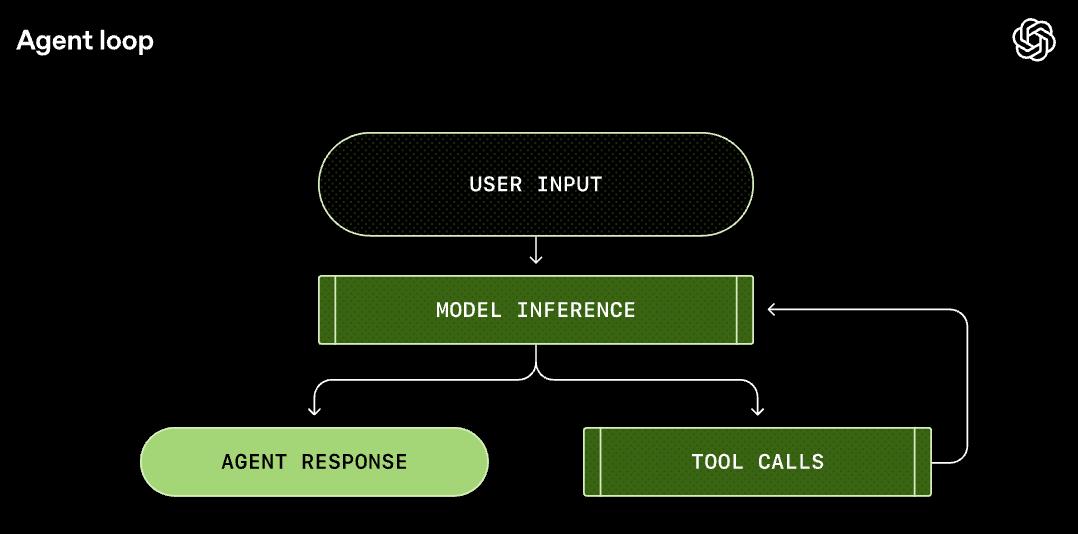
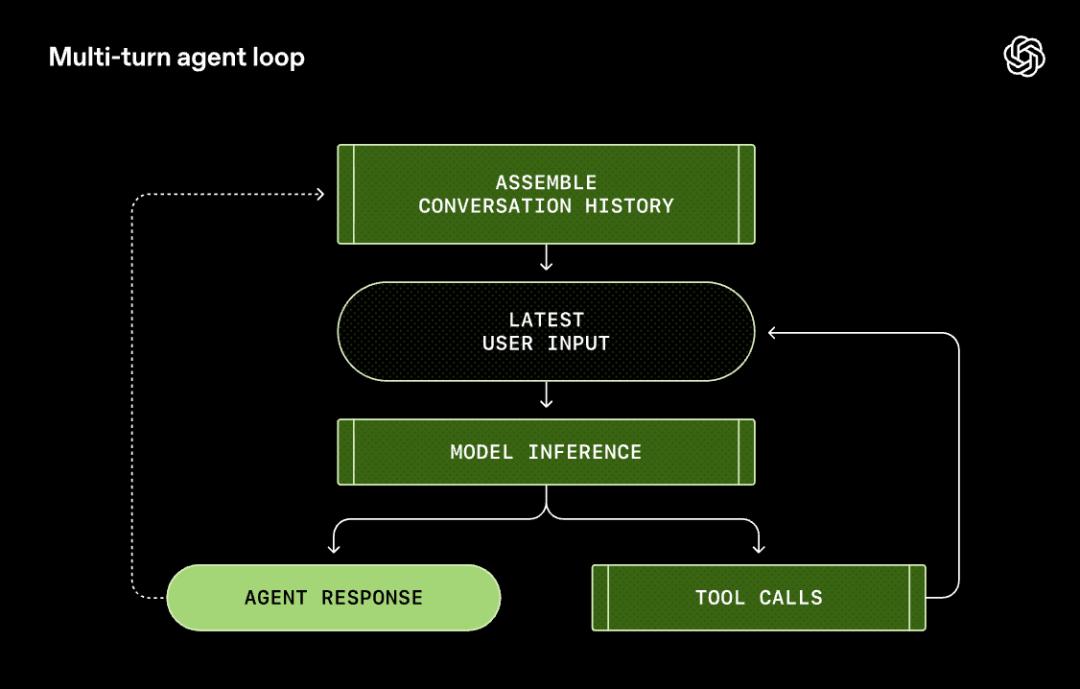
What is the Agent Loop?
If you've used CLI terminal tools like Codex CLI and Claude Code, you might be curious:
How on earth does this thing know what I want to do? How can it read files, write code, and run commands on its own?
The answer lies in something called the Agent Loop (Intelligent Agent Loop).
Put simply, the Agent Loop is like a "general commander." It is responsible for connecting the "user's intention," the "model's brain," and the "execution tools" into a perfect closed - loop.
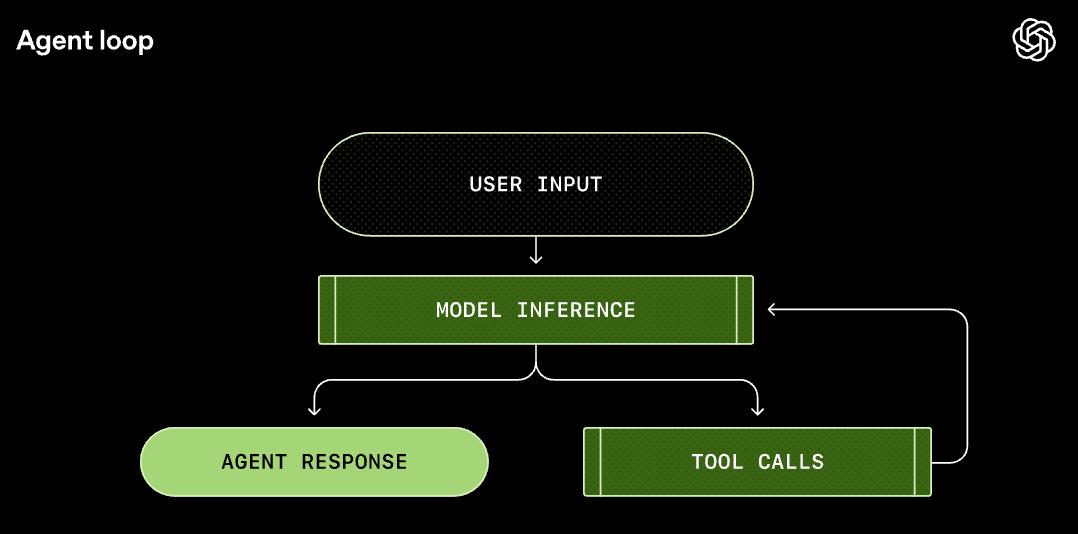
This is not an ordinary "question - and - answer" scenario. It is a working system that includes "observation - thinking - action - feedback."
Next, let's open this black box and see how a real AI agent operates.
How does a complete Agent Loop run?
Let's illustrate with a specific example.
Suppose you enter in the terminal: Add an architecture diagram to the project's README.md.
Step 1: Build the Prompt
This is like sending a work order to the brain.
Codex won't directly pass your words to the model. It will first build a carefully designed "Prompt":
- Who am I: (System): Tell the model who it is and what it can do
- What tools do I have (Tools): Which tools can be called (such as shell commands, file operations)
- Environmental context (Context): Which directory you are currently in and what shell you are using
- User instruction: Add an architecture diagram to the README.md.
This is like sending a detailed work email to the model, rather than just saying "Help me with the work."
Step 2: Model inference (Inference)
At this step, the brain starts to work.
Codex sends this Prompt to the ResponsesAPI, and the model starts to think:
"The user wants to add an architecture diagram. I need to see what the current README looks like..."
Then the model makes a decision: Call the shell tool and execute cat README.md.
Step 3: Tool call (ToolCall)
Codex receives the model's request, executes the command locally, and reads out the content of the README.md.
This is like the hands and feet starting to move.
Step 4: Result feedback
At this step, the terminal outputs the content of the README.md.
The process doesn't end here. Codex appends the command output to the Prompt and sends it to the model again.
Step 5: Loop
The model sees the content of the README and conducts inference again:
It might generate a Mermaid diagram or directly write a section of ASCII graphics... Then it calls the tool to write to the file.
This loop continues until the model thinks the task is completed and outputs a message saying "I'm done."
It's not answering questions; it's solving problems.
Why is this important?
You might say, "Isn't this just calling the API a few more times?"
But it's not that simple.
Traditional LLM applications are of the "one - question - one - answer" type: You ask, it answers, and that's it.
But the Agent Loop turns AI into a self - working employee.
It can plan its own path (Chain of Thought).
It can check its own errors (Self - Correction).
It can verify its own results (Feedback Loop).
This is the real "AI Agent".
The Agent Loop is the bridge that allows AI to make a leap from "companion chat" to "independent work."
Performance optimization
Two key technologies
OpenAI shared two hardcore optimizations in the article, which solve two major pain points in Agent development:
Pain point 1: Cost explosion
Every time the Agent Loop runs, it has to resend the previous conversation history (including those long error messages and file contents) to the model.
The longer the conversation, the higher the cost. Without optimization, the cost increases quadratically.
Solution: Prompt Caching
OpenAI adopted a caching strategy similar to "prefix matching."
Put simply, as long as the first part of the content you send to the model (System instructions, tool definitions, historical conversations) remains unchanged, the server doesn't need to recalculate and can directly retrieve the cache.
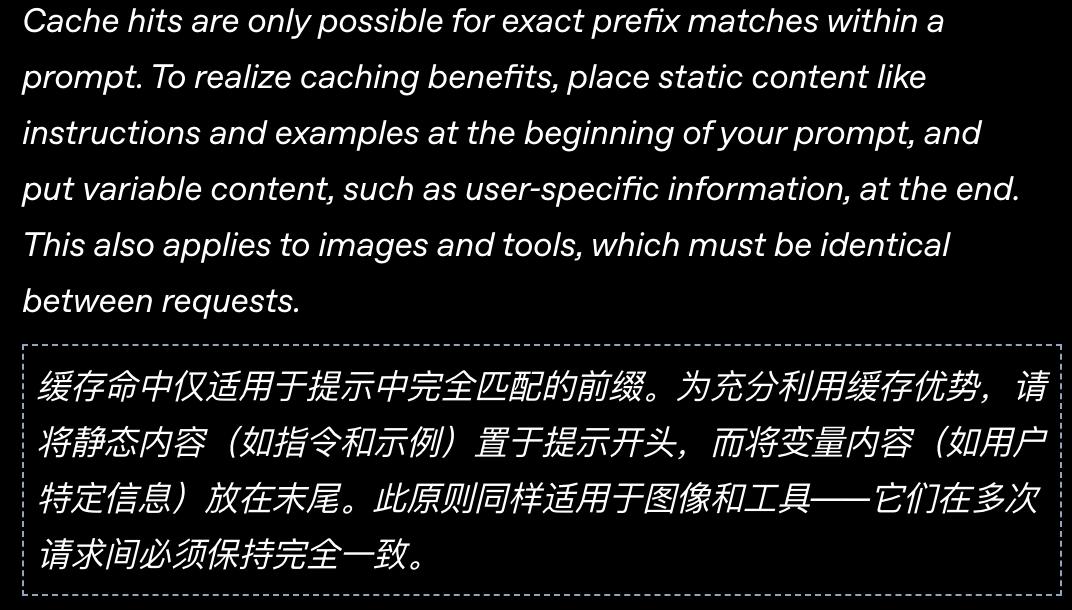
This move directly reduces the cost of long conversations from quadratic growth to linear growth.
But there's a catch: Any operation that changes the Prompt prefix will invalidate the cache. For example:
- Changing the model midway
- Modifying the permission configuration
- Changing the MCP tool list
The OpenAI team even admitted in the article that there was a bug in their early MCP tool integration: The order of the tool list was unstable, causing the cache to invalidate frequently.
Pain point 2: Limited context window
No matter how large the model is, the context window is limited.
If the Agent reads a huge log file, the context will be filled up instantly, and the previous memory will be pushed out.
For programmers, this means: "You forgot the functions I defined earlier?!"
This is not only stupid but also a disaster.
Solution: Compaction
When the number of tokens exceeds the threshold, Codex won't simply "delete old messages." Instead, it will call a special /responses/compact interface to "compress" the conversation history into a shorter summary.
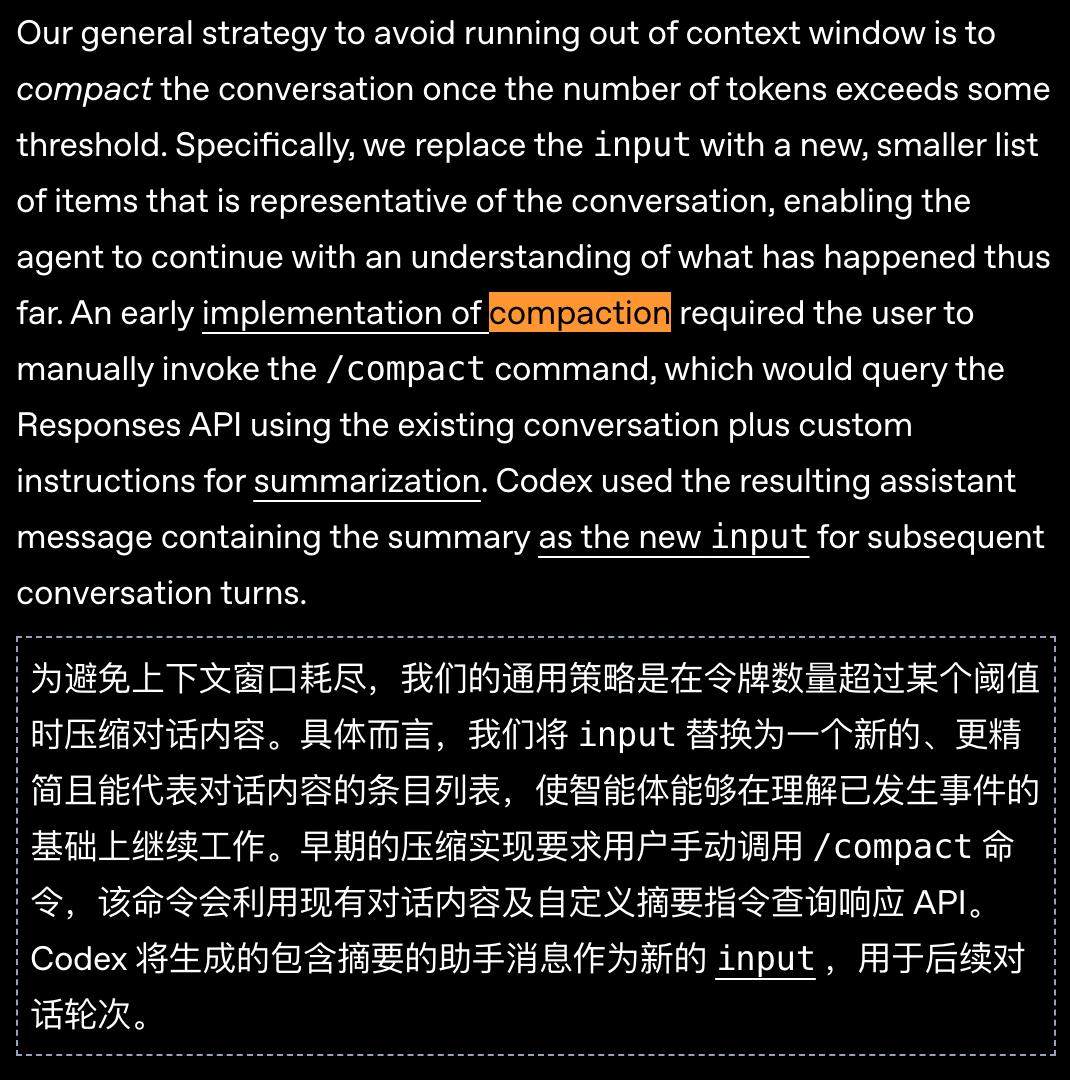
An ordinary summary (Summary) just turns long text into short text and loses a lot of details.
OpenAI's Compaction returns a section of encrypted_content (encrypted content), which retains the model's "implicit understanding" of the original conversation.
This is like compressing a thick book into a "memory card." The model can recall the content of the whole book after reading the card.
This allows the Agent to maintain its "intelligence" when dealing with extremely long tasks.
This time, OpenAI's hardcore revelation of the "brain" "Agent Loop" behind Codex CLI sends a signal: AI is really going to get the job done.
One primary database serves 800 million users
PostgreSQL's ultimate operation
While everyone was talking about how amazing AI models are, OpenAI quietly revealed a more explosive piece of news:
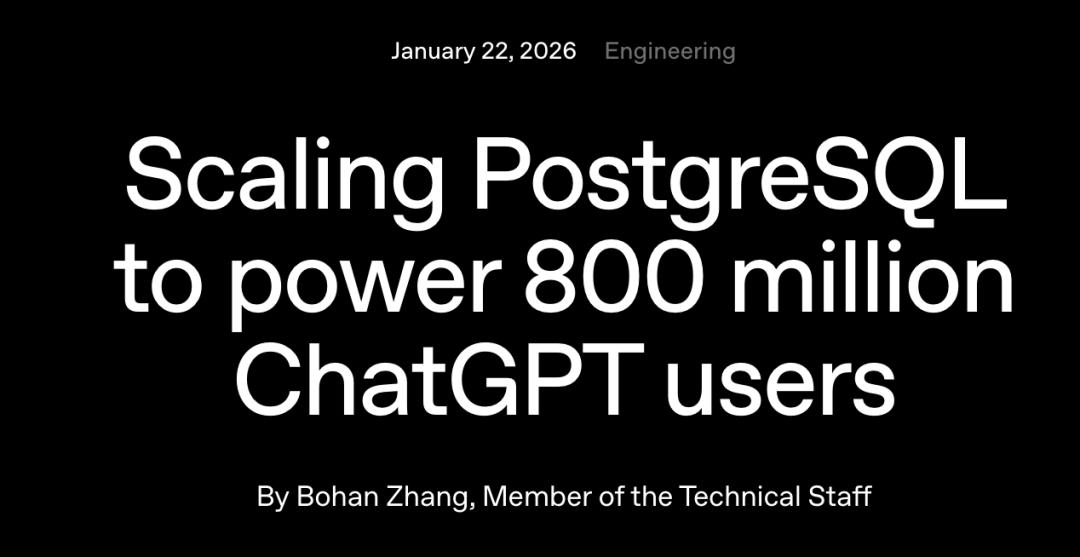
What supports 800 million ChatGPT users globally and processes millions of queries per second is actually just a single - primary - node PostgreSQL database!
It achieves this with just one PostgreSQL primary node + 50 read - only replicas.
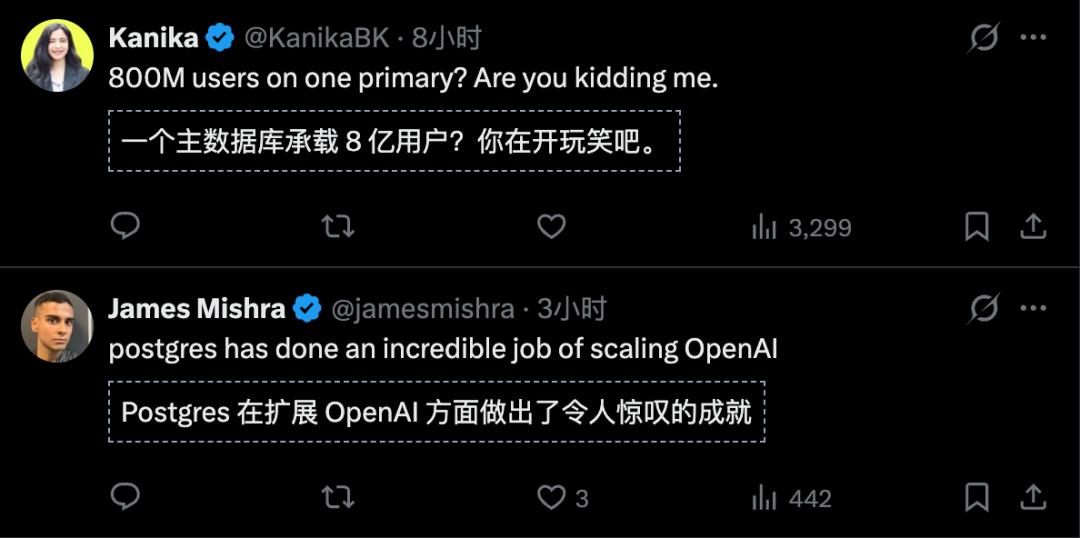
"800 million users? This is a joke!" exclaimed some netizens.
In today's era of popular distributed architectures, people often talk about "microservices," "sharding," and "NoSQL."
They'd rather use a giant distributed cluster to solve problems than a single machine.
But OpenAI tells you: We can handle it with just a PostgreSQL database.
How did they do it?
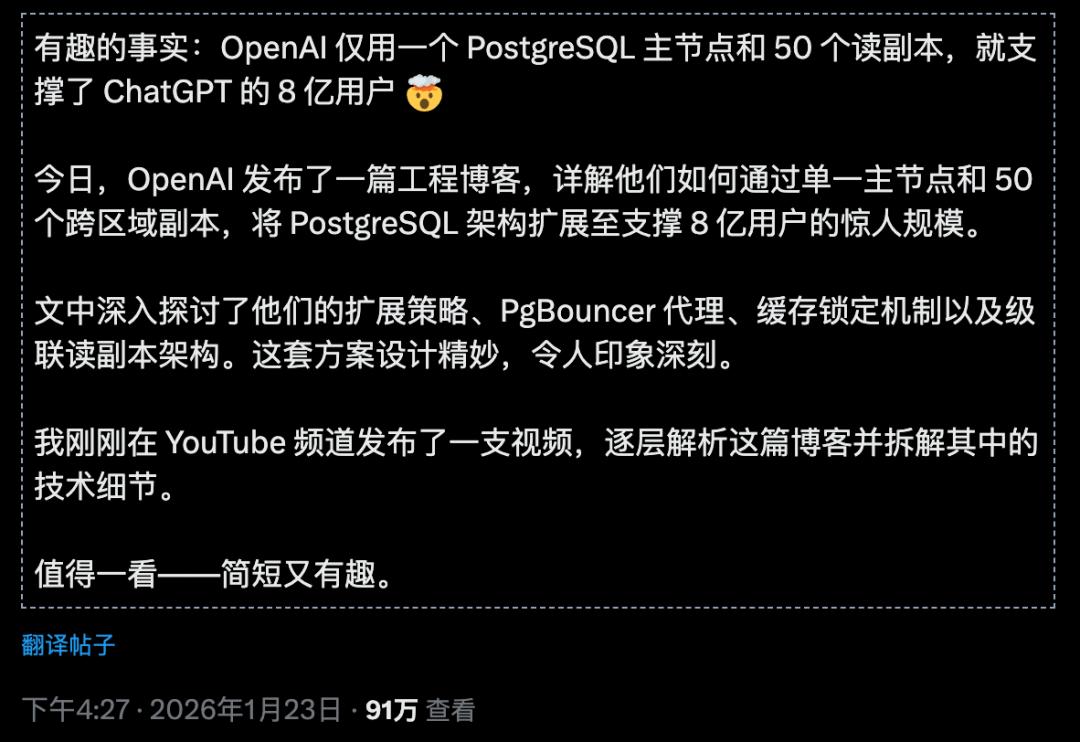
According to the information disclosed by OpenAI engineers, the key technologies include:
1. PgBouncer connection pool proxy: Significantly reduces database connection overhead
2. Cache locking mechanism: Avoids write pressure caused by cache penetration
3. Cross - regional cascading replication: Distributes read requests to replicas around the world
The core idea of this architecture is: Separate read and write operations and optimize the read path to the extreme.
After all, for an application like ChatGPT, read requests far outnumber write requests. When a user sends a message, the system may need to read data dozens of times (user information, conversation history, configuration information...), but only write once.
According to the information disclosed in the official OpenAI blog, the key technologies include:
1. Connection pool proxy (PgBouncer)
Through connection pool management, the average connection establishment time is reduced from 50ms to 5ms.
Don't underestimate this 45ms. In a scenario with millions of queries per second, it's a huge performance improvement.
2. Cache locking/leasing mechanism (Cache Locking/Leasing)
This is a very smart design.
When the cache misses, only one request is allowed to query the database and refill the cache, while other requests wait.
This avoids the "cache avalanche" - a