Erste Erfahrungen mit TRAE Work Design: Ein Übersetzer im Bereich Design
1
Recently, I tested the newly added design module of TRAE Work.
TRAE Work is different from TRAE IDE. The former is designed for ordinary users and workflows, while the latter is mainly used for code production. It is a software that can be run locally (or in the cloud), so that local files and scripts can be retrieved and used.
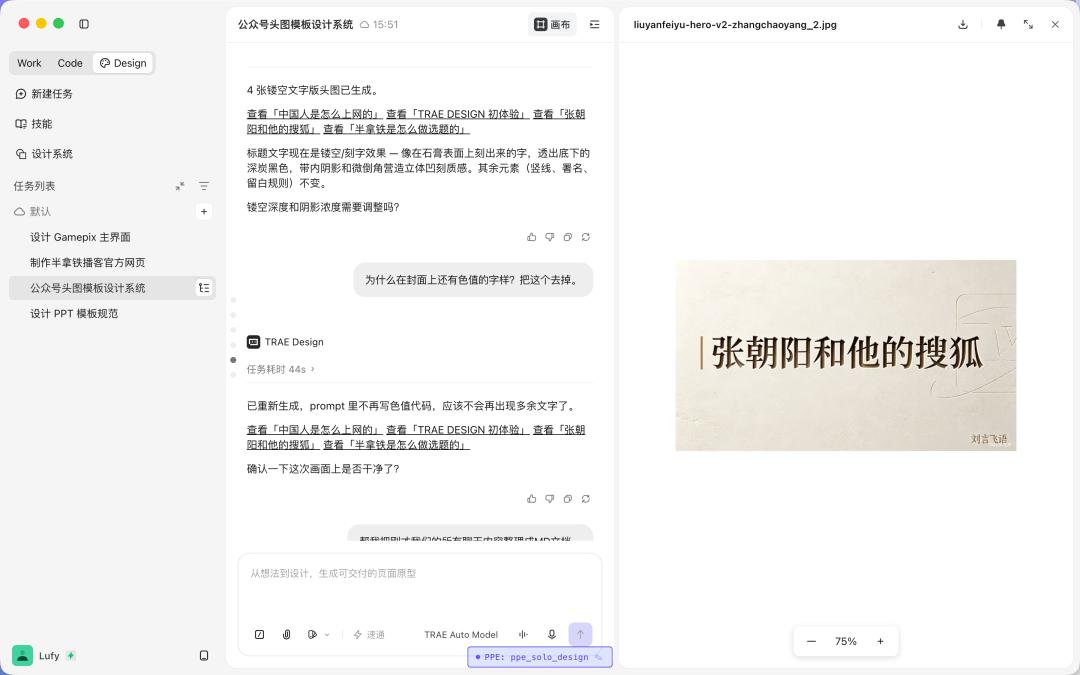
Since Claude has design capabilities, many of my friends are waiting to see if there are similar products in China. Now it's finally here.
After using it, my first impression is that TRAE Work Design is definitely not a product that "makes everyone a designer". This statement is too marketing-oriented and inaccurate. It is more like a translator in the design field.
In the past, our ideas had to be translated multiple times.
The ideas in our heads had to be translated into requirement documents, the requirement documents into prototypes, the prototypes into design sketches, and finally the design sketches into code. Something may be lost at each stage. When the boss says "something more elegant", the product manager may understand it as "clearer information hierarchy", the designer may think of "more white space and more reserved colors", and the developer may mean "change the button design again". The information loss in this process is too high, similar to the game of Chinese whispers, and the result often doesn't match at the end.
The significance of TRAE Work Design is that it reduces the cost of the most difficult translation stage. When you describe a page, a product, or a template in natural language, it can first translate it into a visual result. This result may not be perfect, but the most important thing is that it is finally something that you can see, click on, and especially further edit.
This is much more important than simply "generating an image with AI".
2
First, let's consider the most direct use case: product prototypes.
I previously developed a small game library app called Gamepix. Its functions are very simple: it collects the games I've played and documents them as a game wall, that is, as a personal game archive.
It is actually difficult to describe what such a product should look like when explaining it only with words. Terms like "modern", "clean", or "iOS-compatible" sound good, but everyone has a different idea of them.
I asked TRAE Work Design to create the main interface of this app.
In the first version, it chose a rather simple and dark gallery style. The background is dark gray-black, purple is used as the brand color, the game cover cards are arranged in two columns, and the search bar, filter, and the bottom tab bar are designed in a more reserved way.
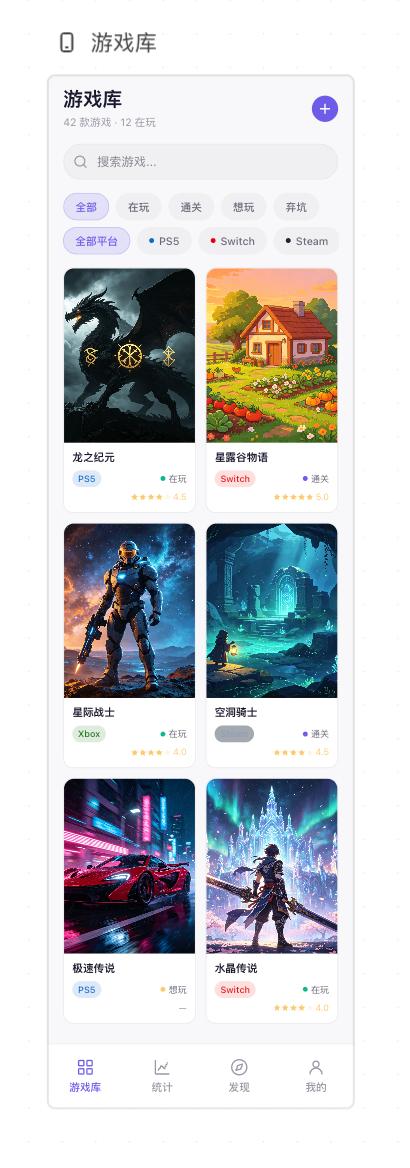
Note that all elements in this interface are interactive. For example, these small labels can be directly adjusted through visual operations. You can also directly insert them into the conversation to ask the AI to make changes.
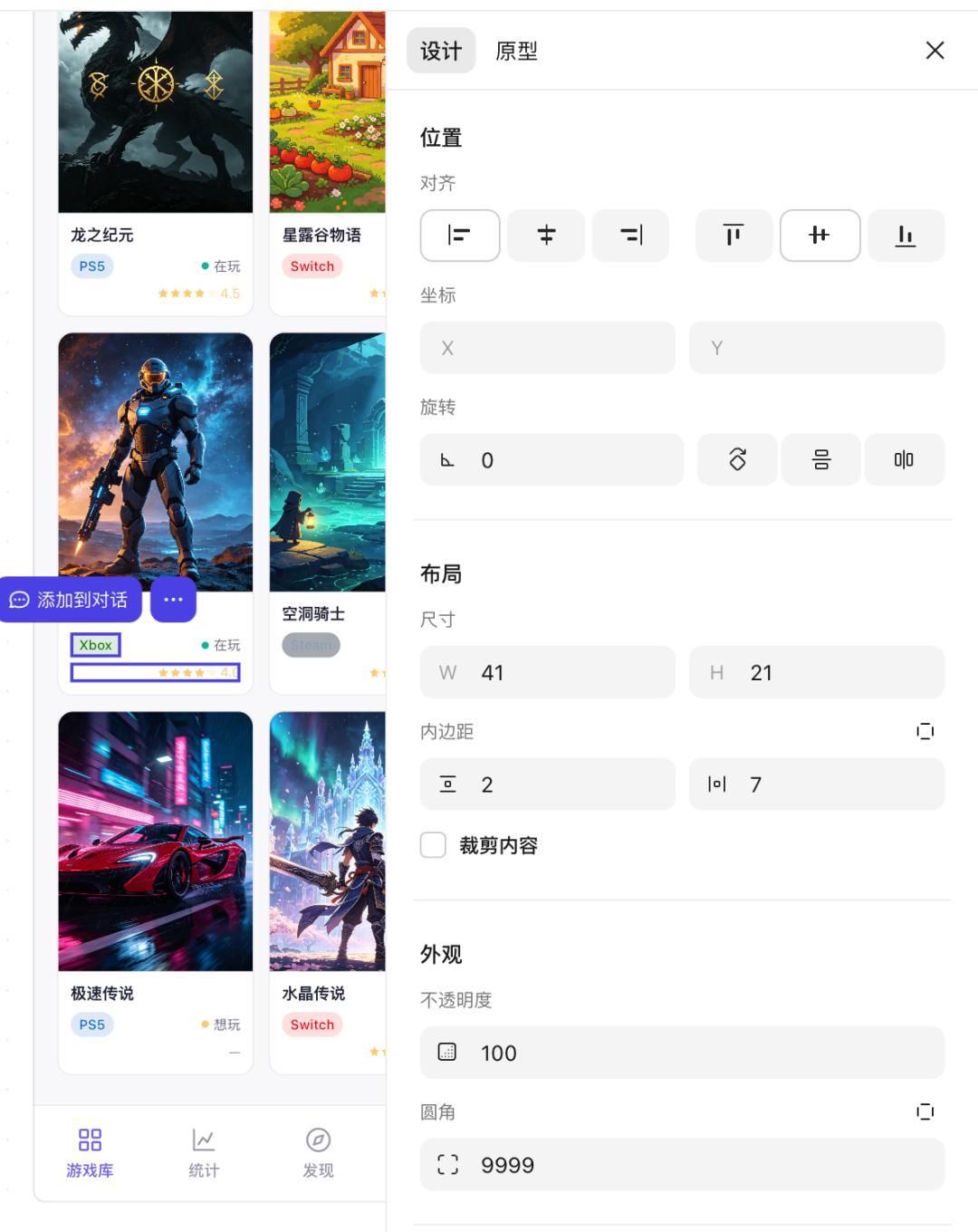
This is the meaning of the translator.
In the past, when discussing design styles, we often talked about adjectives. What does "tactile" mean? What is "youthful"? What does "not too internet-like" mean? What is "elegant but not too cold"? What is "colorful black"? Now we can first generate something instead of asking what "elegant" means. Instead, we can simply create three versions and see which one is the most elegant.
This work area is like a target that gives us at least a clear reference when discussing.
This is very important for product managers and independent developers. This doesn't mean that we bypass designers to create the final design, but that we need a semi-finished product that is closer to the final product. Low-fidelity prototypes are too abstract, the boss doesn't understand them, and developers can easily misinterpret them. High-fidelity designs, on the other hand, are too time-consuming. If the requirements are not yet determined and you ask the designer to create three versions, you can't coordinate the resources and you'll be left in the lurch.
An interactive demo prototype can not only visualize the approximate result but also, when you later switch to the code mode, you don't have to explain many things again. This was also a very important value of Figma.
In the past, there was information loss at each stage when transferring requirements to design and from design to code. Now, with AI design tools, this loss is much less. Or you have the feeling that everyone is speaking the same language.
3
If the previous example still seems a bit distant to most people, then let's talk about something else.
Actually, design is also often encountered in our daily lives and work. For example, in PowerPoint presentations.
I previously tested many AI tools for generating PowerPoint presentations. At first glance, they seem okay, and sometimes they are even impressive. But when you focus on the details, you'll find that there are numerous problems. Uneven font sizes, incompatible colors, incorrect layouts, strange image positions, too much text, too little white space, etc. If you ask the AI to make changes, it may be that Problem A is solved, but Problem B becomes messy again. In the end, I often find that it's better to do it myself than to keep blindly trying.
For most people, my approach is that the ideal AI PowerPoint tool is not to "generate a finished PowerPoint document with one click". The real user requirements usually are: First, define your own template, determine fonts, colors, layouts, and formatting rules. Then you can insert the text each time, and the AI will insert it according to the template.
This time, I asked TRAE Work Design to create a PowerPoint template.
At first, my requirements were very simple: Steady, clean, suitable for commercial and technical content, not elaborate, clear information. It generated several fixed layouts: Title page, chapter transition page, page with text on the left and image on the right, page with pure text arguments, page with diagrams, and conclusion page.
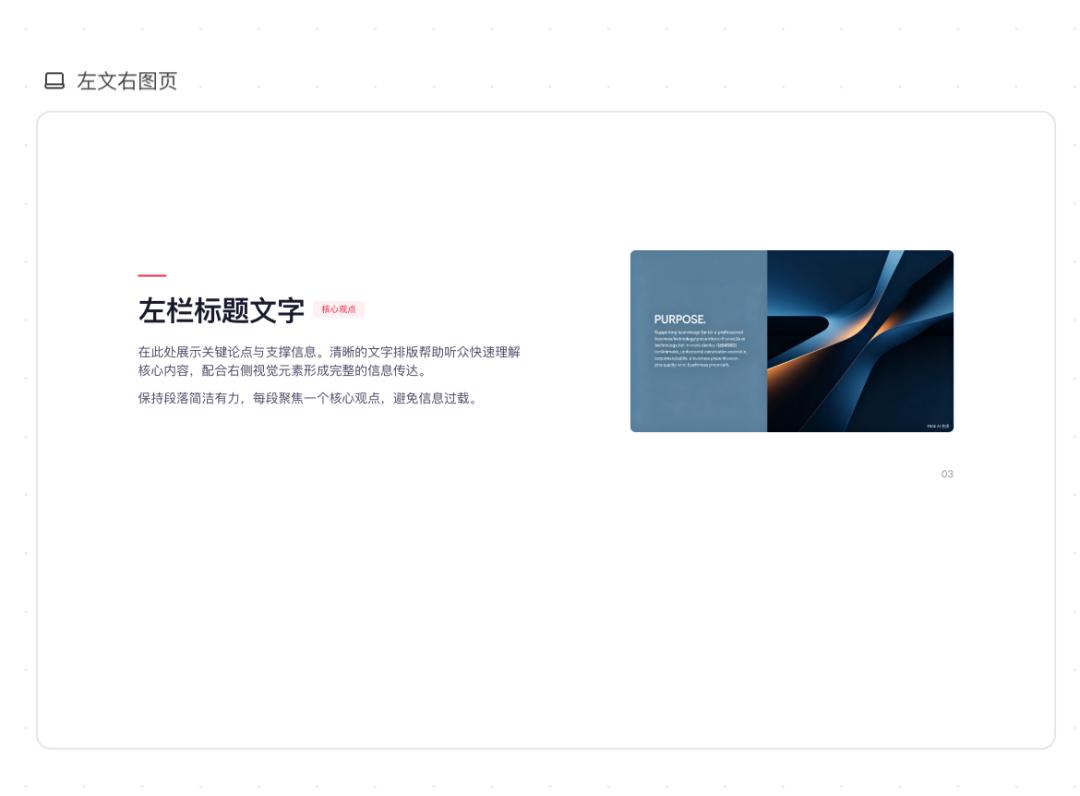
This step seems similar to other tools. But actually, an expression rule is established here.
I further requested that the background should look more elegant. I wanted a light blue style, a nicer background pattern, and less text and larger font sizes. So it converted the entire template to a light blue background, added a geometric background pattern and a slight internal lighting effect, and changed the text on each page from paragraphs to keywords.
At the same time, I gave it a script of a previous podcast episode. The result looked like this:
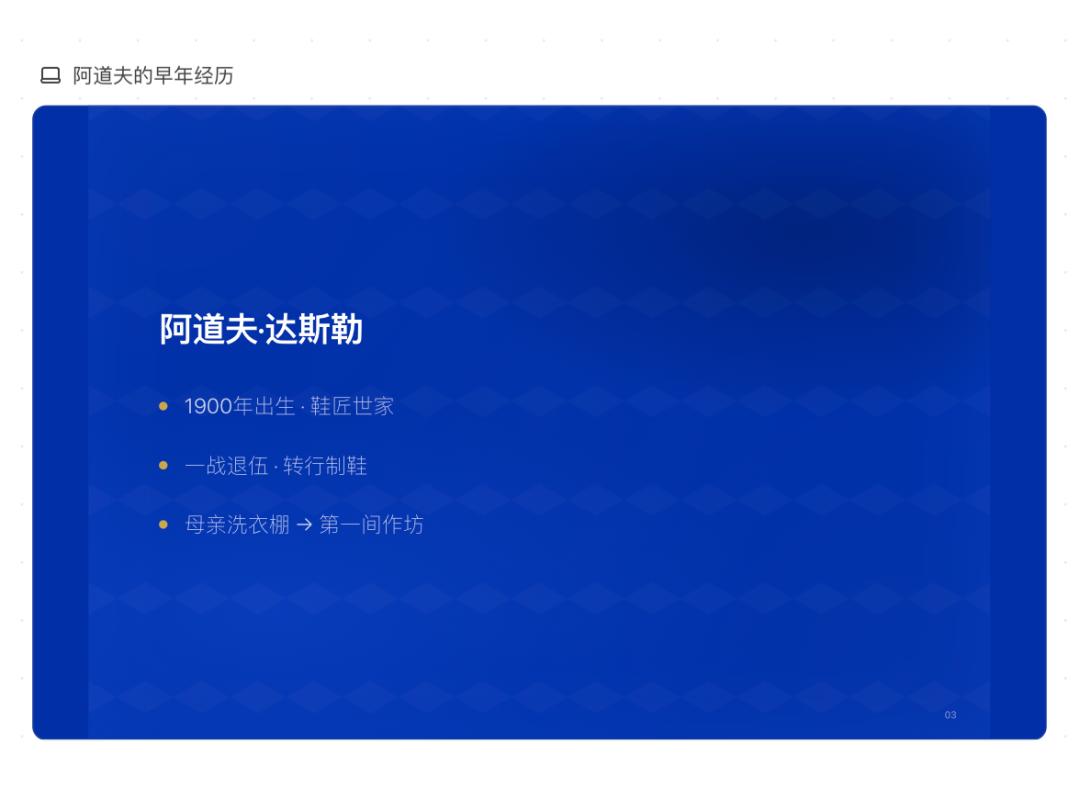
For example, the first line of this page originally read:
"Born in 1900, his father was a tailor in a shoe factory. After school, he completed an apprenticeship as a baker, but his real interest lay elsewhere, so he learned the shoemaker's trade."
It simplified it according to my requirements and converted it to:
"Born in 1900 · Shoemaker family"
There are some details, like the position of the large number "02" on the chapter transition page, which is very strange. When it is vertically centered on the left, it is particularly noticeable. I can directly select this page and say that the position of this number is wrong and it should be moved to the lower left corner. This can be corrected immediately.
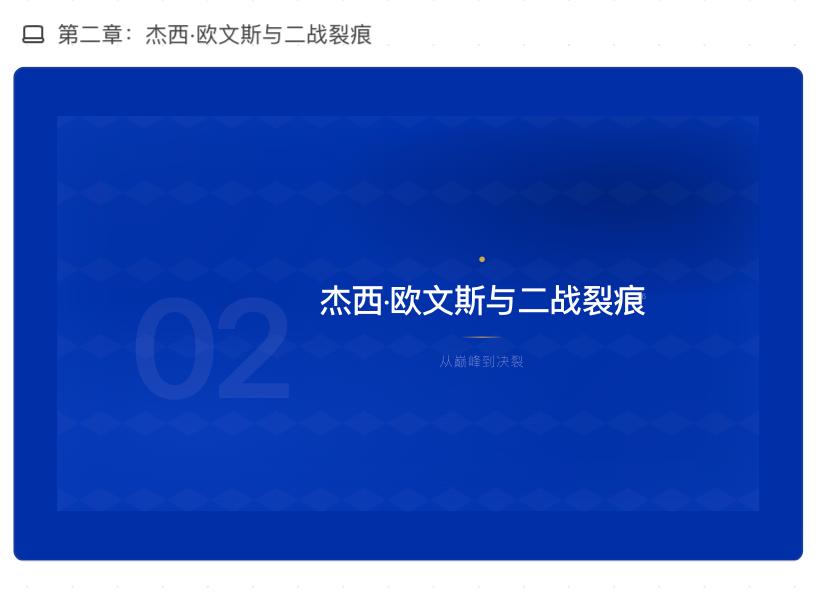
As mentioned before, these small changes may seem insignificant, but when there are many of them, it becomes very tedious. When creating PowerPoint presentations, this is always the most annoying problem. Once you have established these rules, all subsequent PowerPoint presentations can be created according to this template.
This is the difference between AI design products and traditional design software. Traditional design software requires the ability to operate the software and know its functions, while AI design depends on whether you can clearly describe the problem.
Whether an AI tool works well should not be measured by whether it gets it right on the first try, but by how easily it can be corrected when it's wrong. TRAE Work Design is more like a design assistant that you can constantly communicate with. And it also has memory.
4
For content creators, there can now also be their own VI system. In the past, you may have had to hire an external agency or make use of your designer friends to get such a design system.
Now it's much easier.
For example, I often need article cover images for my WeChat account. Of course, you can use a unified font template for the cover images, but this design seems a bit simple. However, if you customize a cover image each time, the effort is relatively high.
For this, you can ask TRAE Work Design to create a system for cover image design.
My requirements were: A WeChat account for technological and commercial topics, the content direction includes AI tool evaluations, technological historical presentations, and commercial observations. Overall, it should be reserved, clean, and magazine-like. No cold color gradients and glows like those of technology companies, and no style with overfilled large headings like those of marketing accounts.
The first version was dark. A dark navy blue background, a white title, and the fixed signature "Liu Yan Fei Yu" in the lower right corner. There is a faint wireframe on the right to clarify the topic.
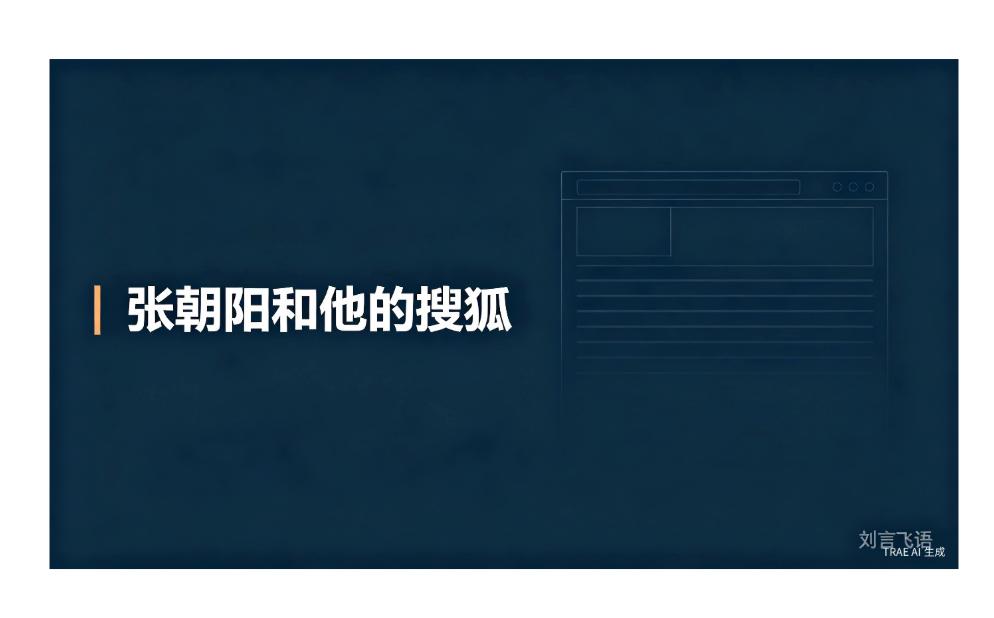
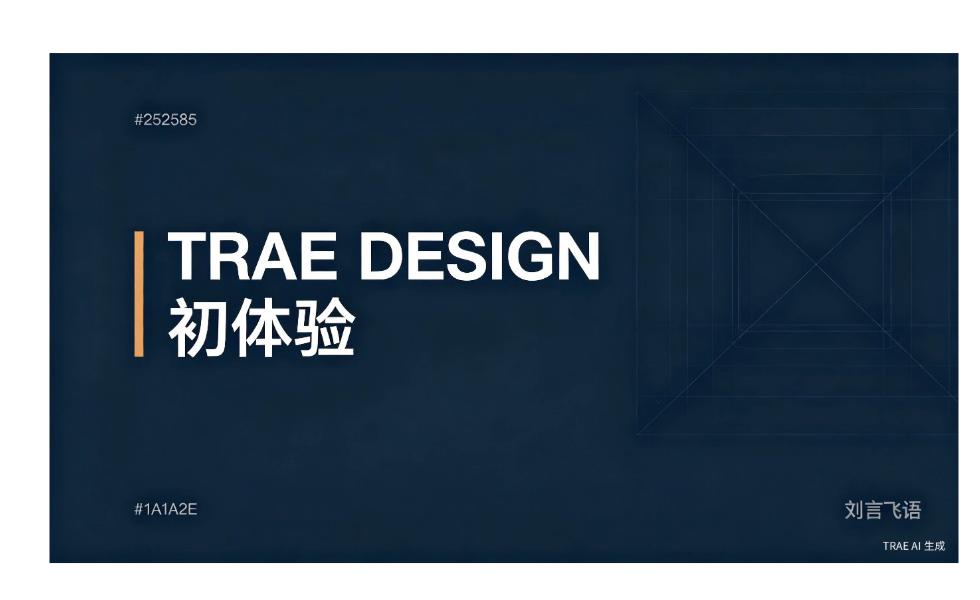
Later, I wanted to switch to a gypsum-white-yellow style. The background changed to warm white gypsum, the title to dark carbon black, and the vertical line to a dark golden hue. A cut-out effect was added.
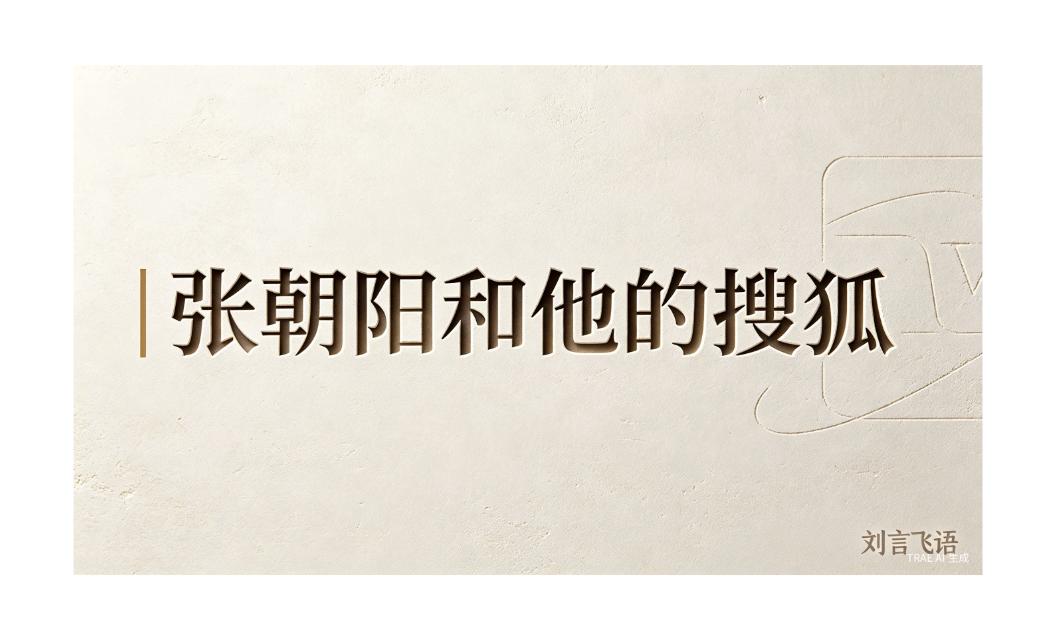
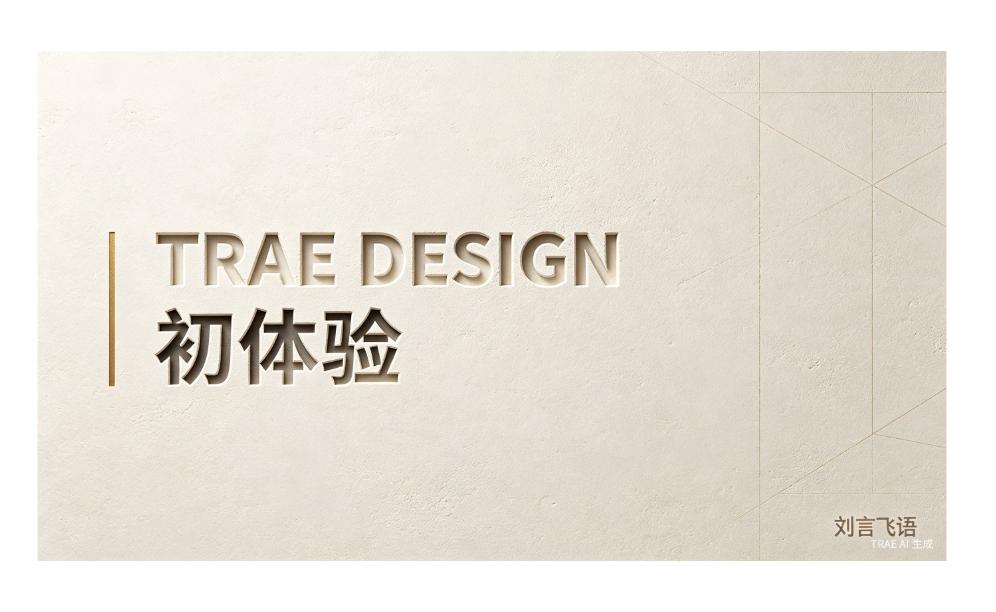
The key to this cover image system lies not in whether a single image is beautiful, but in that the rules are established. The background, line patterns, and title effects are...