Claude Opus 4.7 wurde gerade enthüllt. Claude Code wurde über Nacht neu strukturiert und arbeitet für Sie rund um die Uhr.
Claude Code has been restructured overnight!
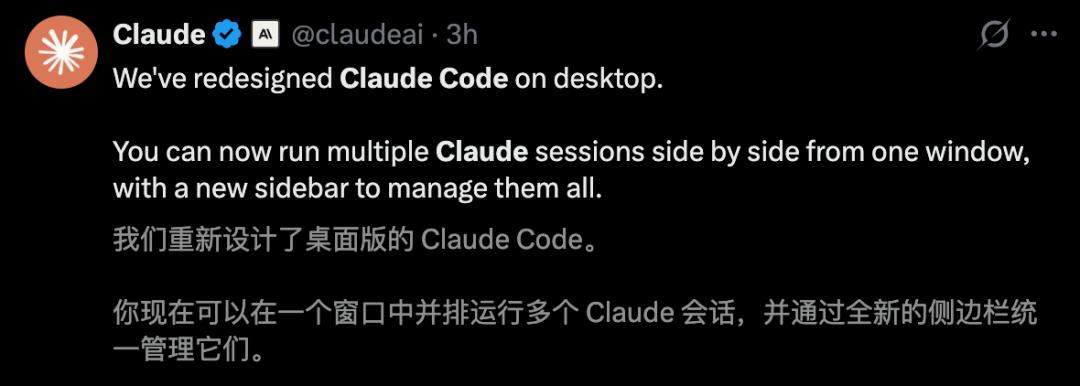
Just now, Anthropic officially announced that the desktop program Claude Code has been thoroughly restructured.
This time, it can run multiple parallel Claude instances in a single window, and the speed is significantly increased.
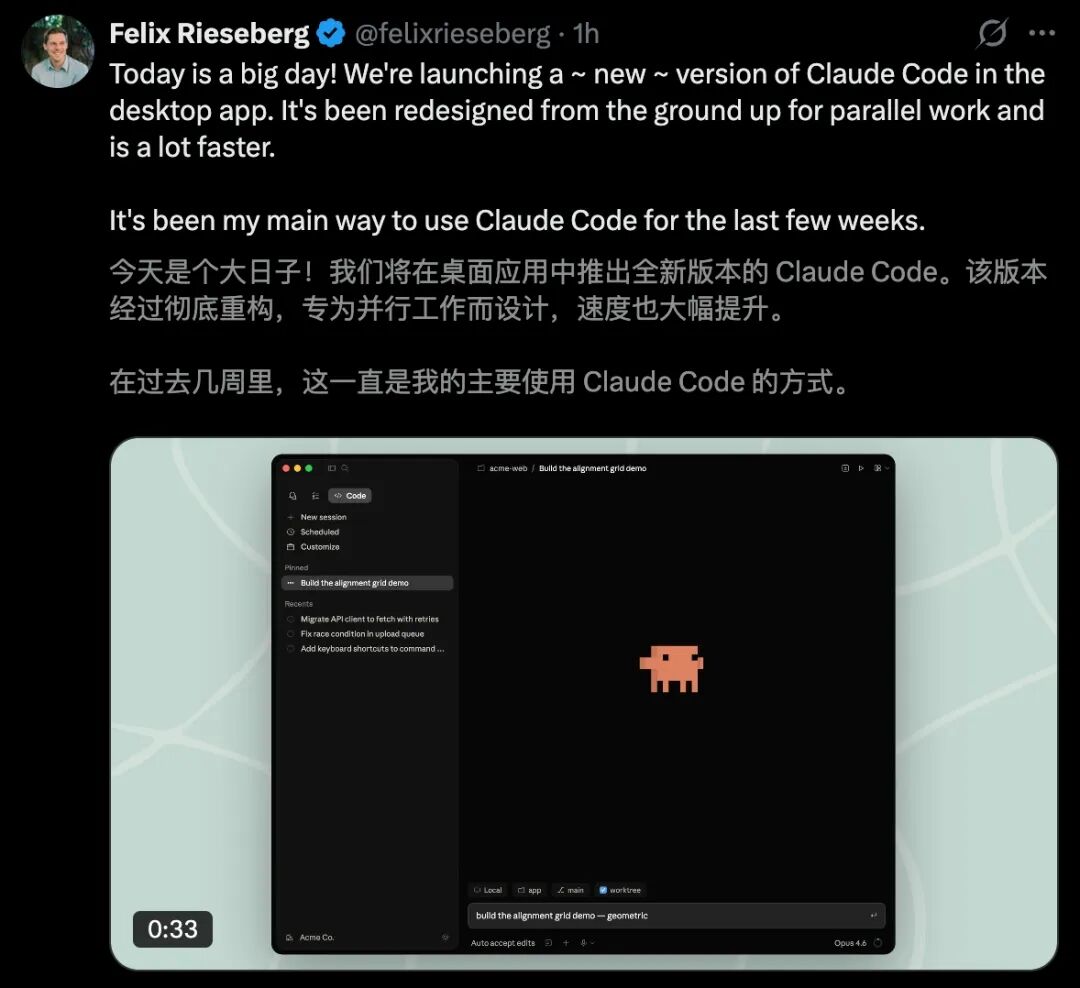
CC has also introduced a new sidebar, which facilitates the efficient management of tasks.
It integrates a terminal window, supports direct file editing within the app, and has a newly designed difference viewer (Diff Viewer).
Today, Claude Code has also introduced the new "Routines" function. It thus becomes a "cloud assistant", and you can also work with the laptop closed.
Time - controlled triggers, API triggers, and GitHub event triggers are available simultaneously.

Currently, it is available in the research preview phase for all Pro/Max/Team/Enterprise users.
Daily runtime limit: 5 for Pro, 15 for Max, 25 for Team and Enterprise; more costs extra.
Even more exciting is that Claude Opus 4.7 will appear this week!
It is reported that a new "design tool" will be released simultaneously, which challenges design giants such as Adobe and Figma.
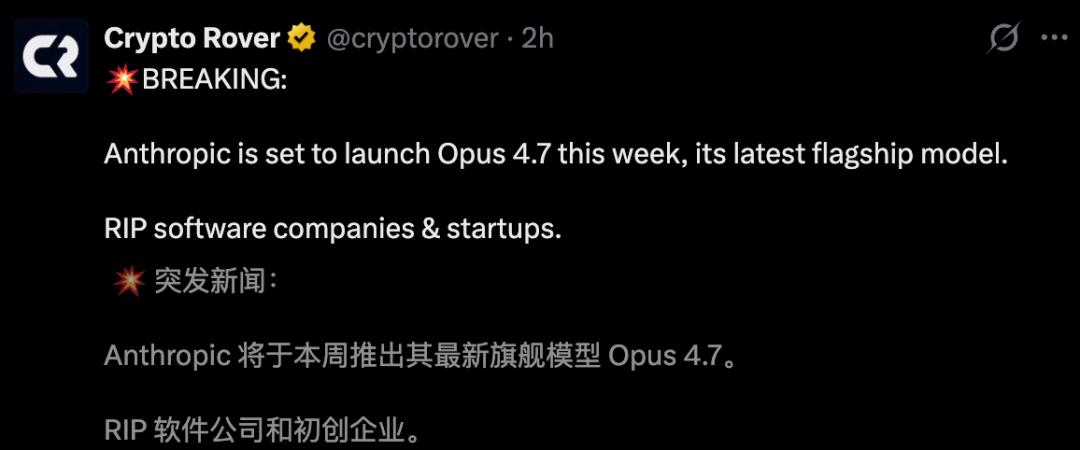
It seems that Anthropic will score again!

Claude Code has been restructured overnight, programming becomes a pleasure
The desktop program of Claude Code has developed thoroughly and suddenly appeared on the search trend list.
It is not only a simple version setup but also a big step towards the "all - in - one IDE experience" for AI programming tools.
Most developers are surely tired of constantly switching between the "command line" and the "editor".
This time, the update of Claude Code will completely change the development workflow.
Core update: Designed for parallelism
The most noticeable change in the new desktop version of Claude Code is the introduction of the sidebar management system.
Developers can run multiple Claude instances in a single window simultaneously and display them side by side.
This means you can make Claude fix bugs and generate test cases at the same time.
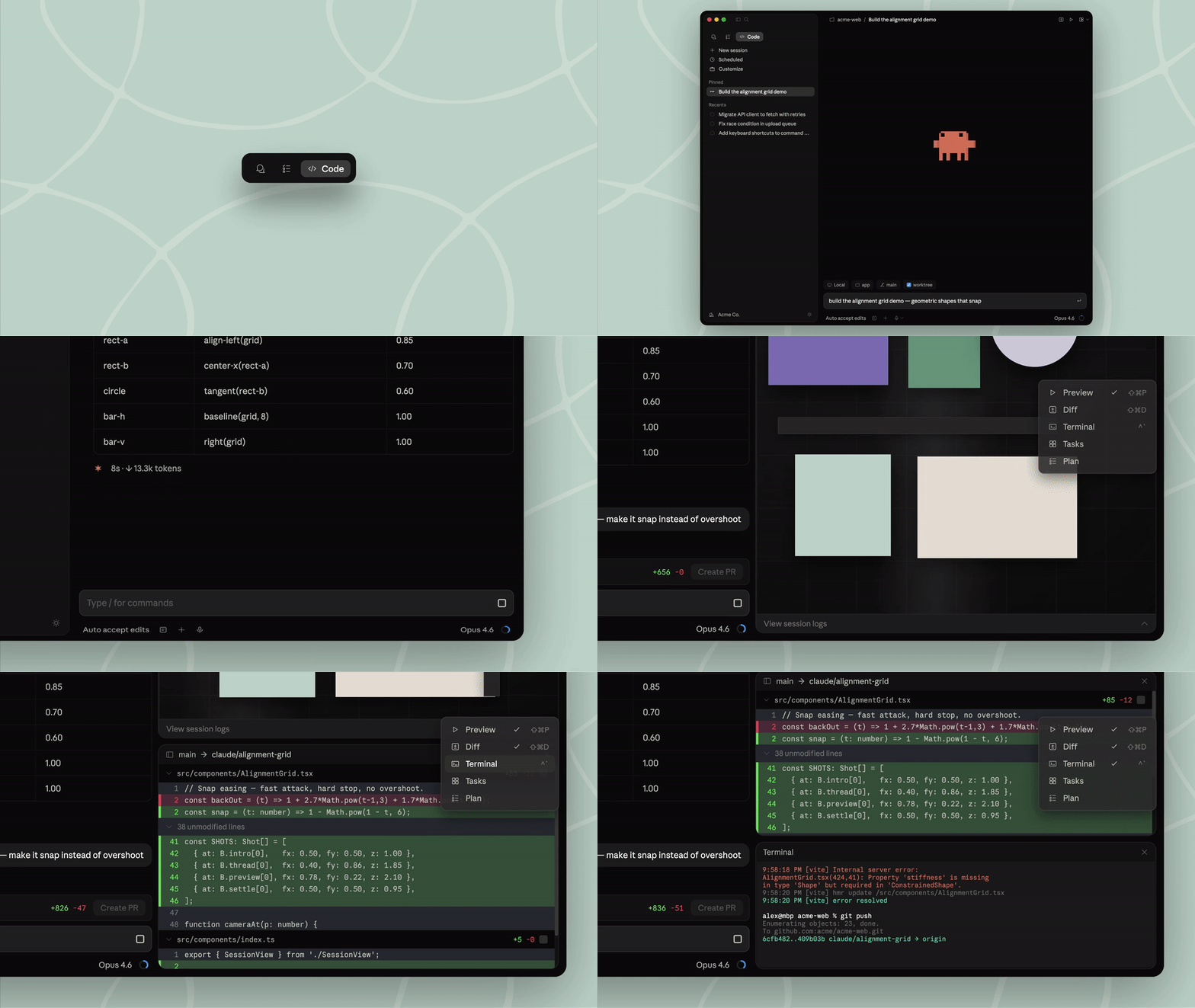
In addition, the entire user interface supports high customizability. You can simply arrange the layouts by "drag and drop".
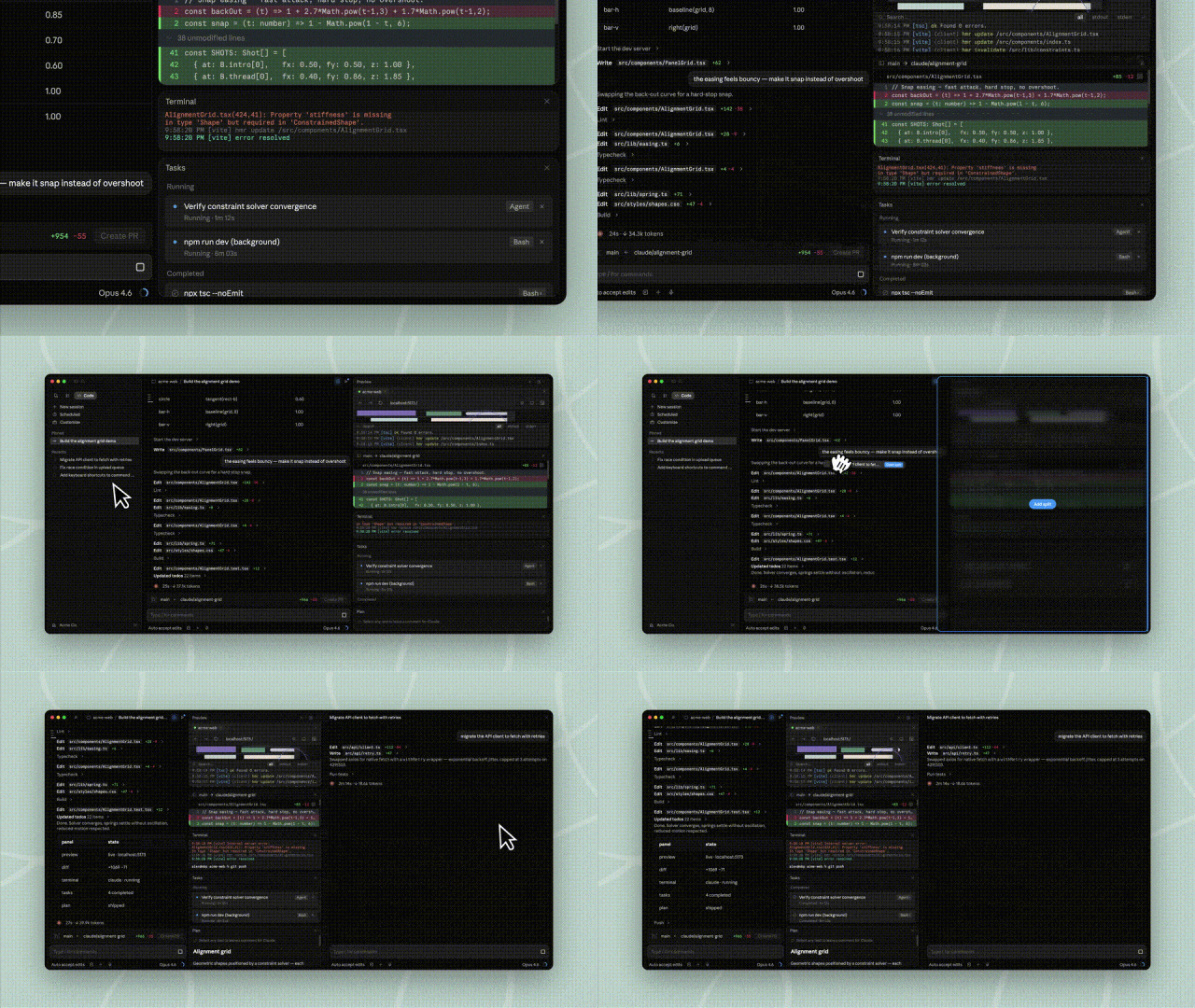
In addition, Claude Code has deeply integrated many functions, so that developers are completely freed from fragmented actions.
It has a built - in "terminal", so you can run scripts and commands directly in the Claude desktop app without jumping back and forth between iTerm and VS Code.
Moreover, CC supports the native modification of code files. Together with the newly rebuilt Diff viewer, code changes are immediately visible and extremely fast.
Whether it is complex HTML or technical specifications in PDF form, everything can now be previewed directly in CC.
In addition, it supports the connection to SSH remote servers, so you can also have a smooth experience in cloud development as in local development.
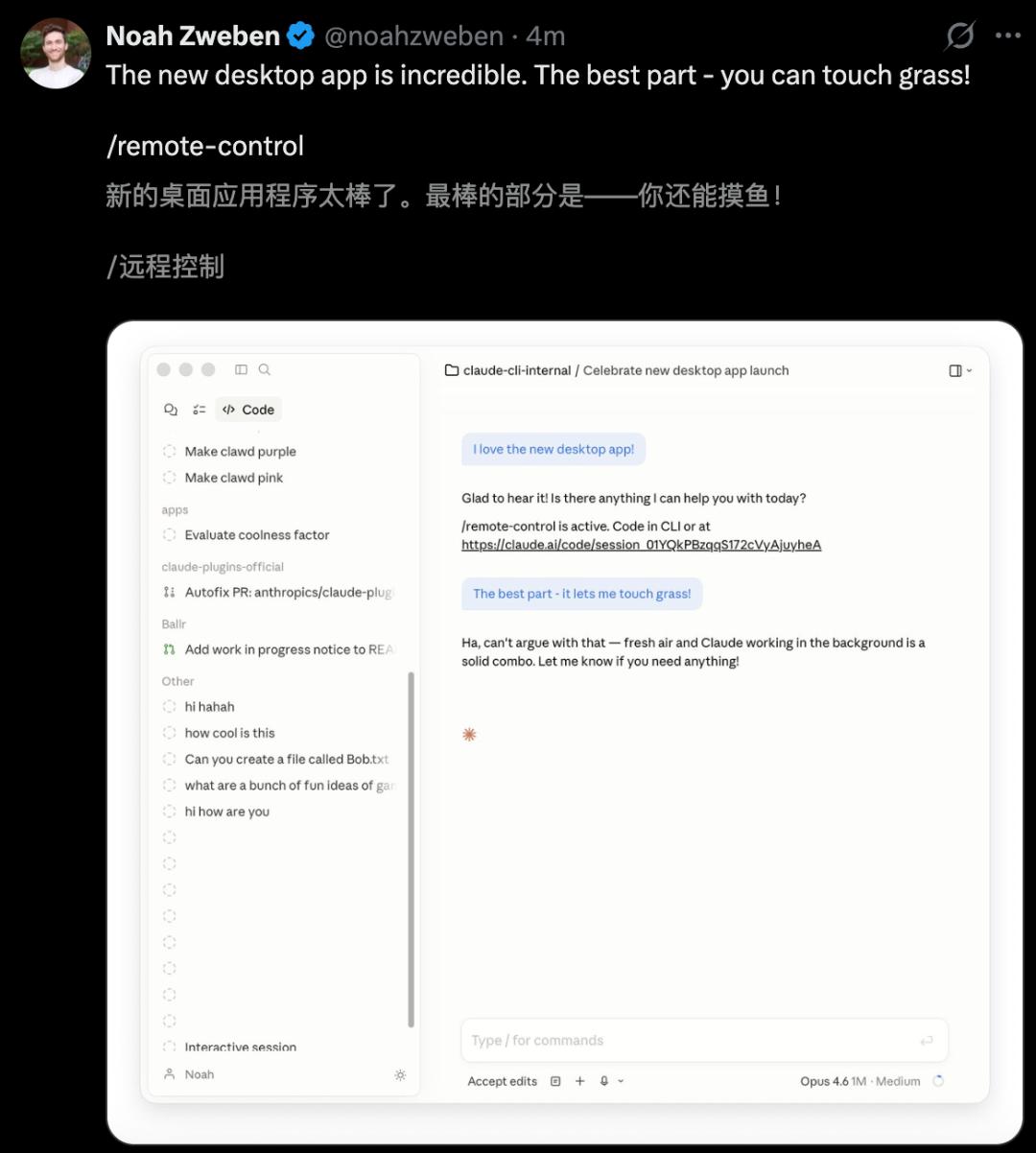
Are you worried that your habits will be disrupted? There is no need.
All CLI plugins used in the command line can be seamlessly integrated into Claude Code. It not only retains the strength of the command line but also offers the efficiency of a graphical user interface.
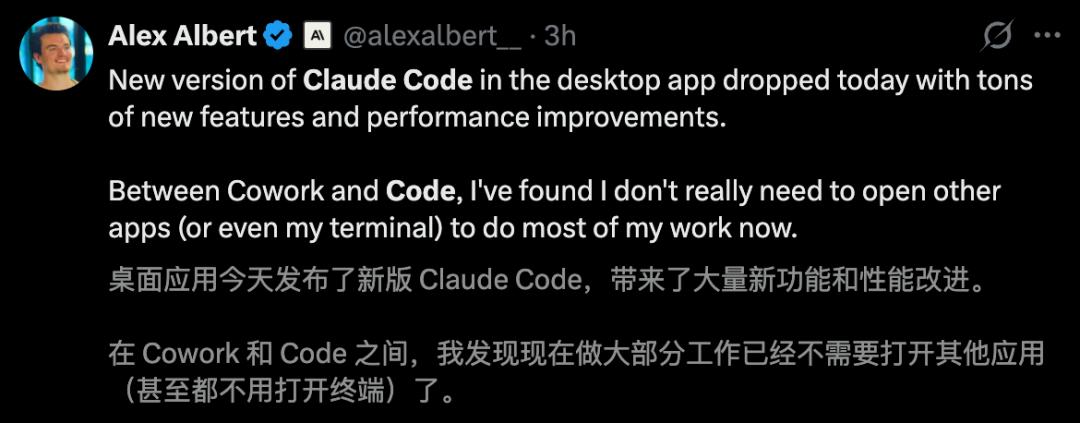
The Anthropic researcher Alex Albert said excitedly: "To be honest, since Cowork and Code work together, I don't need other apps for most of my tasks anymore. I even save using the terminal."
Sleep while Claude Code does the work
Even more exciting is the "Routines" function of Claude Code. With a one - time setup, CC can work automatically 24 hours a day.
Simply put, a routine is a "work instruction" for Claude Code.
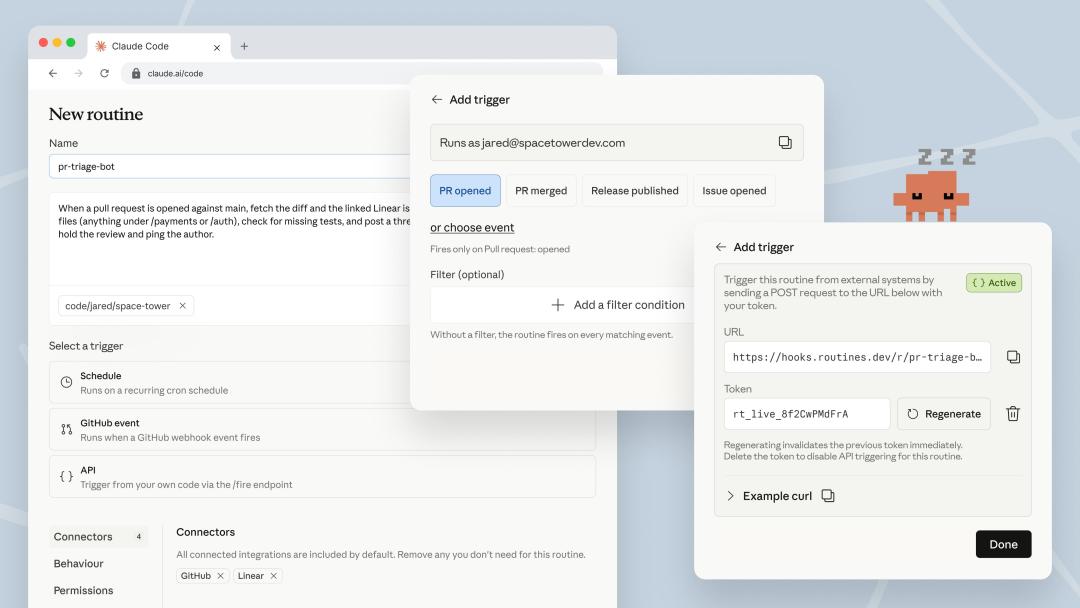
You configure three things in advance: a prompt, a code base, and connectors, and then specify one or more triggers.
As soon as the trigger is activated, Claude Code starts a new session on Anthropic's cloud infrastructure and works according to the instruction.
The keyword is "Cloud".
Previously, to make Claude Code work automatically, you had to set up a series of things yourself, such as cron schedules, MCP servers, and infrastructure.
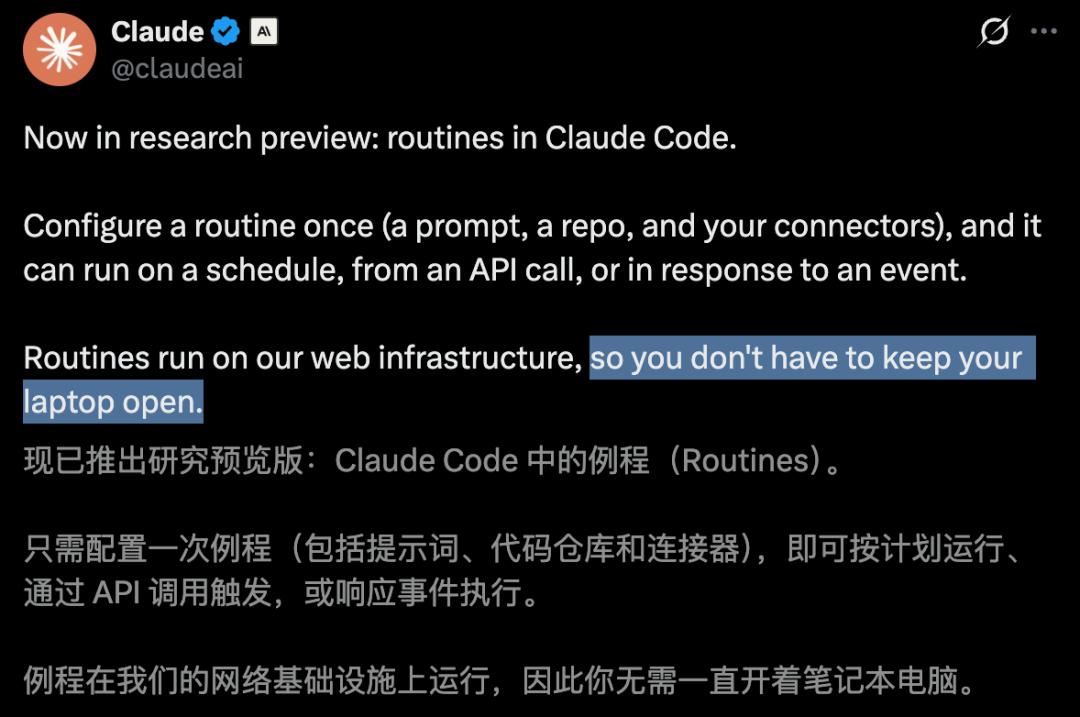
Your computer had to be on, and the processes had to remain active. A network outage or the computer going to sleep would lead to an interruption.
With Routines, this concern is eliminated. Everything runs on Claude Code's cloud and is independent of whether your computer is on.
Each routine can be executed in a "cloud environment" defined by you.
Whether to open network permissions, whether to add environment variables and API keys, and whether to run an initialization script to install dependencies can be simply configured via the user interface.
Previously, you had to set up these things yourself with Docker images. Now it's just an option in a form.
Recently, Boris Cherny's post "I start 5 Claude instances locally and 5 to 10 on claude.ai/code in parallel" was very popular. Today, it sounds like a testimony from a bygone era.
As of today, Claude Code itself is the one that starts parallel sessions for you.
Three types of triggers are introduced simultaneously
First, the simplest type: Time - controlled triggers (Scheduled).
Give Claude Code a prompt and a frequency, such as hourly, daily, or weekly, and it will work punctually according to the schedule.
Every day at 2 am: Retrieve the highest - priority bugs from Linear, try to fix them, and open a draft for a pull request.
This function has existed in the CLI as the "/schedule" command for some time.
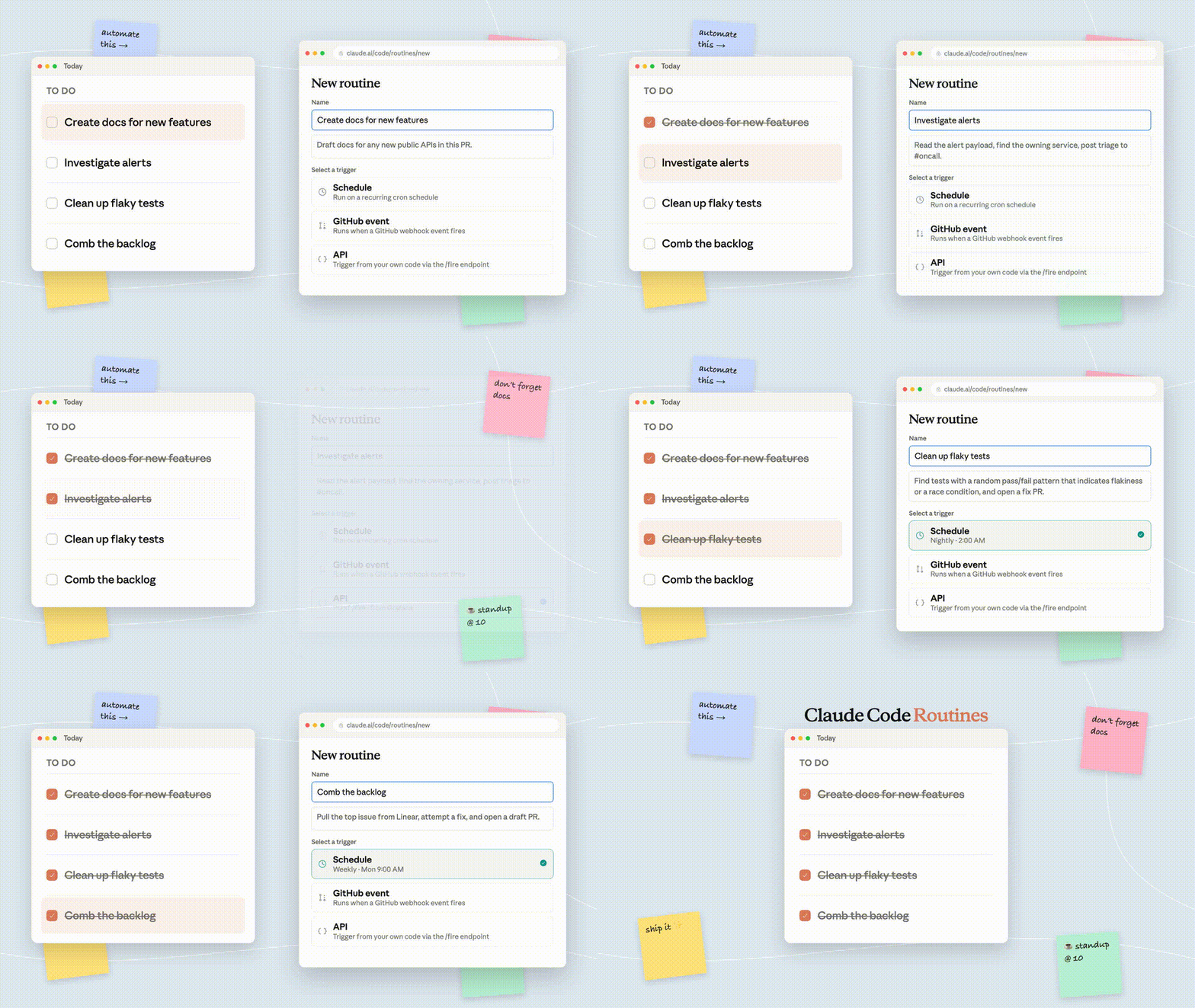
In this update, the function was renamed to "Routine" and merged in a single configuration interface. All tasks previously created with "/schedule" will automatically become "time - controlled routines" without the need for migration.
The tasks that can be completed with time - controlled triggers fall into the following categories.
Automatically triage new issues every evening, label them, assign them to a responsible person, and send a summary to Slack.
Review all merged pull requests weekly. If you find that documents still refer to changed APIs, automatically create a pull request to update the documentation.
But that's not the most exciting part.
Connect Claude Code to your alert system with a simple POST
As of today, each routine gets its own HTTP endpoint and a special bearer token.
Send a POST to this endpoint with the token. Claude Code will immediately start a new session. In the POST body, you can insert a text field that will be attached as an additional prompt to the original routine.
The interface returns a session URL. If you click on it, you can see the live execution of Claude in the cloud.
- curl -X POST https://api.anthropic.com/v1/claude_code/routines/trig_xxx/fire \
- -H "Authorization: Bearer sk-ant-oat