The new Mac mini, which has been marked up by 2500 yuan, has instead become the most worthwhile Apple device to buy?
While the Mac mini is not the most powerful or most full-featured Mac computer, it may be more suitable for home users than ever before in the AI era. From the phenomenal rise of OpenClaw at the start of the year to the current trend of Agent workflows led by Codex, this compact, capable Mac is catching the eyes of more and more people and becoming a worthy option to consider.
As such, nearly two years after the release of the M4 / M4 Pro Mac mini, public calls and expectations for the new-generation Mac mini have kept growing. Fortunately, the long wait is finally over, and the new Mac mini has arrived after much anticipation. What makes it different is that, in addition to the expected M5 Pro chip variant, the Mac mini is for the first time equipped with a brand-new generation of Apple silicon, which is also the first 2-nanometer process chip on Mac — the M6 chip.
Square and Sleek, Fits Anywhere Perfectly
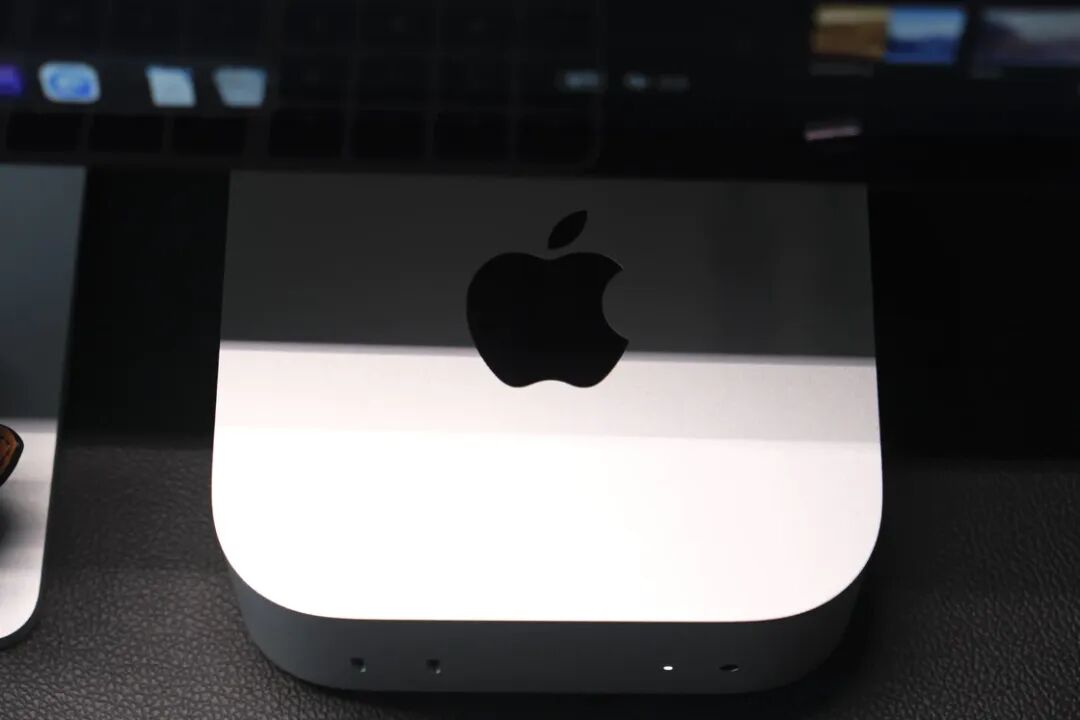
The Mac mini I used before was the old design variant with the M2 Pro chip. This time upgrading to the M5 Pro chip version marks my first time placing this previously redesigned Mac mini on my own desk, and its appearance is undoubtedly one of the biggest surprises this Mac has brought me.
With an even more compact, smaller form factor and more harmonious, natural proportions, the Mac mini remains the Mac that looks great no matter which corner you place it in around your home.
Of course, beyond its better looks, the Mac mini's design also reconsiders ease of use: a 3.5mm headphone jack that supports high-impedance headphones and two USB-C ports with USB 3 speeds are placed on the front of the body, making it convenient to connect external hard drives temporarily or charge your keyboard and mouse, no more blindly fumbling for ports on the back of the device to plug in cables. The three Thunderbolt ports on the back of the body have also been changed from horizontal openings to vertical openings, which prevents cables from tangling with each other when multiple ports are in use at the same time.
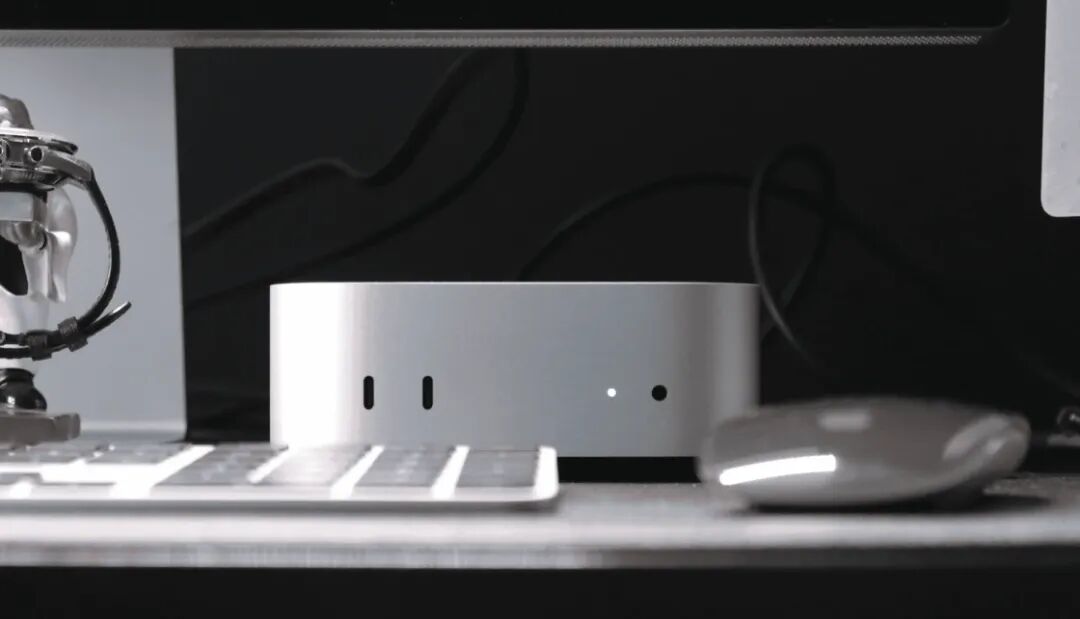
The only relatively regrettable point is that the Mac mini still does not come with an SDXC card slot, so photos taken with a camera still need to be imported to the device conveniently via a USB-C adapter.
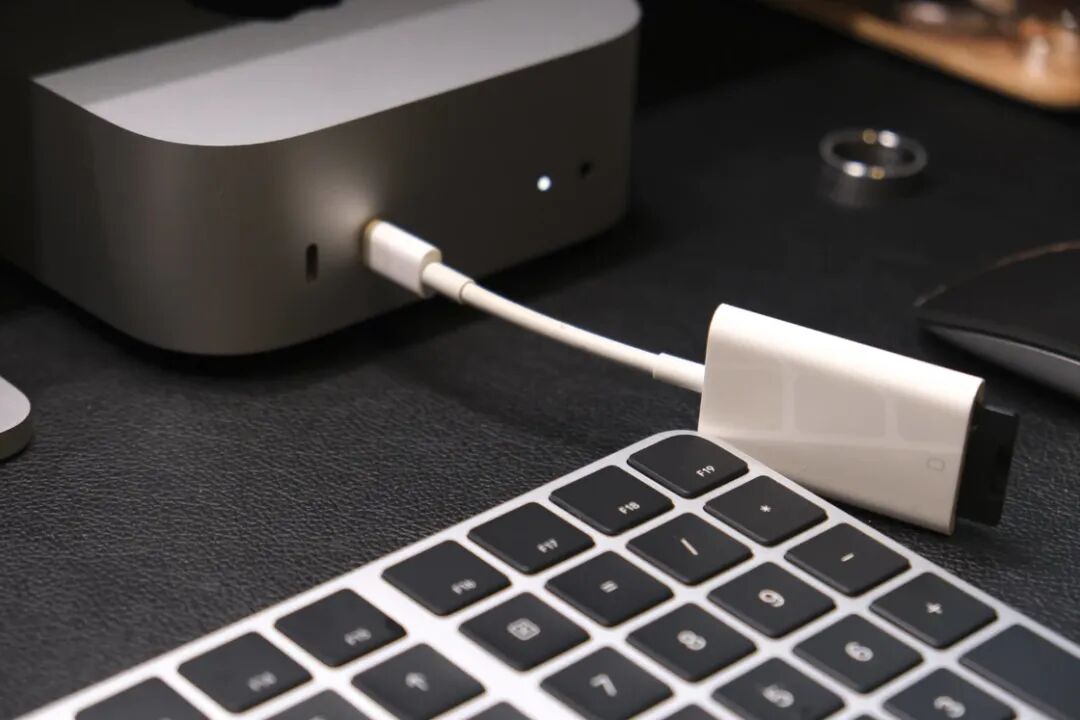
Compared with the M4 series chip Mac mini released two years ago, this generation of products has no changes in overall shape, port layout and number of ports, but the port specifications have upgraded the original standard Gigabit Ethernet port to a 2.5Gb Ethernet port.
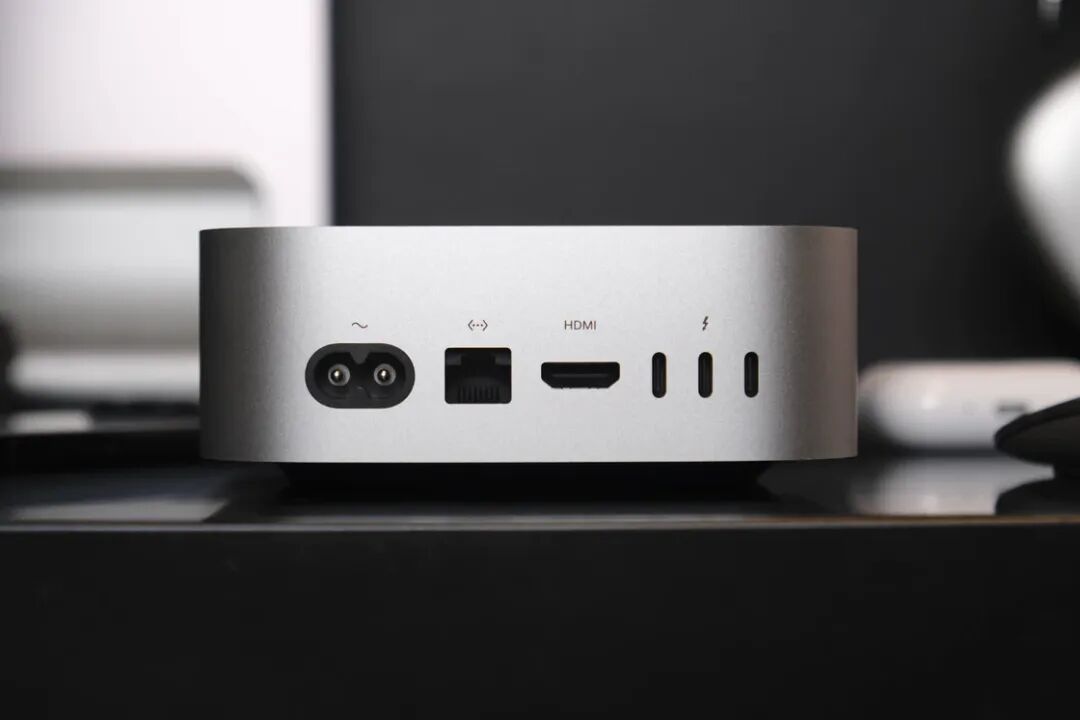
Although most people are still using broadband with Gigabit or lower speeds at present, this upgrade will not make daily internet access faster; but if you have a NAS deployed at home, or want to use the Mac mini as a home server, then when other network devices also support 2.5Gb Ethernet ports, the theoretical bandwidth of the local area network can be increased to 2.5 times the original, making backing up files or reading media materials from the NAS much faster.
Speaking of the new design of the Mac mini, we have to mention the power button placed at the bottom of the device. Like many people, I think logically this is not a very good design, especially for Apple.
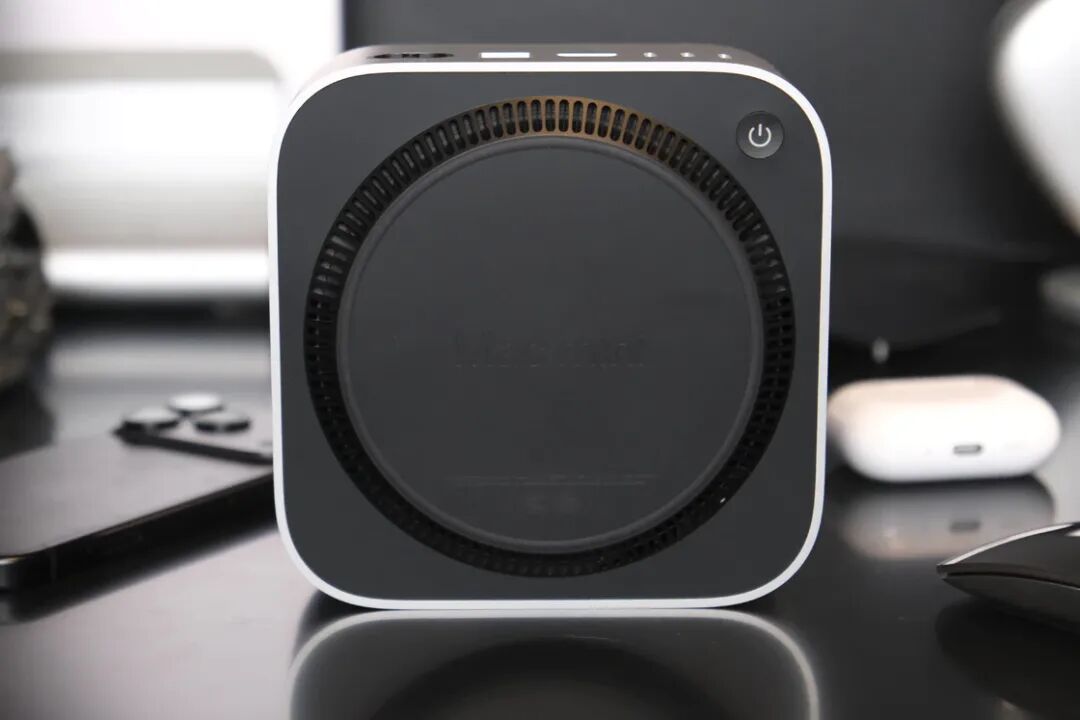
However, from the perspective of actual use, the Mac mini really rarely needs to use this button. Especially as it is becoming the AI infrastructure for more and more people, it instead needs to avoid offline status to ensure that the AI capabilities deployed on it can be accessed and used anytime, anywhere; Apple has also taken this into consideration, and added a system option to start up when connected to power. Therefore, whether you like this arrangement or not, although the position of the power button seems inconvenient, it will hardly become a real problem affecting daily use.
Compact Yet Highly Capable
Relatively speaking, the Mac mini is a Mac with a not-too-high entry barrier and a not-low performance ceiling. You can choose the entry-level M6 chip for light use cases, or the more powerful M5 Pro chip for heavy workloads, and further select upgrade options as needed.
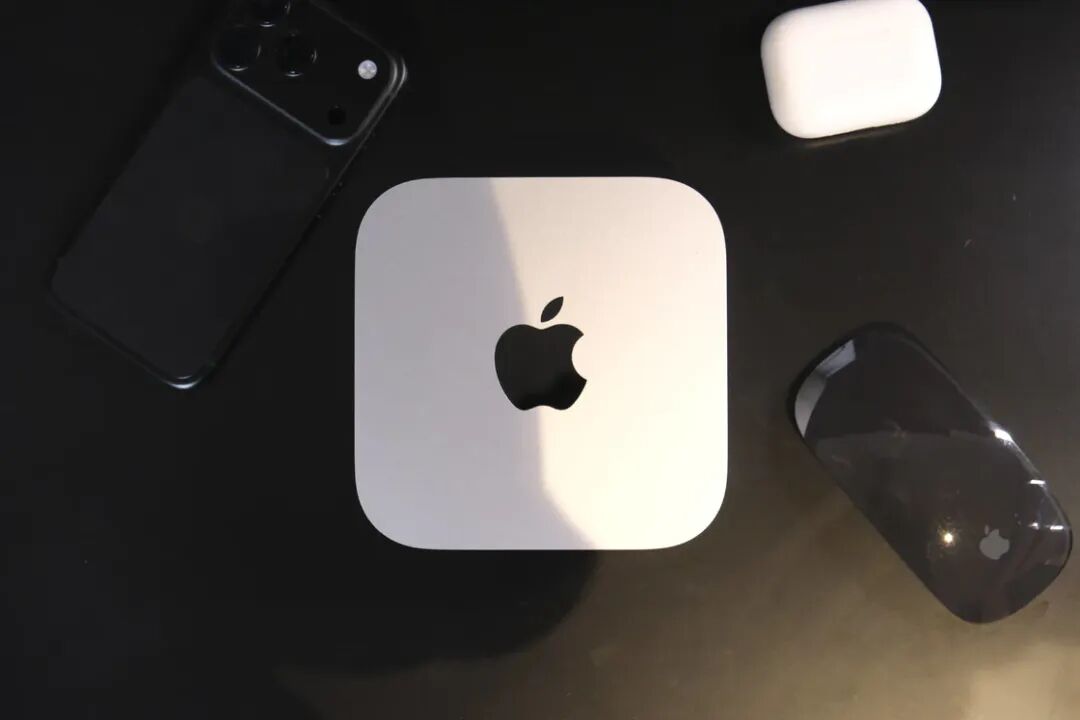
As the M5 Pro chip that has already made its debut on the MacBook Pro before, you must have some idea of its capabilities. I happen to have a MacBook Pro equipped with the previous-generation M4 Pro chip, so I did a simple comparison in several relatively common scenarios to see what improvements the M5 Pro on the Mac mini brings.
To compare the local AI performance of the M5 Pro and the previous-generation M4 Pro, I used LM Studio to load the same Gemma 4 31B MLX 4-bit model on both Macs, set GPU offload to Max, concurrency to 1, Temperature to 0, and used the same prompt to run 5 consecutive tests.
The results show that after excluding the first request, the median first-token latency of the M5 Pro Mac mini is 0.157 seconds, while that of the M4 Pro MacBook Pro is 0.384 seconds, making the former about 2.45 times faster; but the subsequent generation speeds are 13.25 and 13.20 tokens/s respectively, which are basically on par. The first-token latency reflects the speed at which the model processes input and starts generating, which indicates that the extra neural engine on the M5 Pro's GPU mainly improves the speed at which the local model starts to respond, rather than accelerating the entire subsequent output process.

With short prompts, the absolute gap of 0.23 seconds is not very large; but when facing long articles, code libraries and Agent historical context, the amount of input processing will increase significantly, and generating the first token faster will also make each call enter the response state more quickly. The NAX Runtime used by the M5 Pro is also optimized for this new set of hardware, so this set of results reflects the actual advantages of the M5 Pro in local AI scenarios, and also shows that its improvement is mainly concentrated before the model starts working, rather than during the continuous generation phase.
In Final Cut Pro, I used a nearly 10-minute 4K 60p video for the export test. The footage mainly consists of trimming and splicing, without adding too much color grading, noise reduction, stabilization, anti-shake, transitions or subtitles, and the export format is Apple ProRes 422.
In the end, the M5 Pro Mac mini took 62.3 seconds, and the M4 Pro MacBook Pro took 77.2 seconds. The former used 14.9 seconds less, and the export time was shortened by about 19%. Since the post-processing of this footage is not complicated, this set of results is closer to the export performance in daily editing work.
In Lightroom, I completed batch processing of 1525 JPG photos. The total size of these photos is about 9.1GB, with different individual sizes and an average of about 6MB. After applying the same preset in batches, the M5 Pro Mac mini took 3 minutes 17.16 seconds, and the M4 Pro MacBook Pro took 3 minutes 43.36 seconds. The former used 26.2 seconds less, and the time was shortened by about 11.7%. This process includes photo loading, preset calculation and processing information saving, which can better reflect the overall efficiency of Lightroom batch processing than simple export. The M5 Pro completes this workflow faster, and its advantages in actual use are more obvious.
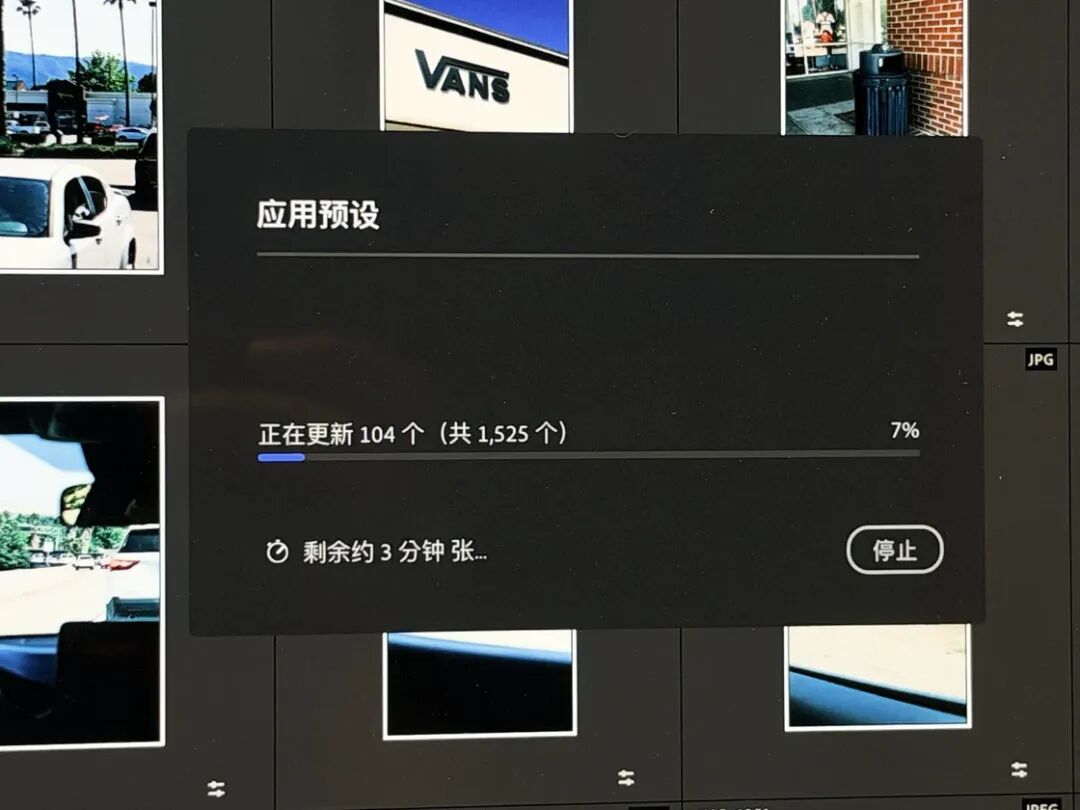
After that, I exported these photos in their original quality. The Mac mini took 4.71 seconds, while the MacBook Pro needed 25.88 seconds. The former used 21.17 seconds less, the time was shortened by about 82%, which is about one-fifth of the latter's time. However, original photo export is more easily affected by storage devices, file paths and cache status, and cannot be used alone to measure GPU performance. Combining the two tests, the M5 Pro Mac mini does have higher overall completion efficiency in workflows like Lightroom that process a large number of photos consecutively.
Infrastructure for the AI Era
From the widespread discussions sparked by OpenClaw at the start of the year to the current flourishing of various Agent Harness solutions, the way we interact with AI is being reshaped unconsciously. For many people, AI is no longer just a dialog box that passively receives instructions, but an all-weather assistant that can run on your own device for a long time, connect local data and tools, break down tasks and execute them continuously.
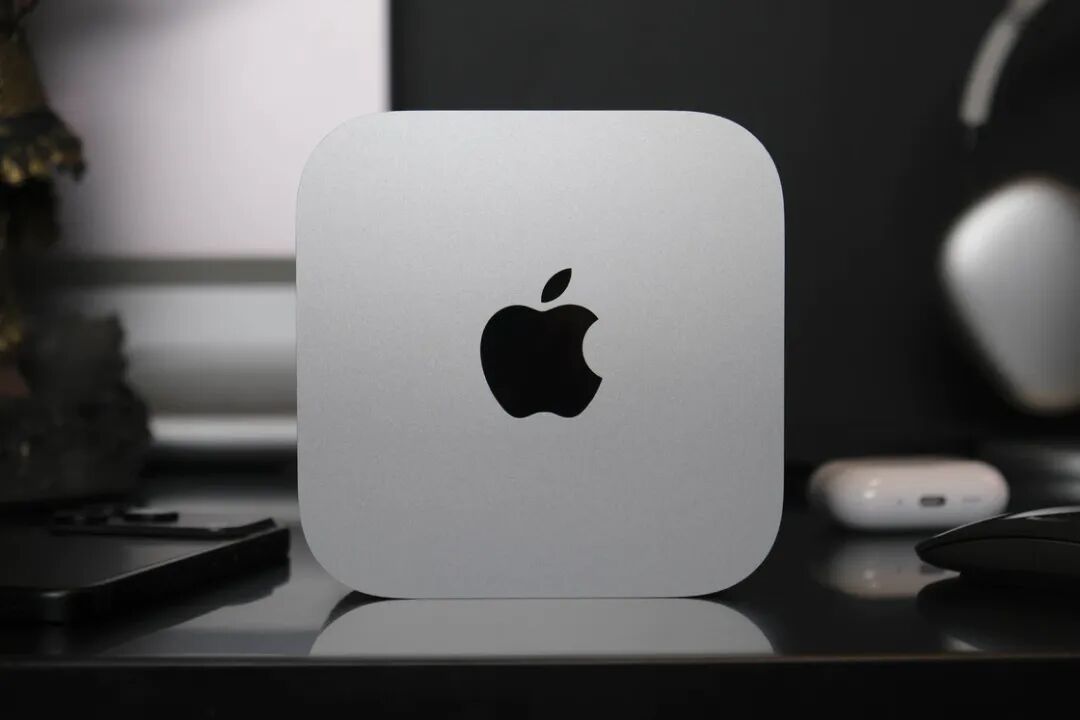
In this context, the Mac mini naturally becomes a very suitable choice: it has a small form factor and very low power consumption, which is suitable for long-term online operation; the cluster expansion capability provided by Thunderbolt ports can meet higher performance requirements; not to mention the mature Agent Harness solutions on macOS, which further lower the threshold for ordinary users to use local AI.
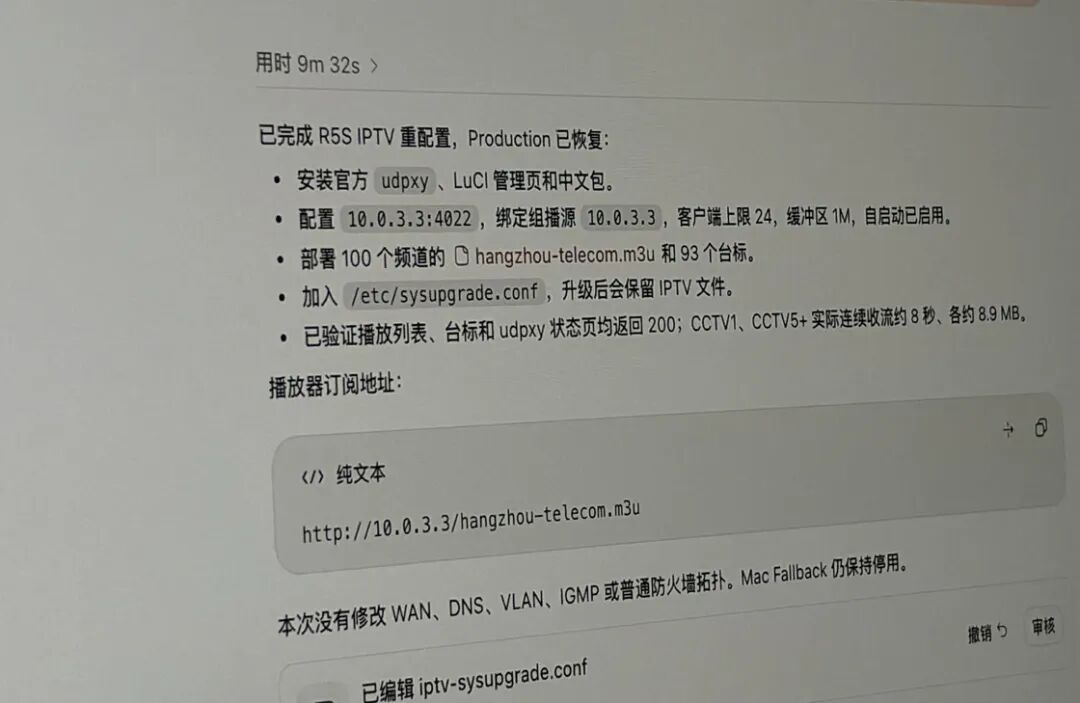
I myself am using a Mac mini to manage home network, media and other infrastructure. For example, letting Codex connect to the UniFi routing system to capture packets, analyze logs, troubleshoot network problems, or connect to Home Assistant to adjust themes, complete various plugin configurations, etc. Thanks to the all-time online feature of the Mac mini, you can connect to Codex on the Mac mini anytime and anywhere from iPhone or iPad, access files on the Mac, use various CLI tools on the Mac, etc., to complete some work that originally required you to sit in front of a computer.
By running the udpxy service 24 hours a day on the Mac mini, I forward the IPTV live stream provided by the operator to the home local area network, so that devices such as TVs, mobile phones and computers can directly watch online TV without relying on the set-top box provided by the operator. If the Mac mini has enough storage space, you can also turn it into a private cloud disk via the SMB protocol to access files in it at any time; when other network devices also support 2.5Gb Ethernet, you can use the standard 2.5Gb Ethernet port to transmit and share large-capacity files at high speed on the home local area network. There are many other similar things that can be handed over to the Mac mini to complete.
In the business sector, the status of the Mac mini is also becoming more and more important. Especially in today's AI era, this small yet highly capable machine has become an indispensable infrastructure for many enterprises. For example, Haidilao has deployed local server clusters composed of Mac mini in all its stores across the country to implement AI monitoring and intelligent system for store greeting decisions. In commercial spaces where every square inch of space is precious, the compact Mac mini allows Haidilao to easily deploy and run efficiently in different store environments.
This is not an isolated case. A survey commissioned by Apple to Omdia covering 1584 enterprise technology leaders and practitioners shows that when enterprises re-evaluate their AI infrastructure, their main considerations are still security, ongoing cost and whether the workload matches. The report also points out that the unified memory architecture of Apple silicon allows Mac to carry more enterprise AI workloads locally; among enterprises that develop AI on their own, the adoption rate of Mac is about 1.8 times that of enterprises that purchase commercial AI solutions. At the same time, about one-third of the surveyed organizations plan to increase their end-side AI workloads within a year. This is why many enterprises have chosen Mac, especially Mac mini, by coincidence.
Purchase Recommendations
Although it is said to be "long-awaited", it is unexpected that the official starting price of the new Mac mini is as much as 2500 yuan higher than that of the previous generation, rising from 4499 yuan to 6999 yuan, with a price increase of more than 50%, which makes many users who originally planned to buy it hesitate. However, if you factor in national subsidies or channel discounts, the price of the base version of the Mac mini can actually fall into the 6,000-yuan range; in my opinion, compared with host products at the same price range, it still has strong competitiveness.
But considering the rising prices of memory and storage in the AI era, I would not recommend you only choose the Mac mini with the most basic configuration: 256GB of storage space can easily run out, 16GB of memory may not be able to meet long-term future needs, and the price of memory for future generations will only be higher. It is better to "get it right in one step" within your affordable range, and choose a configuration that can be used for a longer time.
If you look at the configuration with 51