Claude Opus 4.7 has just been exposed. Claude Code has been reconstructed overnight and can work for you 24/7.
Claude Code Refactored Overnight!
Just now, Anthropic officially announced a major update: the desktop version of Claude Code has been completely refactored.
This time, it can run multiple parallel Claudes in the same window, and the speed has also been significantly improved.
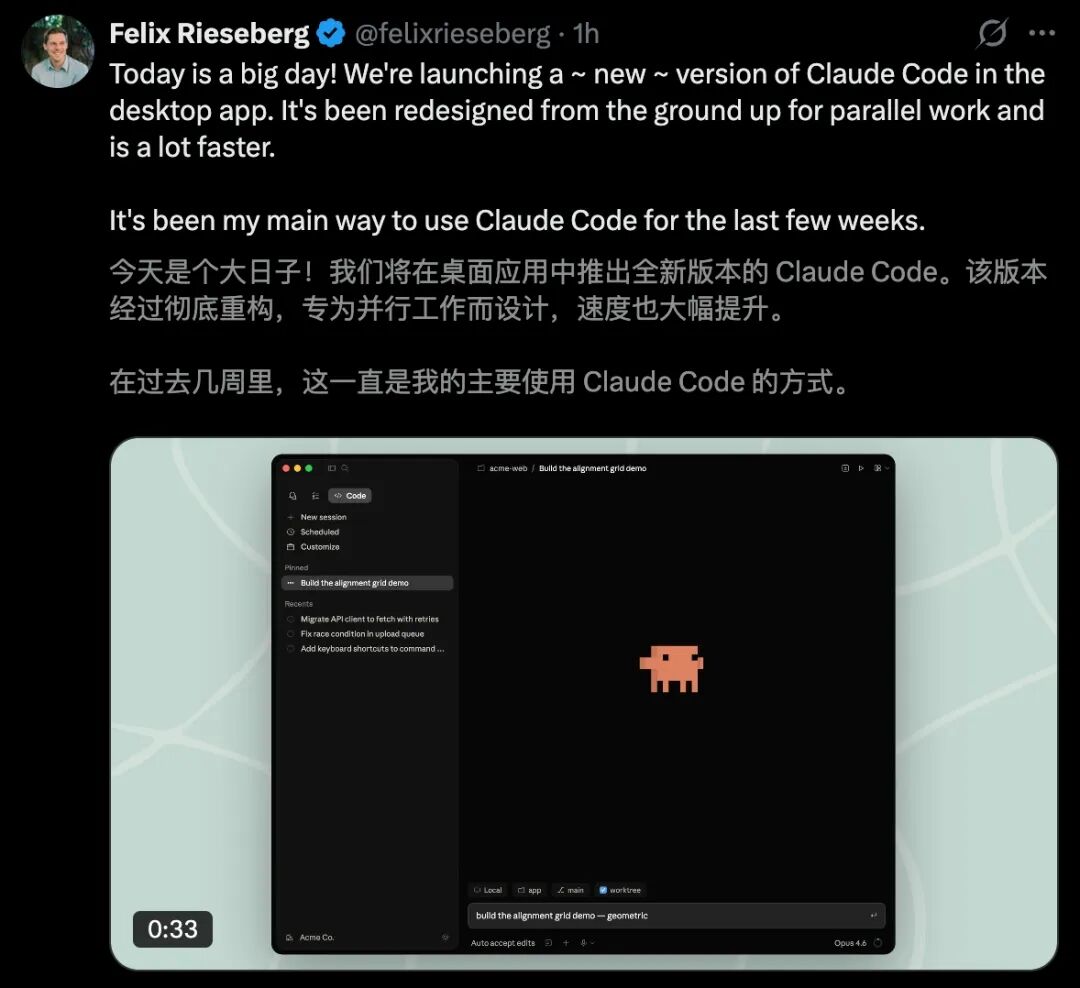
CC has also introduced a brand - new sidebar for efficient task management.
It integrates a terminal window, supports direct file editing within the application, and has a redesigned diff viewer.
Also today, Claude Code launched a new feature called Routines, turning it into a "cloud employee" that can keep working even when you close your computer.
Three types of triggers - scheduled, API, and GitHub events - are launched simultaneously.

Currently, during the research preview phase, all Pro/Max/Team/Enterprise users can use it.
Daily running limit: 5 times for Pro, 15 times for Max, and 25 times for Team and Enterprise; additional charges apply for more runs.
Even more exciting, Claude Opus 4.7 is about to be launched this week!
It is reported that a brand - new "design tool" will also be launched simultaneously, directly challenging design giants like Adobe and Figma.
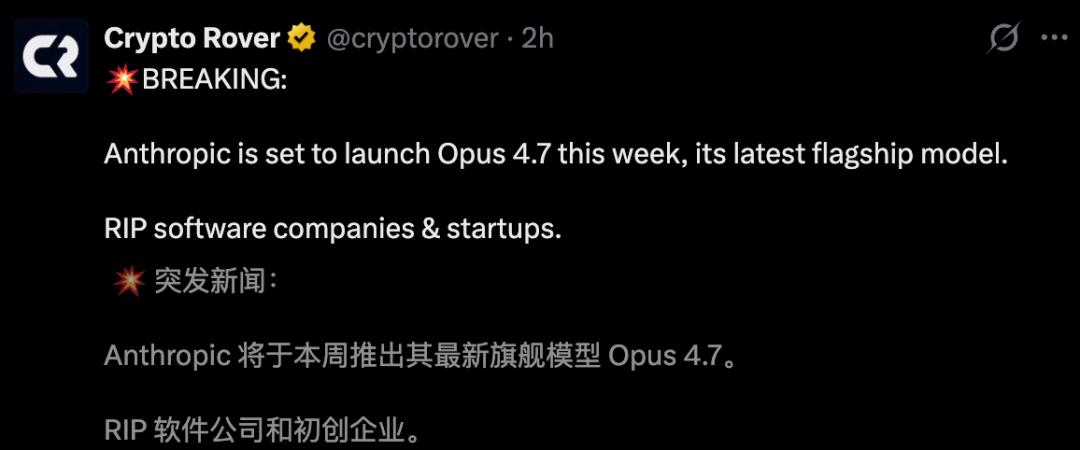
It seems that Anthropic is about to score big again!
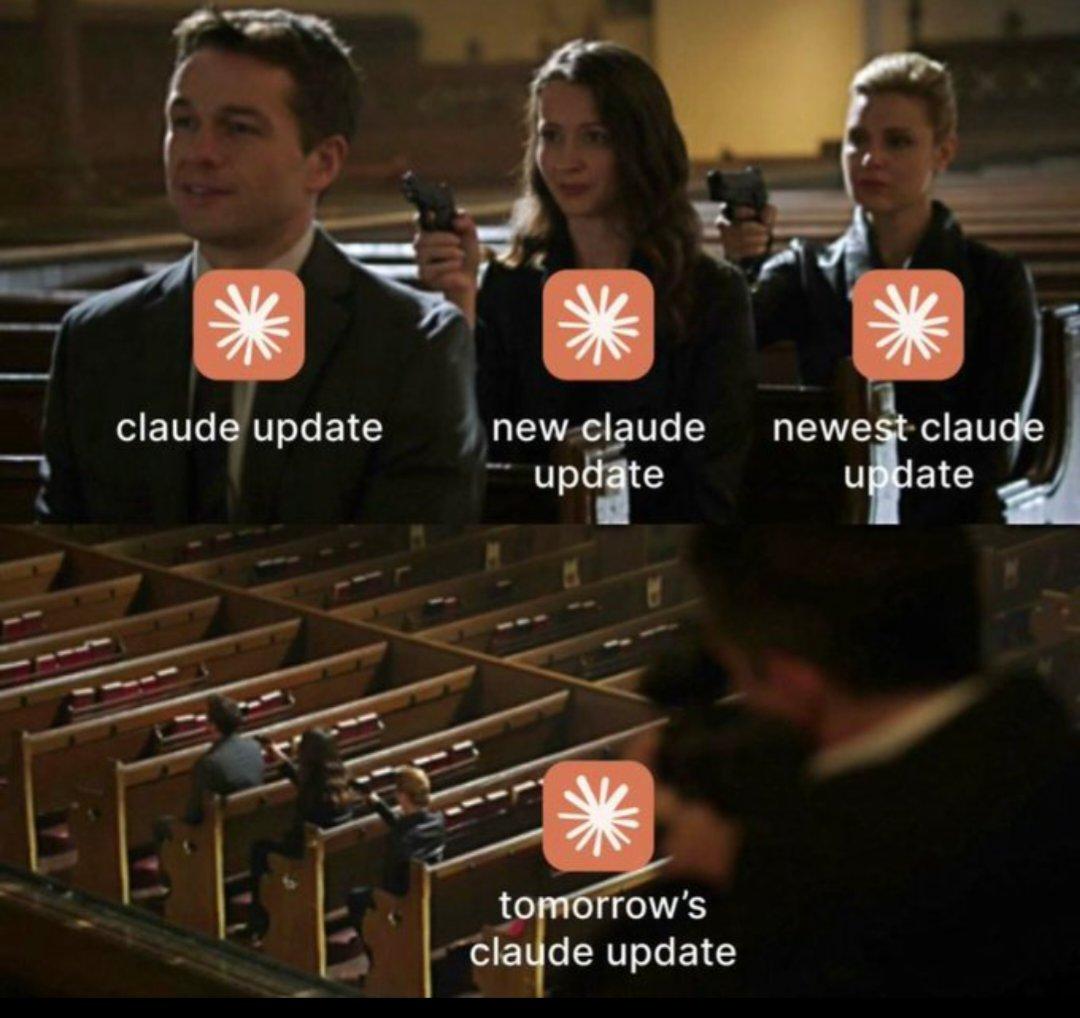
Claude Code Refactored Overnight, Programming Becomes a Breeze
The desktop version of Claude Code has undergone a complete evolution and has hit the hot search.
It is not just a simple version update but also marks a significant step for AI programming tools towards a "full - fledged IDE experience".
Most developers must be tired of frequently switching between the "command line" and the "editor".
This time, the upgrade of Claude Code will completely change the development workflow.
Core Upgrade: Built for Parallelism
The most notable change in the new desktop version of Claude Code is the introduction of the sidebar management system.
Developers can run multiple Claudes simultaneously in the same window and display them side by side.
This means you can have Claude fix bugs in one window while generating test cases in another window.
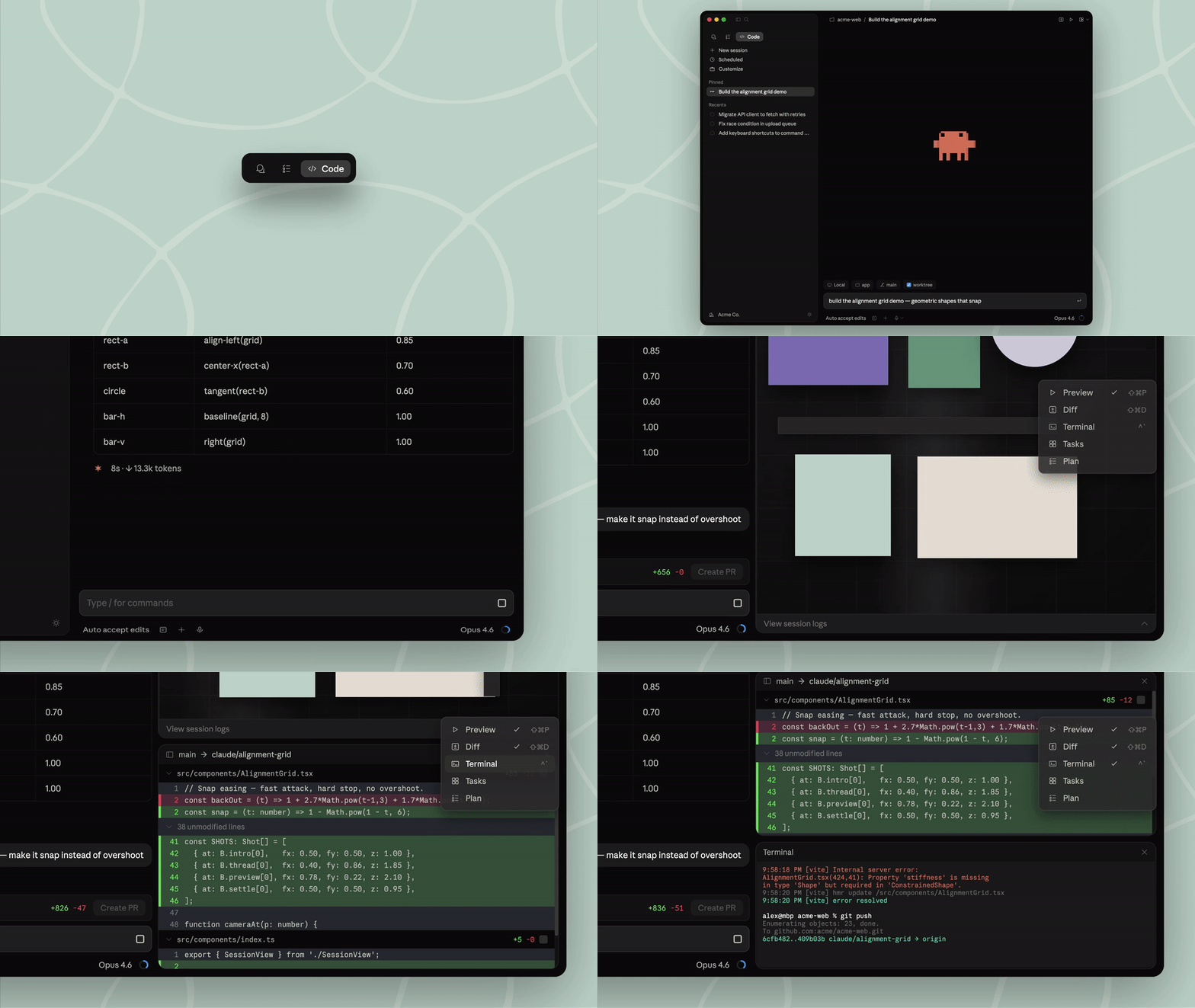
Moreover, the entire interface supports a high degree of customization, and you can freely arrange the layout by simply "dragging".
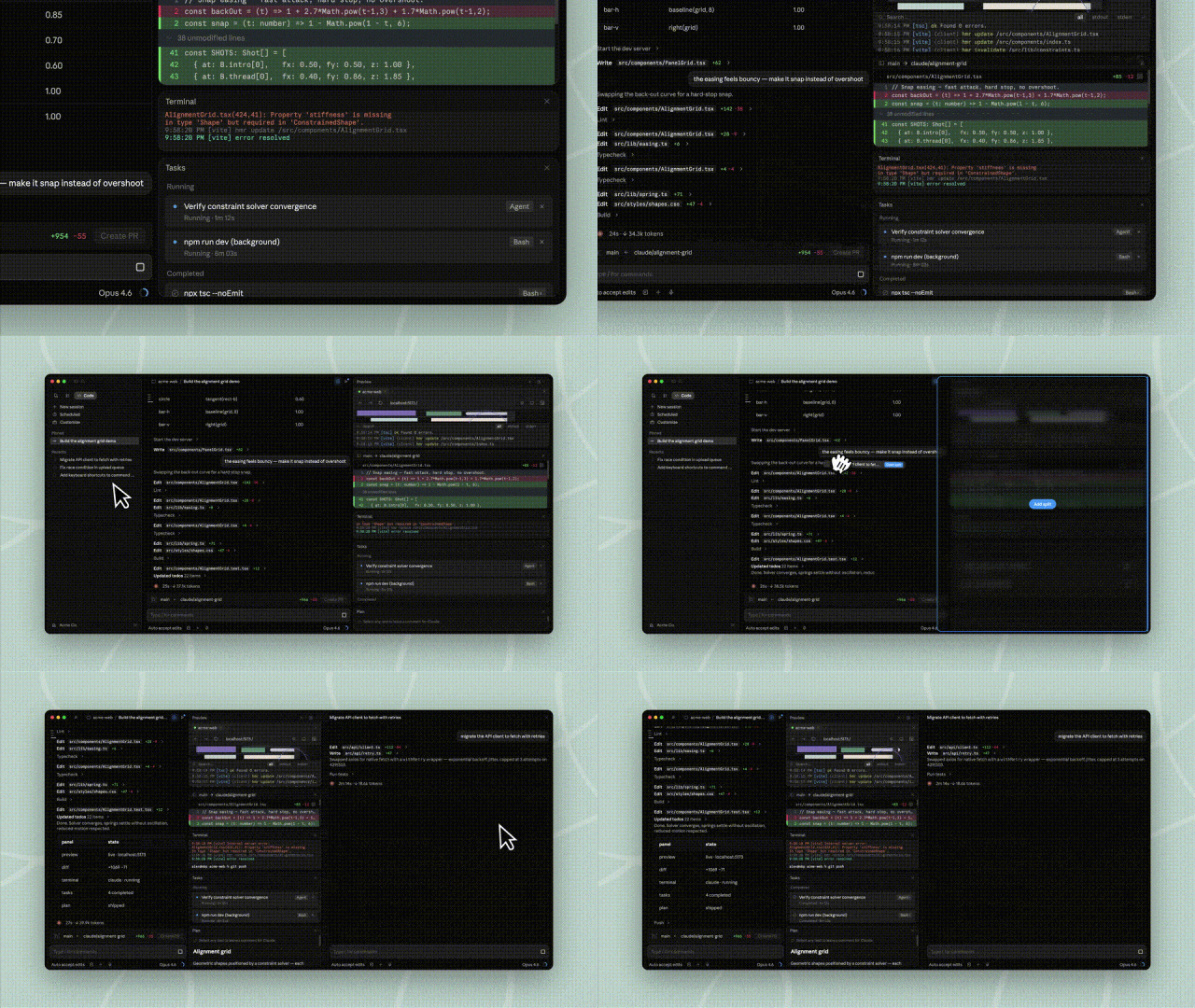
Furthermore, Claude Code deeply integrates multiple functions, allowing developers to bid farewell to fragmented operations.
It has a built - in "terminal", so you can run scripts and commands directly in the Claude desktop version without switching back and forth between iTerm and VS Code.
Moreover, CC supports native code file modification. With the reconstructed Diff viewer, code changes are clear at a glance and the speed is extremely fast.
Whether it is complex HTML or PDF technical specifications, they can now be directly previewed in CC.
Moreover, it also supports connecting to SSH remote servers, enabling smooth cloud development as if it were local.
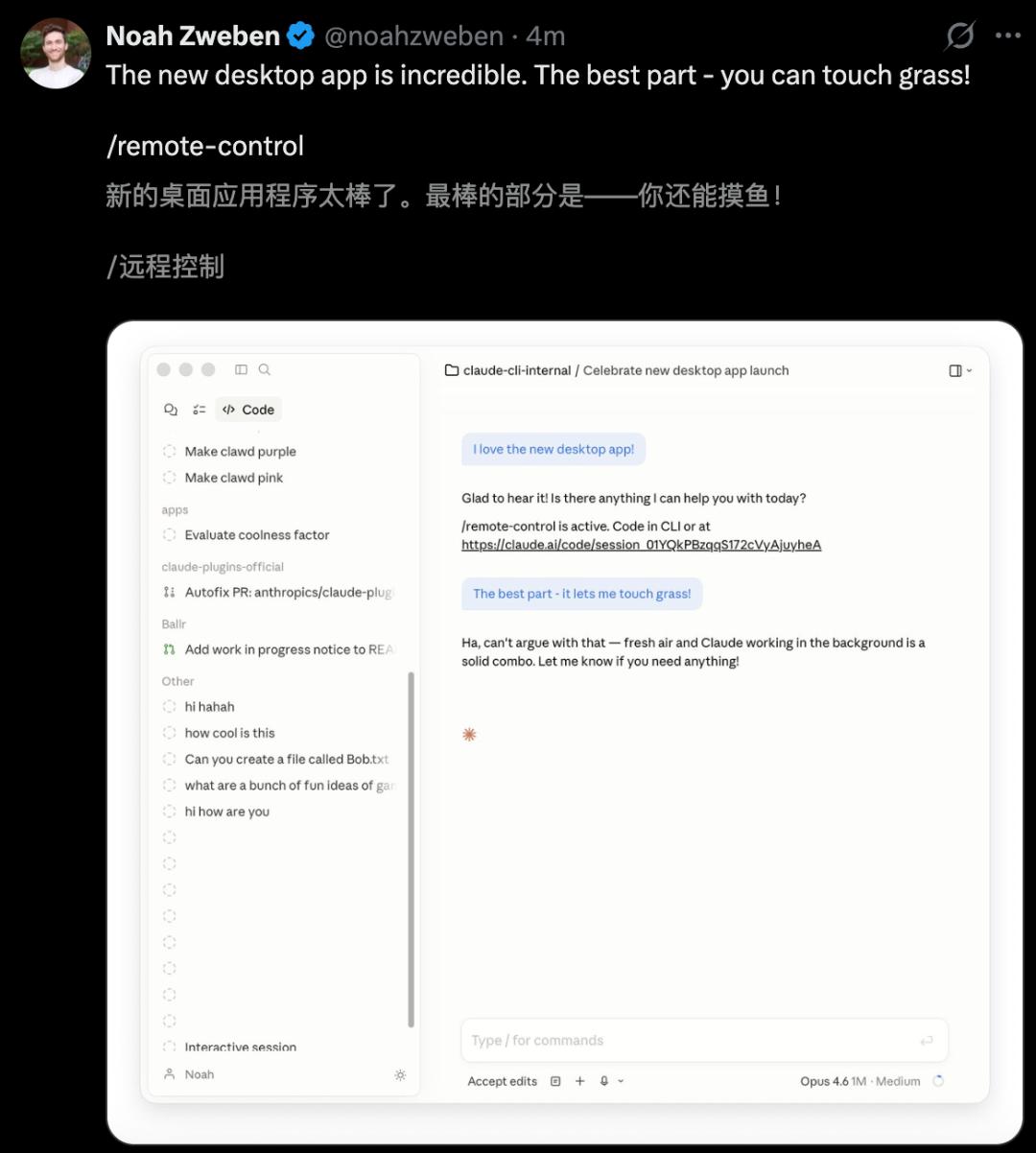
Don't worry about your previous habits being disrupted.
All CLI plugins used in the command line can be seamlessly integrated into Claude Code. It not only retains the powerful functions of the command line but also provides the efficient operation feeling of a GUI.
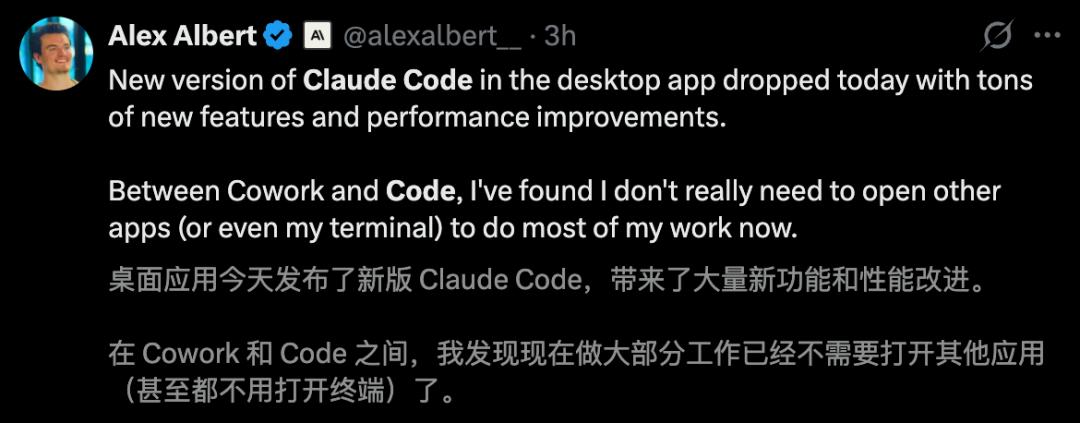
Alex Albert, a researcher at Anthropic, said excitedly, "To be honest, with the combination of Cowork and Code, I hardly need to open other apps for most of my work now, and I even save the terminal."
While You Sleep, Claude Code Gets the Job Done
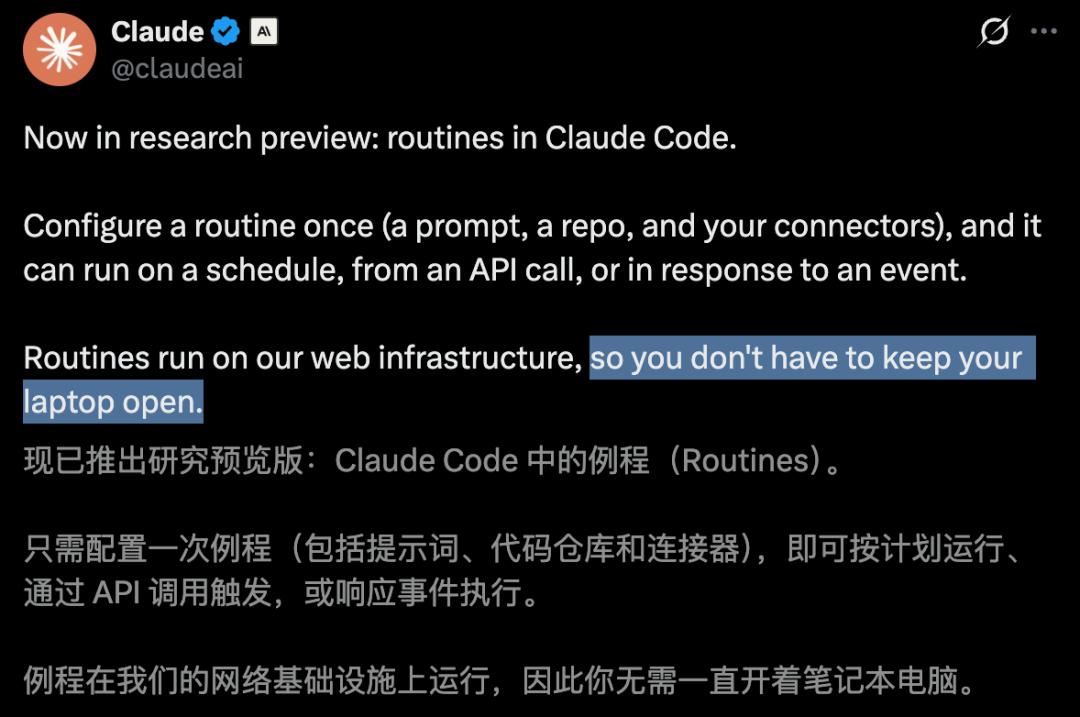
Even more amazing is the Routines feature released by Claude Code. With one - time configuration, CC can work automatically for 24 hours as planned.
Simply put, a Routine is a written "job instruction manual" for Claude Code.
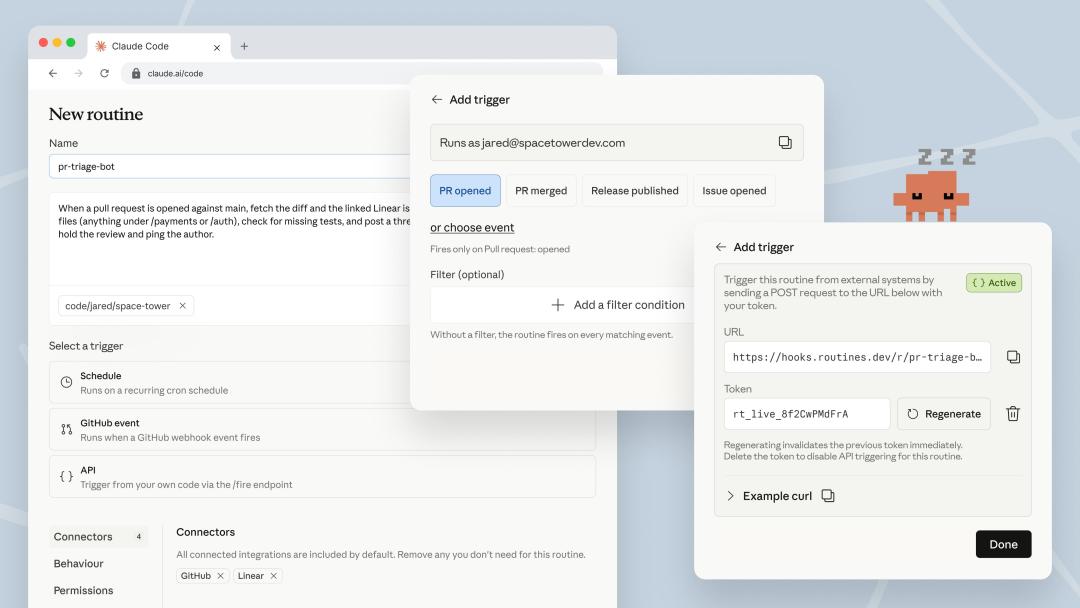
You pre - configure three things: a prompt, a code library, and connectors, and then give it one or more triggers.
When the trigger goes off, Claude Code starts a new session on Anthropic's cloud infrastructure and follows the instruction manual.
The keyword is "cloud".
In the past, if you wanted Claude Code to work automatically, you had to set up a bunch of things yourself, such as cron tasks, MCP servers, and infrastructure.
Your computer had to be on, the process had to be running, and everything would stop if there was a network outage or the computer went to sleep.
Routines eliminates these troubles by running everything on Claude Code's cloud, without relying on whether your computer is on or not.
Each Routine can run in a "cloud environment" of your own setting.
You can configure network permissions, add environment variables and API keys, and run an initialization script to install dependencies just by clicking in the interface.
In the past, you had to build Docker images to manage these things, but now it's just an option in a form.
Not long ago, Boris Cherny's popular post about "running 5 Claudes locally and 5 - 10 Claudes on claude.ai/code in parallel" now seems like a testimony of a bygone era.
Because from today, Claude Code itself has become the "one who opens sessions in parallel for you".
Three Types of Triggers Launched Simultaneously
Let's start with the most basic one, Scheduled Trigger.
Give Claude Code a prompt and a frequency, such as every hour, every night, or every week, and it will work according to the schedule.
At 2 a.m. every day: Pull the highest - priority bug from Linear, try to fix it, and open a draft PR.
This usage has actually existed in the CLI as the /schedule command for some time.
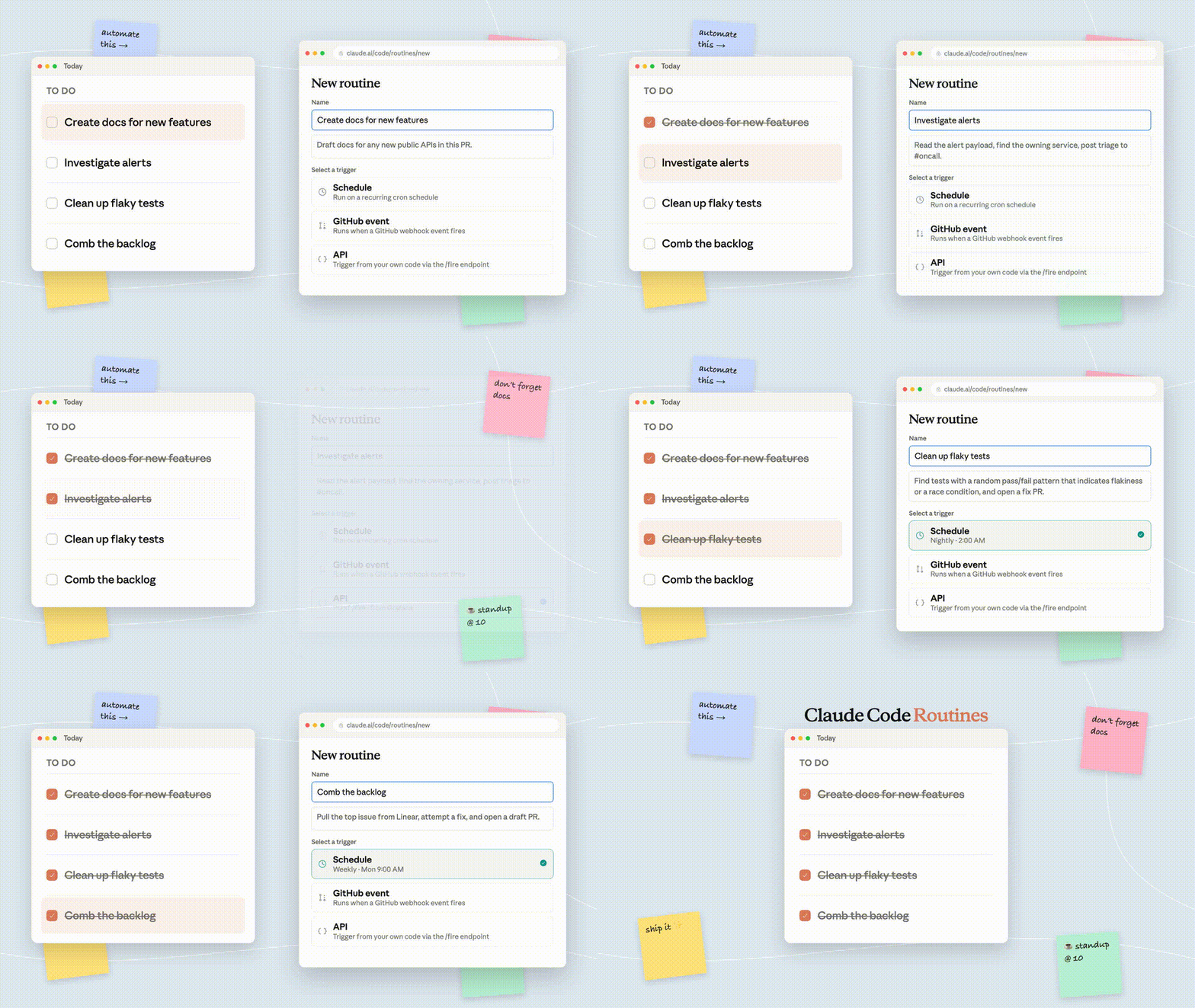
What this update does is rename it to Routine and unify it under the same configuration interface. All tasks you created with /schedule before are now automatically converted to "Scheduled Routines" without migration.
The tasks that can be done with the scheduled trigger are generally of the following types.
Automatically triage, label, and assign owners to newly opened issues every night, and then send a summary to Slack.
Check all merged PRs every week. If you find that the documentation still refers to the modified API, automatically submit a PR to update the documentation.
But this is not the most amazing part.
Connect Claude Code to the Alarm System with Just a POST
From today, each Routine will be assigned an independent HTTP endpoint and a dedicated Bearer Token.
Send a POST request with the Token to this endpoint, and Claude Code will immediately start a new session. You can include a text field in the POST body as an additional prompt to be appended to the Routine's original prompt.
The interface will return a session URL. Click on it to watch Claude's live session in the cloud.
- curl -X POST https://api.anthropic.com/v1/claude_code/routines/trig_xxx/fire \
- -H "Authorization: Bearer sk-ant-oat01-xxxxx" \
- -H "Content-Type: application/json" \
- -d '{"text": "Sentry alarm SEN - 4521 was triggered in the production environment, and the stack trace is in the attachment."}'
The most direct use of this is to connect Claude Code to your alarm system.
If Datadog reports an error exceeding the threshold, the monitoring system can directly call the Routine's API and put the alarm details into the text. Claude can pull the trace, associate the latest deployment records, locate the problem, and draft a PR for a fix before the on - duty colleague even opens their laptop.
For example, call the Routine's API every time the CD pipeline is deployed. Claude can run a smoke test on the new version, check the error logs for regressions, and decide whether to proceed or not before the release window closes.
Any place that can send an HTTP request can now be connected to Claude Code. You can connect your internal work - order system, the feedback button on the documentation site, the slash command in Slack, or your homemade bash script.
Open a PR on GitHub, and Claude Will Start a Session to Follow Up
The last type is the GitHub Webhook Trigger.
You can configure a GitHub event subscription for the Routine. The supported events include a long list, such as pull_request.opened, pull_request.review_comment, push, issues, workflow_run, discussion, etc., covering almost all categories of GitHub activities.
If an event is matched, Claude Code will immediately start a new session to work.
There is a detail worth highlighting, one PR, one session.