Hard Krypton Observation | WWDC 2026: Apple Finally Takes a Tiny Step Forward in AI, But the Feature Still Won't Be Available on iPhones Sold in Mainland China
Author | Qiu Xiaofen
Editor | Yuan Silai
On June 9, Apple's headquarters in Cupertino, California, was filled with the iconic warm - colored gradient background of Swift. The familiar countdown cheers were still there, but WWDC 2026 chose a more restrained path —
This time, Apple didn't release new hardware as usual, nor did it hype up the highly anticipated foldable screen. Instead, it devoted the largest part of its more than an hour - long speech to software and AI.
Obviously, Apple is trying to transform the label of "latecomer in AI" it has carried in the past two years into a different narrative.
At the press conference, Craig Federighi, the senior vice - president of Apple's Software Engineering, first corrected the product ideas of most AI — he believes that most companies are rushing forward, "doing AI for the sake of AI," without considering the real users they need to serve.
Perhaps implicitly explaining Apple's past absence from AI, in his opinion, Apple's stance on AI is that AI must be human - centered, personalized, and useful. Specifically, AI not only needs to understand the user's personal environment, commonly used applications, and the current screen the user is looking at, but also be designed with privacy protection as a prerequisite for every step.
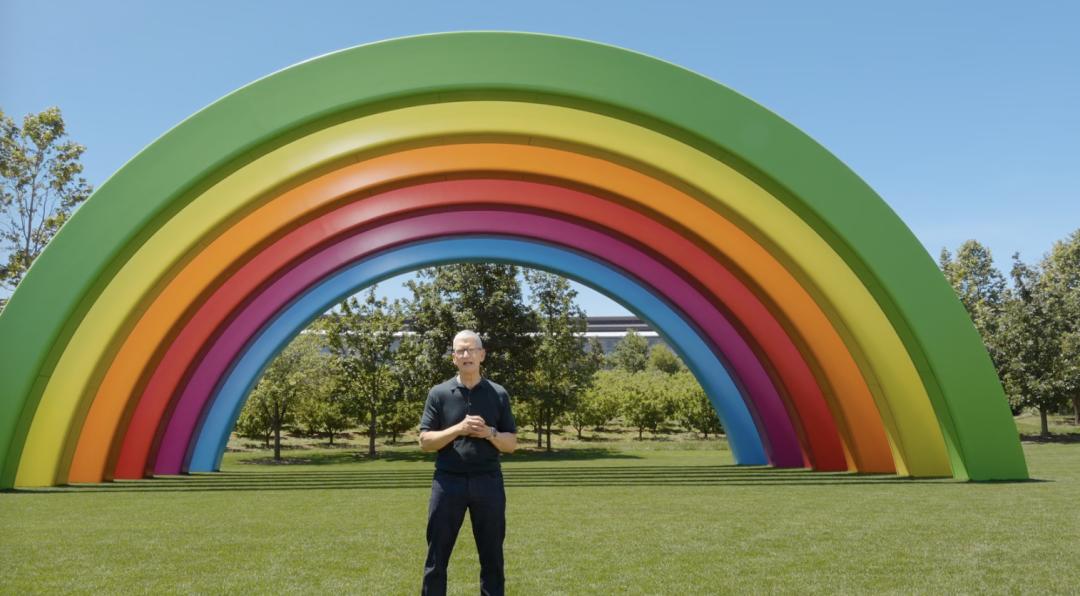
Besides focusing on AI, another concern of the public is that this is also Tim Cook's last time hosting the WWDC stage as the CEO.
However, he chose to downplay this ending — without any emotional rendering. At the end of his speech, he said, "It's a lifetime honor to work with this team," and "I firmly believe that Apple's best days are still ahead."
(Image source: Company)
The real Apple AI is here
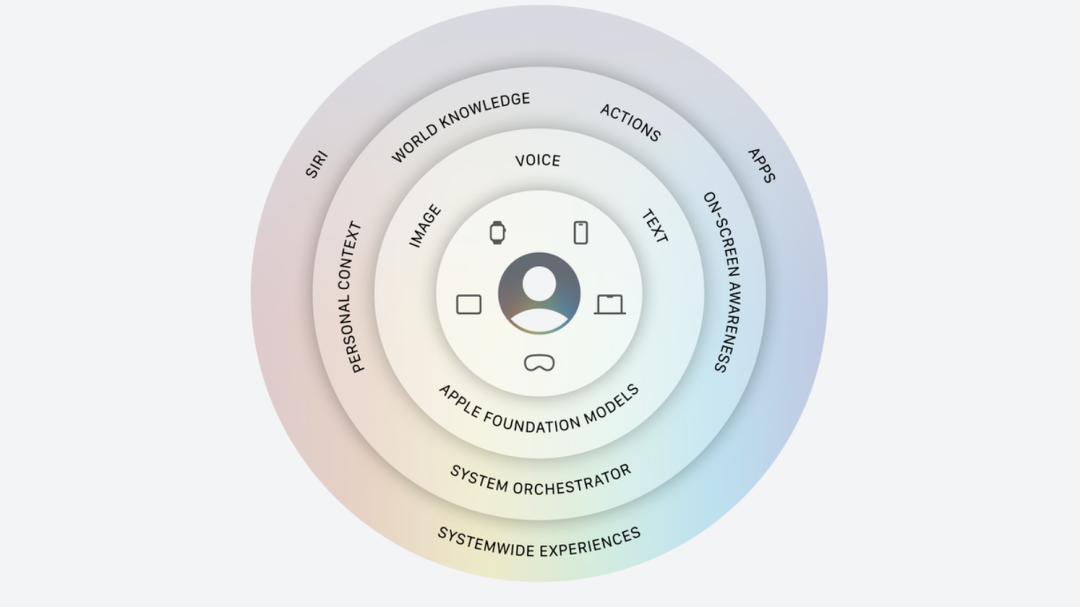
At the press conference, Craig Federighi responded to the most concerned question from the outside world about the composition of Apple's AI foundation model —
He said that Apple has developed a deep - level cooperation with Google this year and jointly created Apple's foundation model with Gemini. This model can run on both device - side and cloud servers.
(Image source: Company)
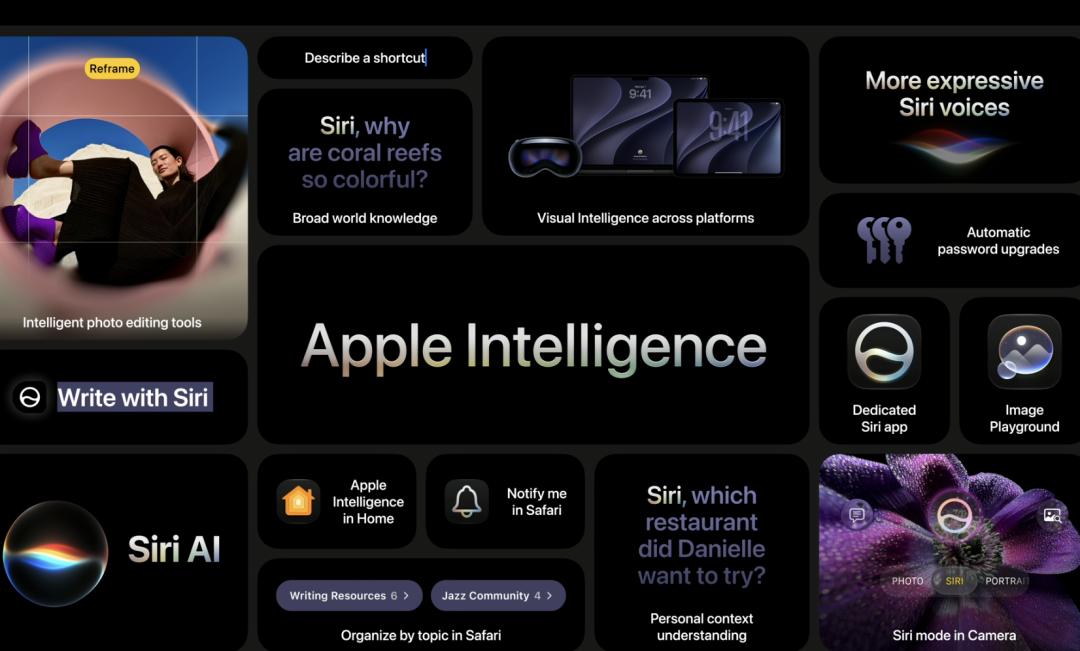
In terms of functions, Apple AI has four major core upgrades —
Personal scenario understanding ability: Not only can it search for files, but the system can also understand the fragmented information scattered everywhere — whether it's an old photo from years ago in the photo album or a piece of text casually jotted down in the memo.
Rich world knowledge: It serves as an all - around research assistant. It can sort out materials for academic questions and also select the most practical suggestions from web pages when you're planning a party.
Can call the app toolbox: AI has upgraded from "talking" to "doing". It can directly operate functions within apps, such as helping you edit, layout, and share a group of photos, or writing an email from scratch based on your dictation, translating ideas into actions.
Screen perception ability: It can keenly sense the app and operation interface you are currently using and provide assistance accordingly. Whether it's asking questions about the content on the current page or performing the next operation based on the information on the screen.
(Image source: Company)
Unfortunately, the newly upgraded Apple AI cannot be provided in mainland China, because "it needs to comply with regulatory requirements".
In the EU, Apple AI cannot be provided on iOS and iPadOS either, but Apple said it is looking for a feasible way to balance privacy and security.
New narrative for Siri AI: Cross - device and vision are the highlights
Based on the underlying Apple AI, Apple has comprehensively reconstructed Siri, making the voice assistant more powerful.
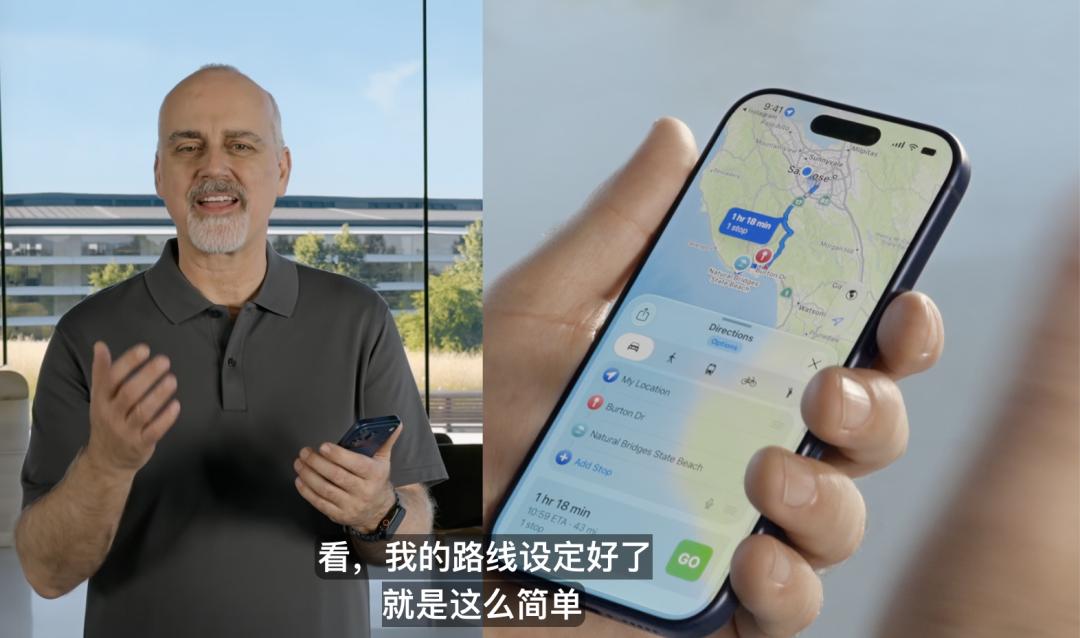
For example, when you ask "When is a certain star's concert and how can I book tickets?", SiriAI can use the current world knowledge to answer the question and even play the music of this singer for you;
When you see a certain place on the screen, you can also ask SiriAI where it is and ask it to provide navigation.
(Image source: Company)
However, more importantly, Apple has integrated Siri AI into different hardware devices and customized unique activation methods for each piece of hardware.
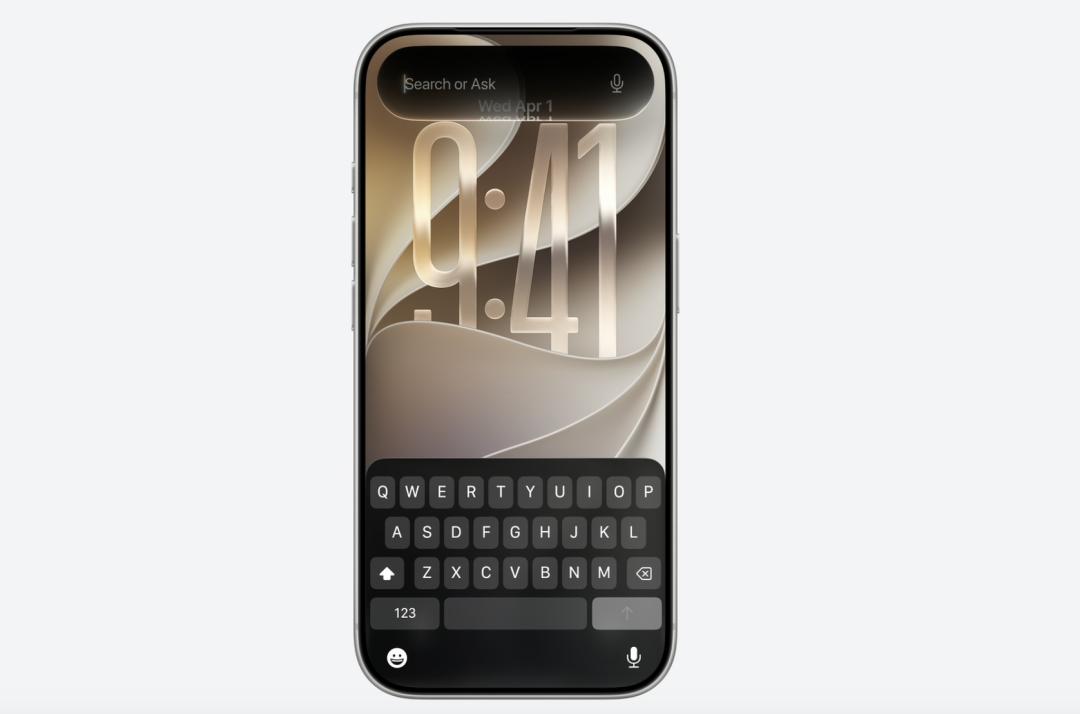
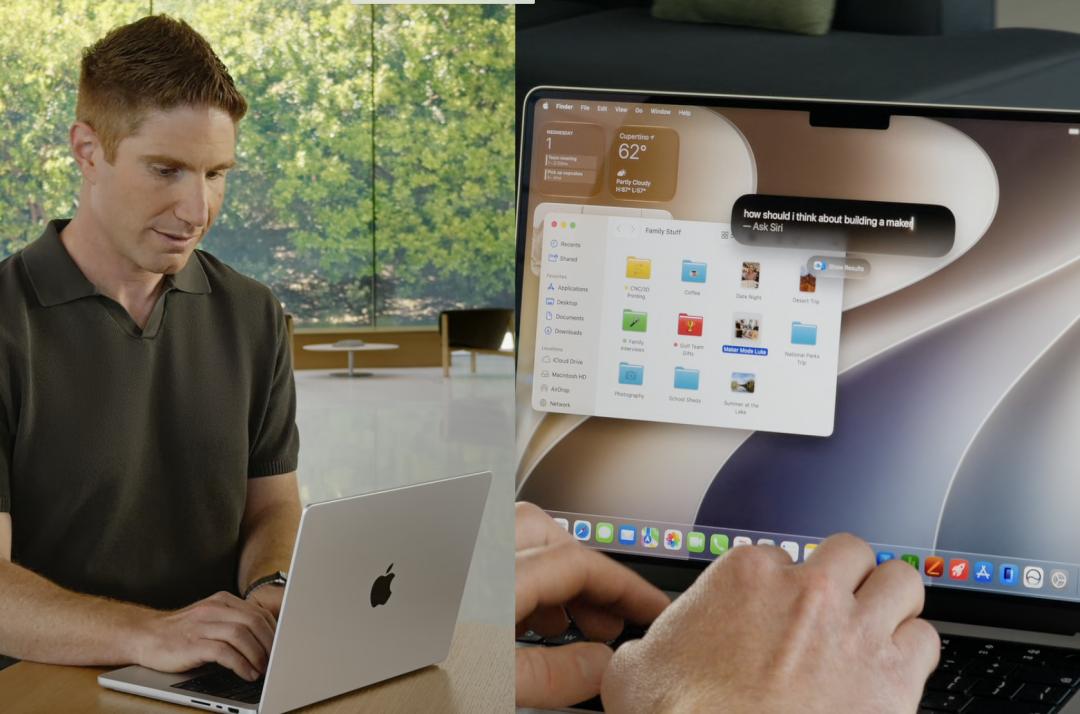
For example, on the phone, users can swipe down on the Dynamic Island to conduct a text search, or use the side button or say "Hey Siri" to wake it up; on Mac, Siri AI is integrated into Spotlight;
(Image source: Company)
(Image source: Company)
On the watch, Siri AI can be accessed by raising your wrist. The experience on Apple Vision Pro is even more interesting. Siri AI can be presented in a spatial way — without using a voice wake - up word, just place the button anywhere in the space and look at it with your eyes, and Siri AI will be directly awakened, just like a butler on standby at all times.

(Image source: Company)
Through iCloud synchronization across different hardware such as phones, tablets, and computers, Siri AI can maintain a consistent conversation history and support resuming the conversation from where you left off.
Notably, in this update of Apple AI, "vision" has become a brand - new storyline.
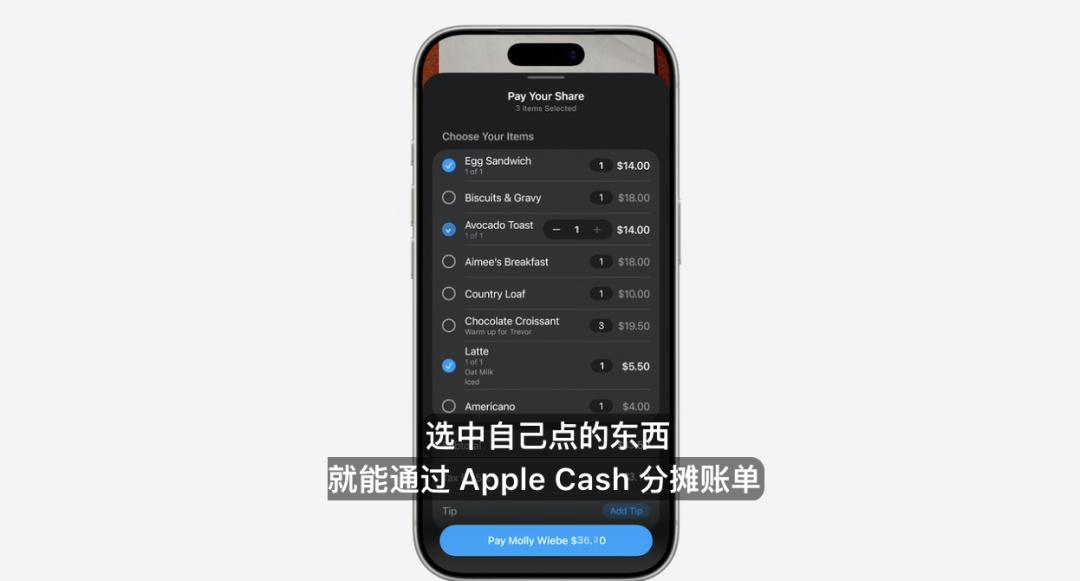
Apple first introduced AI into photography — when you point the camera at a real object, Siri will automatically help you identify and trigger actions. For example, when you take a photo of the bill from a dinner with friends and select the items you ordered, SiriAI can automatically split the bill through Apple Cash.
(Image source: Company)
On macOS and iPad, users can also use dedicated keyboard shortcuts to select content on the screen and then continuously ask questions within the selected area.
On Apple Vision Pro, users can even "ask questions directly to real objects". For example, you can ask SiriAI about a backpack, "Can this be carried as carry - on luggage on a September flight?", and it will answer based on common knowledge of the item's physical dimensions.

(Image source: Company)
In essence, Siri AI is turning the pixels in front of the user into query - able and executable command parameters, rather than just using image recognition on the phone for fun like in the past.
Apple AI integrates into all native apps
This time, Apple didn't simply confine AI within Siri's small bubble. Instead, it is trying to integrate it into the six most commonly used native apps by users.
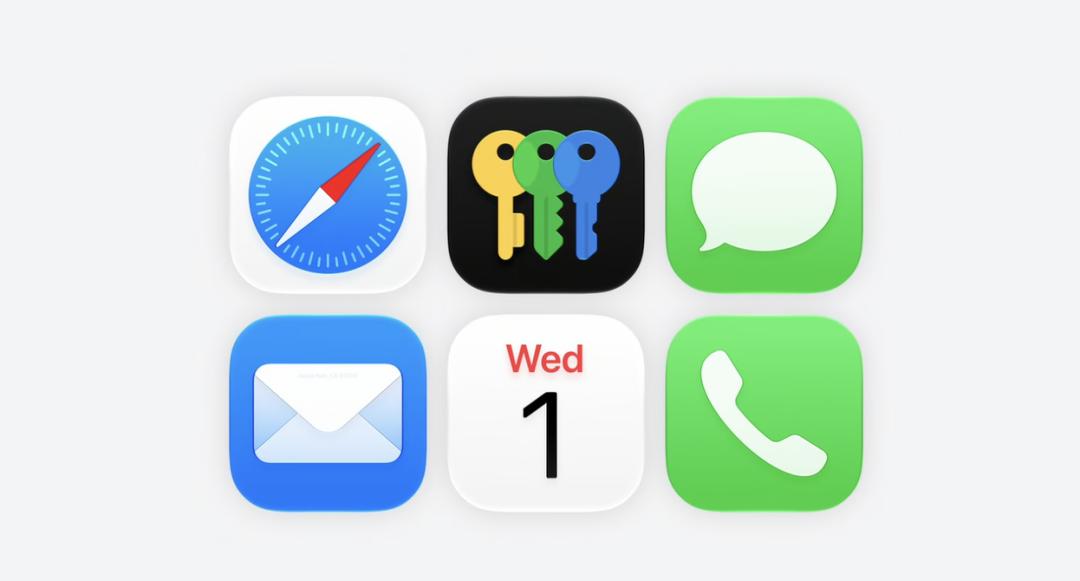
(Image source: Company)
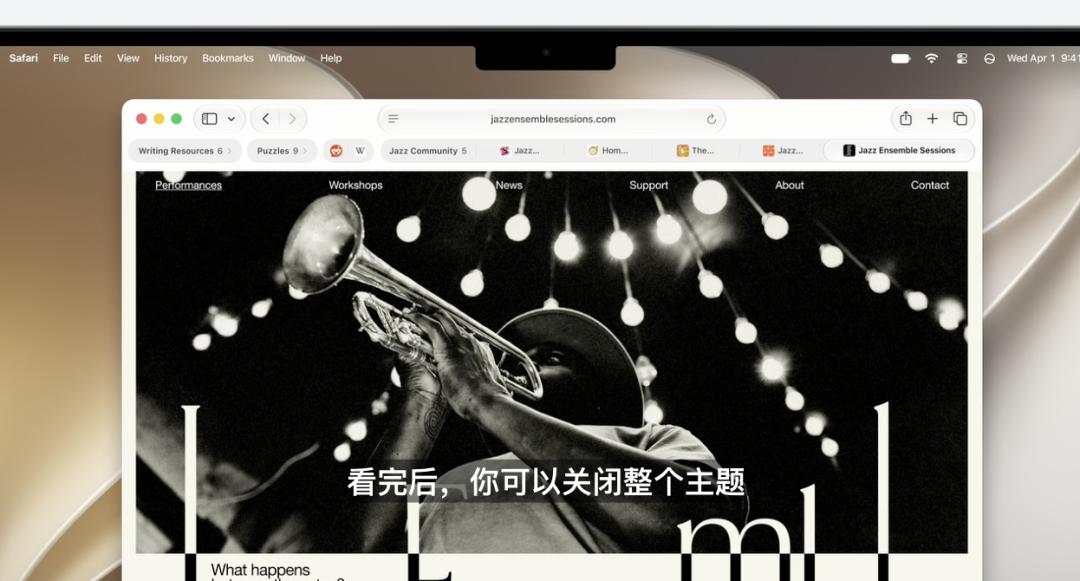
In Safari, Apple uses AI to provide a simpler and smarter way to manage tabs. When users open a bunch of web pages, Apple AI will analyze the similarities between the pages and "combine like terms".
In addition, the new Safari has also launched the "Notify Me" function. When users are signing up for something or trying to book tickets, Safari will monitor a specific web page for you. When an update is detected, the system will pop up a window to remind you automatically.
(Image source: Company)
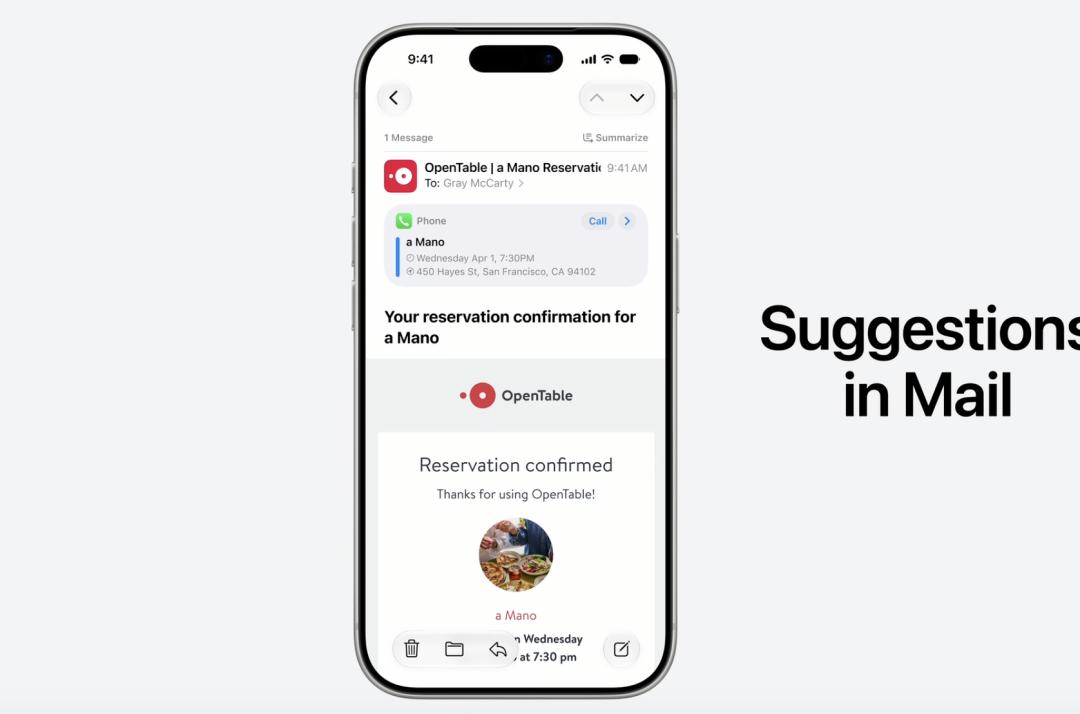
In the Messages and Mail apps, the information is no longer just cold text — after being understood by Apple AI, the system will match corresponding actions based on the context.
For example, it can help you automatically create reminders or memos, match the pictures mentioned in the email or message to be sent, or quickly open commonly used apps.
(Image source: Company)
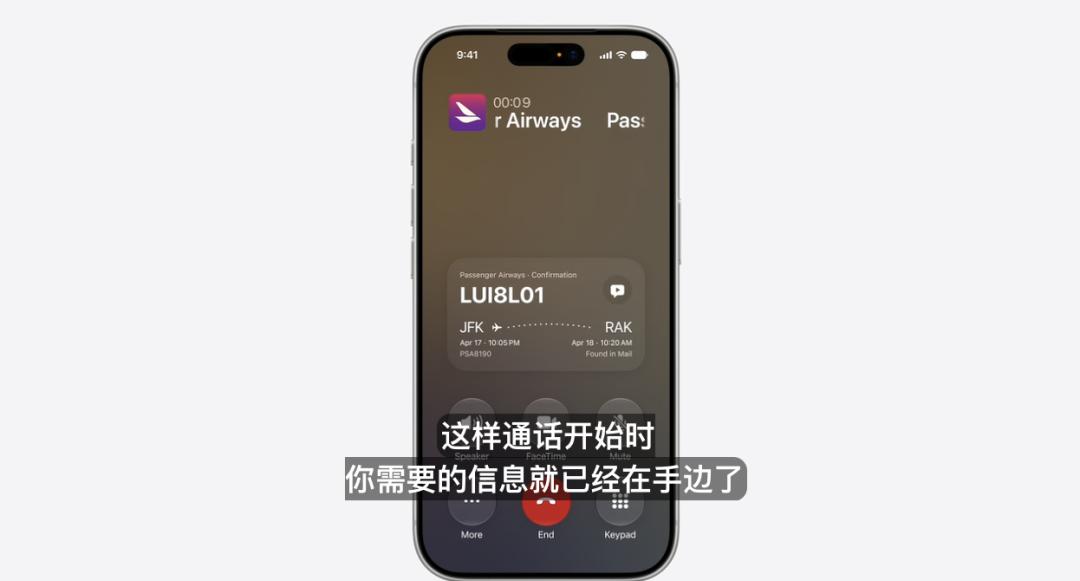
In the Phone app, Apple envisions a common scenario — when you call a service number such as an airline, the system will, based on the requirements of the person you're talking to, automatically find the verification code in your email and pin it on the call screen.
(Image source: Company)
In the Home app, Apple AI will also play a role. For example, it will identify push notifications of the same type, combine them into one, and continuously update on the original basis;
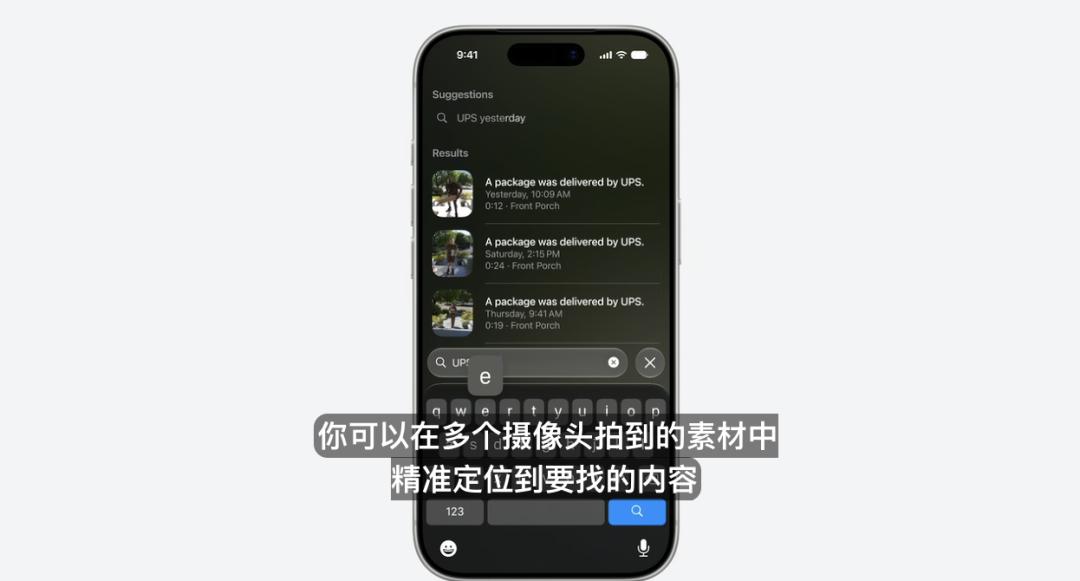
When the user connects a camera, Apple AI will also recognize camera footage, support text - based search by the user, and help extract the same footage that the user wants.
(Image source: Company)
In the Shortcuts app, Apple AI introduces the function of creating shortcuts using natural language. When you state a requirement, the system will help you call on hundreds of apps behind the scenes and assemble the steps.
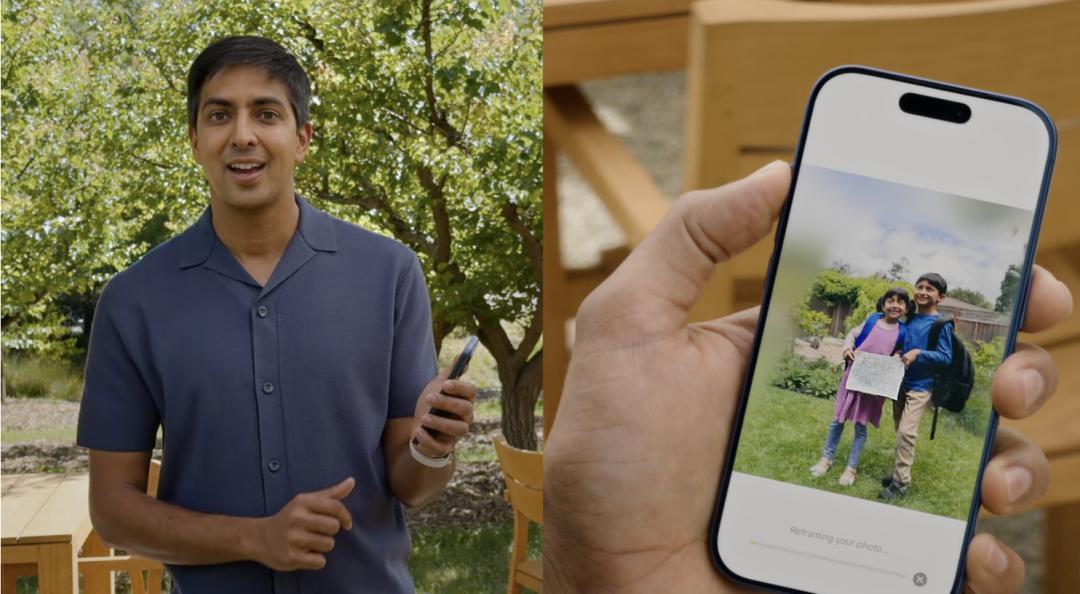
In the Photos app, the most interesting function is actually Reframe. Users can simulate "re - framing" a photo. Based on Apple's spatial model and image generation model, the re - framed picture can be basically consistent with the original shooting scene, as if you've traveled back to the moment of shooting.