WeChat has added a "Combined Display" feature to prevent image bombing in chats
Following the launch of the Moments search function yesterday, WeChat has introduced a new feature.
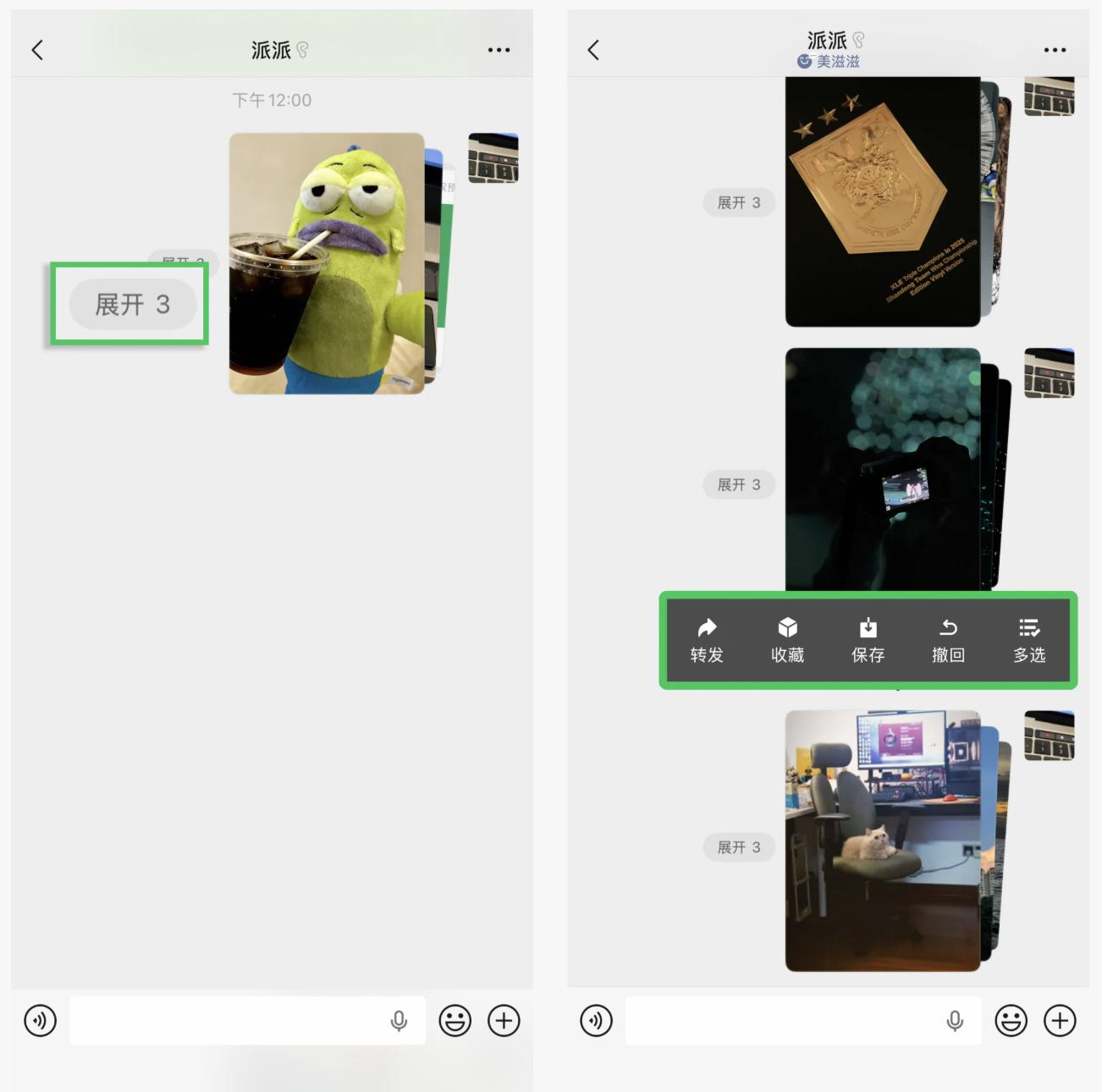
On June 11th, according to WeChat's official account, WeChat now supports "combined image sending" in chats. When users send 3 or more pictures or videos, they will see an option to "combine and display after sending". The sent pictures can be expanded or collapsed, and users can switch the display mode with a single click. Additionally, users can save all the content in the "combined display" with one click or forward it to other friends.
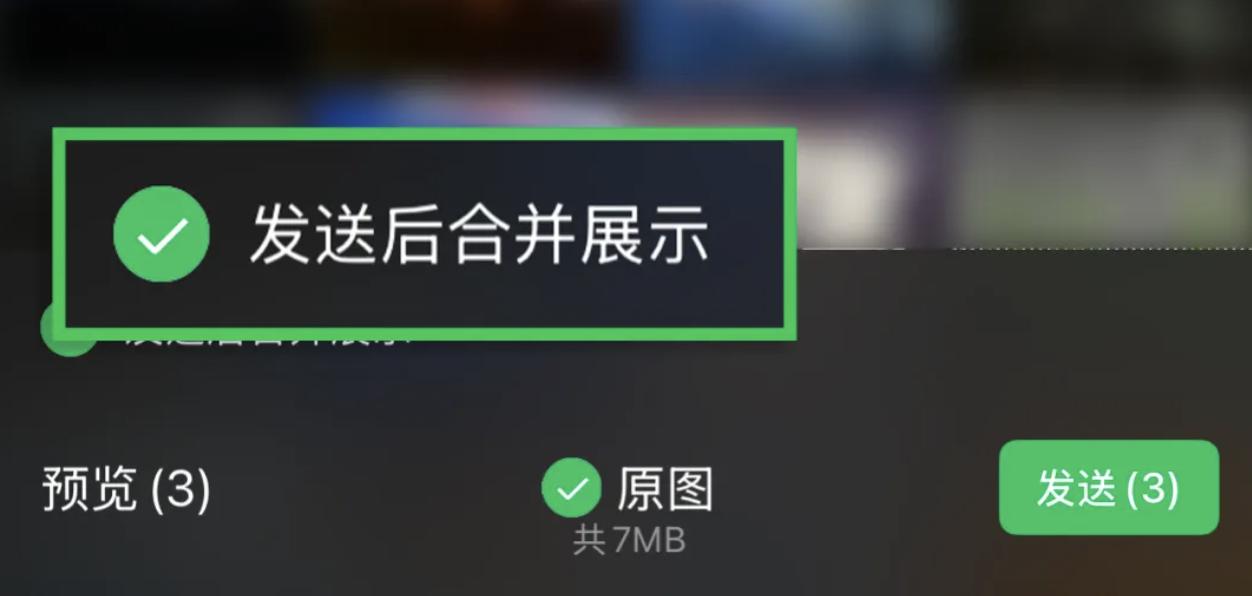
For users, the most direct change is that multiple pictures sent only occupy the position of a single message, effectively avoiding the previous situation where multiple pictures were sent one by one, causing the screen to be continuously spammed.
The experience of the recipient will also be significantly improved. Click "Expand" on the card to view all the content completely. Swipe left or right to quickly preview all the pictures or videos without opening them one by one. After viewing, click "Collapse". More practically, the "One-click Save" feature eliminates the cumbersome operations of saving and forwarding pictures one by one in the past.
Tencent Customer Service told Jiemian News that to experience this feature, it is recommended to update WeChat to the latest version. The related function for the HarmonyOS client is still under development.
Regarding the issue of the number of pictures that can be sent, Tencent Customer Service said that WeChat can send up to 99 pictures at a time. As for the video sending limit, currently WeChat supports sending short videos from 15 seconds to 60 seconds, or selecting videos within 5 minutes from the mobile phone album. If the video exceeds 5 minutes, the system will automatically compress it. It is recommended to send large videos in the form of files: click the [+] on the right side of the chat box -> [File] -> select the video from the mobile phone album to send. Users can also try to compress the video before sending. The specific effect is subject to the actual interface display.
Jiemian News noticed that the content sent in combination can include both pictures and videos. To send "original pictures" of higher quality, simply select the corresponding option.
When talking about the purpose of launching this feature, Tencent Customer Service told Jiemian News that "the combined sending function aims to improve the efficiency of multi-person communication. By displaying multiple pictures uniformly within the message bubble, it supports quick sliding to switch and view or expand into individual messages for sending. This design is especially suitable for scenarios where a large number of pictures need to be displayed continuously, such as taking group photos at events or sharing product image collections."
However, currently this feature does not have a reminder for missed messages. Tencent Customer Service suggests that users confirm the picture content to be displayed before sending. In addition, the combined display only supports iOS and Android clients, and the WeChat desktop version has not yet opened this feature. That is to say, after sending multiple pictures and videos in combination on the mobile phone, the desktop version will still display them as single pictures or single videos.
The launch of this feature on the mobile phone targets the core scenarios that users have been complaining about for a long time. Previously, in group chats or one-on-one chats, batch sending behaviors such as sharing travel photos, work screenshots, and product detail pictures often led to the chat interface being "bombarded with pictures", drowning out important information. When searching for historical records, the screen was full of fragments, resulting in extremely low efficiency. The combined display can effectively solve such problems, improving the tidiness of the chat interface and the efficiency of information transmission simultaneously.
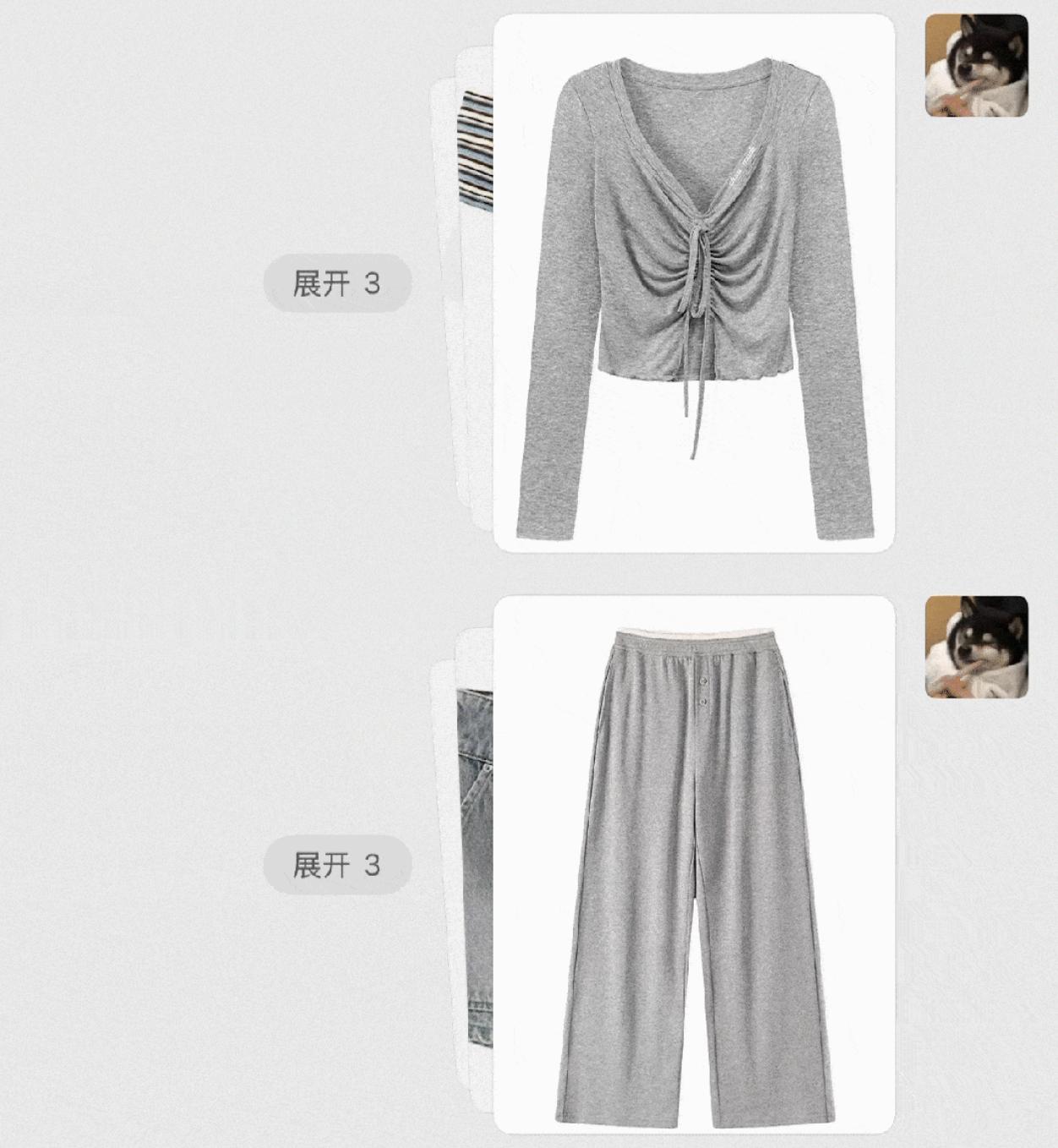
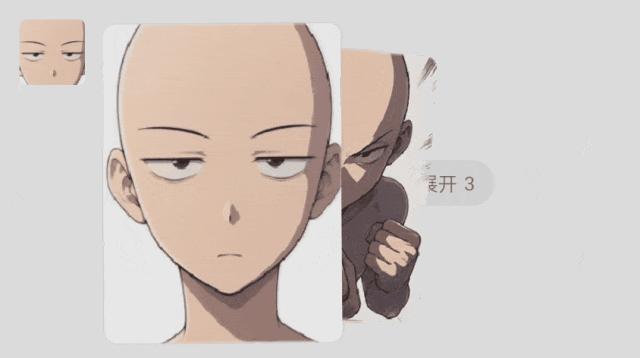
In addition to the basic anti-spam function, the combined display feature also provides a new way of social sharing. For example, users can package multiple pictures and videos of event scenes, travel vlogs, product reviews, etc. and send them as a "mini collection". Some users even use this to achieve clothing matching or interesting picture flashing effects.
It is worth noting that due to the greatly increased convenience and efficiency of sending pictures, pictures in WeChat are likely to occupy more space. Users can regularly check the usage of WeChat storage space and clean up unnecessary pictures and videos in time. WeChat previously stated that when the same picture, video, and file are used in multiple chats, they will not occupy storage space repeatedly.
Regarding whether forwarding the same file in WeChat will result in repeated storage, WeChat said that in the chat scenario, forwarding the same file to multiple friends will not result in repeated storage. WeChat uses a technology called "hard link", which is generally provided by the mobile phone system. It can keep only one copy of the storage behind the same file without occupying multiple copies.
In addition to the optimization of the chat function, WeChat also officially launched the Moments search function on June 10th. Previously, when users searched for Moments posts from a few years ago, they mostly relied on manually scrolling down the page infinitely, which was time-consuming and laborious. Moreover, the old version of the search could only simply match keywords, with too much irrelevant content and low retrieval efficiency.
This update adds a dedicated magnifying glass entry in the upper right corner of the Moments homepage. Click and enter keywords to search for your own and your friends' Moments. The main text, picture captions, links, and even comment content can all be retrieved. For example, enter "beach trip", select the summer of 2025 and a specific friend, and you can quickly locate relevant posts. At the same time, the Moments album supports zooming and switching by year/month/day, making it as intuitive as a mobile phone album to find historical content.
Tencent Customer Service said that if you have not updated to the latest version, the Moments search function may not be available for the time being. It is recommended to upgrade WeChat to iOS 8.0.71 or the Android compatible version. WeChat will continue to optimize the function coverage in the future.
This article is from "Jiemian News", author: Song Jianan, published by 36Kr with authorization.