OpenClaw finally grows hands and eyes. Peter officially releases Peekaboo v3, with three updates in a single day.
[Introduction] Peekaboo v3, the exclusive Computer Use tool of OpenClaw, has officially returned and is being updated frequently after its release. It fills the biggest gap in OpenClaw, enabling AI not only to reply to messages but also to view the screen, click buttons, and operate the real desktop.
OpenClaw is finally getting its eyes and hands!
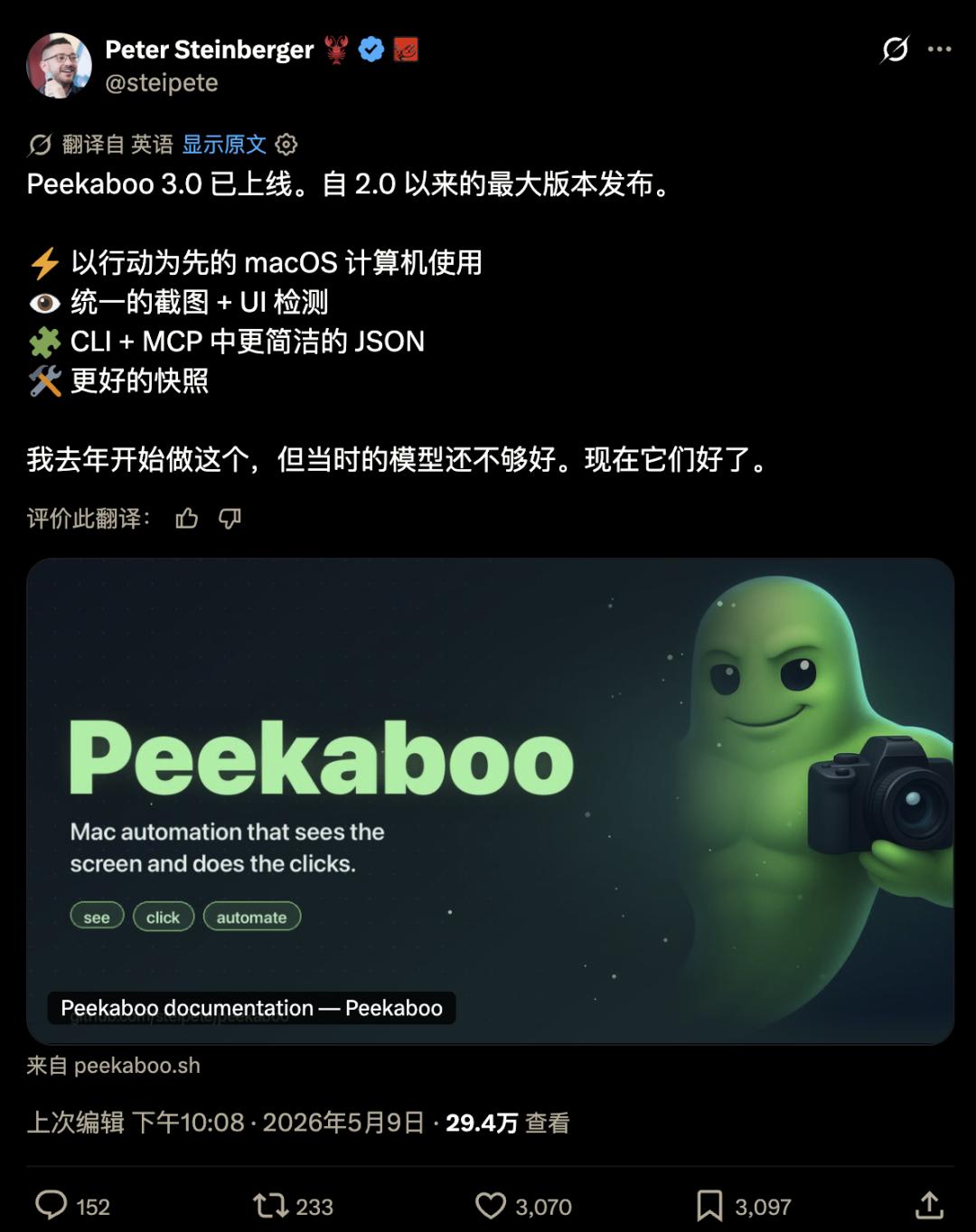
https://x.com/steipete/status/2053114837698249190
In the past few months, the popularity of OpenClaw was like a pot of boiling water. First, it bubbled, and then it gradually calmed down.
The project got up and running, users started to get involved, and the discussion shifted from "What is this?" to "What else can it do?"
At this time, an old question that had been put aside resurfaced.
AI can receive messages, understand instructions, and call tools. The next step is to interact with the real world.
The buttons, menus, pop - ups, and input boxes on the desktop are the last mile of most work.
If an Agent can only give advice in the chat box, it's a bit like a person sitting in the passenger seat giving directions. They know the way verbally but can't touch the steering wheel.
That's when Peekaboo came back.
The name itself is a bit playful. Peekaboo means "playing hide - and - seek".
The computer interface is indeed playing hide - and - seek with automation every day.
Buttons hide in pop - ups, menus hide in the system bar. When the window moves, all the coordinates change. When the focus shifts, the input fails.
Humans can correct it intuitively, while AI can only rely on a more reliable set of eyes and hands.
Now, Peekaboo is going to provide exactly this set of eyes and hands.
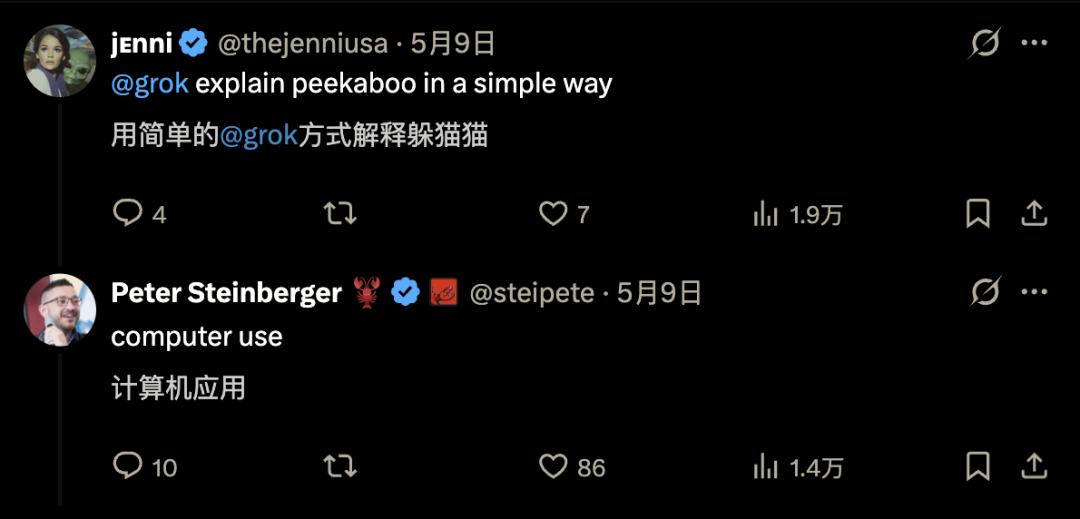
From Stopping Updates to Three Updates a Day
Peekaboo stopped being updated after releasing v3.0.0 - beta 3 at the end of last year.
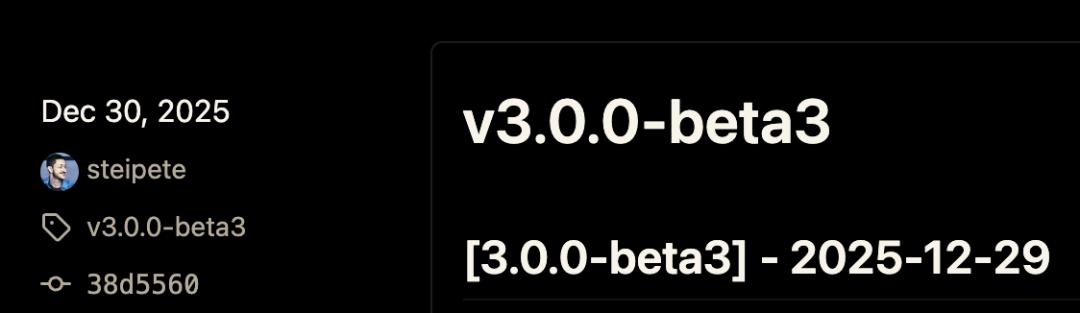
After that, Peter shifted his main focus to OpenClaw.
It's understandable. OpenClaw itself is a much larger network. It needs to connect to message platforms, act as a gateway, handle local operations, support Agent scheduling, and ensure that ordinary users can install it, run it stably, and understand how to use it.
So Peekaboo temporarily stepped into the background.
Changes occurred in the past two weeks.
v3.0.0 - beta 4 was released first for a trial.
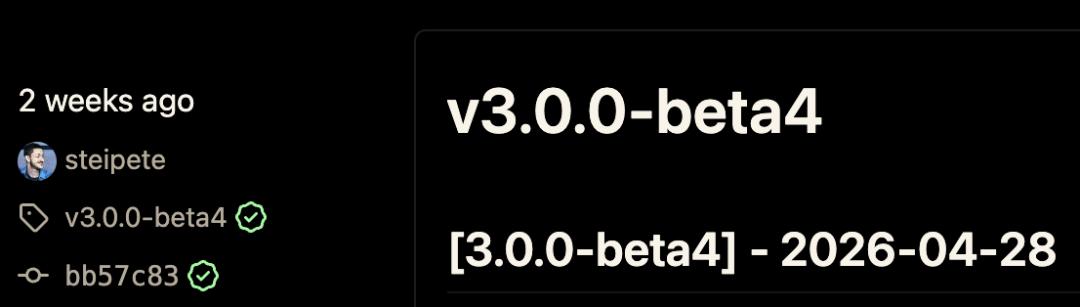
The official version v3.0.0 was released the day before yesterday.
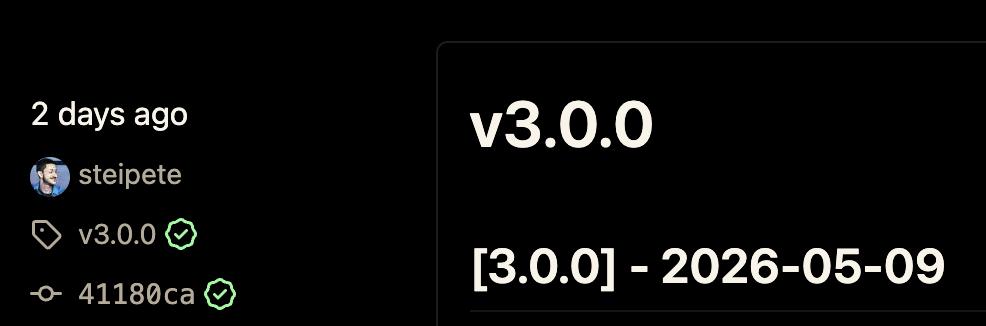
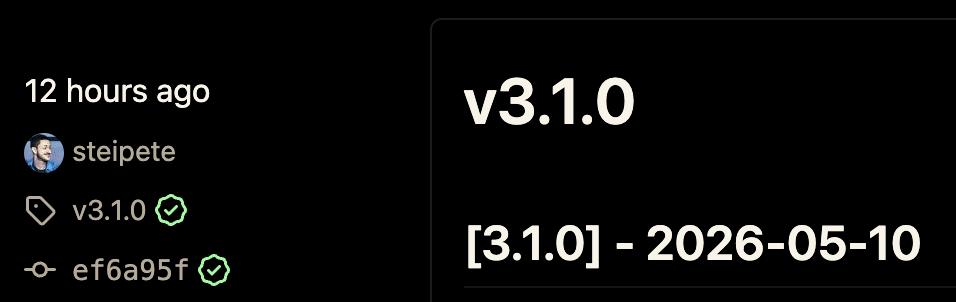
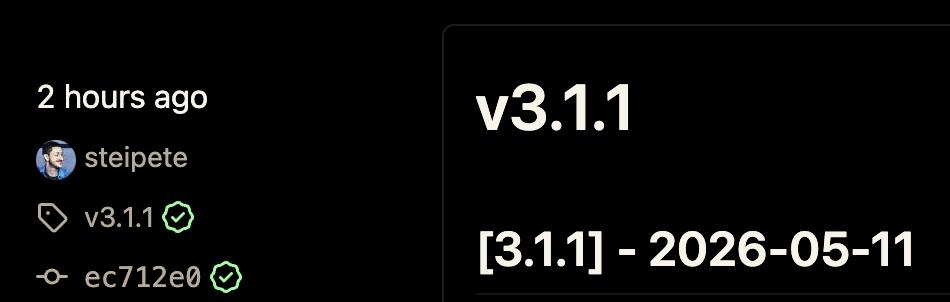
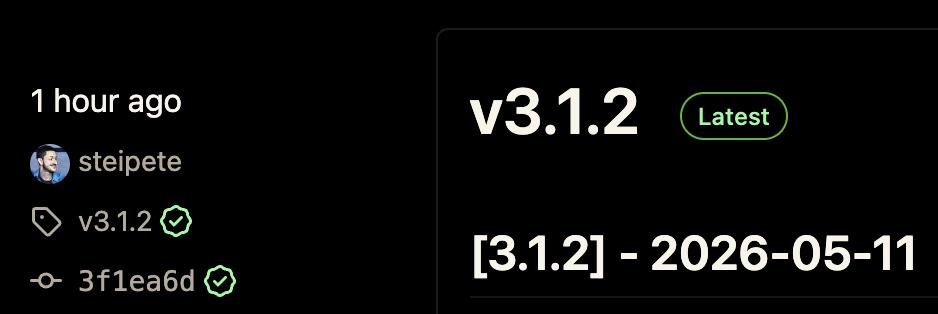
After the official version was launched, the update rhythm started to speed up. Today, there were three updates in a day, with v3.1.0, v3.1.1, and v3.1.2 being launched one after another.
There are generally only two possibilities for such a high - density update.
One is that there are major bugs, and the maintainers are busy fixing them.
The other is that the direction is finally aligned, and the long - accumulated things start to pour out.
Peekaboo is closer to the latter this time.
In the past few months, OpenClaw has set up the channels, gateways, and the shell of the Agent.
Now, the project is starting to make up for the most important part.
What Exactly is Peekaboo Filling in?
For ordinary users, Peekaboo is best understood as a set of macOS automation tools.
It can take screenshots, recognize windows, read UI elements, find buttons, click, type, scroll, switch applications, and operate menus.
Traditional scripts are most afraid of environmental changes.
If the button position changes, the window is blocked, or a pop - up suddenly appears, the script will fall into an error branch, just like stepping on an empty stair.
It's even more troublesome for an Agent because it has to observe, think, and operate simultaneously. Any mistake in seeing, clicking, or waiting will lead to a series of subsequent errors.
The value of Peekaboo is to turn the desktop into a work field that the Agent can understand.
It not only takes a screenshot for the model to view but also organizes the relationships between controls, windows, texts, and buttons in the picture to form a trackable, reviewable, and operable on - site record.
What the AI sees is no longer just a bunch of pixels but a structured desktop map.
This is like equipping a person who can read a recipe with kitchen lights, a cutting board, and a spatula. Without these things, cooking skills can only remain theoretical. With them, it's possible to start cooking.
Why is it Becoming Crucial Now?
Peekaboo didn't appear out of nowhere.
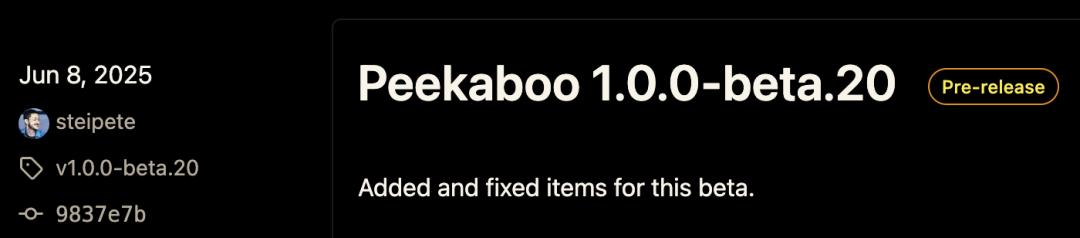
Its first version was launched as early as last June. The problem was that the capabilities of the previous models were not fully up to par.
Visual models can view pictures, but they may not be able to stably understand complex interfaces.
Computer - Use can perform operations, but it often acts like a person using a touchpad for the first time, with large movements, lack of confidence, and sometimes treating the browser like a skateboard.
The recent change is that both the visual ability and the Computer - Use ability of the model have passed a critical point.
Each individual improvement may seem like just a little more recognition, a little more accuracy in clicking, or a little more understanding. But when combined, the experience will undergo a qualitative change.
The Agent is no longer just able to demonstrate occasionally but is starting to approach a state of sustainable process execution.
At this time, the value of the underlying automation tools is magnified.
No matter how smart the model is, it needs stable input and stable execution.
Without a bridge like Peekaboo, the AI's understanding of the desktop is likely to be limited to screenshot - based Q&A.
It can tell what's on the screen but may not be able to reliably complete the next step.
What Peekaboo does is to connect "seeing" and "doing".
Why Does OpenClaw Need It?
What initially impressed people about OpenClaw was putting the Agent into various message channels.
Users can initiate tasks from entrances such as Telegram, Slack, iMessage, and WhatsApp.
This design addresses a real - world problem - people are too lazy to open a new web page for each AI and don't want to transfer context between different tools.
The most convenient entrance is often the chat window.
However, the chat window is just the entrance. The real work scenarios are often on the computer.
It could be dealing with a web - page backend, checking a local application, running a simulator, filling out a form, clicking on a configuration item, or viewing an error screenshot.
OpenClaw can receive the tasks, and the Agent can come up with steps. But without a local layer that can operate the screen, it will ultimately send the steps back to the user for manual operation.
This is embarrassing.
The user calls an assistant, but the assistant ends up handing over a to - do list.
After Peekaboo is integrated, the role of OpenClaw starts to change.
It is no longer just a multi - channel message gateway or an Agent scheduling platform.
It has the opportunity to become a system that can actually handle tasks in the local environment.
In a nutshell, OpenClaw is responsible for "who comes to me", "what to do", and "which Agent to assign to", while Peekaboo is responsible for "what's on the screen", "where the buttons are", and "where to take action".
Development Tools with Great Potential
Some people in the community have already used Peekaboo to drive a remote iOS simulator in the browser.
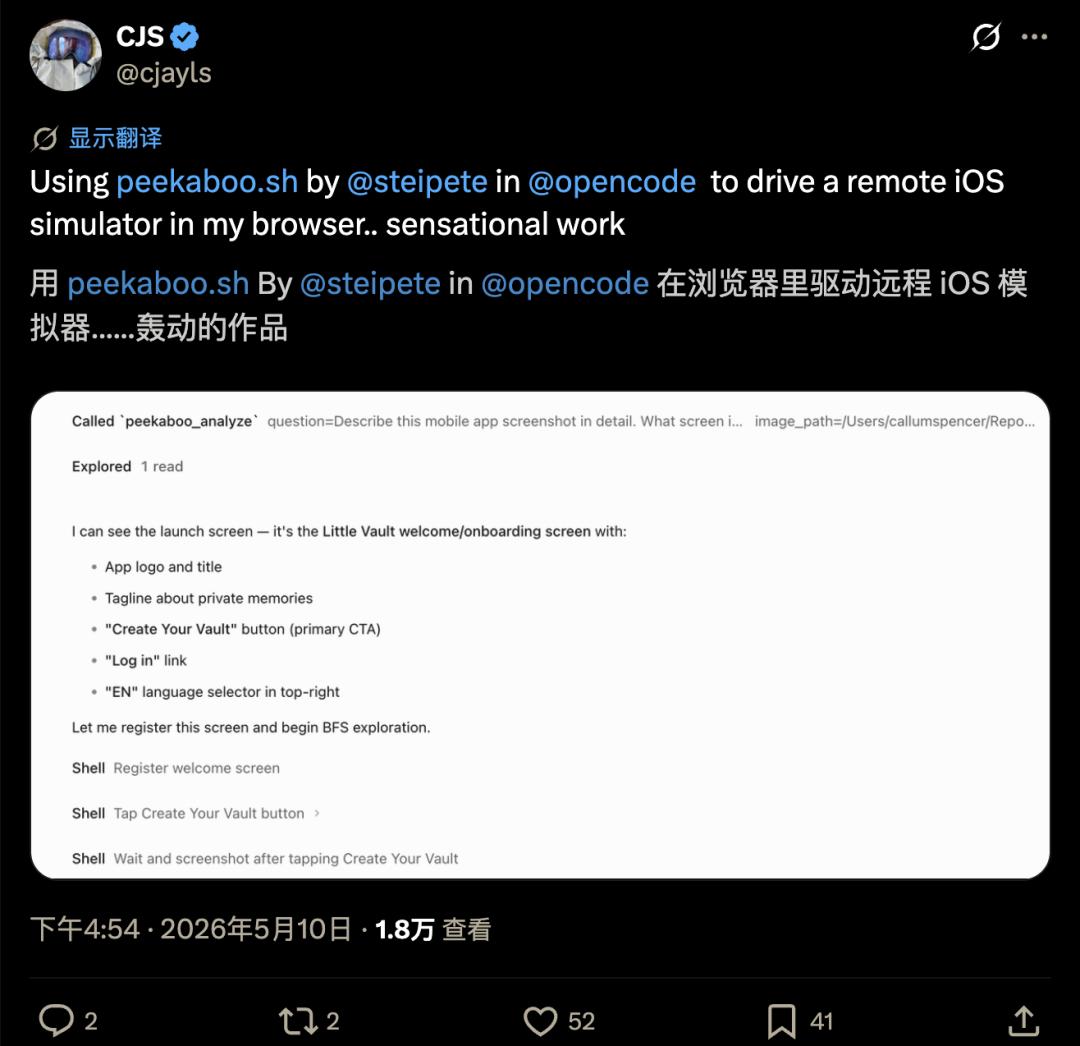
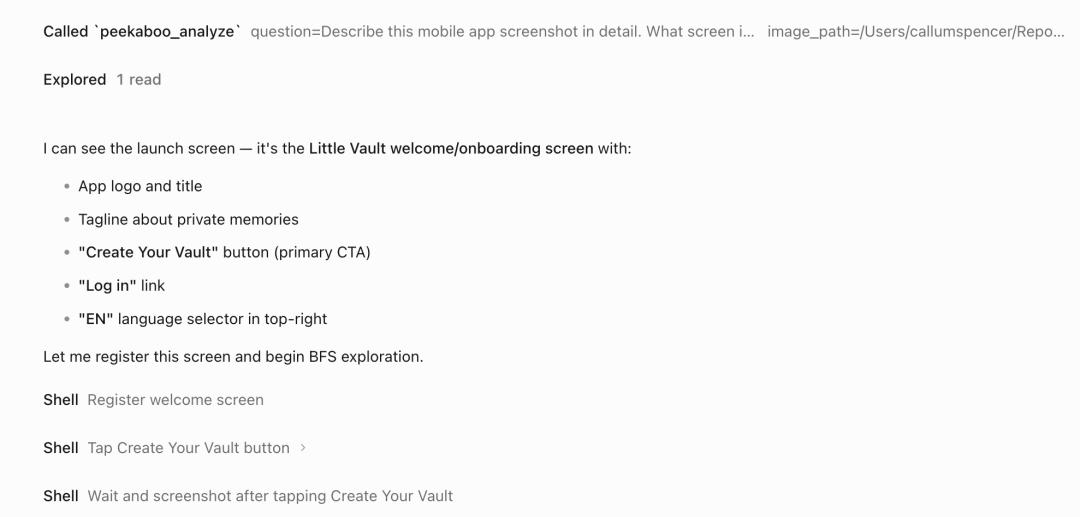
The general process is as follows: First, let Peekaboo analyze a screenshot of a mobile application and recognize that it is the welcome page of Little Vault. There are an app logo, a title, a slogan about private memories, a main button to create a Vault, a login entrance, and a language selector in the upper - right corner on the page.
Then register this screen, click "Create Your Vault", wait for the interface to change, take another screenshot, and continue the exploration.
This demonstration is interesting because it doesn't just show "AI understanding a picture". The real key is the second half.
After understanding, it needs to register the screen as a state, select a target, perform a click, wait for feedback, and continue based on the new screenshot.
Every step here may go wrong, and every step can be recorded.
This is the dividing line for an Agent to evolve from a toy to a tool.
Peekaboo makes these actions observable, reviewable, and continuable.
For OpenClaw, this means that a track can be laid between remote instructions and local execution.
What is Peter Busy Updating?
The recent updates seem a bit engineering - oriented and trivial, such as model directories, tool schemas, packaged products, version markings, capture paths, and daemon scheduling.
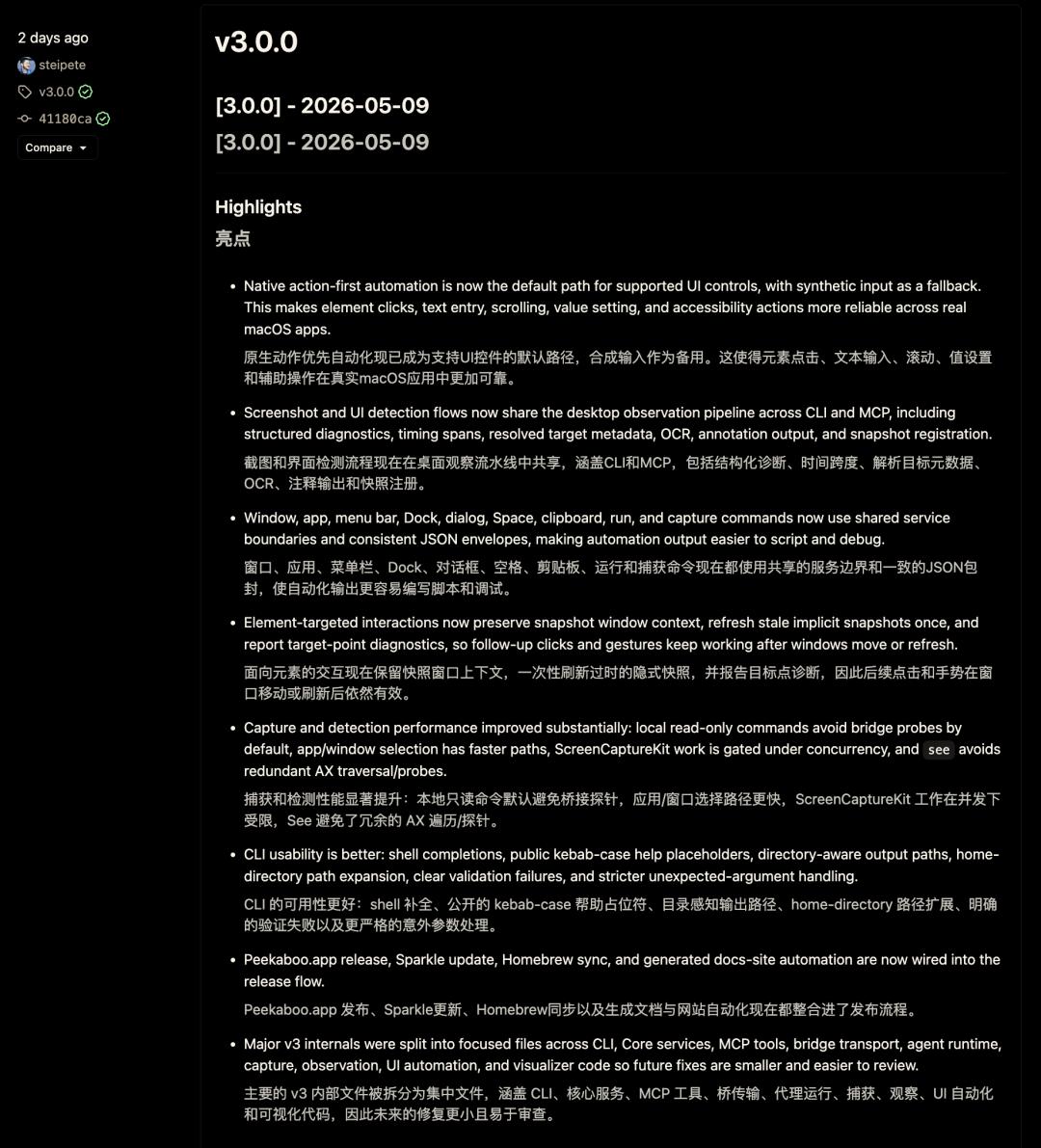
These terms may not be eye - catching in the release announcements, but they are the foundation for whether the Agent product can run smoothly.
AI tools are most afraid of a scenario where the demonstration goes smoothly, but when users install it, various problems such as permissions, paths, models, windows, screenshots, input methods, and delays pop up one after another.
In the end, users can only conclude that the future has indeed arrived, but it hasn't reached their computers yet.
The continuous updates of Peekaboo are aimed at fixing such problems.
It aims to minimize the friction between CLI, MCP, desktop applications, remote Agents, and different models.
It aims to make a screenshot, a click, and a window selection more predictable.
There is no miracle here, only a lot of tedious work. The more tedious work is done, the less users will notice it.
The highest realm of a good tool is often to be unnoticeable. Buttons should be clicked when needed, windows should be found when needed, and tasks should continue when needed.
Peekaboo is now making up for this aspect.