Claude Code can now control computers. The entire development process stays within the terminal, and it starts in a fully unattended mode.
Claude Code launches Computer Use, directly breaking through the ceiling of development efficiency.
In the official demonstration, by simply giving a single instruction, the AI can automatically start the application under development, reproduce bugs on its own, fix them by itself, and test the repair effects independently.
It's equivalent to assigning a versatile testing engineer to each developer.
This is already the 76th update by Anthropic in 60 days.
Different from the desktop version of Computer Use updated last week, the CLI version is more suitable for integration with the existing development workflow.
It can perfectly integrate into the developer's existing command - line workflow without switching interfaces, resulting in a more significant improvement in efficiency.

Naturally, there are also some drawbacks:
It's exclusive to Mac. Users of Windows and Linux are disappointed.

Many people complain that they don't even have enough quota for ordinary code generation. Now, there's a new feature that obviously consumes more tokens. Who can actually afford to use it?

Stay in the terminal throughout, maximizing development efficiency
Why should the CLI tool have the ability to control the computer?
Ultimately, it's about pursuing a development experience where you don't need to leave the terminal.
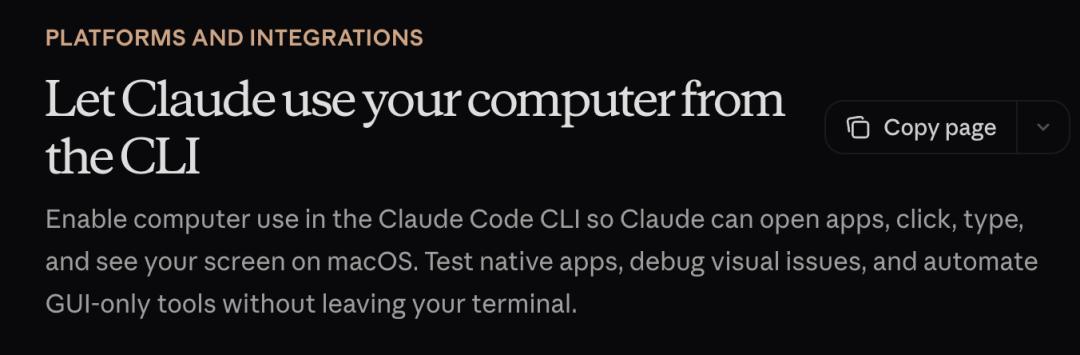
This update supports scenarios that almost cover all the daily pain points of developers.
- Native application build verification: After writing Swift code, directly let Claude compile and start it. It will automatically click on each control to verify the functions without you touching the mouse.
- End - to - end UI testing: When testing the registration process of an Electron application, it will automatically complete all the steps and take screenshots for evidence.
- Debugging visual layout issues: Just say "The modal box is truncated in a small window", and it will automatically shrink the window to reproduce the bug, take a screenshot, and then directly fix the CSS.
- Driving GUI tools: Software without a CLI, such as design tools, hardware control panels, and iOS simulators, can now be automatically operated by Claude.
The security mechanism is also well - implemented:
There is a global single - session lock. Only one Claude session can control the computer at a time to avoid conflicts.
There is application - level authorization. Every time a new software is to be used, a pop - up window will ask for your approval, and it can only be used after approval.
There are permission levels: Browsers and trading platforms can only be viewed and not modified. Terminals and IDEs can only be clicked but text cannot be input. Other applications are given full control.
Pressing Esc can immediately stop all operations, and Ctrl + C can also terminate them. It's completely controllable.
The terminal window is excluded from screenshots. Claude can't see what you input and won't be interfered by prompt injections on the screen.
When Claude is working, it will automatically hide all other applications, leaving only the software you've approved. After finishing the work, it will automatically restore the original window layout without disturbing your work rhythm.
76 updates in 60 days, Anthropic's sprint frenzy
Previously, someone counted that in 52 days from February 1st to March 23rd, Anthropic released a total of 73 product features.
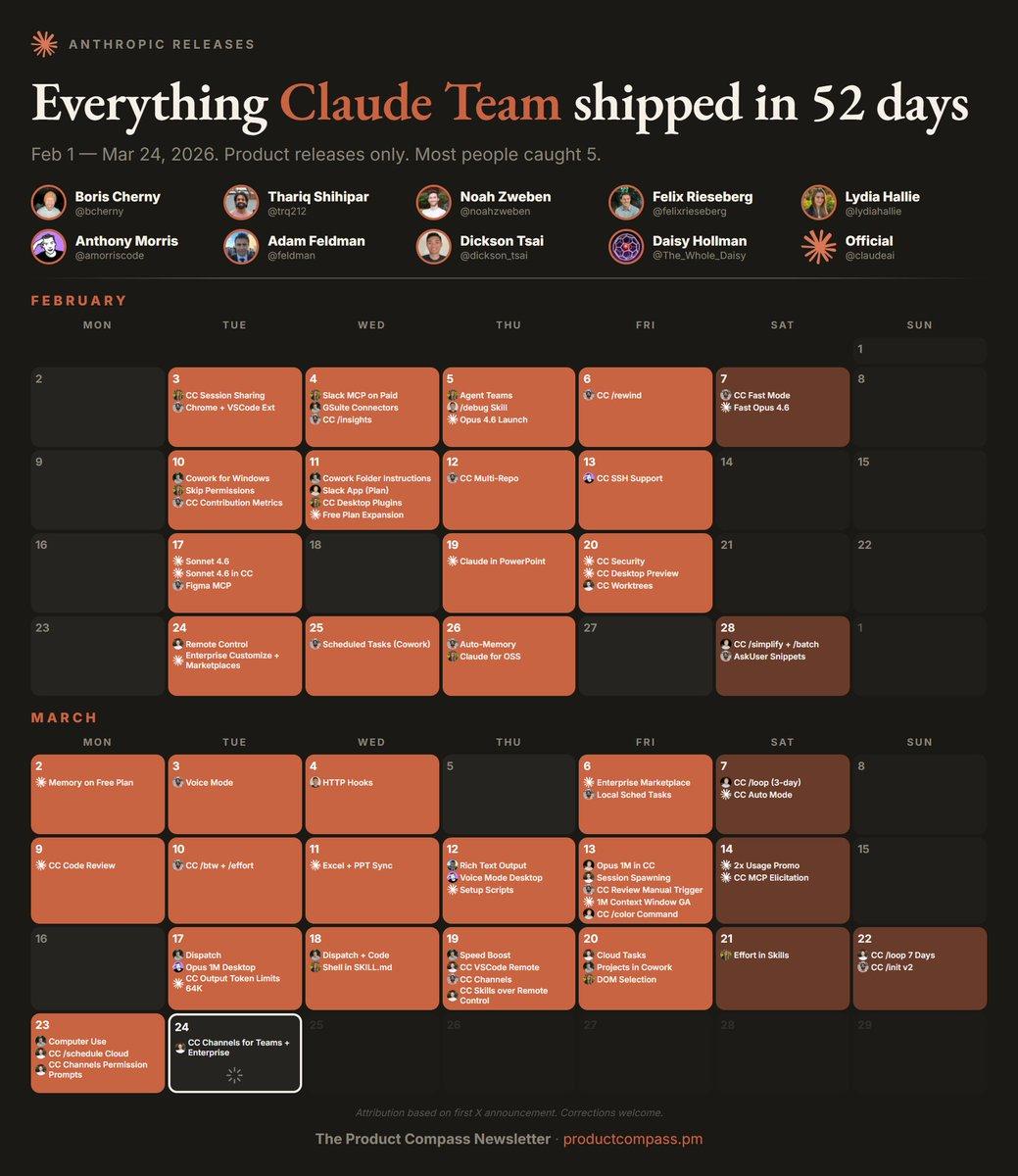
Especially in March, there were almost new features launched every day, including Code Review, Channels, Dispatch, and Computer Use, all of which are high - quality features.
After this chart was made, on March 25th, Claude Code Automatic Mode was released.
It won't approve file writing and bash commands one by one like the traditional mode, nor will it completely skip permission checks. Instead, Claude makes permission decisions on behalf of the user, and each operation will go through a security check before execution.
On March 26th, Mobile devices support Work Tools, allowing you to operate Figma or Canvas on your phone.
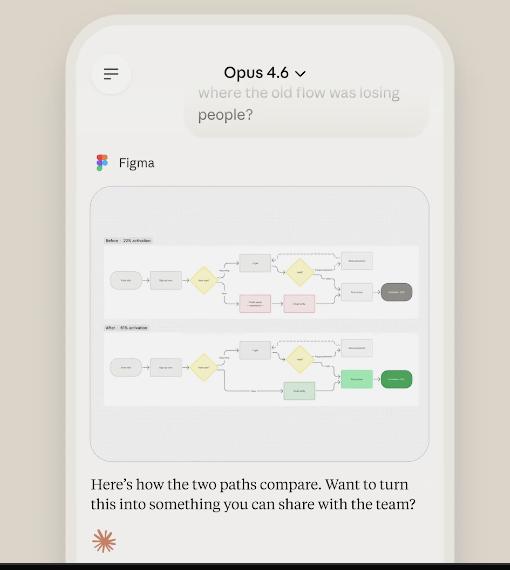
There was no news from March 27th to 30th. Just when everyone thought this wave of sprint updates was coming to an end, Claude Code Computer Use was launched.
The combination of Auto mode and Computer Use may even enable a completely unattended development process: You can automatically write code, test, and fix bugs just by stating requirements, without human intervention throughout the process.
The remaining question is, how much are you willing to pay for such capabilities?
Reference links:
[1]https://x.com/claudeai/status/2038663014098899416
[2]https://code.claude.com/docs/en/computer-use
[3]https://x.com/PawelHuryn/status/2036419947149119742
This article is from the WeChat official account "QbitAI", author: Meng Chen. Republished by 36Kr with authorization.